Light
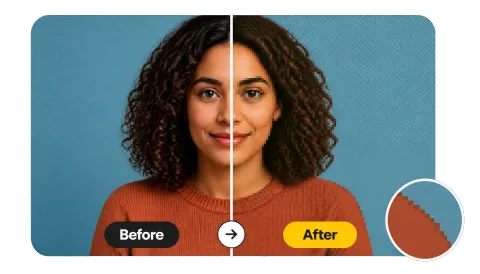
A fine grid: the photo reads clearly but looks digital.
Upload a picture and drag one slider to pixelate it, from a subtle grid to giant censor blocks. Pixelate the whole image or brush over just the faces, license plates, or text, then download at full size.
Pixel size
Fine-tune
Runs in your browser. Your photo is never uploaded.
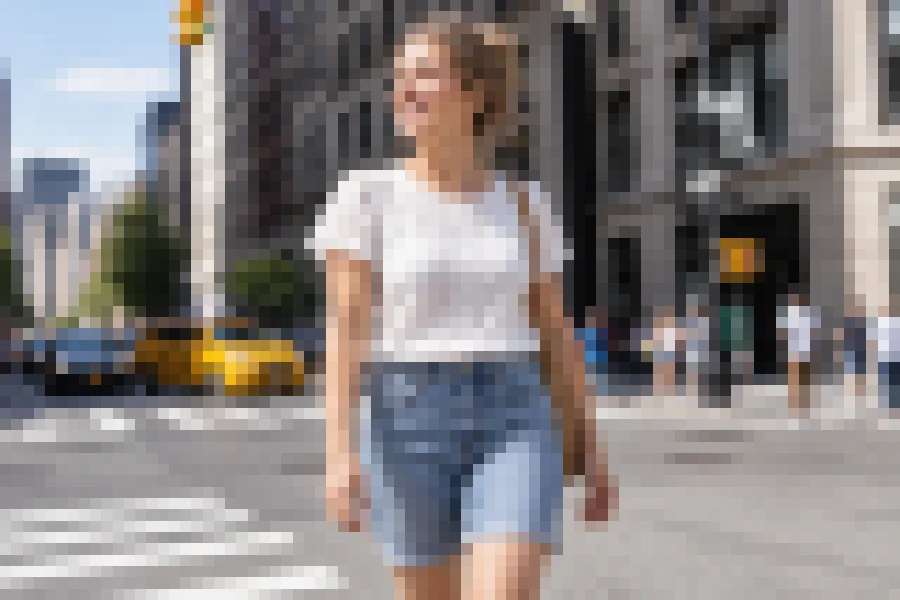
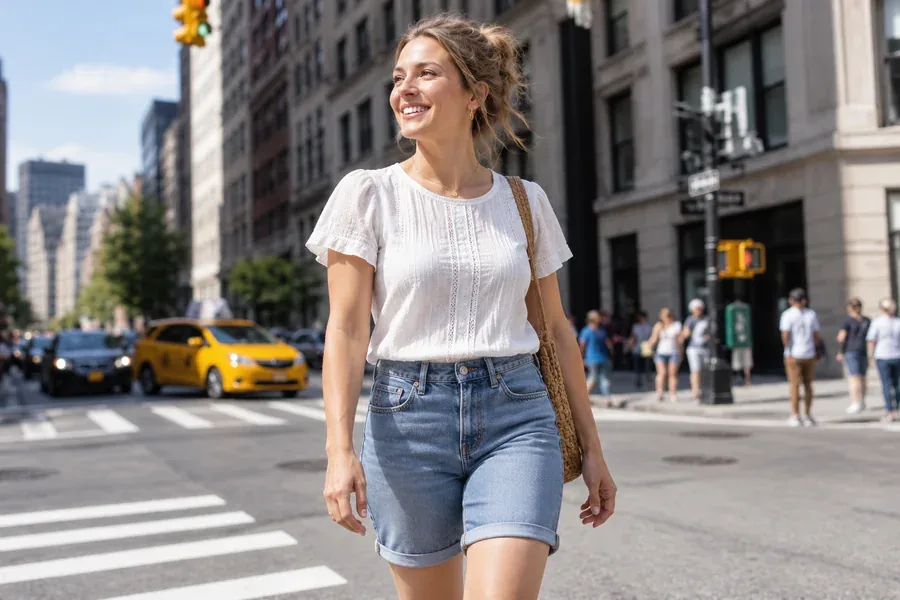
Reference example. It is not a result generated from your upload.
To pixelate an image is to replace its detail with large, single-color squares. Each block takes the average color of the area it covers, so shapes and colors stay recognizable while faces, text, and fine texture disappear. The same effect is known as a mosaic filter or pixelation filter, so the tool also works as a simple mosaic image maker.
This pixelater runs in your browser like a lightweight pixelated photo editor. Drag the Pixelation slider to choose the block size, add a little saturation and contrast for an 8-bit look, and download the result at the original resolution. To hide only faces, license plates, or text, brush or box over them and the rest of the photo stays sharp. Your picture is never uploaded.
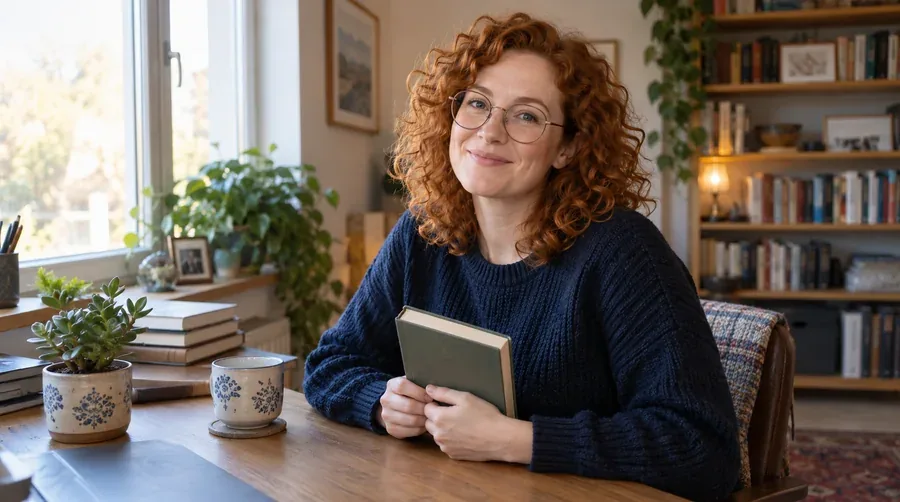
One photo, four pixel sizes. Every tile is a real output of this image pixelate tool.
A fine grid: the photo reads clearly but looks digital.
Classic pixel look; details soften into blocks.
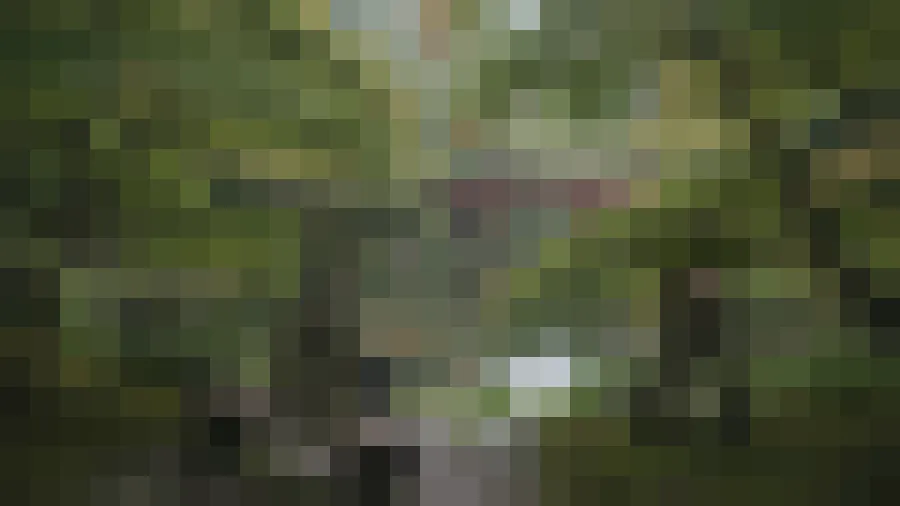
Big squares; only shapes and colors remain.
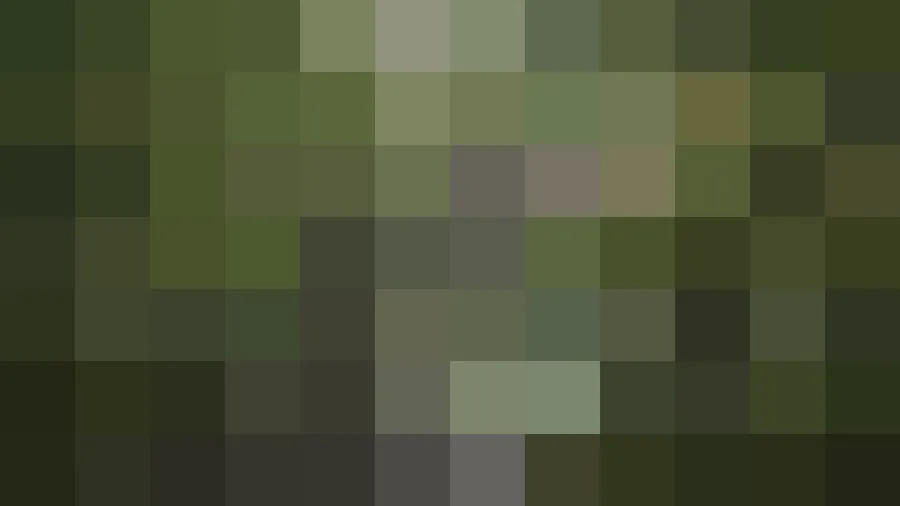
A handful of giant blocks that hide everything.
Pixelate a picture in three steps, with no software to install.
Choose a JPG, PNG, or WebP image up to 20 MB. It opens locally in your browser.
Pick Light, Medium, Heavy, Censor Blocks, or 8-Bit Art, or drag the Pixelation slider. Leave the picture unmarked to pixelate all of it, or brush over the faces or text you want hidden. The preview updates as you go.
Save as PNG for crisp block edges, or as JPG or WebP. The file keeps the original pixel dimensions.
Think of it as a pixelated image generator with one control: the Pixelation slider sets how many blocks fit across the picture, from a fine grid to a dozen giant squares. Block size scales with the photo, so the preview and the full-size download look the same.
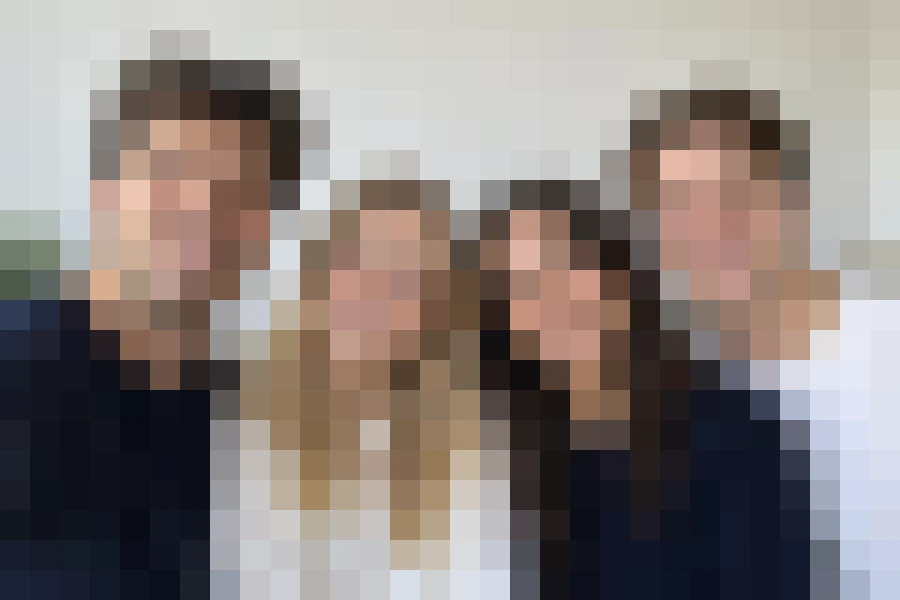
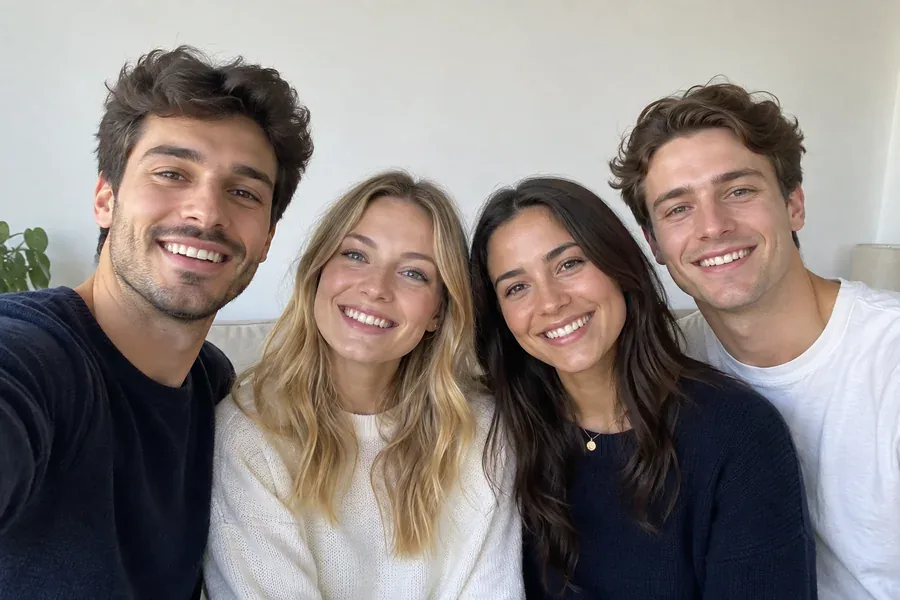
Heavy pixelation turns a whole photo into an abstract preview: handy for spoiler images, teaser posts, or a shot you want to show without revealing who or what is in it. Only need to hide the faces? Brush or box over them and just those areas turn into blocks. The download contains only the blocks, not the hidden detail.
Boost saturation and contrast on top of the blocks and a portrait or pet photo turns into retro, video-game style pixel art, ready for an avatar, sticker, or poster.
The picture is pixelated on your own device, so nothing is uploaded and the tool is free to use without sign-up. Export PNG to keep every block edge perfectly sharp.
Popular reasons people pixelate pictures.
Post a pixelated preview of a reveal, a new product, or a spoiler that people can choose to click.
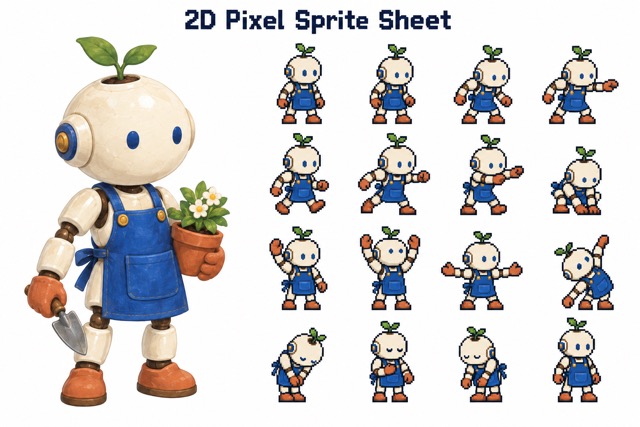
Turn photos into retro 8-bit portraits, game-style avatars, and pixelated character art.
Use a pixelated image as an abstract mosaic background for slides, banners, or wallpapers.
Mark the faces of bystanders, a license plate, a house number, or private text in a screenshot, and pixelate only those spots before you post. Or pixelate the whole picture when you only want to show its layout or colors.
Get the exact pixel look you want when pixelating an image.
JPG compression blurs the edges between blocks. PNG keeps them razor sharp.
Light pixelation can still be readable. Use Heavy or Censor Blocks when nothing should be recognizable.
A little saturation and contrast make blocks look like deliberate 8-bit art rather than a blurry photo.
When pixelating a face or text, brush slightly beyond its outline and check every face in a group shot, so no recognizable edge is left.
Everyday reasons to pixelate a picture.
Illustrative examples adapted from reference material, not verified reviews of EzImgMaker.
Before every product launch we post a pixelated teaser. Censor Blocks hides everything, and followers love guessing.
I made 8-bit avatars of my whole guild from their selfies. 8-Bit Art plus a bit more saturation looks like a real game sprite.
I needed a pixelated mosaic background for a slide deck. Heavy on a landscape photo was exactly right.
No app, no account, and the photo never left my laptop. I pixelated three pictures in a row without reloading.
Questions about pixelating pictures online.
Upload the image, choose a preset such as Medium or Heavy (or drag the Pixelation slider), and click Download. The picture is pixelated in your browser and saved at its original size. JPG, PNG, and WebP files up to 20 MB are supported.
Open this page in your phone's browser, upload the photo from your camera roll, set the pixel size, and download. No app is needed.
Yes. Brush or box over the face, license plate, or text you want hidden, and only the marked area is pixelated while the rest stays sharp. Leave the picture unmarked to pixelate all of it. Marking is manual (there is no automatic face detection), so cover every face you want hidden. To soften only the background instead, try Blur Background in the related tools.
For privacy, large pixel blocks usually hide a face more reliably than a light blur. If you were looking to blur face in photo online free, this pixelater does the same job in your browser: mark the faces and choose Heavy or Censor Blocks. Tools that promise to remove face blur from photo online can only invent a plausible face; they cannot reveal the real person.
Large blocks remove detail from the downloaded file. Small blocks can still leave text or faces guessable, so use Heavy or Censor Blocks for anything sensitive, and make sure your mark fully covers it.
Not with this tool; it only adds pixelation. To make image less pixelated, use an AI tool such as Unpixelate Images from the related tools, which rebuilds detail instead of removing it.
The standard spelling is pixelate. Many people search for "pixilate image", but both mean the same thing here: turning a photo into visible pixel blocks.
It creates the pixel mosaic effect, where the picture is rebuilt from large tiles of color. It is not a mosaic photo creator that assembles one picture out of hundreds of small photos.
Yes, it is free and needs no sign-up. Processing happens on your own device, so there are no credits and no watermark.
No. The image never leaves your browser. Please only use photos you have the right to edit.
Upload a photo, choose a pixel size, and download the pixelated image in full resolution.