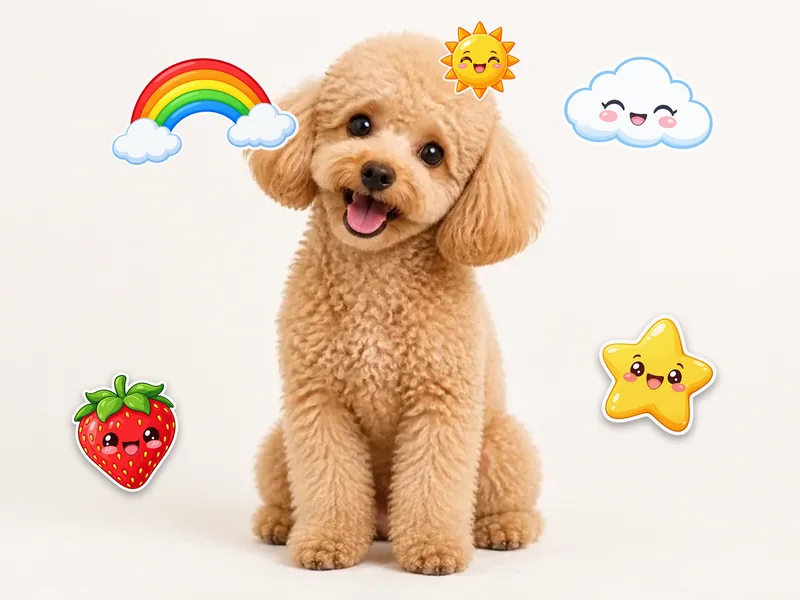
Cute Stickers
Rainbows, clouds, stars and smiling fruit around a pet or a selfie.
Pick from 48 free PNG stickers, speech bubbles with your own words, “Hello my name is” tags and emoji, or upload your own sticker. Drag, resize, rotate, flip and layer each one, then download your photo with stickers at full resolution. Nothing is uploaded.
Pick a sticker
Tip: click a sticker to add it, or drag it straight onto your photo.
On the photo · 0
Upload a photo first, then click any sticker to put it on the picture.
Runs in your browser. Your photo is never uploaded.
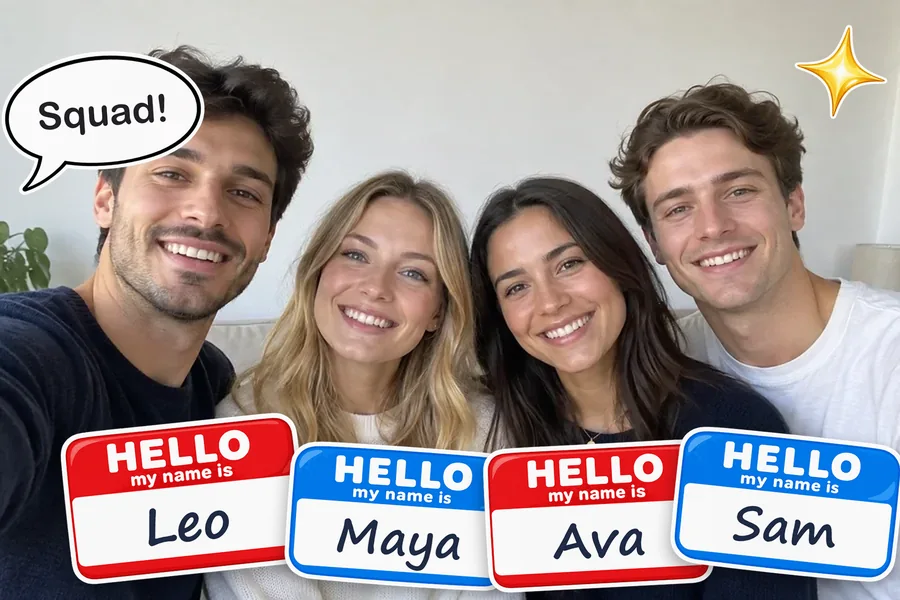

Reference example. It is not a result generated from your upload.
Stickers turn an ordinary picture into something people stop scrolling for: hearts on a couple shot, a crown on your cat, name tags on a group selfie, or a comic burst that says “LOL”. This free sticker editor lets you add stickers to photos right in your browser, with 48 hand-picked PNG stickers in six packs (Cute, Speech Bubbles & Name Tags, Hearts & Sparkles, Arrows & Doodles, Retro and Party), a full emoji tab, and a slot to upload your own sticker.
If you have wondered how to add sticker to a photo layers that stay editable, this is it: every sticker is a separate layer until you download. Drag it, pull the yellow corner to resize and rotate, pinch with two fingers on a phone, flip it, add a white die-cut border or a soft shadow, and move it in front of or behind other stickers. Speech bubbles and name tags take your own text. Your photo is processed on your device, never uploaded, and the photo with stickers is saved at its original size.
Real results from this sticker editor. Tap a button to open that sticker pack.
Rainbows, clouds, stars and smiling fruit around a pet or a selfie.
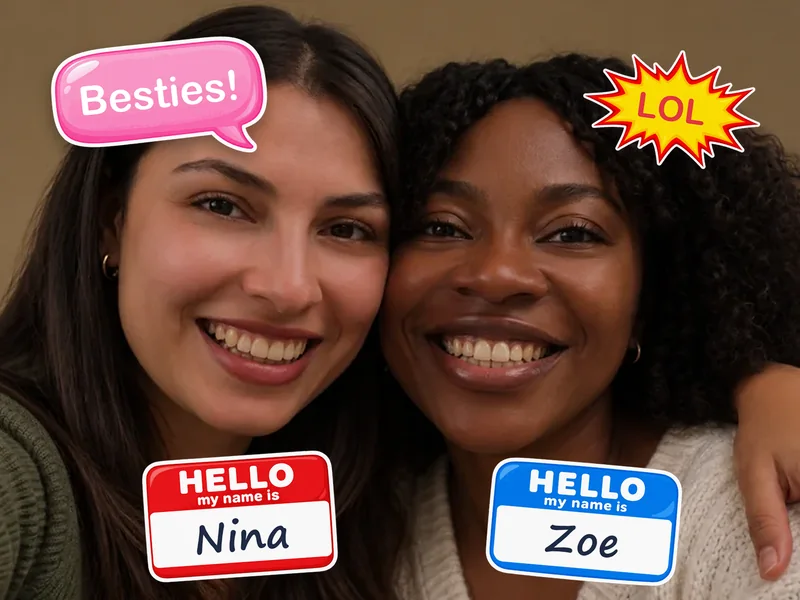
Type “Besties!” or “LOL” into a bubble and add name tags.
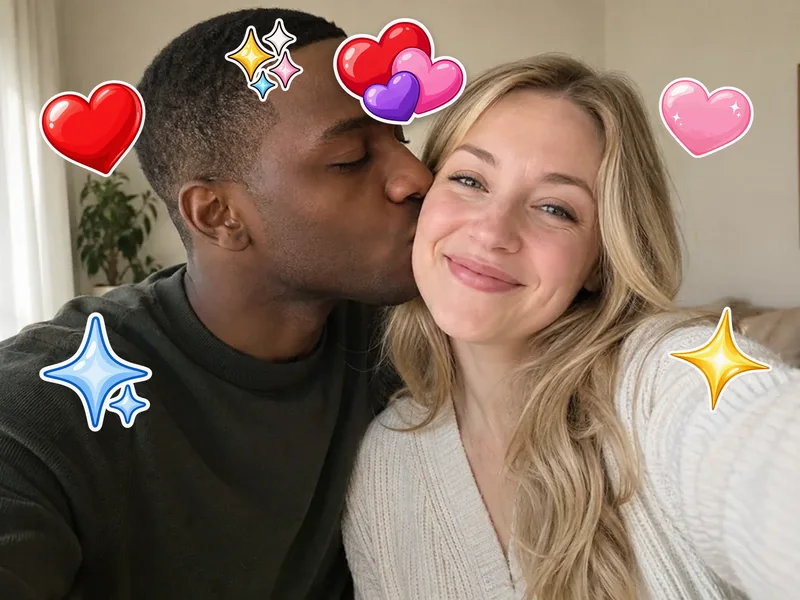
Glossy hearts and sparkles for couples, crushes and anniversaries.
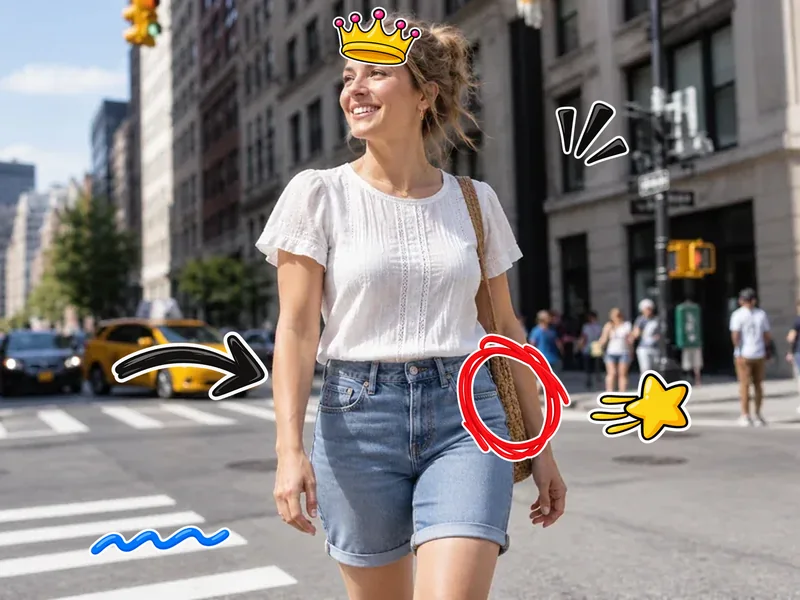
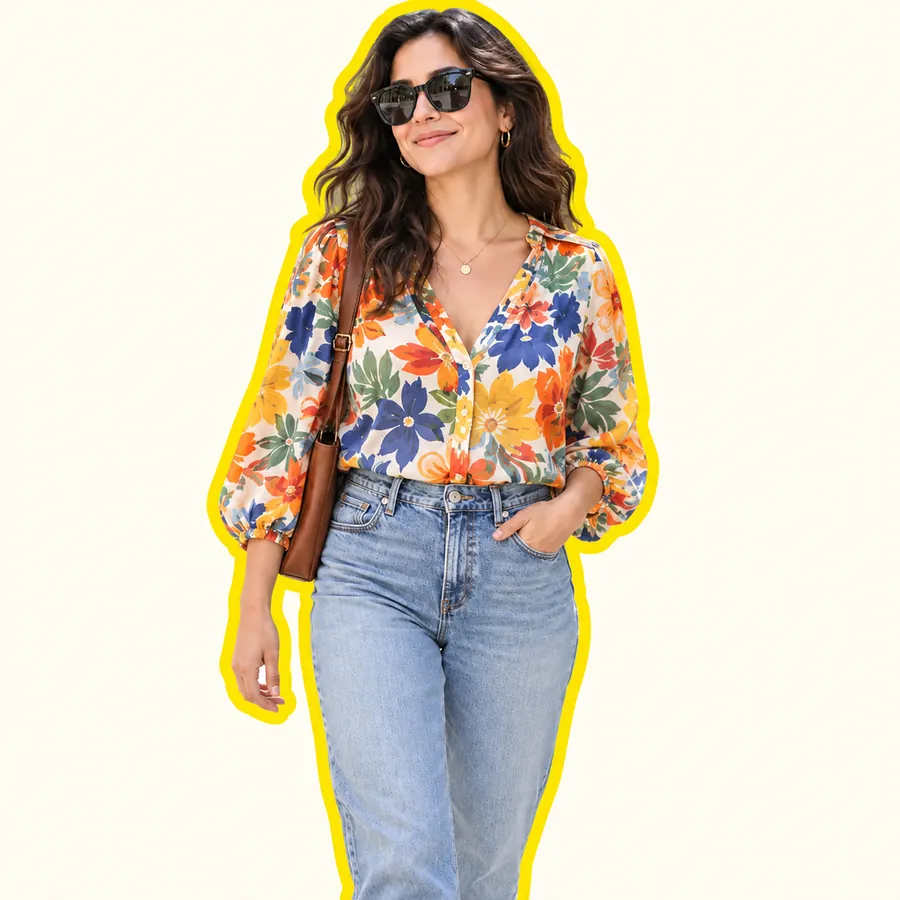
Point, circle and crown the details of an outfit post.
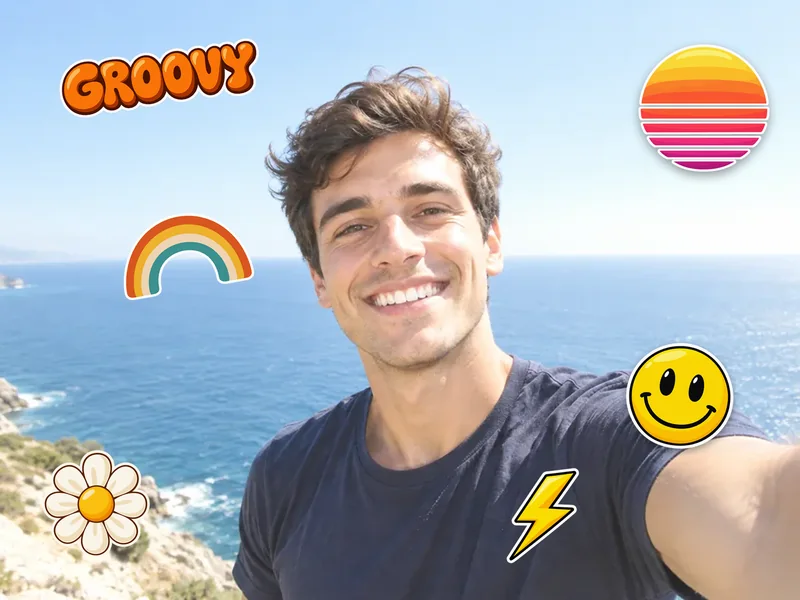
A 70s sunset, a smiley and “Groovy” lettering for summer shots.

Balloons, a party hat and Happy Birthday for celebration photos.

Any emoji with a white sticker border, ready to drag.

Upload a PNG, or a JPG on white, and place it like the rest.
How to add a sticker on a photo from a computer or a phone, with no app to put stickers on photos.
Choose a JPG, PNG or WebP picture up to 20 MB. No photo yet? Start on a blank canvas and make a sticker collage instead.
Click any sticker to add sticker to photo layers, or drag it straight onto the spot you want. Switch packs, add emoji, or upload your own PNG sticker; a white background on a JPG can be removed for you.
Move each sticker, use the yellow corner to resize and rotate, type into bubbles, then download the photo with stickers as PNG or JPG at full size.
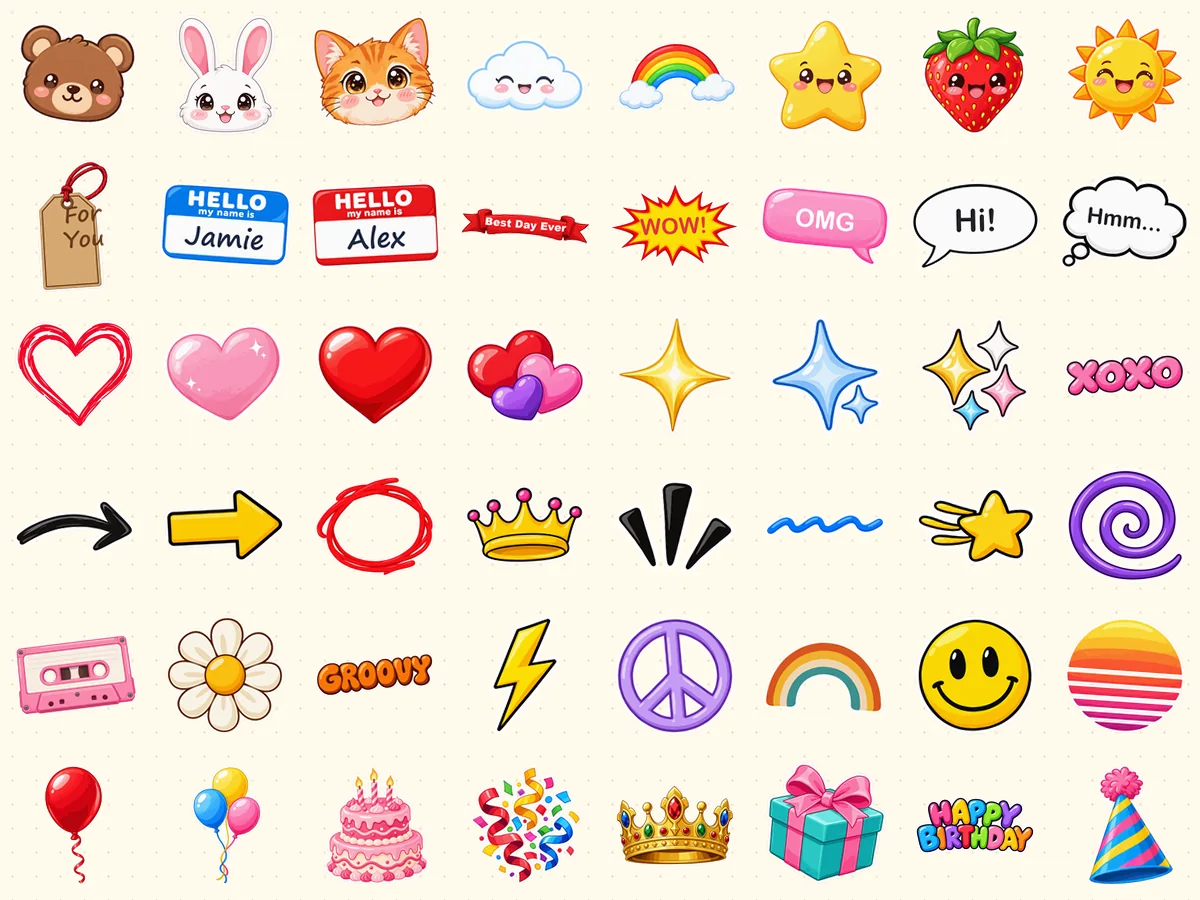
Forty-eight sticker PNGs with a white die-cut edge, sorted into Cute, Bubbles, Hearts, Doodles, Retro and Party. Think of it as a pack of free digital stickers PNG files that live inside the editor: no downloading, unzipping or importing, just click or drag them onto your picture. Each free sticker PNG keeps its transparency, so only the sticker shows on your photo.
Need a hello my name is sticker PNG for a meetup, a classroom or a party photo? Add the red or blue name tag and type any name; the text resizes itself to fit. Round, pink, thought and comic-burst bubbles, a ribbon banner and a gift tag work the same way, with six text colors.
Wondering how to add a picture as a sticker? Open My Stickers and upload a PNG or WebP with a transparent background, or a JPG on plain white, which is cut out automatically. It gets a white border and behaves like any other sticker. No sticker yet? Make one from a photo with the AI Sticker Maker or cut out a subject with the Background Remover first.
The Emoji tab holds 48 favorites and accepts any emoji you type or paste. Each one is placed with a white die-cut border so it looks like a real sticker on photo backgrounds, and you can turn the border off or add a shadow. If you only want plain emoji, the Add Emoji to Photo tool is built just for that.
Where people put a sticker on a photo most often.


One bold sticker on photo posts can say more than a caption: a burst, an arrow or a heart.
Hearts, sparkles and a Best Day Ever banner for date nights and milestones.
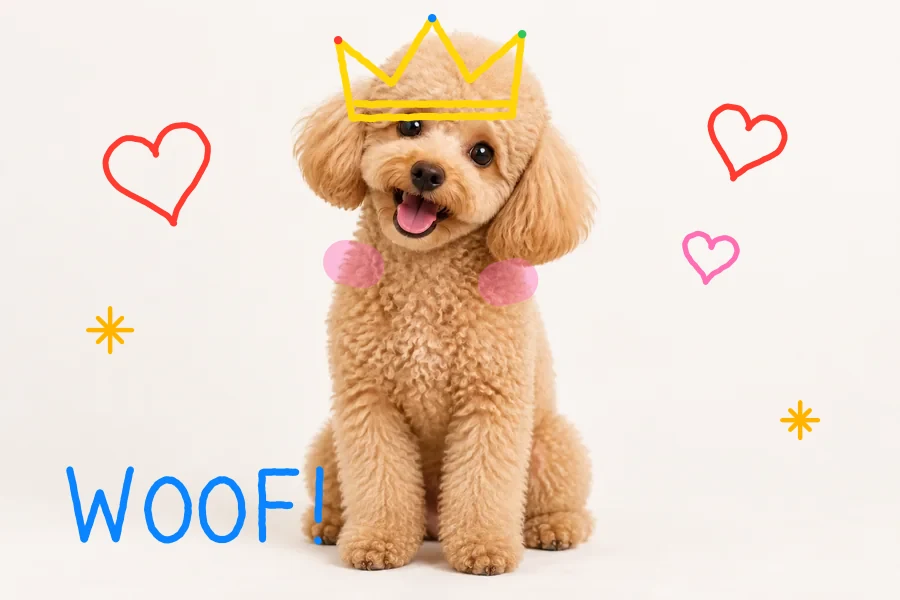
Crown the cat, give the dog a thought bubble, and frame them with cute stickers.
Label a team, a class or a family reunion photo with real name tag stickers.
Balloons, party hats, confetti and Happy Birthday lettering for invites and recaps.
Upload your own sticker, like a baby or wedding badge, and add it to a picture for a card.
How to add stickers on pictures so they look placed, not pasted.
Put stickers around people, not over eyes and smiles, unless covering is the point.
Pair one large hero sticker with two or three small ones; it reads better than many of one size.
A few degrees of rotation makes a sticker feel hand-placed. Rotation snaps to straight when you get close.
On busy backgrounds turn on the white border or the shadow so each sticker pops.
Make your own stickers, cut out subjects, or layer pictures.
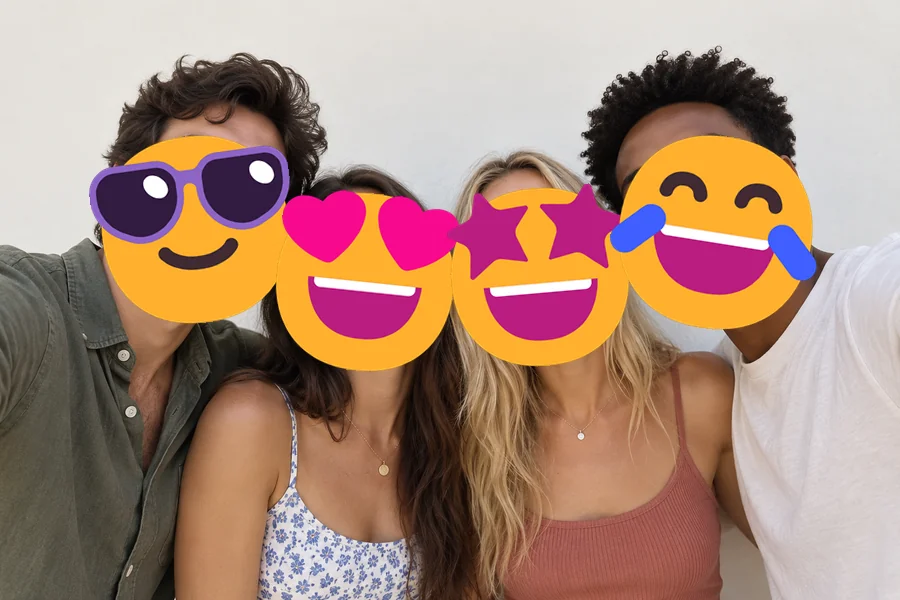
Place plain system emoji, cover faces, and make emoji pictures.
Open toolTurn a photo or an idea into a die-cut sticker, then upload it here.
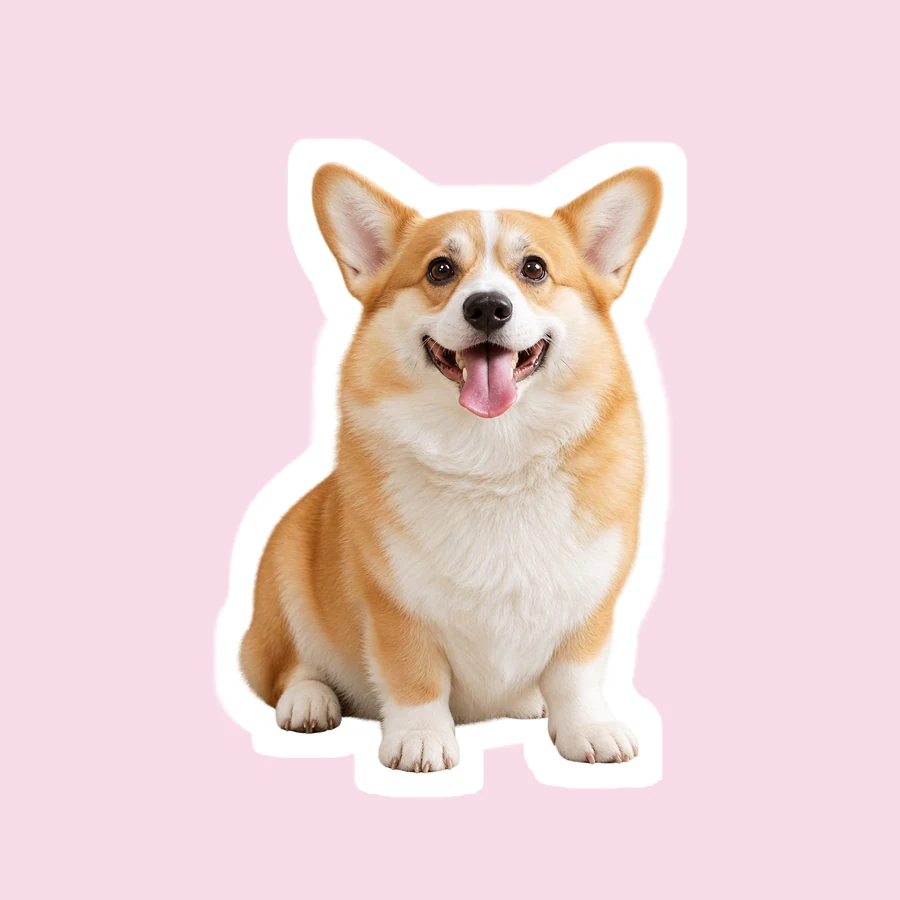
Open toolCut yourself or a pet out of a photo as a chat sticker.
Open toolMake a transparent PNG from any photo to use as your own sticker.
Open toolPut one picture on top of another with opacity and blend modes.
Open toolCrop, frame and style a profile picture, then decorate it with stickers.
Open toolPut meme captions on your photo with draggable text boxes and save it as PNG or JPG.
Read the guideQuestions about putting stickers on pictures.
Upload your photo, pick a sticker pack and click a sticker, or drag it onto the spot you want. Move it, pull the yellow corner to resize and rotate, then click Download Image. That is how to add stickers to photos here, and it works the same when you add stickers to pictures, add stickers to images such as screenshots and scans, or add sticker to image files saved from a chat.
Yes. All 48 stickers, the emoji tab and your own uploads are free, with no sign-up and no watermark. Your finished photo is yours to share in posts, chats and cards.
Yes. Open My Stickers and upload a PNG, WebP, JPG or GIF up to 10 MB. Transparent PNG and WebP files keep their transparency. A JPG saved on a white background has the white removed automatically (untick the option to keep it). Uploaded stickers stay in the tab, so you can add them again.
Turn a photo or an idea into a die-cut sticker with the AI Sticker Maker, or cut a person, pet or object out of a picture with the Background Remover and download it as a PNG. Then upload that PNG in My Stickers. Wondering how to make a sticker on photos you already have? That is the quickest route.
Yes. Drag the yellow corner handle to resize and rotate at once, pinch with two fingers on a touch screen, or use the Size, Rotate and Opacity sliders. Rotation snaps to straight angles when you get close, and dragging snaps a sticker to the center lines. Flip, duplicate, move forward or backward, and delete are one click each, with undo and redo (Ctrl+Z).
Open this page in your phone’s browser, upload a picture from your gallery, tap a sticker, and drag it with one finger. Pinch to resize and rotate. You do not need an app to add stickers to photos, and this works on iPhone and Android alike, unlike apps to add stickers to photos or apps to put stickers on pictures that ask for an install first.
No. Adding a sticker to a photo happens on your own device, in your browser, and nothing is sent to a server. Please only edit photos you own or have permission to use.
PNG or JPG, at the original resolution of your photo (very large images over about 16 megapixels are scaled down slightly so phones can save them). PNG keeps the best quality; JPG makes a smaller file.
Yes. The Bubbles pack has round, pink, thought and comic-burst speech bubbles, a ribbon banner, a gift tag and two “Hello my name is” name tags. Select one, type up to 40 characters, and pick a text color; the words resize to fit the bubble, even when you flip it.
Emoji come from your device’s emoji font, so they look different on Windows, Apple and Android. These PNG stickers look the same everywhere and include bubbles you can type in, name tags, doodles and lettering. The Emoji tab is here too, with a sticker border; for plain emoji only, try Add Emoji to Photo.
Upload a picture, drag on PNG stickers, bubbles or your own sticker, and download the result in full resolution.