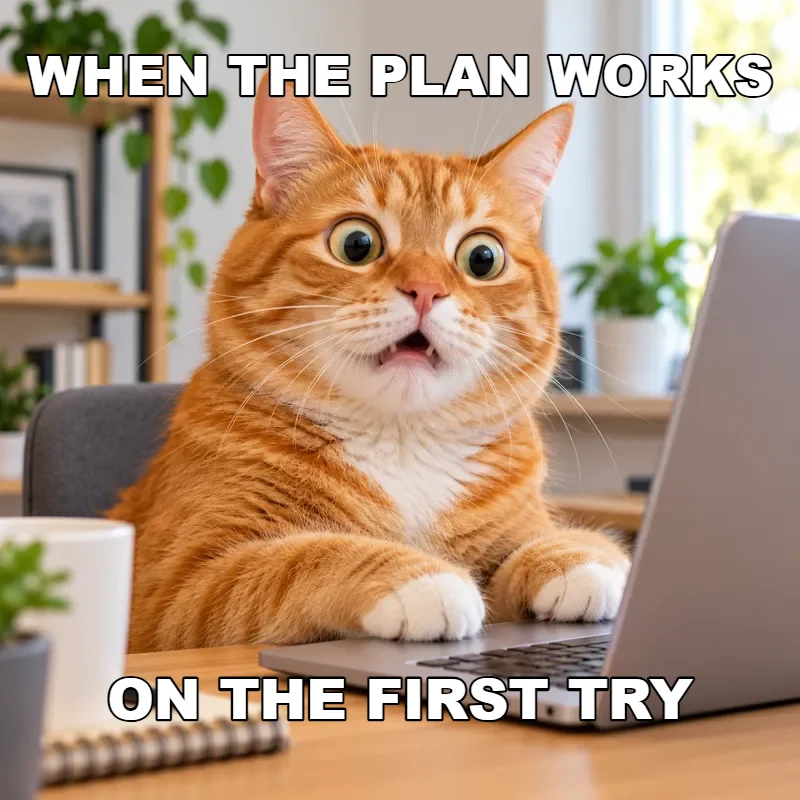
Cat reaction
A wide-eyed cat for plans that work, or don’t. Click Try this to load it in Classic with both caption fields ready to edit.
Choose one of twelve original animal templates or your own photo, type top and bottom text, drag extra captions and download PNG or JPG in Classic, free and without signing up. The AI meme tab turns a topic into a brand-new image, Free to try.
1Pick an image
Or start from a template
2Add your text
Drag on the previewDrag on the canvas to move the selected text. Classic runs free in your browser, no sign-up.
Classic is a free meme maker that runs entirely in your browser. Pick a funny meme template from twelve original animal reactions, or upload a picture and use it as a photo meme generator, then type your setup and punchline. Nothing goes to an AI service, and you can download without signing up.
The meme editor draws bold white captions with a black outline and shrinks a line automatically when it gets too wide. Add as many extra text boxes as the joke needs, drag each one on the canvas and set its size with a slider. Upload your own photo once and it works as a meme template creator for a format you reuse.
AI meme is the second tab. Type a topic or caption, pick one of eight humor styles such as Reaction Face, Office Humor or Wholesome Humor, and your own meme generator creates a fresh image with the joke built in. It is Free to try; check the spelling before you share.
A wide-eyed cat for plans that work, or don’t. Click Try this to load it in Classic with both caption fields ready to edit.
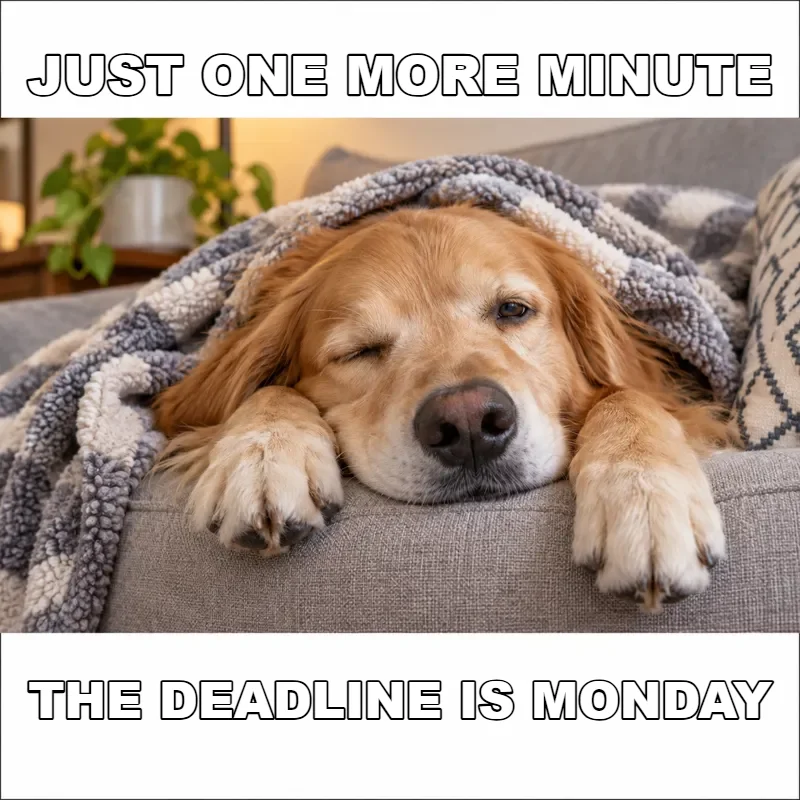
A dozing dog for Monday mornings and long meetings. Short top and bottom lines keep the letters large and easy to read.
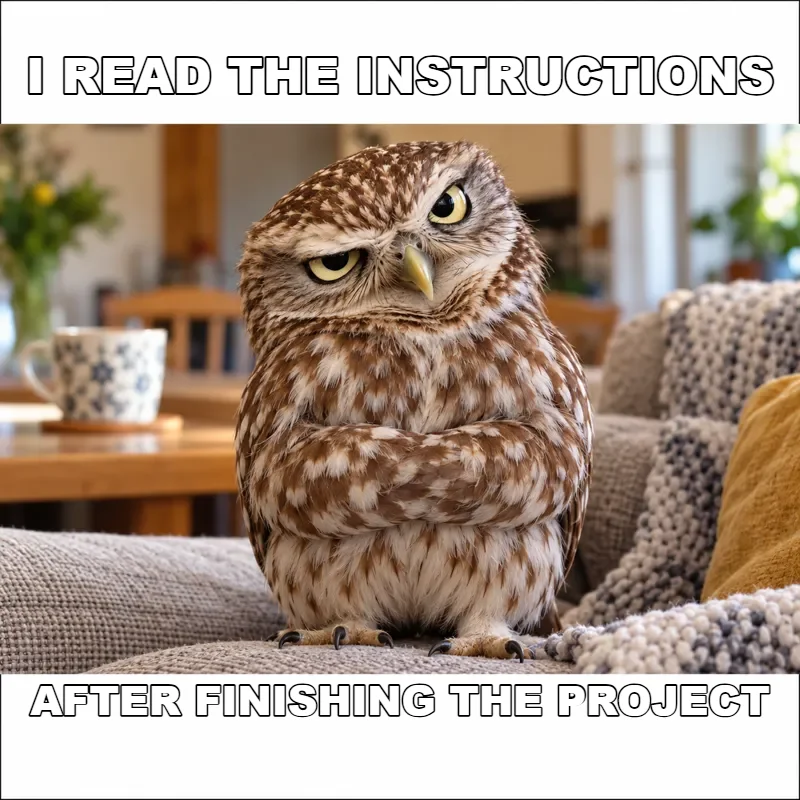
A side-eyed owl for silent judgment. Add a third text box and drag it next to the owl as a reply caption.
Open Classic and click one of the twelve animal templates, or upload a JPG, PNG or WebP up to 20 MB. Your photo stays on your device. Choose a picture with some space above and below the subject for captions.
Type the setup in Top text and the punchline in Bottom text. The meme generator text is bold white with a black outline, and a line that is too wide shrinks to fit, so fewer words means bigger letters.
Click Add text box for a label or a reply. Click into a caption field to select it, drag on the canvas to move it, and use Selected text size to make it bigger or smaller without covering the face.
PNG keeps caption edges sharp; JPG makes a smaller file for photo memes. Want a scene that doesn’t exist yet? Switch to AI meme, pick a style, type a topic and generate.
Twelve original animal reactions, from a skeptical fox to a relaxed capybara, were drawn for this free meme creator, so you are not reusing someone else’s picture. Each one leaves room for a top and a bottom caption.
Upload a JPG, PNG or WebP up to 20 MB and Classic captions it on a canvas in your browser, without sending it anywhere. It is an easy meme maker for pet photos, screenshots you made and pictures from your camera roll.
Top text, bottom text and as many extra boxes as you like. Select a caption, drag it anywhere on the canvas and resize it with the slider; the meme template text stays editable until you download.
Describe a topic or a caption, choose a style such as Pet Drama, Study Break or Gamer Rage, and the AI meme tab generates a new image with the joke built in. AI lettering can misspell words, so check it, or use Classic for exact text.
The classic format reads top to bottom: put the situation first and the twist last.
Meme maker text shrinks to fit the width, so a five-word line stays far more readable on a phone than a fifteen-word one.
The expression is half the joke. Drag extra text boxes into empty corners instead of over the eyes or mouth.
PNG keeps outlined letters crisp in group chats; JPG makes photo memes smaller when an upload limit is tight.
Turn a picture into a text prompt you can reuse as an AI meme topic.
Read the guideGenerate a reaction picture from a description, then caption it in Classic.
Read the guidePut captions, quotes or a title on any photo with ten fonts, outlines and caption bars, then save it at full size.
Open toolTurn one photo of yourself or your pet into a short reaction clip, like a double-take or a side-eye, then caption it and save it as a GIF.
Open toolOpen the Classic tab, click an animal template or upload a photo, type the top and bottom text, then click Download PNG or Download JPG. Classic is free, runs in your browser and does not ask you to sign up.
Classic is free with no account needed. AI meme is Free to try, and its Generate button shows the cost before any image is created.
Yes. Upload a JPG, PNG or WebP up to 20 MB in Classic, the image meme editor tab. The picture is drawn on a canvas in your browser and is not sent to an AI service, so your photo stays on your device.
Yes, as your own take on the idea. Pick a template or a party photo of your own, write the inner thought in a caption and drag a second text box beside the person who doesn’t know. Rebuild the joke with your own picture rather than copying the original drawing.
Pick an animal that fits a classroom mood, such as the excited penguin or the patient turtle, then put the setup on top and the lesson twist at the bottom. For a brand-new scene, use the AI meme tab with the Study Break style.
As many as the joke needs. Click Add text box for each new caption, click its field to select it, then drag it on the canvas and set its size with Selected text size. Top and bottom text are there from the start.
Classic edits an existing picture, a template or your upload, with the exact words you type. AI meme generates a new picture from your topic and style, with the caption drawn by the model. Use Classic whenever the wording must be exact.
PNG keeps the outlined letters sharp and suits most chats and posts. JPG creates a smaller file and is fine for photo-heavy memes. Both are saved at the size of the template or photo you used.
Only use pictures you took yourself or have the right to use. An image being easy to find online does not make it free to reuse; the twelve original animal templates were made for this tool, so you can start with those.
Image models draw letters instead of typing them, so short captions come out best. If a word is still wrong, download the AI picture, upload it in Classic and add the exact text there.
Pick an animal template or upload a photo, type your joke and download it free in Classic, or try AI meme for a brand-new scene.