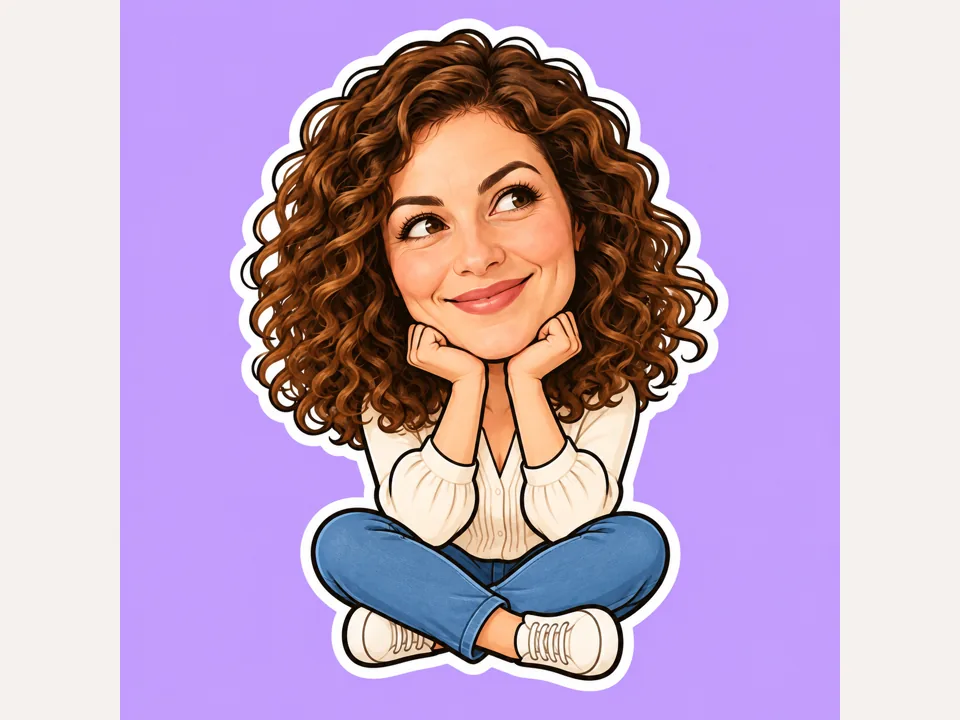
Big Head
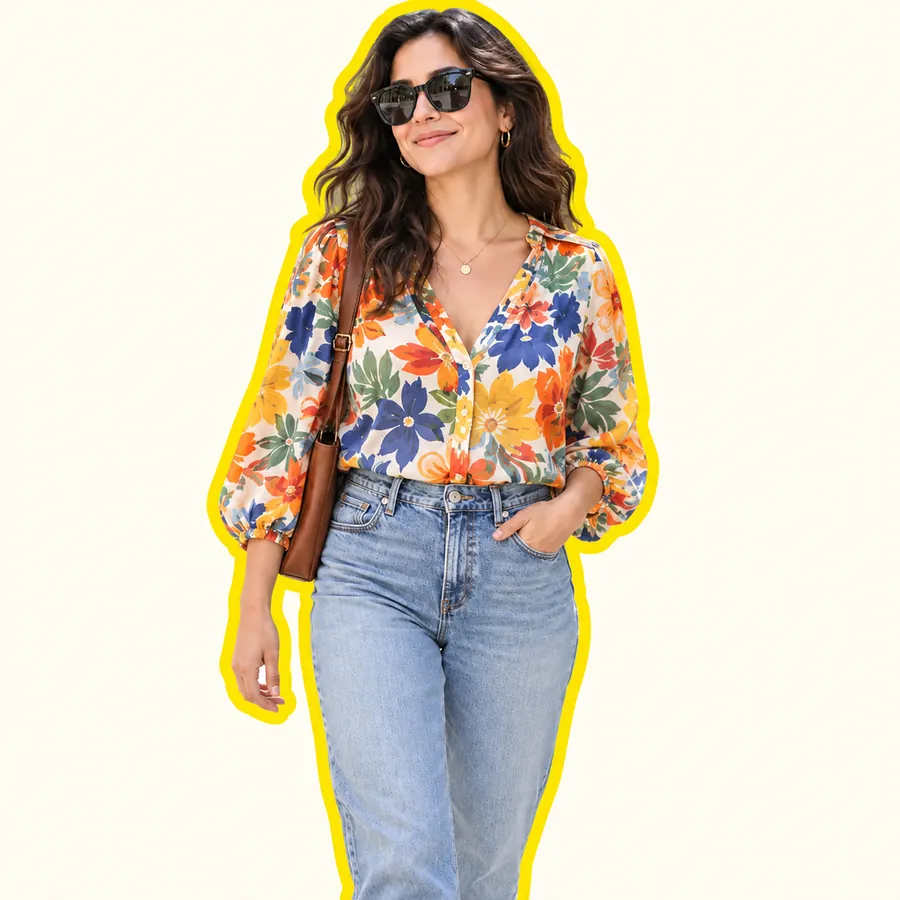
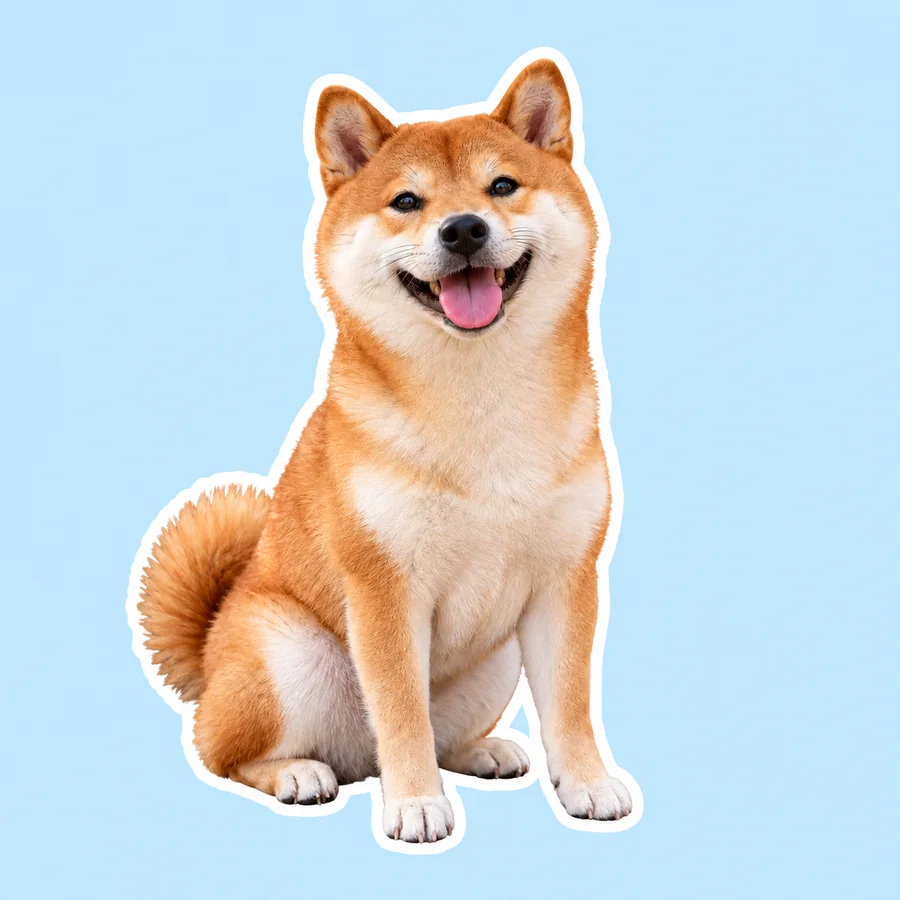
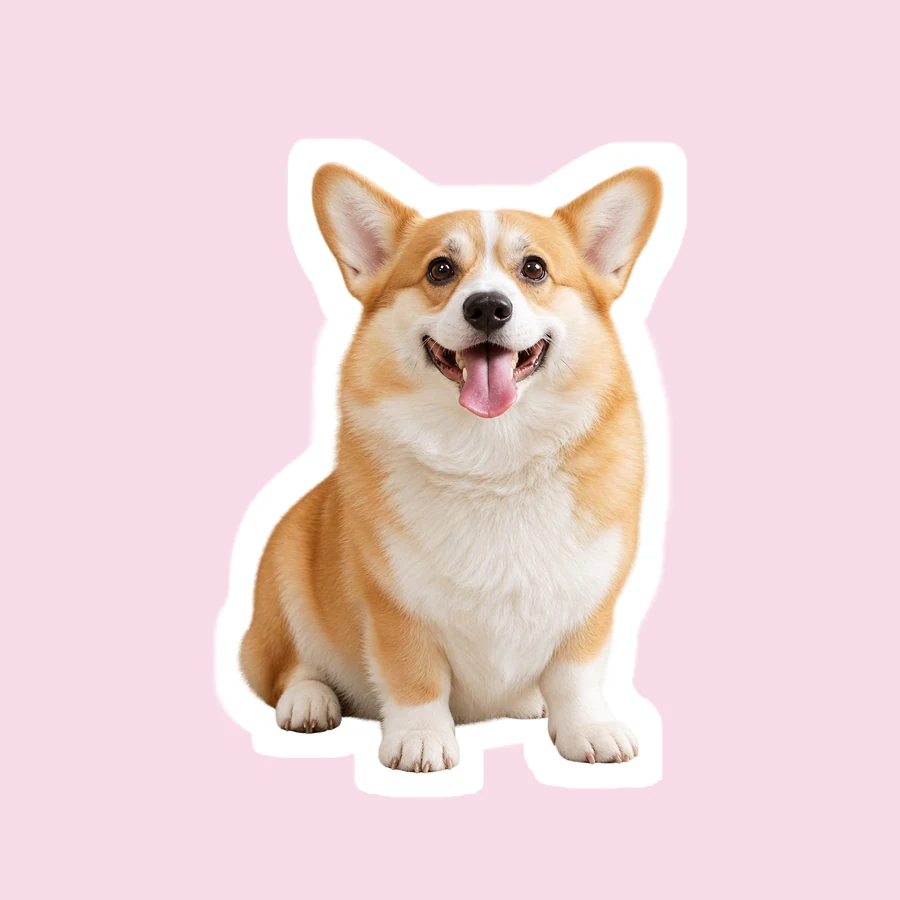
A playful oversized head and a compact sitting pose.
Use your own memes to make stickers: turn a clear selfie, a pet expression, or an original joke into a square reaction with a bold outline and an optional caption.
Reference example. It is not a result generated from your upload.
Looking for funny memes to make stickers? Start with photos you own and a joke your friends will understand. This funny sticker photo workflow creates new illustrations on a solid background; remove that background separately if you need transparency.
A playful oversized head and a compact sitting pose.
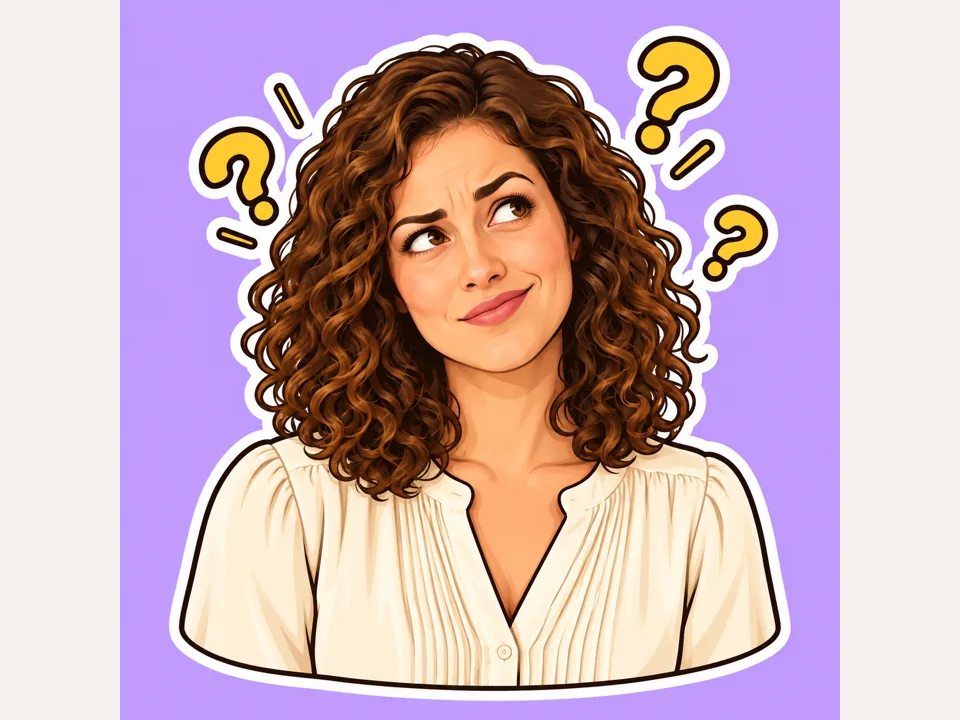
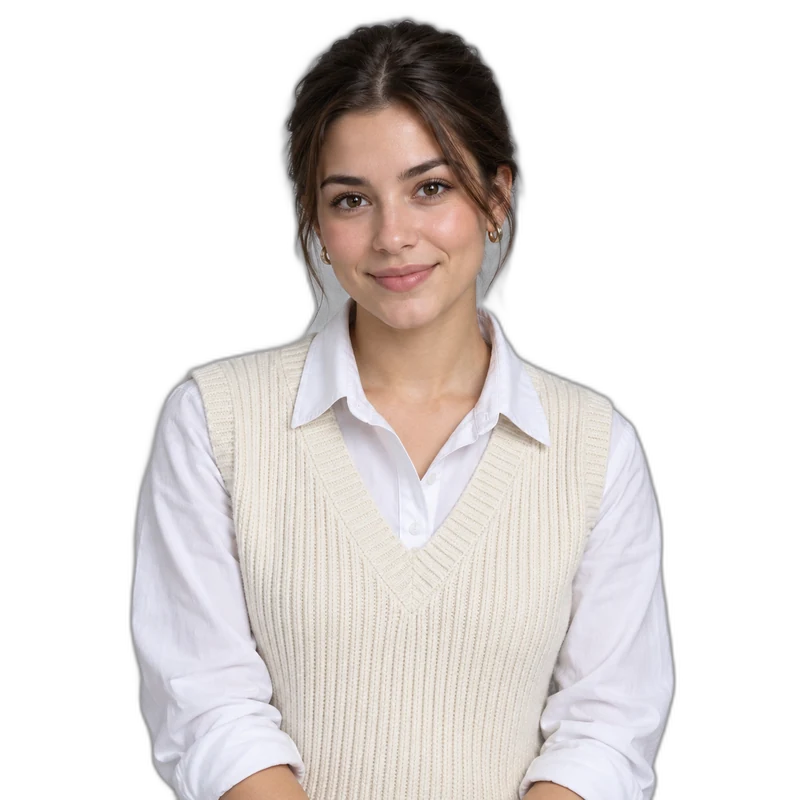
Raised eyebrows and a puzzled reaction.
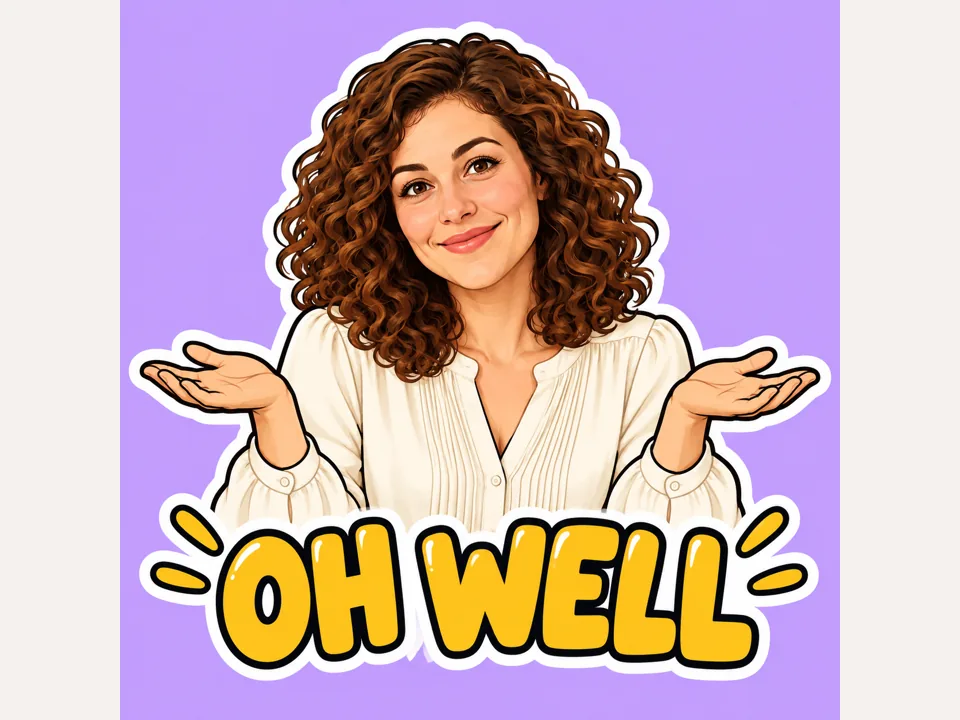
A short OH WELL caption with bold lettering.
Choose a clear selfie, pet expression, or original meme you have permission to use. Funny pictures to make stickers need a recognizable face or silhouette.
Choose Big Head, Derp Face, Meme Caption, Cartoon Exaggerate, Googly Eyes, Pet Meme, Reaction Bubble, or 4-Expression Pack from the Funny reactions grid.
Enter a few words in Optional caption. Short original phrases leave more room for the expression and are easier to read in a chat.
Choose one to four outputs and press Start Now. The square result has a solid background; use Make Image Transparent afterward if you need a cutout.
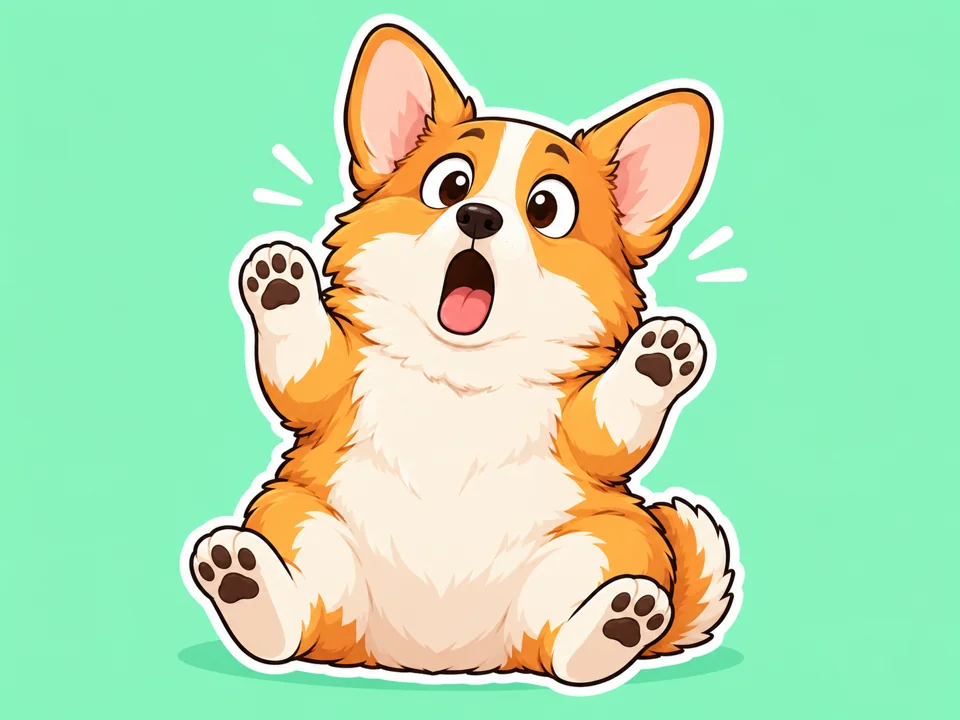
Use Pet Meme for an expressive animal photo. Funny pictures to turn into stickers work best when the ears, paws, and face stay inside the frame.
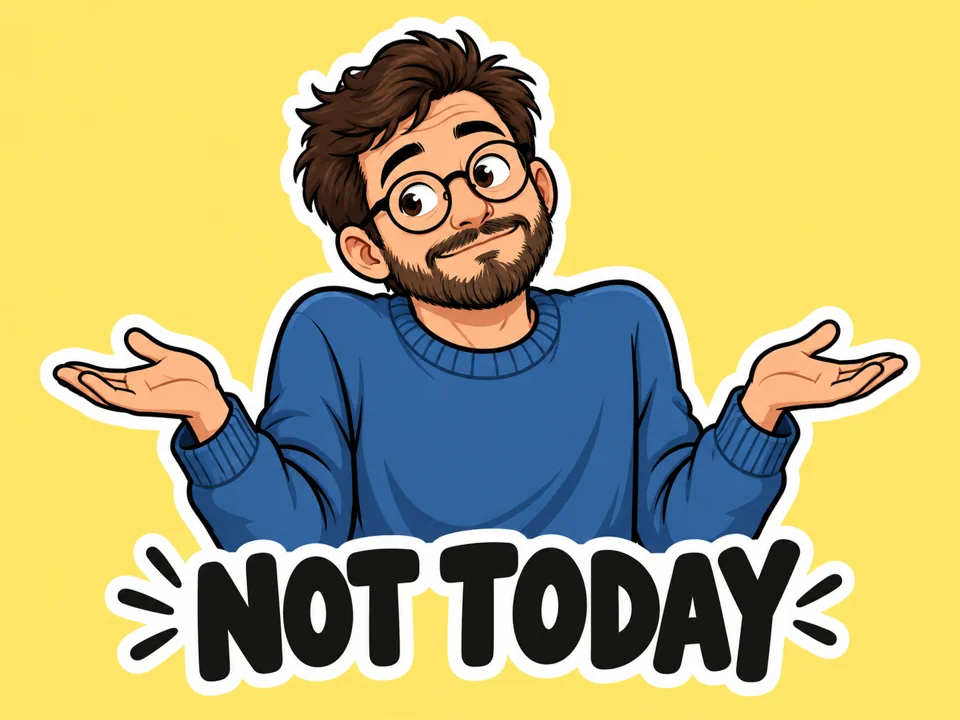
Meme Caption turns memes to use as stickers into a readable reaction. Use your own wording and keep the text away from the edge.
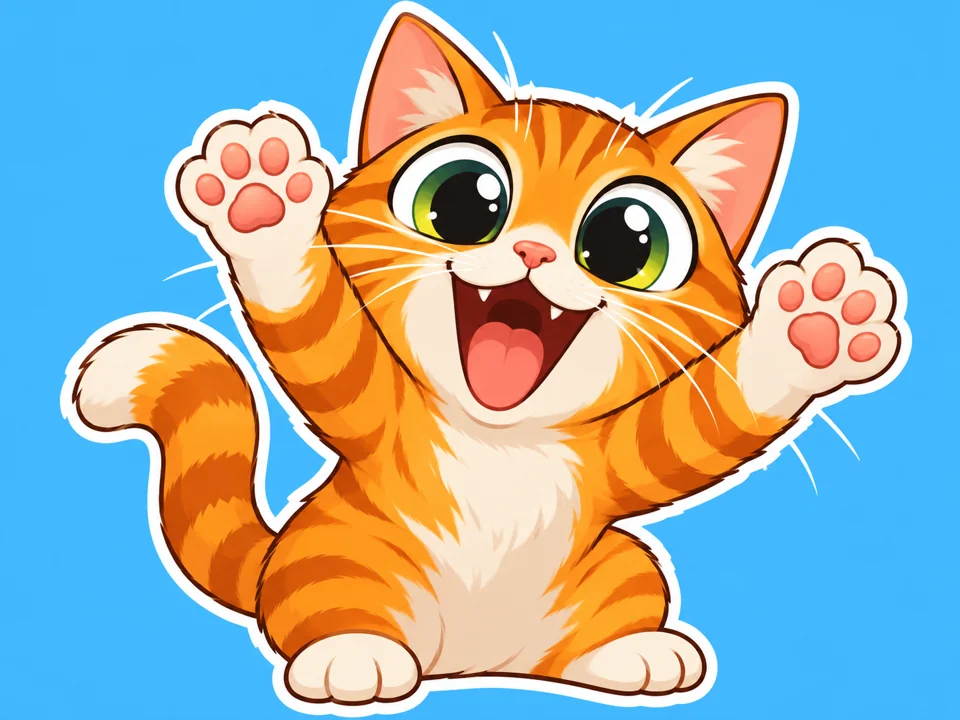
Googly Eyes gives funny emojis to make stickers a simple visual punch. Large shapes remain readable when the image is reduced for messaging.
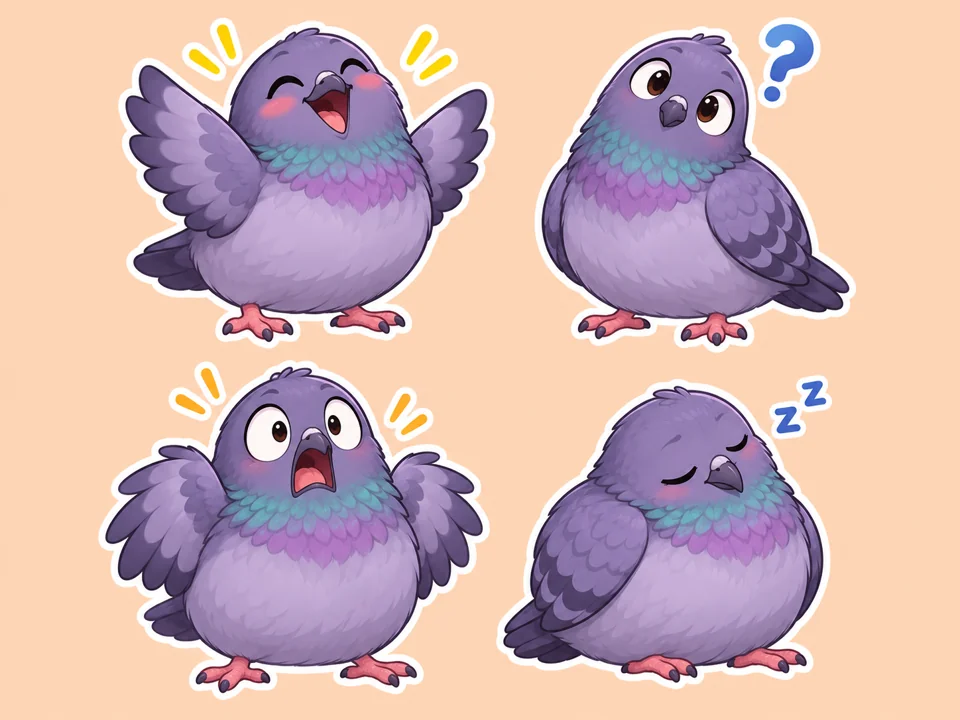
The 4-Expression Pack creates a coordinated set of funny memes to turn into stickers. Separate the panels with Crop Image, then remove the solid background if needed.
A raised eyebrow or surprised pet face makes a stronger sticker than a distant figure in a busy scene.
Two or three words usually fit more comfortably than a full sentence. Check punctuation and spelling in the result.
Googly Eyes and Reaction Bubble can simplify a joke. Shrink the result to see whether the eyes and mouth still read.
The 4-Expression Pack makes one square sheet. Cut out each reaction with even margins before building a sticker pack.
Turn an original photo and a short phrase into a reaction your group understands.
Make a compact sticker from your own pet’s surprised or sleepy face.
Create one sheet with related expressions, then crop the panels into individual files.
Use funny stickers for photos after exporting the result and preparing the background you need.
Explore other sticker treatments for a photo.
Read the guideRemove a solid background when you need a cutout.
Read the guidePrepare artwork with Telegram sticker requirements in mind.
Read the guideCut out individual reactions or adjust a picture’s framing.
Read the guideTurn a funny photo into a captioned meme in your browser, or describe one for AI to draw.
Read the guideUse a sharp, front-facing expression or a recognizable pet pose. Funny pictures to make into stickers need strong silhouettes and clear lighting.
Yes. Add your own caption to memes to turn into stickers. Use jokes and photos you have permission to share.
No. The sticker is drawn on a plain solid background. Use Make Image Transparent afterward when you need an alpha channel.
Only upload photos and memes you own or have permission to use. Get consent before turning another person’s face into a reaction sticker.
Keep it to a short phrase so the letters remain readable. The Optional caption field accepts up to 120 characters, but fewer usually work better.
Yes. Pick Pet Meme and use a photo with the animal’s whole face visible. Avoid crops that cut off ears or paws.
It creates four reactions inside one image. Use Crop Image to save each reaction separately.
Generate the artwork, remove the background if required, then resize and export according to that app’s current file rules.
Leave Optional caption blank and choose an expression-focused style such as Big Head, Derp Face, or Googly Eyes.
You receive free credits when you sign up. The generation button shows the cost for the selected output count.
Choose a reaction style, add a short caption, and make a sticker from a photo you have permission to use.