Upload a Photo
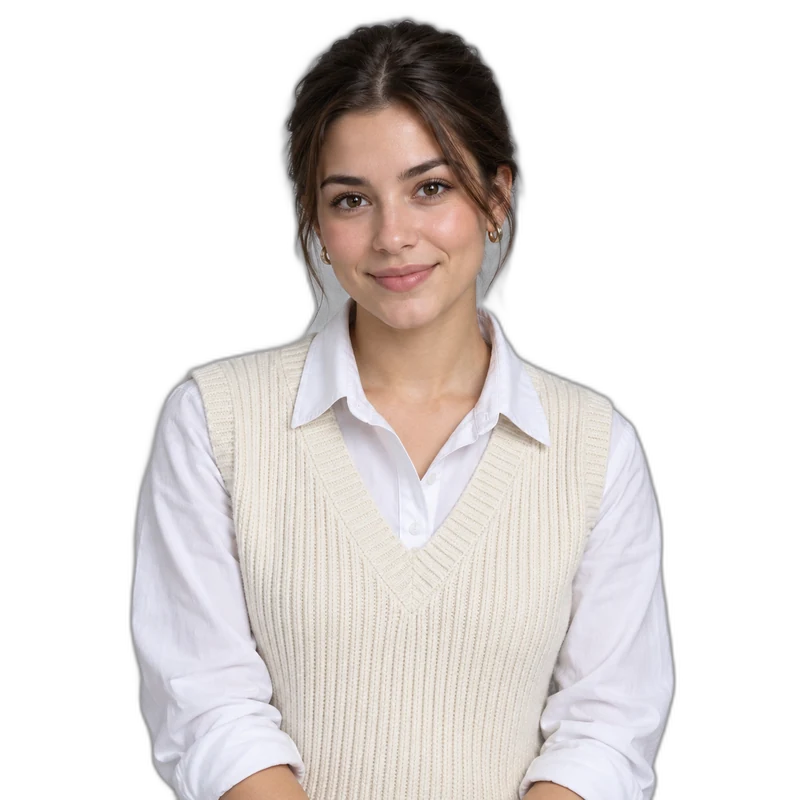
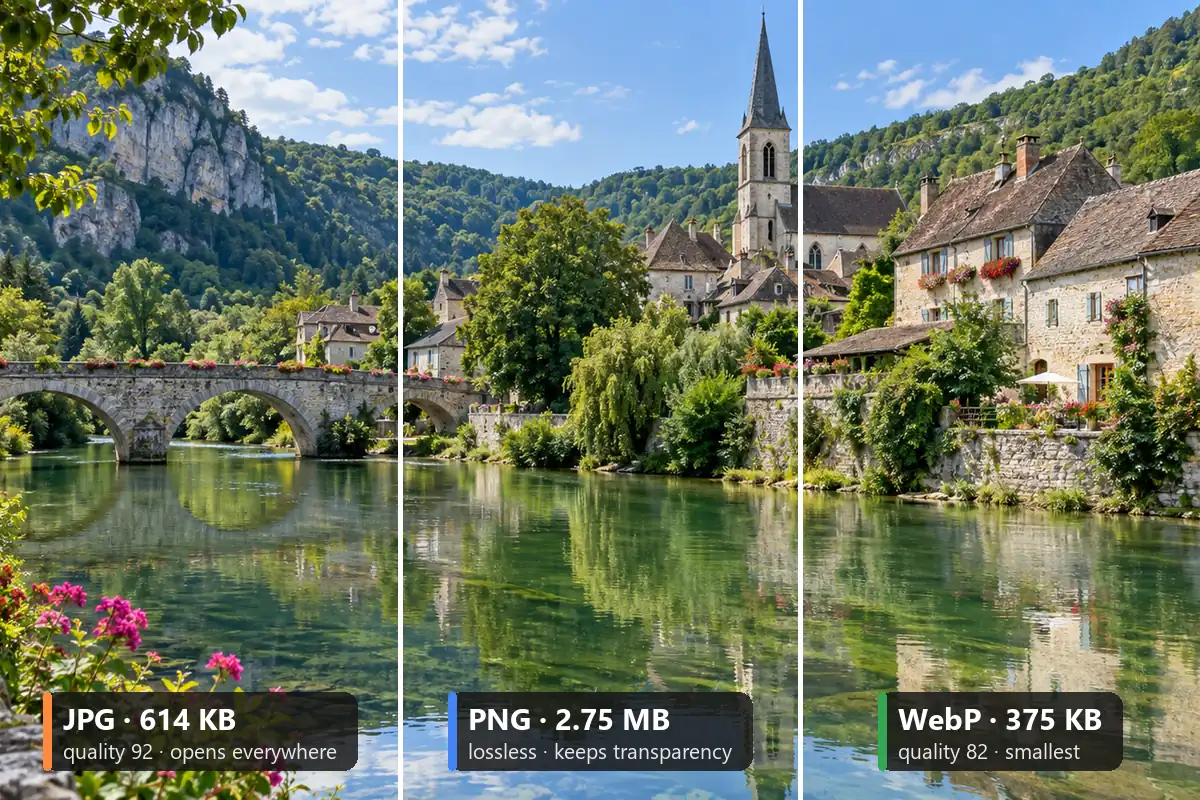
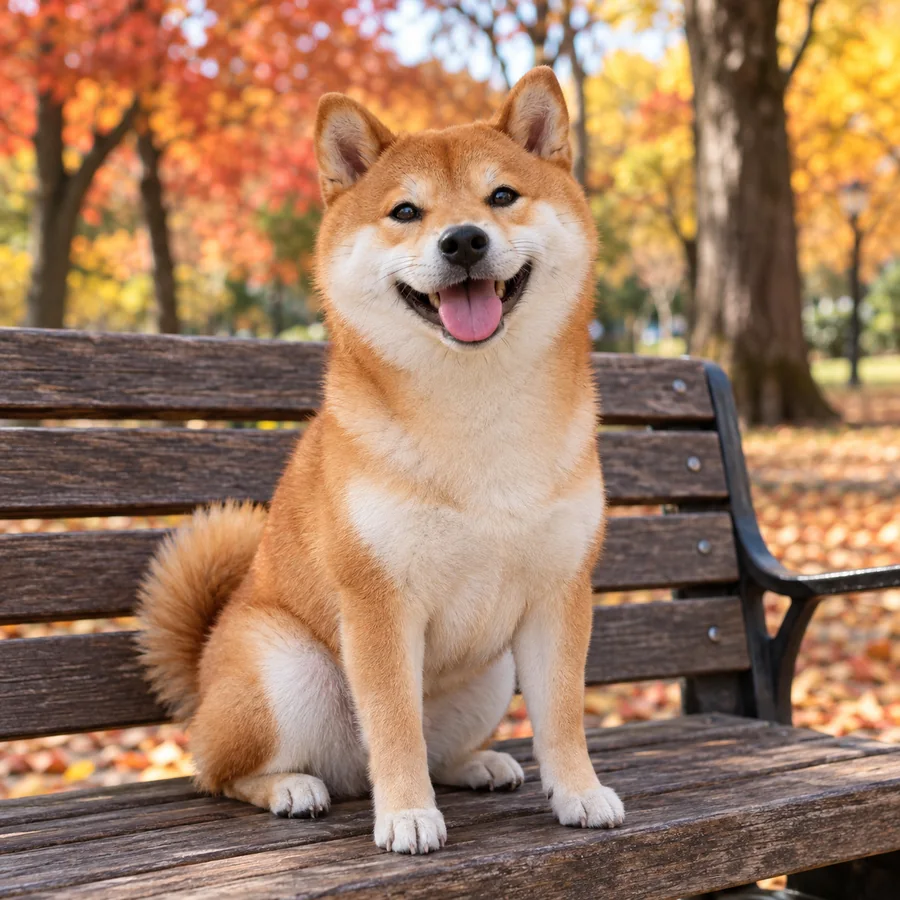
Choose a selfie, pet, food or object photo where the subject is easy to see. JPG, PNG and WebP files up to 10 MB work.
Turn selfies, pets and inside jokes into custom Telegram stickers. AI cuts out the subject, adds a white border, a glow or a caption, and gives you a sticker PNG to size at 512 px and add to your own Telegram sticker pack with the @Stickers bot.
Telegram sticker presets
Fine-tune
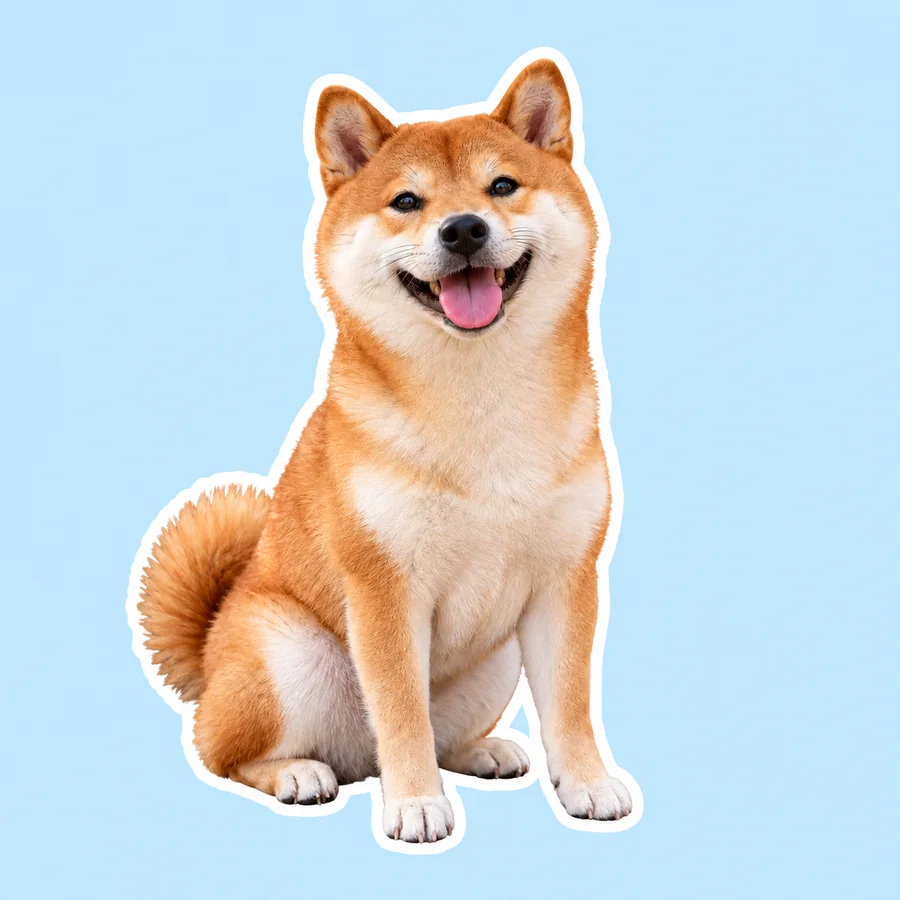
Reference example. It is not a result generated from your upload.
Telegram stickers are small images with a see-through background that you send in a chat instead of a message. Every sticker belongs to a Telegram sticker pack: a set that anyone can add with one link and then use in any chat, group or channel. A sticker Telegram accepts is a static PNG or WebP file with one side exactly 512 pixels, and each sticker is paired with an emoji, so typing that emoji suggests your sticker.
If you are wondering how to make stickers on Telegram from your own photos, this Telegram sticker maker online handles the design. Upload a photo and AI cuts out the person, pet or object, adds a white border, a glow or a caption, and gives you the sticker as a PNG. Size it to 512 × 512 with the free Avatar Cropper, then send it to @Stickers, the official sticker bot Telegram runs, to publish your own pack. No design app needed: that is how to create stickers for Telegram from start to finish.
Here is how to make a sticker for Telegram from any photo in three steps. It works the same on a phone or a computer.
Choose a selfie, pet, food or object photo where the subject is easy to see. JPG, PNG and WebP files up to 10 MB work.
Start from a preset such as Classic White Border, Comic Pop or Pastel Glow, then change the border color and width, add a drop shadow or glow, or type a short caption. Switch Made for to Custom emoji when you want a tiny emoji instead of a sticker.
Make the sticker and download the PNG. Open it in the free Avatar Cropper, choose Square, 512×512 and PNG or WebP, and the file fits the Telegram sticker size rules. Want the area around the border see-through? Run the PNG through Make Image Transparent first.
The Telegram stickers size and file rules as of 2026. Static stickers and custom emoji are the types you can make with this tool.
| Type | Size | Format | Limit |
|---|---|---|---|
| Static sticker | One side exactly 512 px, the other 512 px or less | PNG or WebP, transparent background | Up to 512 KB per file |
| Custom emoji | 100 × 100 px | PNG or WebP, transparent background | Added with /newemojipack |
| Pack icon (optional) | 100 × 100 px | PNG or WebP | Up to 32 KB |
| Animated sticker | 512 × 512 px | TGS (vector animation) | Up to 64 KB and 3 seconds |
| Video sticker | One side 512 px | WebM (VP9), no sound | Up to 256 KB and 3 seconds |
Limits as of 2026 from Telegram’s sticker guidelines; the @Stickers bot tells you when a file does not fit. Animated and video stickers need animation software and are not made here. Size stickers to 512 × 512 in the free Avatar Cropper and custom emoji to 100 × 100 in Crop Image.
This is how to make a sticker pack on Telegram with the official Telegram sticker bot, on any device. Menus can change slightly between app versions.
Search for @Stickers in Telegram, open the official bot and tap Start. Send /newpack for a pack of static stickers, or /newemojipack for a custom emoji pack.
Type a name for your Telegram sticker pack, then send your 512 px PNG or WebP as a file, not as a compressed photo, so the bot keeps the full quality.
Reply with one or more emoji that match the sticker, such as a heart for a love sticker. Repeat for every sticker you want in the pack.
Send /publish, add an optional 100 × 100 pack icon or skip it, and choose a short name. The bot replies with a t.me/addstickers link that adds the pack for you and anyone you share it with.
How to create Telegram stickers that look like the real thing? Start with a clean cutout, a bold border and a square shape. This tool takes care of all three.


No tracing and no layers. AI finds the person, pet or object and removes the room, street or sofa behind it, keeping hair and fur edges. A selfie, a dog on the couch or a slice of cake becomes a clean sticker for your Telegram sticker pack.
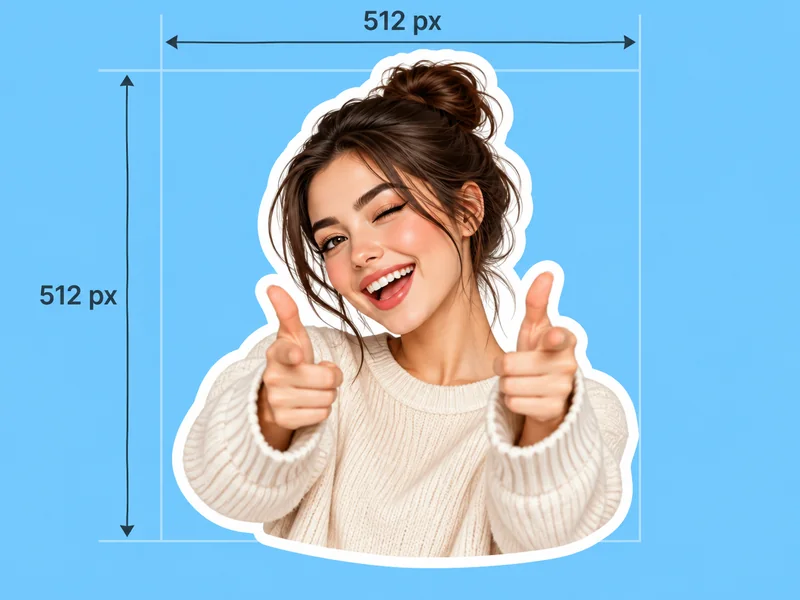
Stickers come out square by default, centered with a small margin, the shape Telegram expects (switch Sticker shape to Match photo for a tall pose). Size the PNG to exactly 512 × 512 in the free Avatar Cropper, as PNG or WebP, and it is usually well under the 512 KB limit, so the bot accepts it on the first try.

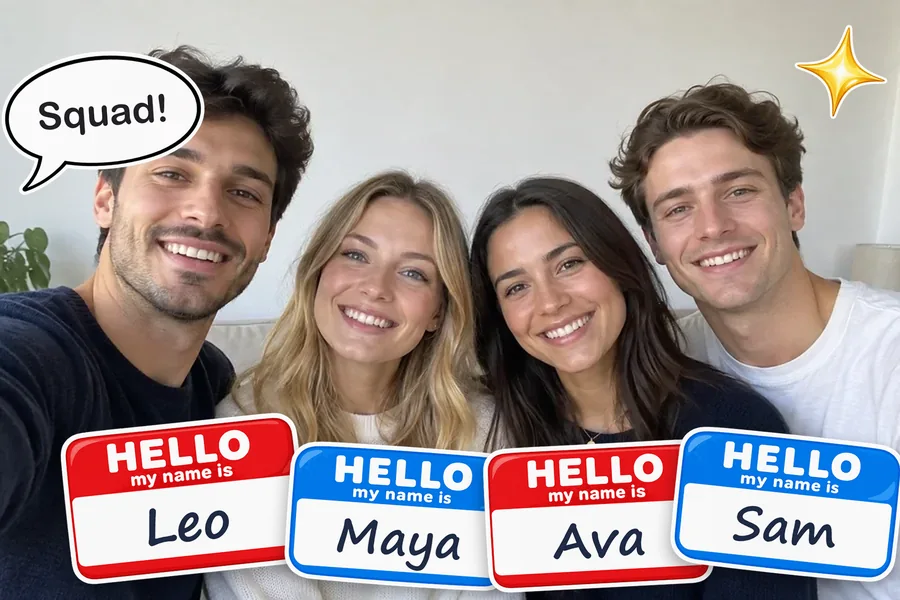
Pick a white, black, yellow or pink border and set its width, or skip the border for a plain cutout. Add a caption such as "Thank you!", "On my way" or "LOL" and it is lettered into the sticker, perfect for reaction stickers in Telegram chats.
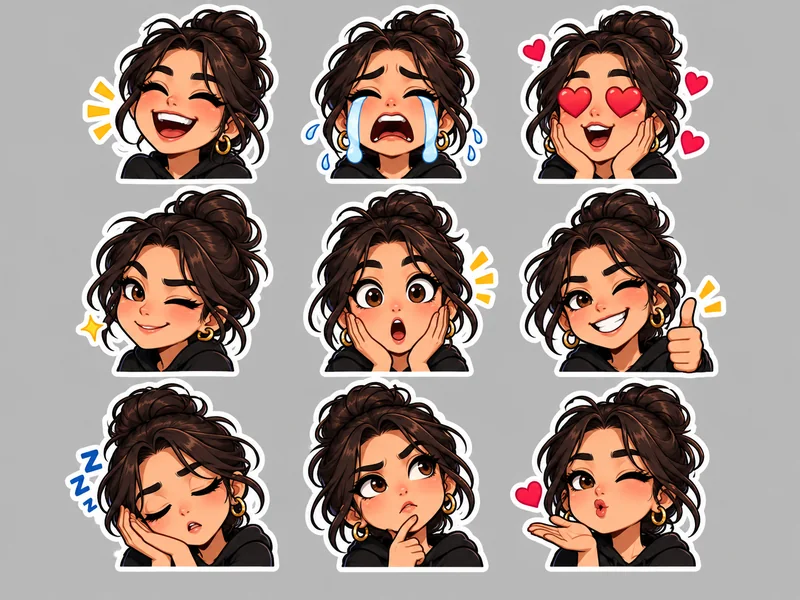
Telegram custom emoji appear right inside the text of a message. Choose Emoji-Size Sticker and your photo is redrawn with a tight crop, a thick border and bold shapes so it reads at a tiny size. Crop it to 100 × 100 and send it to @Stickers with /newemojipack: a simple Telegram emoji maker for your own face or pet.
A good pack mixes reactions, pets and inside jokes. These are the stickers for Telegram that people make most.
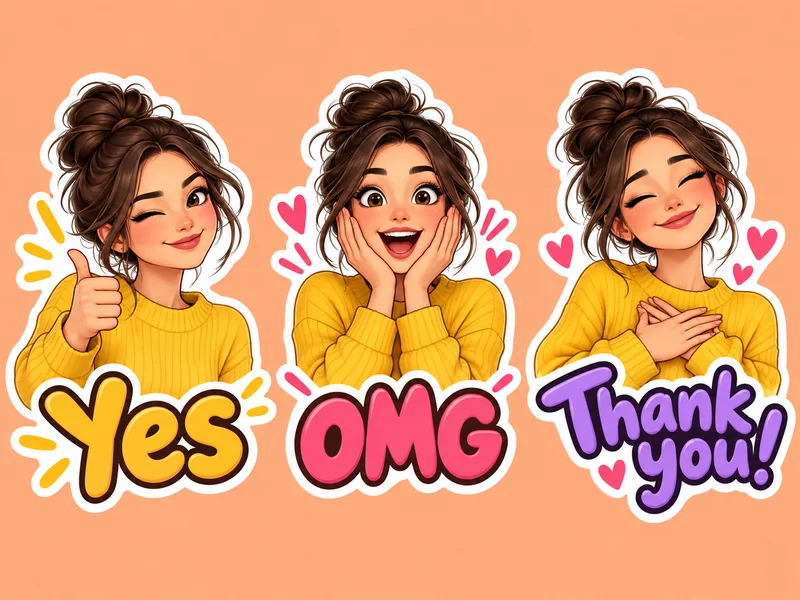
Your own face saying yes, no, OMG or thank you, for quick replies in any chat.
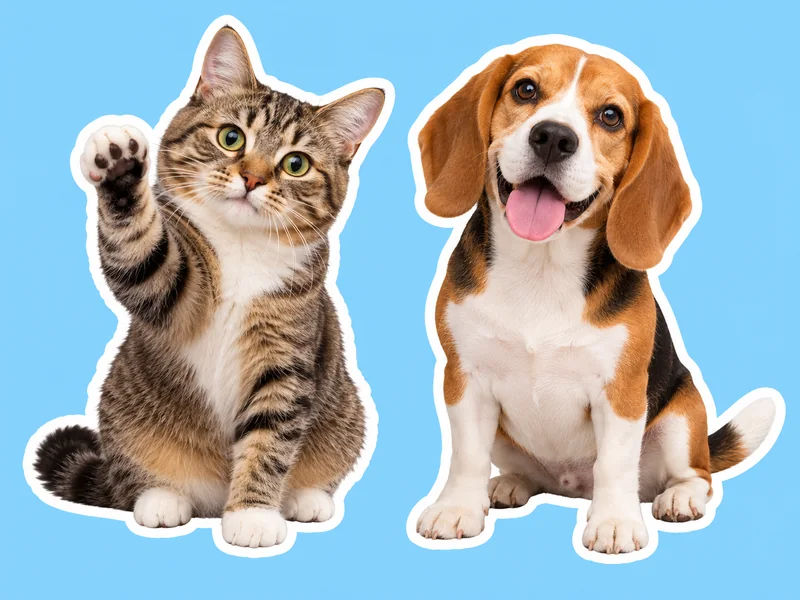
Dogs, cats and rabbits with fur edges kept: the stickers friends ask for most.

The two of you in one sticker for private chats, good mornings and anniversaries.

Bold ink lines, flat colors and halftone dots turn a photo into a comic panel.
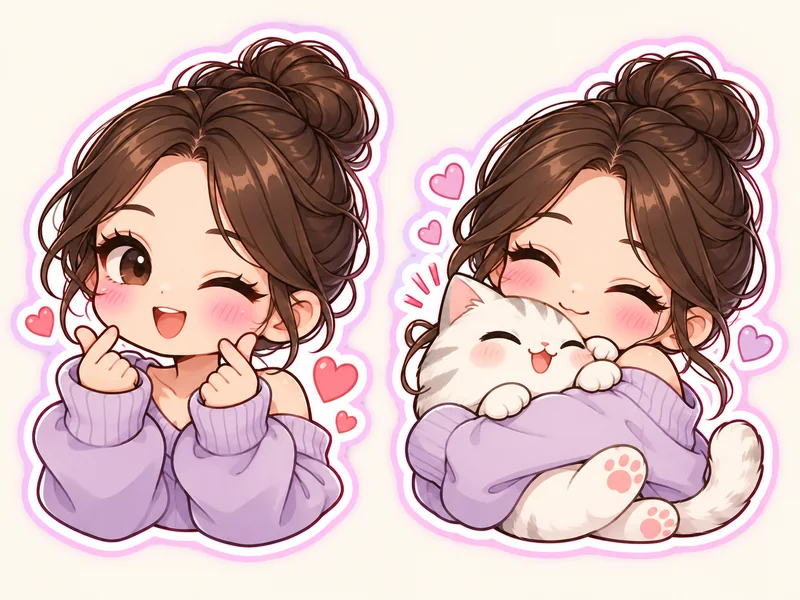
A soft chibi version of you with a pink border and a pastel glow.

The cutout sits on a colored rounded badge, a neat look for a matching pack.

Coffee, cake, plants or your favorite sneakers, lifted off the page with a soft shadow.
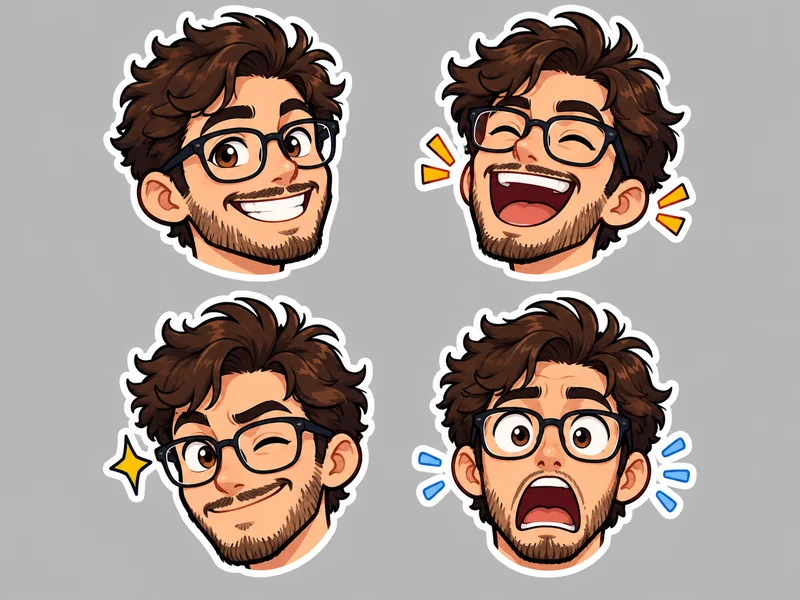
Tiny, bold versions of your face or pet for a Telegram custom emoji pack.
Once you know how to create stickers on Telegram, a personal pack quickly becomes the most used thing in your chats.

Reply with your own face instead of the default stickers everyone already has. Personal stickers in Telegram groups get noticed.
Turn the funniest photo from a trip or a party into a sticker and bring it back every time the joke comes up.
Make a pack of your dog, cat or family members, with their OK, and share the link with relatives.
Channels, clubs and small shops make stickers of their mascot, logo or products for members to use.
How to make a Telegram sticker that looks sharp at chat size starts with the photo.
Upload the full-quality photo, not a screenshot, so the 512 px sticker stays crisp.
One person, pet or object that stands out from the background gives the cleanest cutout.
Stickers are seen small. A border width of 5 or more and captions of one to three words read best.
When you add a sticker to @Stickers, send it as a file rather than a photo so Telegram does not compress it.
Make stickers and emoji for other apps from the same photos.
Create stickers from photos or text in cartoon, kawaii, 3D, pixel and die-cut styles.
Open toolTurn a photo from your camera roll into a custom sticker for snaps and chats.
Open toolMake custom stickers with borders, frames and captions for Instagram Stories and Reels.
Open toolTurn your face or pet into a custom Discord emoji or emote that reads at chat size.
Open toolTurn a picture into an emoji of yourself, a 3D avatar or a sticker, with 12 expressions.
Open toolRemove the background from any photo and keep a transparent PNG or a new backdrop.
Open toolHow to make, size and publish custom Telegram stickers.
Here is how to make stickers in Telegram from your own photos: upload a photo here, pick a preset such as Classic White Border and make the sticker. Download the PNG, size it to 512 × 512 in the free Avatar Cropper, then send it to the @Stickers bot with /newpack. No design app is needed.
Static Telegram stickers need one side exactly 512 pixels and the other 512 pixels or less, in PNG or WebP format and up to 512 KB. A 512 × 512 square is the safest choice. Custom emoji are 100 × 100 pixels, and an optional pack icon is 100 × 100 pixels too (as of 2026).
Open the @Stickers bot, send /newpack and name the pack. Send each 512 px sticker as a file and reply with a matching emoji. Then send /publish, add or skip an icon and pick a short name to get your t.me/addstickers link. The steps above show how to make a Telegram sticker pack in detail.
Yes. If you are wondering how to make a sticker on Telegram from a picture in your gallery, this is it: upload a selfie, a pet, food or an object and it becomes a sticker with a border. Only use photos you have the right to use, and ask friends before you turn them into stickers.
Both work. PNG is the simplest choice and keeps a transparent background. WebP files are smaller, which helps with the 512 KB limit. The free Avatar Cropper saves either format at 512 × 512.
Yes. Choose the Emoji-Size Sticker preset, which redraws your photo with a tight crop and a thick border so it reads at a tiny size. Crop it to 100 × 100 in Crop Image and send it to @Stickers with /newemojipack. Anyone can create a custom emoji pack; sending custom emoji in messages needs Telegram Premium (as of 2026).
It is free to try: you get free credits when you sign up, and the price of each sticker is shown before you make it. Sizing the sticker in the Avatar Cropper is free and runs in your browser.
The usual reasons: neither side is exactly 512 px, the file is over 512 KB, it is not PNG or WebP, or it was sent as a compressed photo instead of a file. Size it to 512 × 512 as PNG or WebP, send it as a file, and reply with an emoji when the bot asks for one.
Not with this tool; it makes static stickers. Animated Telegram stickers use the TGS vector format and video stickers are 3-second WebM files, which need animation software. Static stickers work in every Telegram app.
Your photo is uploaded only so the AI can make your sticker. We do not sell your photos, share them publicly or use them as examples on this site. Download the sticker when it is ready, and only upload photos you have the right to use.
Upload a photo, pick a border or caption, and start your custom Telegram sticker pack today.
Telegram is a trademark of Telegram FZ-LLC. EzImgMaker is an independent tool and is not affiliated with, endorsed by, or sponsored by Telegram.