Upload a Selfie or Pet Photo
Choose a clear photo where the face is easy to see. JPG, PNG and WebP files up to 10 MB work; front-facing faces and pets looking at the camera make the best emotes.
Turn a selfie, a friend (with their OK) or your pet into a custom Discord emoji. Pick an emote style and an expression, and AI redraws the subject with a thick outline that still reads at chat size. Then size it to 128 × 128 for your server, or 320 × 320 for a sticker.
Discord emote presets
Fine-tune
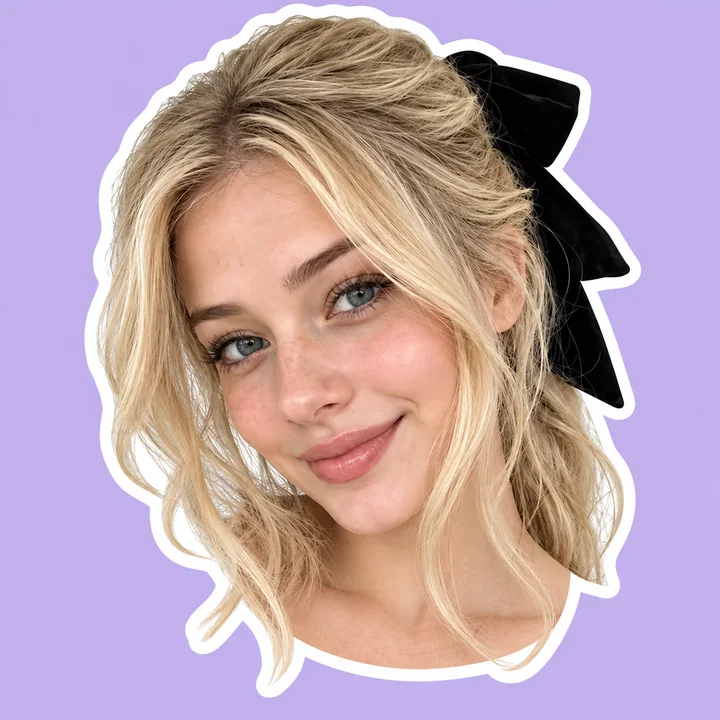
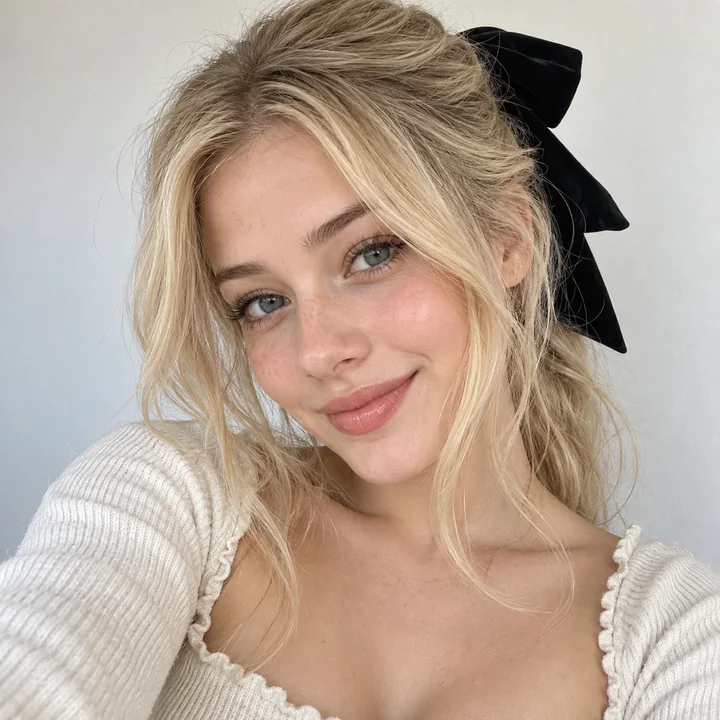
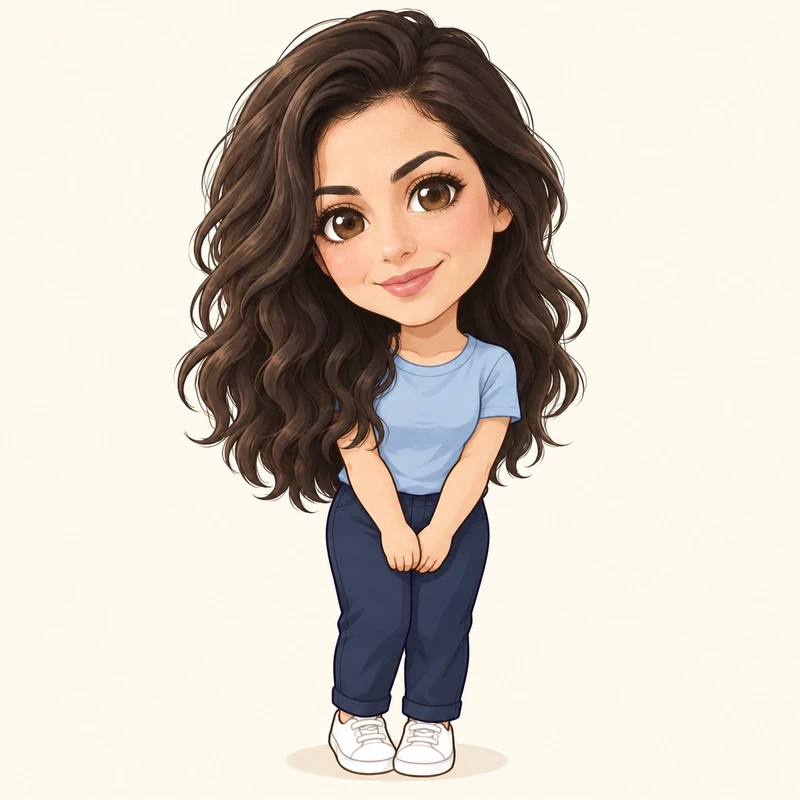
Reference example. It is not a result generated from your upload.
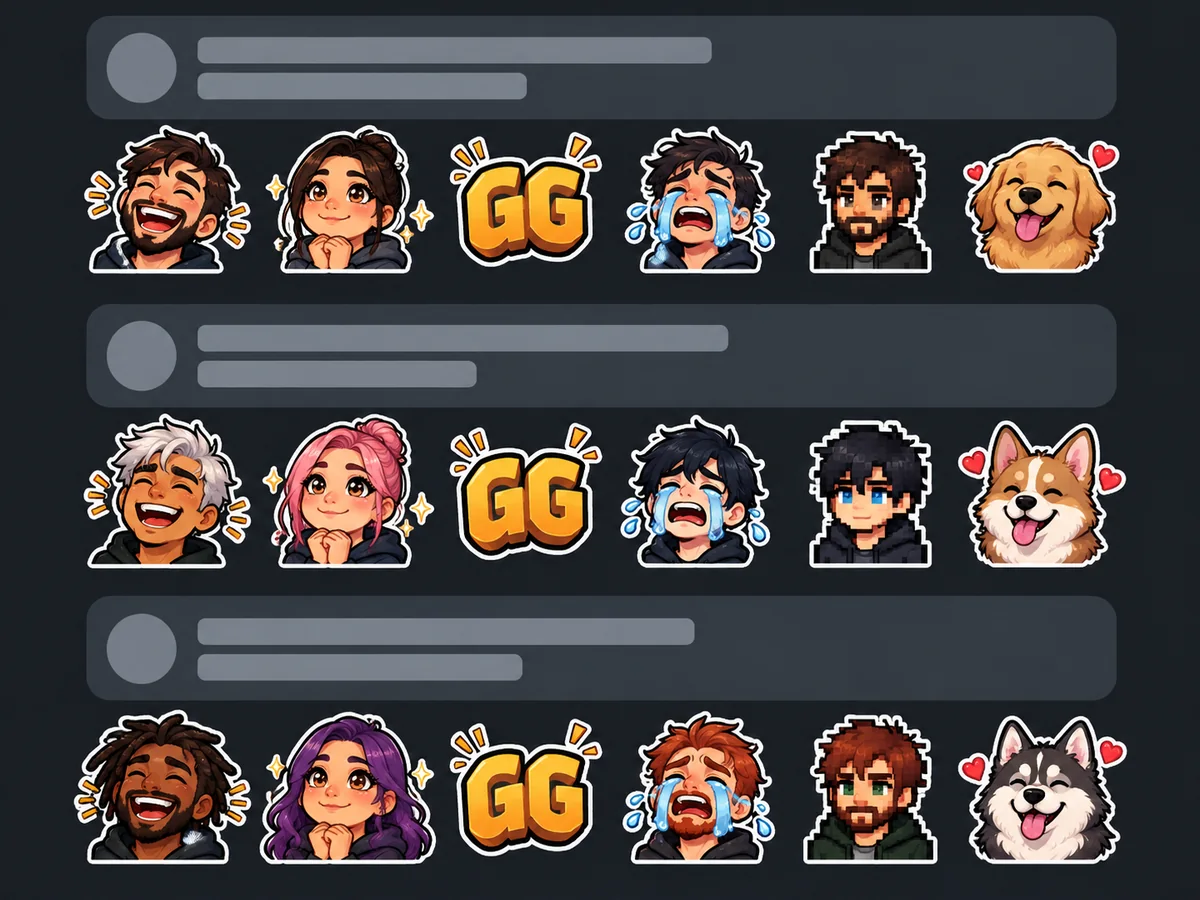
A Discord emoji is drawn at only a few dozen pixels in a message or a reaction, so the best emotes are designed to read at 32 pixels: a big head, a thick outline, high contrast and one clear expression. Fine details, small text and busy backgrounds disappear at that size, which is why a photo cropped straight into a square rarely makes a good emote.
This Discord emoji maker does that design work for you. Upload a selfie or a pet photo, choose an emote style such as Chibi Face, Pixel Emote or Blob Style, pick an expression, and AI redraws the subject with a bold outline. It also works as a Discord emoji converter for any picture: download the PNG, size it to 128 × 128 in the free Discord PFP Size tool and upload it to your server. Making Discord emojis no longer needs a drawing app.
Discord’s upload rules as of 2026. Static emojis and stickers are what this tool makes.
| Type | Recommended size | Formats | Max file size |
|---|---|---|---|
| Custom emoji | 128 × 128 px | PNG, JPG, GIF or WebP | 256 KB |
| Animated emoji | 128 × 128 px | GIF | 256 KB |
| Server sticker | 320 × 320 px | PNG, APNG or GIF | 512 KB |
| Emoji name | 2 to 32 characters | Letters, numbers and underscores | None |
Limits as of 2026 from Discord Help. Servers start with 50 static emoji slots and a handful of sticker slots, with more through Server Boosts. Size emojis to 128 × 128 in the free Discord PFP Size tool and stickers to 320 × 320 in Crop Image.
How to make your own emoji on Discord from a photo, in three steps, with an emoji maker for Discord that runs in your browser.
Choose a clear photo where the face is easy to see. JPG, PNG and WebP files up to 10 MB work; front-facing faces and pets looking at the camera make the best emotes.
Start from a preset such as Classic Cutout, Chibi Face or Pixel Emote, then pick an expression (Happy, Earnest, Laughing, Smug or Crying), the outline and an optional short word.
Make the emote and download the PNG. Open it in the free Discord PFP Size tool, choose Emoji 128×128 and save it as PNG; the file lands far below 256 KB. For a see-through background, run it through Make Image Transparent first.
You need the Manage Expressions permission on the server. Menus can change slightly between app versions.
Click the server name, choose Server Settings and open the Emoji tab.
Click Upload Emoji and pick your 128 × 128 PNG. Discord checks the 256 KB limit right away.
Give it a short name with letters, numbers or underscores, then type :name: in any channel to use it.
Open the Stickers tab, upload a 320 × 320 PNG, pick a related emoji and add a short description.
A Discord style emoji generator for your own photos: it keeps the face recognizable and makes it bold enough for chat.

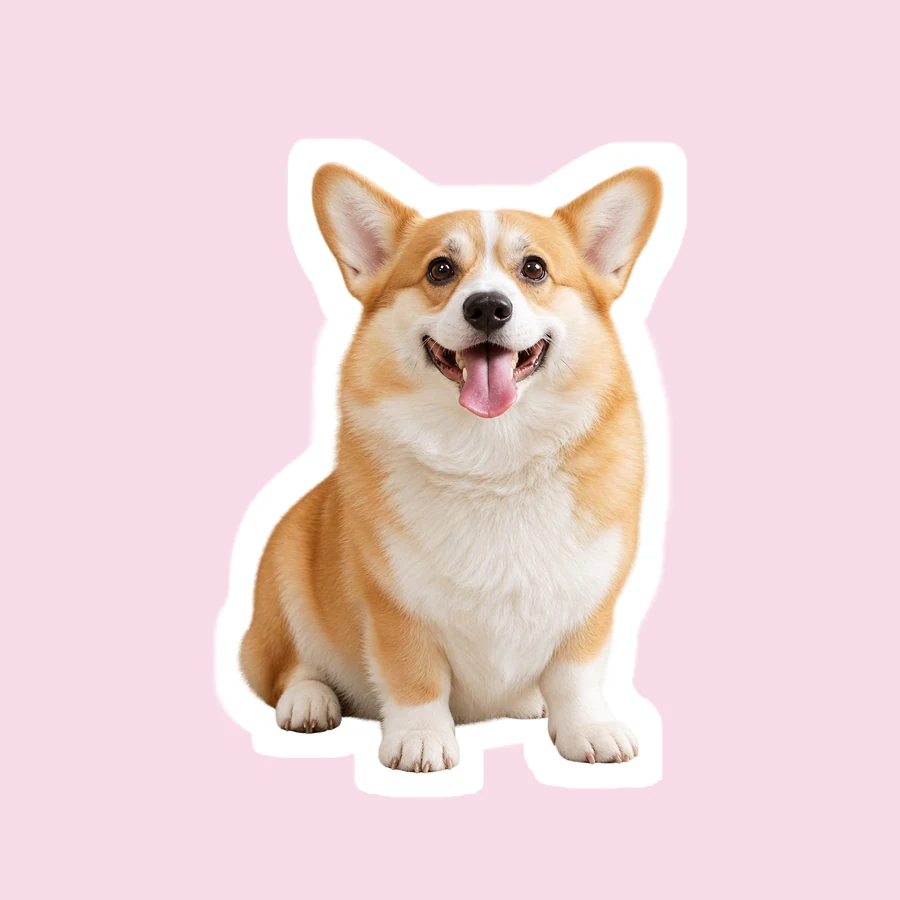
Upload a selfie or a pet photo and AI turns the face into an emote: a clean cutout, a cartoon, a chibi, pixel art or a round blob. As a pet emote maker it keeps fur color, ears and markings, so your server knows exactly whose dog or cat it is.
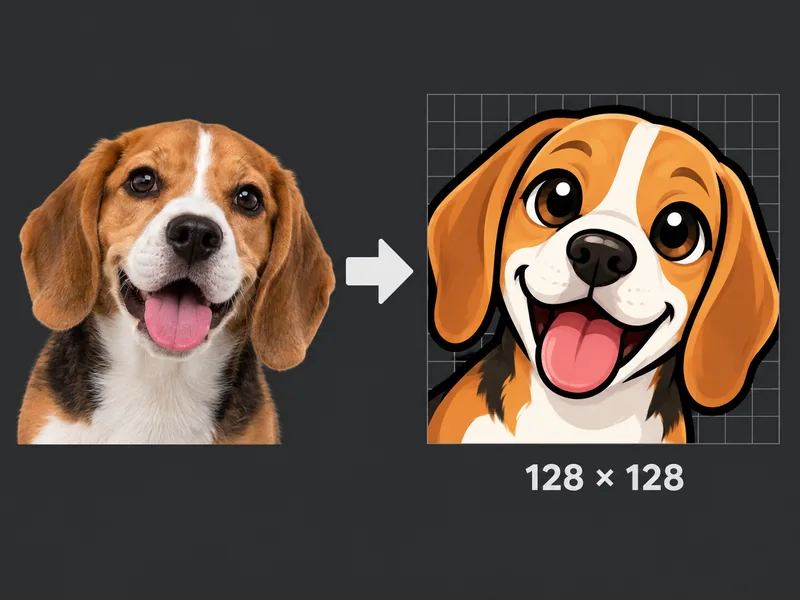
Every emote is framed square with the subject filling most of the space. Size the PNG to 128 × 128 in the free Discord PFP Size tool and it stays far below the 256 KB limit, the Discord emoji size the upload screen expects.
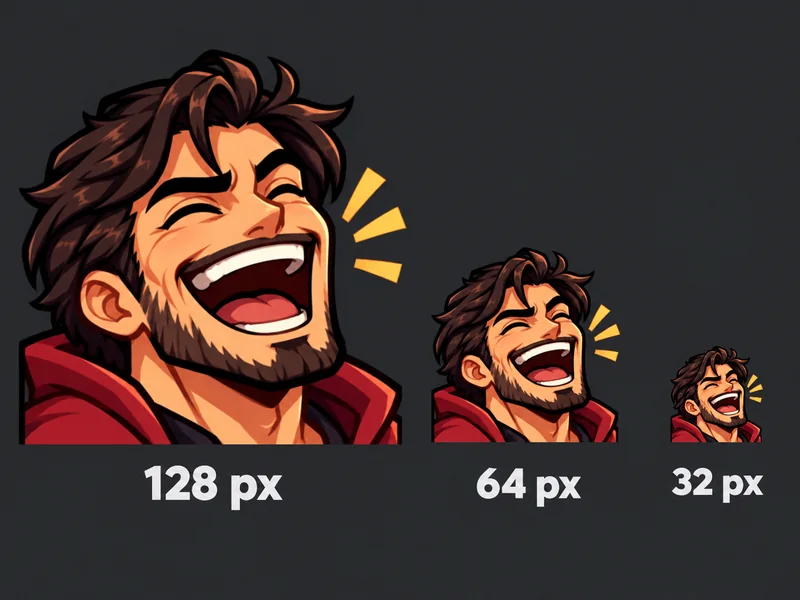
Big heads, thick outlines and simple shapes keep the emote readable when it is tiny in a message or reaction. Pick Earnest for the wide-eyed, hopeful earnest emoji Discord chats use to say please, or Smug, Laughing and Crying for a full reaction set.
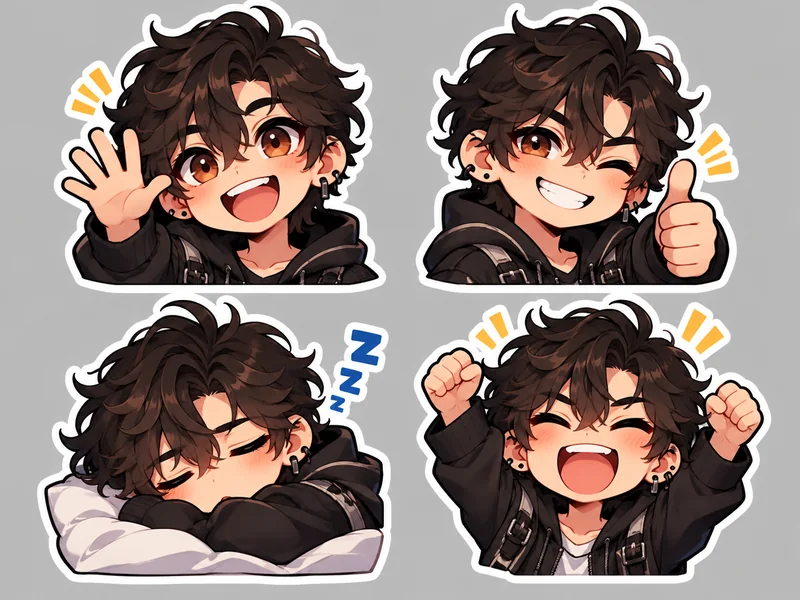
Switch Made for to Sticker and the design shows more of the subject, ready for a 320 × 320 server sticker. It works as a simple Discord sticker maker: crop the PNG to 320 × 320 in Crop Image and upload it in the Stickers tab.
Make Discord emojis your server will actually use. These are the ideas people pick most.
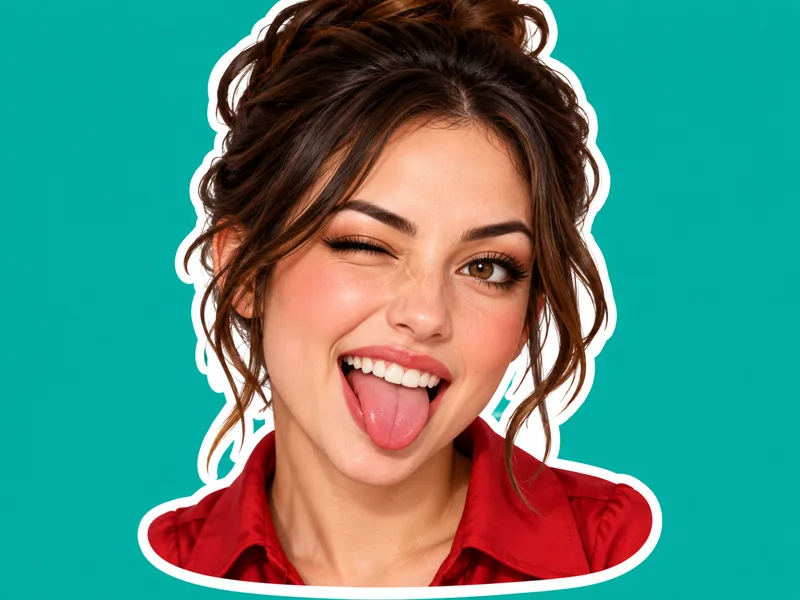
Your real face with a white outline, the simplest custom Discord emoji.
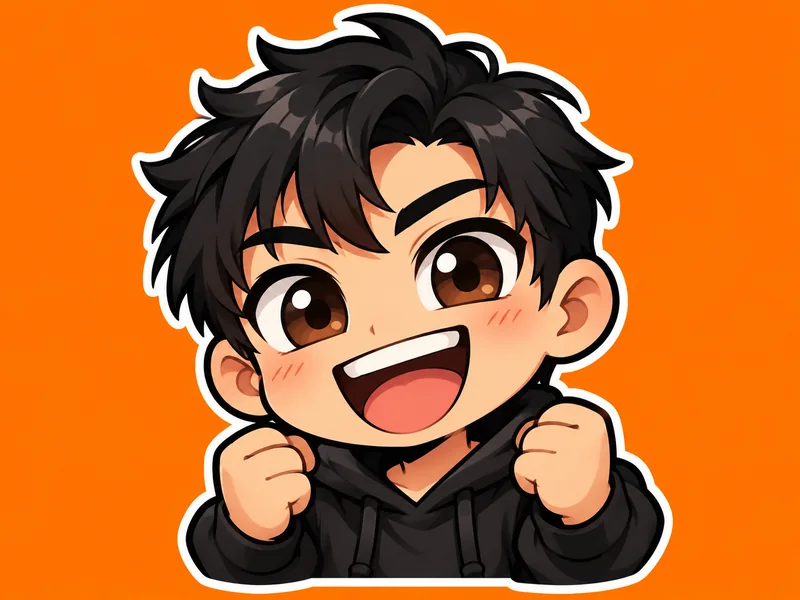
A big-headed, big-eyed chibi version of you with a happy grin.
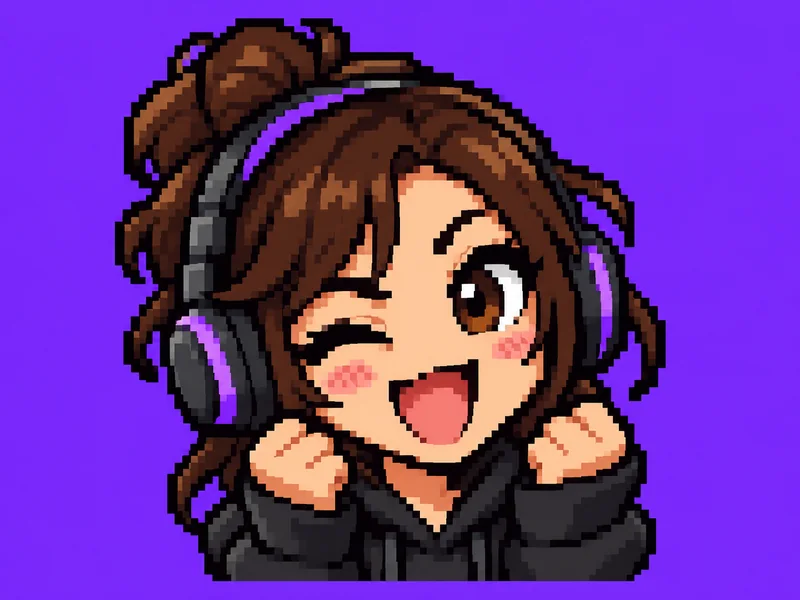
Crisp square pixels and a dark outline for gaming servers.
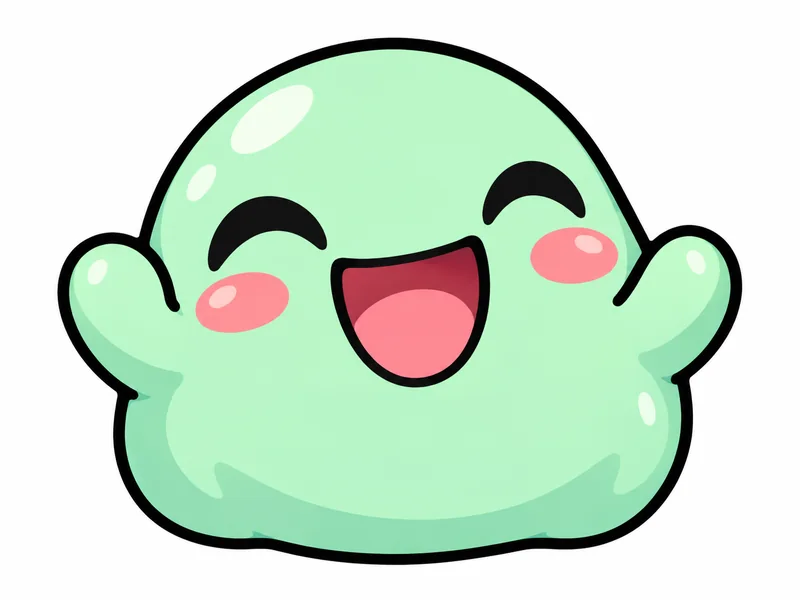
A round, squishy blob that keeps your colors and features.
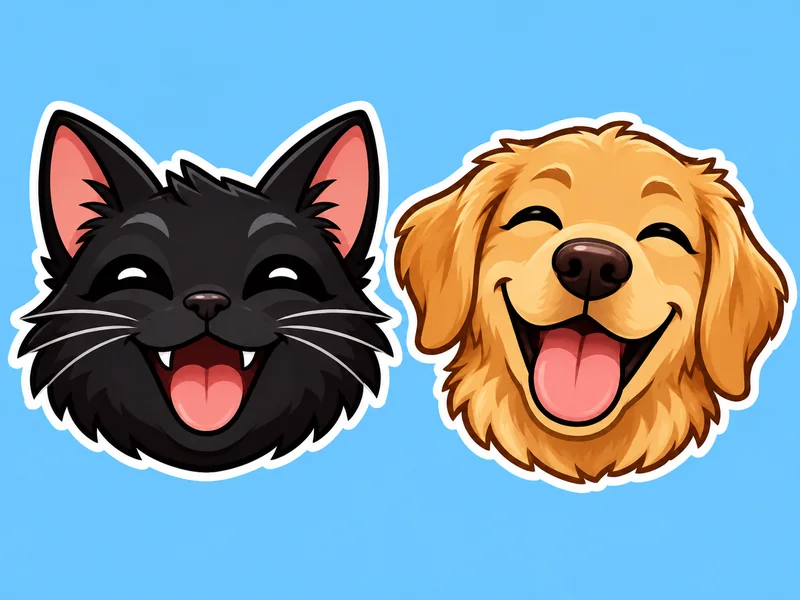
Your dog or cat as a happy cartoon emote, fur color and ears kept.
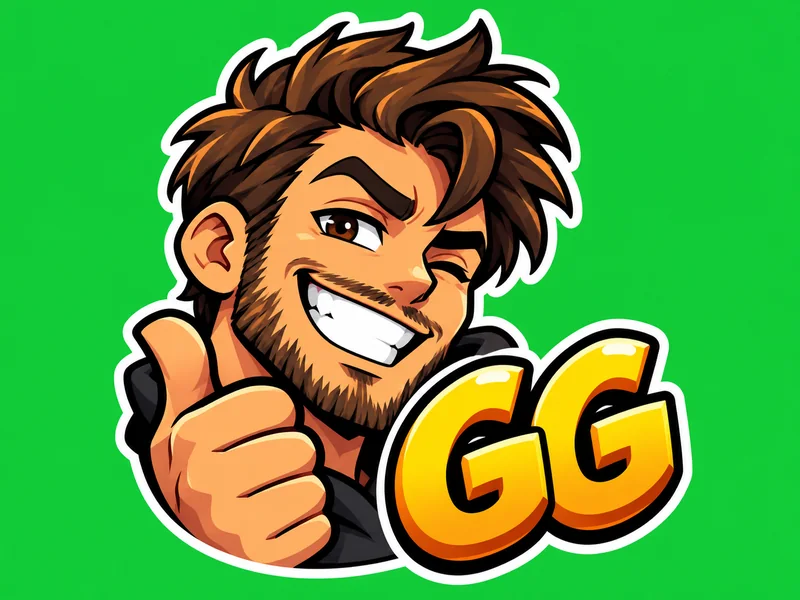
A face plus one short word like GG, LOL or nope.
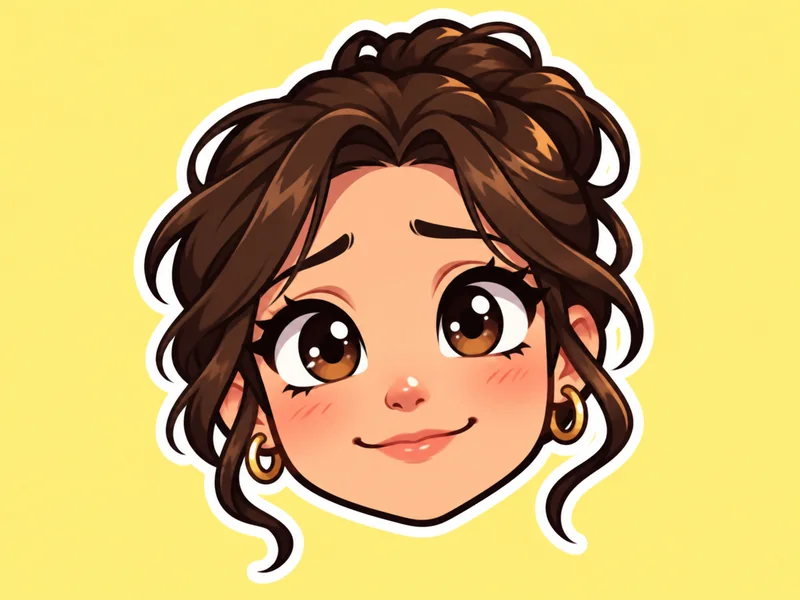
Wide hopeful eyes and a small smile for please, thanks and good luck.
A bigger, more detailed design for the server’s sticker tab.
A Discord emoji creator for every kind of server.
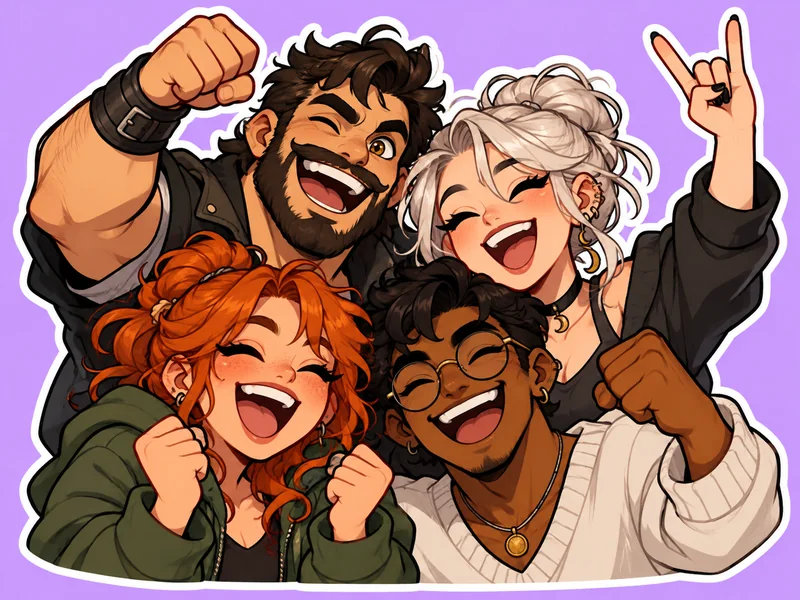
Turn everyone (with their OK) into a reaction emote, so inside jokes become one-click reactions.
Pixel and chibi emotes of your squad, your team mascot or your clan logo for match chats.
Give your community emotes of your face and your pet to use in your server and chat.
Earnest, thumbs-up and laughing emotes that make quick replies friendlier.
Make your own Discord emoji look sharp with these four habits.
Choose Head Only so the face takes up most of the emoji. Empty space makes it look tiny in chat.
An outline width of 6 or more separates the emote from both light and dark Discord themes.
Text emotes read best with one or two short words, such as GG or nope.
If Discord says the file is too large, resize it to 128 × 128 PNG; that brings it far under 256 KB.
Finish your server with matching avatars, sizes and stickers.
Turn a picture into an emoji of yourself, a 3D avatar or a sticker, with 12 expressions.
Open toolTurn a selfie into an anime, pixel art, 3D or gamer avatar for your Discord profile.
Open toolResize avatars, banners and emojis to Discord sizes, including Emoji 128×128, in your browser.
Open toolMake Telegram stickers from photos and publish your own pack with the @Stickers bot.
Open toolMake custom stickers with borders, frames and captions for Instagram Stories and Reels.
Open toolCreate stickers from photos or text in cartoon, kawaii, 3D, pixel and die-cut styles.
Open toolDesign emotes from a text description, with eight mood presets and up to 12 characters of short text such as GG.
Open toolEmotes done? Make the server icon next: type the server name and theme for a square logo that reads well in Discord’s circle.
Open toolHow to create, size and upload custom Discord emojis and stickers.
Upload a photo here, choose a preset such as Classic Cutout or Chibi Face, pick an expression and make the emote. Download the PNG, size it to 128 × 128 in the free Discord PFP Size tool, then upload it under Server Settings > Emoji. That is the quickest way to create Discord emoji from your own face or pet.
Make custom Discord emojis 128 × 128 pixels and keep them under 256 KB (as of 2026). Discord shrinks them in chat, so a clean square that fills the frame looks best. Stickers are 320 × 320 pixels and up to 512 KB.
Discord accepts PNG, JPG, GIF and WebP for custom emojis, with GIF for animated ones. PNG is the best choice for a static emote because it keeps sharp edges and can have a transparent background.
Open Server Settings, go to Emoji and click Upload Emoji, then choose your 128 × 128 PNG and give it a name. You need the Manage Expressions permission. Type :name: in any channel to use it.
Yes. Choose the Pet Emote preset and upload a photo where your pet faces the camera. The AI keeps fur color, ears and markings and adds a happy cartoon face and a thick outline, so it reads at chat size.
Usually the source is too small or the emote has too much detail for its size. Start from the original photo, choose Head Only and a thick outline, and size the finished PNG down to 128 × 128 instead of stretching a smaller image up.
Yes. Choose the Discord Sticker preset, download the PNG and crop it to 320 × 320 in Crop Image, then upload it in Server Settings > Stickers. Static sticker files can be up to 512 KB.
It is free to try: you get free credits when you sign up, and the price of each emote is shown before you make it. Resizing to 128 × 128 in the Discord PFP Size tool is free and runs in your browser.
Not with this tool; it makes static emojis and stickers. Animated Discord emojis are GIF files under 256 KB, and a server can use them alongside static ones. A bold static emote works everywhere, including in reactions.
Your photo is uploaded only so the AI can make your emote. We do not sell your photos, share them publicly or use them as examples on this site. Only upload photos you have the right to use, and ask friends before turning them into server emotes.
Upload a selfie or a pet photo, pick an emote style and expression, and add it to your server today.
Discord is a trademark of Discord Inc. EzImgMaker is an independent tool and is not affiliated with, endorsed by, or sponsored by Discord.