Gaming Guild Icon
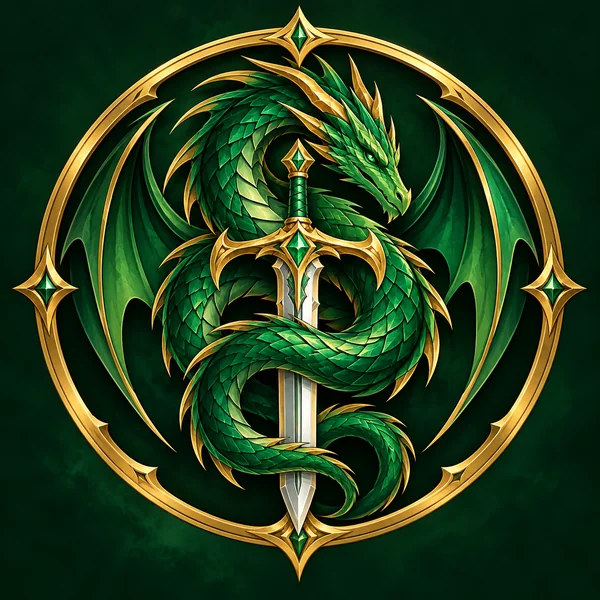
An emerald dragon coiled around a sword for Jade Talon, with no text so it reads in the sidebar.
Type your server name, choose a theme such as Gaming, Anime & Manga, or Study Group, and pick one of eight styles, from Gamer Mascot and Pixel Badge to Cute Chibi and Esports. Icons are drawn square and centered, because Discord shows them as circles, and a 16:9 canvas makes the matching server banner. Free to try.
Icon style
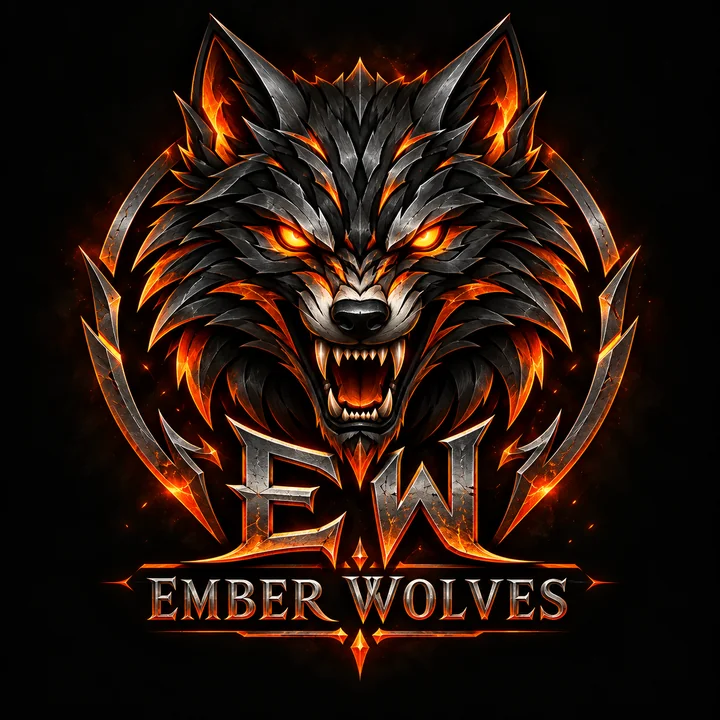
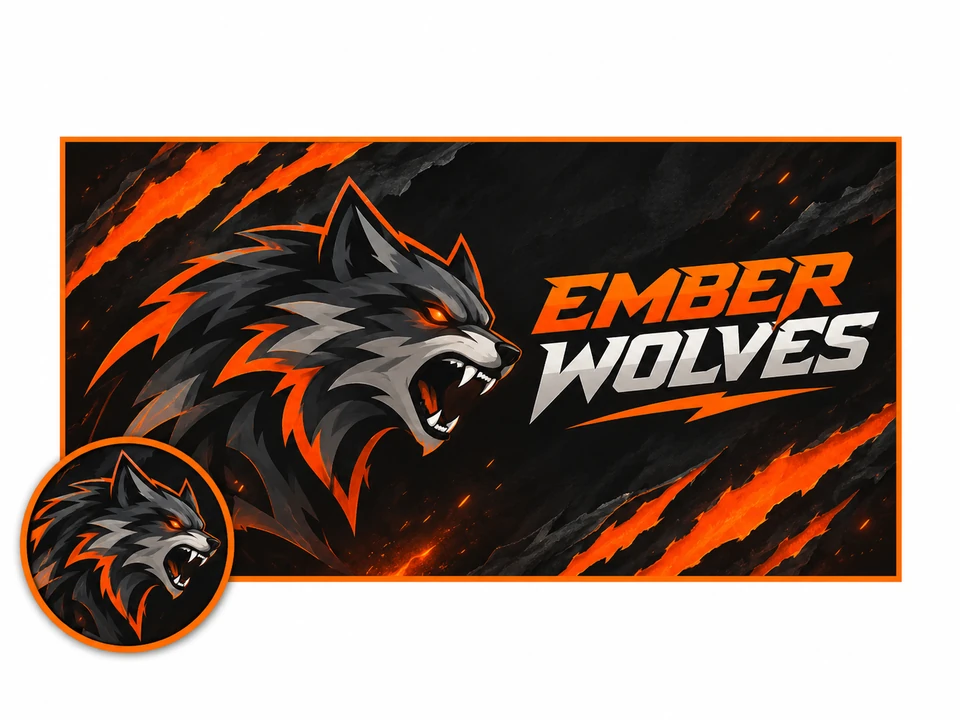
A Discord server icon for "Ember Wolves": an original snarling wolf head made of sharp orange and charcoal shapes with metallic edges, the initials EW below, dark background, centered for a circle.
Reference example. It is not a result generated from your upload.
A server icon is the smallest piece of branding your community has, and the one people tap most. This Discord logo maker draws it for you: type the server name, choose a theme, pick a style, and decide whether the icon carries initials, the full name, or a symbol on its own. Every design is centered for the round crop Discord applies.
Gaming guilds, anime clubs, study groups, art communities, coding help desks, and roleplay worlds each get their own symbols and palettes. Switch the canvas to 16:9 for a matching banner, or upload your mascot sketch to have it redrawn. New accounts can try it with the free credits they receive.
Six fictional servers. Each card sends its idea or style to the icon maker above.
An emerald dragon coiled around a sword for Jade Talon, with no text so it reads in the sidebar.
A sleepy owl in round glasses for Quiet Library, calm enough for late-night focus rooms.
Angle brackets that turn into a cat face for Dev Den, in terminal green on charcoal.
A glowing record with a lightning label for Bassline Lounge, drawn in the Neon Emblem style.
A moon-and-quill shield for Silver Quill Tales, the kind of crest a guild hall banner deserves.
A single white leaf on teal for Fernway, proof that one quiet shape is often enough.
Enter it exactly as members see it. Icons are tiny, so the default letters only the initials; switch Text on the icon to Full name for a banner.
Gaming, Anime & Manga, Study Group, Art & Design, Music, Coding, Roleplay, or Friends Hangout steers the symbols and colors.
Gamer Mascot, Pixel Badge, Neon Emblem, Anime Icon, Minimal Glyph, Shield Crest, Cute Chibi, or Esports. Idea chips give you a full description to edit.
Generate up to four icons, compare them as small circles, and upload the square file under Server Settings.
Circle-safe layouts, a choice of lettering, original characters, and a banner in the same look.
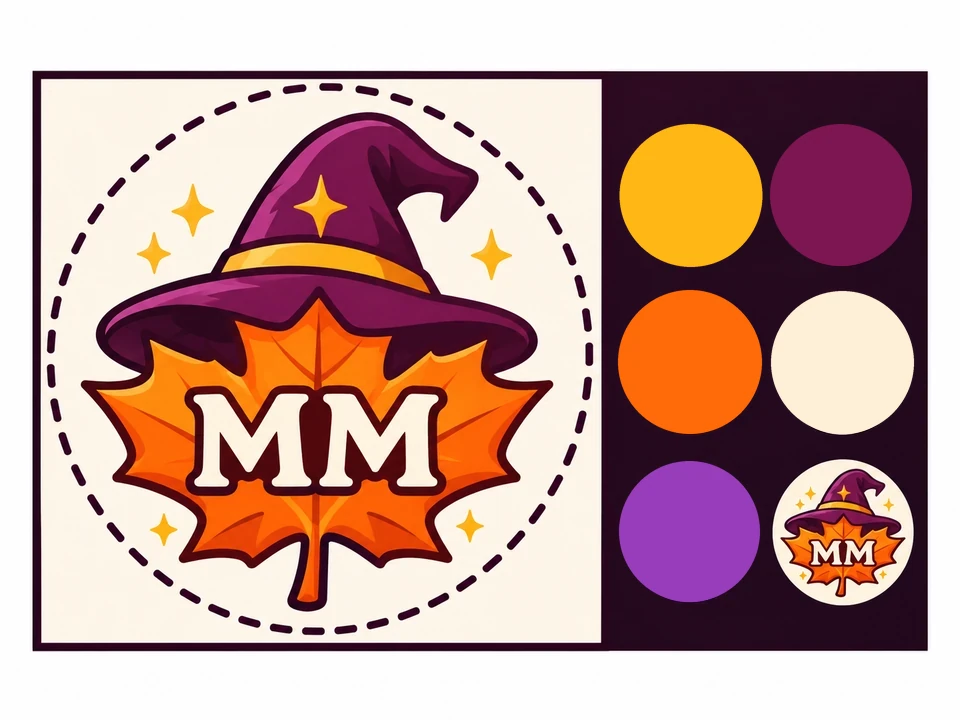
Discord asks for a square image and crops it into a circle in the server list, so the corners are lost. Every result keeps the subject centered with breathing room, which is why these icons come through the crop untouched.
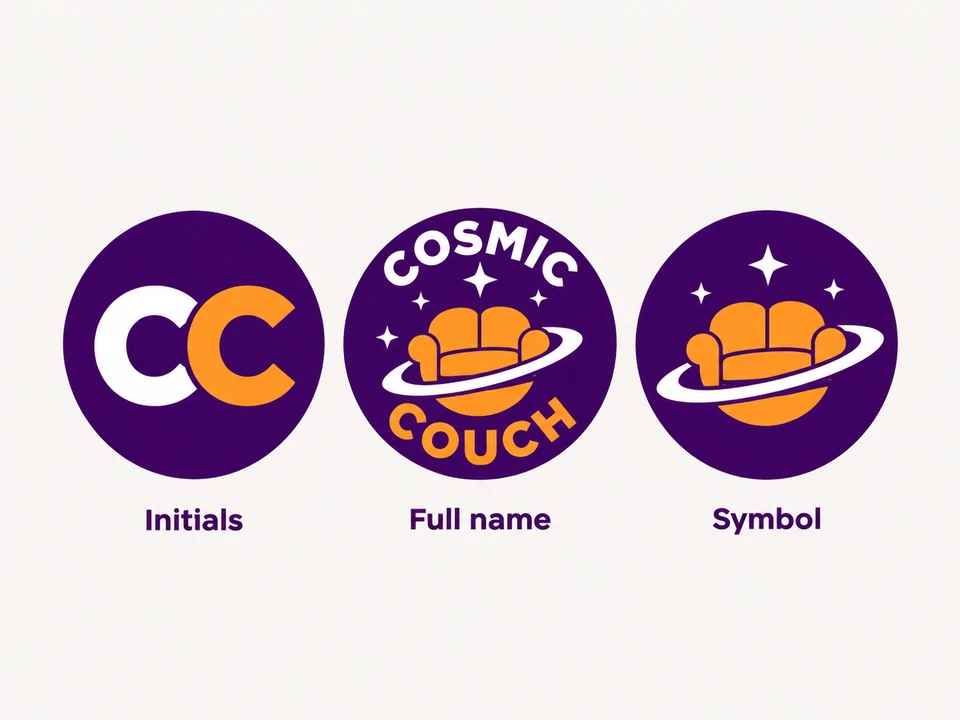
Choose what goes on the icon: two or three bold initials, the whole server name for banners, or a symbol with no text at all. As a Discord icon creator it treats the server name as the only lettering allowed.
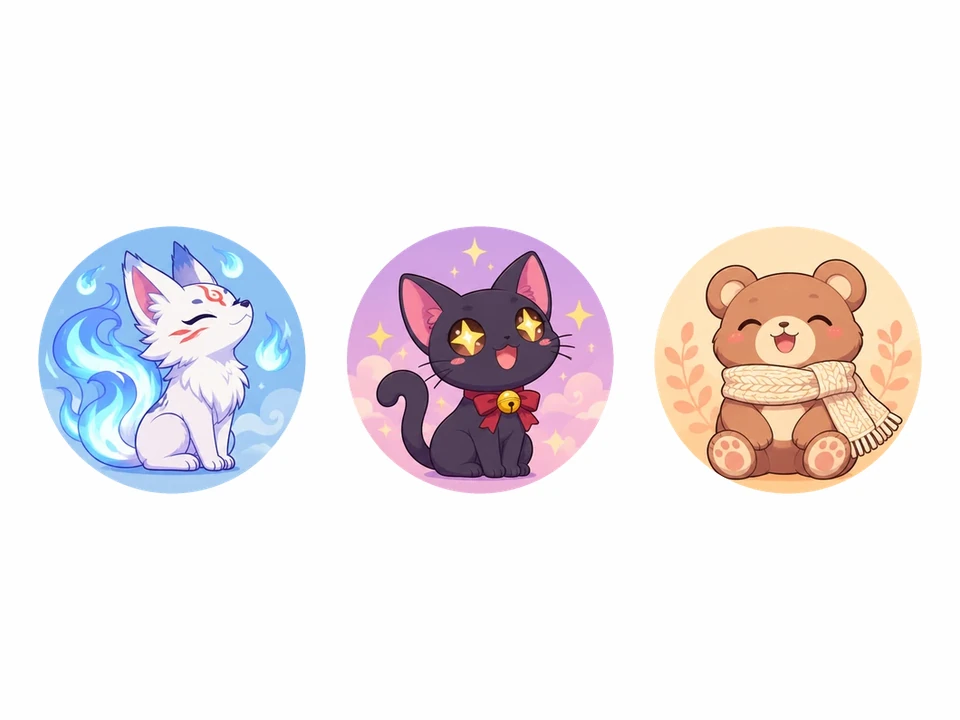
Anime Icon and Cute Chibi invent new characters for your community instead of copying a famous series, so the mascot belongs to your server rather than to someone else’s franchise.
Switch the canvas to Server banner and generate a wide version with the same name and colors for the top of the channel list, keeping the left side calm where the server name appears.
What Discord asks for, and how each image actually appears to members.
| Image | Upload shape | How it appears | Tip |
|---|---|---|---|
| Server icon | Square, at least 512 × 512 recommended | Cropped to a circle in the server list | Keep the subject in the middle |
| Server banner | 16:9, at least 960 × 540 recommended | Above the channel list on boosted servers | Leave room for the server name |
| Custom emoji | Square, 128 × 128 recommended | Inline in chat at text size | One face or object, thick outline |
| Bot avatar | Square image | Small circle beside the bot’s messages | A simple face or glyph reads best |
Sizes follow Discord’s upload guidance at the time of writing; if an upload is rejected, check the limits shown in Server Settings.
The same mark travels far beyond the sidebar.
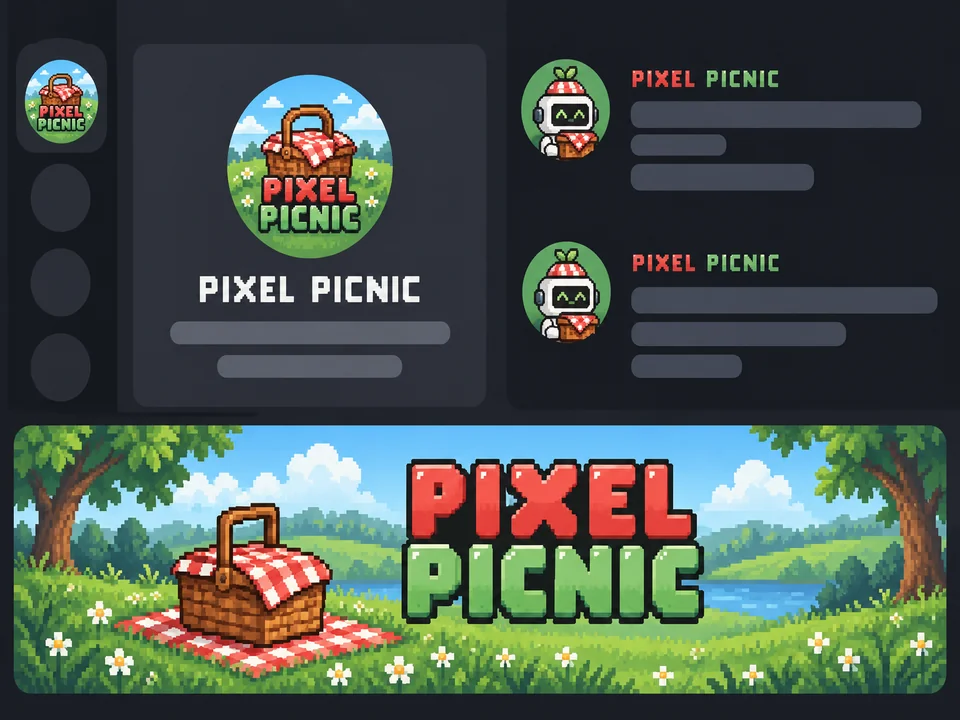
The round icon members click a dozen times a day; initials or a single symbol read best.
Your icon sits on every invite link you share, right next to the server name and member count.
Give the server’s bot a face in the same style so its messages feel part of the community.
The wide 16:9 version for the top of the channel list on boosted servers.
Turn the mascot into reactions so emotes and icon share one character.
Stickers, bracket graphics, and stream overlays for community nights.
Members see the icon at about 48 pixels. Big shapes beat fine lines every time.
Most members use a dark theme; a bright symbol or a colored circle keeps the icon from vanishing.
A mascot juggling three objects turns into noise at icon size. Keep one prop at most.
Skip Discord’s logo, game publishers’ marks, and characters from existing shows.
Emotes, avatars, exact sizes, and sister logo makers for the rest of your community branding.
Turn a face or pet photo into a bold emote sized 128 × 128 for your server.
Open the toolGive moderators and members matching anime, pixel, or gamer avatars from a selfie.
Open the toolResize icons, banners, and emojis to the exact pixel sizes Discord accepts, in your browser.
Open the toolThe full logo generator with a slogan, twelve industries, and two brand colors of your choosing.
Open the toolA channel logo for the community’s video side, centered for the round profile picture.
Open the toolRender the server name in chrome, glass, or glossy plastic for event graphics.
Open the toolYes. Sign up and the free credits on your new account cover a handful of server icons. Later generations use credits, and Generate Server Icon shows the price for the selected model and number of icons before you confirm.
Discord recommends a square image of at least 512 × 512 pixels. A square result from this tool is about 1024 pixels across, comfortably above that, so you can upload it as it is.
Server icons are uploaded square and shown as circles, so anything in the corners disappears. That is why every style here keeps the subject in the middle with a margin around it.
Yes. Describe the bot instead of the server, for example “a friendly robot holding a music note for a playlist bot”, choose Symbol only, and set the result as the bot’s avatar in the Discord Developer Portal.
The Discord Emoji Maker turns a face or pet photo into a 128 × 128 emote. To reuse your mascot instead, generate it again here with a reaction in the description, such as laughing or a thumbs up, then shrink it with Discord PFP Size.
No. Discord’s logo and mascot belong to Discord, and characters from existing series belong to their studios. Anime Icon and Cute Chibi create original characters in a similar spirit instead.
Yes. Switch the canvas to Server banner 16:9, set Text on the icon to Full name, and keep the style and theme. Discord suggests at least 960 × 540 pixels, and banners show on boosted servers.
Usually not. Anything longer than one short word shrinks into unreadable lines at 48 pixels. Initials only, the default, or Symbol only works better; save the full name for banners and invites.
Yes, as long as you drew it or have permission from whoever did. The AI keeps the mascot’s idea and redraws it cleanly. Do not upload art lifted from games, anime, or other servers.
No. This is an independent tool, not affiliated with or endorsed by Discord Inc. It creates artwork that you upload yourself through Discord’s own settings.
Type the server name, choose a theme and a style, and pick the icon that still reads as a tiny circle.
Discord and its logo belong to Discord Inc., GPT Image to OpenAI, and Nano Banana to Google LLC. EzImgMaker is an independent tool with no tie to any of them, and the servers, mascots, and names shown here are invented.