
Sports Team Logo
A fierce tiger badge with claw marks, built for jerseys and banners.
Describe an animal, a food, an object, or a person, pick a look from cute 3D and flat vector to esports and sports team logos, and add your brand or team name. This AI mascot maker designs an original mascot character or mascot logo, and you can add a logo, sketch, or pet photo to base it on. Free credits when you sign up.
Mascot style
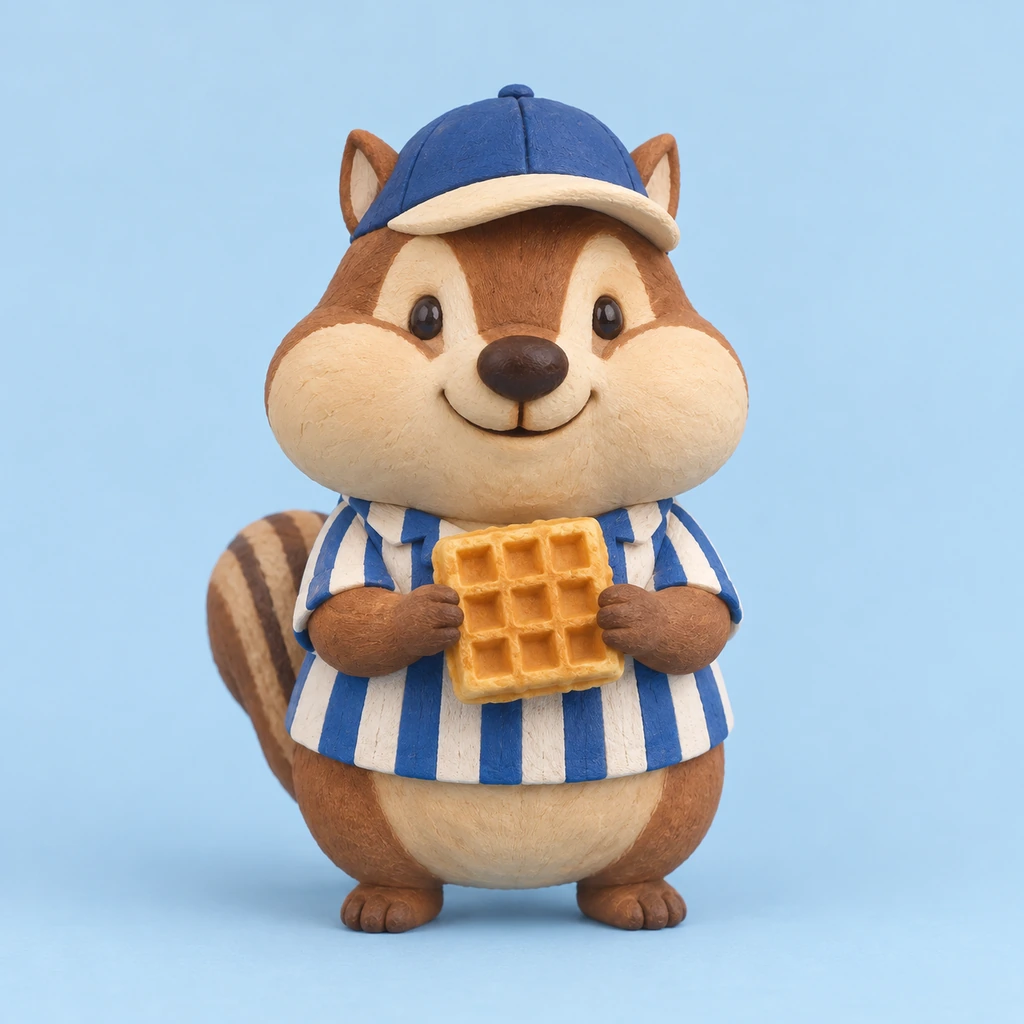
A cheerful cartoon chipmunk mascot for a waffle café, in a blue-and-white striped shirt and a blue baseball cap, holding a golden waffle, soft 3D style, plain blue background.
Reference example. It is not a result generated from your upload.
An AI mascot generator turns a short description into a finished mascot character. You describe who the mascot is (a fox barista, a school eagle, a friendly robot), pick a style, and the mascot maker draws an original character with a clear silhouette and colors that suit your brand. It replaces the slow first round of mascot creation, when a designer sketches dozens of ideas, with a few clicks, so you can design a mascot, compare directions, and only then decide what to refine.
This mascot creator works for businesses, schools, sports and esports teams, streamers, and apps. Choose from 12 styles, from Cute 3D and Flat Vector to Esports Logo, School Spirit, and Retro Cartoon, then show the result as a full-body character, a mascot logo with your name, a pose sheet, a sticker pack, or a merch mockup. Add your logo, a sketch, or a pet photo to base the character on, and generate up to four versions at once. It is a custom mascot maker that is free to try with the credits you get when you sign up.
Tap a card to load a matching idea or style, then change the animal, colors, or outfit to create your own mascot.
A fierce tiger badge with claw marks, built for jerseys and banners.
A sleek, trustworthy owl mark for a software or consulting brand.
A happy burger with arms and a big smile for a diner or food truck.
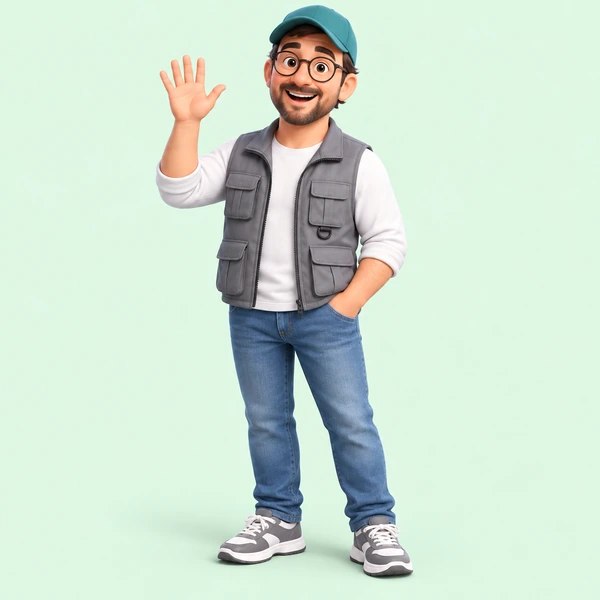
A friendly 3D character in a cap and vest for a shop, school, or channel.
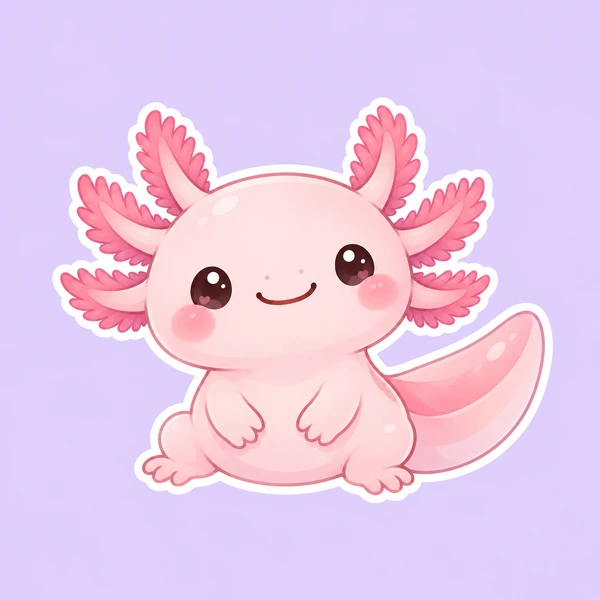
A pastel, round axolotl that sells stickers, plushies, and cute merch.
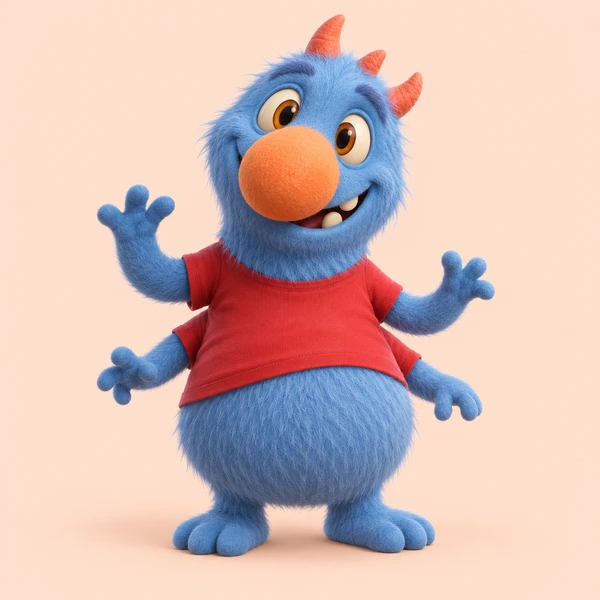
An original fuzzy creature with horns and a grin for a game or kids brand.
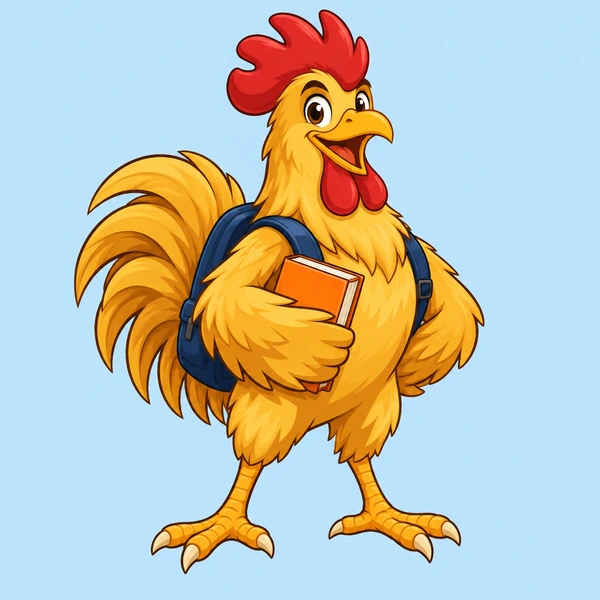
A rooster with a backpack and a book, ready for campus events.
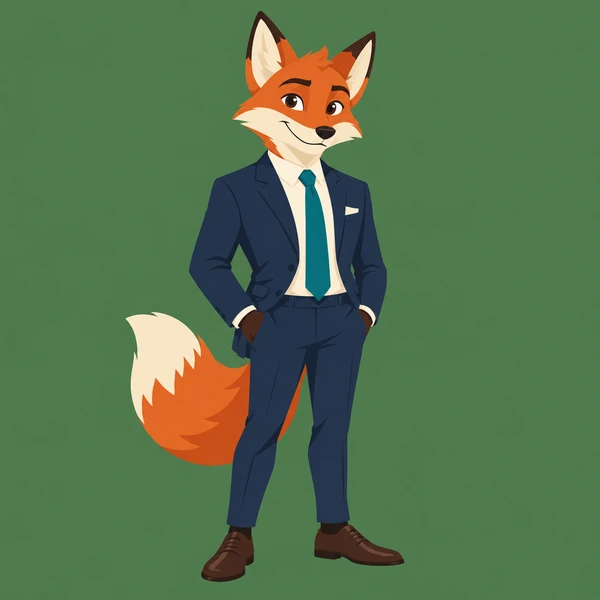
A fox in a navy suit, a flat vector mark for a professional brand.
Four steps to design a mascot, from a rough idea to a character you can put on a sign, a jersey, or a sticker.
Write who it is, what it wears or holds, and the mood you want, such as a proud school eagle or a goofy pizza chef. Stuck? Tap an idea, or press Surprise me to use it as a random mascot generator.
Choose a mascot type, a style such as Cute 3D, Esports Logo, or Retro Cartoon, and how to show it: a full-body character, a mascot logo, a pose sheet, stickers, or merch.
Type your brand, school, or team name exactly as it should appear, plus your colors. For logos with lots of text, pick Nano Banana Pro or GPT Image 2, which letter words most reliably.
Create one, two, or four versions, keep the best, and tweak a word or the style to iterate. Upload your favorite as the reference image to make matching poses of the same character.
A mascot creator built for original characters: you bring the idea and the brand, the AI handles the drawing.
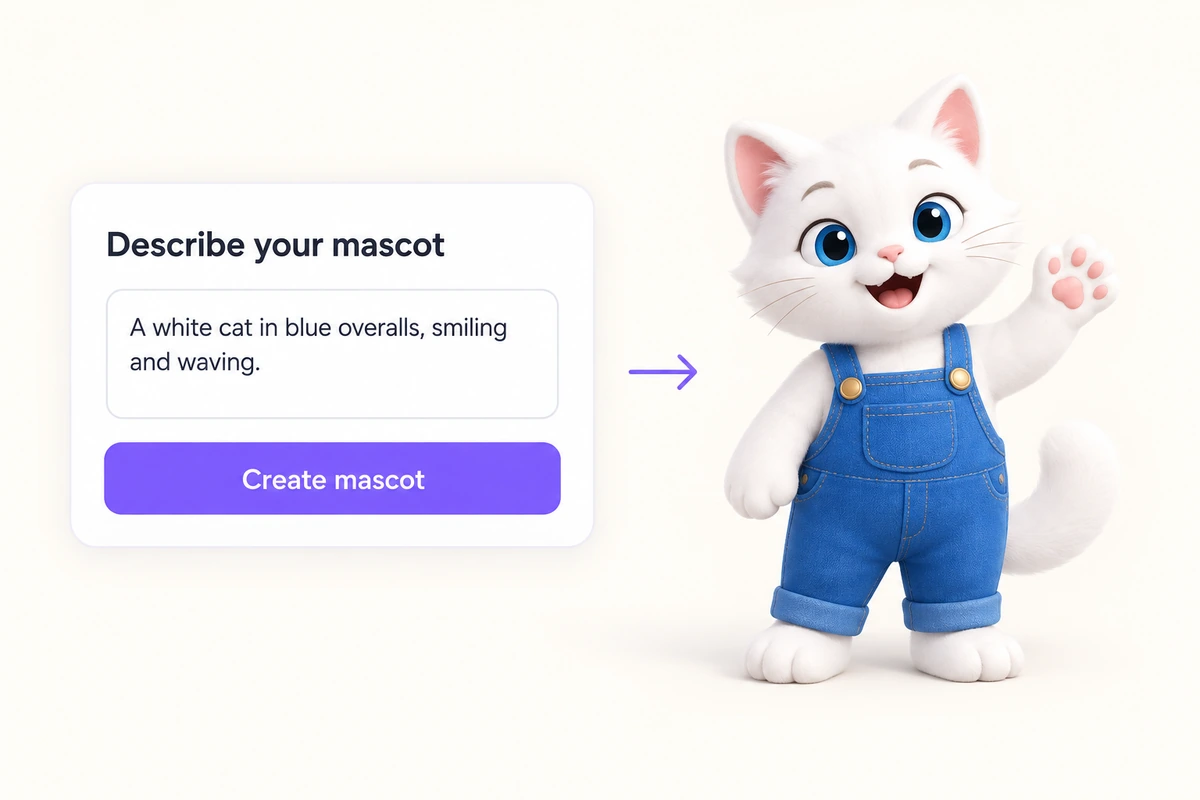
No templates or clip art: write what your character looks like and the AI mascot maker turns it into a finished design with a clear silhouette, an expression, and a palette that fits. Change one word, such as the animal or the outfit, and generate again to explore variations side by side.
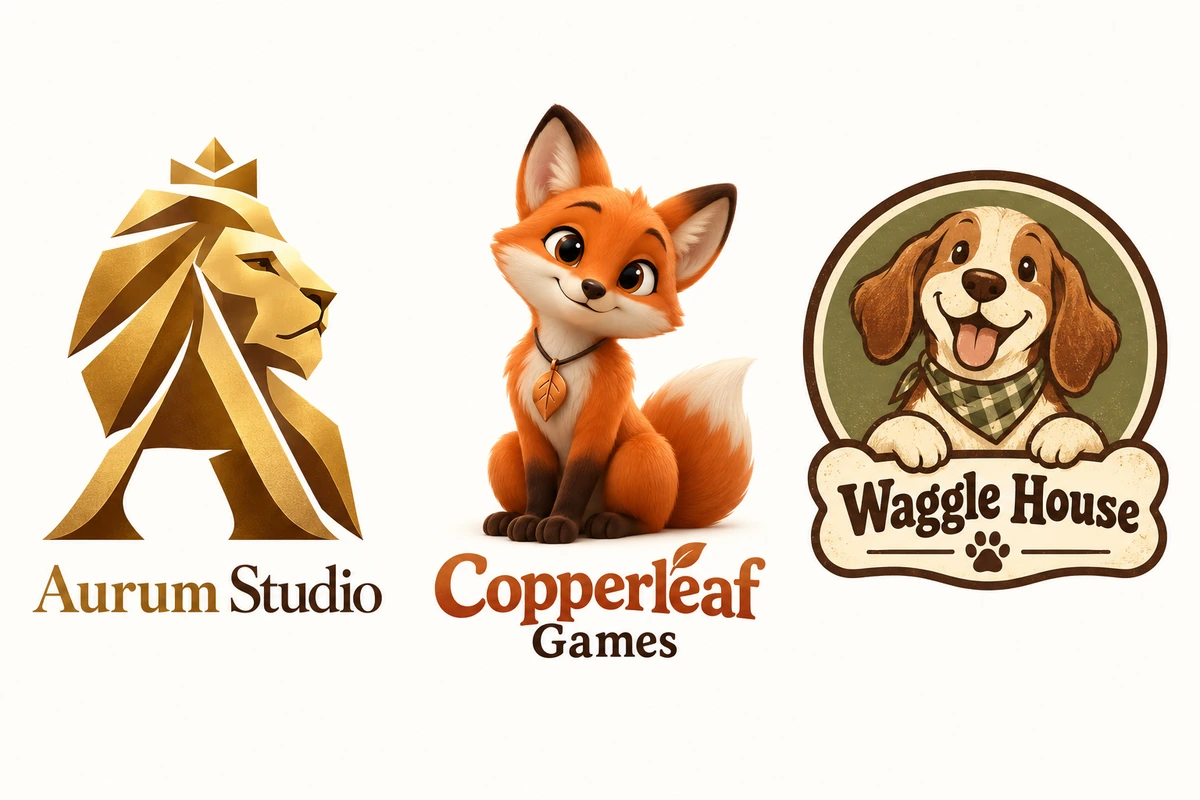
Pick Mascot logo in Show it as, type your name in the brand field, and the mascot generator sets it once, spelled exactly as written, under or around the character. Flat Vector, Corporate Logo, and Esports Logo styles keep the shapes simple enough for signs, cups, and favicons.
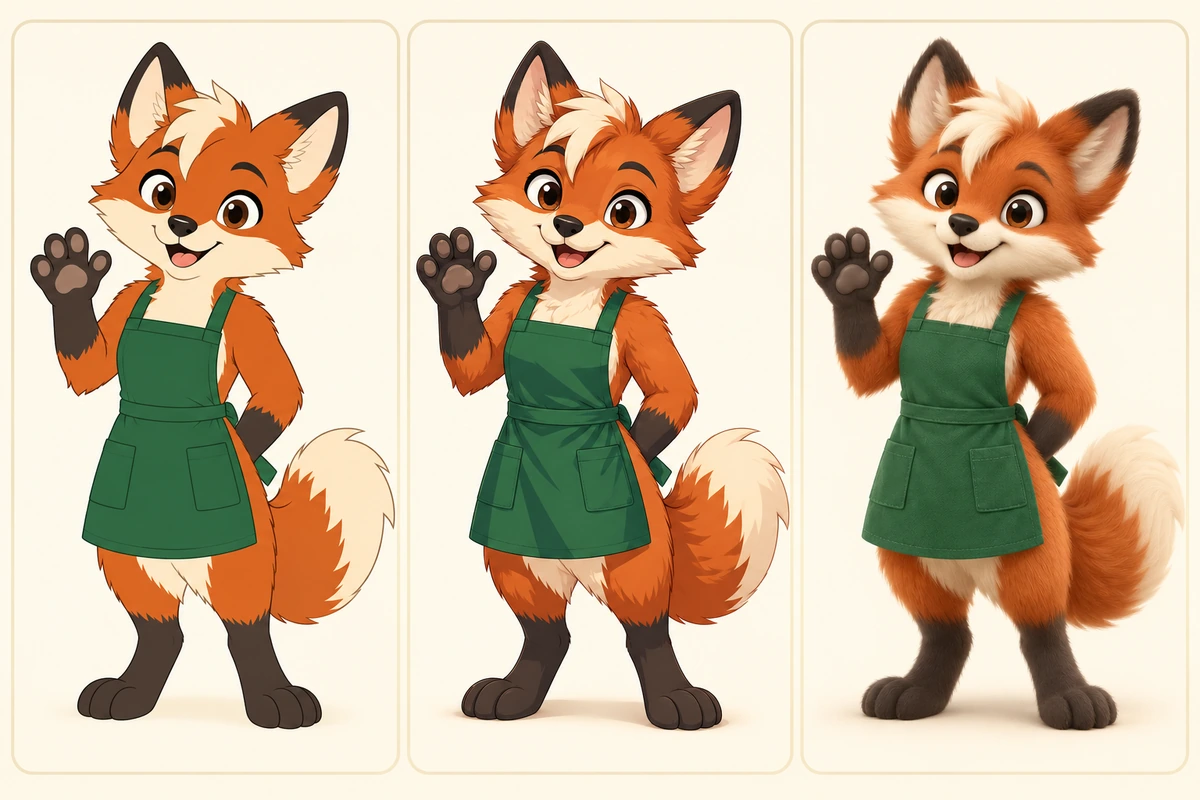
Try the same idea as Cute 3D, Anime, Chibi, or Plush Toy before you commit. Once you love a design, choose Pose sheet or Sticker pack, or upload your favorite as the reference, to get front, side, and back views and new expressions of the same mascot.
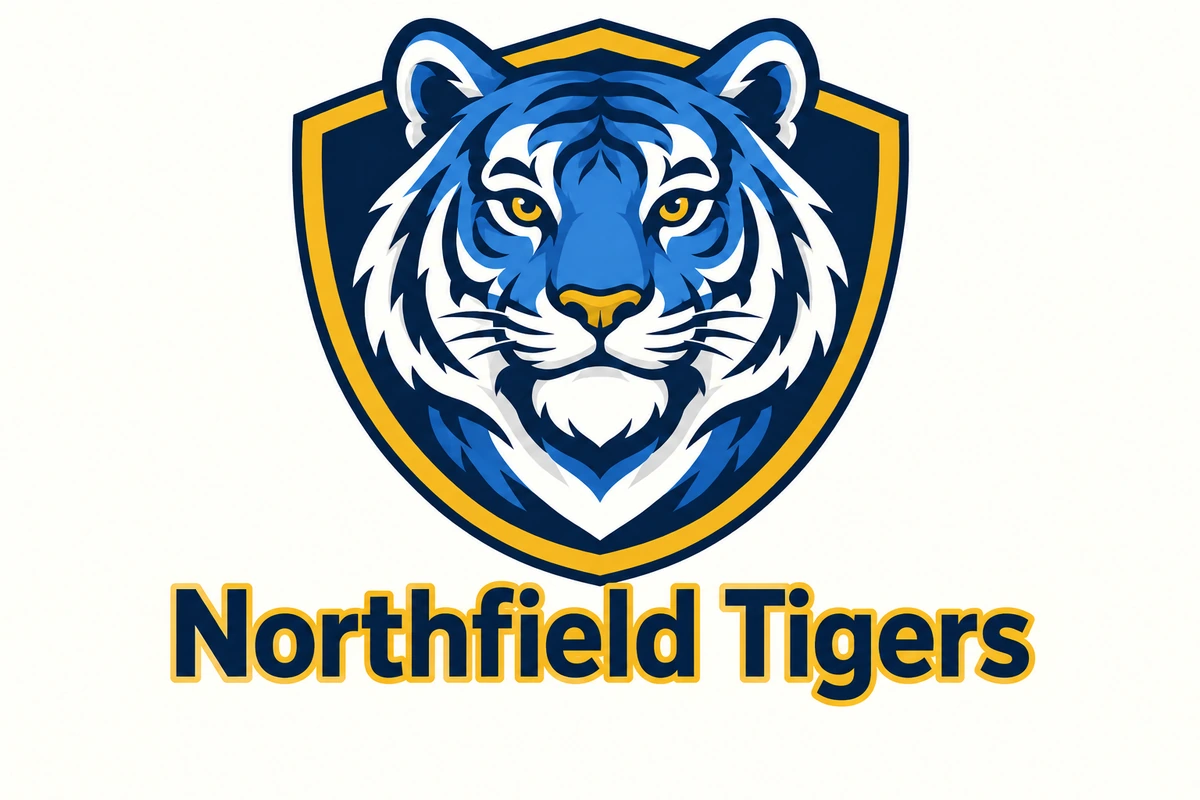
Use the School Spirit, Sports Team, or Esports Logo style with your school or team colors to make a mascot for uniforms, spirit wear, gym walls, and stream overlays. Keep it friendly for an elementary school or fierce for a varsity squad, and give the whole club a vote on four versions.
Not sure which look to pick in this mascot maker? Here is what each style does best.
| Style | What it looks like | Best for |
|---|---|---|
| Cute 3D | Soft, rounded, glossy, animated-film feel | Apps, kids brands, social media |
| Flat Vector | Clean shapes, flat colors, crisp edges | Logos, signs, packaging, favicons |
| Esports Logo | Angular head in a shield, thick outlines | Gaming teams, streamers, Discord servers |
| Sports Team | Strong character in a jersey, dynamic pose | Clubs, leagues, game-day merch |
| School Spirit | Proud character in a collegiate crest | Schools, colleges, campus clubs |
| Chibi | Tiny body, big head, sticker outline | Stickers, emotes, cute merch |
| Kawaii | Pastels, blush cheeks, sparkles | Cafés, candy, lifestyle brands |
| Retro Cartoon | Rubber-hose limbs, vintage palette | Diners, craft brands, nostalgic campaigns |
| Corporate Logo | Sleek, simplified character mark | B2B, tech, finance, consulting |
| Anime | Cel shading, expressive eyes | Gaming, VTuber, fan communities |
| Plush Toy | Fuzzy fabric, stitching, soft light | Merch previews and toy concepts |
Auto follows the look you describe in the prompt and falls back to a clean, friendly mascot on a plain background.
Make a mascot once, then put it everywhere your audience meets you.
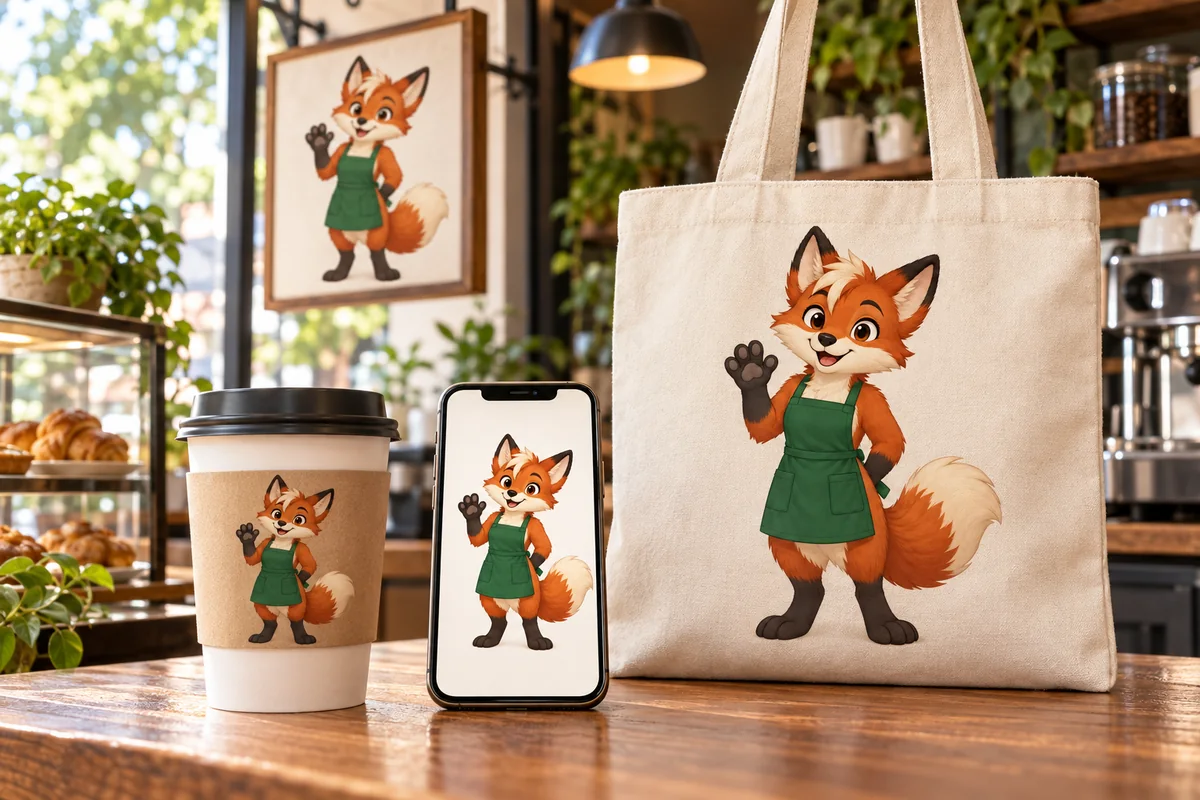
Give a café, shop, or startup a face for the sign, the cups, the website, and the packaging.
Create mascot art for spirit wear, banners, yearbooks, and campus events.
Put a fierce mascot logo on jerseys, overlays, team pages, and fan merch.
Use poses and expressions as reaction images, emotes, and post templates.
Add a guide character to onboarding screens, empty states, and help pages.
Show a designer the direction you want before paying for a final vector mascot.
The rules brand designers use, so your mascot is easy to recognize at a glance.
Use your brand or school colors plus one accent, so the mascot prints well and stays on brand.
A cup, a pencil, a hockey stick, or a bandana tells people what you do in one look.
Friendly and round for kids and food, sharp and angular for esports, calm and clean for finance.
Look at the result at favicon size: if the silhouette still reads, the design works.
Lock the design with front, side, and back views before you plan stickers and merch.
Avoid look-alikes of famous mascots; pick an animal and color combo that is clearly yours.
Turn your mascot into a full brand kit: logos, characters, stickers, and finishing tools.
 Monogram MakerFree to try monogram maker: type 2, 3, or 4 initials, pick interlocking, cursive, circle, or wedding styles, and the AI monogram generator designs your logo.
 Band Logo GeneratorFree to try band logo generator: type your band name, pick metal, punk, indie, hip-hop, or K-pop, and the AI band logo maker designs a logo you can print.
 Coat of Arms GeneratorCreate a coat of arms online with the AI coat of arms generator. Describe your family name, symbols, colors, and motto, pick a heraldic style, and generate.
 AI Packaging Design GeneratorPackaging AI that designs boxes, pouches, bottle labels, and coffee bags from a prompt. Add your brand name and logo and get packaging mockups. Free to try.
 AI Flag GeneratorFree to try AI flag generator: describe colors, symbols, and text, pick a style, and create a custom, pride, team, or fictional country flag to download.
 AI Sticker MakerHow to make a picture a sticker: upload a photo or screenshot, pick a style like die-cut, cartoon, chibi, or kawaii, and the AI sticker maker turns it into a PNG.
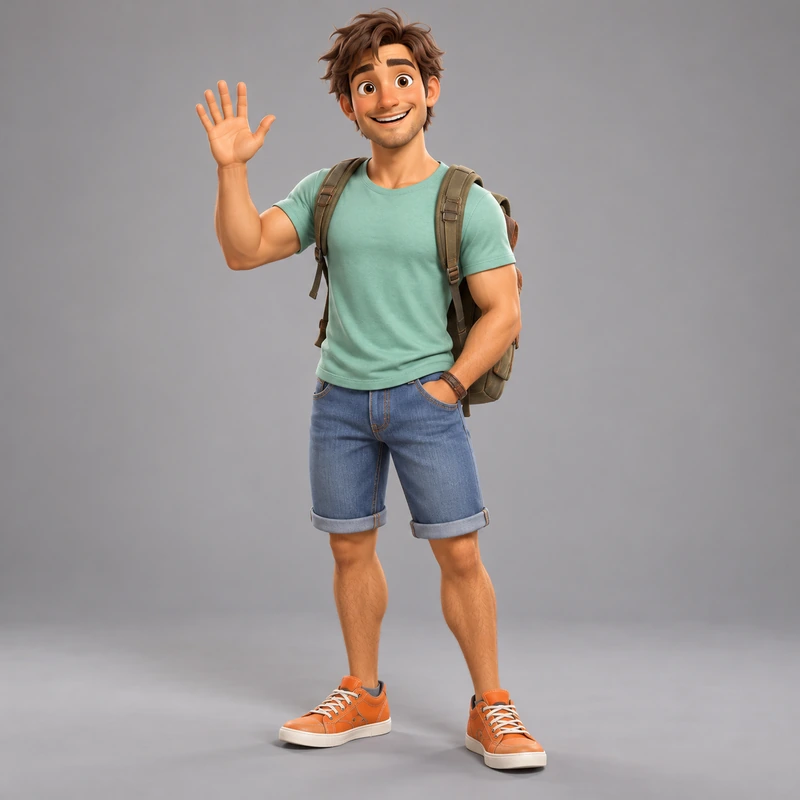 AI 3D Character GeneratorFree-to-try 3D character maker: describe a character or turn your photo into a 3D avatar. Animated movie, clay, low poly, designer toy and game styles.
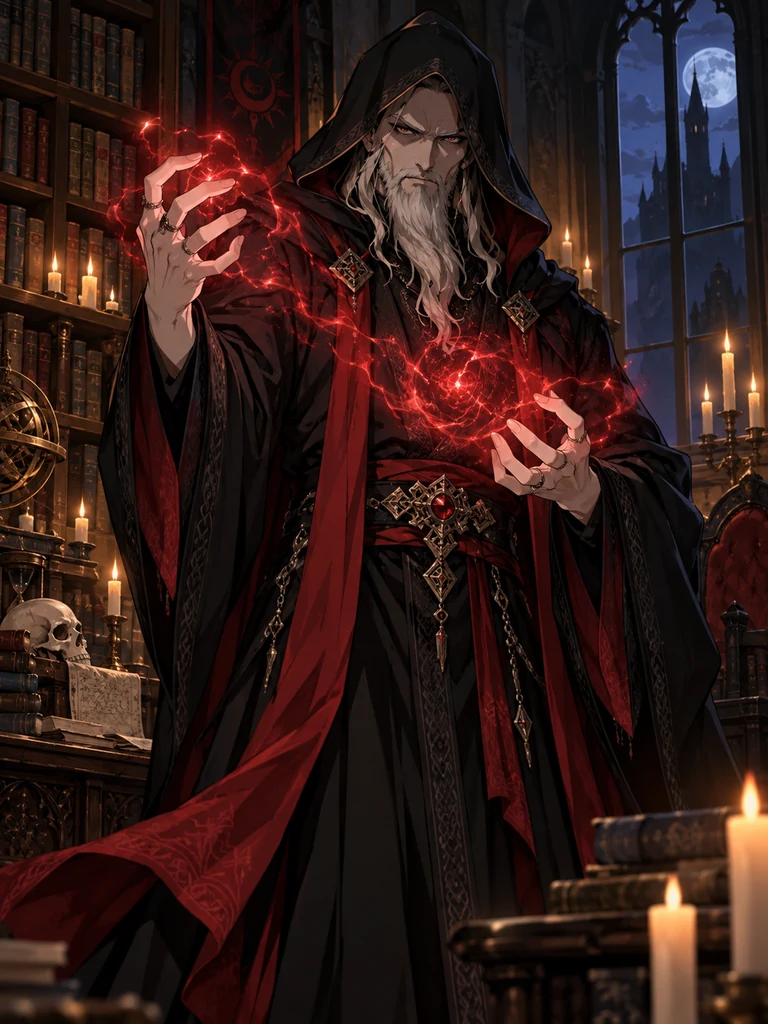 AI Character GeneratorFree-to-try AI character generator: create a character from text or a photo in anime, 3D, chibi, realistic, or pixel styles, plus character sheets and cards.
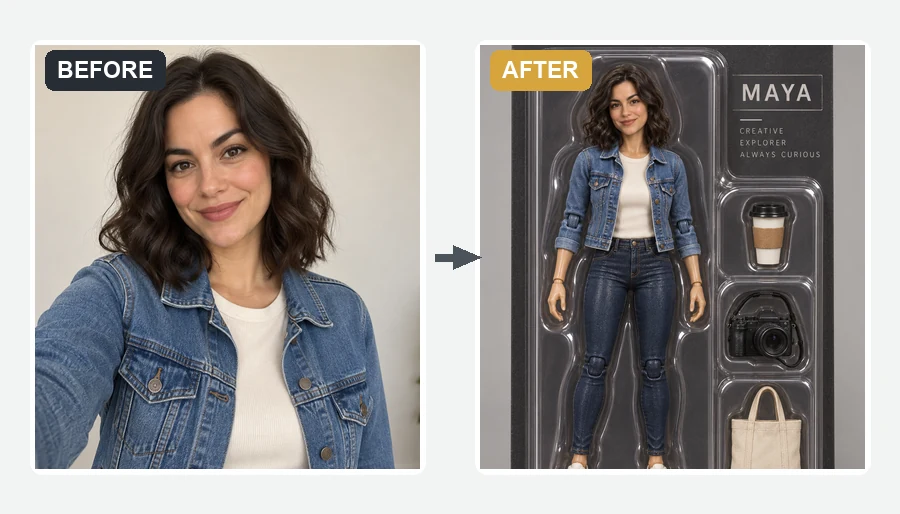 AI Action Figure GeneratorMake yourself an action figure with the AI action figure generator. Upload a photo, pick a theme, blister pack or window box, and get a boxed 3D toy of you.
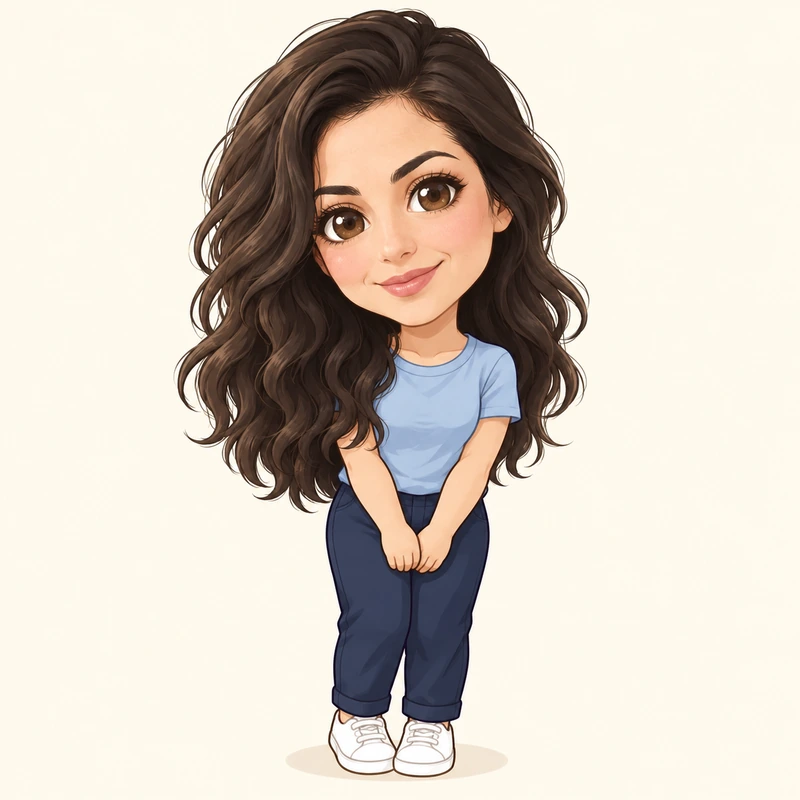 AI Chibi GeneratorFree-to-try AI chibi generator: turn your photo into a cute chibi or make a chibi character from text. Anime, 3D, sticker, couple and pet chibi styles.
 AI Animal GeneratorAnimal maker powered by AI: create your own animal, real or imaginary, then pick a habitat, a pose, and a style like realistic, cartoon, 3D, or pixel. Free to try.
 Animal Hybrid GeneratorMix animals together with the AI animal hybrid generator: name two animals, pick a style, and get an animal fusion, mashup, or random hybrid. Free to try.
 AI Dragon GeneratorCreate your own dragon with the AI dragon generator: describe it, then pick an element, a pose, and a style like Eastern, Western, cute, or pixel. Free to try.
 Make Image TransparentMake image transparent online: the AI erases the background and saves a transparent PNG of people, products or logos. Make background transparent, free to try.
 Background RemoverRemove background free to try: the AI background remover online cuts out people, products and pets, then gives you a transparent PNG, white, color or new scene.
 4K Image Upscaler4K image upscaler and converter: make an image 4K quality for wallpapers, TVs and prints. Upscale photos to 3840 px or more with faithful AI. Free to try.
 AI Image GeneratorFree to try AI image generator: type a prompt or add a photo, pick Nano Banana 2, GPT Image 2, Seedream, or FLUX, choose a style, and create AI images online.
Make it transparent, turn it into a 3D character, or pair it with a monogram.
Turn your mascot into a 3D animated, clay, or toy-style character with more angles and outfits.
Open the toolPair the mascot with a monogram of your initials for a badge, a stamp, or a favicon.
Open the toolRemove the background from your mascot for a transparent PNG for stickers, shirts, and slides.
Open the toolSimple steps for sketching your own mascot or logo idea, which you can upload here as a reference.
Read the guideIt is a mascot maker that draws an original character from your description. You describe the mascot, pick a style and format, and the AI designs a new character for your brand, school, or team. It does not copy existing mascots; every result is a new design based on your words.
With this tool: describe the character and what it holds, pick a style, type your brand name and colors, and press Create My Mascot. Generate four versions and keep the best. If you want to design a mascot by hand, the classic method is to list three words for your brand personality, sketch simple silhouettes of an animal or object that fits, pick the strongest, add a signature prop, then ink and color it in a vector app. Many people do both: create mascot concepts here, then have a designer redraw the winner.
Yes. Type it in the brand, school, or team name field and choose Mascot logo or On merch. The AI is told to letter it exactly as written and add no other words. AI lettering can still slip on long names, so for logos with text pick Nano Banana Pro or GPT Image 2 and check the spelling before you use it.
Yes. Press Surprise me to load a random idea, keep Mascot type on From my prompt and the style on Auto, and generate four at once. You get a quick spread of random mascots to react to, then refine the one you like.
Yes. Pick the School Spirit or Sports Team style, add your school colors in the Colors field and the school name in the name field, and describe the animal or character. Make it friendly for younger students or fierce for varsity teams, and use the pose sheet for spirit wear and banners.
Yes. Upload a logo to turn its symbol into a character, a rough sketch to redraw cleanly, or a photo of your pet or product to base the mascot on. Only upload images you own or have permission to use.
Choose Pose sheet to get front, side, and back views and several expressions in one image. For new scenes later, upload your favorite result as the reference image and describe the new pose; the AI keeps the design and changes the action.
It is free to try: new accounts get free credits when they sign up, and each image uses the credits shown on the button before you generate. The ideas and prompts on this page are free to copy.
You download a standard image of roughly 1K to 2K pixels. For a transparent background use Make Image Transparent, for large prints use the 4K Image Upscaler, and for a scalable vector logo have the final design traced in a vector app or by a designer.
We cannot give legal advice or guarantee that a design can be registered. AI images can resemble existing art, and trademark rules for AI-assisted work differ by country. If the mascot will become your official logo, have a designer refine it into an original vector file and ask a trademark professional to check it first.
Describe your character, pick a style, add your name, and meet your new mascot in a few clicks.