

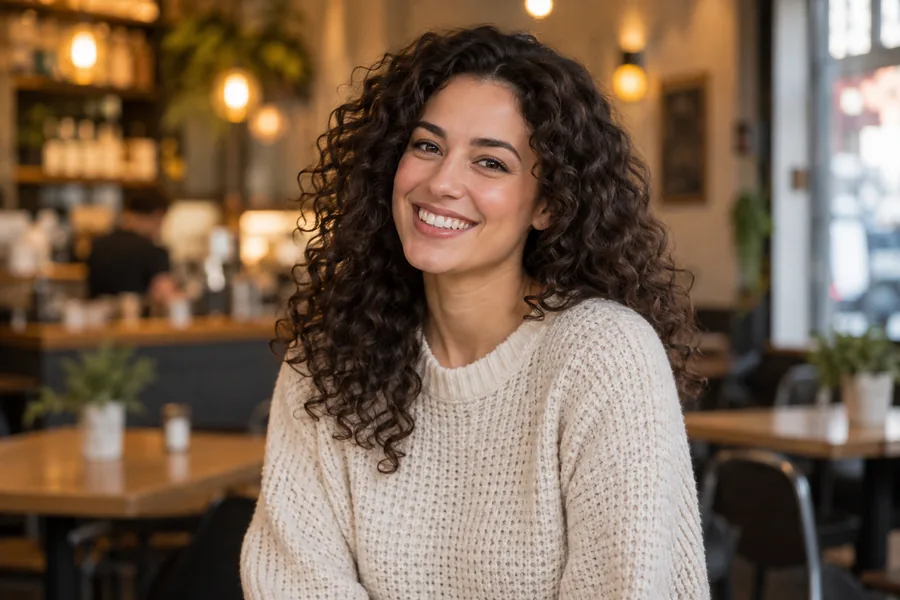
Transparent Background (PNG)
The café disappears and the portrait sits on real transparency, ready for slides, stickers and design files. This is how to make background invisible without masking anything by hand.
Upload a photo and the AI finds the subject, from people and products to pets and logos, cuts it out with clean hair and edges, and gives you a transparent PNG or a new white, black, colored, blurred or AI-generated background. It runs in your browser on phone or desktop.
One-click looks
Fine-tune
Reference example. It is not a result generated from your upload.
A background remover separates the subject of a photo from everything behind it. Upload a picture and the AI finds the person, product, pet or logo, traces the edge (loose hair and see-through glass included), and deletes the rest. You can cut background out of picture free to try and keep a clean transparent PNG: the invisible background designers drop into any layout.
EzImgMaker is a background adder too. Instead of leaving the space empty, make bg white for an ID photo, switch to black or a brand color for a one-click bg color change, blur the original scene like a portrait lens, or type a prompt to background and let the AI build a new scene with matching light. It works as an image background remover online in any browser, so it also replaces a remove the background app on your phone.
Drag each slider to compare the original photo with the result. Every look below is one choice in the workspace.
The café disappears and the portrait sits on real transparency, ready for slides, stickers and design files. This is how to make background invisible without masking anything by hand.
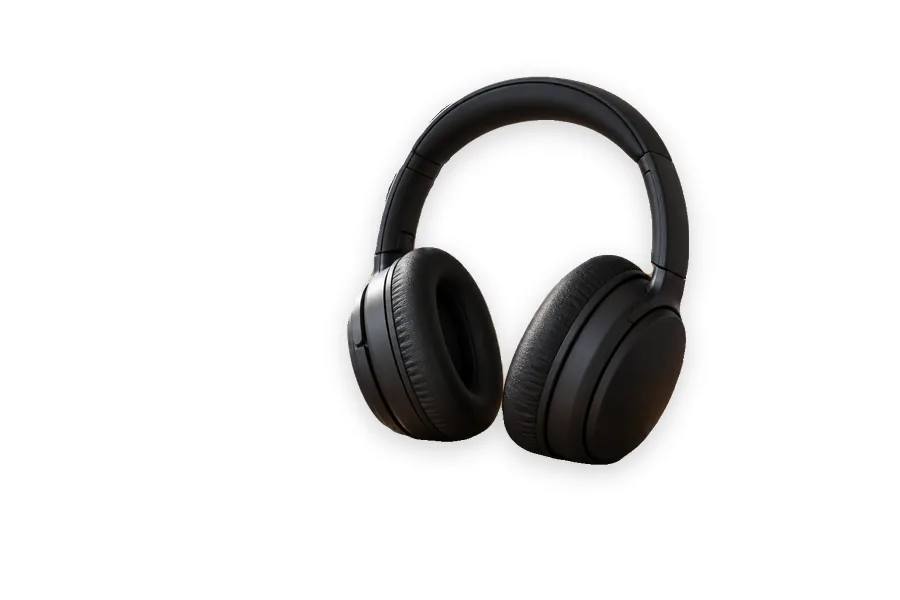
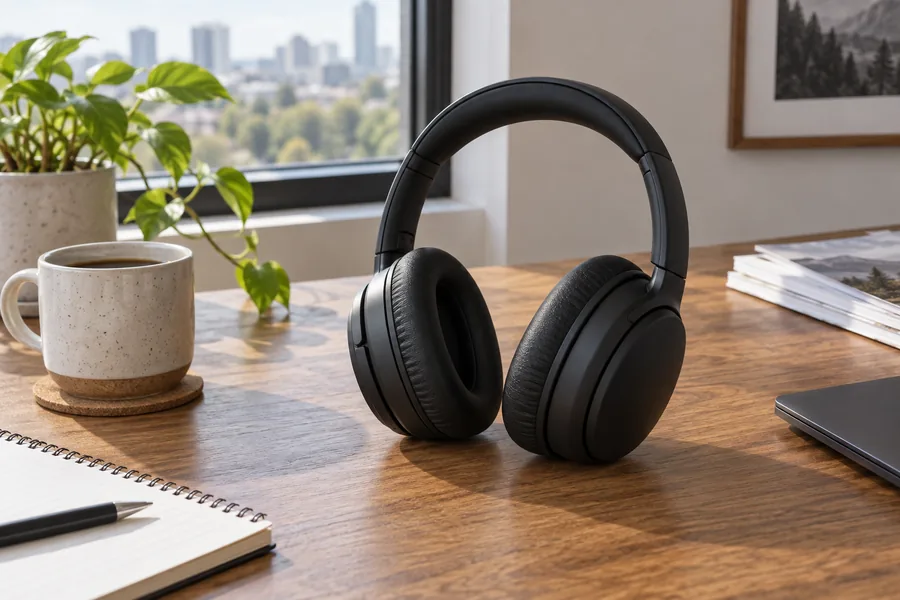
Desk clutter around a product becomes pure white with a soft shadow, the look marketplaces, catalogs and ID photo rules ask for.


Keep the venue but blur it like a fast portrait lens, so the couple stands out and the photo still shows where it was taken.


Swap the sky for one flat color from your palette. Change the color of a picture background in one click for thumbnails, banners and team pages.
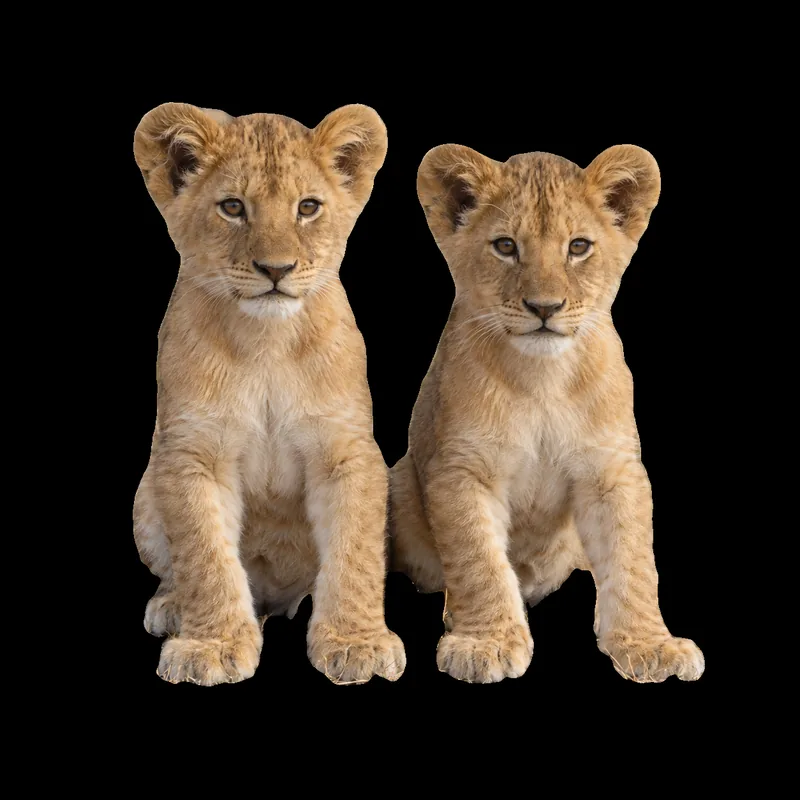
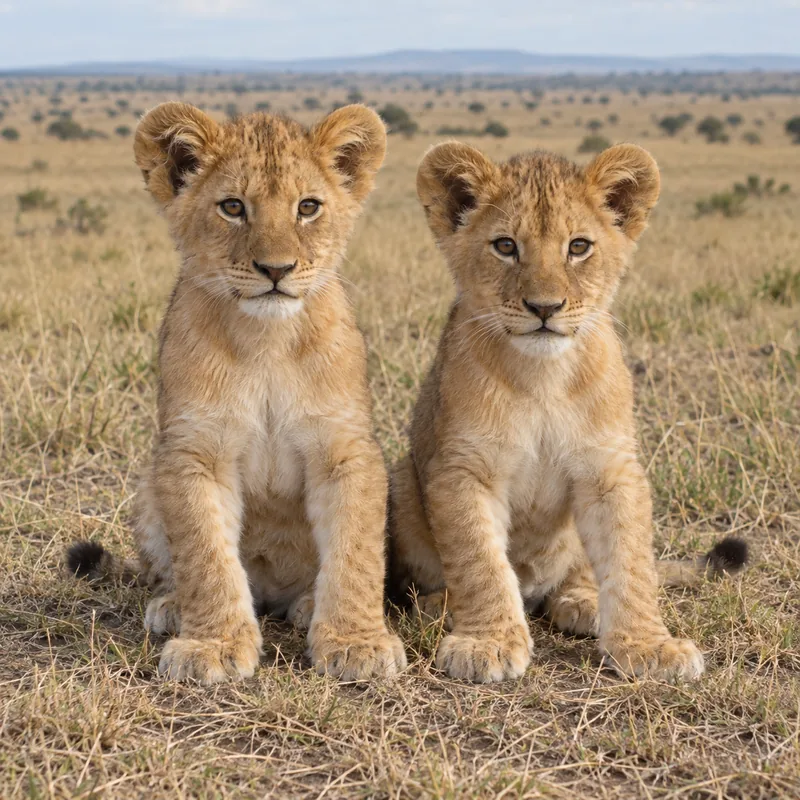
Two lion cubs lifted off the savanna and set on pure black: dramatic framing for posters, wallpapers and dark-mode designs.
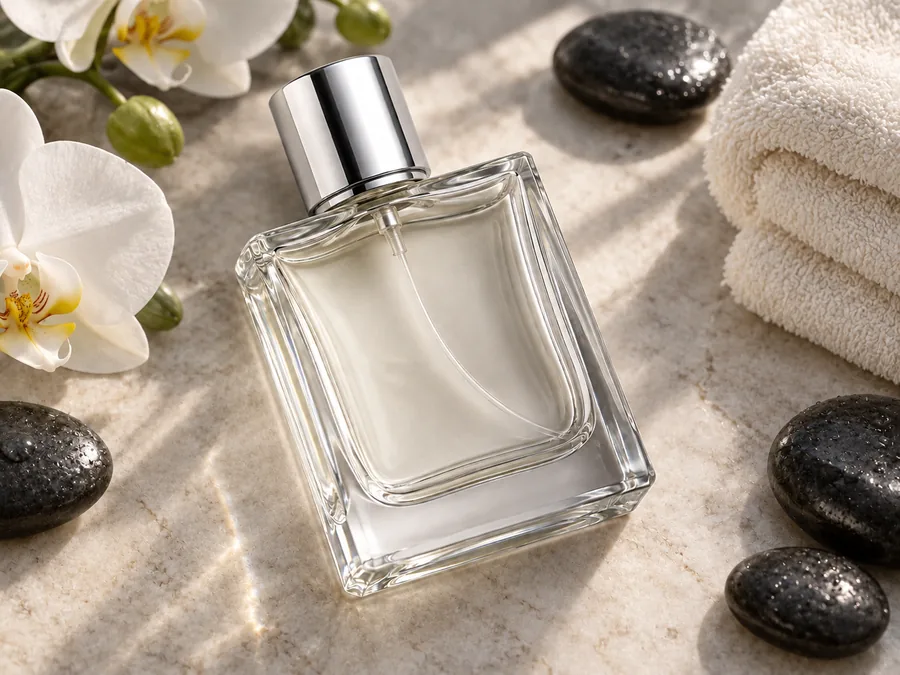
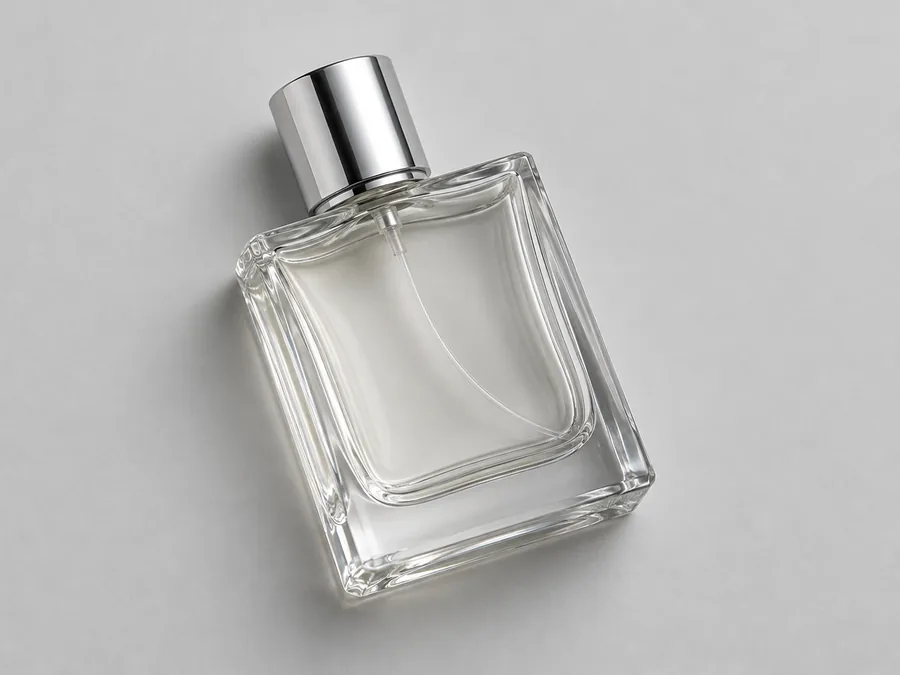
Describe a scene and the AI builds it behind your subject with matching light. Here a plain studio bottle becomes a spa still life with orchids and stones.
The same three steps work for portraits, products, pets, logos and artwork.
Add a JPG, PNG or WebP up to 10 MB (5 MB when you want a transparent PNG). A sharp photo where the subject stands out from the background gives the cleanest edges.
Keep it transparent, pick white, black or any color, blur the original, or describe a new scene. One-click looks such as ID Photo White and Beach Scene set everything at once.
Click Remove Background, drag the slider to compare the result with your original, and download it as a PNG or JPG.
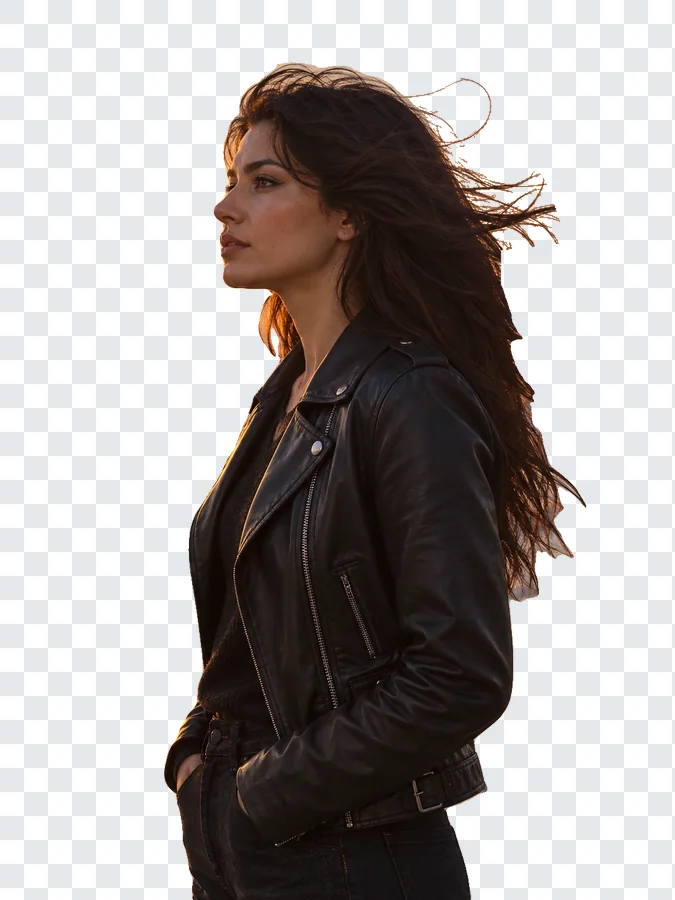
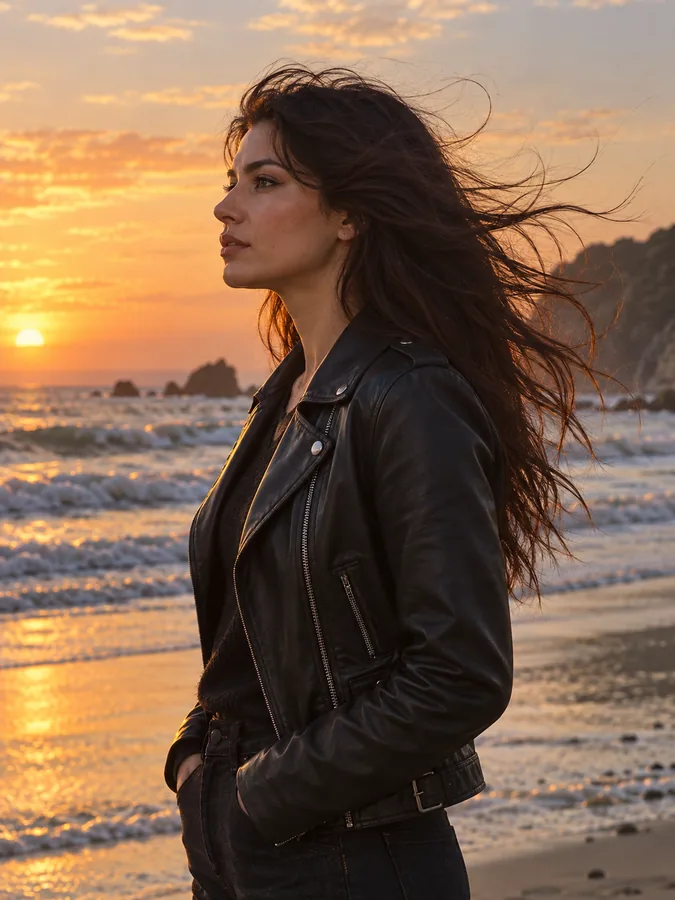
Flyaway strands, curls, fur and lace are where quick tools leave halos. The AI traces every strand and keeps the soft edge, so the cut-out looks natural on any new background. New accounts get free credits to try it on their own photos.
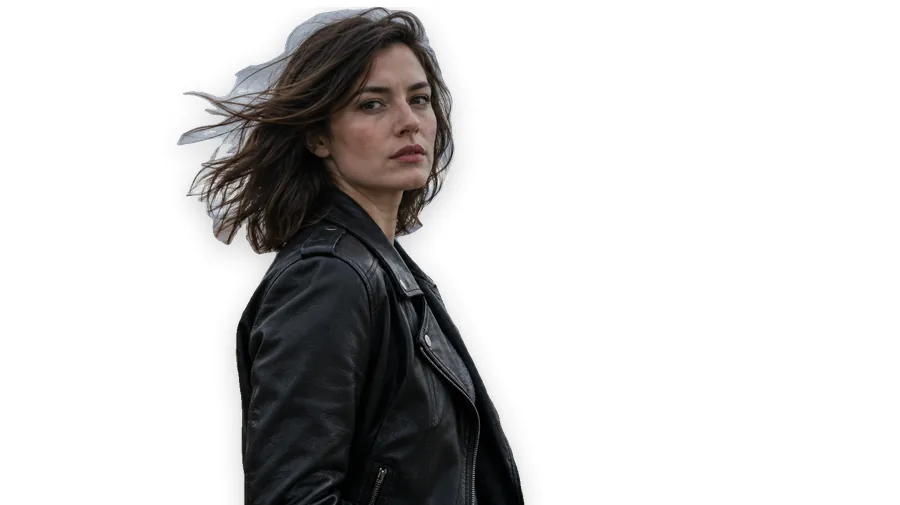
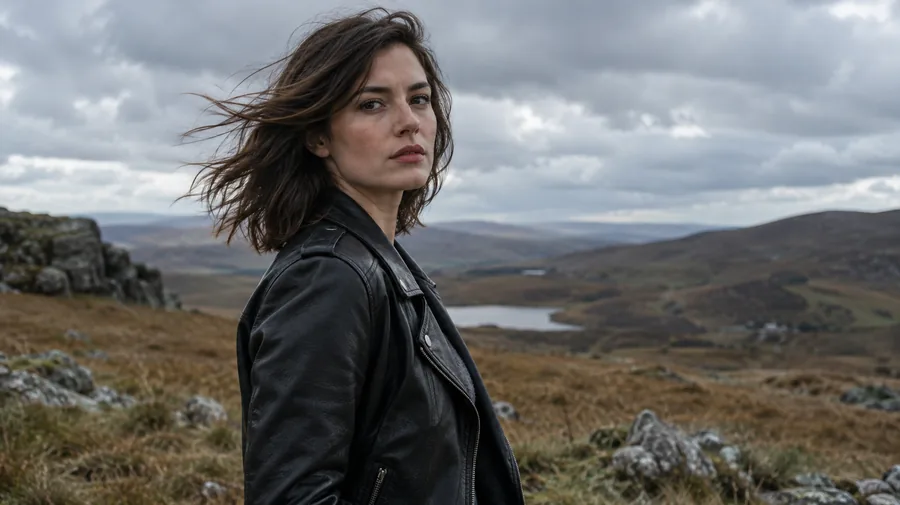
Passport and visa photos, marketplace listings and team headshots all want a clean white backdrop. Choose ID Photo White and the background turns even white with no gray cast; JPG keeps the file small for upload forms.
Go beyond remove and replace. Type what you want behind the subject, such as an AI beach background, a beach background for editing vacation shots, a pebbly background for skincare, or a valentine background for editing couple photos, and the new scene is lit to match.
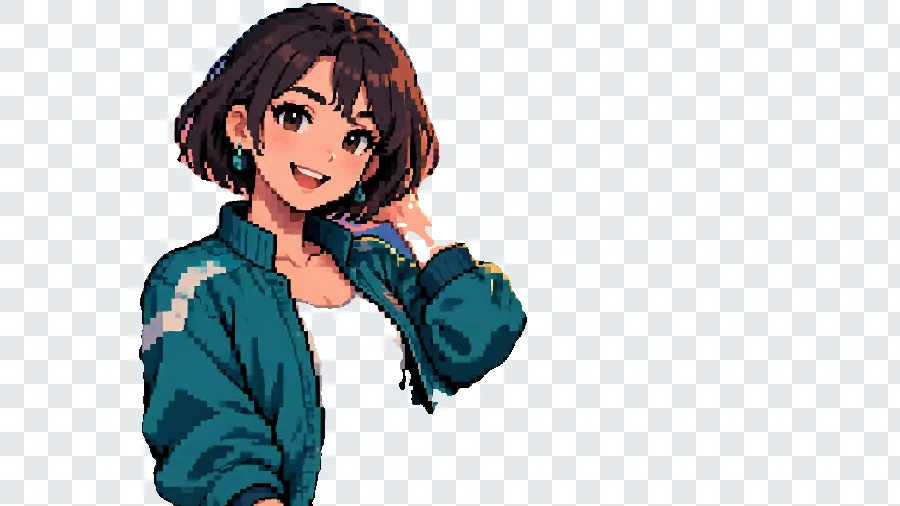

Product shots, animals, illustrations and logos come out with crisp edges at the resolution of the photo you upload, not a shrunken preview. This pixel-art portrait keeps every hard pixel edge after the city behind it is gone.
From one product photo to a whole campaign, a clean background makes the subject easier to reuse.
Put every product on matching white or one brand color for marketplace listings, store pages and ads.
Swap a busy wall for plain white or light gray, then crop to the size your application asks for.
Drop transparent cut-outs onto a football flyer background, a blank Thanksgiving invitation background, posters and social templates.
Make thumbnails, stickers and profile pictures pop with an invisible background or a bold color.
Use it as a sign background remover to lift a signature or a rubber stamp off paper; the signature tool below keeps the ink only.
Clear photo background clutter or a stray background person with blur or a cleaner scene instead of reshooting.
A few habits that give the AI the easiest edges to follow.
The best color for background removal is whatever contrasts with your subject: a darker wall behind blond hair, a lighter one behind a black product.
Soft, even light keeps edges readable and helps eliminate background noise such as harsh shadows and reflections.
Full-resolution originals give sharper hair and edges than screenshots or images that were compressed for chat apps.
When you add a scene, name the light ("warm sunset from the left") so the AI can blend background and subject into one believable photo.
Every background tool on EzImgMaker, from batch cut-outs and green screen to stickers and print-ready photos.
 Bulk Background RemoverBulk background remover for product photos and portraits. Upload a batch, let AI cut out every subject, and get matching transparent or white backgrounds.
 GIF Background RemoverRemove background from GIF animations with AI. Upload an animated GIF, cut out the subject on every frame, and make the GIF transparent or swap in a new color.
 Green Screen RemoverFree green screen remover in your browser: chroma key green or blue backdrops out of photos, clean up green edges, and download a transparent PNG.
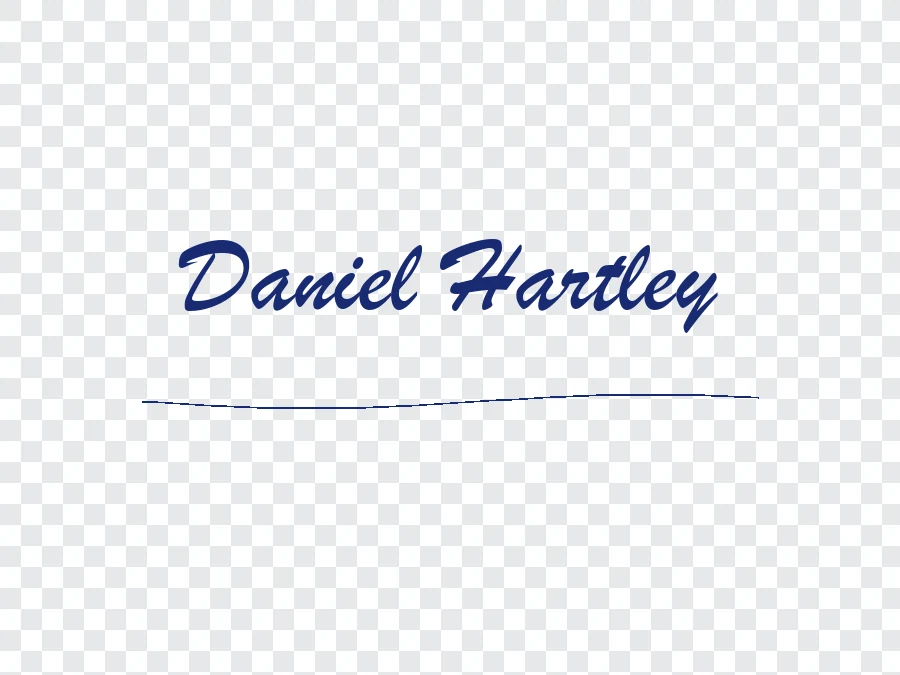 Remove Background From SignatureRemove background from signature photos and scans with AI. Paper, shadows, and ruled lines are cleared, leaving a sharp transparent PNG for Word or PDF.
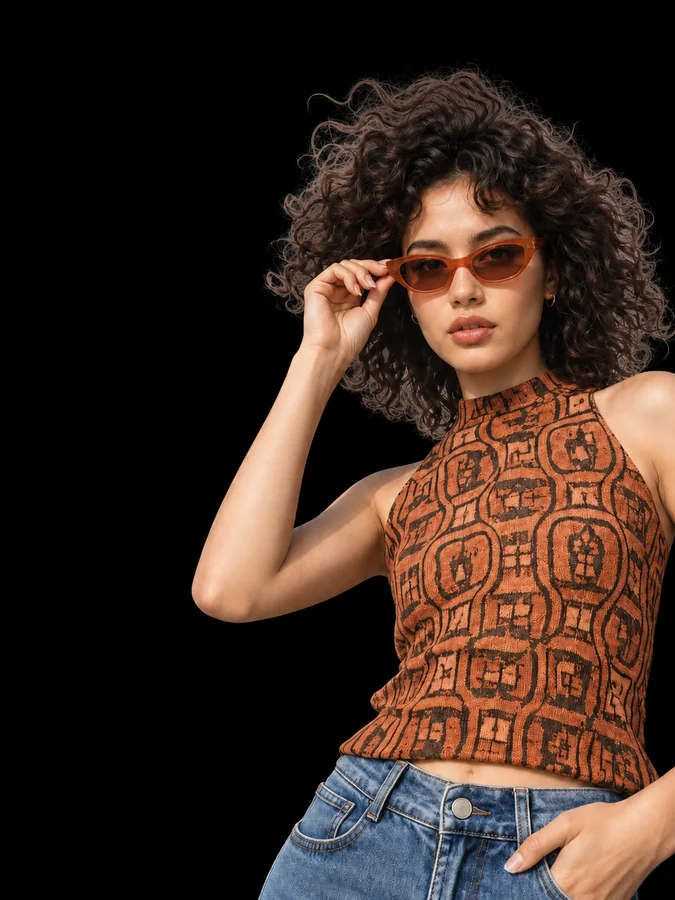 Make Background BlackMake background black in any photo with AI. Upload a portrait or product shot and get the subject on a clean black backdrop, with edge light for dark tones.
 Remove a Color from an ImageRemove a color from an image for free in your browser: make one color transparent, replace it with white, or keep only that color for a color splash photo.
 AI Photo EditorAI image editor free to try: upload a photo, type the change and pick Nano Banana, Seedream, GPT Image or FLUX to swap backgrounds, outfits, light and more.
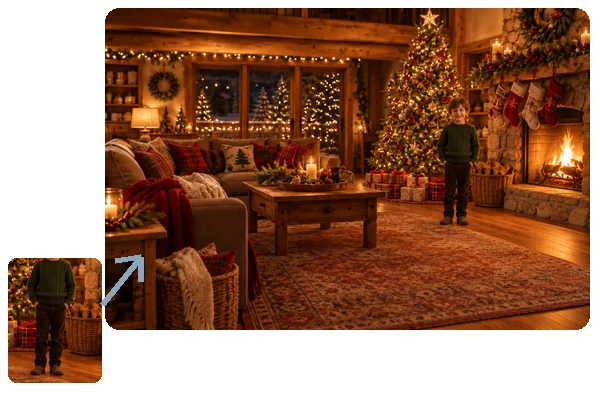 Add Person to Photo with AIHow to add someone to a photo: upload the picture and a photo of the person, and AI will add person into picture scenes with matching light, scale, and pose.
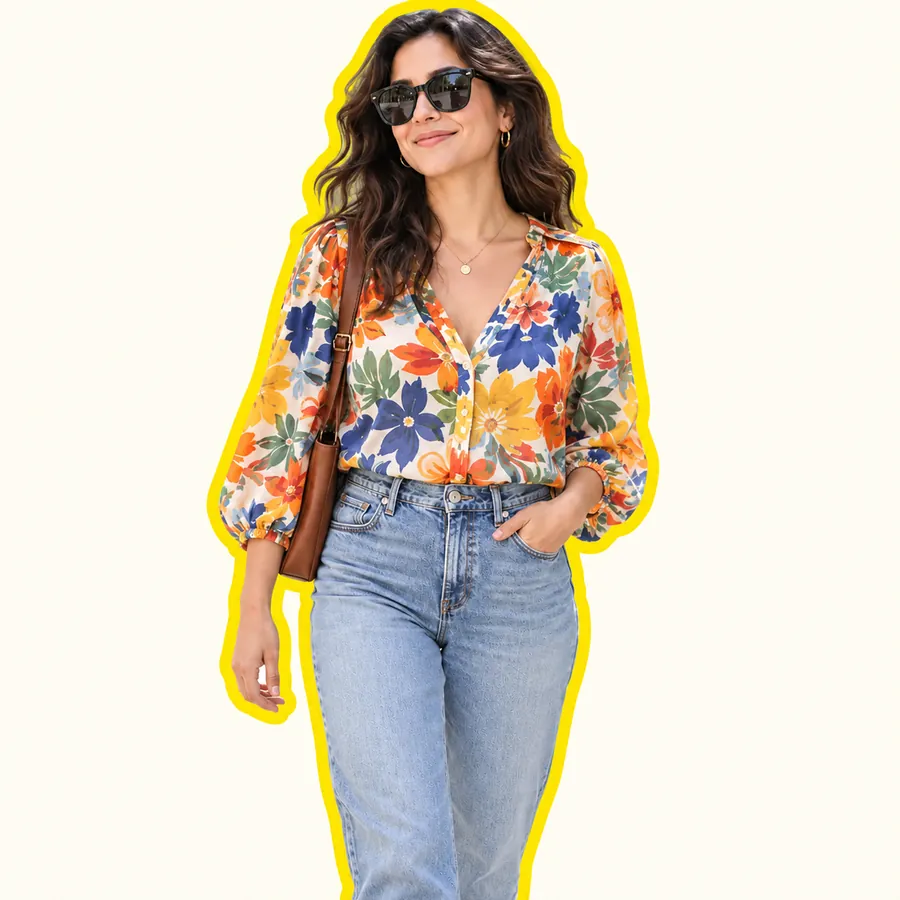 AI Sticker MakerHow to make a picture a sticker: upload a photo or screenshot, pick a style like die-cut, cartoon, chibi, or kawaii, and the AI sticker maker turns it into a PNG.
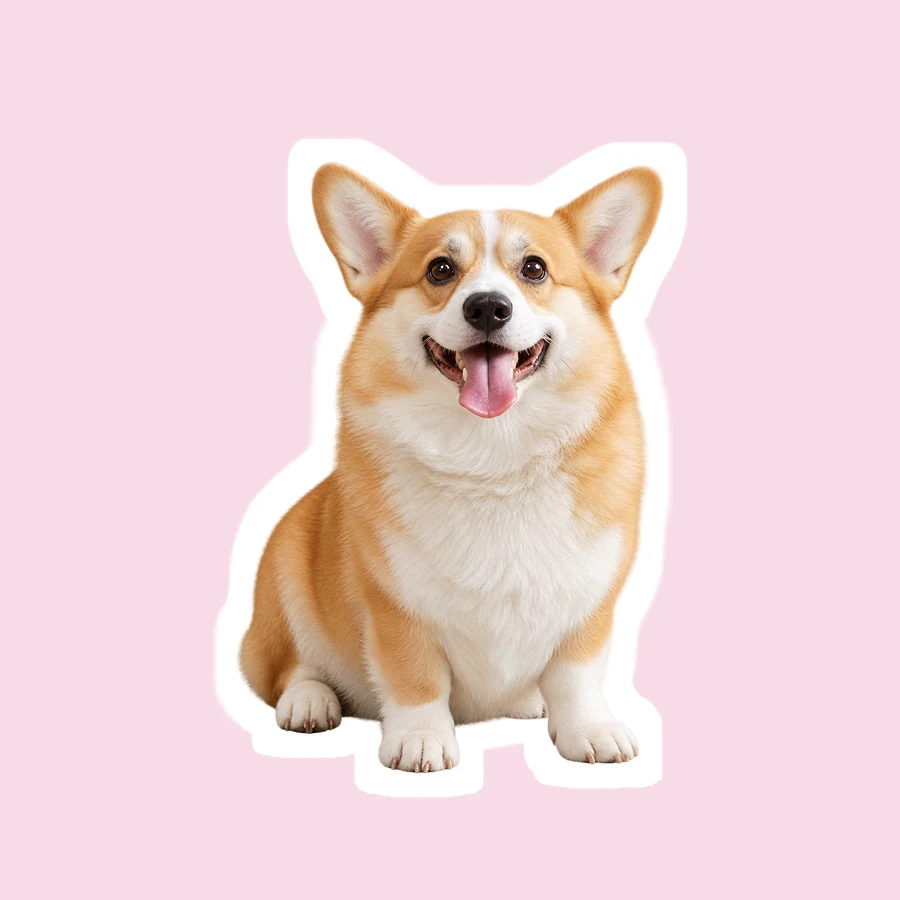 Snapchat Sticker MakerHow to make a sticker for Snapchat from any photo: upload it, let AI cut out the subject, add a white outline or caption, and save a transparent PNG sticker.
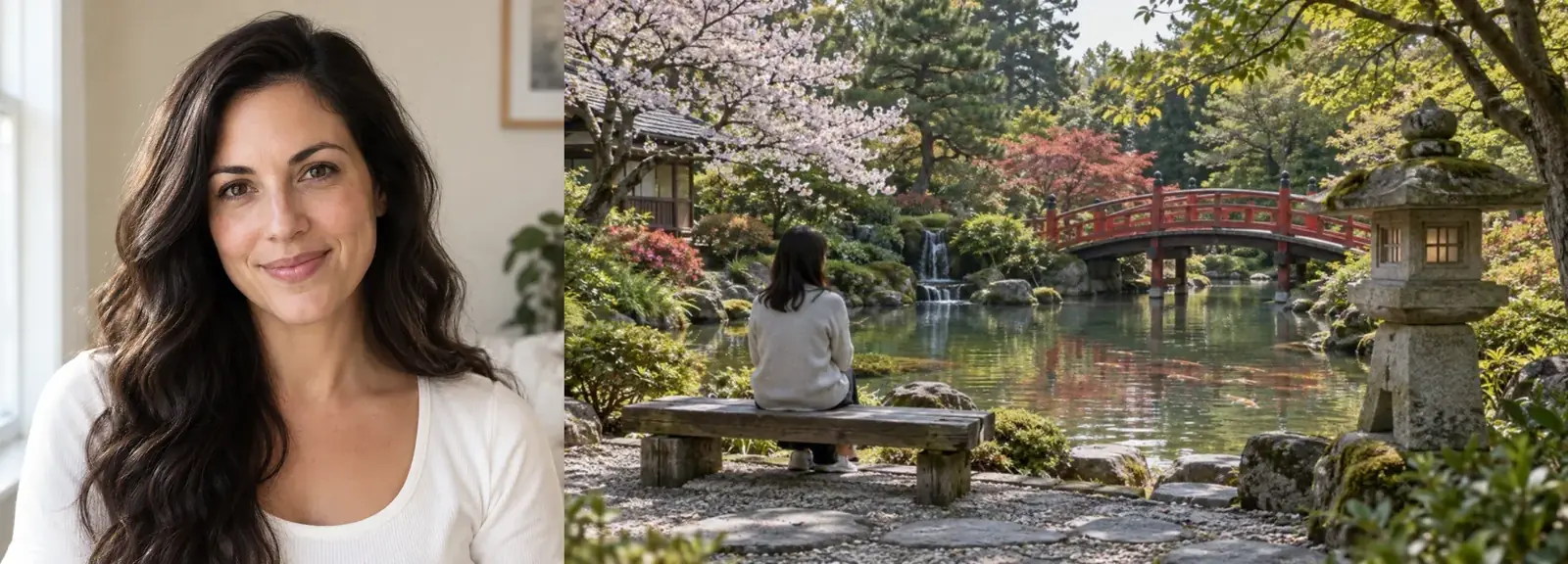 Image CombinerFree image combiner: combine photos side by side, stack them, or merge pictures into a grid with spacing and a background color, right in your browser.
 AI Image EnhancerAI photo enhancer and image quality enhancer: upscale pictures 2x or 4x, fix blur, noise and faded color, and enhance picture quality right in your browser.
 Watermark RemoverWatermark remover for your own photos: mark the text, logo, date stamp or signature and the AI erases it and rebuilds what is underneath. Free to try online.
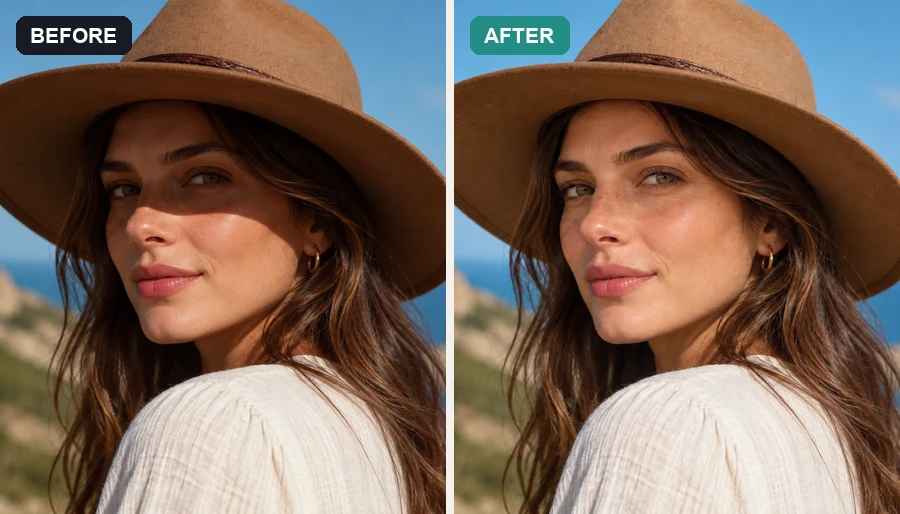 Remove Shadow from PhotoRemove shadow from photo portraits, products, and documents: the AI shadow remover lifts harsh face, hat, hand, and cast shadows and relights them naturally.
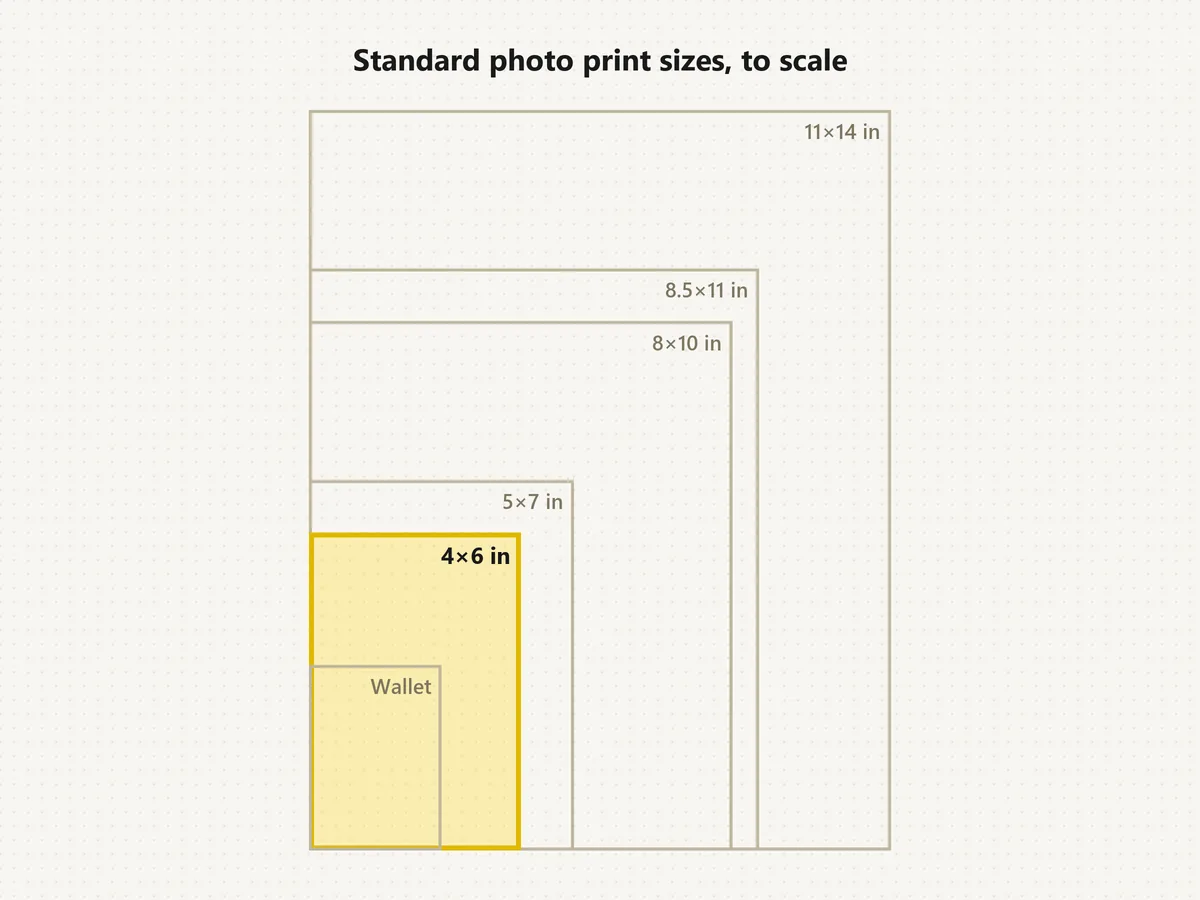 Standard Photo Print SizesWhat's the standard picture size? The normal photo size is 4×6. See each standard photo print size in inches, cm and pixels, compare to scale, and crop free.
Answers about cut-outs, file formats, credits and the background options.
Upload a photo, keep Transparent or pick white, black, a color, blur or a new scene, and click Remove Background. The AI detects the subject, cuts it out and applies your choice. Then compare the result with your original and download it.
You can try it free: new accounts get free credits when they sign up, enough to cut the background out of several pictures. After that, each result uses credits from your balance.
Transparent (PNG), white, black, any solid color from the picker, a blurred version of the original, or a new scene you describe in words. It replaces the background rather than widening the canvas; if you need more space around the subject, that is a job for a background extender.
Choose Transparent and download a PNG. An invisible background is saved as transparent pixels, which PNG keeps; JPG cannot store transparency and fills it with a solid color, so JPG is switched off for transparent results.
There is no separate HD mode to unlock. Results keep the resolution of the photo you upload (transparent cut-outs accept up to 4096 px per side and 16 megapixels), so start from the original file for the sharpest edges.
No. This background remover online runs in Safari, Chrome and other mobile browsers, so it is an app to remove background that you never have to install. If you were scrolling through iPhone backgrounds apps for the best iPhone backgrounds app to cut out a photo, or searching for the best app for background removal, try it here first.
Yes. Choose New scene and describe it, for example "the same room, but brighter" or "the same street, darken photo background to dusk". That makes it a background lightener or background darkener while the subject stays exactly as shot. For pure black, pick Black.
In Zoom, blur is a setting under Background & Effects in the app. For a still photo, choose Blur here: the AI keeps you sharp and softens the scene like a wide-aperture lens, which suits headshots and profile pictures.
JPG, PNG and WebP uploads all work. To remove SVG background, export the SVG as a PNG first and upload that; in a vector editor you can also delete the background shape directly, which is how to remove background in Inkscape.
Only upload images you have the right to edit, such as your own photos, your own product shots, or portraits taken with the person’s consent.
Upload a picture, choose transparent, white, color, blur or a new scene, and download a clean cut-out.