


Portraits and Headshots
Soft focus and flat light turn into crisp eyes, natural texture and clean edges. Think skin enhancer AI that keeps pores and freckles, not a plastic beauty filter.
Upload a blurry, small, noisy or faded picture and this AI enhancer upscales it 2x or 4x, or restores it at 2K or 4K: sharper faces, cleaner detail and natural color, with a before and after slider to check every change.
One-click image enhance
Fine-tune


Reference example. It is not a result generated from your upload.
An AI image enhancer improves how a picture looks instead of only making it bigger. It reads the photo, rebuilds lost detail, and cleans up blur, noise and faded color, so a soft phone shot, an old scan or a compressed download becomes one of those enhanced pictures you are happy to print or post. It is a photo quality enhancer and a picture quality enhancer in one, and no image enhancement expert is needed.
EzImgMaker gives you two modes. Upscale makes the image 2x or 4x larger while staying faithful to the original pixels, ideal for product shots, logos, artwork and prints. Restore runs an artificial intelligence image enhancer that fixes blurry faces, low-light grain and damaged old photos, then outputs at 2K or 4K. Pick one, let AI enhance image detail, and compare before and after.
AI photography enhancement on six kinds of pictures. Drag each slider to compare the original with the enhanced version.
Soft focus and flat light turn into crisp eyes, natural texture and clean edges. Think skin enhancer AI that keeps pores and freckles, not a plastic beauty filter.


Packaging text, brushed steel and coffee crema come back sharp, so listings and ads look like they were shot in a studio.


Blurry charts, receipts and small interface text become readable again. It works as a logo enhancer too: upscale a small logo 4x before it goes to print.
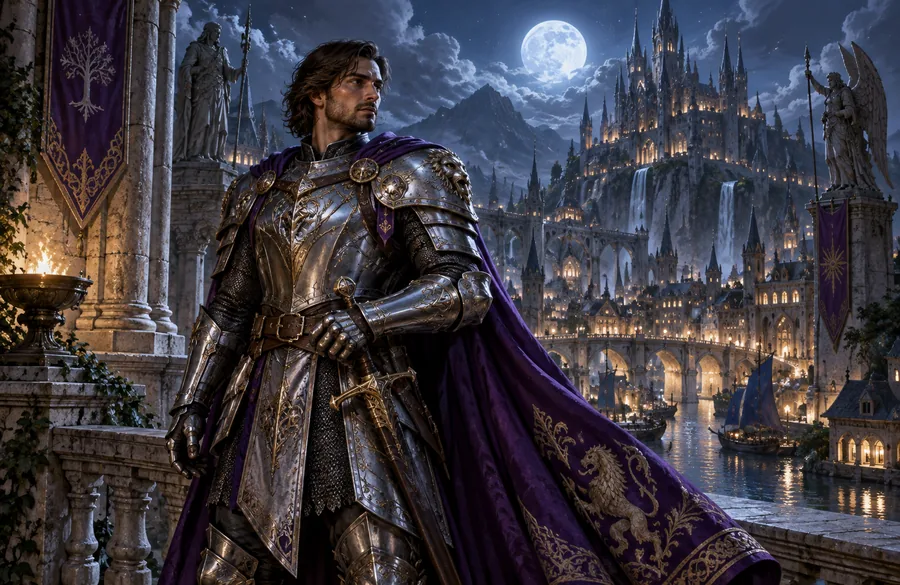
Generated images that look fine as thumbnails often fall apart at full size. Enhance image detail in armor, hair and city lights without changing the style.


Feed compression smears faces and text. Enhance image quality before posting so the photo still looks sharp after the platform squeezes it.
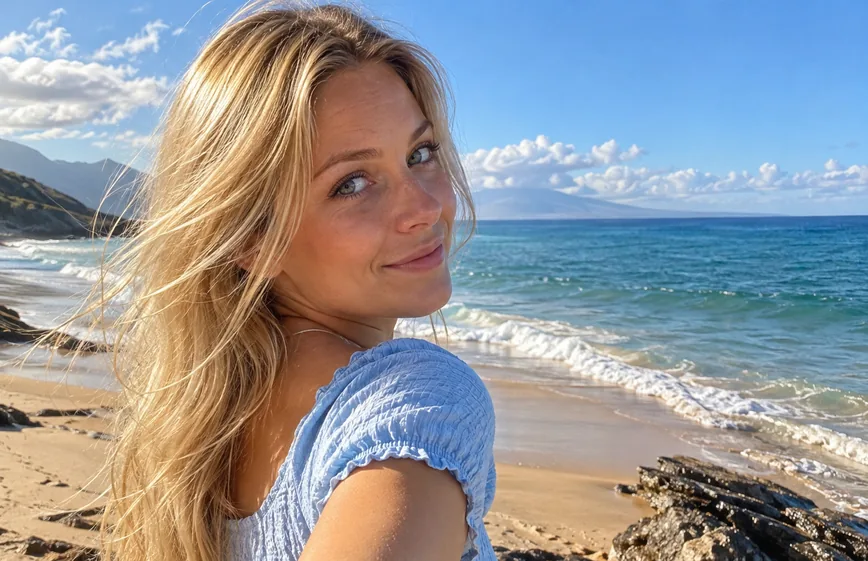
A hazy beach selfie gets clearer hair, richer sea color and balanced exposure. A quick pic enhancer for the shots you want to keep.
A quality photo enhancer in three steps: enhance photo quality without layers, sliders or editing skills.
Add a JPG, PNG or WebP up to 10 MB: a blurry photo, a small image, an old scan, a screenshot or a logo.
Upscale 2x or 4x for faithful enlargement, or Restore at 2K or 4K to fix blur, noise, faces and fading. Quick fixes such as Restore Old Photo set everything for you.
Click Enhance Photo, drag the slider to compare before and after, and download the enhanced image.
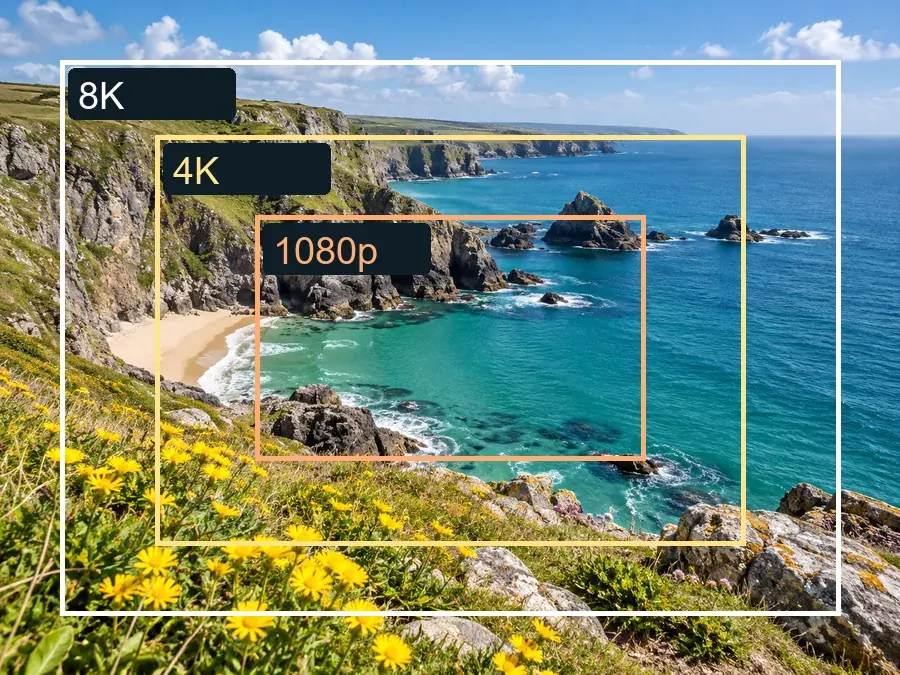
Upscale mode is a faithful enlarger: it doubles or quadruples the pixel size and sharpens edges without inventing new content, which makes it the right picture enhancer for product photos, logos, artwork and anything you plan to print. Make image better quality for a poster without the blocky look of a basic resize.

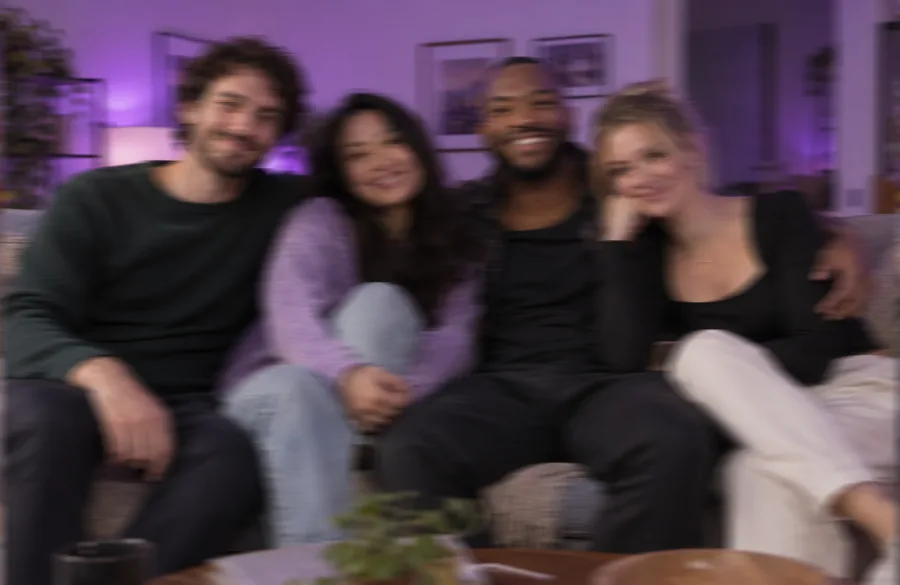
Party photos, night shots and shaky snaps need more than enlargement. Restore rebuilds detail: it removes motion blur and grain, sharpens eyes and hair as a gentle face refiner, and keeps everyone looking like themselves. A quality enhancer for the photos that matter.
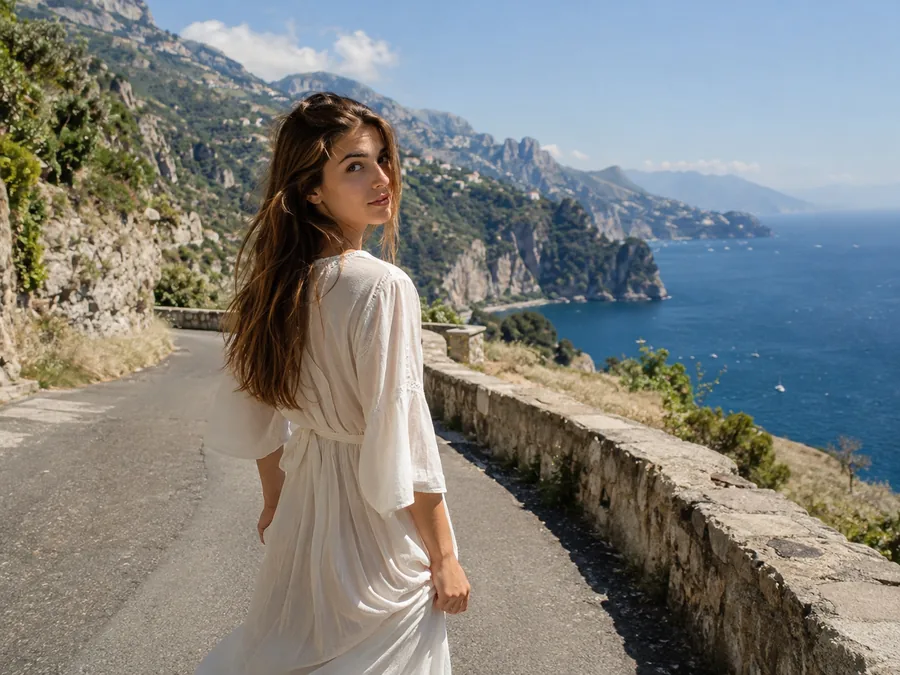
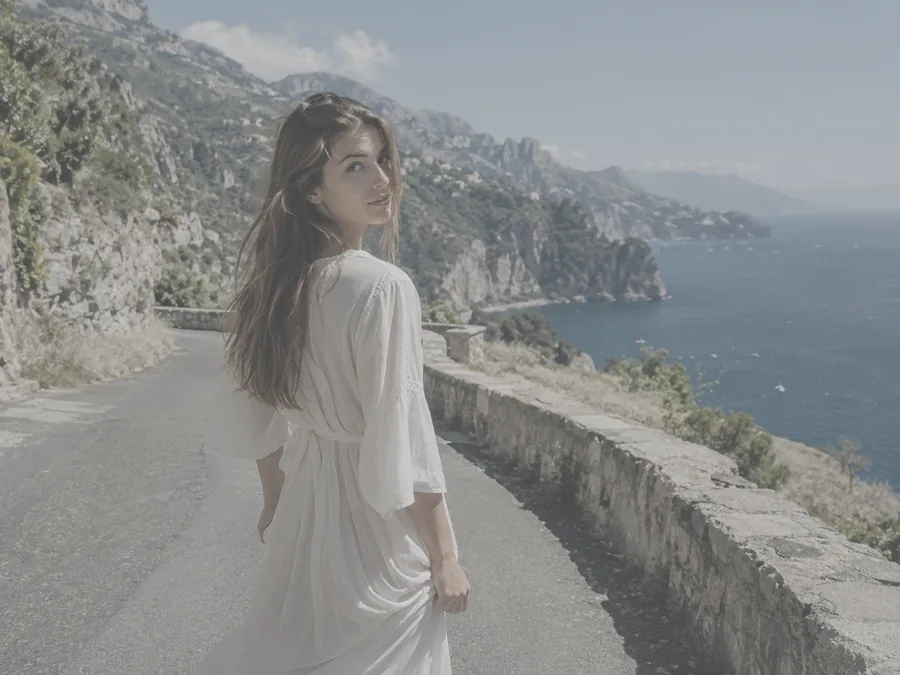
Flat, hazy or washed-out shots get balanced exposure and natural color. Enhance contrast in skies, bring vibrance back to sea and greenery, and keep skin tones true: an image vibrance enhancer and clarity fix in the same pass.

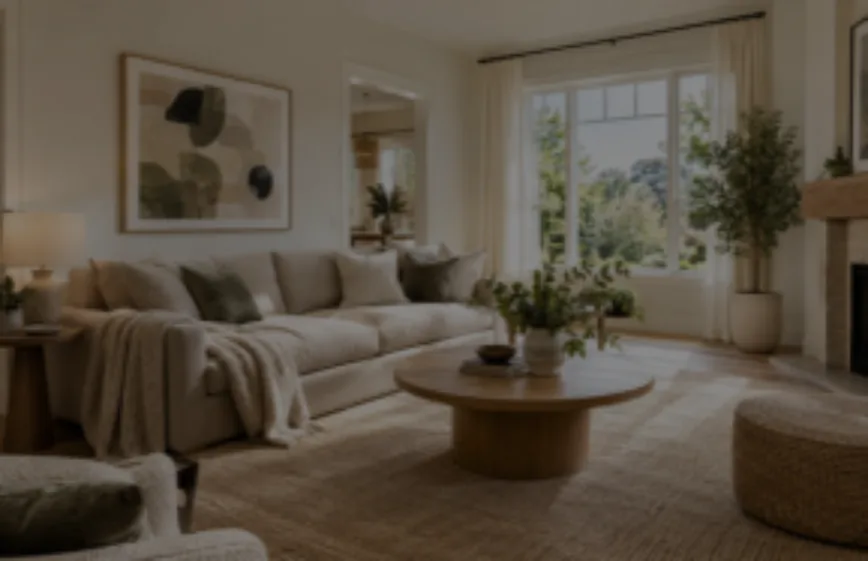
Phone shots of listings come out dim and soft. Enhance real estate photos with brighter rooms, crisp furniture and clean window light: real estate image enhancement without booking a retoucher. Catalog teams use the same Upscale mode instead of furniture image enhancement services.
Anyone with a picture that deserves to look better than it does.
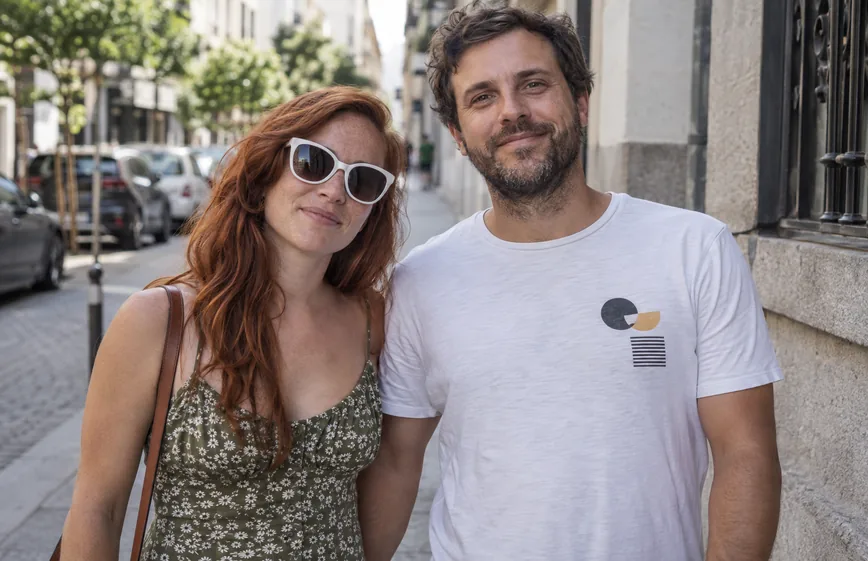
Bring family photo quality back with an old photos enhancer: fix scans of prints, slides and albums before you share or reprint them.
Turn small supplier images into sharp, zoomable product photos that match the rest of your store.
Skip AI real estate photo enhancement services that charge per image and get real estate photo enhancement service results from your own phone shots.
Use it as an AI logo enhancer for old or tiny logos, and enhance print files before they go to the printer.
Clean up thumbnails, AI art and screenshots so they stay crisp on big screens and after platform compression.
Rescue bad image quality and horrible picture quality from zoomed-in, low-light or old-phone shots instead of deleting them.
Small habits that give the enhancer more to work with.
A downloaded original beats a screenshot of it; every re-save adds compression the enhancer then has to undo.
Use Upscale when the image is clean but small. Use Restore when it is blurry, noisy, faded or damaged.
Zoom into eyes and teeth after a Restore: the quickest way to check image quality online. That image quality control catches anything you want to run again with a short note.
Fix poor image quality first, then remove the background or add text, so every later step starts from sharp pixels.
Step-by-step guides for the problems people bring to an image enhancer, plus the print sizes that need the extra pixels.
Why noise shows up in low light and how to clean it up on a phone, in an editor or with AI.
Read the guideRecover blown-out skies and faces, and learn when a shot is too far gone to save.
Read the guideEvery common print size with the pixels it needs at 300 DPI, plus a crop-and-print tool.
Open the Size ToolInches, centimeters and pixels for 8x10 prints, and which photos crop well to it.
Read the guideHow many pixels a 16x20 print needs and when to upscale before you order it.
Read the guideThe standard print size explained, with exact pixel dimensions and crop tips.
Read the guideEvery tool on EzImgMaker that sharpens, repairs or relights an image or video, plus the opposite for memes: an image quality degrader.
 Anime UpscalerAI anime upscaler for fan art, screenshots, manga, and waifu wallpapers. Upscale anime images 2×, 4×, or to 4K with crisp line art and clean color blocks.
 Unpixelate ImageUnpixelate image files in a few clicks. The AI depixelizer removes pixelation from photos, rebuilds faces and edges, and turns blocky pictures into clear ones.
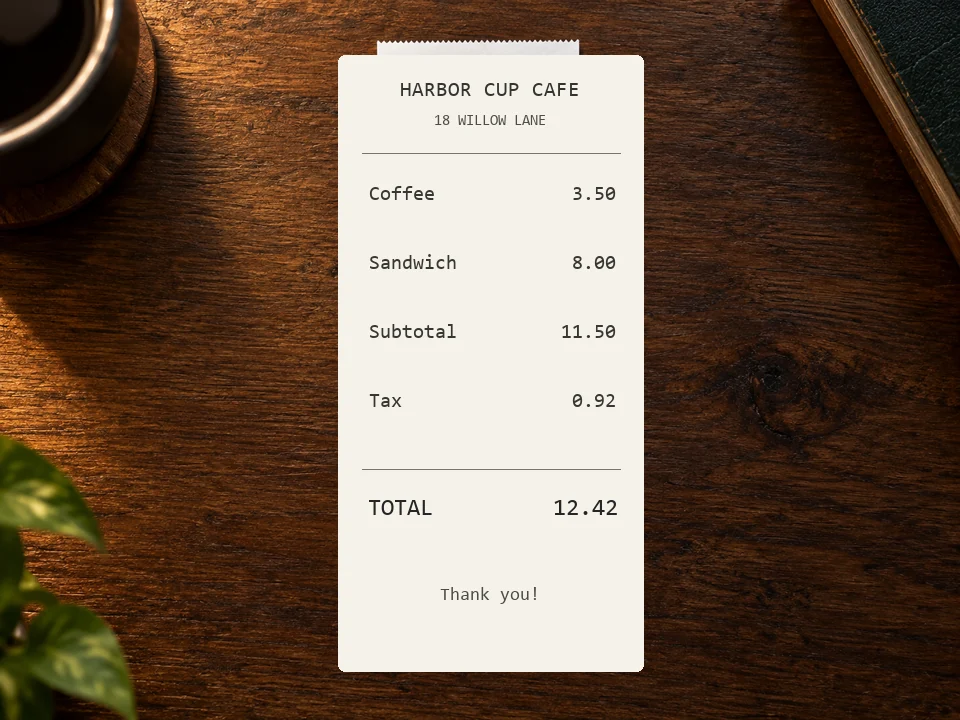 Deblur TextDeblur text in photos, screenshots, and blurry notes. The AI text enhancer sharpens letters and numbers so documents, receipts, and signs are readable again.
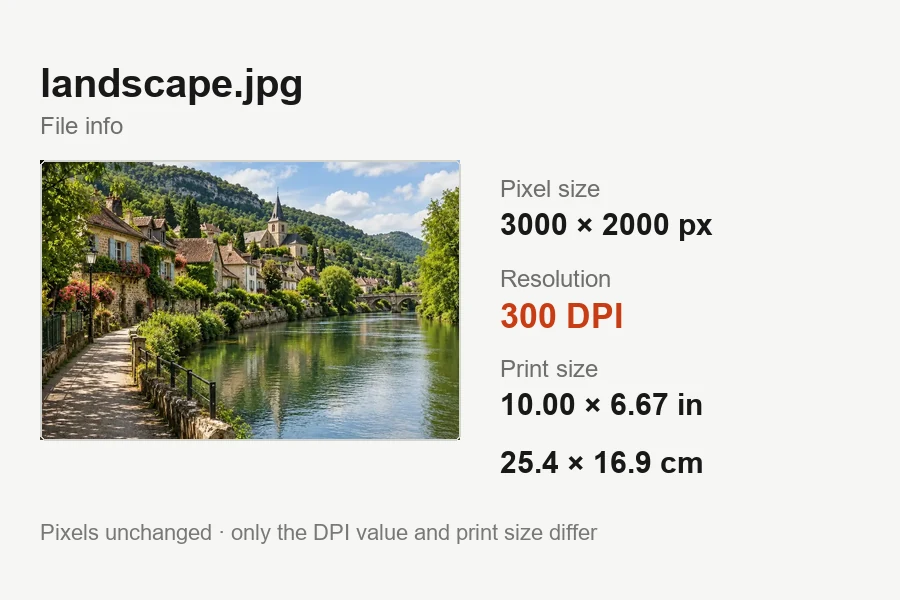 Increase DPI of ImageIncrease DPI of image files to 300 or any value in your browser: set the print resolution, see the print size live, and download JPG or PNG. Free, no upload.
 Remove JPEG ArtifactsRemove JPEG artifacts from compressed photos. AI clears blocky squares, banding, halos, and noise, then rebuilds detail in product shots, portraits, and skies.
 Moire FixMoire fix for screen photos, fabric, and scans: upload an image and AI removes the moire pattern, rainbow bands, and wavy lines while keeping detail sharp.
 DescreenDescreen scanned magazines, newspapers, comics, and photo prints. AI removes halftone dots and the moire pattern on scans while keeping text and detail sharp.
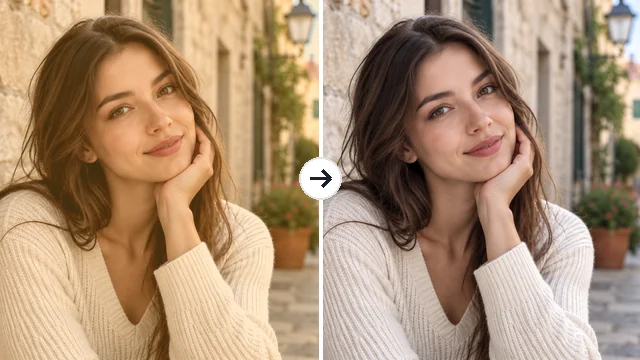 Remove Filter from PhotoRemove filter from photo edits that went too far: the AI filter remover tones down color casts, vintage looks, and beauty filters for a more natural picture.
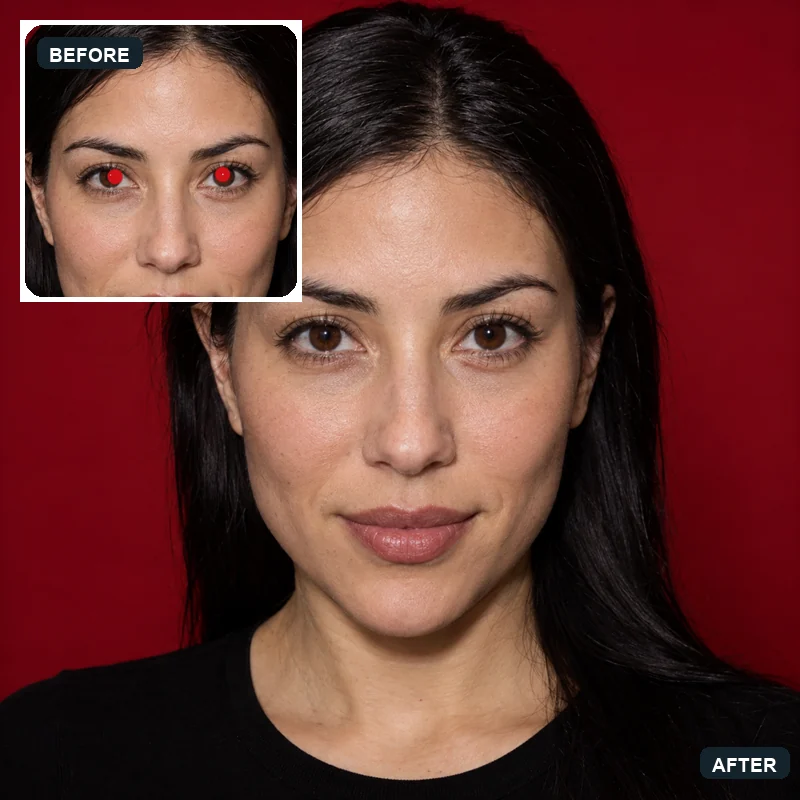 Red Eye RemoverHow to get rid of red eyes in photos? Upload a picture and the AI red eye remover fixes red pupils and pet eye glow, restoring natural eye color in every face.
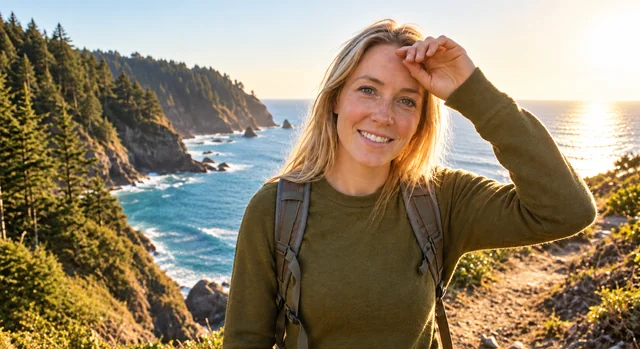 Remove Glare from PhotoHow to remove glare from photo shots? Upload one and the AI glare remover clears sun glare, flash reflection, and window reflections while keeping the detail.
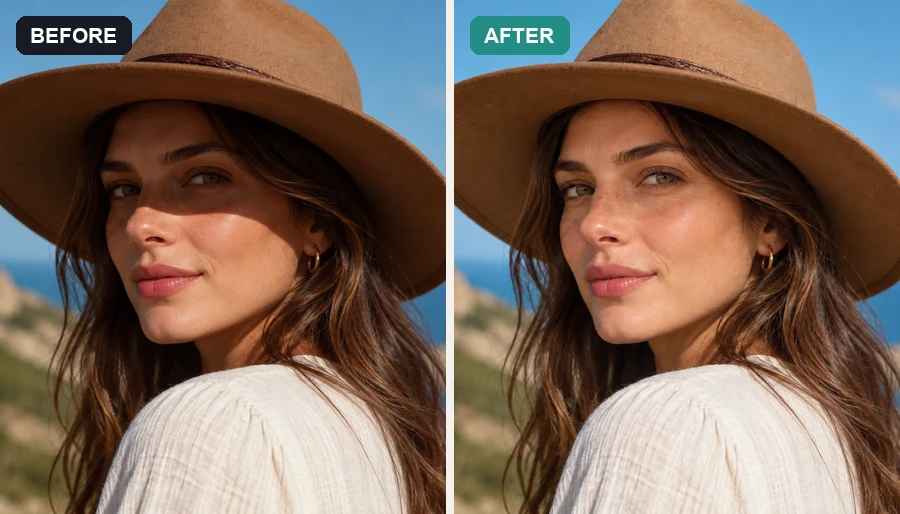 Remove Shadow from PhotoRemove shadow from photo portraits, products, and documents: the AI shadow remover lifts harsh face, hat, hand, and cast shadows and relights them naturally.
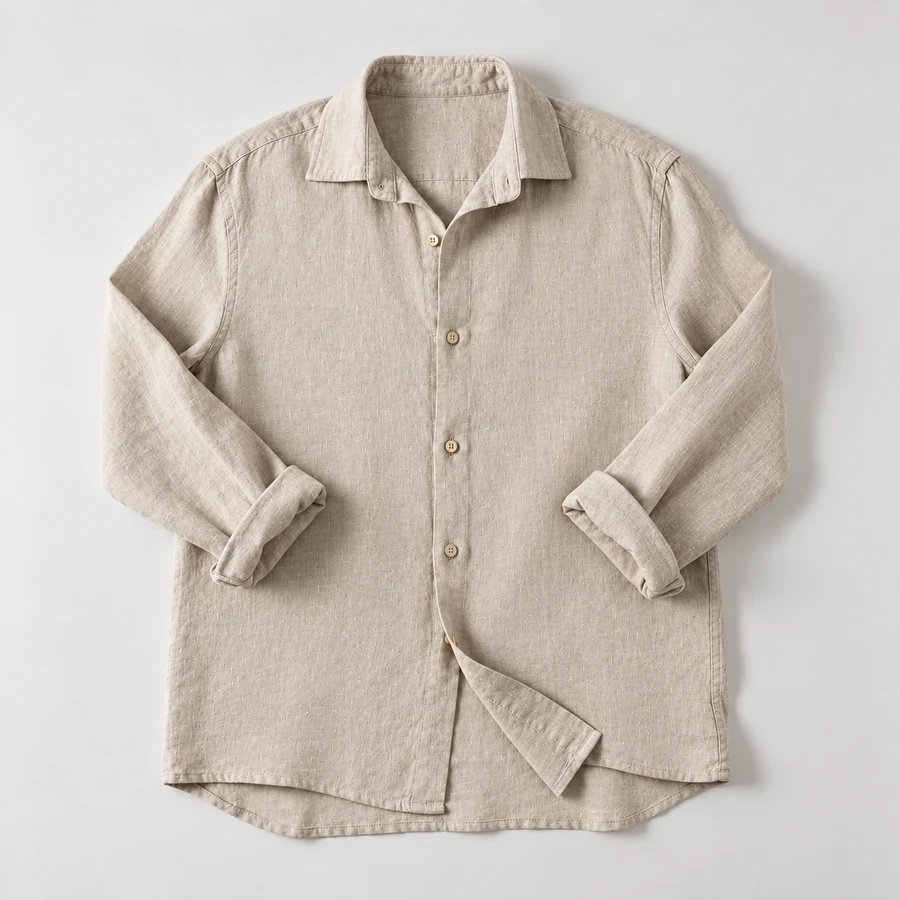 Remove Wrinkles From PhotoRemove wrinkles from photo shots of shirts, suits, and flat lays. Let the AI remove clothes wrinkles and soften fine lines; seams, prints, and texture stay.
 Image BrightenerFree image brightener that runs in your browser: brighten an image, lighten dark photos, and adjust picture brightness with one click or sliders, then download.
 Darken ImageDarken image files online for free in your browser: tone down overexposed photos, add a moody darkening effect, or dim a picture behind text, then download.
 Black and White Photo ConverterFree black and white photo converter that runs in your browser: convert an image to black and white with film-style filters, tune contrast, and download.
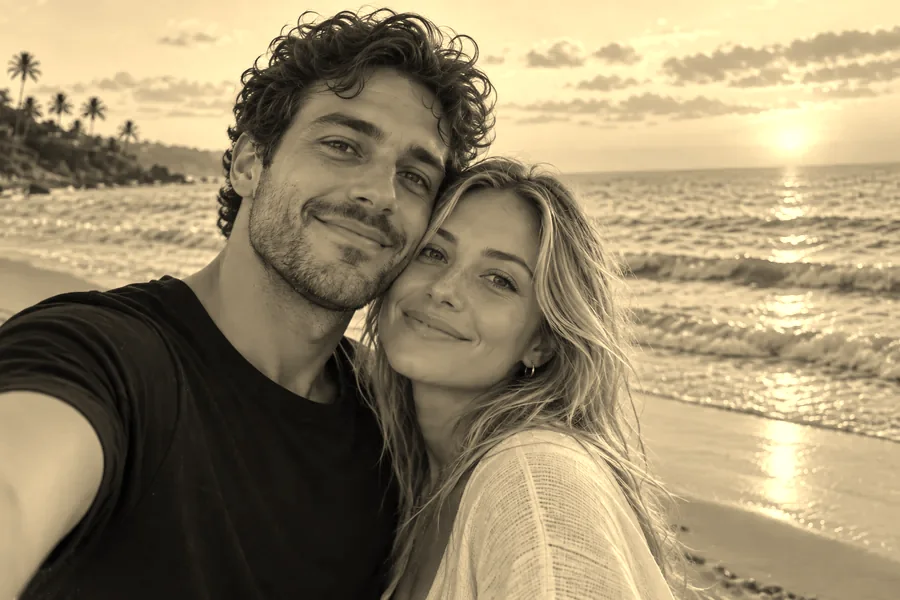 Sepia FilterFree sepia filter for photos that runs in your browser: apply a warm sepia tone filter, pick a vintage style, adjust warmth and contrast, then download.
 AI Real Estate Photo EditingAI real estate photo editing for listings: replace gray skies, declutter rooms, brighten interiors, convert to twilight, and add virtual staging to any photo.
 Low Quality Image MakerFree low quality image maker in your browser: lower image quality with pixelation, blur, grain, and JPEG crunch for memes and deep-fried pics, then download.
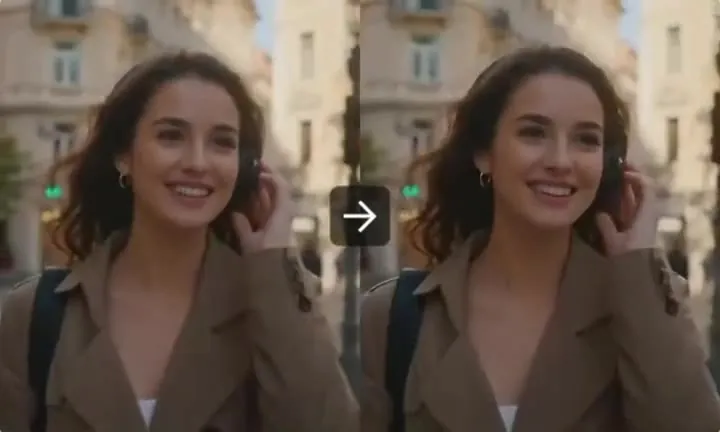 AI Video Quality EnhancerAI video quality enhancer for low-quality clips. Enhance video quality, remove noise and compression, sharpen detail, and increase resolution up to 4× online.
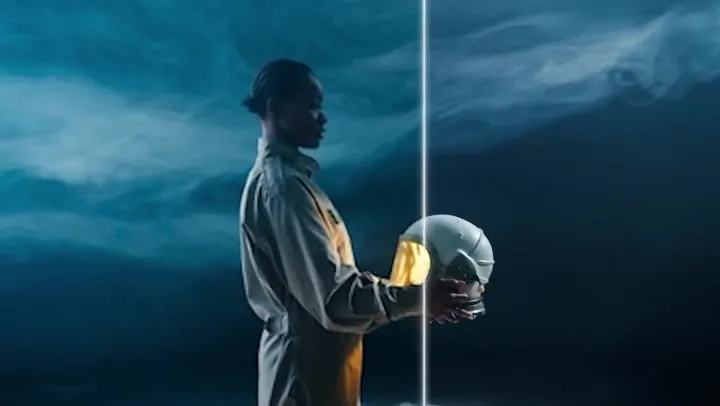 AI Video UpscalerAI video upscaler that rebuilds detail instead of stretching pixels. Upscale video 2× or 4×, from 480p to 1080p-class or 1080p to 4K, as an online MP4 upscaler.
 Unblur VideoUnblur video clips with AI. Fix blurry video from phones, old cameras, and low-res downloads: sharpen faces, remove blur from video, and make video clearer.
 HD Video ConverterAI HD video converter for SD clips. Convert video to 1080p-class HD: 480p to 1080p, 720p to 1080p, 360p to HD, or 1080p to 4K, with real detail added by AI.
 AI Photo EditorAI image editor free to try: upload a photo, type the change and pick Nano Banana, Seedream, GPT Image or FLUX to swap backgrounds, outfits, light and more.
 Background RemoverRemove background free to try: the AI background remover online cuts out people, products and pets, then gives you a transparent PNG, white, color or new scene.
 Watermark RemoverWatermark remover for your own photos: mark the text, logo, date stamp or signature and the AI erases it and rebuilds what is underneath. Free to try online.
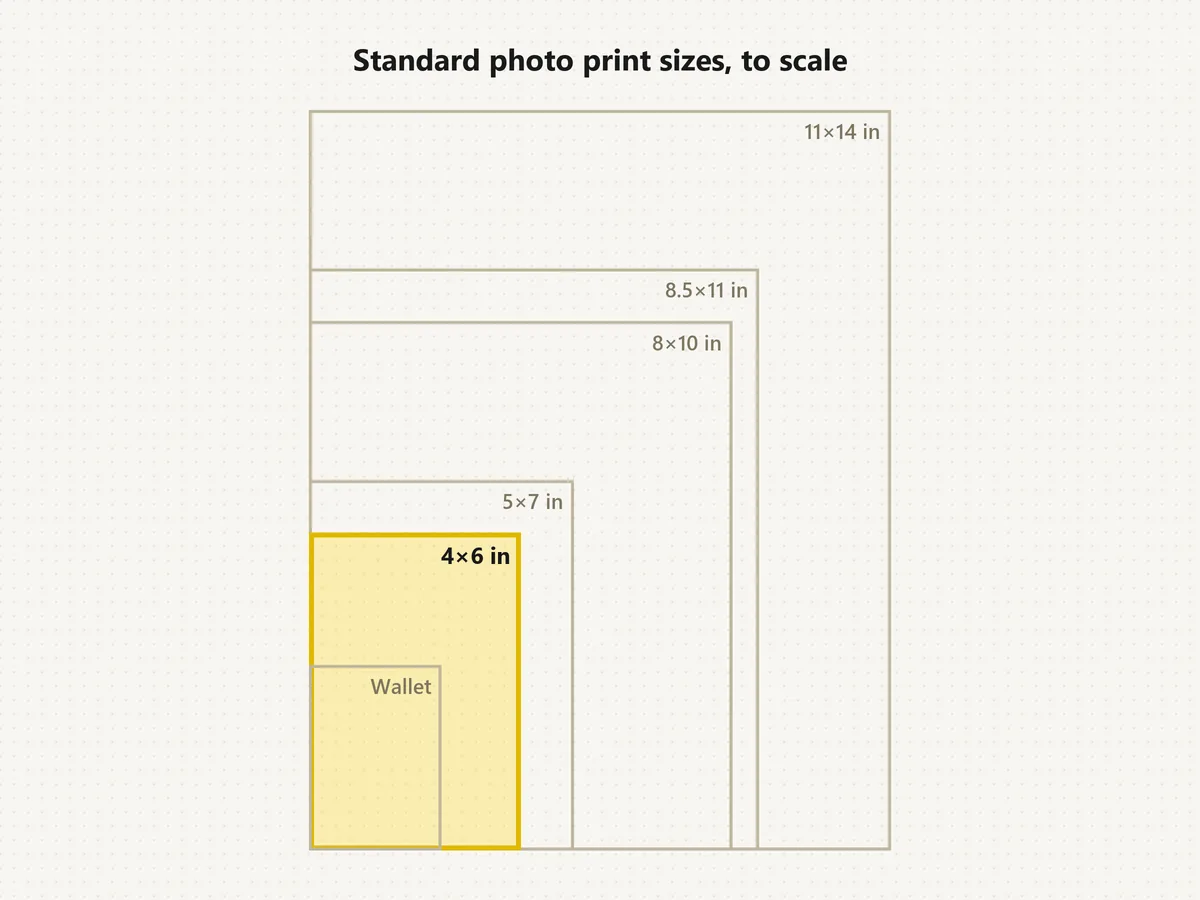 Standard Photo Print SizesWhat's the standard picture size? The normal photo size is 4×6. See each standard photo print size in inches, cm and pixels, compare to scale, and crop free.
How the photo enhancer works, what it can fix, and what it costs.
It is a tool that improves a photo’s visible quality: it sharpens soft detail, removes noise and compression blocks, restores faded color and can raise the resolution. Unlike a plain resize, it rebuilds detail instead of stretching pixels, which is what people mean by AI image enhancement.
Upload the picture, choose Upscale (2x or 4x) if it is clean but small, or Restore (2K or 4K) if it is blurry, noisy or damaged, then click Enhance Photo and compare. That is all it takes to improve picture quality without editing skills.
Upscale enlarges the image 2x or 4x and stays faithful to the original pixels, so it never changes faces or text. Restore uses a generative model to fix blur, noise, scratches and faces and renders at 2K or 4K; it can rebuild detail that is missing, so check faces after restoring.
It is free to try: new accounts get free credits when they sign up, so you can enhance a few photos and judge the results yourself. After that, each enhancement uses credits from your balance.
Run the original file through Upscale 4x, then check its pixel size against the print: an 8x10 at 300 DPI needs 2400 × 3000 pixels. The photo print sizes guide lists the pixels for every common size.
Use Restore. It removes blur, grain and JPEG blocks and sharpens text, even when the image quality is reduced. Start from the least-compressed copy you have. Tiny or extremely blurred images have limits: the AI sharpens what is there but cannot recover a face that is only a few pixels wide.
Upscale never changes faces. Restore sharpens eyes, hair and skin texture and keeps identity and expressions; it is an AI skin enhancer for clarity, not a beauty filter or a photo skin enhancer that smooths everything away. Add a short prompt to enhance photo areas you care about, then compare and keep the version you prefer.
Yes to logos: Upscale 4x is the cleanest way to enhance logo files and small text without redrawing them. Photos are processed one per job, so a set runs through the enhancer image by image, each with its own settings.
Yes. It runs in mobile browsers, so there is nothing to install; treat it as a free enhance photo app to try right in Safari or Chrome, then save the result to your phone.
Only upload photos you have the right to edit, such as your own pictures, family photos you are allowed to share, or images you have the owner’s permission to improve.
Upload a blurry, small or faded picture and get a sharper, cleaner version at 2x, 4x, 2K or 4K.