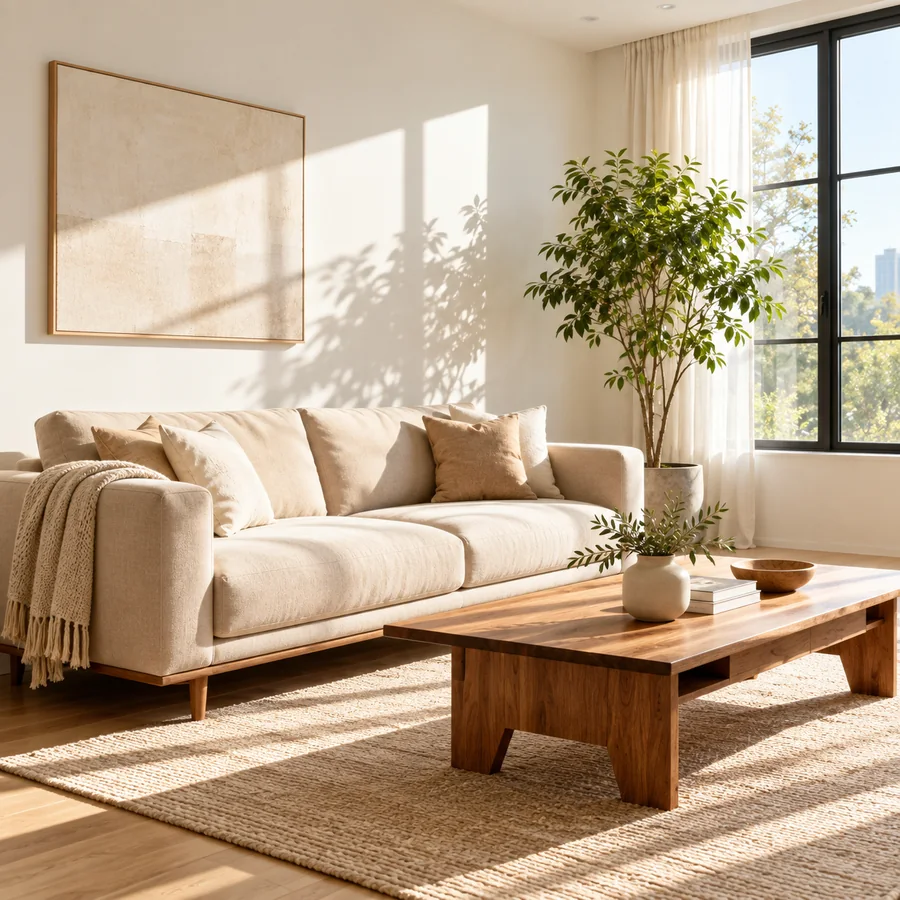
Moody Interior
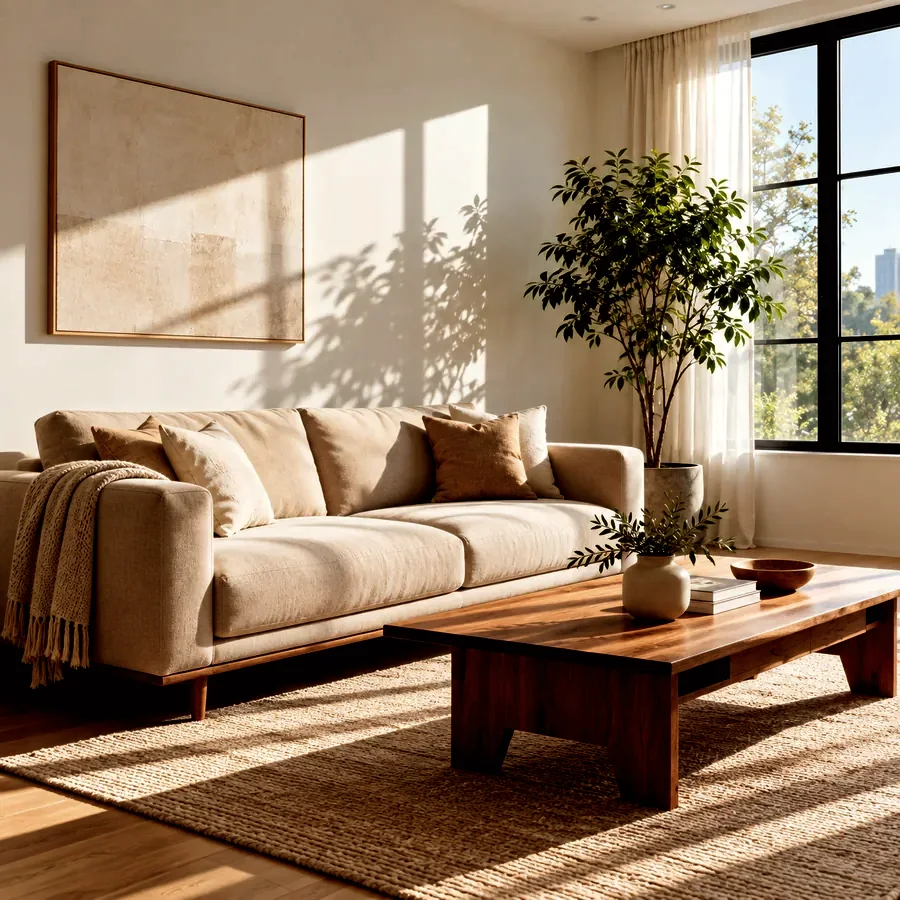
A sunlit room becomes calm and cinematic: midtones drop, contrast rises, and colors are slightly muted.
Upload a photo that is too bright and darken the image with one click or with sliders. Compare before and after, then download the darker picture at full resolution.
Darkening presets
Fine-tune
Runs in your browser. Your photo is never uploaded.
Reference example. It is not a result generated from your upload.
An image darkener lowers the brightness of a picture. You might want to darken an image because it was shot in harsh sun and looks washed out, because a white background is too glaring, because you need a darker picture behind a headline, or simply because dark, moody photos are the look you are after.
This tool combines a brightness slider with an exposure curve, so you can darken the midtones and bring back color without crushing everything to black. It runs in your browser: nothing is uploaded, there is no account, and the darkened photo downloads at its original resolution.
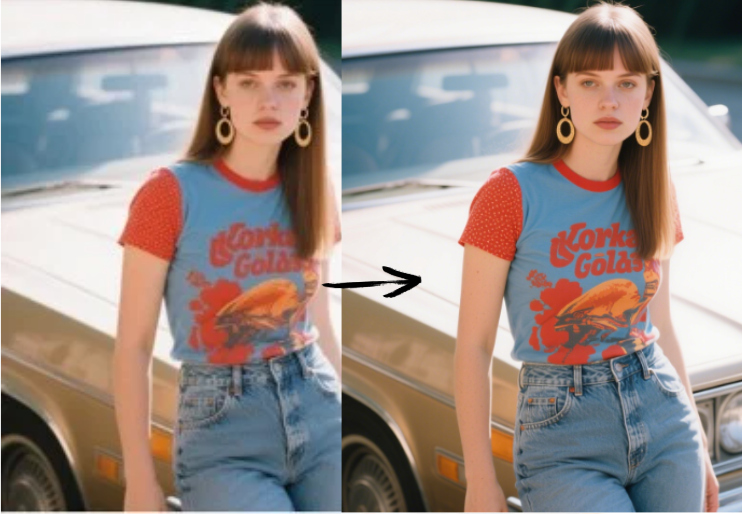
Real results from this image darkener, using the preset named on each button.
A sunlit room becomes calm and cinematic: midtones drop, contrast rises, and colors are slightly muted.
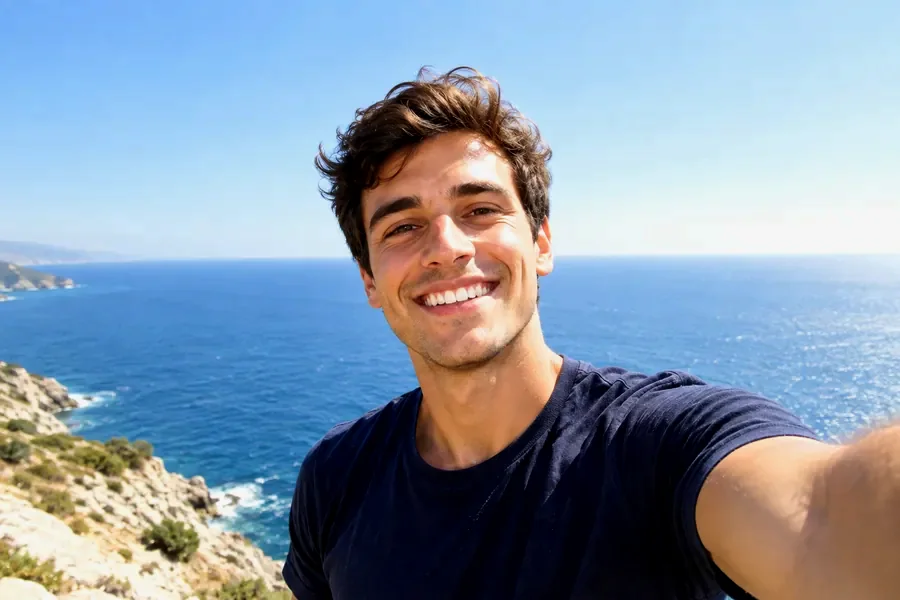
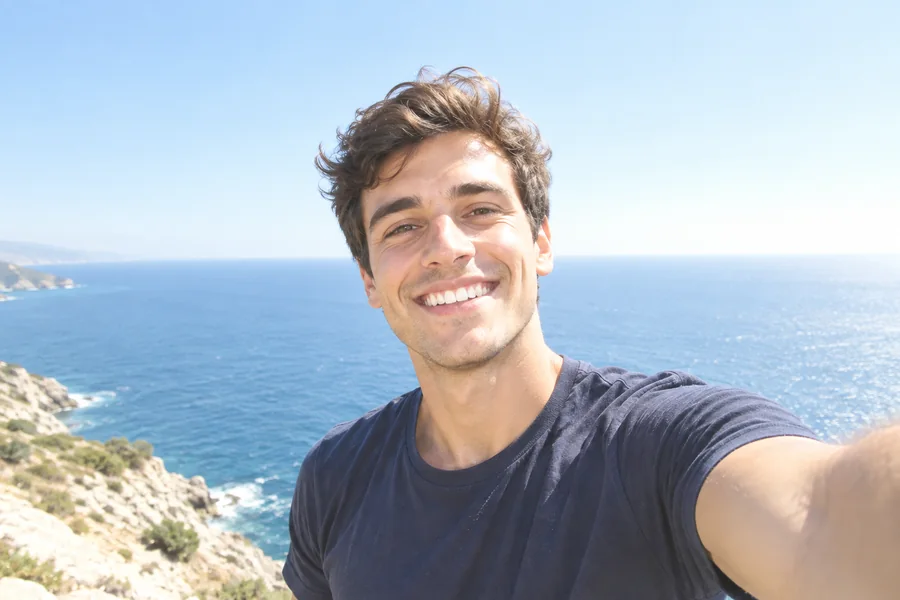
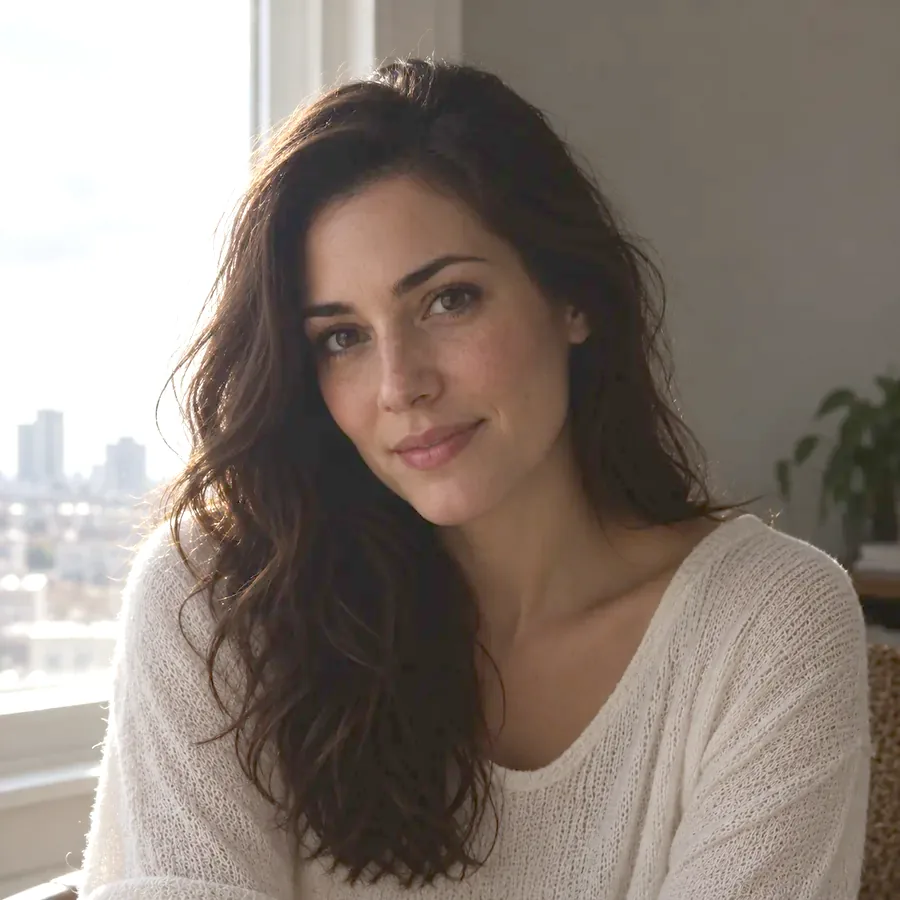
A selfie shot into a bright sky gets its blue water and skin tones back once the exposure is pulled down and a little color is restored.
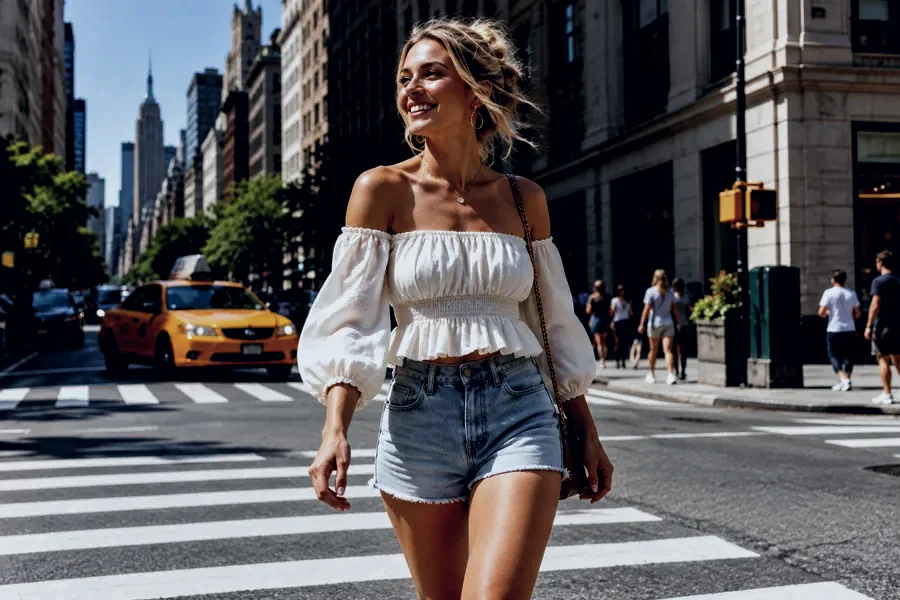
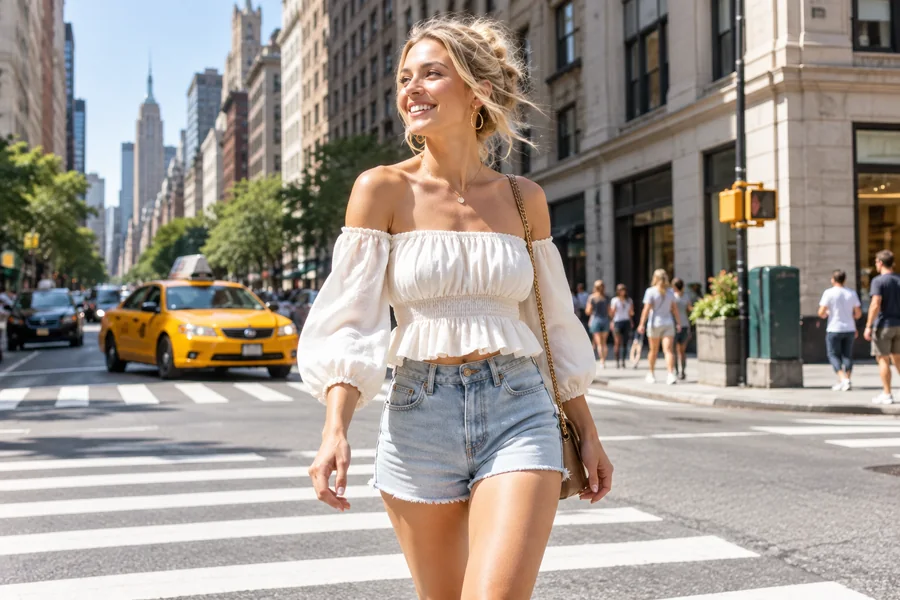
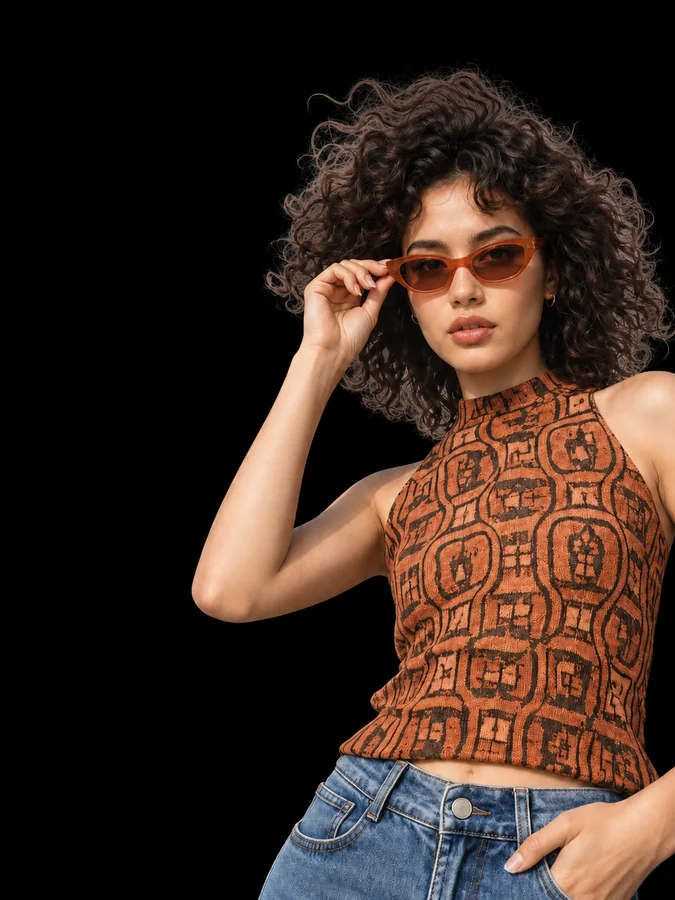
Deep shadows, cooler color, and less saturation turn a bright afternoon street into a dusky, dramatic scene.
Darken photo online in three steps, without installing software.
Choose a JPG, PNG, or WebP picture up to 20 MB. It opens locally in your browser and is never sent to a server.
Pick Darken, Fix Overexposed, Moody, Evening Mood, or Text Background, then fine-tune brightness, exposure, contrast, saturation, and warmth while watching the before/after preview.
Save it as JPG, PNG, or WebP at full resolution, ready to post, print, or place under text.
Pictures taken in midday sun, on snow, or on the beach often look blown out. Lowering exposure darkens the midtones more than the shadows, so faded colors and details come back instead of the whole photo turning muddy.
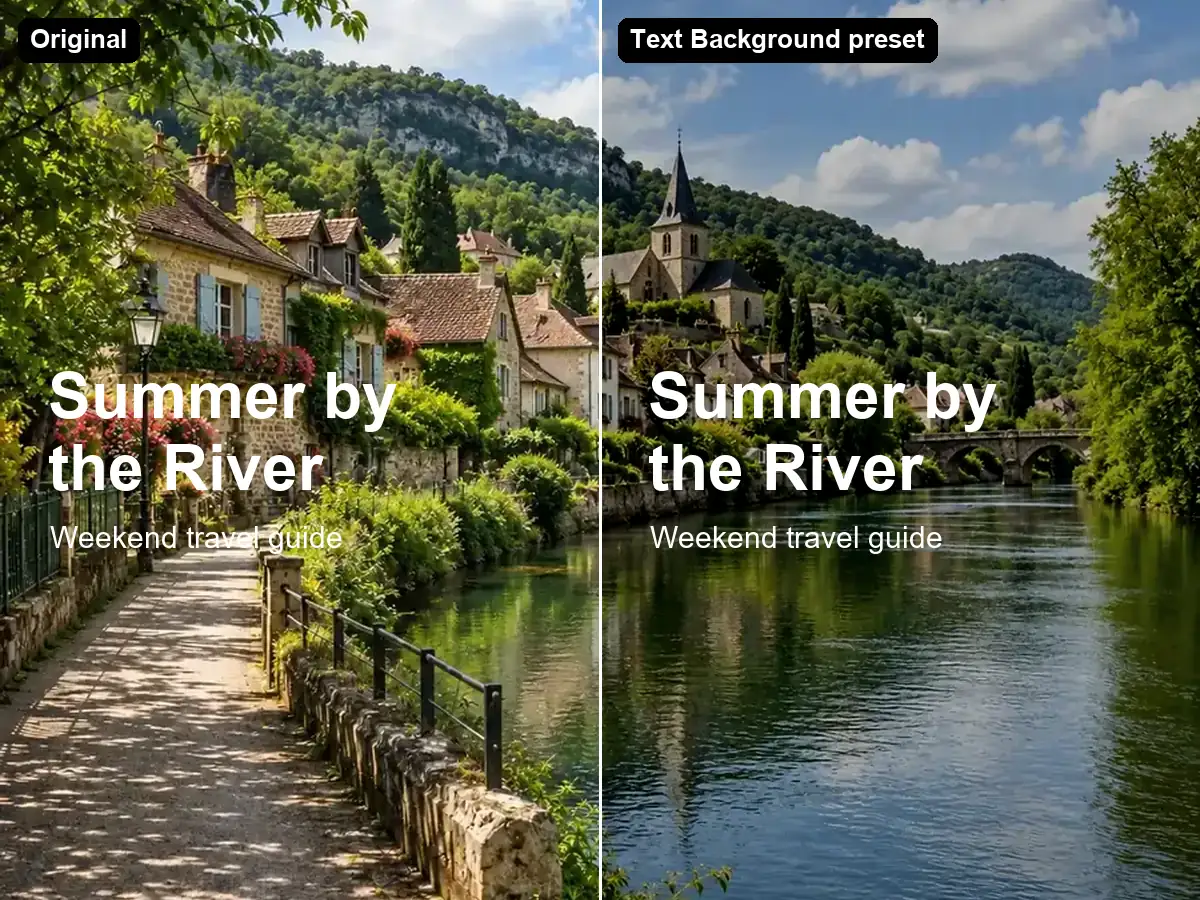
Headlines on banners, thumbnails, and slides need contrast. The Text Background preset lowers brightness and contrast so white type reads clearly while the photo still shows through.
Dark and moody is a style of its own. Combine lower exposure with extra contrast and a touch of warmth or coolness to get a darkening effect that feels intentional, from cozy interiors to cinematic street scenes.
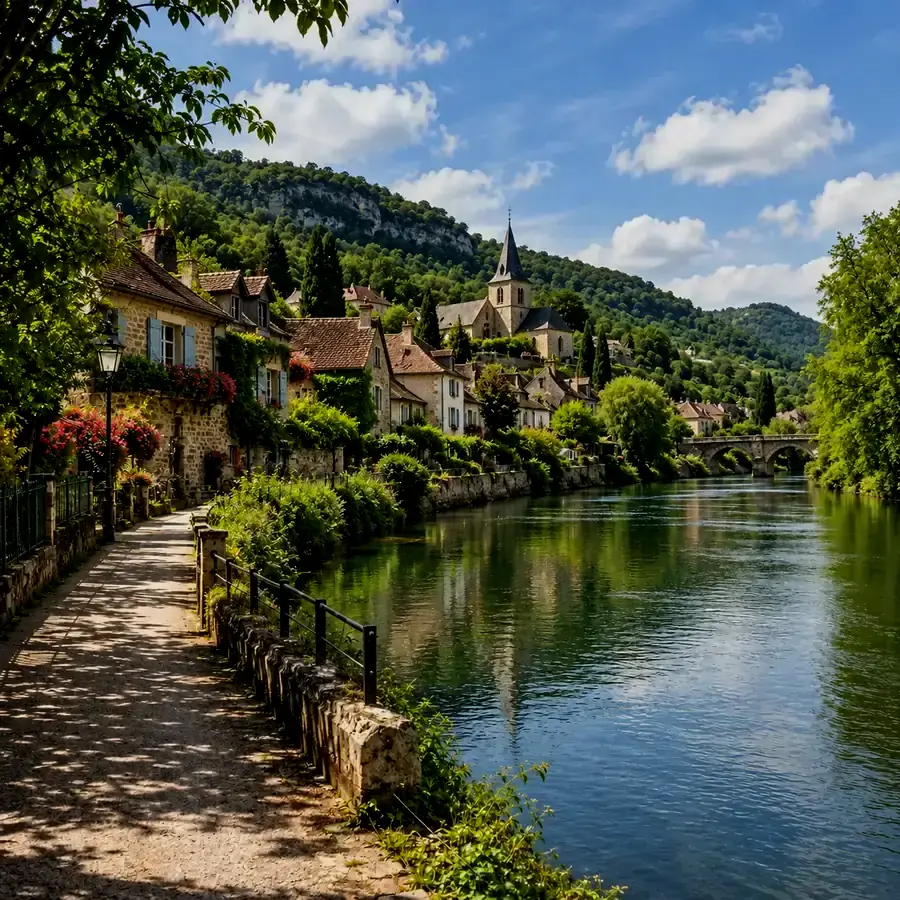
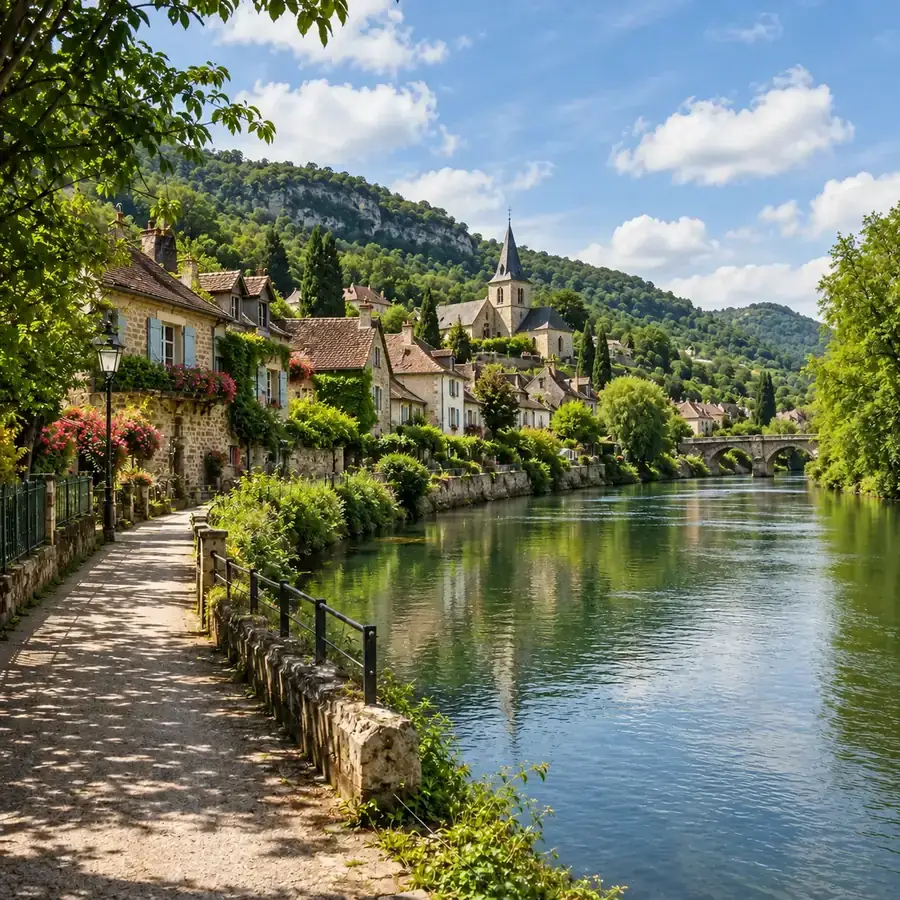
Sometimes a picture only needs to be a little darker. Start with the Darken preset for a gentle dip, or push the sliders for a deep, dramatic result. Everything happens on your device, free and without sign-up.
Common reasons people reach for a picture darkener to darken images.
Bring washed-out skies, water, and faces back to a natural exposure.
Dim the background photo so titles and buttons stand out.
Tame glaring white walls and backdrops so the subject keeps its color and texture.
Create a consistent dark, cinematic look across a series of posts.
Habits that keep darker photos natural.
When darkening image files, lower exposure first: it darkens midtones and keeps shadow detail, while brightness shifts every tone equally.
Overexposed photos look faded. A small saturation boost restores natural color after darkening.
If dark areas turn into black blobs, ease off exposure or lower contrast slightly.
For screenshots and designs, export PNG to avoid extra compression after darkening.
How people use an image darkener day to day.
Illustrative examples adapted from reference material, not verified reviews of EzImgMaker.
Our ski trip photos were blinding white. Fix Overexposed brought the blue sky and everyone's faces back.
I make YouTube thumbnails and always dim the background so the title pops. Text Background does it in one click.
Listing photos of white rooms looked flat and glaring. A gentle darken made the wood and fabrics visible again.
I like a dark, moody feed. Moody plus a little extra contrast gives every post the same look, and nothing gets uploaded.
Questions about making pictures darker online.
Upload the image, click Darken or another preset, adjust the sliders until the before/after preview looks right, and download. The image darkener works in your browser, so the picture stays on your device.
Choose Fix Overexposed. It lowers exposure and brightness and adds a little contrast and saturation, which brings back color in skies, water, and skin. Note that pure white areas with no detail cannot be recovered.
Think of brightness as a simple darken filter: it shifts every tone darker by the same amount. Exposure works as a curve that darkens the midtones most, so it keeps highlights and shadows more natural. Most photos look best with exposure lowered first.
This tool darkens the whole picture evenly. To darken just the background, use a background tool such as Blur Background or Black Background from the related tools.
Yes, it is free and needs no sign-up. Darkening runs on your own device, so there are no credits and no watermark.
No. The photo is processed locally in your browser and never leaves your device. Please only use photos you have the right to edit.
No resolution is lost: the download keeps the original pixel size. Choose PNG if you want to avoid any extra compression.
JPG, PNG, and WebP images up to 20 MB. You can download the result as JPG, PNG, or WebP.
Yes. The tool runs in mobile browsers on iPhone and Android, so you can darken a photo from your camera roll without an app.
Upload a bright picture, choose a darkening preset, and download the darker image in full resolution.