Two-Color Risograph Poster
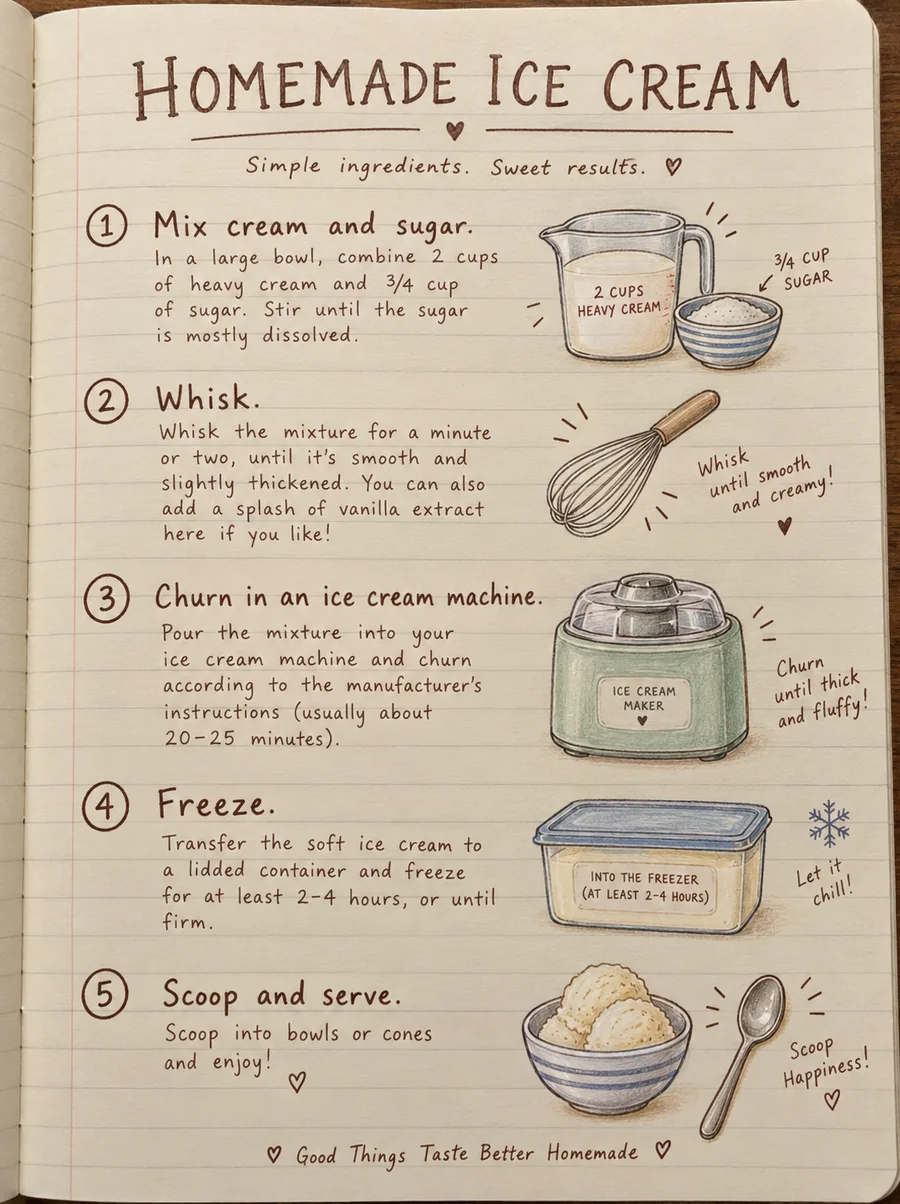
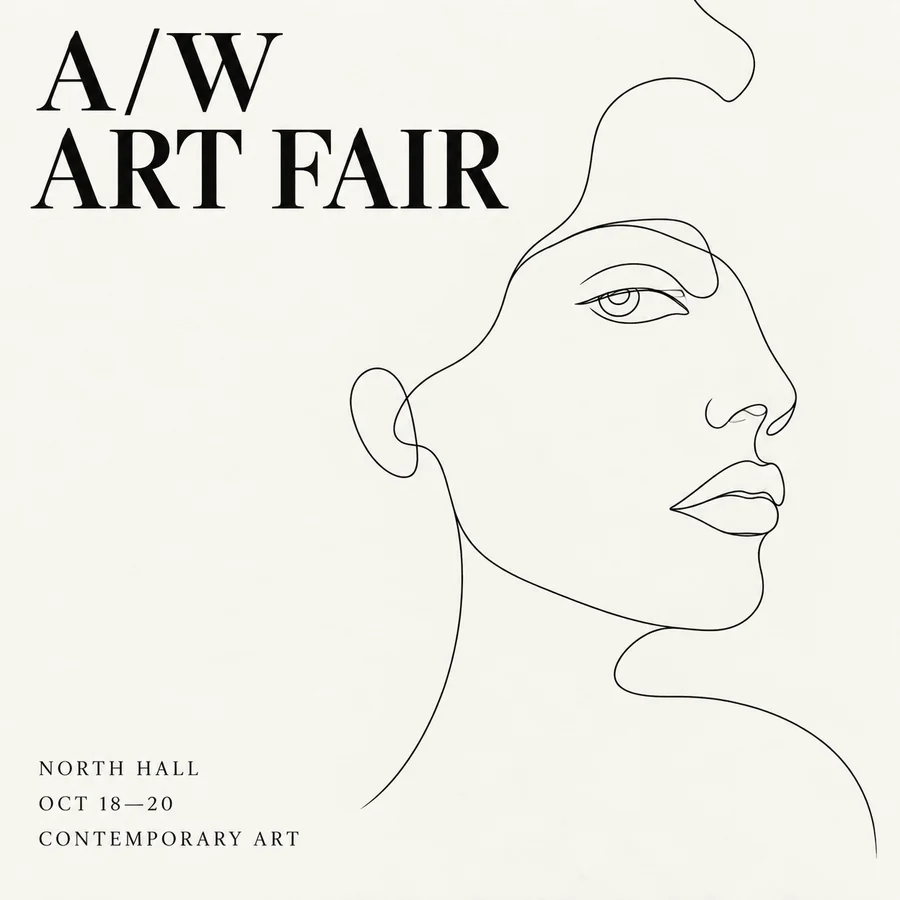
Bold shapes, grain, and print-style color on cream paper.
Create and edit images with ByteDance’s newest Seedream models. Pick Seedream 5.0 Pro for dense text and precise edits, Lite for up to 3K output, or Flash for quick drafts, then write a prompt or add up to four photos. New users get free credits to try it.
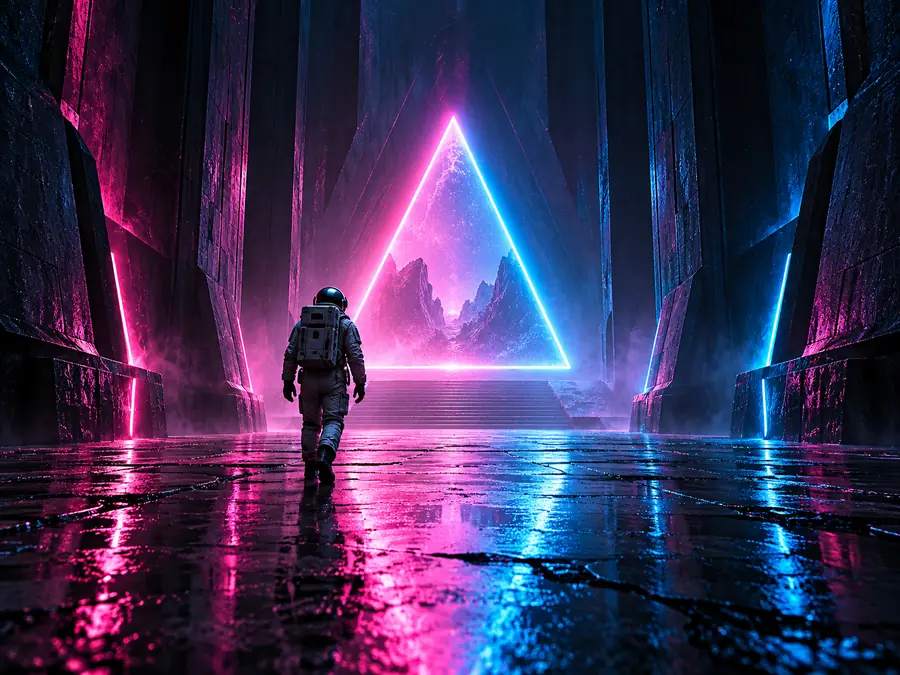
An astronaut walking toward a glowing neon triangle at the end of a dark corridor, pink and blue light reflecting on a wet floor, cinematic sci-fi mood, wide shot.
Reference example. It is not a result generated from your upload.
Seedream 5.0 is the latest generation of ByteDance’s Seedream image models, built by the Seed team as the successor to Seedream 4.5. It is a family of three versions that share one goal: understand the prompt better, then create or edit images with sharp text and fine detail. Seedream 5.0 Lite arrived first, in February 2026, with reported real-time search for up-to-date subjects. Seedream 5.0 Pro, the flagship, reached the API in July 2026, and Seedream 5.0 Flash is the newest and fastest version.
All three do text to image and image to image: describe a scene, or upload up to four photos to edit, restyle, or combine. Choose a version, an aspect ratio from 1:1 to 21:9, and Standard or High quality. Lite goes up to 3K, while Pro and Flash go up to 2K. On EzImgMaker you can use Seedream 5.0 online in your browser, with no CapCut, Dreamina, or API account needed.
Posters, products, infographics, and portraits in the styles Seedream 5.0 handles well. Tap a button to load a similar prompt.
Bold shapes, grain, and print-style color on cream paper.

Green glass, silver silk, and soft water caustics.

Gold lettering above a glowing entrance at dusk.

Ramen toppings, steam, and warm, moody light.
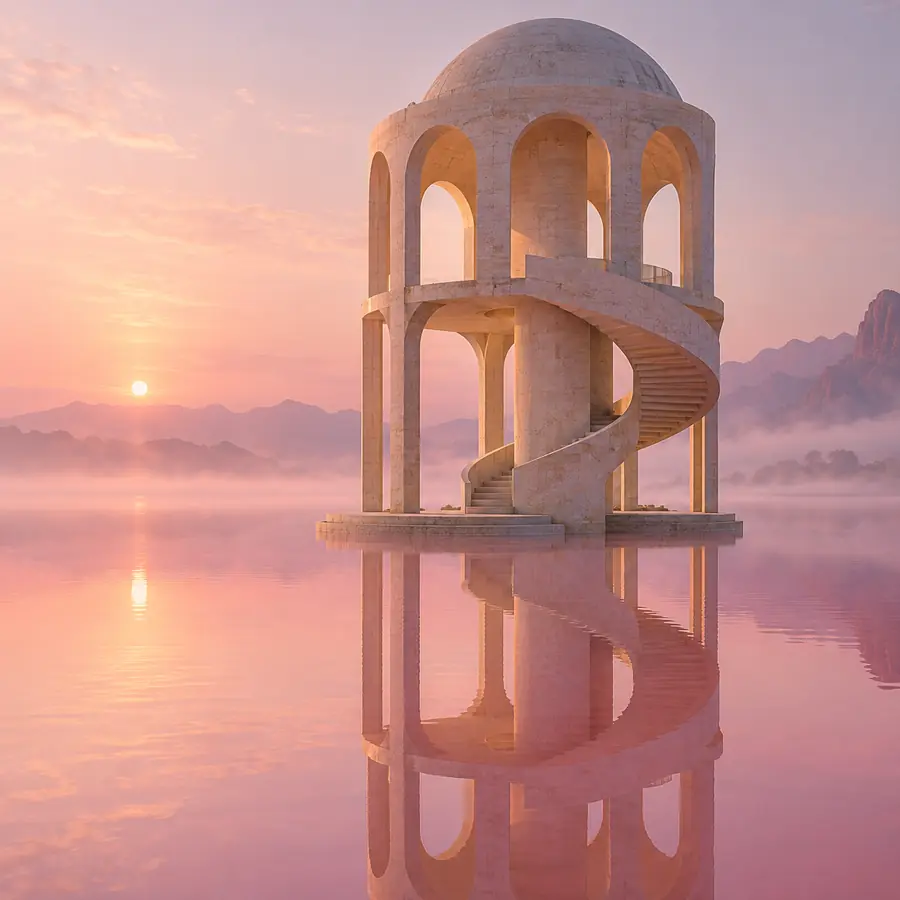
Stone arches and a spiral stair mirrored in a pink lake.
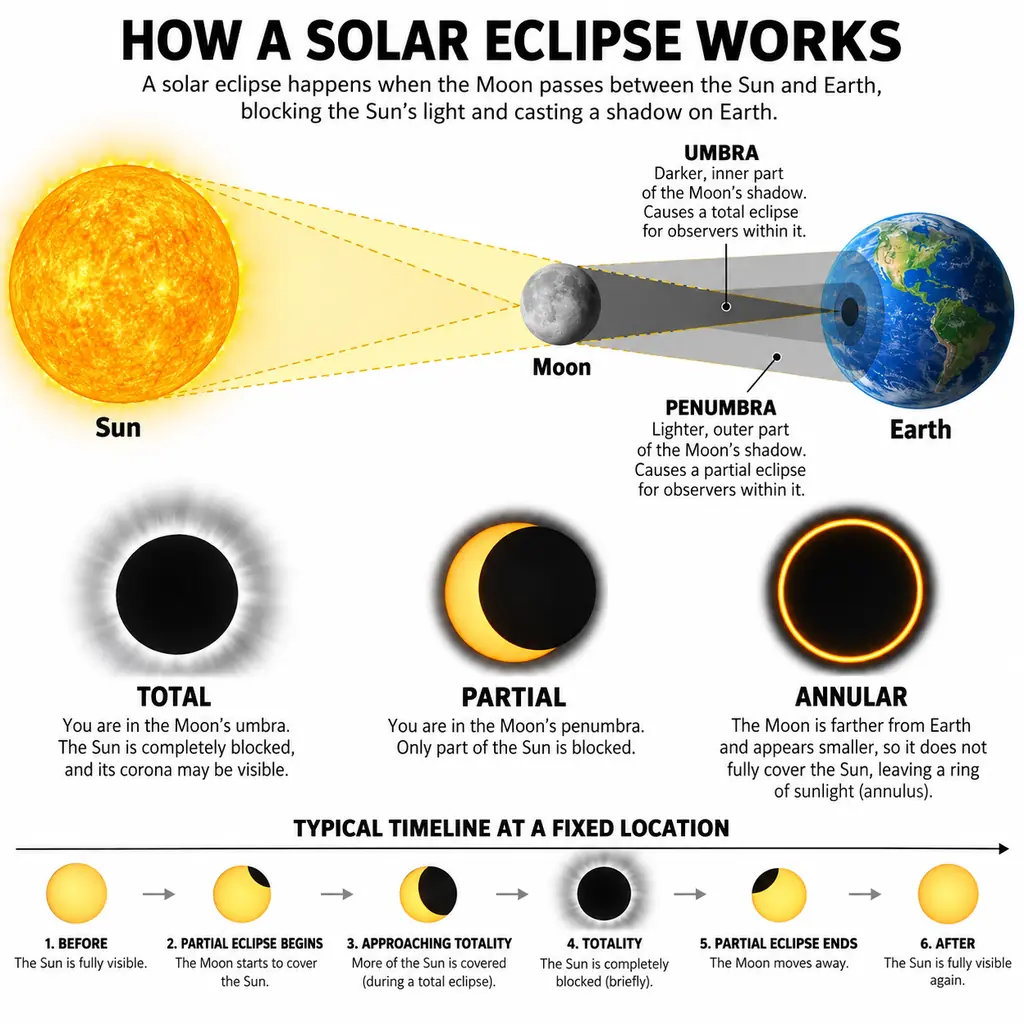
Labeled diagrams and icons that follow real-world logic.

Freckles, flyaway hair, and soft snow-day light.

Layered paper mountains, a crane, and a red sun.
Three steps from idea to a downloadable image. No setup or local GPU needed.
Seedream 5.0 Pro is the default for text-heavy and precise work. Switch to Lite for up to 3K output, or Flash when you want quick drafts and many variations.
Describe the subject, setting, light, and any words in quotes. To edit or combine, switch to Edit / reference images, upload up to four photos, and refer to them as image 1, image 2, and so on.
Pick an aspect ratio from 1:1 to 21:9 and Standard or High quality, choose how many images to create, and generate. The credit cost shows before you start.

Seedream 5.0 Pro is the flagship for infographics, dense text, and precise local edits. Seedream 5.0 Lite balances quality and cost and goes up to 3K. Seedream 5.0 Flash is the quickest option for drafts and high-volume work. All three share one workspace, so you can draft with Flash and finish with Pro without rewriting your prompt.

Seedream 5.0 is built for cleaner lettering and readable small text on menus, labels, posters, and diagrams, and Pro handles the densest layouts. Quote the exact words, keep lines short, and say where each block of text sits.
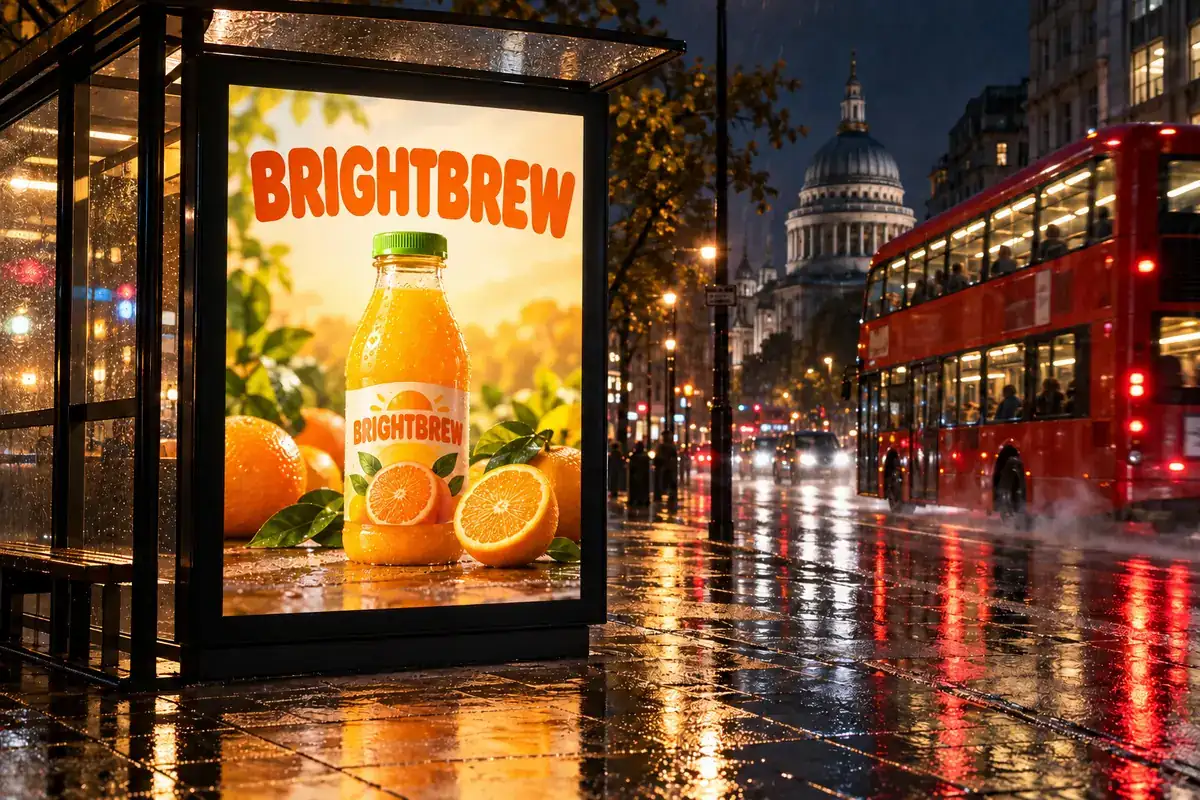
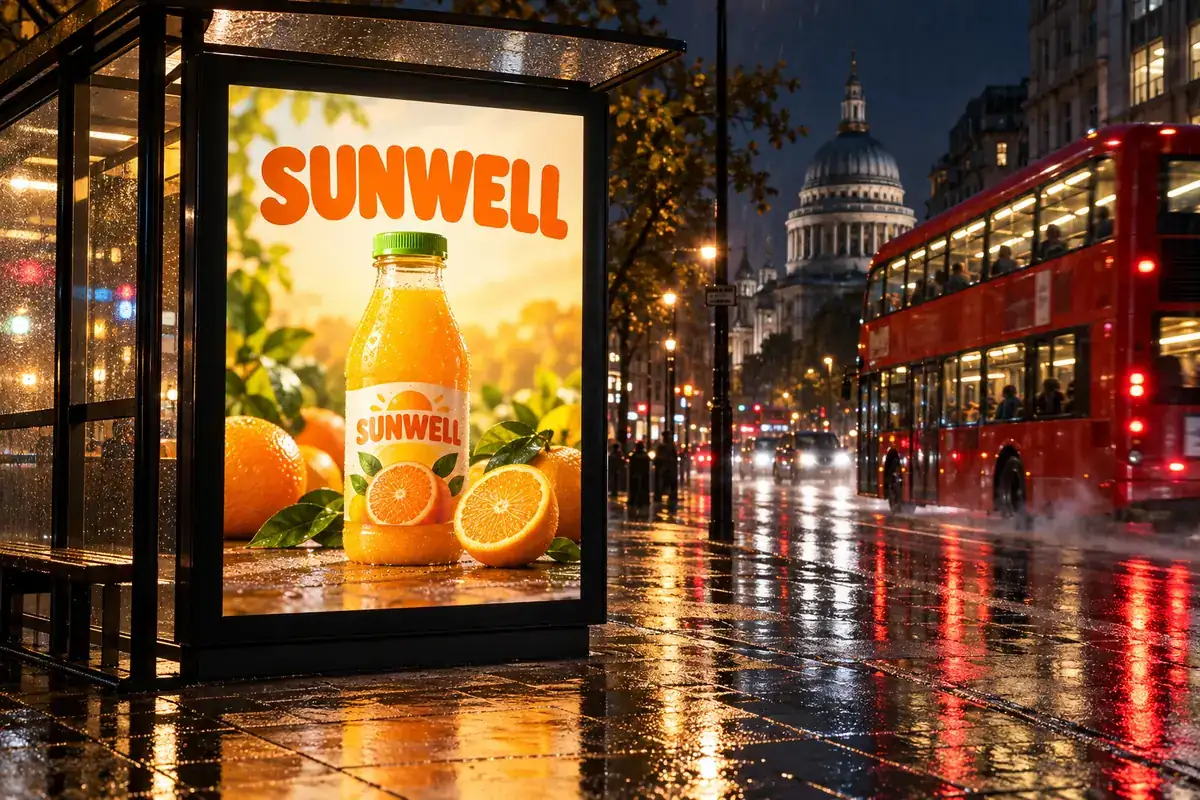
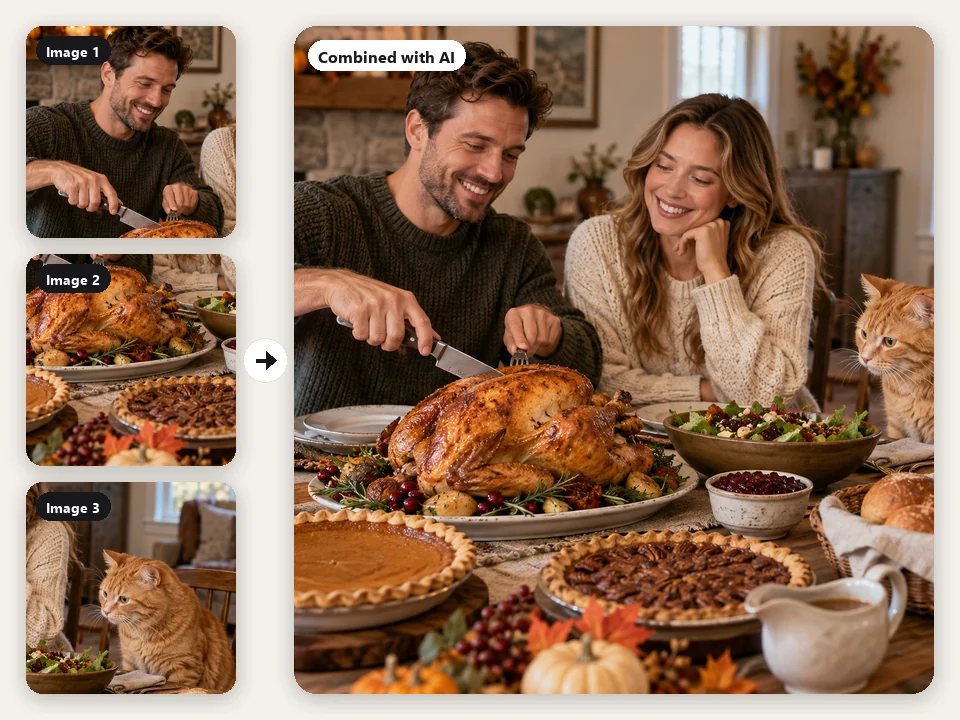
Upload a photo and say what to change, such as a label, a color, or the background, and Seedream 5.0 edits just that part. Add more photos to place a product in a scene or bring an outfit onto a model. Drag to compare.

Choose High quality for the largest files: 3K with Seedream 5.0 Lite, or 2K with Pro and Flash. Standard gives 2K with Lite and 1K with Pro and Flash, which is plenty for drafts and social posts.
The three Seedream 5.0 versions in this workspace, next to Seedream 4.5.
| Seedream 5.0 Pro | Seedream 5.0 Lite | Seedream 5.0 Flash | Seedream 4.5 | |
|---|---|---|---|---|
| Released | July 2026 (API) | February 2026 | Late 2026 | December 2025 |
| Standard / High quality | 1K / 2K | 2K / 3K | 1K / 2K | 2K / 4K |
| Reference images (model limit) | Up to 10 | Up to 14 | Up to 10 | Up to 14 |
| Prompt length (model limit) | Up to 5,000 characters | Up to 3,000 characters | Up to 5,000 characters | Up to 3,000 characters |
| Best for | Infographics, dense text, precise edits | Everyday creation up to 3K, timely subjects | Fast drafts and many variations | Posters and product shots at 4K |
This workspace takes up to 4 reference images and prompts up to 3,000 characters so every version can use them. Seedream 4.5 has its own page. Specs reflect the versions available on EzImgMaker in October 2026.
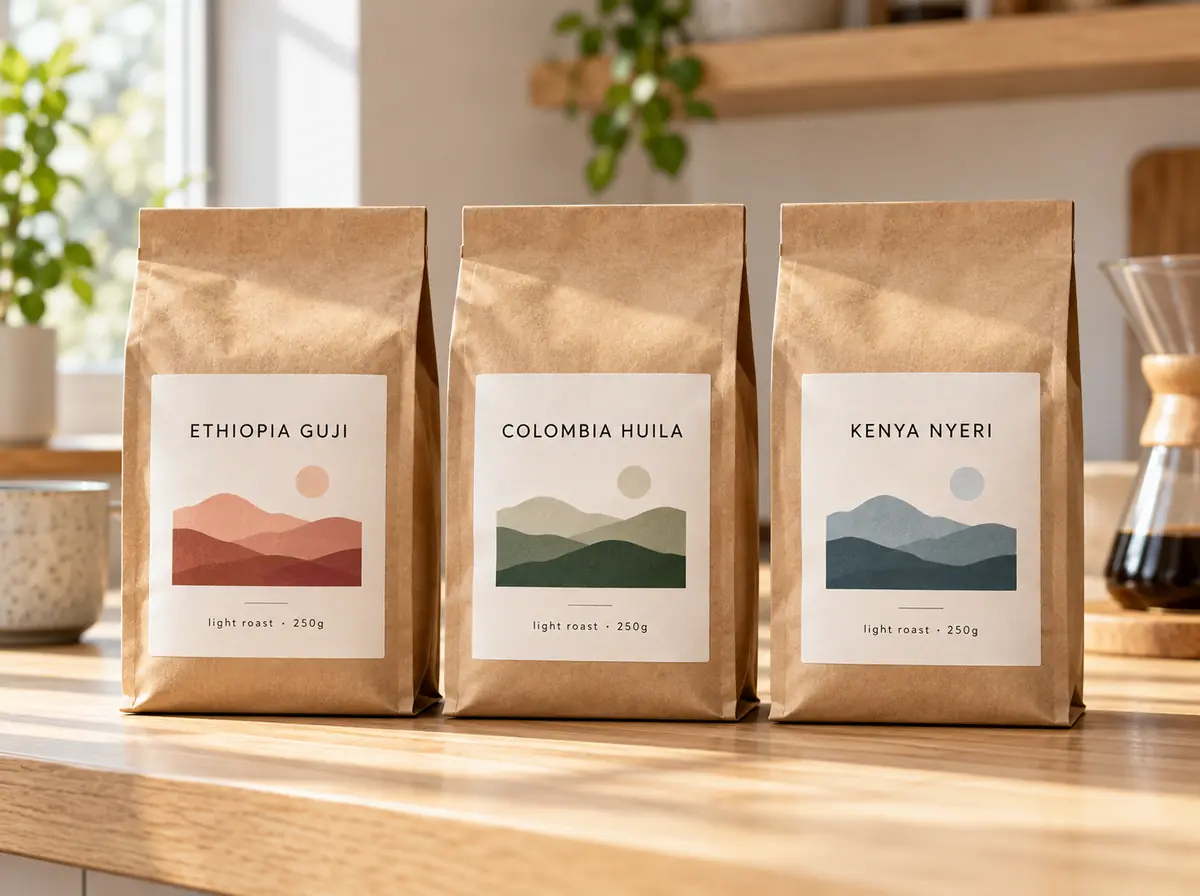
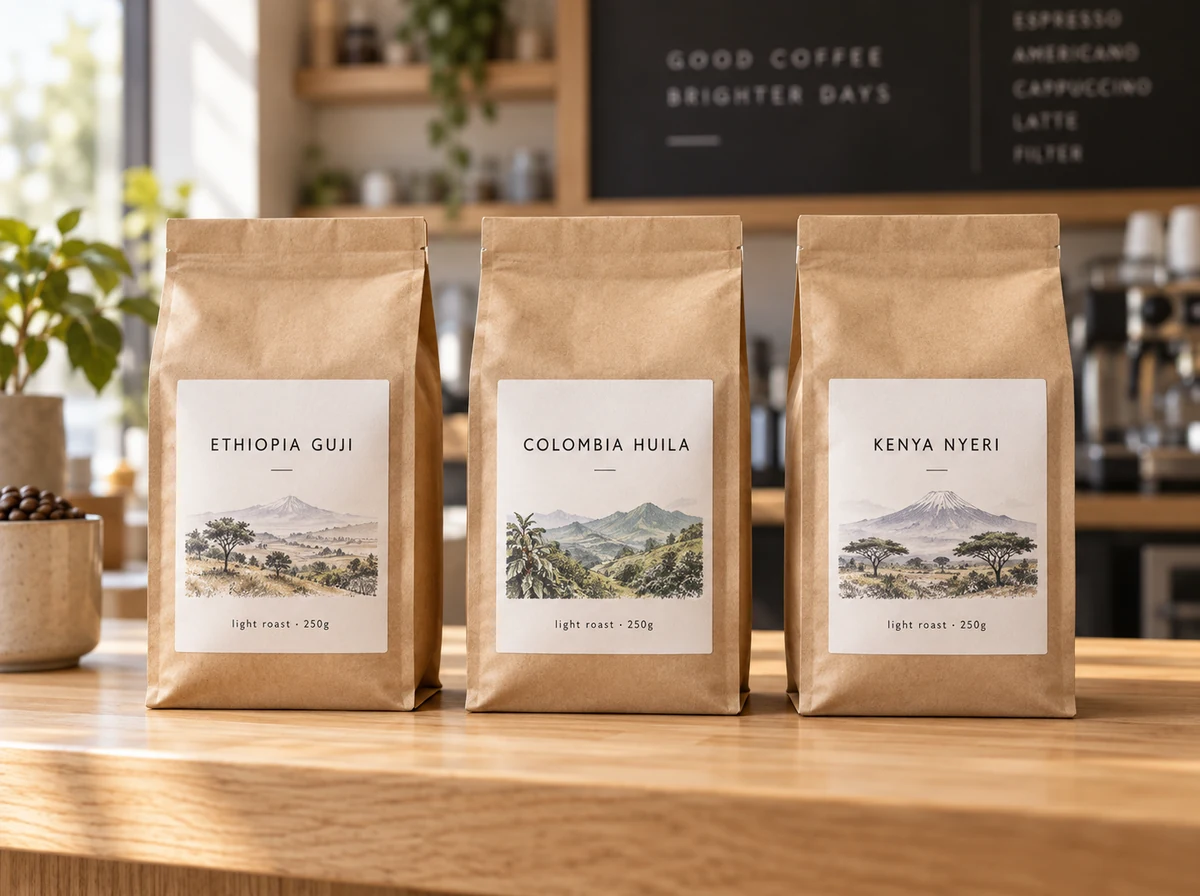
Product photos, packaging studies, and color variants with readable labels.
Posters, banners, and ad drafts with the headline already in place.
Infographics and labeled diagrams that follow real-world logic.
Eye-catching posts in the exact ratio each platform needs.
New scenes, light, and backgrounds for photos you already have.
Architecture, worlds, and characters to explore before production.
Small habits that make Seedream 5.0 results more predictable.
Write the words in quotes and place them: title “WILD BLOOM” in bold letters at the top.
Say what sits where: left or right, foreground or background, three panels in a row.
Add “keep the face, pose, and product unchanged” so only the part you name changes.
Try ideas quickly with Flash, then rerun your favorite prompt on Pro or Lite at High quality.
Other ByteDance models and image generators on EzImgMaker.
Every Seedream version, from 4.0 to 5.0, in one workspace.
Read the guideThe previous Seedream model, with 2K or 4K output and up to 14 references.
Read the guideByteDance’s AI video model: turn prompts and images into clips.
Read the guideAlibaba’s Qwen3 image models for text in images and photo edits.
Read the guideOpenAI’s newest image model, with Flare and Sunburst versions.
Read the guideAll image models and styles on EzImgMaker in one place.
Read the guideCommon questions about Seedream 5.0 Pro, Lite, and Flash.
Seedream 5.0 is ByteDance’s latest image model family for text to image and image editing, with three versions: Pro, Lite, and Flash. The Seedream 5.0 release date depends on the version: Lite launched in February 2026, Pro reached the API in July 2026, and Flash followed later in the year. You will also see it written as Seedream 5, Seedream5, Seedream5.0, or Seedream-5.0.
Pick Pro for infographics, dense text, and precise edits (1K or 2K). Pick Lite for everyday images when you want the largest output (2K or 3K). Pick Flash for quick drafts and many variations (1K or 2K). All three take the same prompts and photos, so you can switch in the Model setting at any time.
You can try Seedream 5 free on EzImgMaker: new users get free credits when they sign up. After that, each image uses credits, and the cost for your version and quality is shown on the Generate button before you start.
Use the workspace at the top of this page: choose Pro, Lite, or Flash, write a prompt or upload photos, pick an aspect ratio and quality, and click Generate. It runs in your browser on a computer or phone, with nothing to install.
Yes. Switch to Edit / reference images and upload up to four photos (JPG, PNG, or WebP up to 20 MB each). Describe the change, such as a new background, color, or label, or ask it to combine a product with a scene. Only upload photos you own or have permission to edit.
It depends on the version and the Quality setting. Seedream 5.0 Lite makes 2K images on Standard and 3K on High. Seedream 5.0 Pro and Flash make 1K on Standard and 2K on High. Every version supports 1:1, 4:3, 3:4, 16:9, 9:16, 3:2, 2:3, and 21:9.
Seedream 5.0 adds stronger prompt understanding and reasoning, better handling of infographics and dense layouts, and three versions to choose from. Seedream 4.5 is still a good pick when you need 4K output for posters and product shots, and it has its own page on EzImgMaker.
Not as of October 2026. ByteDance has not announced a Seedream 6 or Seedream 6.0, so Seedream 5.0 (Pro, Lite, and Flash) is the latest version. We will add newer Seedream models to EzImgMaker when they become available.
Seedream is made by ByteDance’s Seed team, the same company behind the Seedance video models. EzImgMaker is an independent site and is not affiliated with ByteDance; we provide access to the models through our generation provider.
No. You can use Seedream 5.0 right here in your browser on EzImgMaker, without a CapCut or Dreamina account, an app download, or an API key.
Pick Pro, Lite, or Flash, write a prompt or add photos, and see what Seedream 5.0 makes of it.
Seedream, Seedance, CapCut, and Dreamina are products of ByteDance. EzImgMaker is an independent site and is not affiliated with, endorsed by, or sponsored by ByteDance. Model names are used only to describe compatibility, and all trademarks belong to their respective owners.