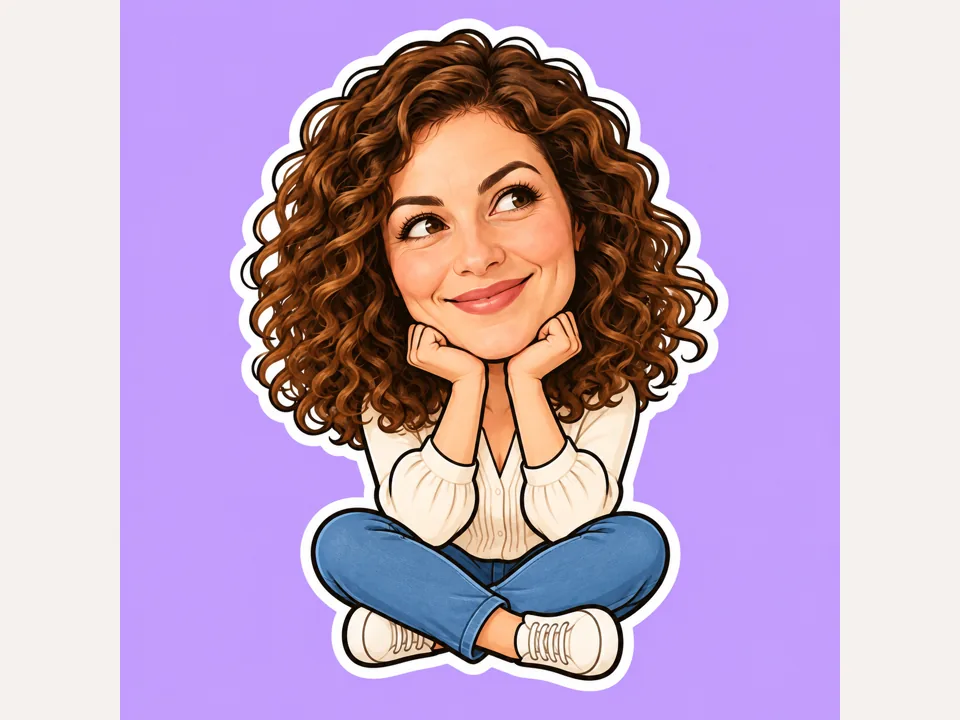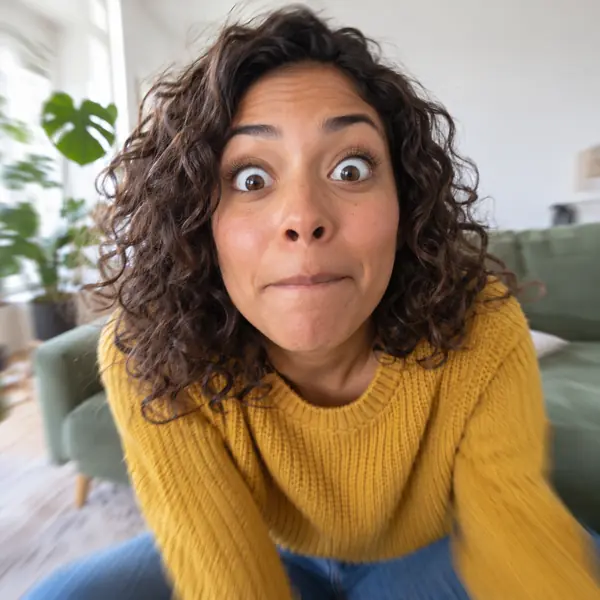
Dramatic Zoom
A sudden push-in to a tight close-up while the subject freezes. Works on people and pets, and on almost any photo.
Upload a photo of yourself, a friend who agreed, or your pet, choose one of eight meme motions, and AI turns the still into a 5–10 second video meme. Then type a caption, watch it over the clip and save a looping GIF or the MP4. Free to try.
The person in the photo breaks into a goofy, bouncy dance on the spot: shoulders shimmy, arms swing and the head bobs to an unheard beat, then they finish with a cheesy point at the camera. The camera stays put.
Reference example. It is not a result generated from your upload.
This online meme video maker starts where most meme tools stop: with a photo that does not move. Upload one picture, choose a motion such as Dramatic Zoom, Shocked Reaction or Side-eye, and an AI video meme generator animates it into a short clip built around one big, readable action. Most meme generator GIF tools hand you a stock template; here the face, the outfit and the room all come from your own upload, so the joke is about your cat, a friend who said yes, or you.
When the clip is ready, the result panel turns into a GIF meme editor. Type a caption, place it at the top or bottom in bold white meme lettering, watch it play over the video and press Save as GIF; the conversion runs in your browser. That makes this a meme generator with video and GIF output in one place, a video and GIF maker meme creators can use without opening an editor. It is Free to try, and the Generate button shows the cost before anything starts.
Every card shows the same fictional model at the peak of one motion. Pick a card, upload your photo and that motion is applied to your subject; you can still describe the action in your own words.
A sudden push-in to a tight close-up while the subject freezes. Works on people and pets, and on almost any photo.
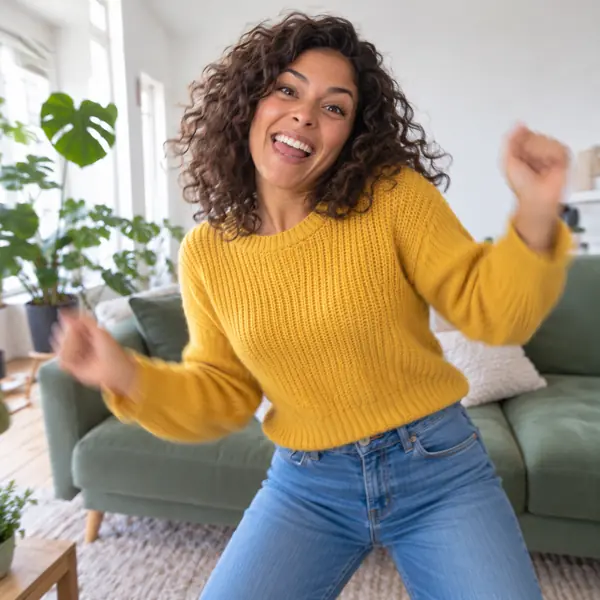
A goofy dance on the spot with shoulder shimmies and a cheesy finish. Photos that show the arms and upper body move best.
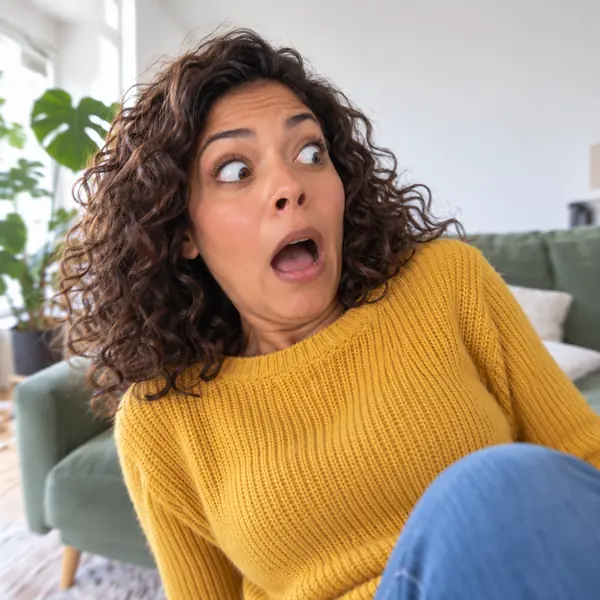
A double-take with a dropped jaw and raised eyebrows, the classic reply to surprising news in a group chat.
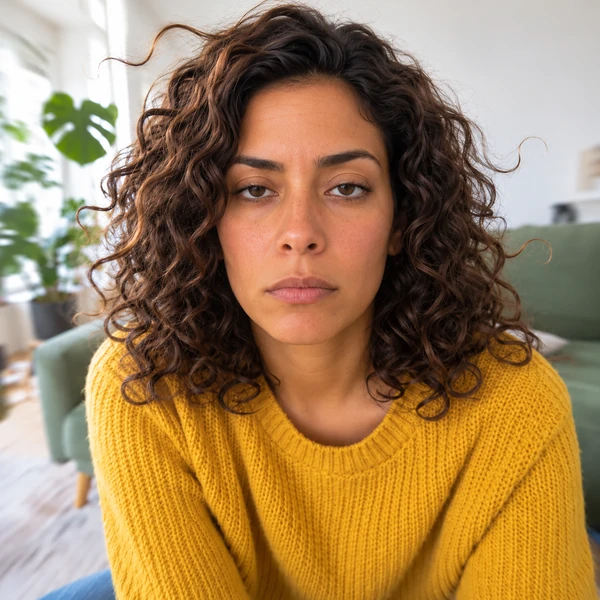
A slow turn toward the camera and a long deadpan look. Long hair or fur makes the slow motion easy to see.

Head back, eyes shut, shoulders shaking: a laugh that fits every moment when you simply cannot.
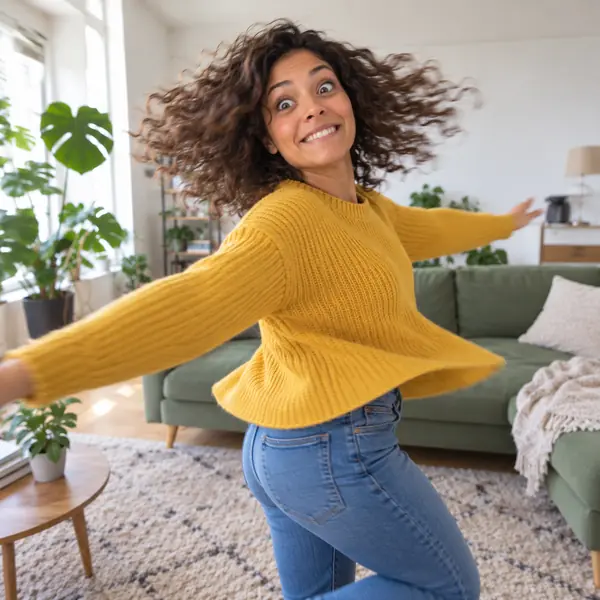
One full twirl with arms out, landing face to camera with a dizzy grin. Full-body photos give the spin room.

Fists in the air, a silent cheer and a superhero stance, for wins big and small.
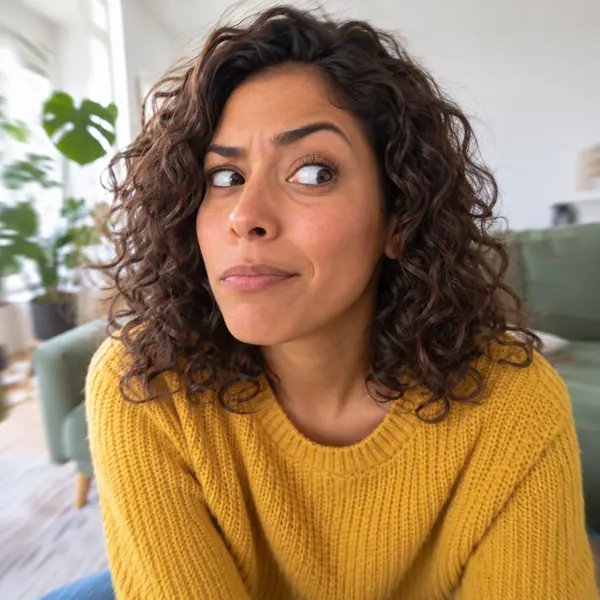
The eyes slide sideways while the head stays put, plus a lifted brow. Close, front-facing photos read best.
Each clip began as one still photo of a fictional adult or a pet. Press a card’s button to load the same motion prompt into the workspace.
A grandmother in a floral dress starts a bouncy little dance in her back garden and can’t stop laughing.
A white cat nudges a glass off the kitchen counter, then turns and holds a deadpan stare at the camera.
An orange cat lounging on a pool float lowers its sunglasses with one paw and peers over them.
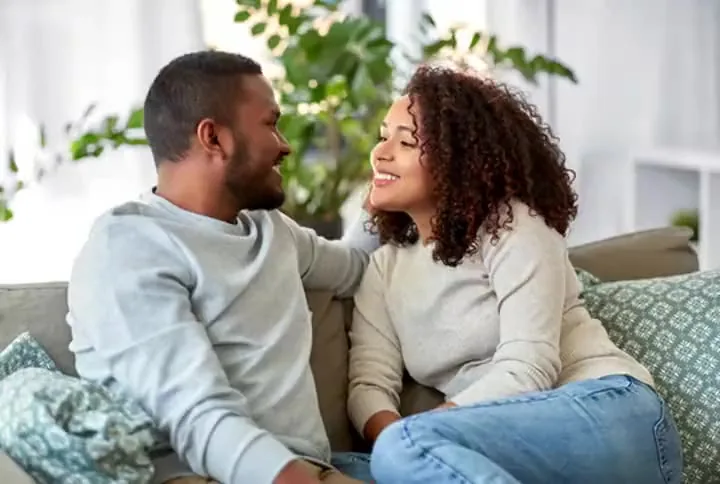
A couple tries a few silly dance moves by the sofa and both end up cracking up.
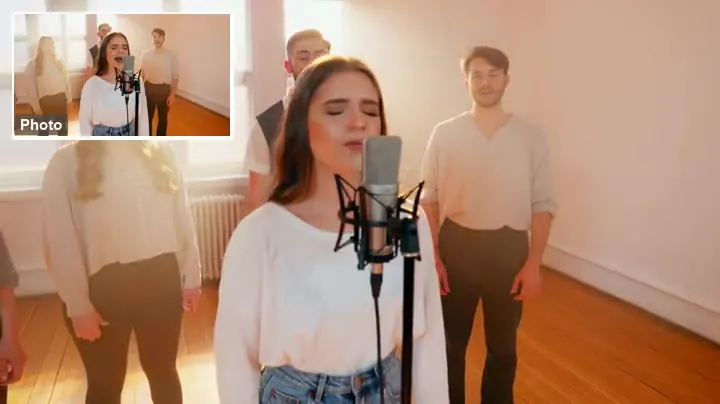
A woman in a black hoodie pumps both fists to the beat in a mirrored studio, grinning the whole time.
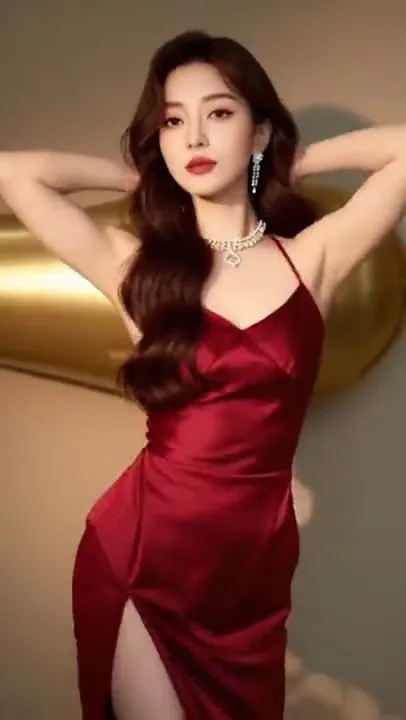
A woman in a white dress twirls across an empty loft, her skirt flaring out on every turn.
Add a JPG, PNG or WebP up to 10 MB of yourself, a friend who agreed, or your pet. One subject with a visible face works best, and the photo becomes the first frame of the clip.
Tap one of eight motion cards. The prompt box is optional: leave it empty to use the card as it is, tap an idea chip, or describe the action yourself to create a meme video around a specific gag.
Grok Imagine is the default and costs least, at 480p or 720p. Hailuo 2.3 offers 768p, or 1080p for 6-second clips, and Kling 2.6 adds optional sound. Pick 5–6 s for a tight loop or 10 s for a longer bit.
When the clip is ready, type a caption, choose top or bottom and watch it over the video. Press Save as GIF at 480 or 320 px and download the .gif, or download the MP4 instead.
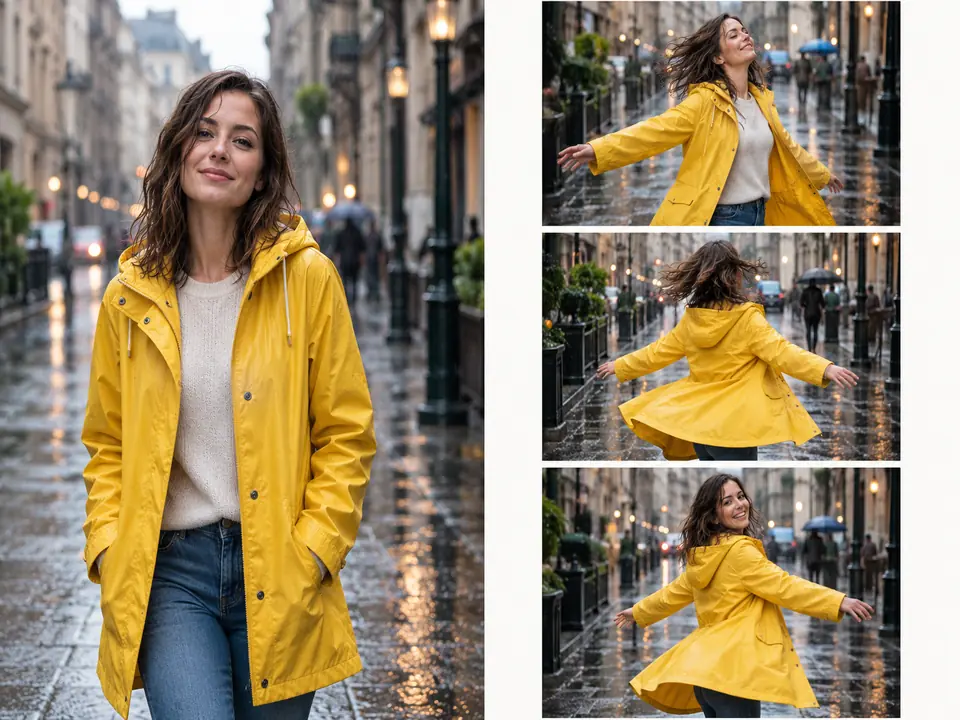
Creating a meme video usually means filming, cutting and captioning. Here one photo is enough: the model keeps the face, the outfit and the setting, stays close to your framing and adds one exaggerated action. That is photo to video meme making without a timeline or keyframes.
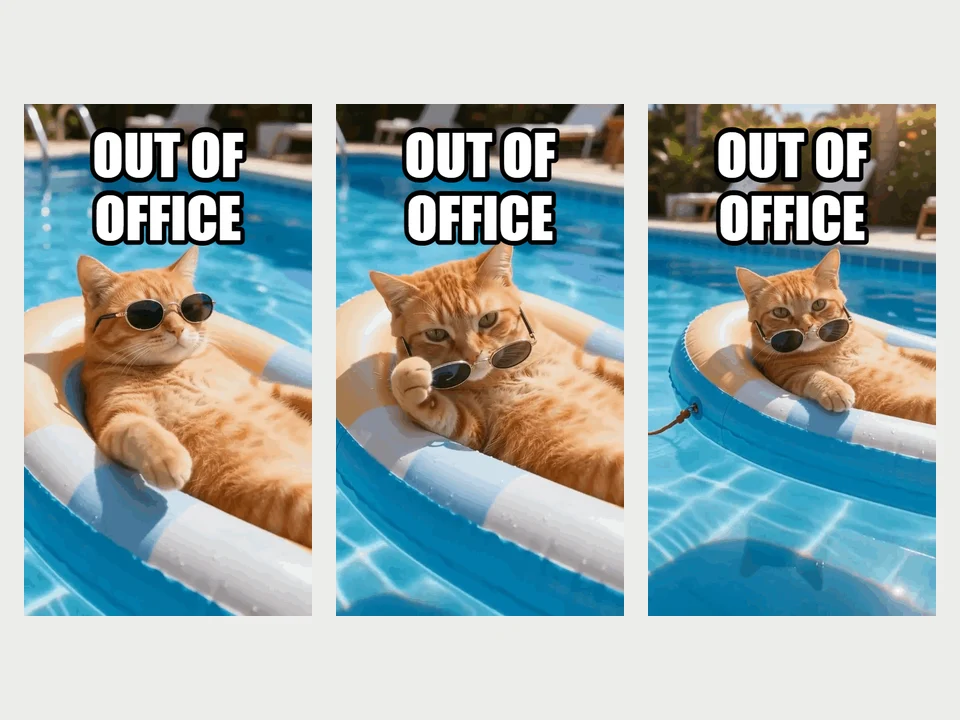
Finished clips get a Save as GIF button. Choose 480 px wide, the default, or 320 px for a smaller file, add an optional caption at the top or bottom, and the meme GIF creator draws it in bold white letters with a black outline. A live preview plays over the video, a progress bar follows the conversion in your browser, and the .gif downloads when it is done.
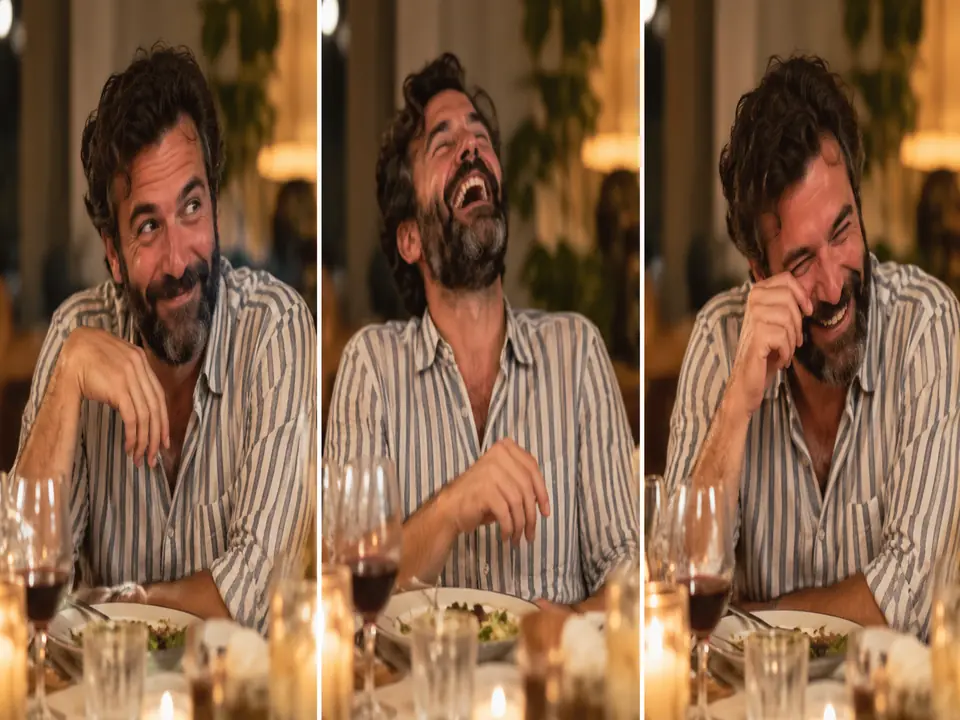
Pick Kling 2.6 and switch Sound on when the joke needs a laugh, a gasp or a beat; the MP4 download keeps that audio. Saved as a GIF, the same clip becomes a silent loop for chats and comment threads, so one meme and GIF maker covers both kinds of post.
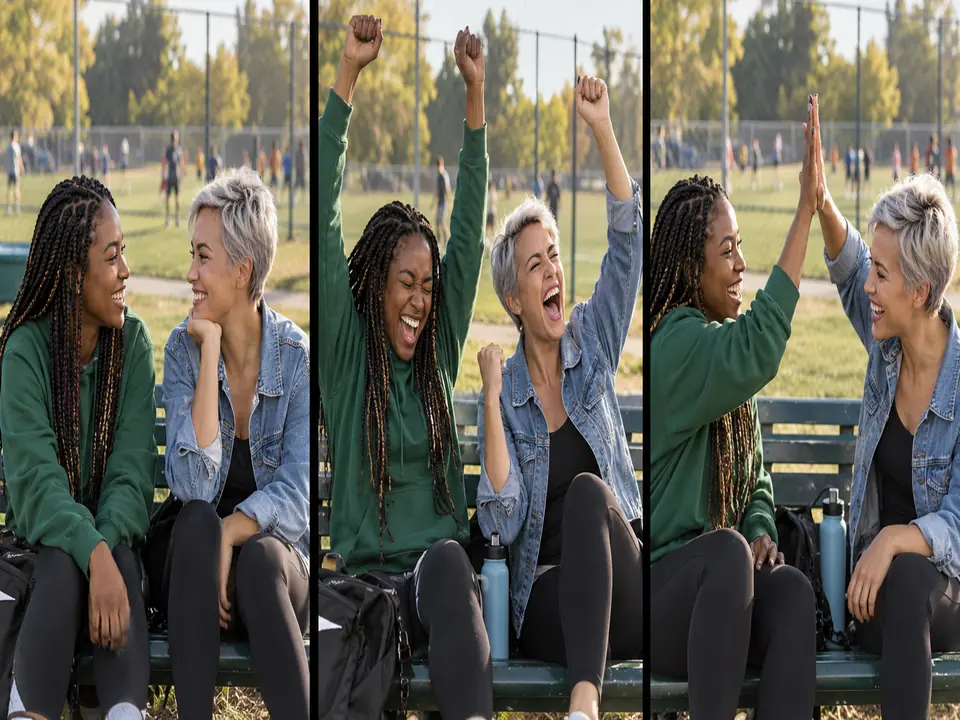
Think of it as a GIF memes maker for group chats: a dramatic zoom on your dog, a victory pose for a friend after a match, your own side-eye. Ask friends before you upload their photos, keep the joke on their side, and make GIF memes for birthdays, team chats and reaction replies.
Front-facing, well lit and not tiny in the frame. In group shots the action gets split between several people.
A single double-take or twirl reads better than three gestures squeezed into five seconds.
Six words or fewer stay readable on a 320 px GIF. Put the caption where it does not cover the face.
Clips of 5–6 seconds loop more tightly and make smaller GIF files than 10-second ones.
In the meme creator GIF settings, 320 px keeps files light for messaging apps, while 480 px looks crisper on a feed or forum.
Make memes the person in the photo would laugh at too, and never use anyone’s face to mock them or pass as them.
Caption a still picture with top and bottom text, or let AI draw a fresh meme image from a topic you type.
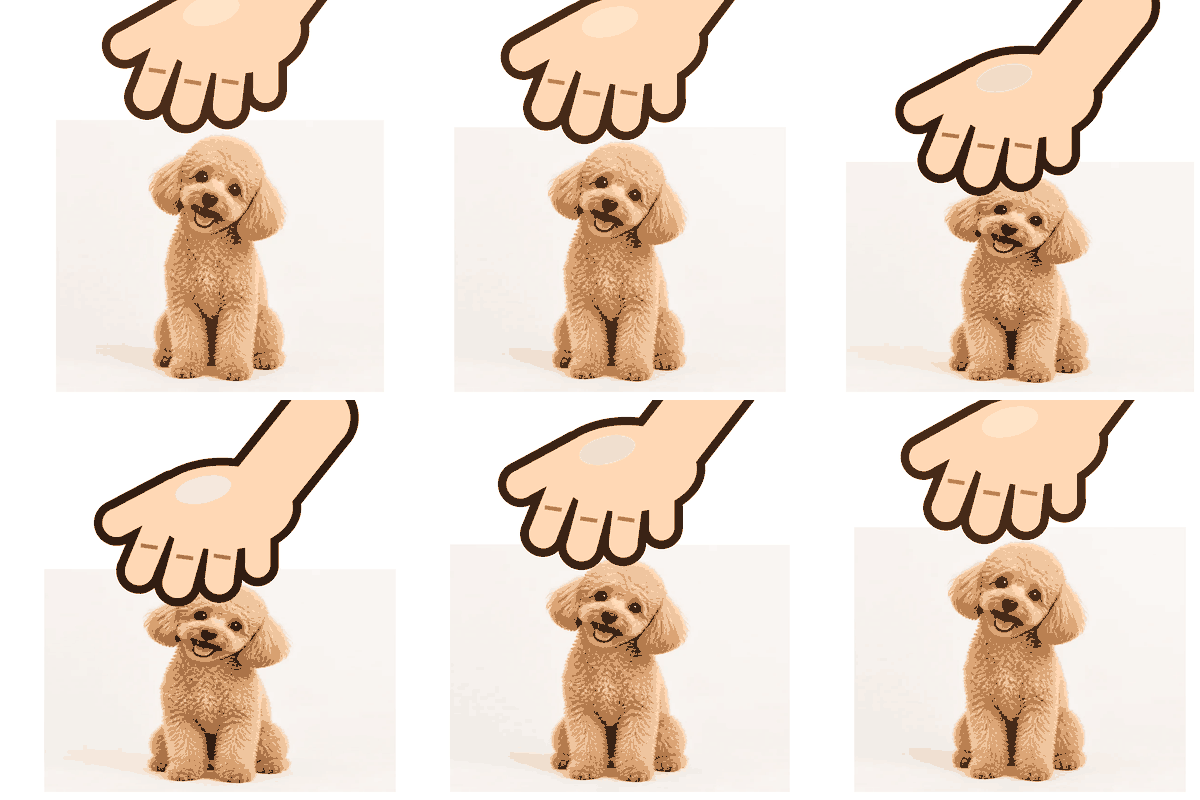
Open toolLooking for a patpat GIF maker? Drop in an avatar and a cartoon hand pats it in a squishy, looping GIF.
Open toolWrite any motion for any picture, from a slow smile to a camera drift, when you do not want a meme motion.
Open toolCompare more video models and settings for scenes, products and landscapes rather than reaction clips.
Open toolAlready have a short video or a set of pictures? Turn them into a captioned GIF right in your browser.
Open toolPlace movable text layers with outlines and shadows on a still photo for a caption-style image meme.
Open toolIt is Free to try. Every clip is a new AI video, so the Generate button shows the cost for the model, length and resolution you picked before you start. Adding a caption and saving a finished clip as a GIF happen in your browser and do not start another generation.
Use photos of yourself, of people who agreed to be in the meme, of your own pets, or pictures you made. Do not upload strangers, coworkers or exes without asking, and never use the tool to mock, harass or impersonate anyone. Photos of celebrities, politicians, film or game characters and brand mascots are off limits too.
Wait for the video to finish, then press Save as GIF in the result panel. Pick 480 px wide (the default) or 320 px, add a caption if you like, and follow the progress bar while your browser converts the MP4. The .gif downloads as soon as the conversion is done.
Type it in the caption box under the finished clip and choose top or bottom. It appears over the playing video in bold white letters with a black outline, so you see the layout before you save. Rewrite it as often as you like: the caption is never sent to the AI, and it goes into the GIF rather than into the generated video.
Start with Grok Imagine: it costs least and leans playful, at 480p or 720p. Choose Hailuo 2.3 for a sharper clip, with 1080p available at 6 seconds, and Kling 2.6 when the meme needs generated sound. Results vary from photo to photo, so running the same picture through a second model is often worth it.
Choose 5–6 s or 10 s. The short setting gives 6 seconds with Grok Imagine and Hailuo 2.3 and 5 seconds with Kling 2.6; the long setting gives 10 seconds on all three. Hailuo’s 1080p option only works with the short length, and short clips loop more neatly once saved as GIFs.
Yes, with Kling 2.6: set Sound to On and the meme generator video comes with generated audio, such as laughter or a whoosh, matched to the action. Download the MP4 to keep it. A GIF has no audio track, so the GIF version is always silent.
Lean into it: choose Grok Imagine at 480p, then save the clip as a GIF at 320 px. The small width and the limited GIF color palette give that crunchy, compressed feel, and a bold caption finishes the joke. For a cleaner copy of the same clip, save it again at 480 px or keep the MP4.
This generator starts from a still photo, not from existing footage. Pause your video on the funniest frame, save that frame as an image and upload it here, then pick a motion to turn it into a brand-new clip.
One person or pet, facing the camera, in good light, with the face filling a fair part of the frame. Leave some space around the subject for big moves like Spinning or Dancing, and skip heavy filters, sunglasses and photos where the face is partly covered.
Upload a photo, pick a meme motion and get a short reaction clip, then add a caption and save it as a GIF. Free to try.