Pet Photo, Fill

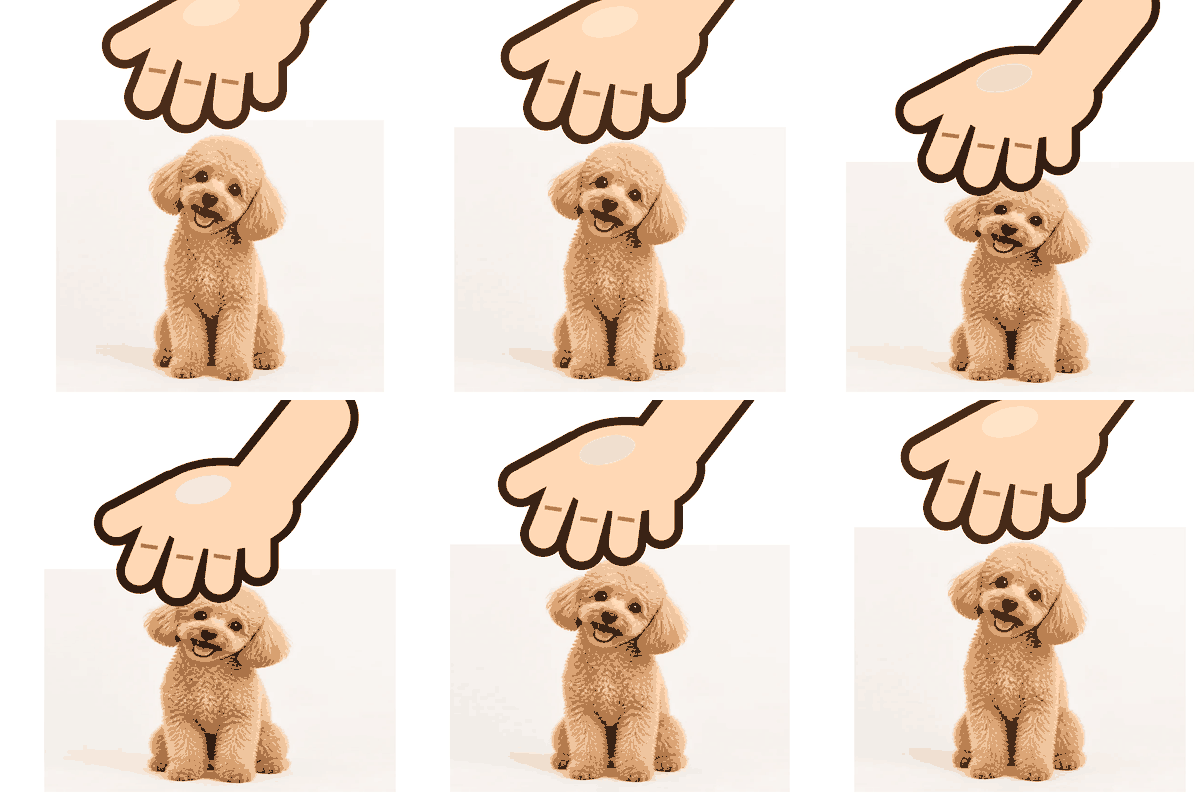
A dog photo cropped to fill the frame, peach hand, white background.
Upload any picture, avatar, or emoji and watch a cartoon hand pat it while it squishes. Adjust speed, squish, hand color, and size, then download a looping GIF. Free, no sign-up, and your image never leaves your device.
Animation
Runs in your browser. Your photo is never uploaded.
Reference example. It is not a result generated from your upload.
A petpet GIF is the classic "pat pat pat" meme: a cartoon hand repeatedly pats someone's head while the picture squishes down and bounces back. It started as a reaction emoji in chat communities and is now a favorite way to say "good job", "there, there", or "you are adorable" without typing a word.
This petpet generator makes the whole loop in your browser. Upload a photo of your pet, a friend's avatar (with their okay), a sticker, or an emoji, and the pet pet generator draws the hand, squishes the image frame by frame, and encodes a looping GIF you can download. It is a free pet gif maker with no watermark, no account, and no upload.
All three were made with this petpet GIF maker using its own hand and encoder.
A dog photo cropped to fill the frame, peach hand, white background.
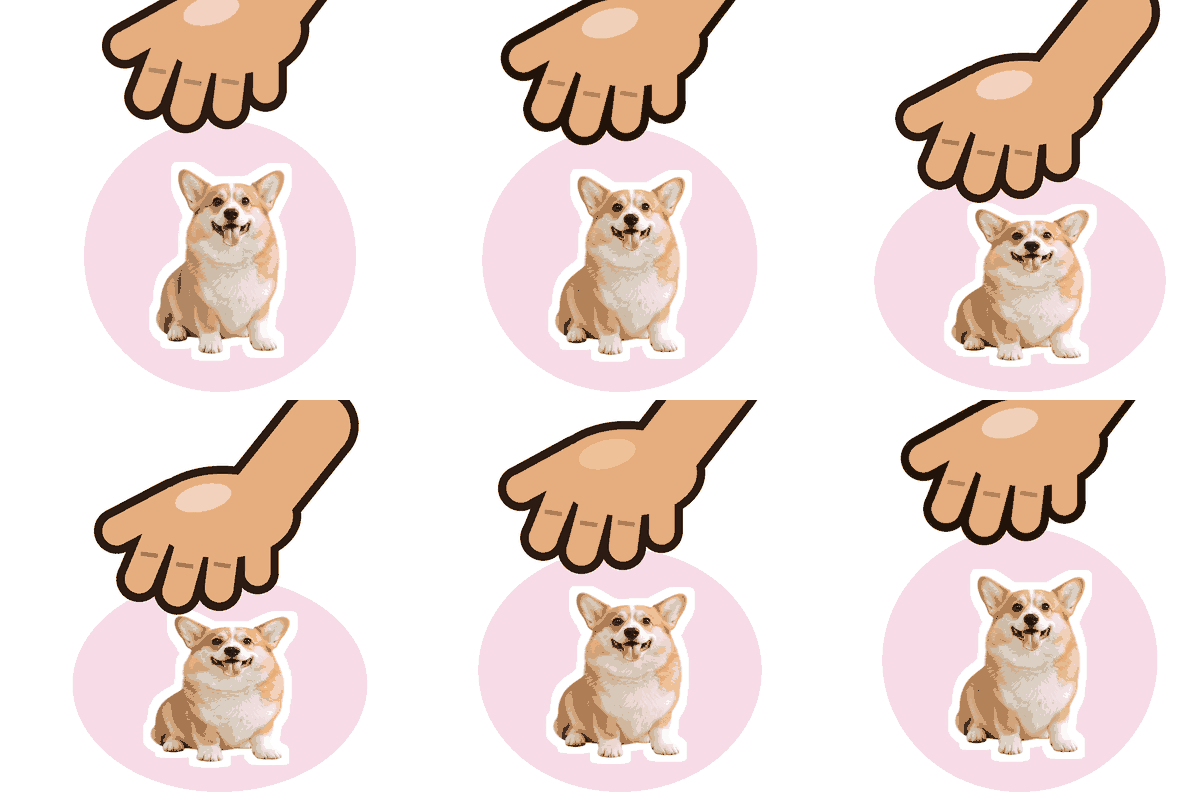
Circle crop with a tan hand: perfect for profile pictures and server icons.
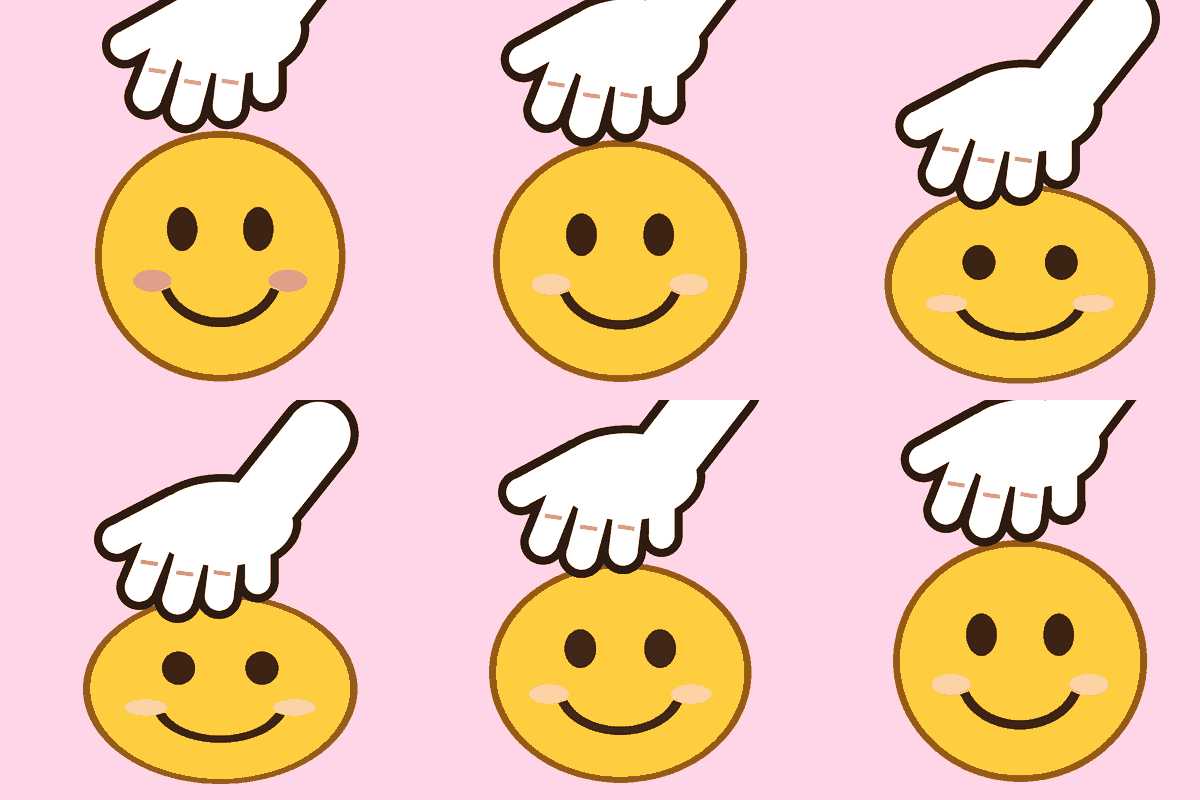
A smiley on a pink background with the white-glove hand and extra squish.
Three steps with this petting gif maker, on desktop or phone.
Drop in a JPG, PNG, WebP, or GIF up to 20 MB. Transparent PNG stickers and emoji work especially well. Animated GIFs use their first frame.
Set the speed and how much the image squishes, choose a hand color, fit or crop the image (Fit, Fill, or Circle), and pick a transparent, white, or custom background. This hand pat gif maker previews every change live.
Choose 112, 128, 256, or 512 px and click Download GIF. The file loops forever and is ready for chat apps, emoji slots, and posts.
This pet gif generator is not only for animals. Pat your dog, your cat, a server mascot, a drawing, or a friend who just aced an exam. The image is fitted, filled, or cropped into a circle, so any shape becomes a clean headpat.
Slow, gentle pats or frantic ones: the speed slider changes the frame timing, and the squish slider controls how far the head compresses. Five hand colors, including a white glove, let the hand petting gif maker match your style.
Export with a transparent background at 112 or 128 px for chat emoji and reactions, or at 256 and 512 px for posts. After each download the tool shows the file size and warns you if it is over the common 256 KB emoji limit.
Everything runs on your own device: the hand is drawn by the page and the GIF is encoded in your browser. It is free, needs no sign-up, adds no watermark, and never uploads your picture.
A head pat gif maker for every chat.
Upload a transparent 128 px petpet as a custom emoji so your community can pat each other.
Reply with a petpet of a friend’s avatar when they need encouragement or did something great.
Turn your pet’s best photo into a loop that followers can reuse as a reaction.
Make headpat loops of your own characters for overlays, alerts, and fan posts.
Small tweaks that make a patting gif maker result look clean.
A transparent PNG sticker gives the cleanest transparent GIF. For photos, try Fill or Circle.
The hand lands on the top of the image, so crop photos so the head sits near the top.
Emoji slots shrink everything. Export at 112 or 128 px and keep a bold, simple subject.
Transparent works in chats; a solid color looks smoother because GIF edges cannot be semi-transparent.
Typical uses for a petpet maker.
Illustrative examples adapted from reference material, not verified reviews of EzImgMaker.
Our server has a petpet of every moderator now. Transparent at 128 px fit the emoji slot first try, and the size check saved me a re-export.
I made a slow, gentle pat of my cat for my sister when she was having a rough week. It worked better than any message.
The white glove plus max squish on my channel mascot is now our "good game" reaction.
Nothing to install and nothing uploaded, which matters at work. I made a pat pat for a teammate right in the browser.
Common questions about making petpet GIFs.
A petpet generator turns a picture into the looping "pat pat" meme: a hand pats the image while it squishes. This one, also called a pet pet gif maker or headpat gif maker, does it all in your browser and exports a GIF.
Upload an image, set speed and squish, pick a hand color, fit, background, and size, then click Download GIF. The preview shows exactly how the loop moves before you save it.
Yes. It is free, has no sign-up, and adds no watermark, because the GIF is made on your own device rather than on a server.
No. Your image stays in your browser: the hand is drawn by the page and the GIF is encoded locally. Nothing is sent to a server.
Most chat apps display emoji at about 32 to 48 px and accept uploads of 128 px or smaller, often with a 256 KB limit. Export at 112 or 128 px with a transparent background; the tool tells you if the file is over 256 KB.
Yes, Transparent is the default background. GIF transparency is on or off per pixel, so soft edges become crisp; if edges look jagged on a dark chat theme, pick a solid background color instead.
Yes. The speed slider sets the time per pat (shown in seconds), from slow and gentle to very fast. The squish slider controls how much the image compresses on each pat.
Use images you own or have permission to use, and ask before making a petpet of a real person. Keep it friendly: don't use petpets to mock or harass anyone.
Yes. The petting gif maker works in mobile browsers on iPhone and Android: upload from your gallery, adjust, and download the GIF.
You can upload a GIF, but only its first frame is used, so the result is the image being patted rather than the original animation.
Upload an image, tune the pat, and download a looping petpet GIF for free.