Pencil Sketch
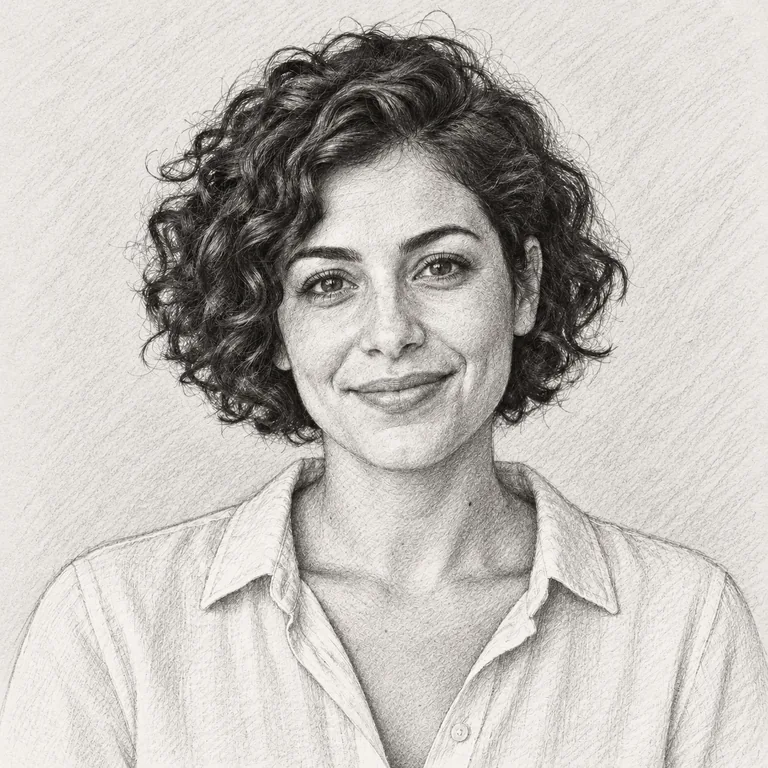
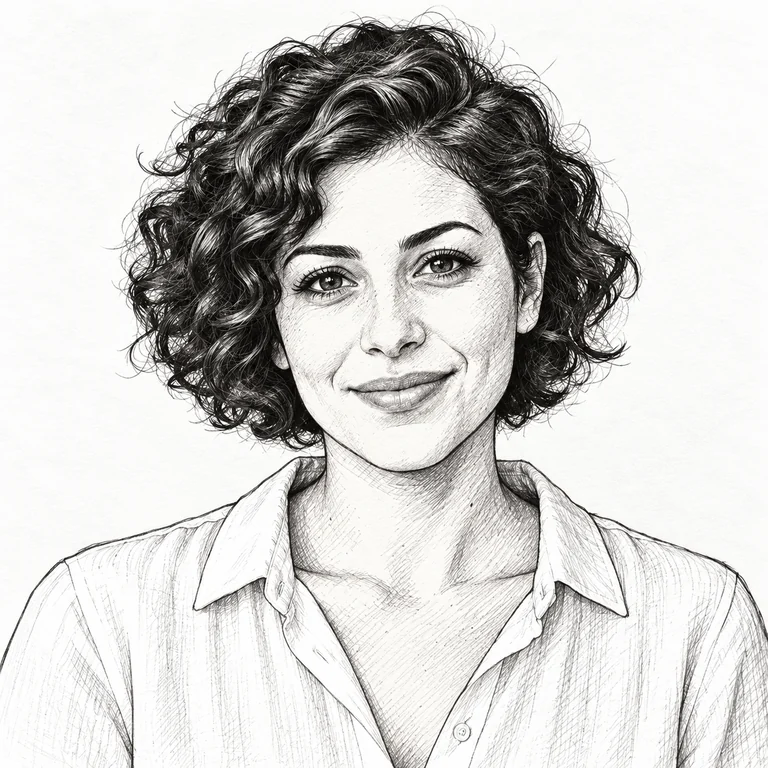
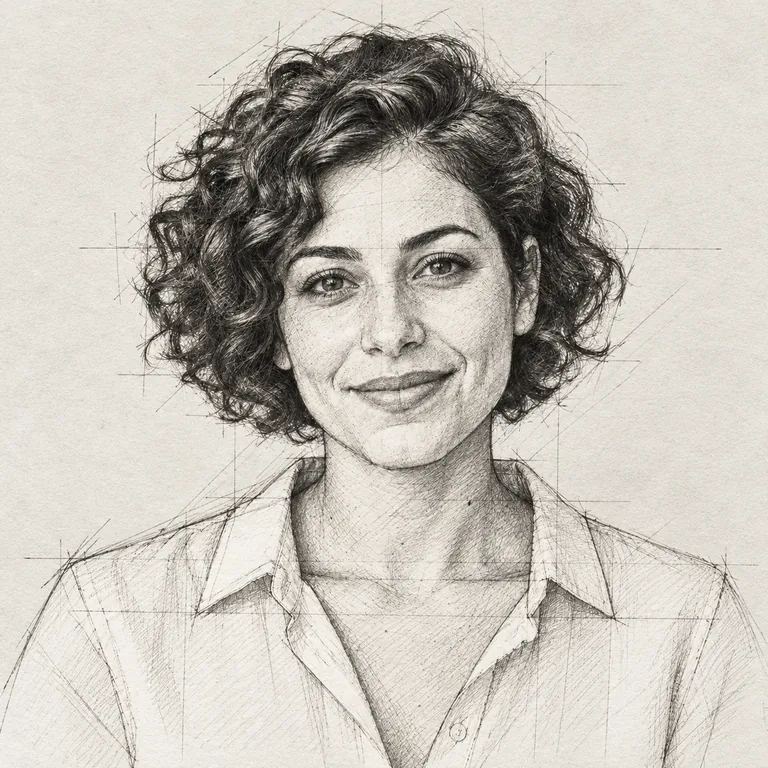
Light, loose pencil lines trace the curls, eyes and collar while the grey backdrop drops away to bare paper. The most classic photo to pencil sketch look.
Go from image to sketch in one step: upload a portrait, pet or building and turn image into sketch art in soft pencil, graphite shading, smudged charcoal, crisp ink, manga lines, blueprint or colored pencil, with the subject still recognizable.
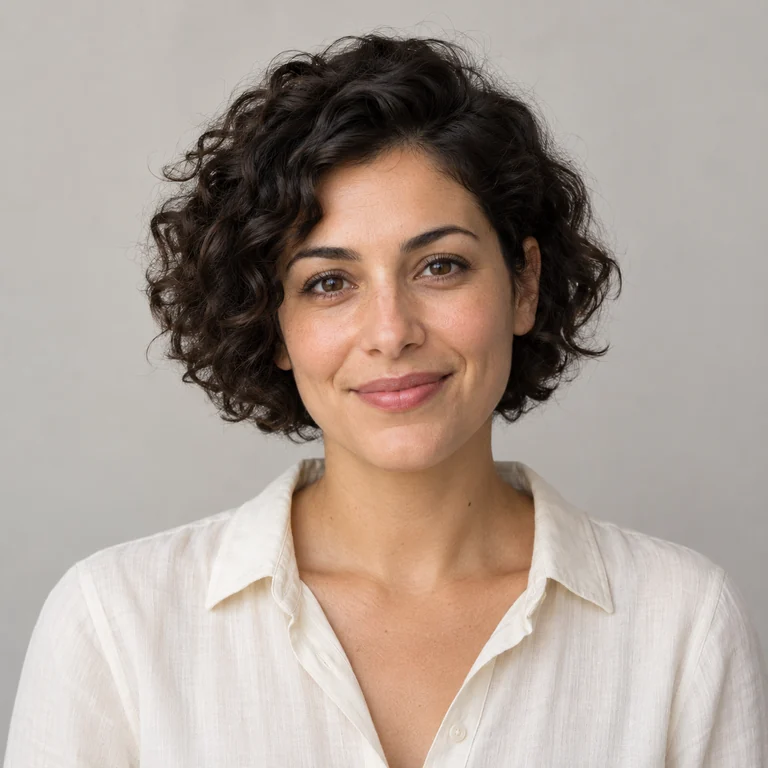
Reference example. It is not a result generated from your upload.
A sketch is mostly about where the dark marks go. Unlike a one-tap sketch photo filter that only traces edges, this image to sketch converter studies the light and shadow in your picture and redraws them as strokes: soft graphite for skin and hair, stacked hatching for shadows, a single ink line for contours. Subject, pose and framing carry over, so the sketch picture still looks like your photo, as if drawn on paper.
Twelve styles sit in three tabs, so you can convert pictures to sketches in pencil, ink or color. Pencil covers Pencil Sketch, Graphite Shading, Charcoal and Crosshatch. Ink adds Ink Pen, Manga Sketch, Fashion Sketch and Architectural Sketch. Color keeps part of the original palette with Colored Pencil, Pastel Sketch, Blueprint and Quick Gesture. Pick one per run and generate one to four versions.
Want crayon, marker or a kid’s-drawing look instead of a sketch? Those finished, colorful materials are on Photo to Drawing. For clean outlines only, use Photo to Line Art, and for pages to fill in with color, Photo to Coloring Page.
Light, loose pencil lines trace the curls, eyes and collar while the grey backdrop drops away to bare paper. The most classic photo to pencil sketch look.
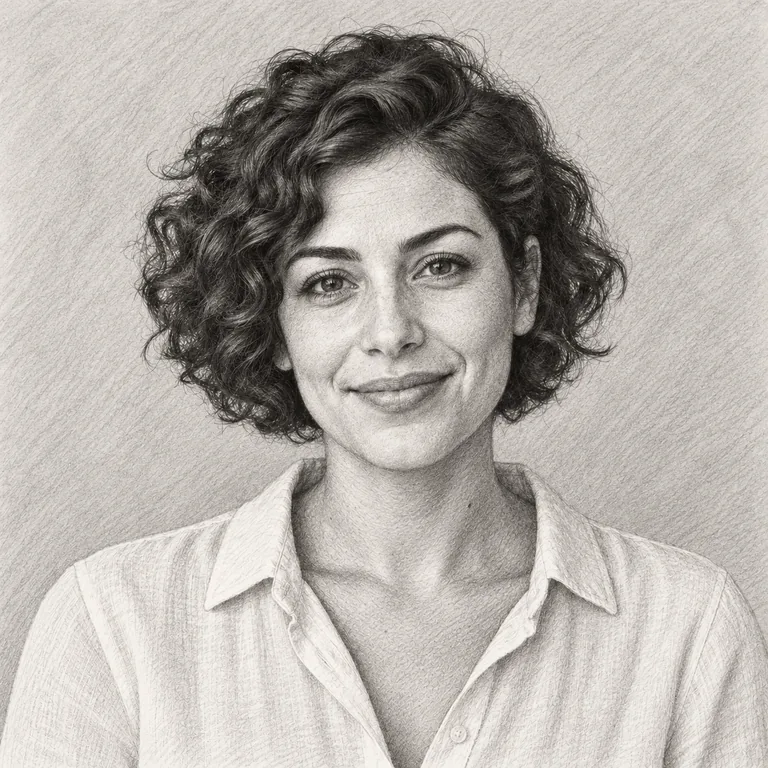
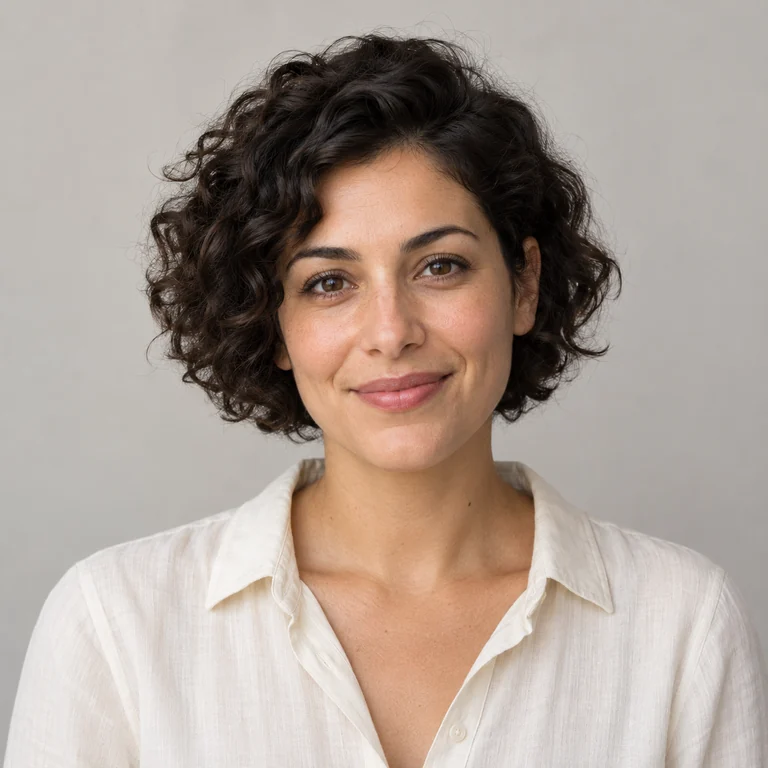
Smooth tonal shading models the cheeks, hair and blouse folds. Choose it when you want a sketch with volume rather than outlines.
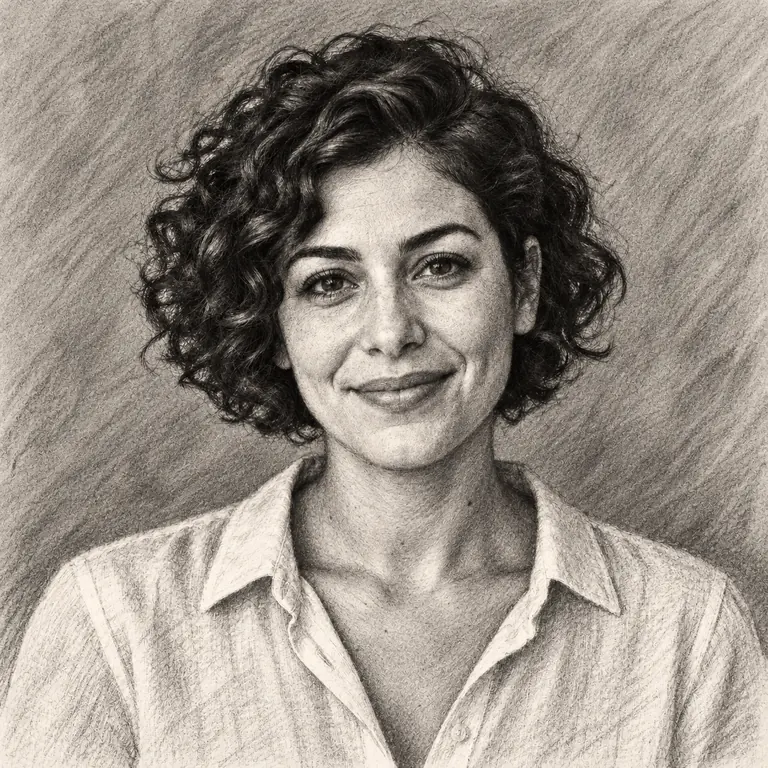
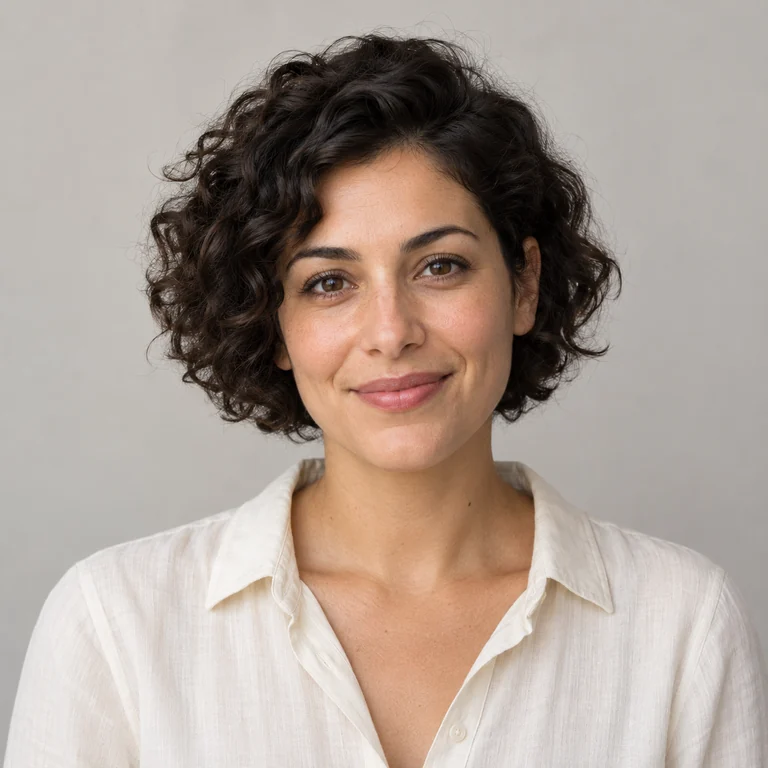
Dark, smudged masses and a toned background give a dramatic finish. Turn it into a charcoal sketch when the face is well lit and stands clear of the background.
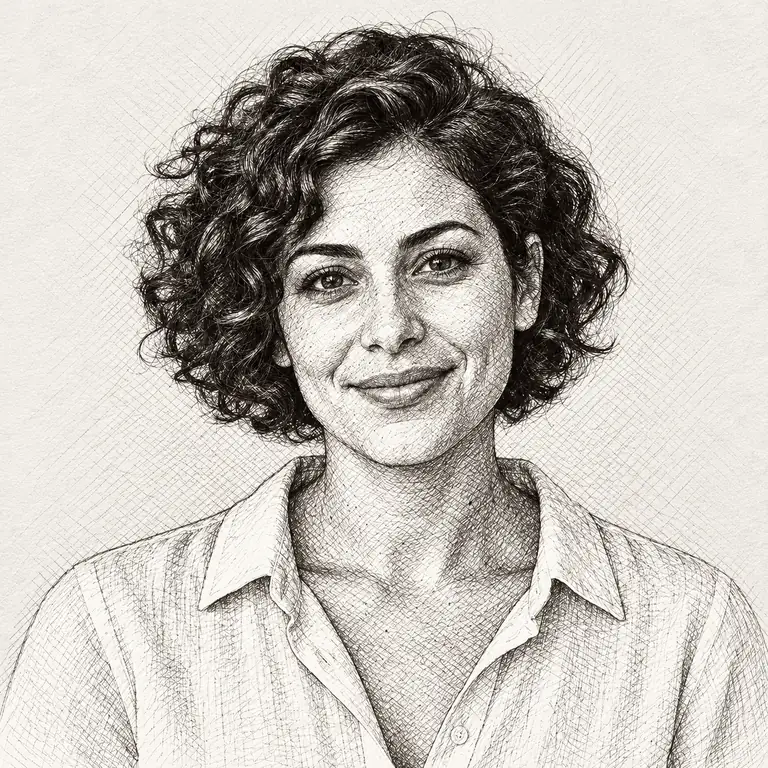
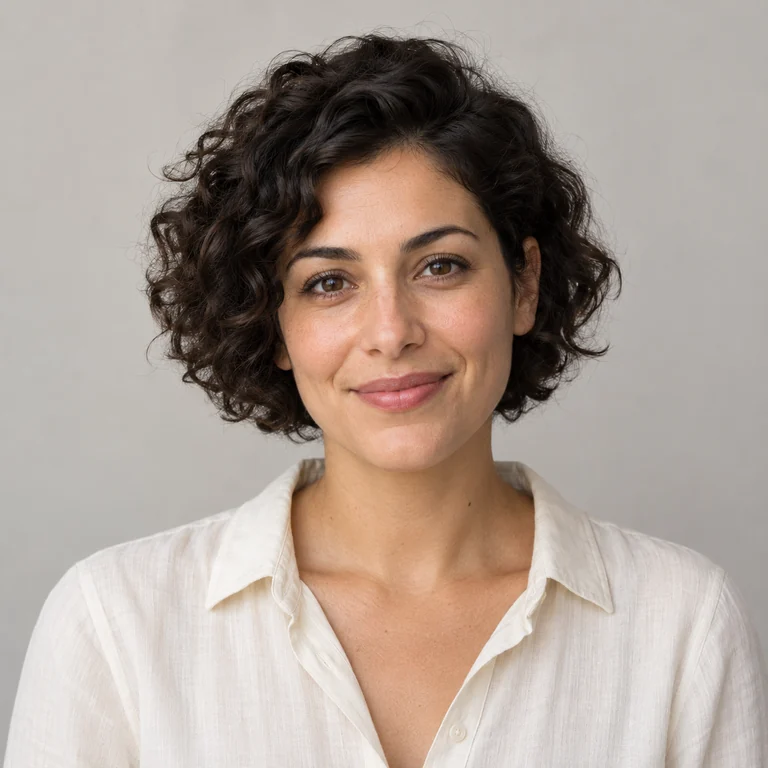
Shadows are built from layered diagonal lines, like an engraving or pen study, while the highlights stay paper-white.
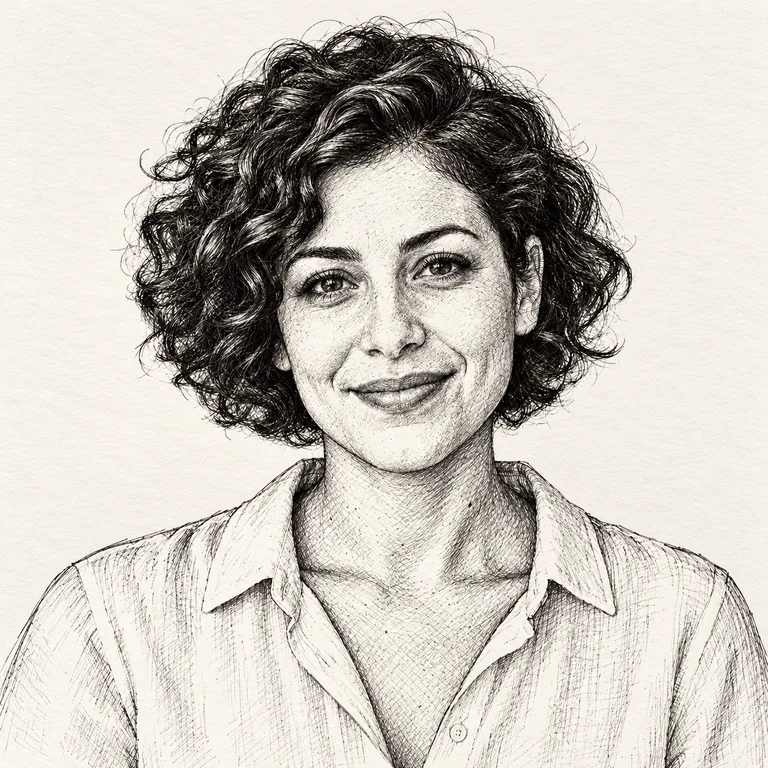
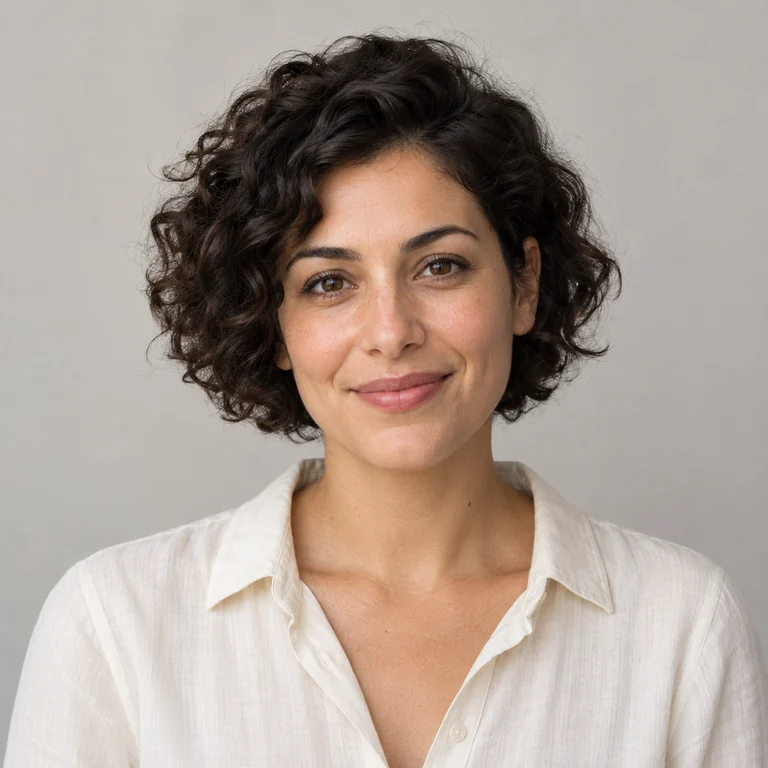
Confident black contours with sparse hatching in the curls. Ink reads well at small sizes and prints cleanly in black and white.
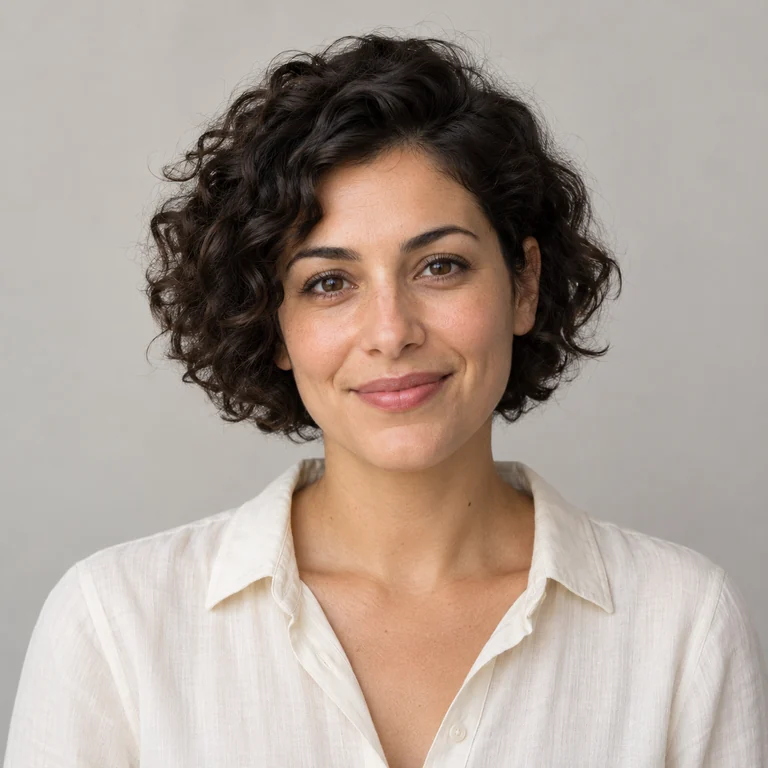
Clean, even lines and simplified shading in a manga-inspired drawing style, with the smile and hairstyle kept recognizable.
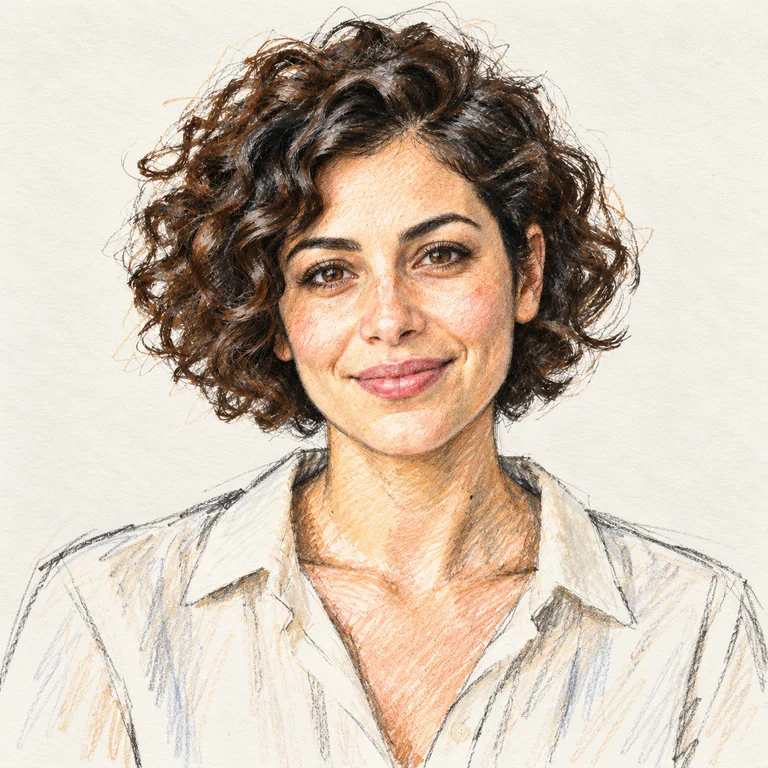
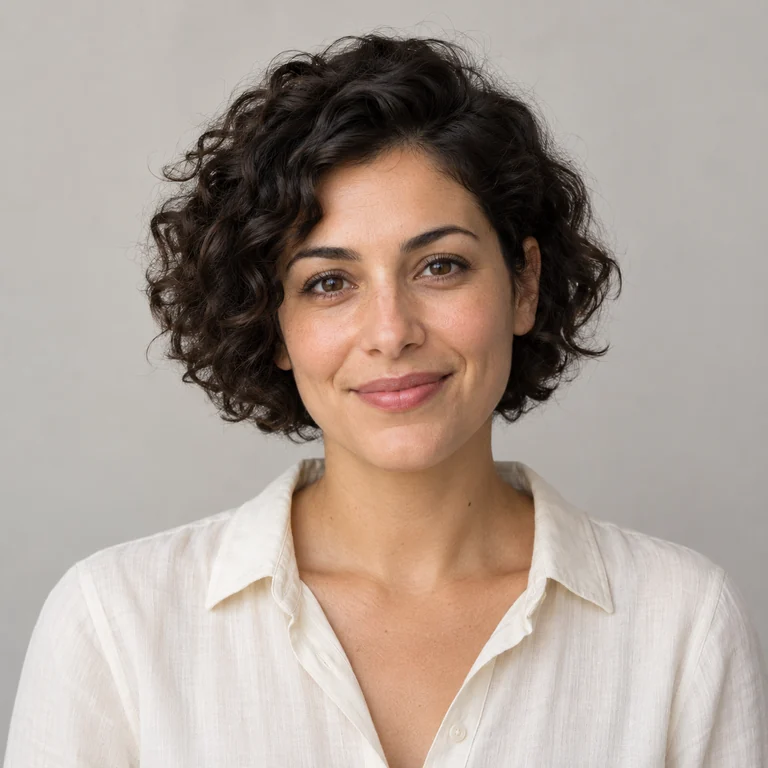
Loose, elongated strokes with touches of color in the hair and skin, in the manner of a designer’s quick figure study.
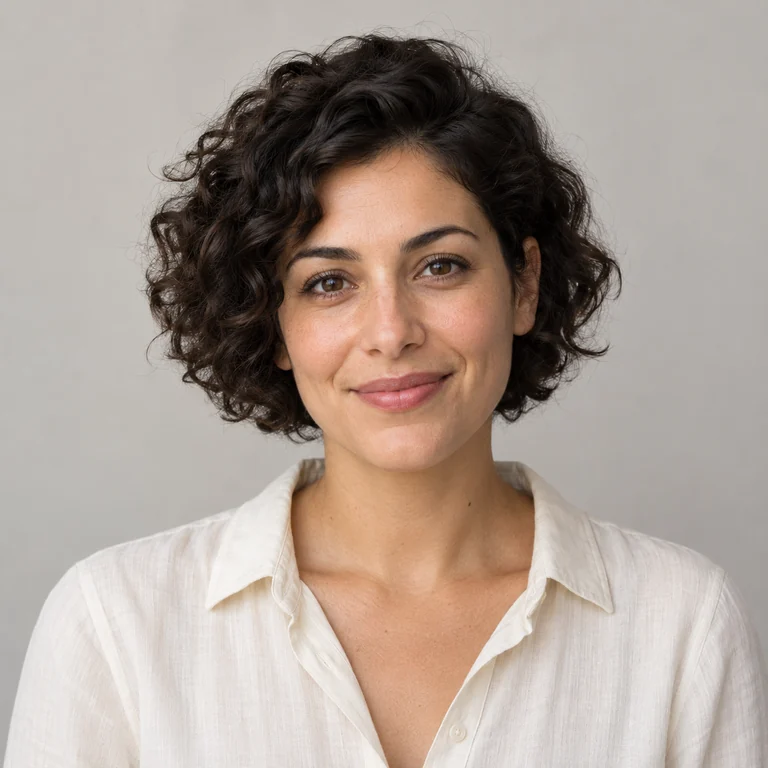
Construction lines and measured strokes, the way an architect sketches a facade. On a portrait it adds guide lines; on buildings it keeps verticals straight.
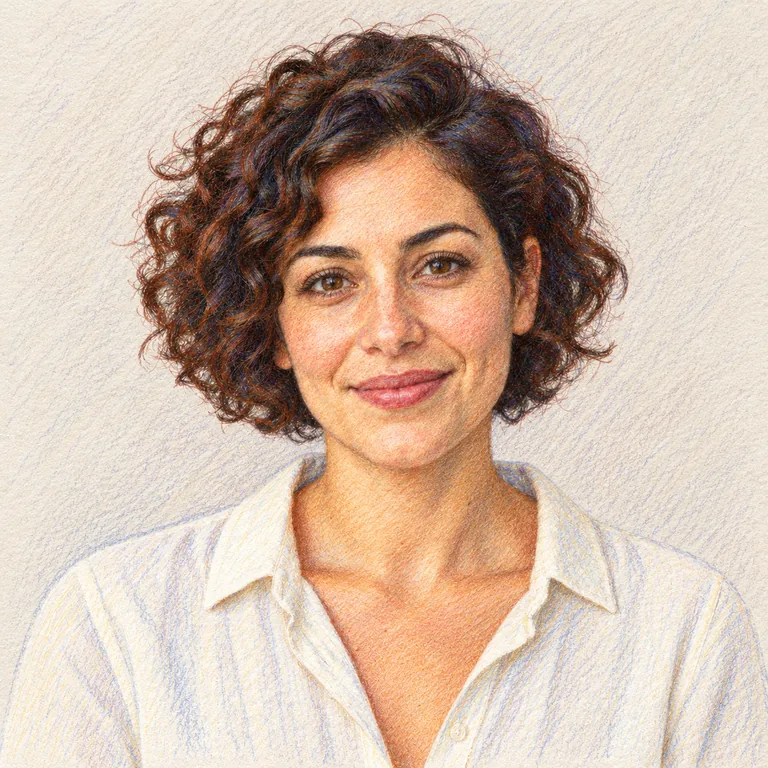
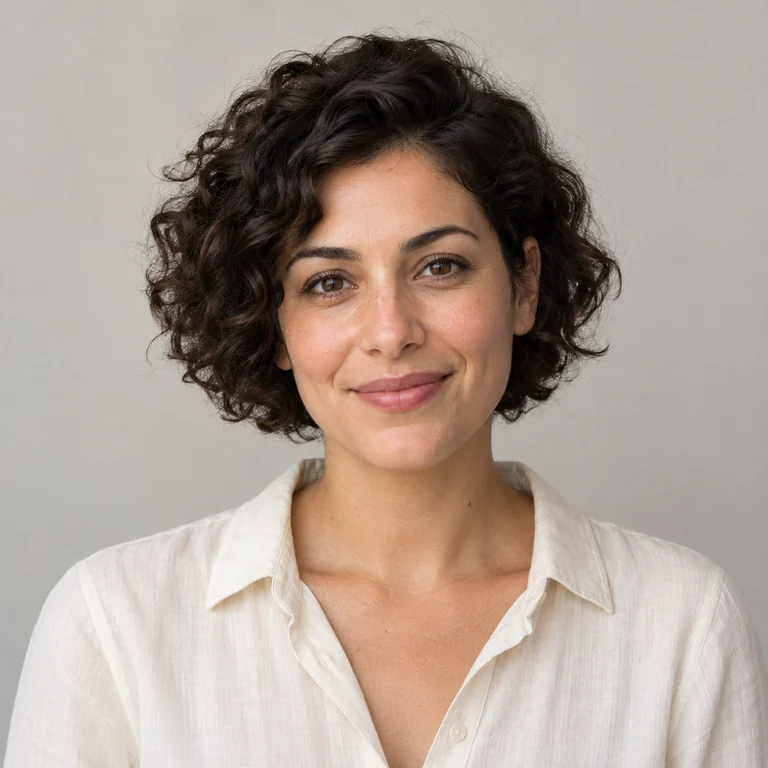
Visible pencil strokes in warm browns and skin tones over white paper, keeping the photo’s colors but softening them.
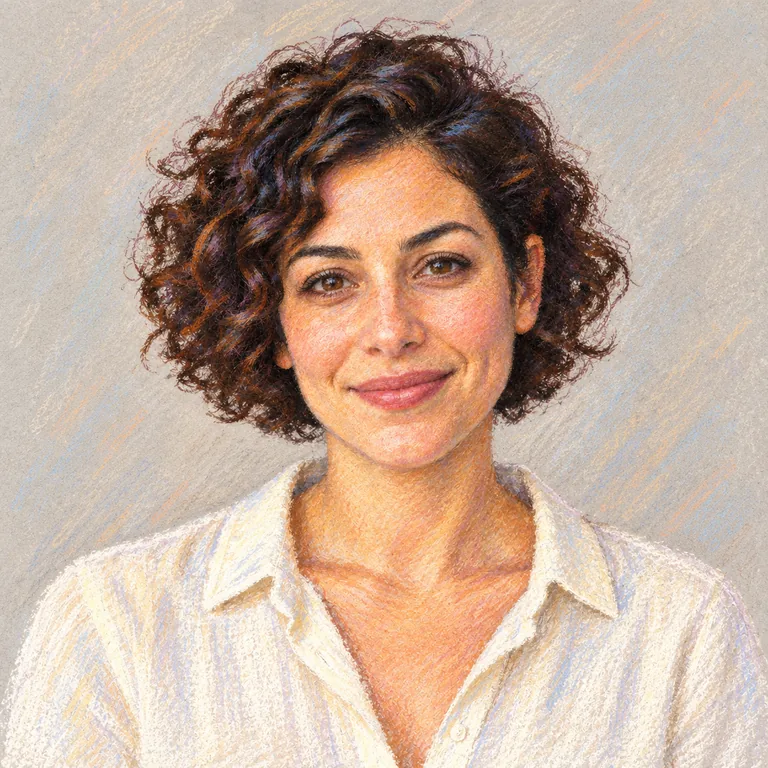
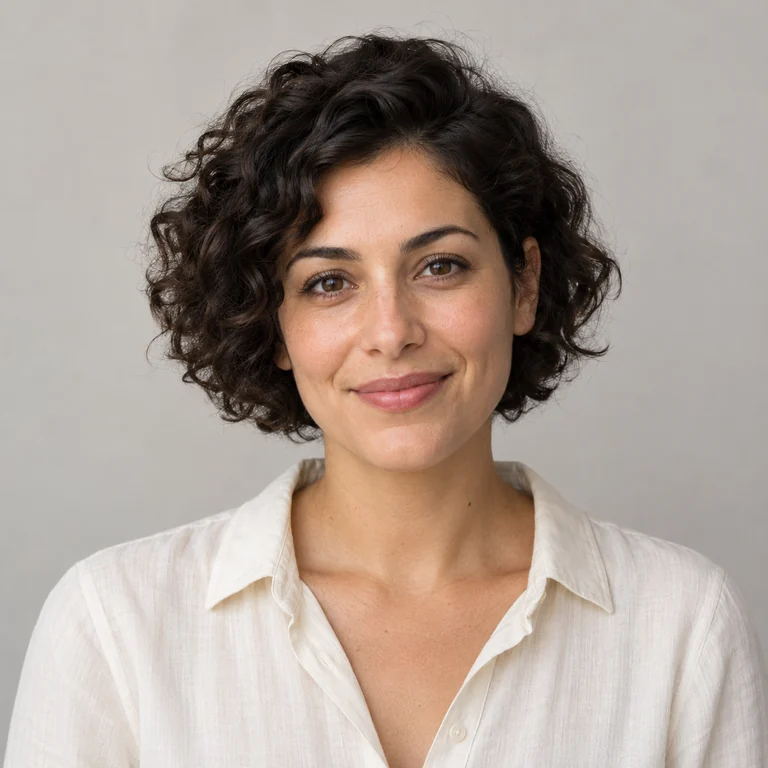
Chalky pastel color with soft, blended edges on textured paper, gentler than colored pencil.
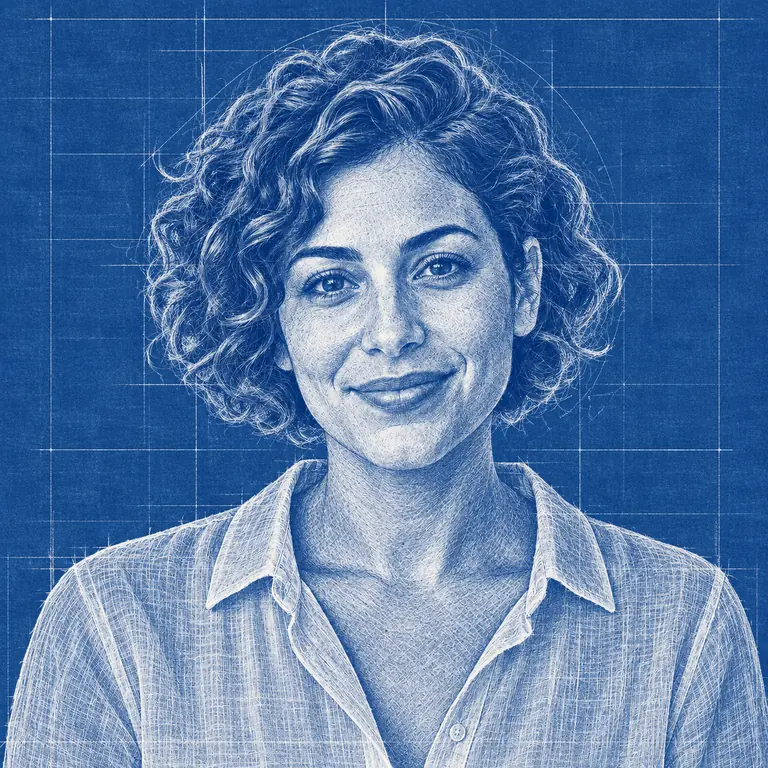
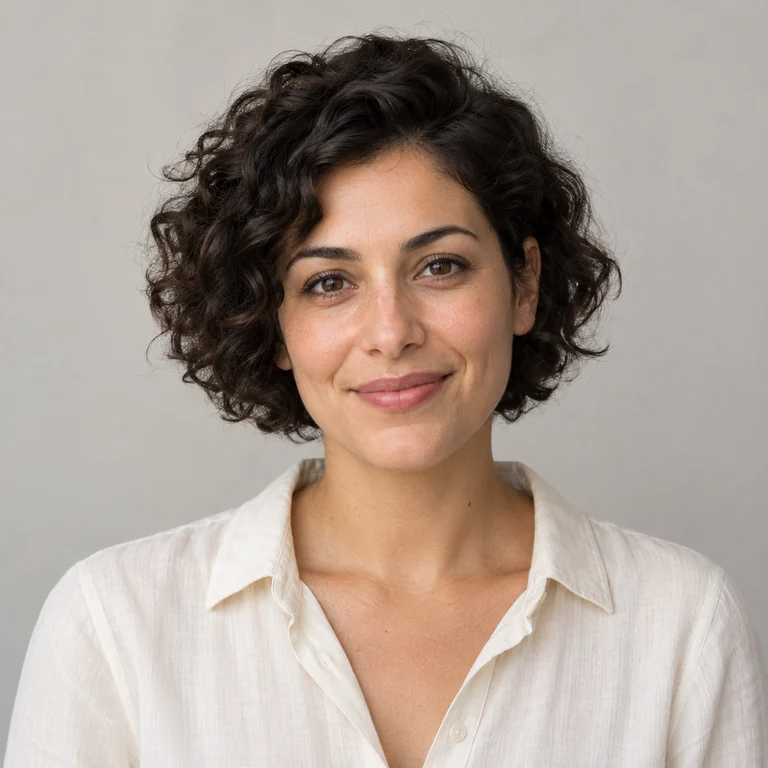
White linework on a blue grid, like a technical drawing: a playful way to change photo into sketch art for posters and invitations.
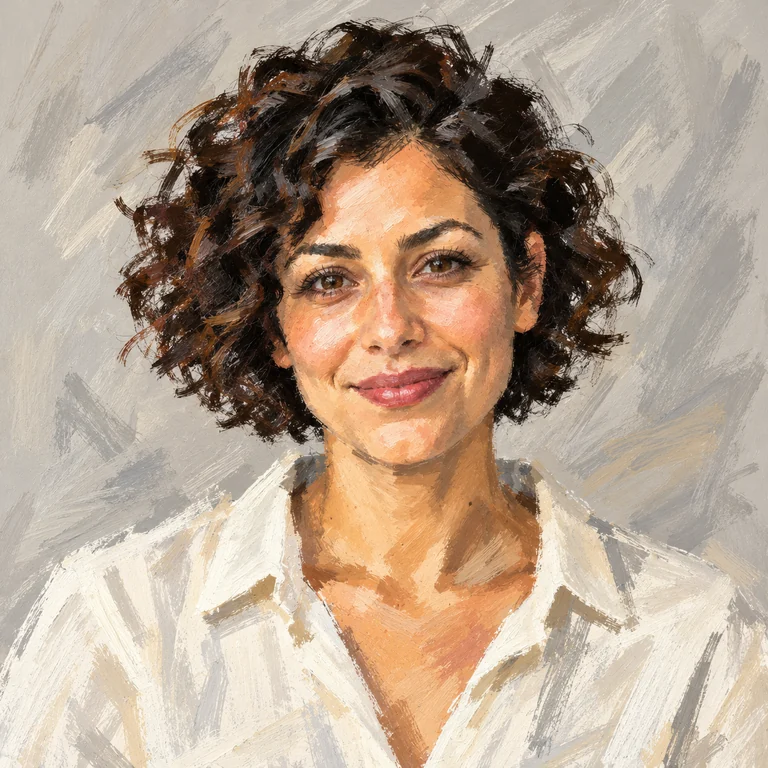
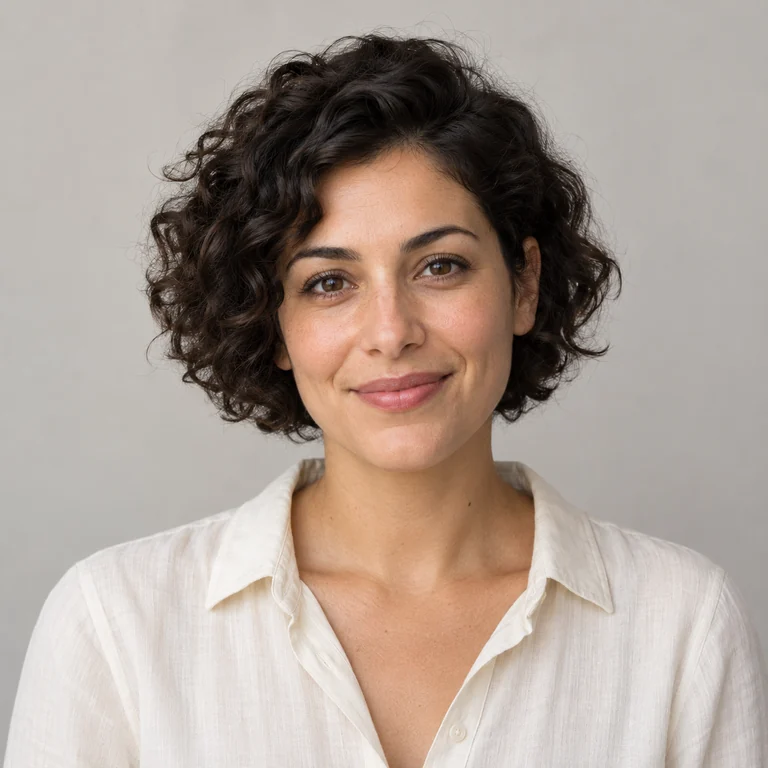
Fast, loose strokes and broad color patches capture the pose rather than every detail, like a five-minute life-drawing study.
To convert photo to sketch art, add a JPG, PNG or WebP up to 20 MB. A front-lit face or a building shot straight on gives the sketch strong edges to follow.
Start with Pencil Sketch for a classic look, Graphite Shading for volume or Ink Pen for bold contours. Only one style is applied per run.
Several outputs of the same style vary in line weight and shading, so going from pic to sketch is worth trying more than once.
Check the eyes, mouth and hairline against your photo, then download the sketch image you like best and keep the original file.
Pencil Sketch keeps the drawing open: outlines, a few shadow strokes and plenty of white paper. As the simplest image to pencil sketch option, it suits pencil portraits from photos, sketchbook-style gifts and reference images for drawing practice.
Instead of lines, graphite builds form with smooth gradients, so cheekbones, curls and fabric folds look rounded. As an image to pencil drawing style it needs good light in the original: a flat, shadowless photo gives a flat sketch.
Charcoal pushes the darks: hair becomes a deep mass, the background turns smoky and edges soften. Strong contrast between subject and background keeps the likeness in dramatic portraits and silhouettes.
Crosshatch describes shadow with stacked diagonal strokes for a printed, etched quality. It works on portraits, pets and architecture and is the most graphic of the four pencil styles.
Side or window light creates the shadow shapes that pencil and charcoal turn into shading. Flat flash light tends to give a faint, outline-only sketch.
Busy rooms and patterned walls get sketched too. Choose a photo with a plain wall or sky behind the subject, or crop closer before uploading.
Small faces lose their eyes and mouth in the strokes. Crop so the head fills a good part of the image before you upload.
Graphite and Charcoal flatter portraits, Architectural Sketch and Blueprint suit buildings and objects, and Quick Gesture works for full-body poses.
Generate Pencil Sketch, then copy its main shadow shapes by hand before adding detail. The AI result shows which areas to simplify.
A photo sketch drawing is a new image, not an edit of the original. Save your photo separately and mention that the drawing was AI-made when you share it.
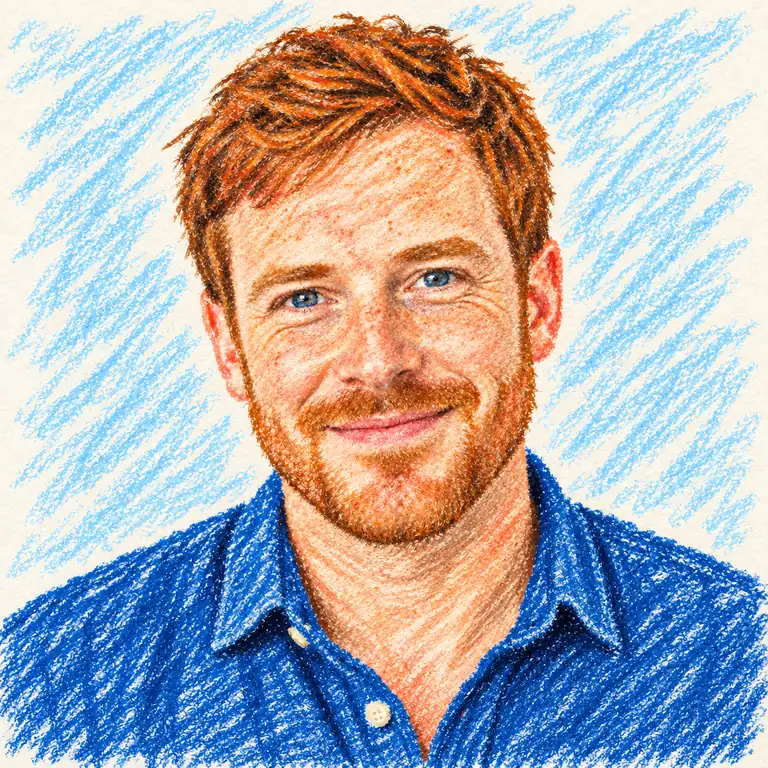 Image to DrawingImage to drawing in 12 materials: crayon, marker, ballpoint pen, oil pastel, chalkboard, kid’s drawing and more. Turn a photo into a drawing. Free to try.
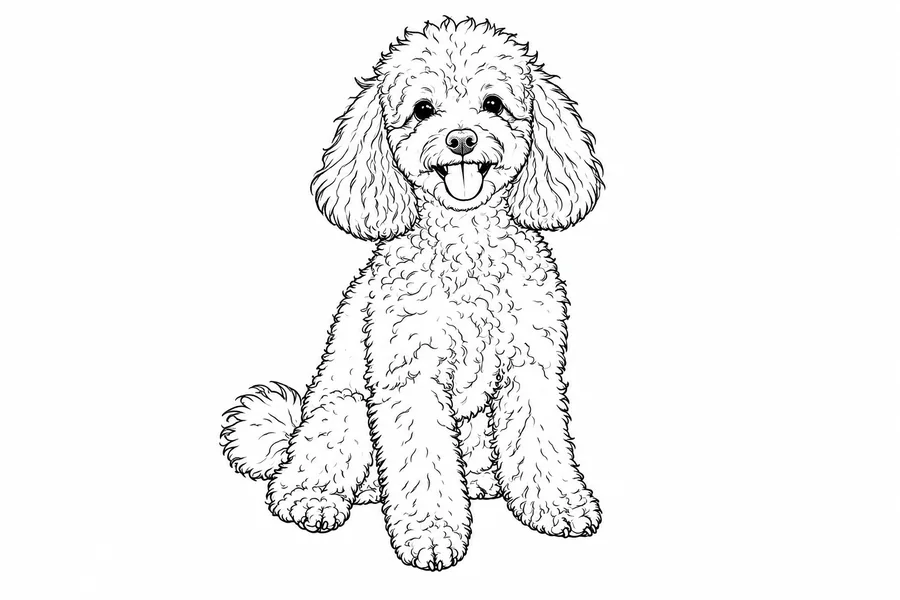 Photo to Line Art GeneratorConvert photo to line drawing online. Upload any picture to the line art generator, pick a style, and turn it into clean line art, outlines, or coloring pages.
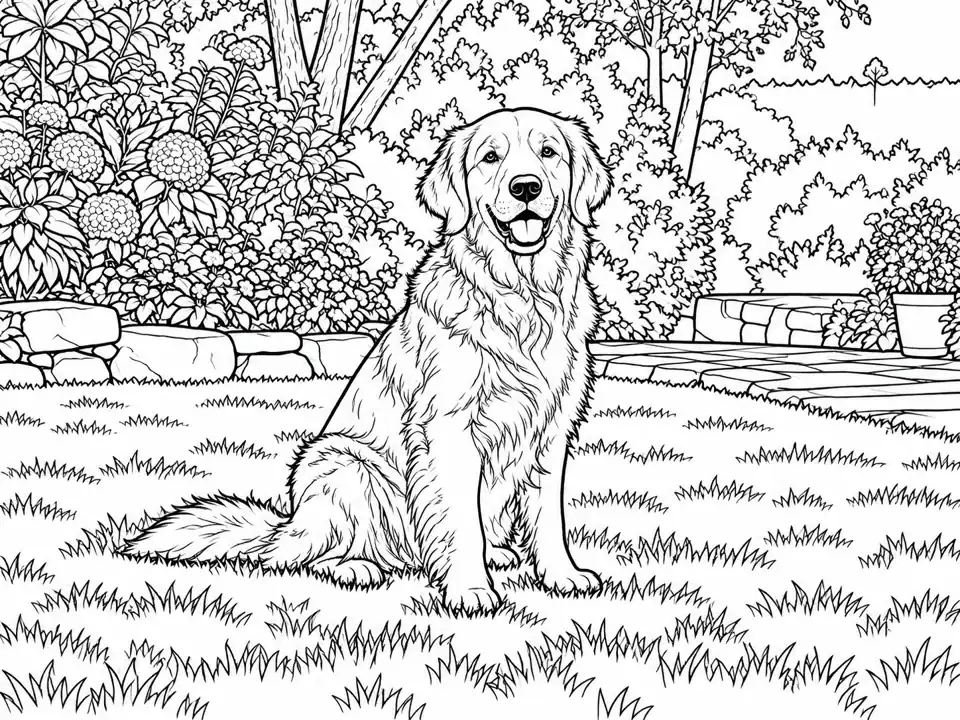 Photo to Coloring PageTurn a photo to coloring page art with simple or detailed black outlines. Choose line weight, background and paper shape for a personal activity. Free to try.
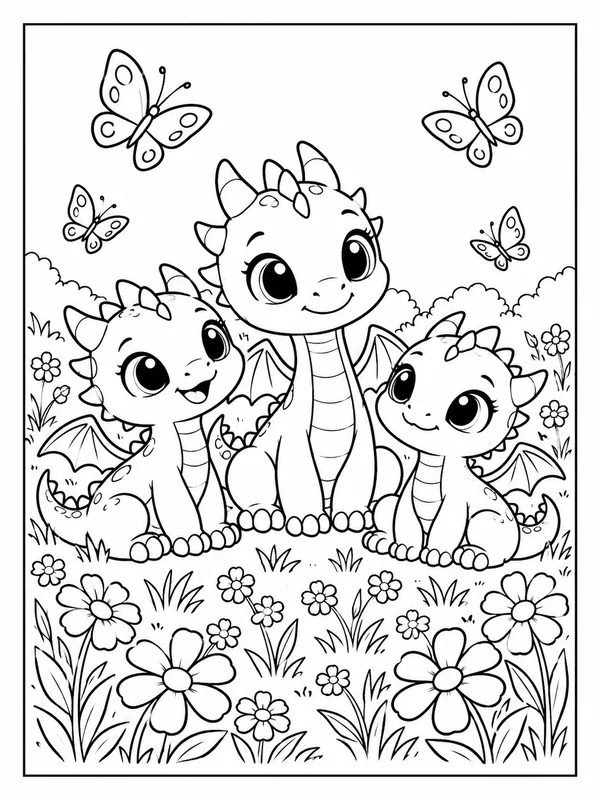 AI Coloring Page GeneratorAI coloring page generator and coloring page maker: type an idea or upload a photo and get printable black-and-white coloring pages for kids and adults. Free to try.
Prefer brushwork to pencil? Turn the same picture into oil, watercolor, gouache or ink wash painting styles.
Read the guideFix the source first: remove a distracting object or tidy the background with a typed instruction.
Read the guideNo photo to start from? Generate a sketch-style image from a written description instead.
Read the guideUpload the picture, open the Pencil, Ink or Color tab, select one style and click Generate. This picture to sketch converter returns one to four sketches per run; compare them with the original and download the one that keeps the face or building most faithfully.
Choose Pencil Sketch or Graphite Shading so the shadow shapes stay visible, generate, then place the result next to your paper. Copy the big shapes first and the details last, and check proportions against the original photo as well.
This page focuses on study-like marks: pencil, graphite, charcoal, ink and quick color sketches. Photo to Drawing turns pictures into finished, colorful art in materials such as crayon, marker, oil pastel or a children’s-book style.
Among the photo to sketch converter styles, Graphite Shading and Pencil Sketch usually stay closest to the original because they follow its tones. Manga Sketch, Fashion Sketch and Quick Gesture simplify features on purpose, so they look more stylized.
Yes. Pets look best in Charcoal or Graphite Shading, which handle fur texture, while buildings suit Architectural Sketch, Ink Pen or Blueprint. Shoot buildings straight on so vertical lines stay upright.
Photo to sketch is Free to try. Each generation uses credits, and the Generate button shows the cost before you start.
Yes. The Color tab keeps part of the palette: Colored Pencil and Pastel Sketch hold on to skin and hair tones, Fashion Sketch adds selective color, and Blueprint switches everything to white on blue.
Upload a JPG, PNG or WebP up to 20 MB. You download the sketch as an image file; it is a raster picture rather than vector line art, so it cannot be edited stroke by stroke.
Only if you took the picture or the person agreed to it. Upload photos you own or are allowed to edit, and do not use a sketch to misrepresent a real person.
The AI redraws the picture rather than tracing it, so small features can shift. Use a sharper, larger source with the face unobstructed, and try Graphite Shading, which follows tones more closely than gesture or manga styles.
Upload a portrait, pet or building, choose pencil, charcoal, ink or color, and compare up to four sketches of the same picture.