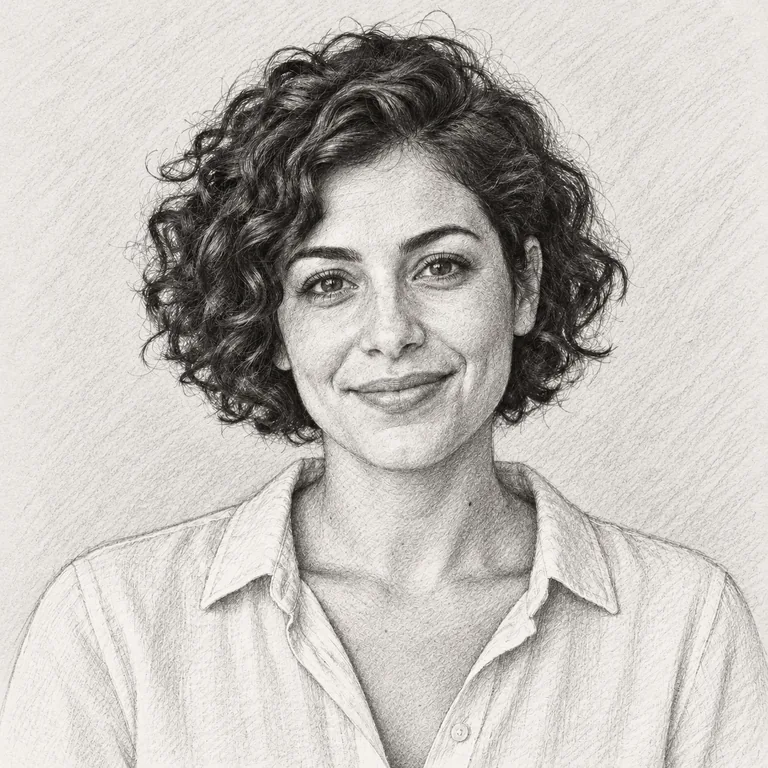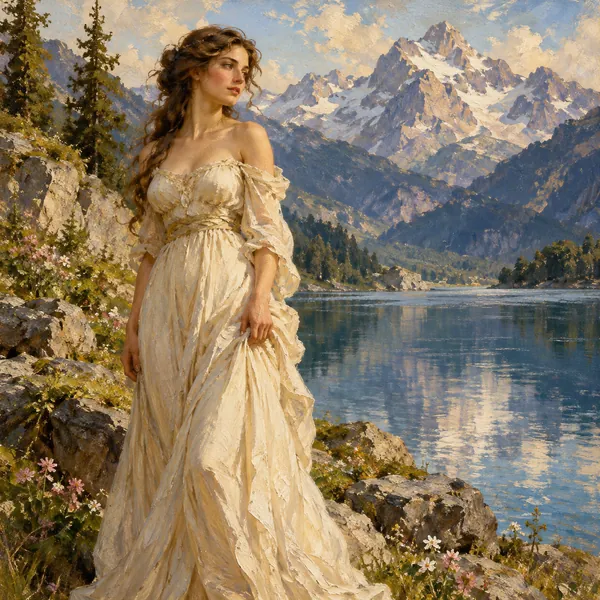
Oil Painting
Rich pigment, blended strokes and canvas grain: the classic oil photo painting look for portraits and landscapes.
A picture to painting converter with 24 painting filters: upload a portrait, pet, house or landscape and get oil, watercolor, acrylic, Van Gogh–style swirls, a Renaissance portrait, stained glass and more, painted by AI while faces stay recognizable.
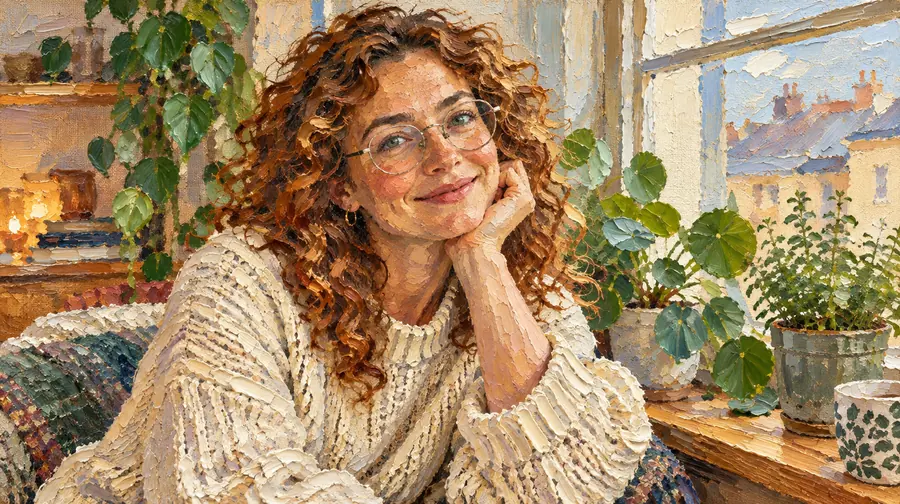
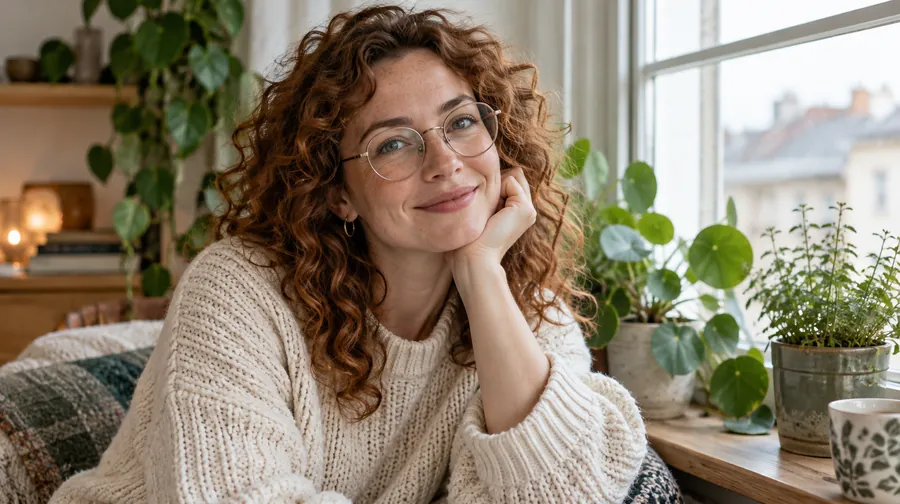
Reference example. It is not a result generated from your upload.
Converting a photo into a painting used to mean hiring an artist or learning to paint a photo yourself. Now you can let the AI turn photo into painting art in one step: upload a picture, pick a painting filter, and the whole image is repainted in that medium, with real brushstrokes, layered pigment, paper or canvas texture and the colors a painter would mix. It is like having an artist paint over photos for you, so the result looks as if someone painted a picture of your moment by hand, not like a photo with an effect on top.
This photo to painting AI handles portraits, couples, pets, houses, landscapes and old photographs. Choose from 24 styles in three tabs: Classic Paint (oil, watercolor, acrylic, impasto, gouache, pastel, ink wash and fresco), Famous Styles inspired by public-domain painters such as Van Gogh, Monet and Rembrandt, and Modern Art (abstract palette knife, line and wash, stained glass, mosaic and graffiti). Whether you want to turn image into painting art for a canvas print, a gift or a profile picture, the people and pets in it stay recognizable.
How do you make a picture look like a painting rather than a blurry filter? A good AI painting from photo keeps what matters sharp, such as eyes, smiles and markings, and loosens everything else into strokes and washes. That is the difference between a cheap effect and a real photograph to painting conversion, and why every style here is painted from scratch instead of being laid over your picture.
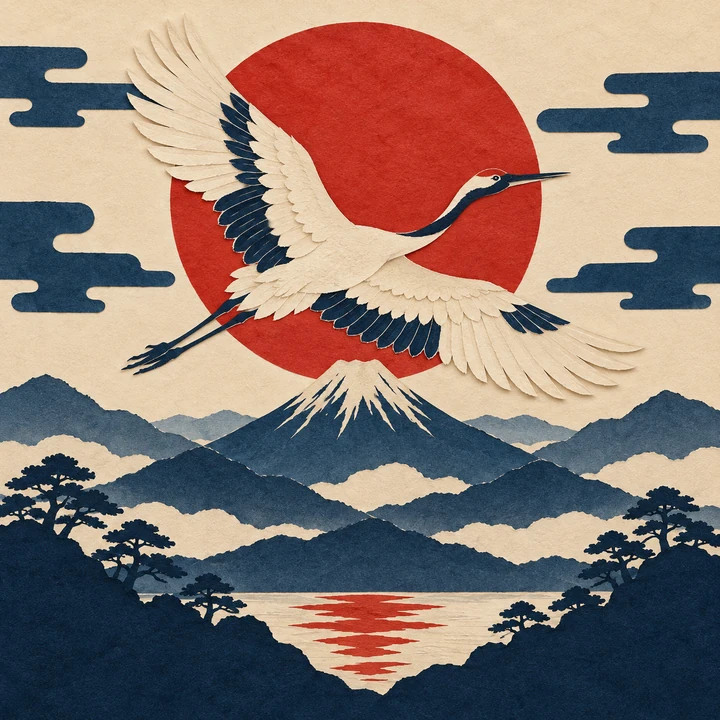
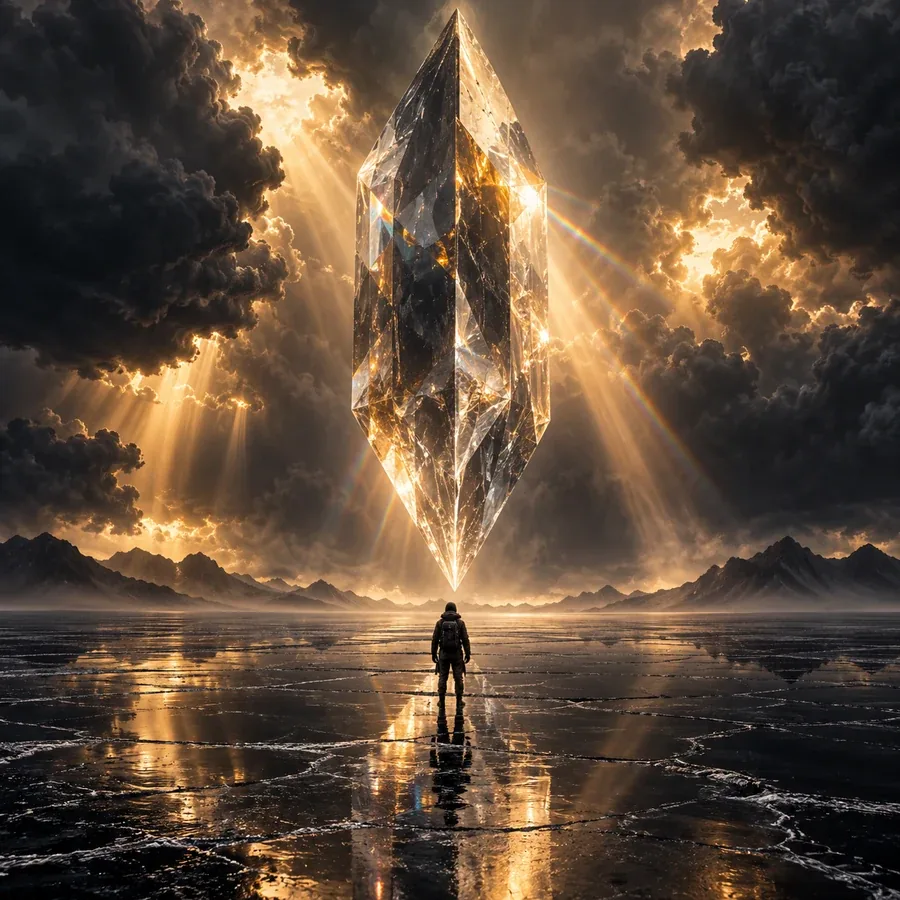
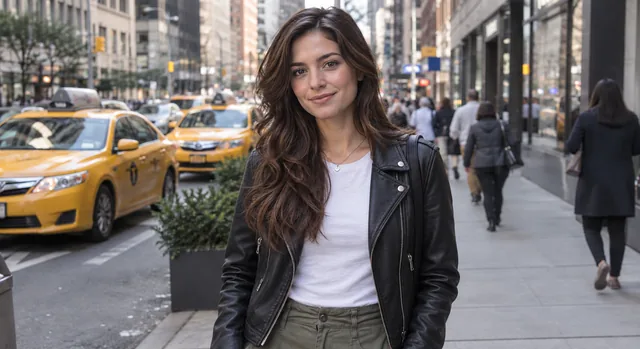
Eight of the 24 painting filters, from classic oil to an abstract palette knife. Tap a style to load it into the converter, then upload your own picture to paint.
Rich pigment, blended strokes and canvas grain: the classic oil photo painting look for portraits and landscapes.
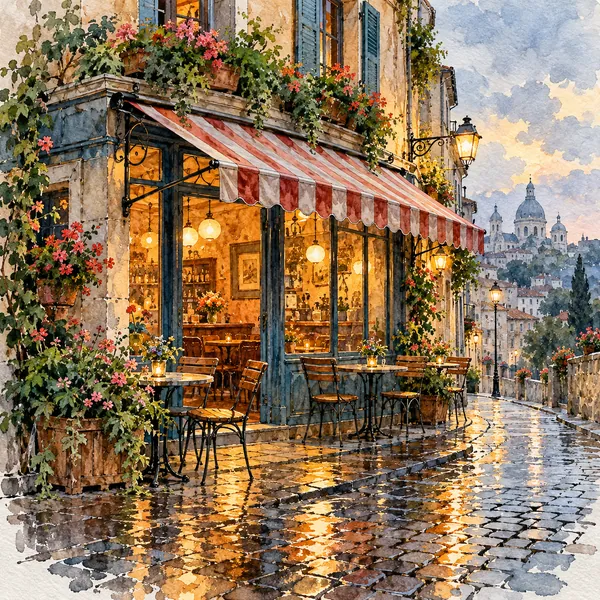
A soft water paint effect with translucent washes and white paper glowing through. Water paint online, with no brushes to clean.
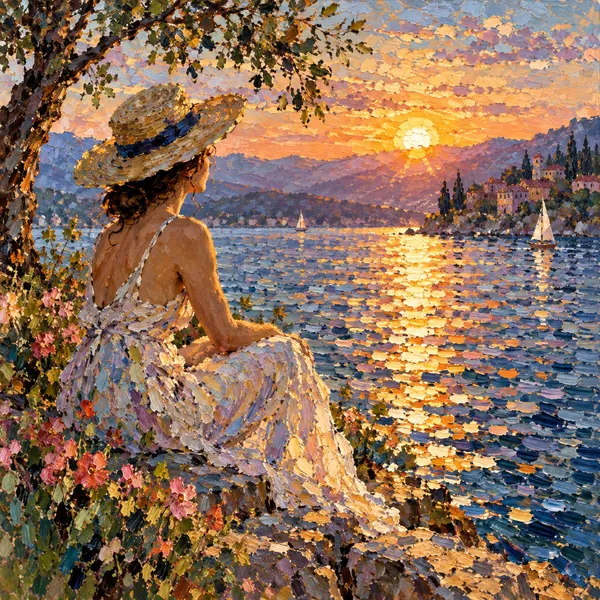
Broken dabs of color and shimmering light that suit gardens, lakes and travel photos.
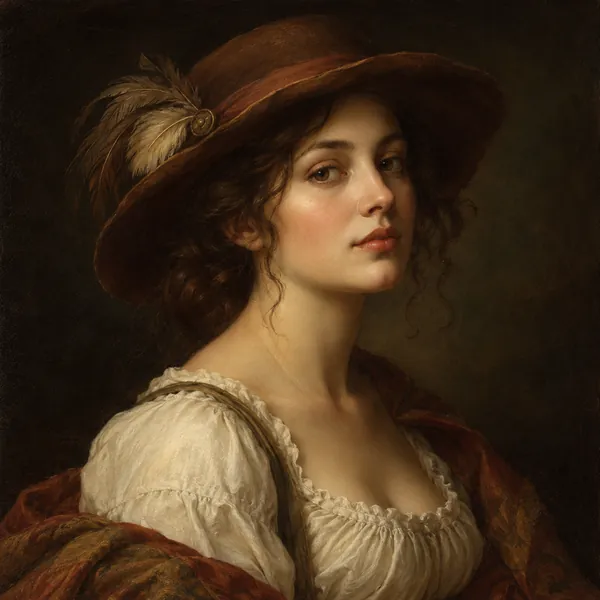
Warm glazes, soft sfumato edges and a dark backdrop for a portrait that feels five centuries old.
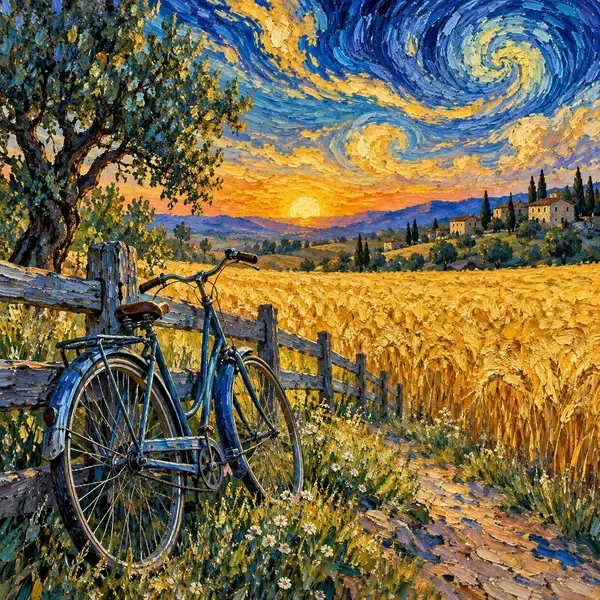
Thick swirling strokes and vivid blues and yellows in the spirit of the Post-Impressionists.
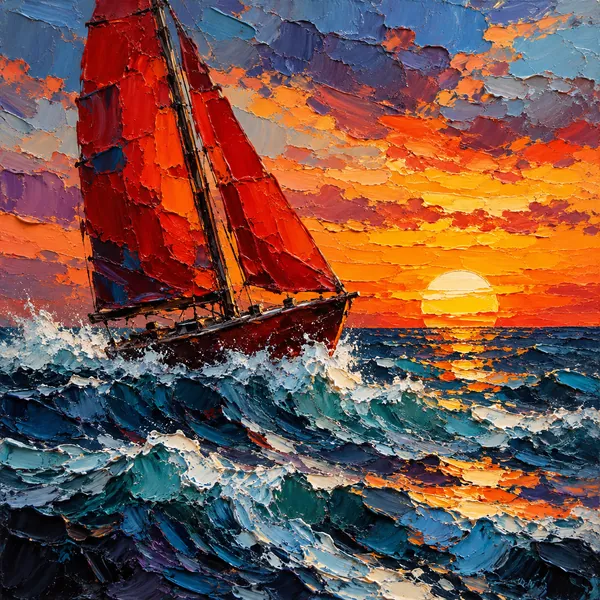
Turn photo into abstract painting with bold slabs of knife-laid color while the main shapes stay readable.
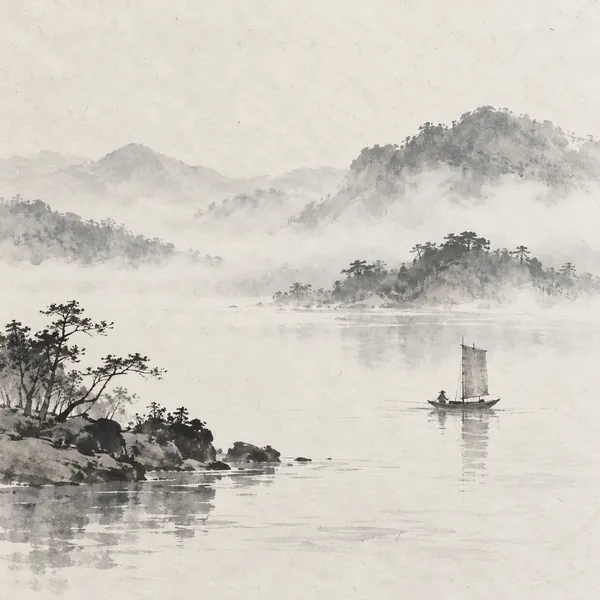
Grey ink, soft diluted washes and quiet empty space, lovely for lakes, boats and mountains.
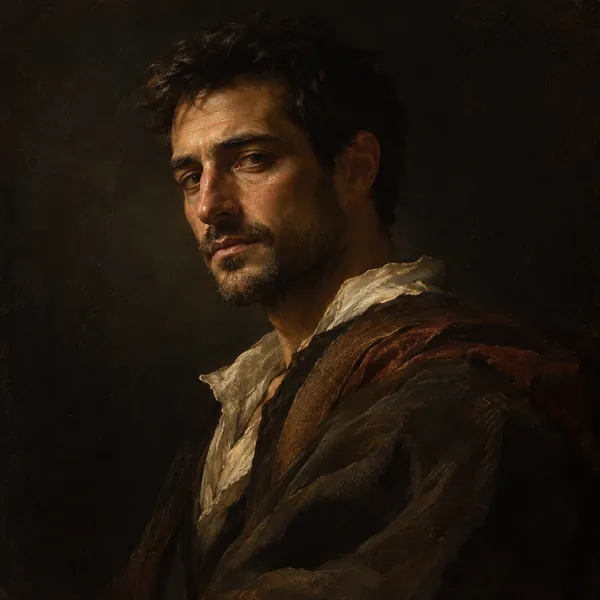
One warm light source, deep shadows and earthy tones for a dramatic Old Master portrait.
The simple answer to how to turn a picture into a painting: upload, pick a style, download. No brushes, software or painting skills needed.
Add a JPG, PNG or WebP up to 10 MB from your phone or computer: a selfie, a couple, a pet, your house or a landscape. A sharp, well-lit photo gives the AI the most to work with when it builds a painting from image details.
Browse Classic Paint, Famous Styles and Modern Art, tap the style you like, and add optional details such as "plain dark background" or "warm sunset colors".
Generate up to four versions, compare them with your original, and download your favorite, or switch styles to see your photo turned into painting art of another kind.
Want one look in more depth? Each of these EzImgMaker tools focuses on a single art style, from oil and watercolor to line art, cartoons and pixel art.
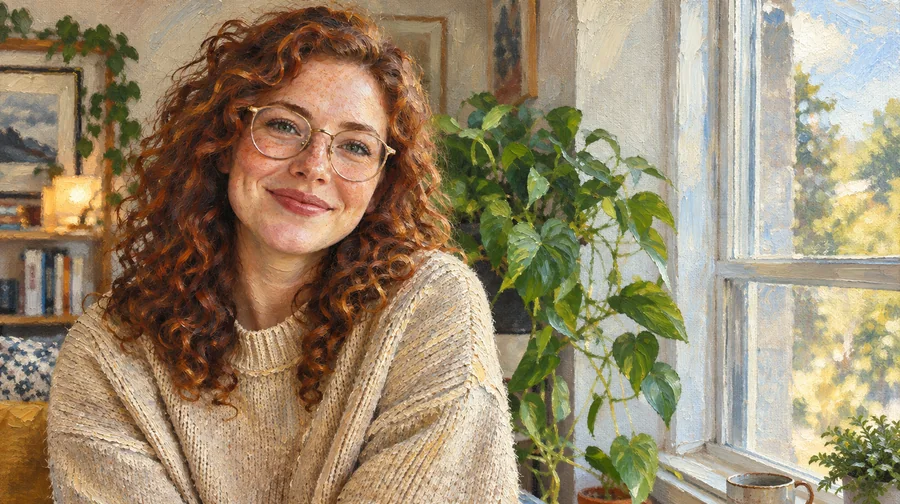 Photo to Oil Painting ConverterTurn photo into oil painting online. Upload a picture, pick a Classic, Renaissance, or Impressionist style, and get an oil painting photo with canvas texture.
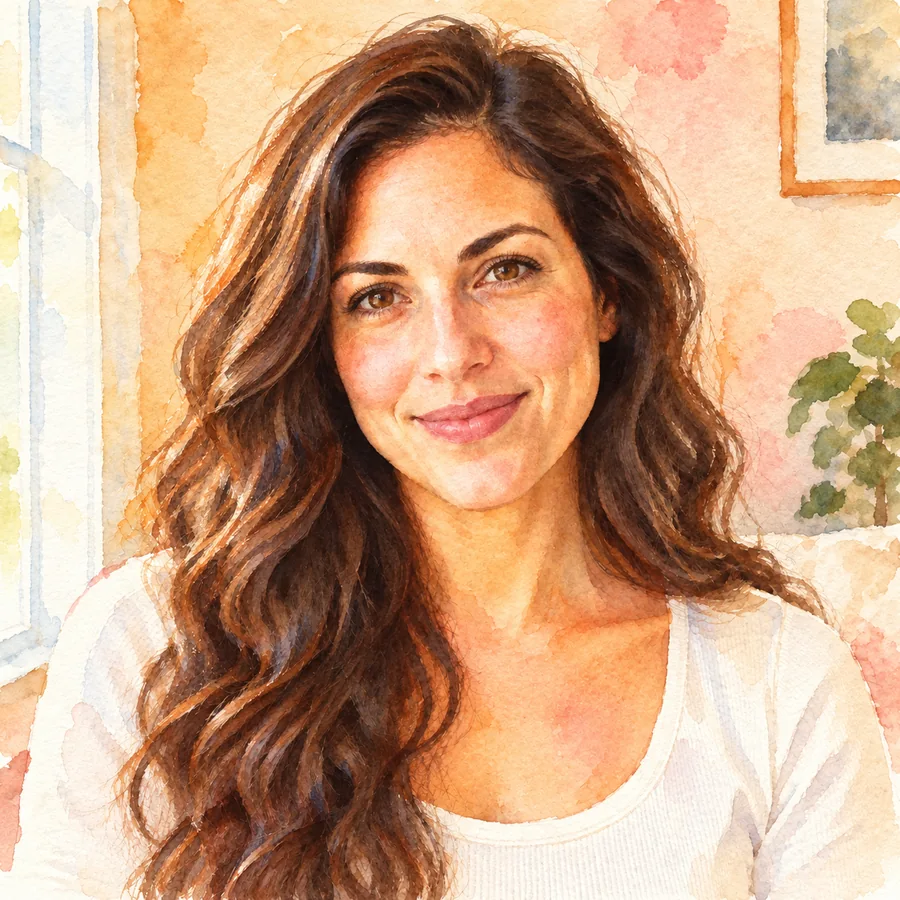 Photo to WatercolorTurn photo into watercolor art online. Upload a portrait, pet, or travel shot, pick a style, and turn it into a watercolor painting with soft, natural washes.
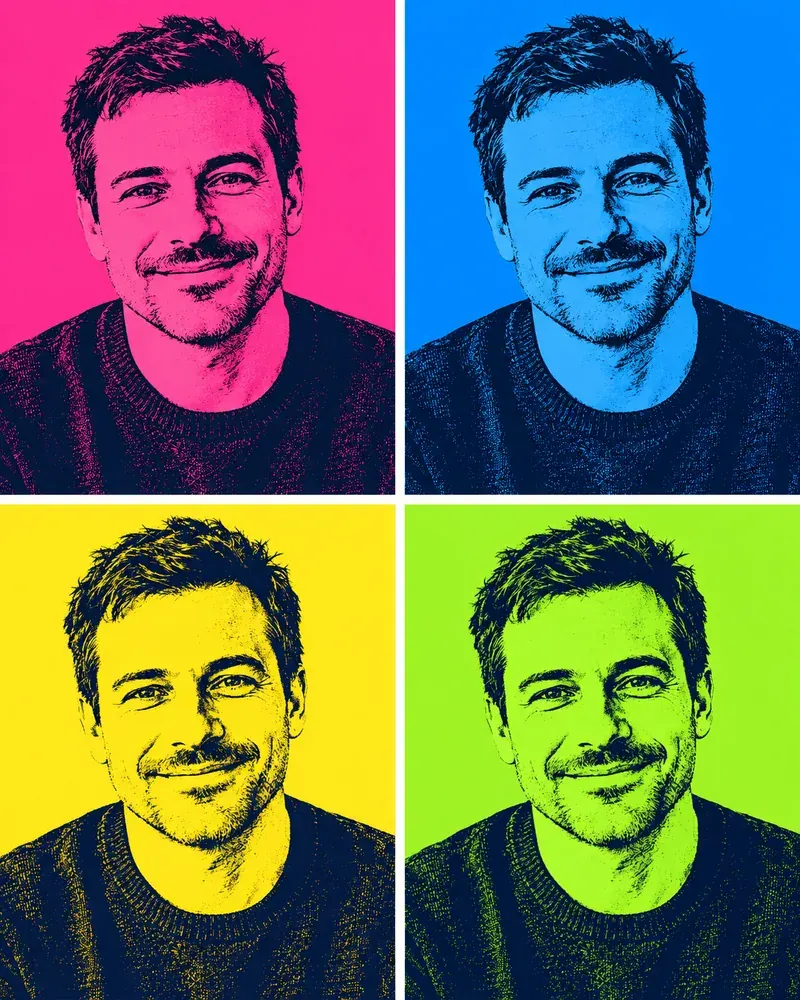 Pop Art FilterTurn a photo into pop art online: 4-panel color grids, halftone dots, comic pop and neon. Upload a picture, pick a pop art filter and download. Free to try.
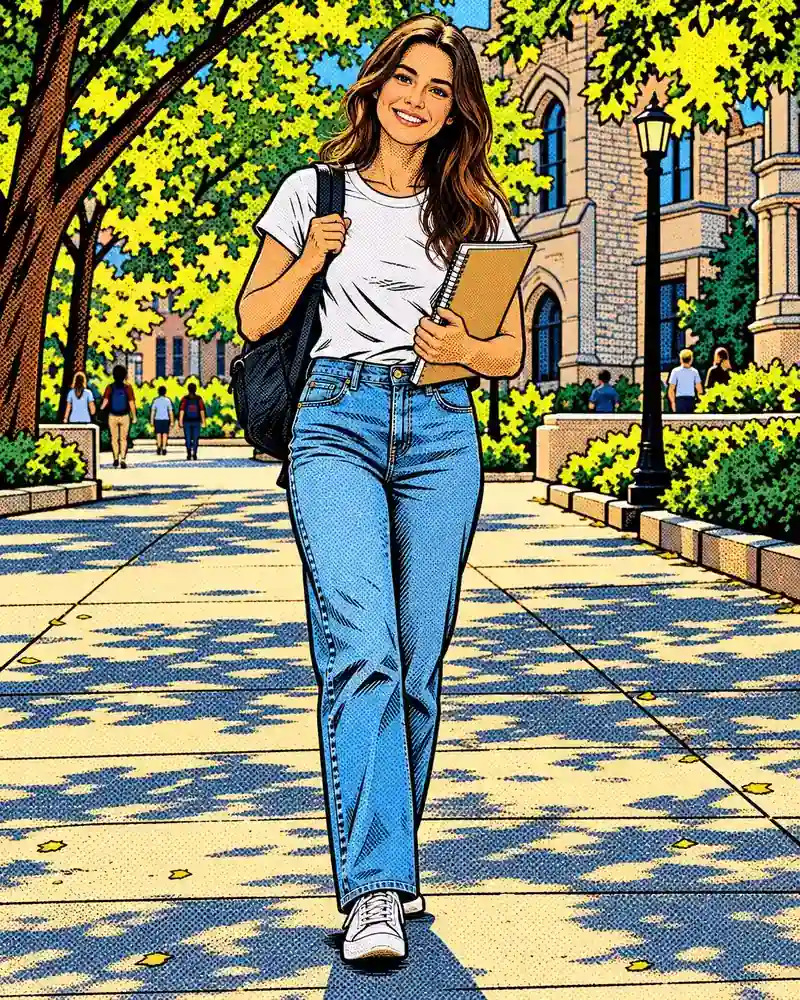 Comic Book FilterAdd a comic effect to any photo: comic book ink, halftone dots, manga and comic strip panels. Upload a picture, pick a comic book filter, download. Free to try.
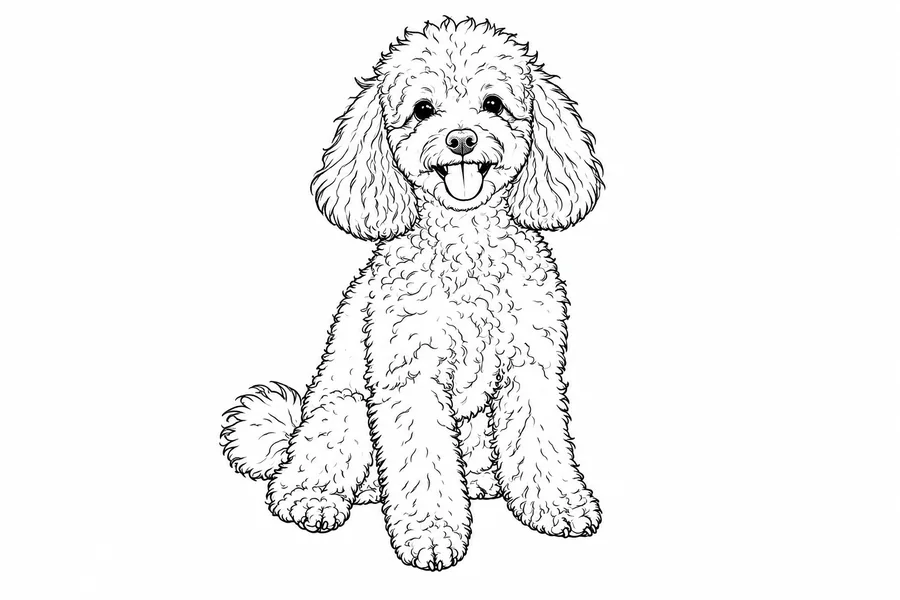 Photo to Line Art GeneratorConvert photo to line drawing online. Upload any picture to the line art generator, pick a style, and turn it into clean line art, outlines, or coloring pages.
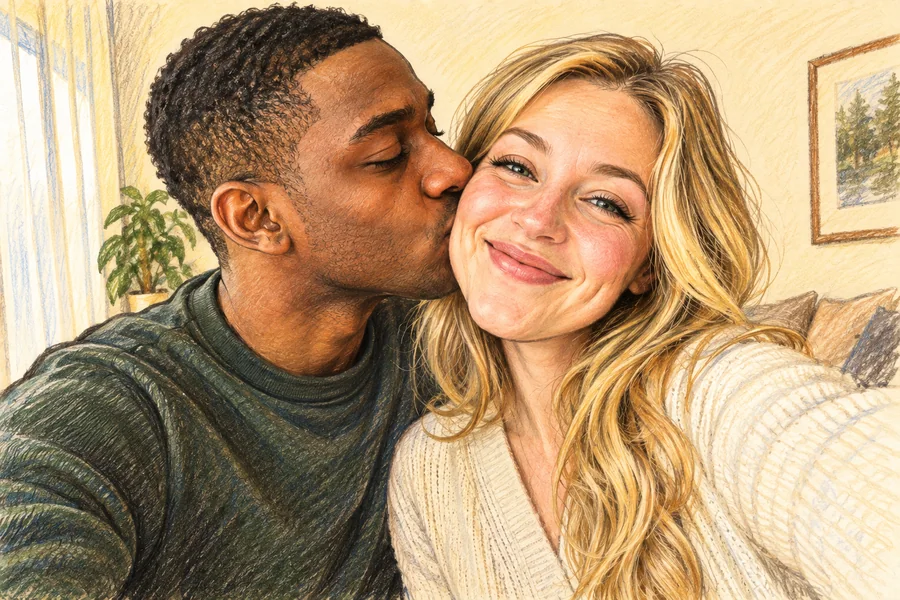 AI Caricature MakerHow do I create a caricature of me? Upload a photo to the AI caricature maker, pick a style, and turn your picture into a funny, recognizable caricature.
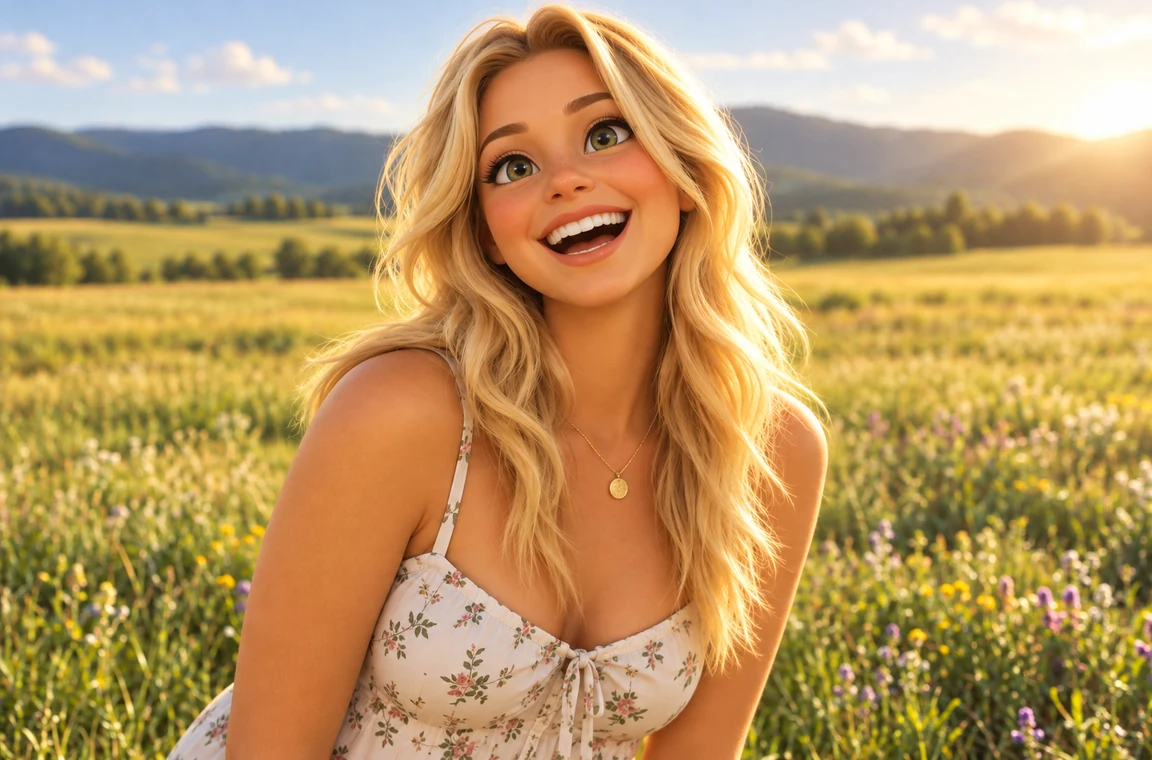 Photo to CartoonPhoto to cartoon AI cartoonizer: pick 3D animated, anime, comic, caricature or line art and turn a photo into a cartoon of you, your pet or car. Free to try.
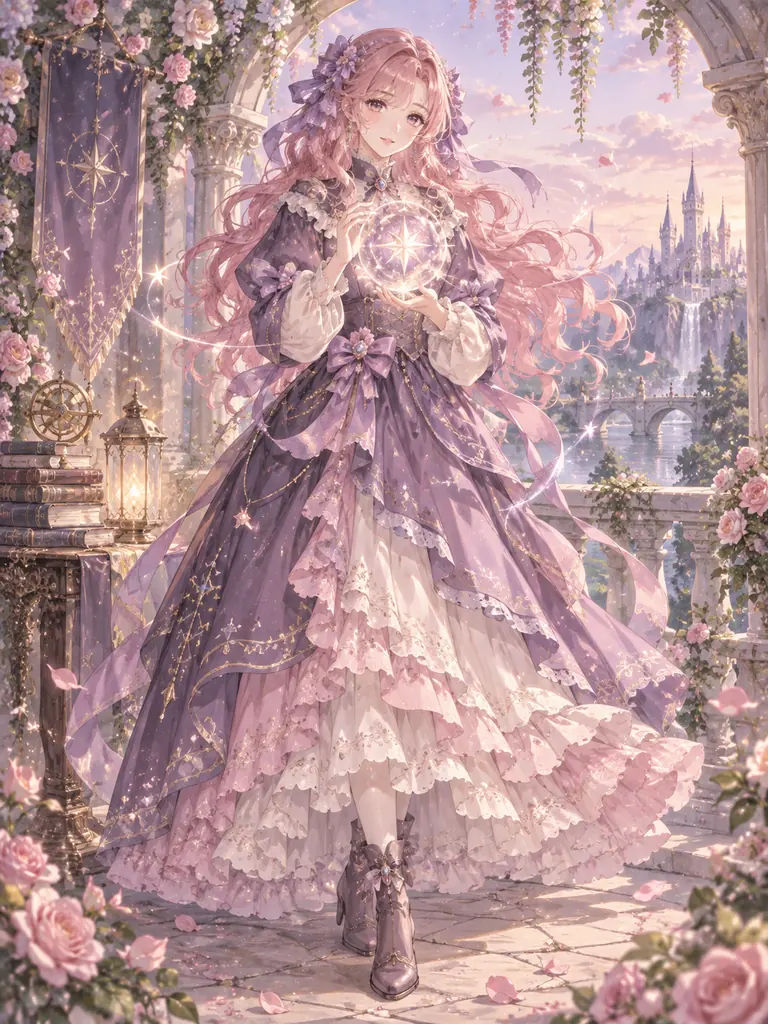 Anime Character MakerFree-to-try AI anime character maker: describe an OC or turn your photo into an anime character. Full body art, character sheets, and 12 anime styles online.
 Photo to Pixel ArtTurn any image to pixel art with AI. Upload a photo, pick 8-bit, 16-bit, handheld green, or game sprite style, and get grid-aligned retro pixel art, not a blur.
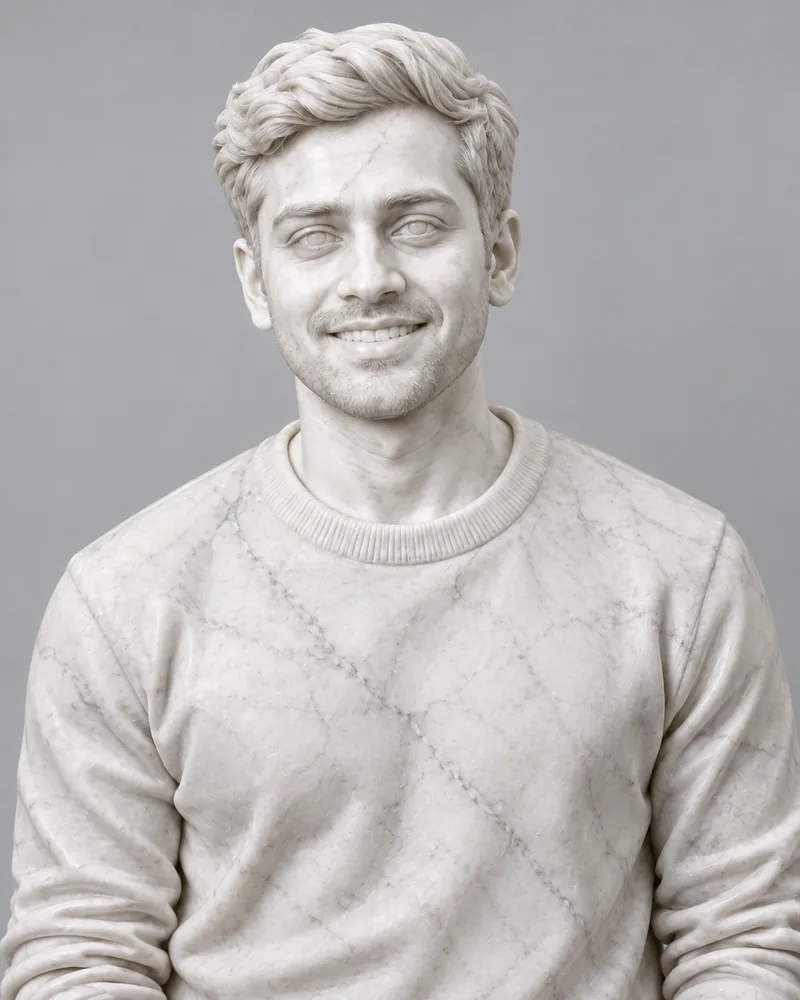 Photo to StatuePhoto to statue with AI: make a photo look like a marble statue, or a bronze, gold or clay sculpture on a museum pedestal. Upload a picture. Free to try.
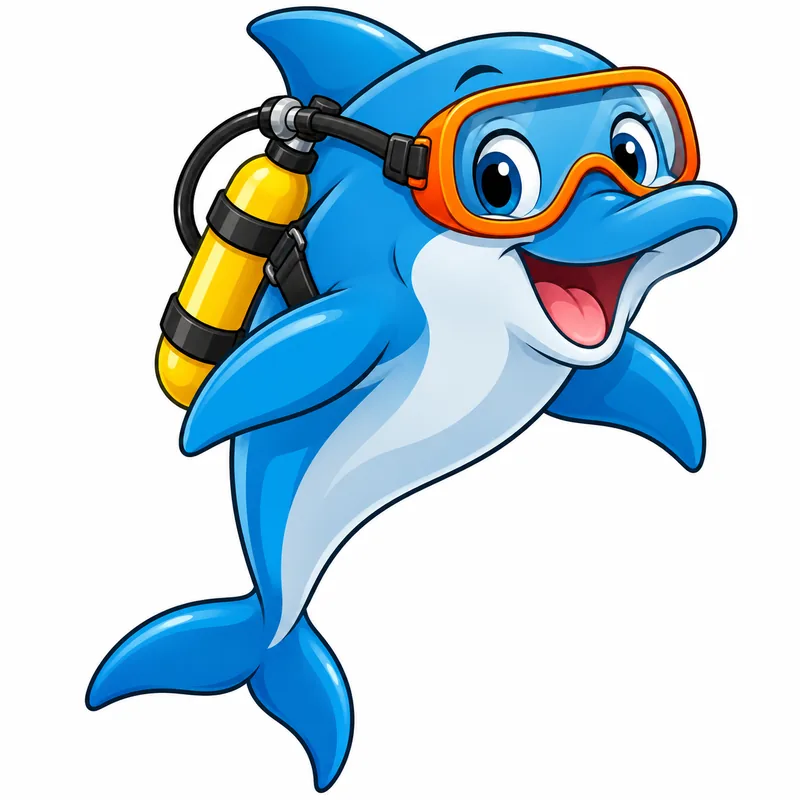 AI Clipart GeneratorMake AI clipart: describe anything or turn a photo into clipart in flat, cartoon, watercolor, line art and more styles. Clean white backgrounds, free to try.
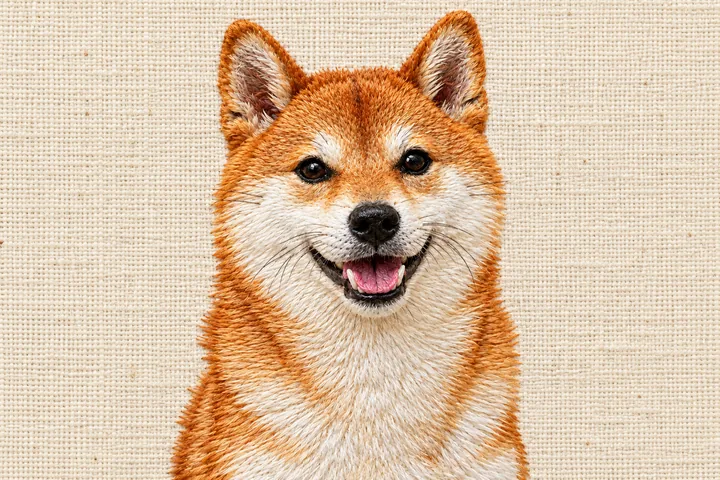 AI Embroidery Pattern MakerAI embroidery pattern maker: turn a photo, logo or drawing into hand embroidery, satin stitch, iron-on patches and printable patterns. Free to try online.
One online photo to painting converter for every medium, built to keep the likeness and to look good on a wall.
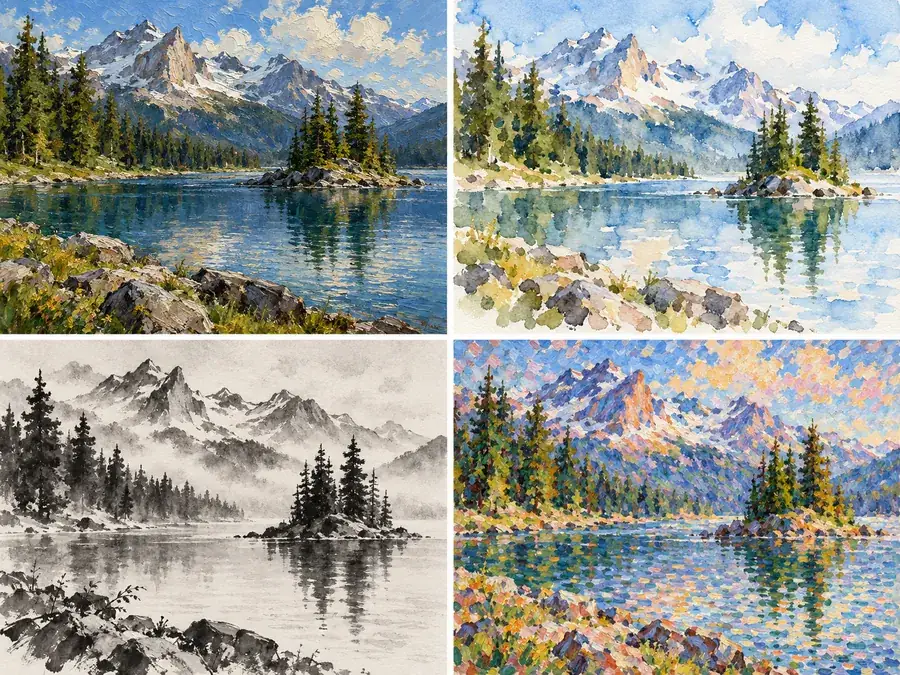
Most tools do one look. This painting image converter puts 24 in one workspace, so you can convert photo to painting in oil, try a soft watercolor, then compare opaque acrylic or chalky pastel without uploading again. It is an easy way to see which medium suits a picture before you print it, and an image to painting converter you can come back to for every occasion.
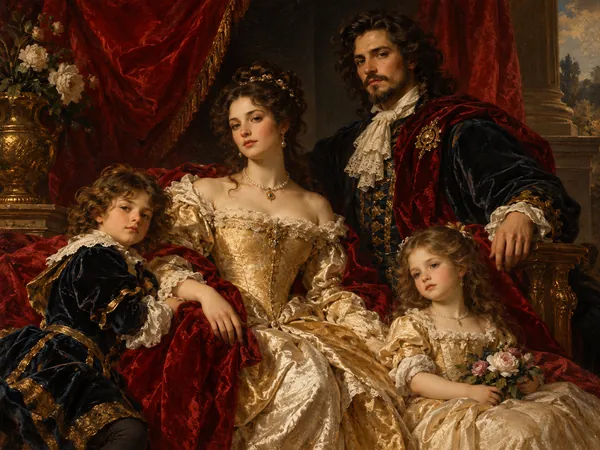
Turning photographs to paintings in an old master’s manner is a classic commission. The Famous Styles tab borrows the techniques of painters whose work is now in the public domain: Renaissance glazes, Rembrandt’s single warm light, Baroque drama, Monet’s broken color and Van Gogh’s swirling strokes. Use it as a Renaissance painting filter for a regal family portrait, or give a pet the full museum treatment. The styles are inspired by those eras; no real artwork is copied.
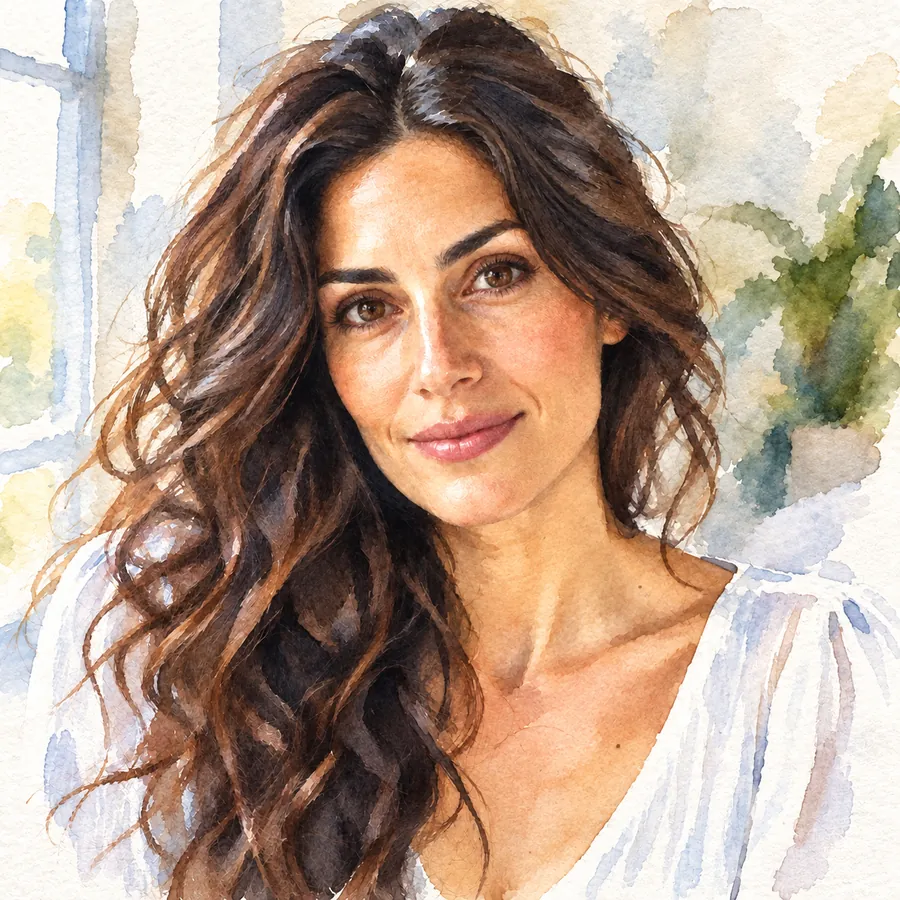
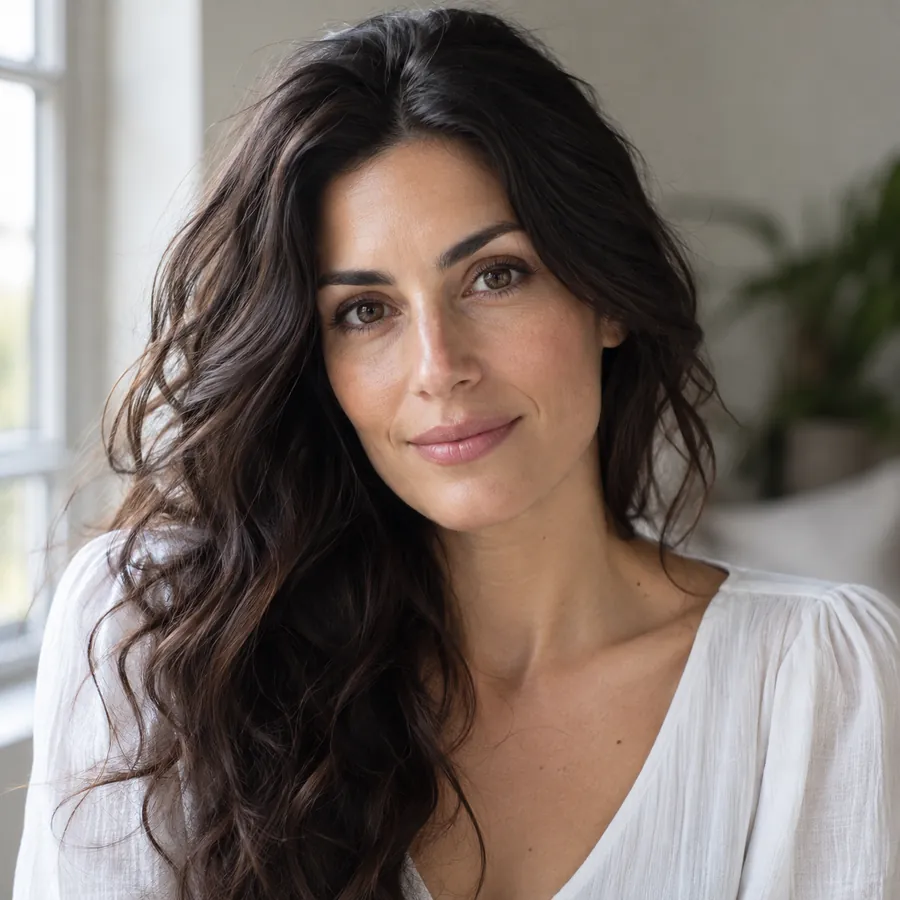
Painting should change the medium, not the person. The AI keeps face shape, eyes, hairstyle, skin tone and expression, plus glasses, freckles and pet markings, while the background loosens into strokes. Friends will know it is you, and that it is a painting. That is what makes it an AI painter from photo to portrait instead of a random artwork.
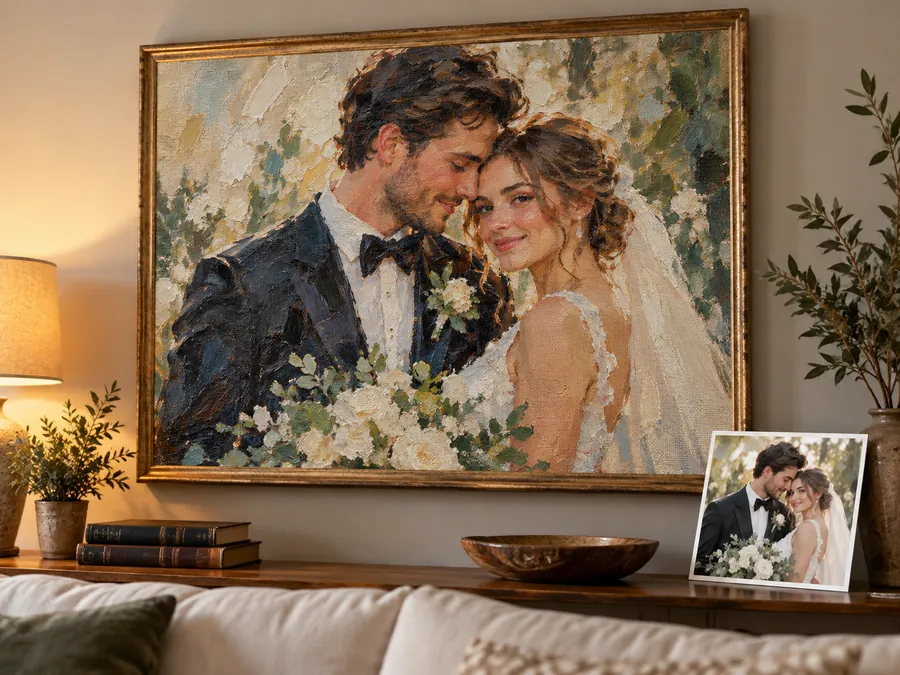
Photos to paintings on canvas make some of the warmest gifts: a wedding, a newborn, a family pet, a first home. Download your painting, check the photo print sizes guide below for the right canvas ratio, and send it to any print shop. For a large canvas, upscale the painting first so the brushwork stays crisp.
From gifts to wall art, here is why people convert picture to painting art.
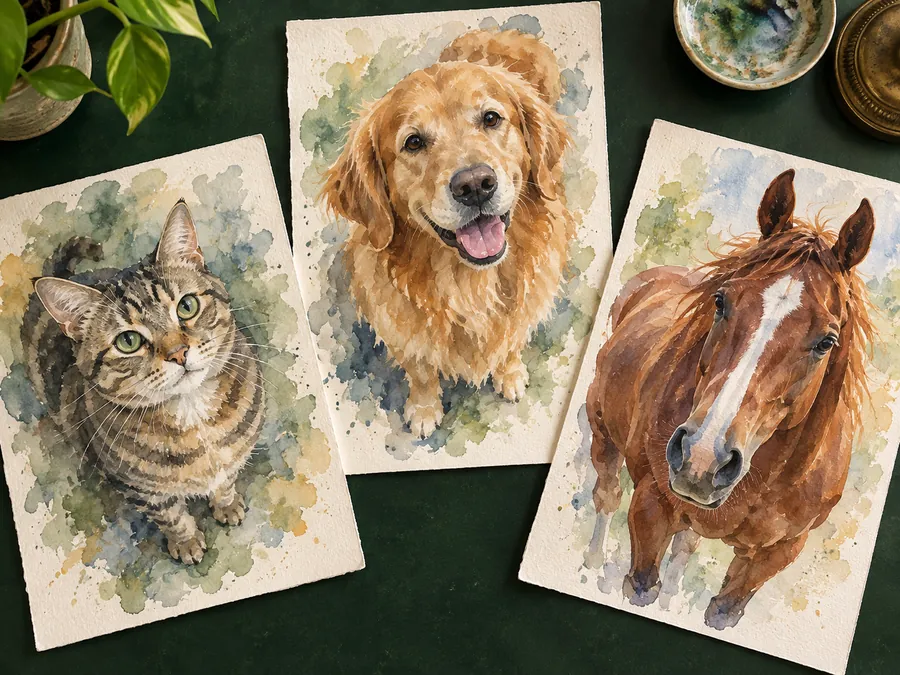
Make a painting from a photo for birthdays, anniversaries and Mother’s Day: a couple, a grandparent or a family snapshot becomes framed art.
Turn your dog, cat or horse into an oil or watercolor portrait that keeps its real breed, fur and markings.
“Paint my house” is a classic commission. Upload a photo of your home, a cabin or a childhood house and get a painted house portrait for a housewarming card.
Create a painting from a photo of your wedding, engagement or first date, in soft watercolor or a romantic Impressionist style.
Turn travel photos to painting AI art for a gallery wall, from Monet-style lakes to abstract palette-knife seascapes.
Artists use it to plan a piece: paint from picture references in a chosen style, or print a light copy and paint over photograph outlines by hand.
Small choices that help you turn a picture into painting art that looks hand-made.
Clear focus and good light give the AI real details to paint when you make photo into painting art. Very small or blurry photos come out vague.
Watercolor flatters landscapes and kids, oil and Rembrandt light suit portraits, and mosaic or stained glass love bold shapes.
For a portrait painting, crop so the face fills a good part of the frame; tiny faces in a crowd get simplified.
Ask for two to four results and pick the best one; every run paints the strokes a little differently.
Helpful next steps once your photo is painted, from canvas sizes to fresh ideas.
Standard print and canvas sizes, with the pixels each one needs, before you order photos to paintings on canvas.
Open guideA paint prompt generator for when you want ideas: random subjects, moods and styles to paint or describe.
Open toolUpscale your painting 2× or 4× so the brushstrokes stay crisp on a big canvas.
Open toolSet 300 DPI for a print shop without changing a single pixel of your painting.
Open toolBring the whole family into one portrait first, then paint it in oil or watercolor.
Open tool60 easy things to paint for the holidays, from watercolor penguins to snowy cabins.
Read guideCommon questions about turning pictures into paintings with AI.
Upload your picture to the converter above, pick a painting filter in Classic Paint, Famous Styles or Modern Art, and press Start. The AI repaints the image in that style and you download the result. That is how to turn a photograph into a painting without any art supplies, and the same steps work when you want to turn your photo into a painting of a pet, a house or a landscape.
It is free to try: new accounts get free credits when you sign up, and each time you make painting from photo uploads it uses credits from your balance. You can generate one to four versions per photo and keep the one you like.
Oil Painting, Rembrandt Light and Renaissance look the most like traditional canvas work, and Watercolor looks the most like real paper. Abstract Palette Knife, Stained Glass and Mosaic are deliberately bolder, so they read as art first and photo second.
Yes. Pets keep their breed, fur pattern and markings, and landscapes, city streets and houses all paint well. Watercolor, Ink Wash and Monet Style suit scenery, while Oil and Impasto give fur a rich texture. For a painted house portrait, upload a clear photo of the front of the house.
Yes, in most styles. The AI keeps face shape, eyes, hairstyle, skin tone and expression, so you stay recognizable when you change photo to painting. Abstract Palette Knife, Mosaic, Stained Glass and Expressionist simplify features on purpose; choose Oil, Watercolor or Renaissance for the closest likeness.
Yes. Download the painting and order a canvas print from any print shop. For large sizes, upscale it 2× or 4× first and set 300 DPI; the photo print sizes guide lists the pixels each canvas size needs.
This photo painting converter is the all-in-one hub: 24 styles across classic media, famous painters and modern art. The photo to oil painting and photo to watercolor tools each go deeper into a single medium, with more variations of that one look. Start here to explore, then switch to a dedicated tool once you know the medium you want.
Yes. The Famous Styles tab is inspired by painters and movements now in the public domain, such as Van Gogh, Monet, Rembrandt, the Renaissance, the Baroque, ukiyo-e, Art Nouveau and Expressionism. It borrows their techniques, not any specific artwork, and it does not imitate living artists.
Upload a JPG, PNG or WebP up to 10 MB. To create painting from photo files that print well, start with a sharp picture around 1,000 pixels or more on the long side; small, dark or blurry pictures give vaguer brushwork. If your original is soft, run it through the image enhancer first.
Yes. You do not need an app that turns pictures into paintings: the converter runs in your mobile browser, so you can go from pic to painting straight from your camera roll and turn picture into painting art on any phone. Upload, pick a style and save the painting to your gallery.
Upload a picture, choose one of 24 painting filters and get art that looks painted by hand.