White Marble Statue
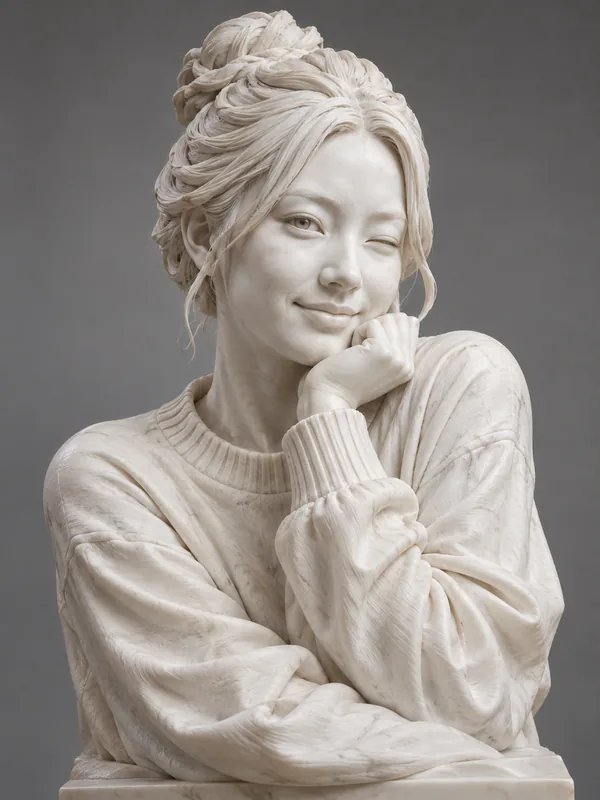
The classic museum look: smooth white stone, soft veins, carved curls.
Upload a photo and the AI statue maker carves it into white marble, bronze, gold, jade or ice, then sets it on a museum pedestal, a park monument or a Greek temple. Your face stays recognizable in stone. Free to try with the credits you get when you sign up.
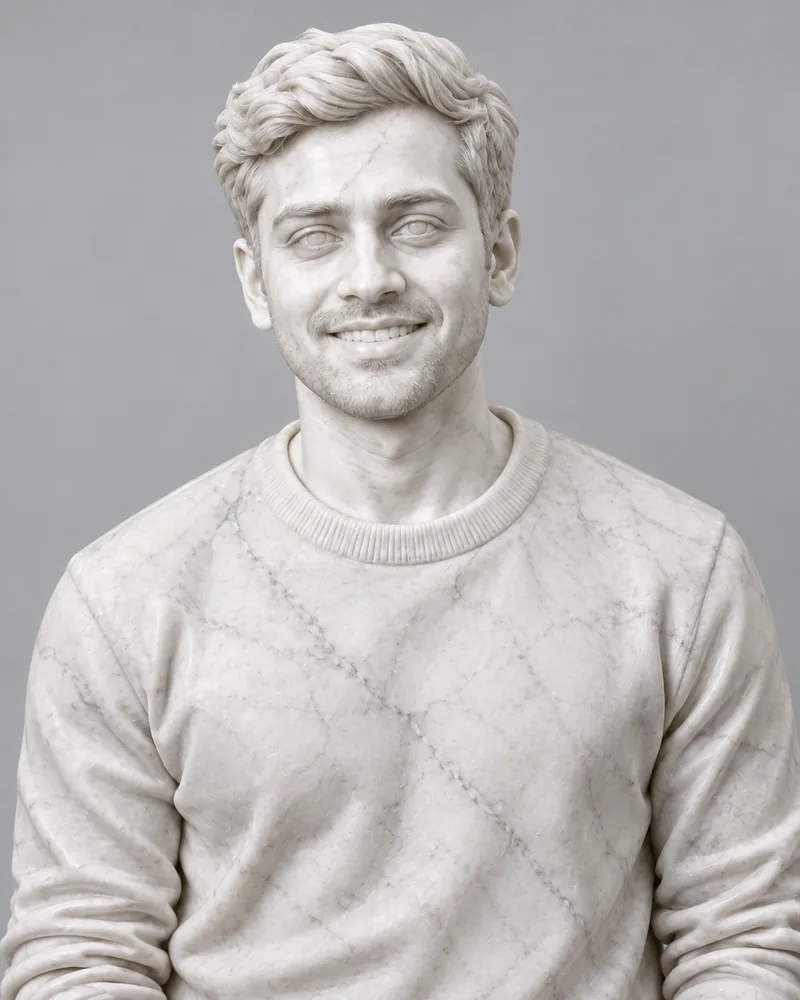

Reference example. It is not a result generated from your upload.
Photo to statue, or photo to sculpture, is an AI effect that turns your picture into what looks like a real statue: carved white marble, cast bronze, polished gold or clear ice, lit like a museum piece. Think of it as a sculptor AI that keeps your face, hair and expression but swaps skin and fabric for stone or metal, so you can see yourself as a classical bust from one upload.
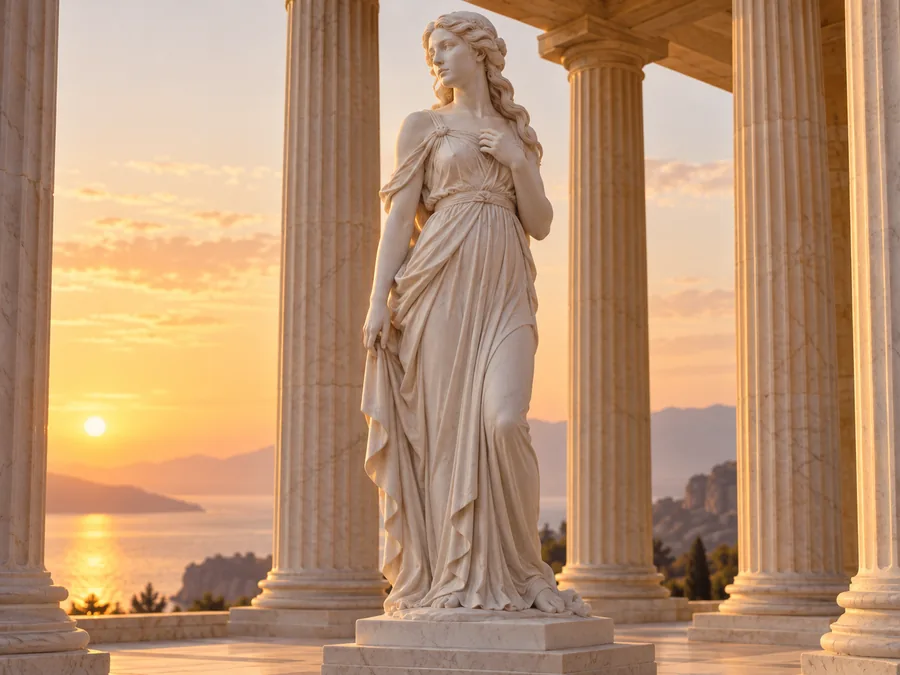
This AI statue maker offers eight materials (white marble, bronze, gold, terracotta, granite, jade, wood carving and ice) and four scenes (museum pedestal, park monument, Greek temple and gallery spotlight). Use it as a sculpture maker for selfies, couples, pets or favorite objects, then animate the result or print it. It is free to try with the credits you get when you sign up.
Every card started as an ordinary photo. Tap Try to load the material or scene, then upload yours.
The classic museum look: smooth white stone, soft veins, carved curls.
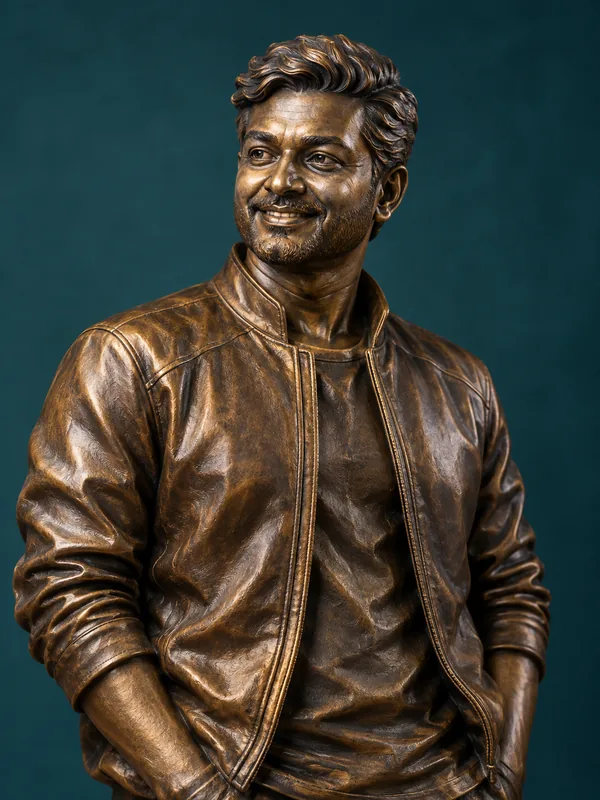
Warm cast metal with dark patina, ready for a plinth.
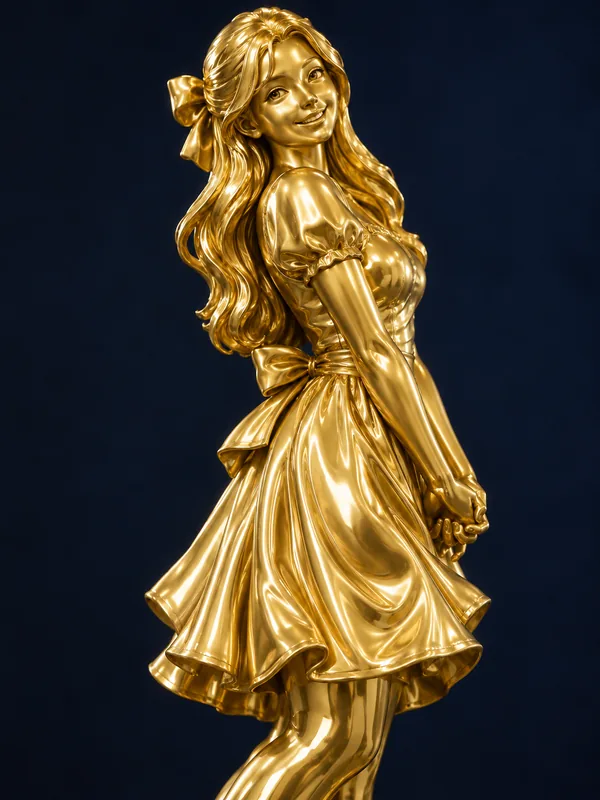
A gleaming solid-gold version of you, trophy style.
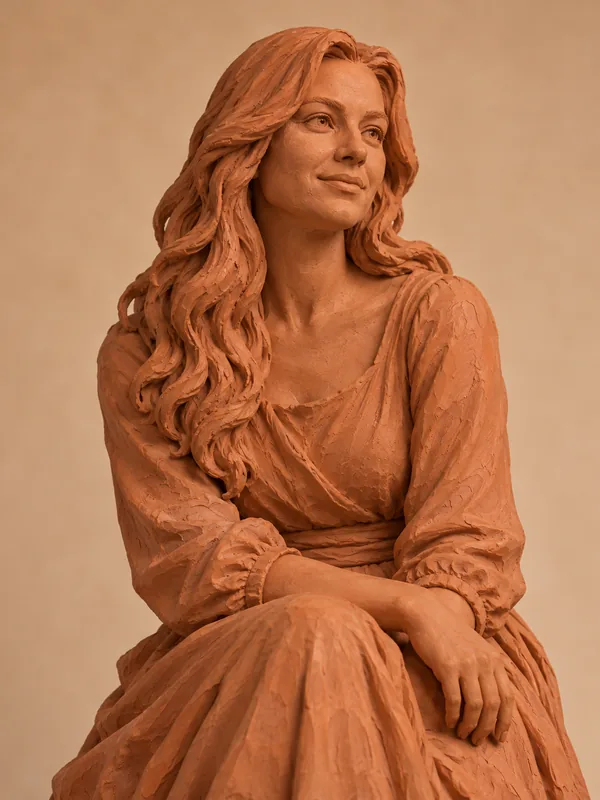
Warm fired clay with a hand-modeled, matte finish.
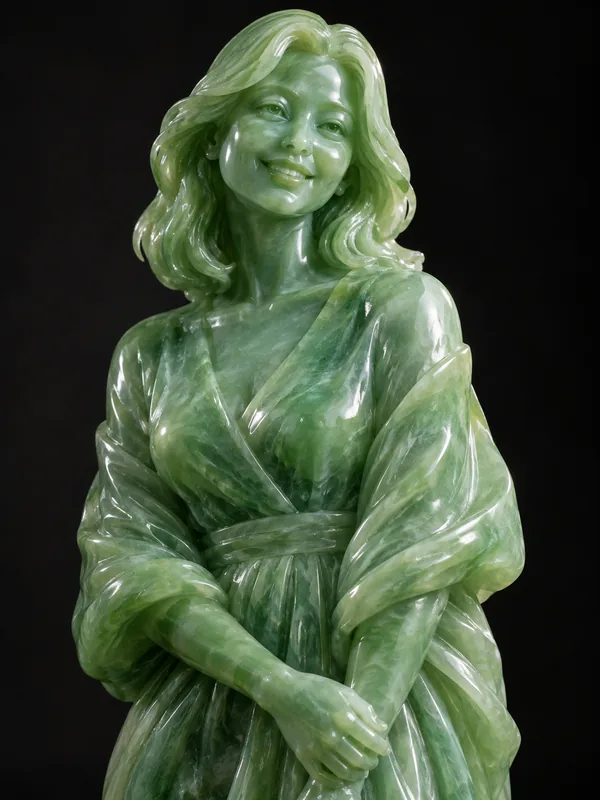
Translucent green stone with a soft inner glow.
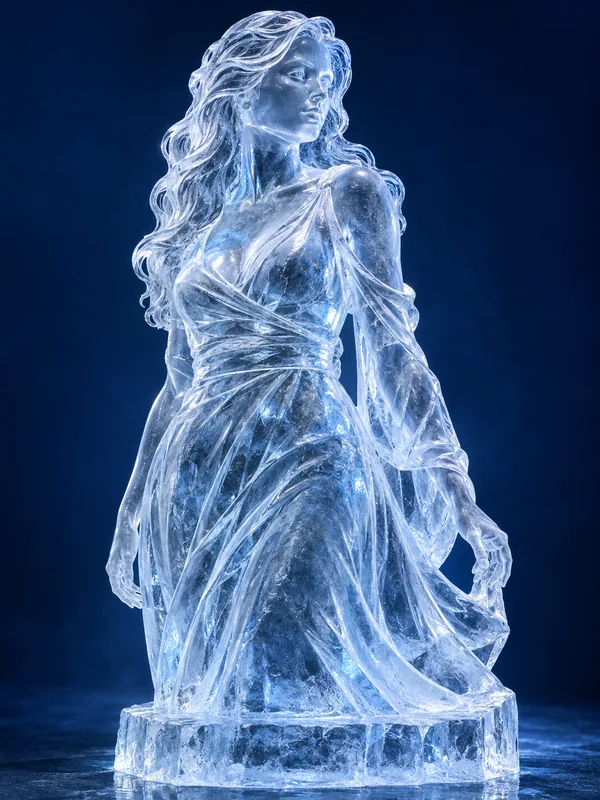
Clear, frosted ice with cold blue light shining through.
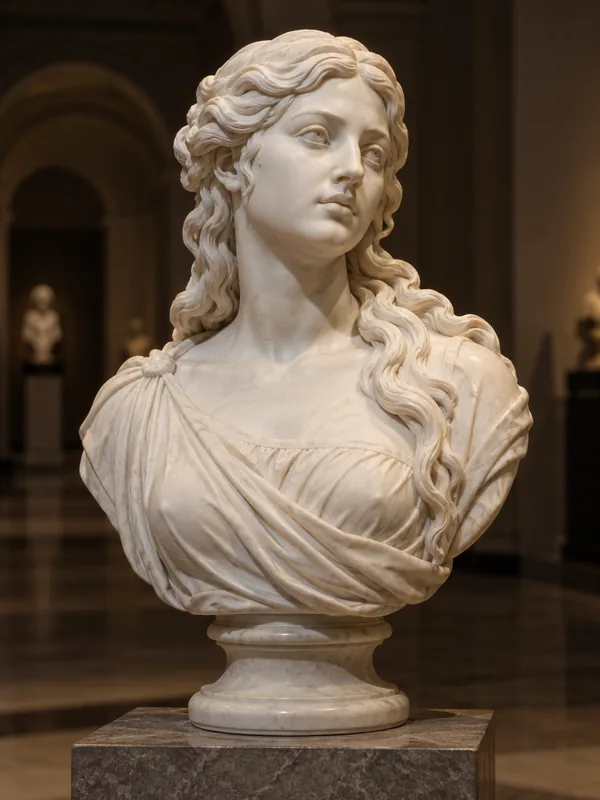
Your marble bust on a plinth under a warm gallery spotlight.
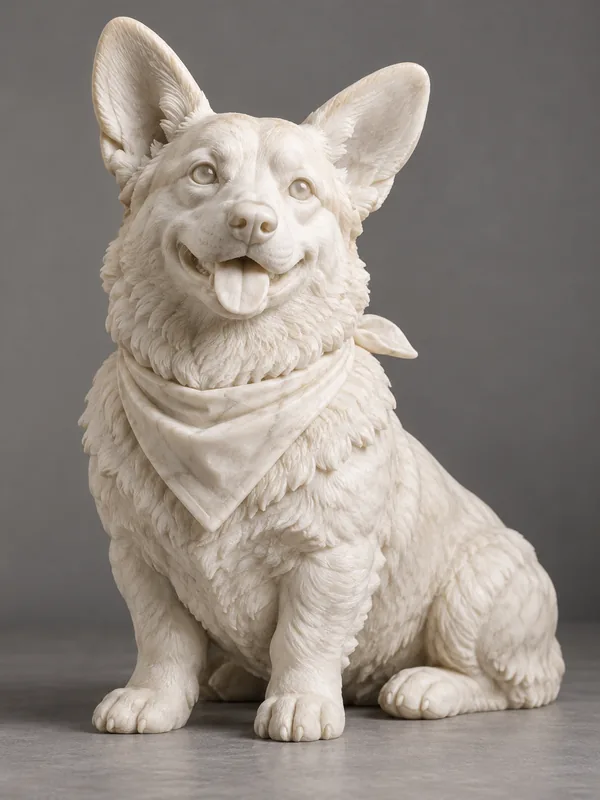
Your dog or cat carved in marble, breed and ears kept.
Make a statue of yourself, your partner or your pet in three steps.
A clear portrait, half-body or full-body photo works, and so do couples, pets and objects. JPG, PNG or WebP up to 10 MB.
Pick white marble, bronze, gold, terracotta, granite, jade, wood or ice, or a scene such as a museum pedestal or a Greek temple. Add details like "holding a book" in the note.
Create one or two versions, download your statue, or tap Animate to turn it into a short clip.
One upload, any material, with your likeness carved in.
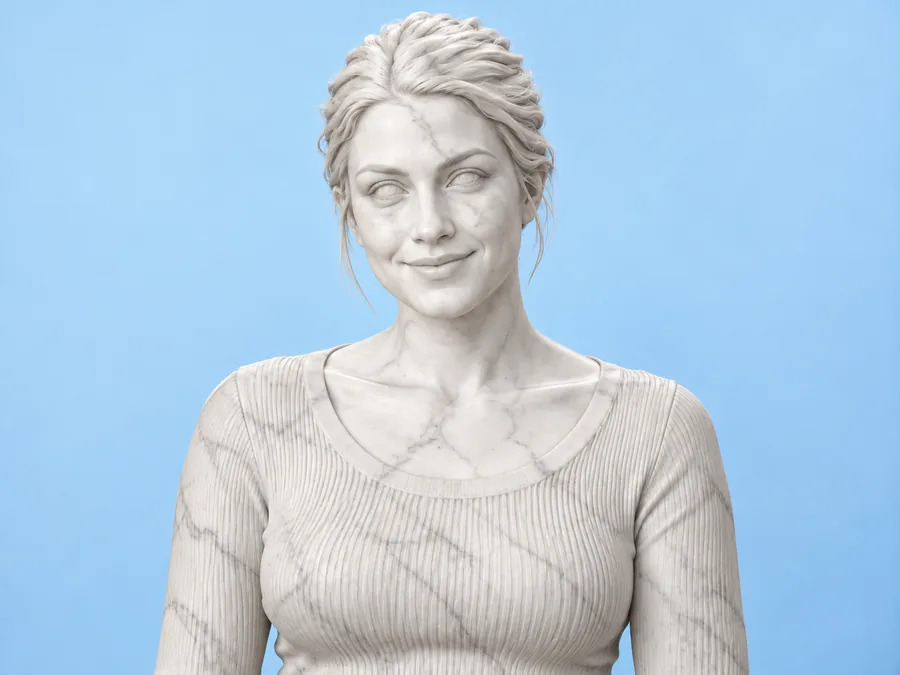
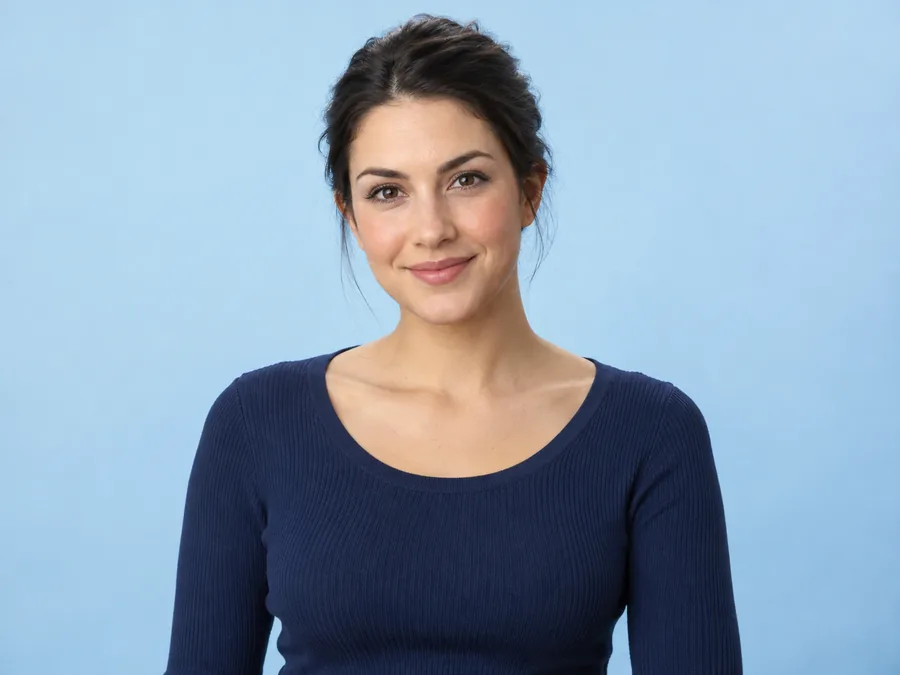
Upload a photo and turn picture into statue online without 3D software. The AI sculpture keeps your face shape, features, hairstyle and expression while every surface becomes one material, with carved hair, chiseled clothing folds and sculpted stone eyes. It is a custom sculpture from photo, made in your browser.
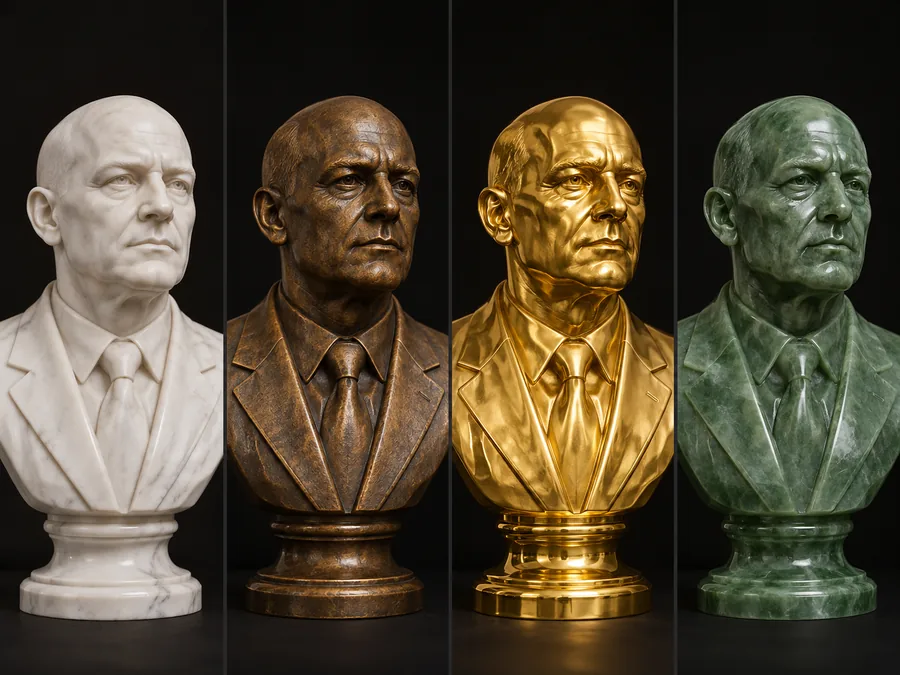
Choose white marble for the classic museum look, bronze or gold for a monument, terracotta or wood for something handmade, granite for a civic memorial, jade for a soft glow, or ice for a frozen sculpture. Run the same photo through several to compare.
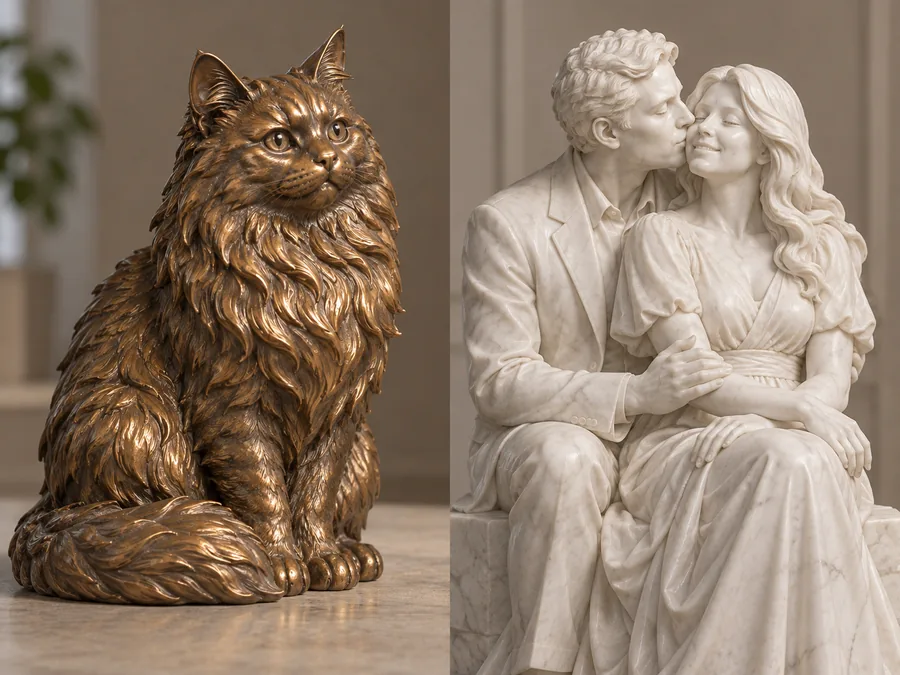
The sculpture maker is not only for selfies. Upload your dog or cat for a pet statue that keeps its breed and markings, put a couple on one plinth, or make the sculpture of a favorite object, such as a trophy, a sneaker or a guitar.
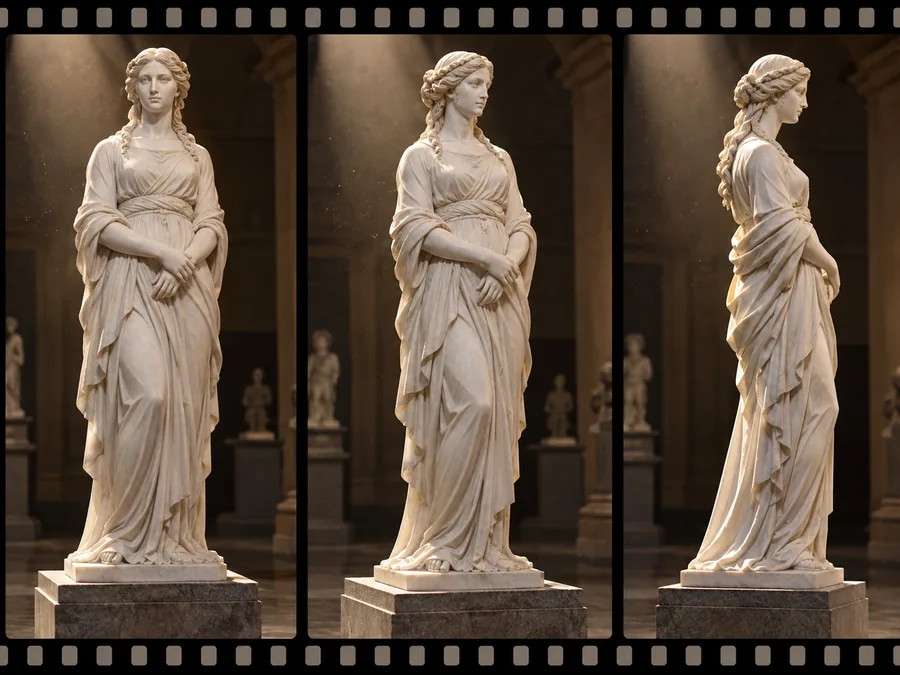
Tap Animate on your result, or download it and open Image to Video for a slow camera orbit, a sculpture 360 move around the plinth with dust drifting through the spotlight. It looks like museum footage, ready for a reel or a story.
With this tool: upload a clear photo, choose White Marble (or a marble scene such as Museum Pedestal, Greek Temple or Gallery Spotlight), add any details in the note, and generate. The AI turns skin, hair and clothing into one block of white stone with soft gray veins, carves the hair into locks, sculpts the eyes the way classical artists did, and relights the picture so the marble reads as solid.
In Photoshop, the usual manual route is to cut the subject out, desaturate it, smooth the skin texture with a blur or surface filter, raise contrast so the carved shapes stand out, lay a marble texture over it with a blend mode, paint the eyes flat, then add a plinth and a soft museum backdrop. It gives full control but takes practice; the AI route skips the masking and texture work, which makes it easy to explore materials before you commit to a manual edit.
Either way, start from a sharp, evenly lit photo with a simple background, and choose a pose a sculptor would carve: a calm head-and-shoulders view for a bust, or a confident full-body stance for a standing statue.
From profile pictures to keepsakes, a statue of you gets a second look.
A marble or gold bust makes a striking, still-recognizable avatar.
A bronze statue of a grandparent, a couple or a pet makes a heartfelt print or card.
Honor a much-loved pet with a calm marble portrait on a plinth.
Preview a pose and material before you brief a sculptor or a statue designer.
Photo-to-marble reveals and animated statue clips stand out in a feed.
Show what you would look like as a classical Greek or Roman statue.
The photo you start with decides how clean the carving looks.
A sharp face in soft light carves best; heavy shadows turn into dark stone.
A plain backdrop lets the AI build a clean plinth or scene around you.
Head-and-shoulders gives a classic bust; a full-body shot makes a standing statue.
Try "laurel wreath", "holding a book" or "toga drapery" for a classical look.
Paint it, shrink it into a toy, animate it or print it.
Turn a photo into an oil, watercolor or acrylic painting.
Paint a photoTurn yourself into a big-head vinyl collectible figure in a box.
Make a figureCreate a 3D-rendered character from text or a photo.
Make a 3D characterBecome a boxed action figure with accessories for your job or hobby.
Make an action figureMake your statue blink, smile or turn its head in a short clip.
Animate itCheck pixels and DPI before you print your statue as a poster or canvas.
See print sizesMarble, materials, pets, 3D, video and printing.
Upload a clear photo, choose White Marble or a marble scene, and generate. The AI turns skin, hair and clothes into carved white stone, sculpts the eyes and relights the picture like a museum piece. To do it by hand in Photoshop you would mask, desaturate, smooth, texture and relight the photo; the how-to section above walks through both routes.
It is free to try: new accounts get free credits when they sign up, and each run shows its credit cost before you start. Every finished image can be downloaded.
White marble, bronze, gold, terracotta, granite, jade, wood carving and ice, plus four scenes: museum pedestal, park monument, Greek temple and gallery spotlight. Each AI statue can be regenerated in another material from the same upload.
Yes. Upload a sharp photo of your pet, or of an object such as a trophy, a sneaker or a car. The AI keeps the shape and key details, such as breed, ears and markings, and carves them in the chosen material.
That is the goal. Face shape, features, hairstyle, expression and glasses are kept as carved detail while color disappears into the material. Clear, front-facing photos give the most recognizable statues.
Neither: the result is a realistic 2D image of a statue, not a 3D file. Prompts like "make it a sculpture make it a 3D model" are popular, but this tool returns a picture, so it cannot be 3D printed. For a 3D-rendered character image, try the 3D Character Generator.
Yes. Tap Animate on the result, or download it and open Animate Photo for a head turn or a blink, or Image to Video for a slow orbit and drifting dust. Each video is a separate generation in that tool.
Yes. Download it and print it as a poster, canvas or card. Check Photo Print Sizes for the pixels you need, and upscale the image first for large prints.
Yes. The statue maker runs in your mobile or desktop browser: upload from your camera roll, generate, and save the result. There is no app to install.
Results download as high-quality images at the size the AI model returns, which suits profile pictures, posts and small prints. For a large image sculpture print, run it through an image upscaler first.
Upload a photo, pick marble, bronze, gold or ice, and get a statue that still looks like you.