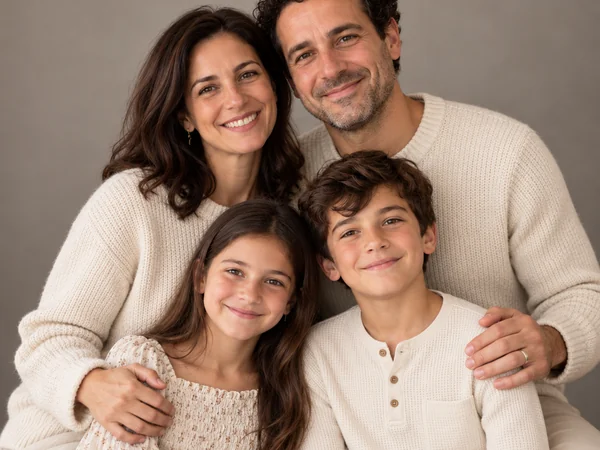
Classic Studio Portrait
A seamless backdrop, soft key light and coordinated outfits for a portrait that never dates.
Upload one photo of each family member, or a single group photo, then pick a portrait style, outfits and a pose. The AI family portrait generator puts everyone into one natural, shared frame, from grandparents to the newest baby and the family dog.
Portrait Style: Studio Classic · Outfits: Keep Our Outfits · Pose: Natural Group
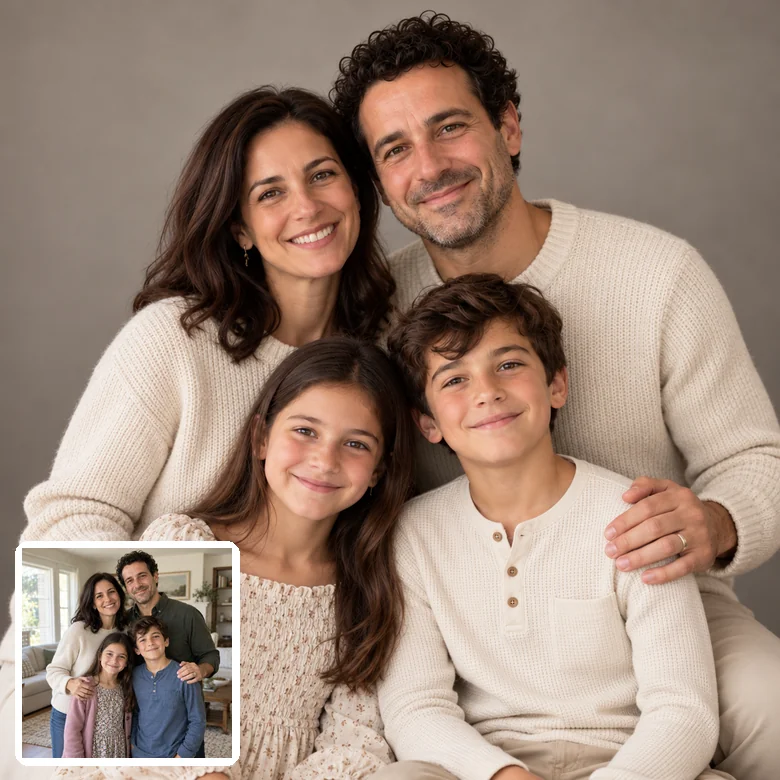
Reference example. It is not a result generated from your upload.
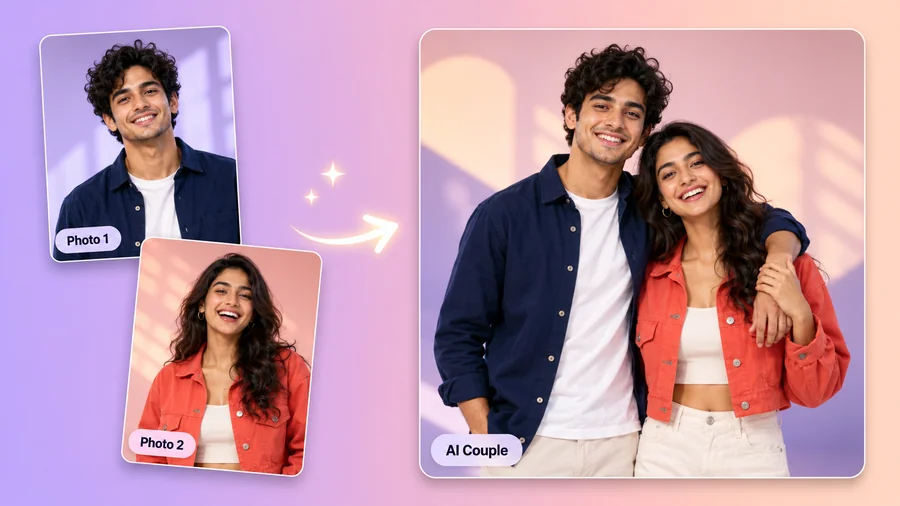
An AI family photo generator turns the pictures you already have into one finished family portrait. Upload individual photos of each person, or one family group shot, and the AI reads every face, then builds a new scene with matching light, scale and perspective, so everyone looks like they stood in front of the same camera. It is the simplest way to create a family portrait from individual photos when relatives live far apart, schedules never line up, or someone missed photo day.
Most AI family portrait generators only restyle a single group photo. This one also combines up to six separate photos, people and pets alike, then lets you choose from 12 portrait styles, from Studio Classic and Golden Hour to Holiday, Oil Painting and 3D Cartoon, plus coordinated outfits and a pose. The results are AI family photos ready for holiday cards, frames and the family group chat, and it is free to try with the free credits you get when you sign up.
Each AI generated family portrait started as an everyday photo. Tap a card to load that look into the workspace.
A seamless backdrop, soft key light and coordinated outfits for a portrait that never dates.
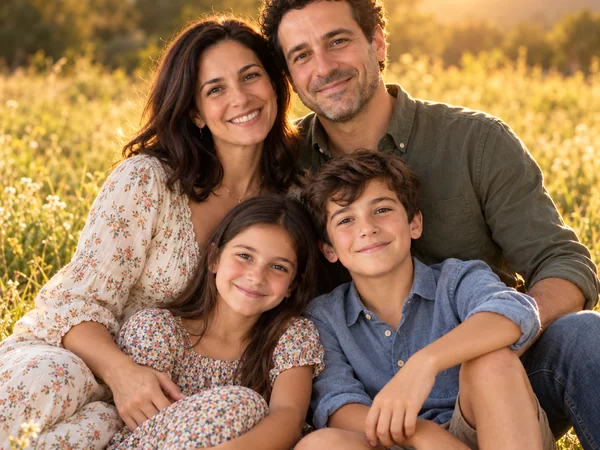
Warm low sun, a soft meadow behind you and relaxed, close smiles.
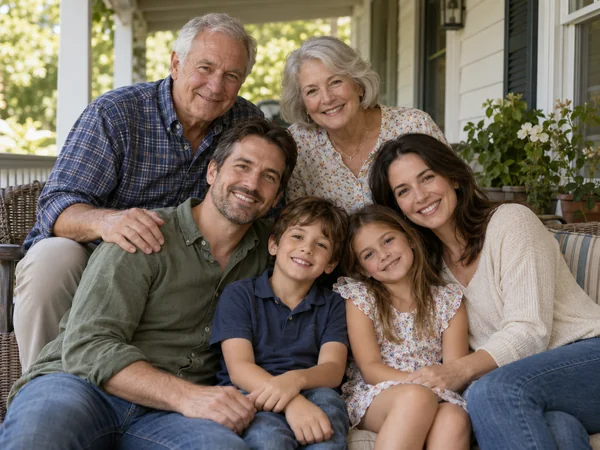
Grandparents, parents and grandchildren from separate photos, together in one frame.
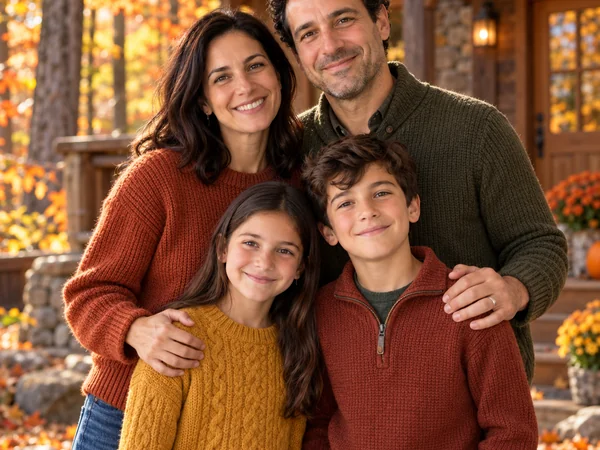
Rust, mustard and olive layers that look planned, even when nobody coordinated.
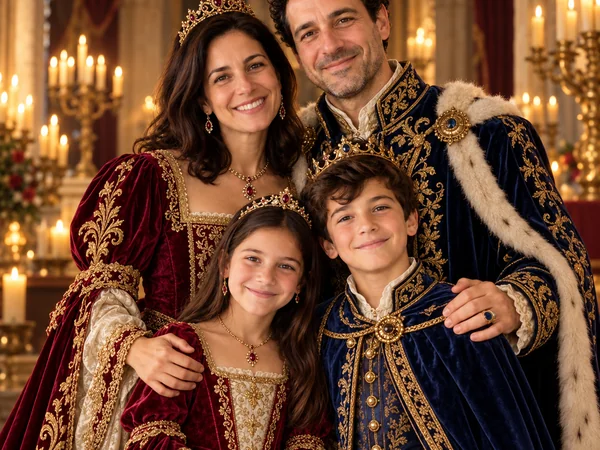
Velvet, brocade, crowns and candlelight: a playful keepsake for the whole family.
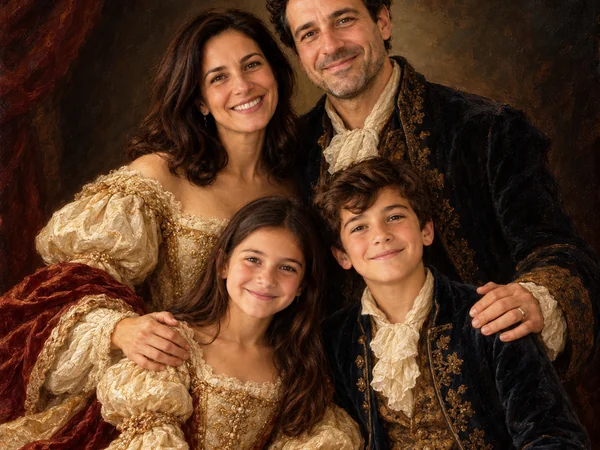
Visible brushwork and rich light, like a portrait commissioned for the living room.
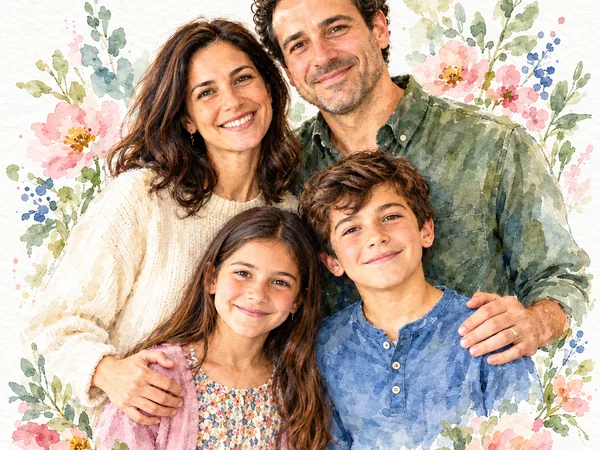
Gentle washes and paper texture for a light, artistic gift.
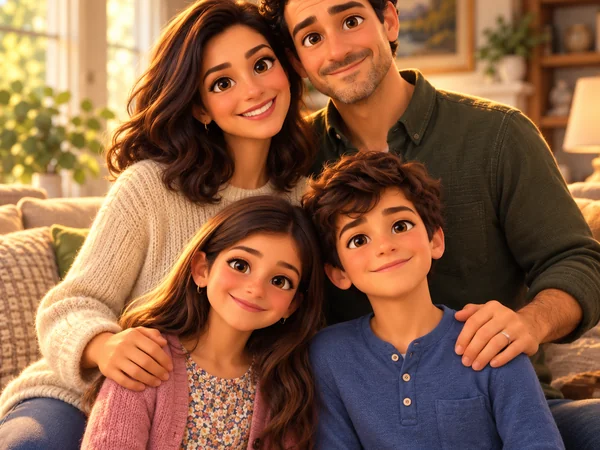
An animated-movie look the kids will love, with every face still recognizable.
Here is how to create a family photo using AI in four steps: no studio booking, no editing software, and nobody has to travel.
Add up to six photos: one per family member, or a picture that already shows several of you. Pets count too. Clear, front-facing photos in good light work best.
Choose from 12 looks: Studio Classic, Golden Hour, Beach, Cozy Home, Autumn Cabin, Holiday, Black & White, Retro Film, Royal Portrait, Oil Painting, Watercolor or 3D Cartoon.
Keep everyone’s own clothes or switch to coordinated neutrals, white and denim, matching sweaters or pajamas, then pick a pose such as a close hug or walking hand in hand. Add notes like who is tallest in Custom.
Make 1 to 4 versions, compare them, and download the AI family picture you like best for prints, cards or sharing.
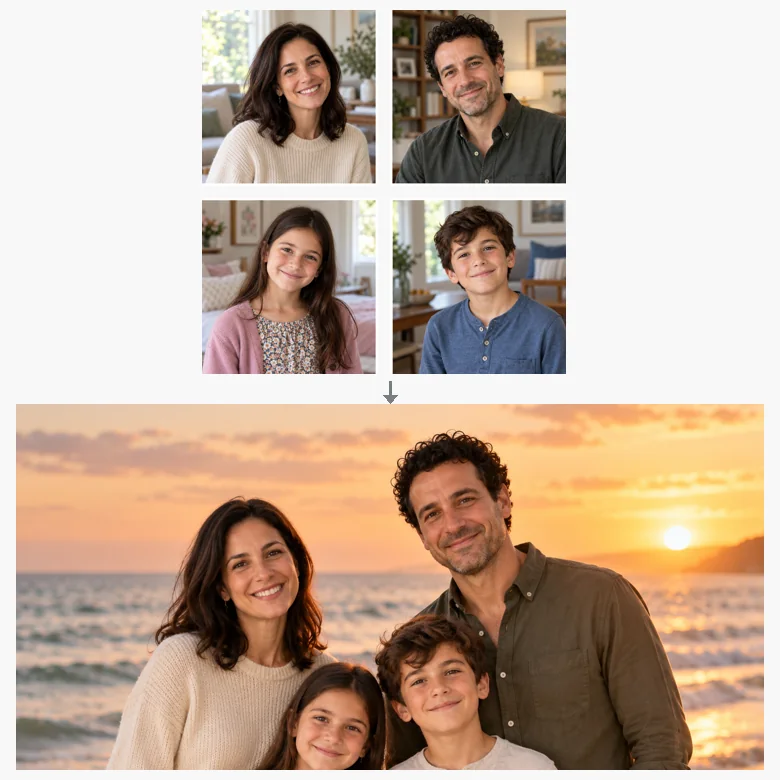
Grandparents abroad, a student away at college, a new partner: upload one photo per person and the AI places everyone in one frame, scaled and lit to match, with believable heights. It is a family portrait generator for families who are rarely in the same room, and nobody has to be cut out by hand.
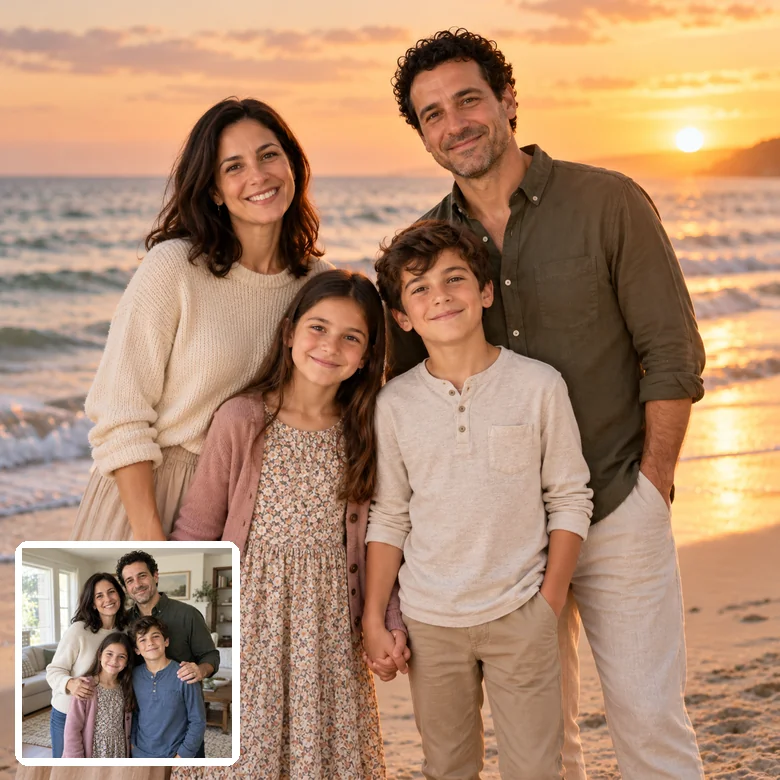
Already have a group shot with a messy background, harsh light or someone mid-blink? Upload it on its own and get a polished version in a new place, from a sunny beach to a cozy living room, with every face kept the same.
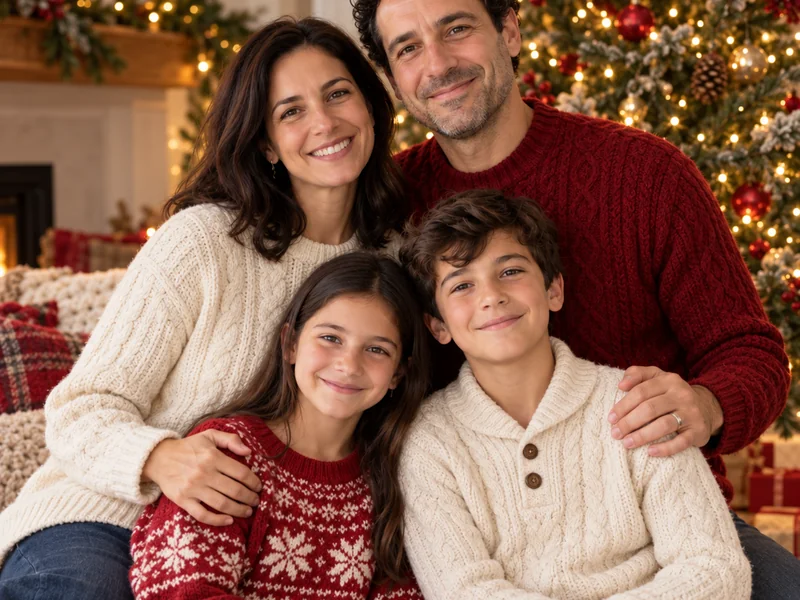
Coordinated outfits are the hardest part of any family photo. Pick Coordinated Neutrals, White & Denim, Matching Sweaters, Matching Pajamas, Formal Wear or Autumn Tones and the AI dresses everyone, children included, in a look that fits the scene.
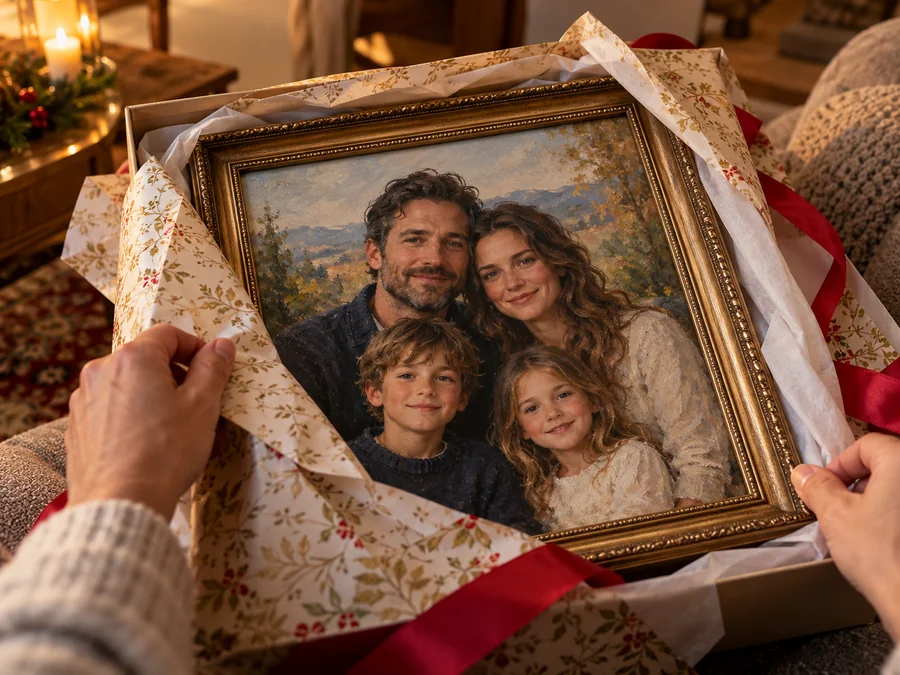
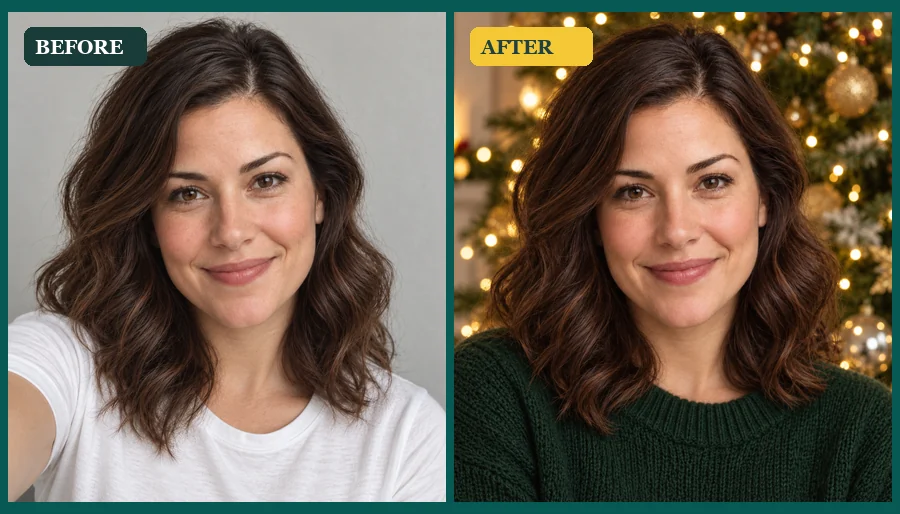
Turn the same photos into an oil painting, a watercolor, a royal portrait or a 1970s film print. Use AI to create family portrait prints, holiday cards and gifts for grandparents that feel personal because they start with your own people.
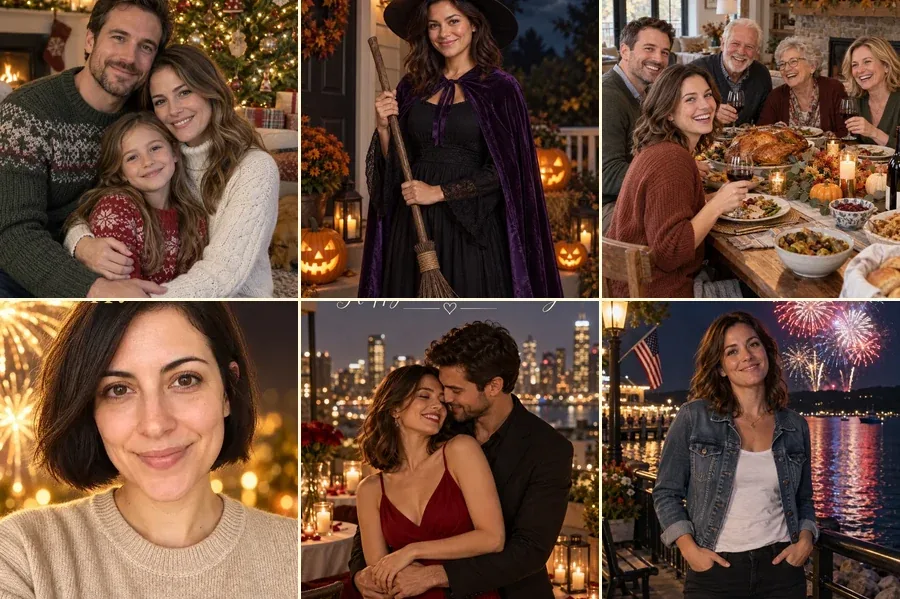
Most AI family photos end up on a card, a wall or a phone screen. These are the most common reasons people use an AI family picture generator.
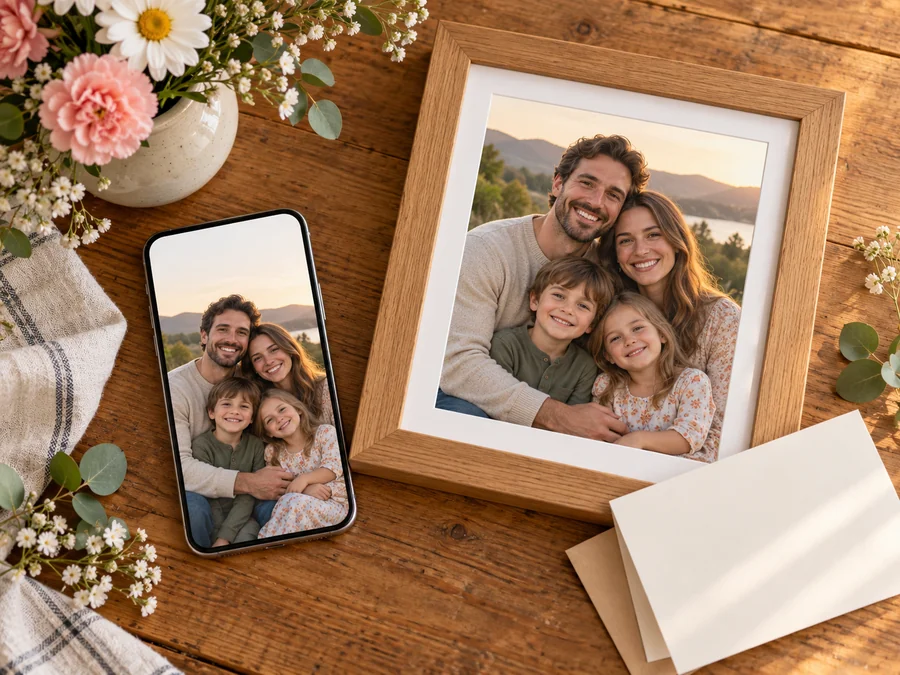
Make the card photo in an evening, with matching outfits and a festive backdrop, instead of booking a session.
Bring relatives from different cities or countries into one portrait without anyone getting on a plane.
Mark anniversaries, big birthdays and reunions with one picture that includes everyone who matters.
A framed painting or a printed photo book page of the grandkids together is a gift that gets kept.
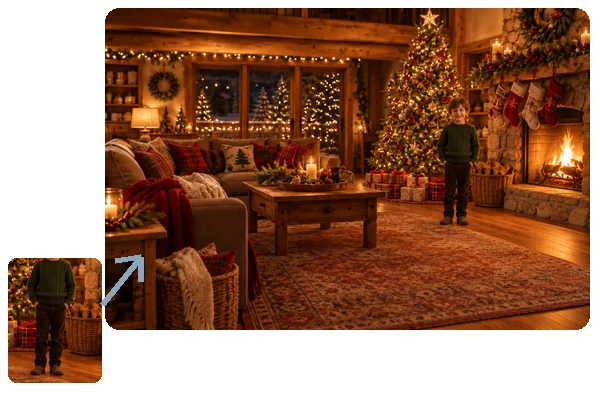
Add a new baby, partner or puppy to the family photo before the next real photoshoot.
Profile pictures, group chat banners and a shared album cover for the whole family.
Family portraits AI-generated from your own photos only work if they still look like your family. Check these six things in any tool.
| What to check | Why it matters | How this generator handles it |
|---|---|---|
| Individual photos | Families are rarely in one place for a group shot | Up to six uploads, one person or several per photo, merged into one frame |
| Faces and ages | A portrait of strangers is no keepsake | Every face, skin tone, hairstyle and real age is kept; children stay children |
| Heights and scale | Pasted-together people look fake fast | Relative heights and lighting are matched; add notes such as “Dad is tallest” in Custom |
| Style range | One look rarely suits every occasion | 12 styles, from studio and outdoor to holiday, painted and 3D cartoon |
| Outfits and pose | Coordination is what makes a family photo look planned | 8 outfit sets and 8 poses, combined with any style |
| Consent and privacy | Family photos include children | Only photos you have permission to use; you choose what to share |
For a once-a-decade heirloom, a professional photographer is still worth it. For holiday cards, long-distance families and quick updates, AI family portraits are a practical alternative.
A few minutes choosing photos makes a bigger difference than any setting.
Sharp photos where each face is fully visible, no sunglasses, keep everyone recognizable.
Photos taken in similar daylight blend more naturally than a flash selfie next to a sunny snapshot.
Separate portraits give the AI the most detail; a group photo is fine when faces are not tiny.
Family portrait AI cannot know that Grandpa is the tallest or the baby belongs in Mom’s arms; tell it in Custom.
Generate 2 to 4 at once and keep the one where every expression looks right.
Use photos only with everyone’s permission, and a parent’s or guardian’s for children.
Keep going with these related tools and guides.
Make AI graduation photos from any selfie: add a cap and gown, pick a campus, studio or cap-toss scene, a gown color and a stole, then download…
Open toolJust the two of you: combine two portraits into one romantic photo.
Open toolFestive portraits, outfits and card photos for the holiday season.
Open toolEvery AI photoshoot in one place: headshots, birthdays, graduations and more.
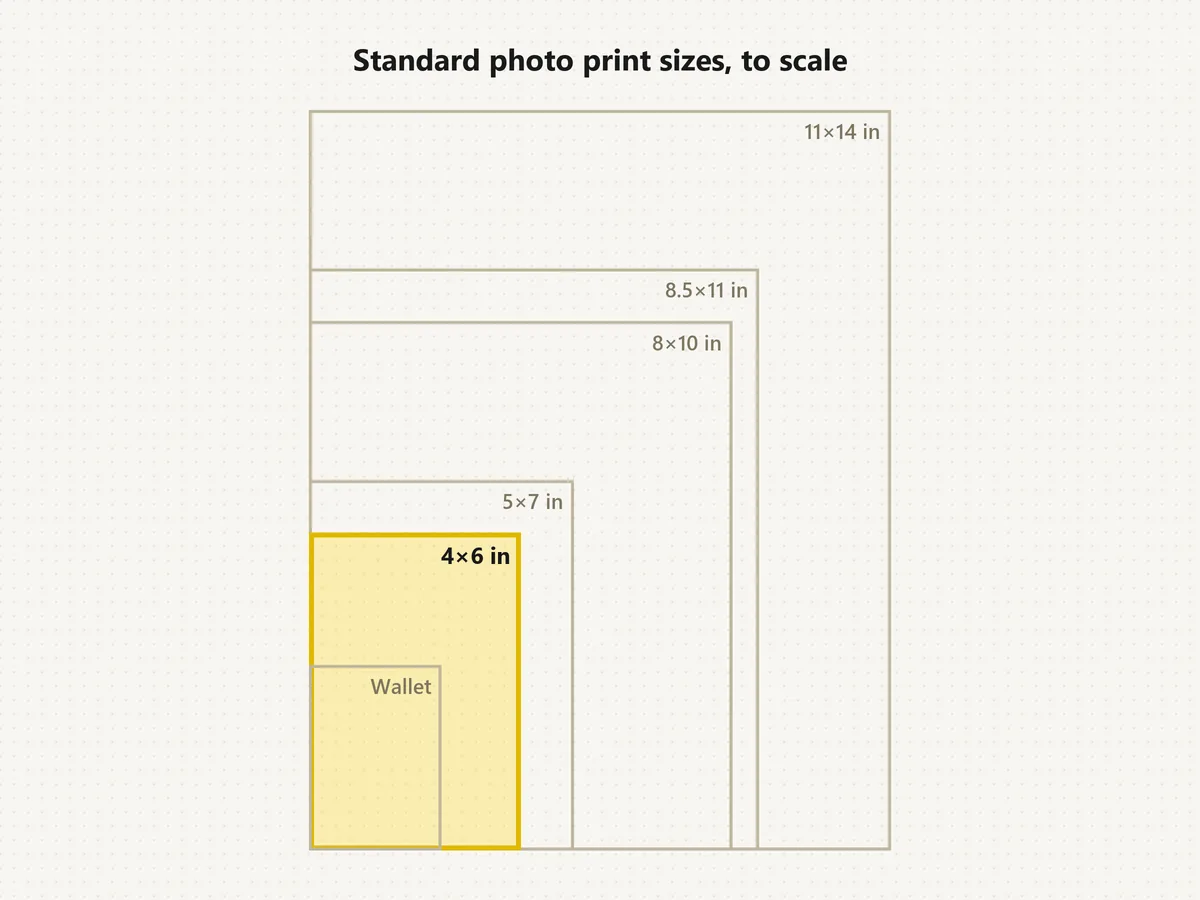
Browse allCrop your family portrait to 4×6, 5×7, 8×10 and other print sizes.
Open toolAnswers to common questions about making AI family portraits.
Upload one photo per family member (or one group photo), choose a portrait style, outfits and a pose, then generate. The AI combines everyone into one scene with matching light and scale. Make 2 to 4 versions and download your favorite.
Yes. Add up to six separate photos, one person or several in each. The AI family portrait from individual photos keeps every face recognizable and arranges people with believable heights. Add details such as who is tallest or who holds the baby in Custom.
It is free to try: new accounts get free credits when they sign up, enough for a few family portraits. After that each generation uses credits, and the cost is shown on the Generate button before you start.
You can upload six photos, and each can show more than one person, so larger families fit too. Faces get smaller as the group grows, so for 8 or more people use clear photos and pick Natural Group or On the Front Steps.
Faces, skin tones, hairstyles and ages come from your photos, so each person stays recognizable while the setting, outfits and light change. Blurry, tiny or heavily filtered faces give weaker results, so start from the clearest photo you have of each person.
Yes. Children keep their real age and features, babies can be held or seated on a lap, and dogs and cats can sit with the family. Upload a separate clear photo of each pet for the best likeness.
Pick the Holiday style with Matching Sweaters or Matching Pajamas, or Cozy Home with Coordinated Neutrals, then generate a few versions. Crop the favorite to your card size with the photo print sizes tool, or try the AI Christmas Photo tool for more festive scenes.
Yes. Families often add a relative who lives far away, missed the day, or has passed away, so everyone is in one keepsake. Use a clear photo of them, and when you share it, it is kind to mention that the portrait was made with AI.
Yes. Results work well for cards, photo books and small frames. For a large wall print, enlarge the image with the 4K image upscaler first, then crop it with the photo print sizes tool.
Only photos of people who agreed to be included, plus a parent’s or guardian’s permission for any child. Do not use the tool to place strangers or celebrities in your family photo, and never present an AI portrait as a real photo to mislead anyone.
Upload your photos, pick a style, and let the AI family photo generator create the portrait you have been meaning to take.