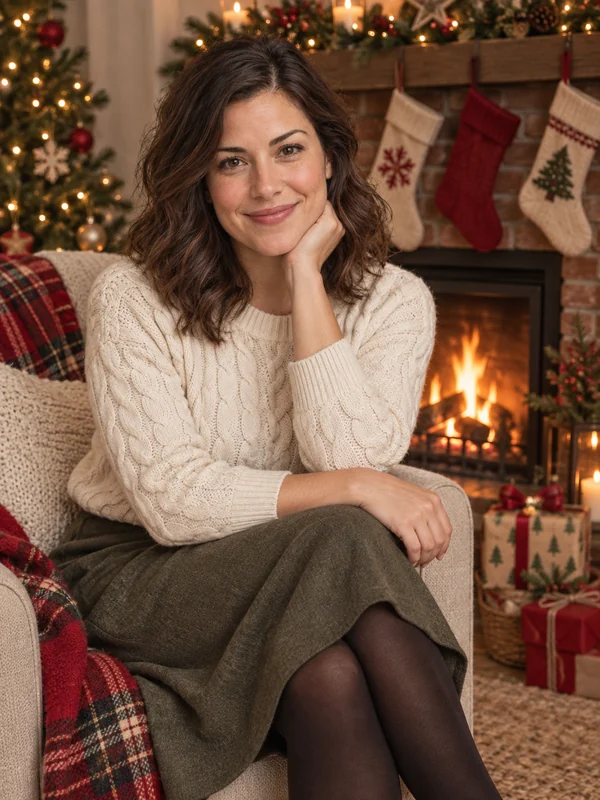
Fireside
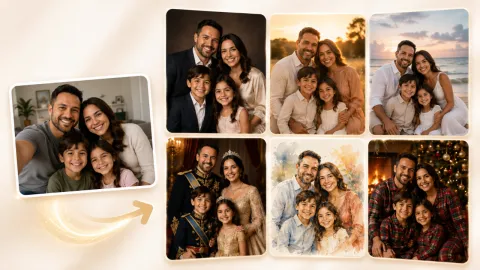
Warm firelight, stockings, and a mantel for a cozy at-home holiday portrait.
Upload a selfie, couple, family, or pet photo and get an AI Christmas photo with cozy scenes, holiday outfits, art styles, or card layouts, while every face stays recognizable.
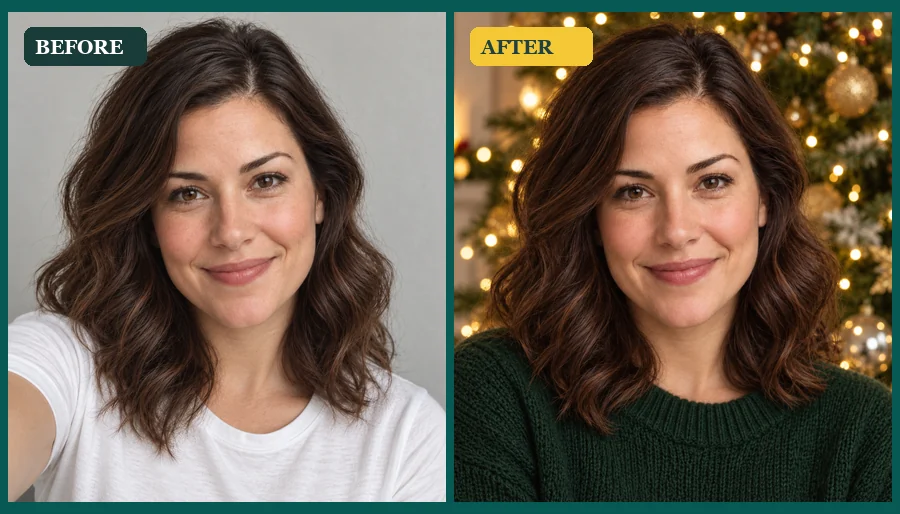
Reference example. It is not a result generated from your upload.
An AI Christmas photo generator turns one ordinary picture into festive holiday portraits. Christmas AI keeps your face, expression, and hairstyle, then adds the parts that usually take a studio: a glowing tree, a crackling fireplace, falling snow, a Santa suit, or a ready-made card layout. The result is a set of AI Christmas pictures that still look like you.
Unlike a manual Christmas photo editor, there are no layers, stickers, or cutouts to arrange. Pick a theme and this Christmas photo maker builds the scene, wardrobe, and lighting around you. People use AI generated Christmas pictures for family cards, profile pictures, gifts, and the viral AI Christmas photo trend, all from a photo taken in any season.
All the Christmas AI pictures below started as a single everyday photo. Choose a look and try it on your own.
Warm firelight, stockings, and a mantel for a cozy at-home holiday portrait.
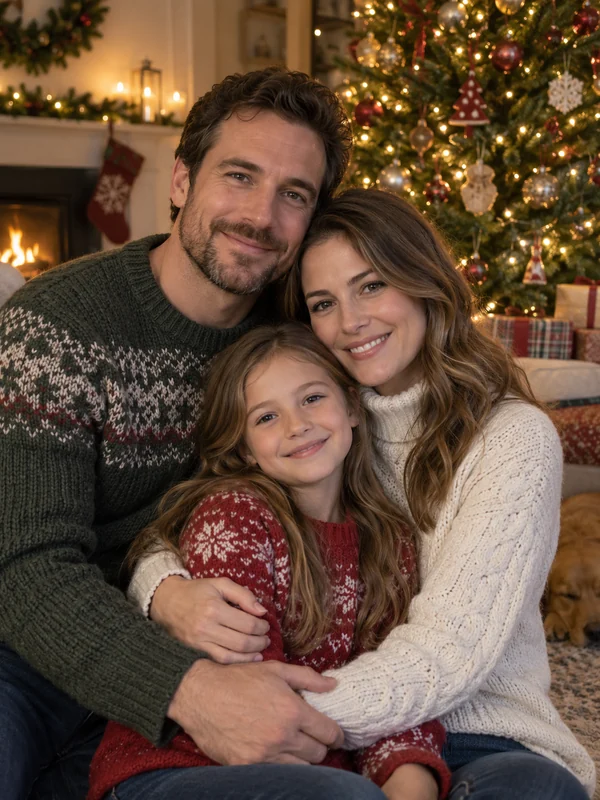
AI family Christmas photos framed by a lit tree and soft golden bokeh.
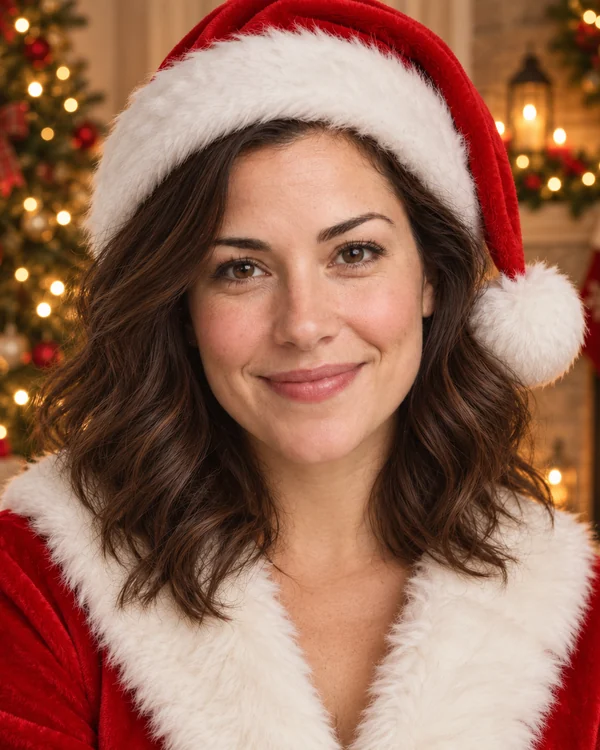
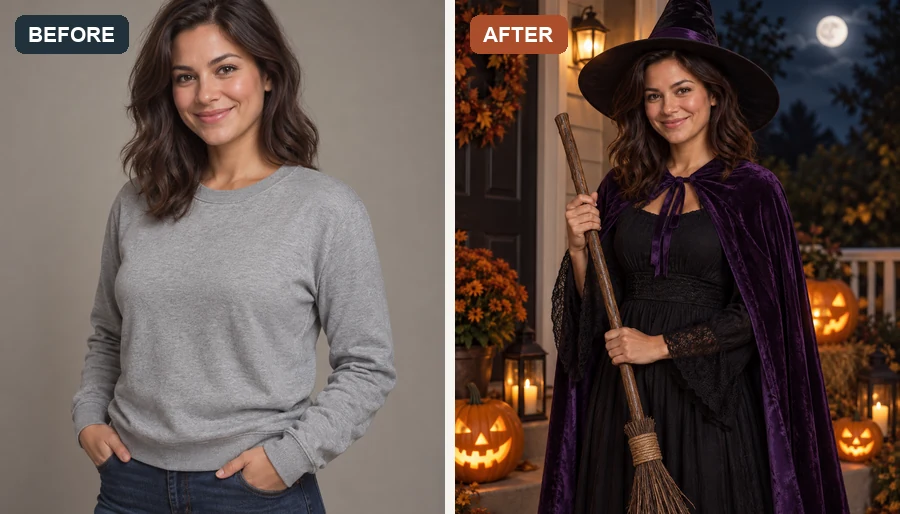
Swap everyday clothes for a classic red suit and hat, no costume shopping needed.
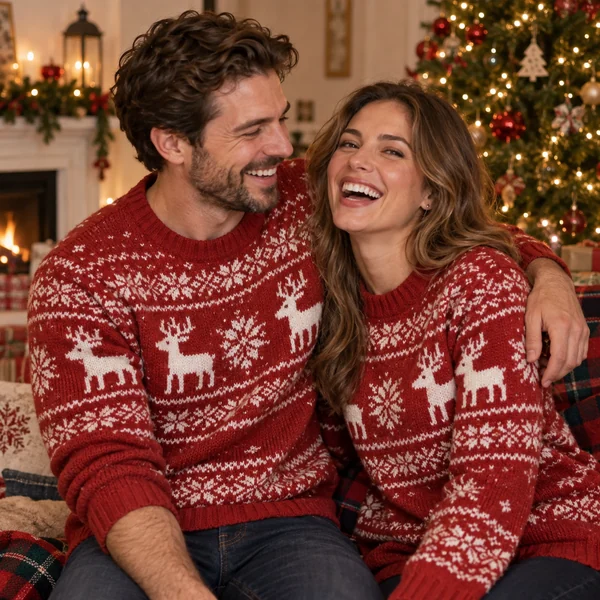
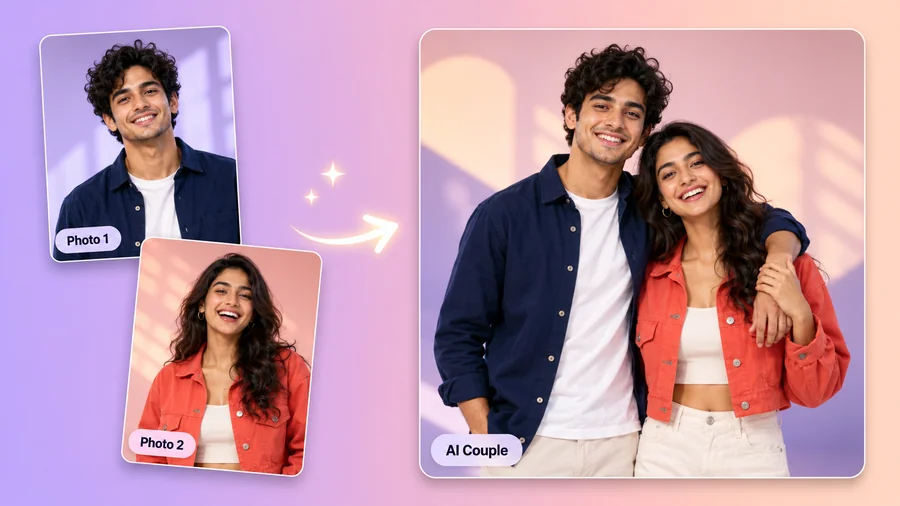
Matching reindeer knits for couples, friends, and office party photos.
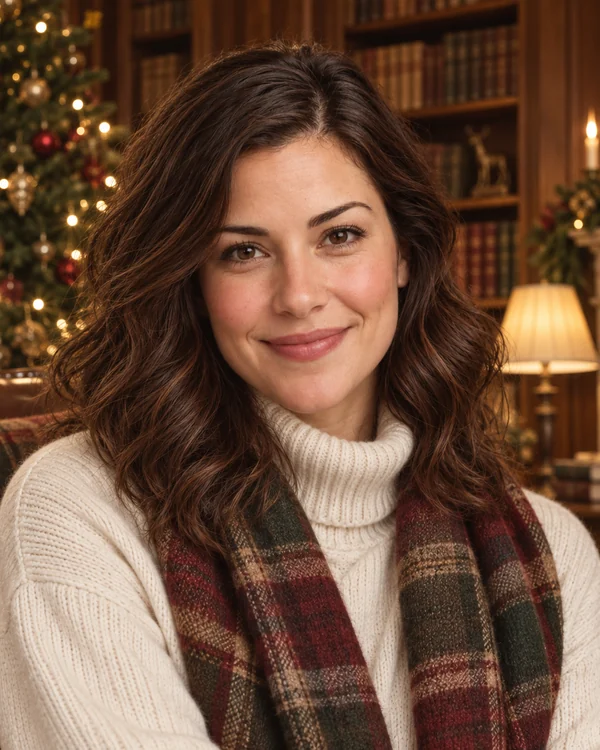
Tartan, cashmere, and a candlelit study for a refined holiday look.
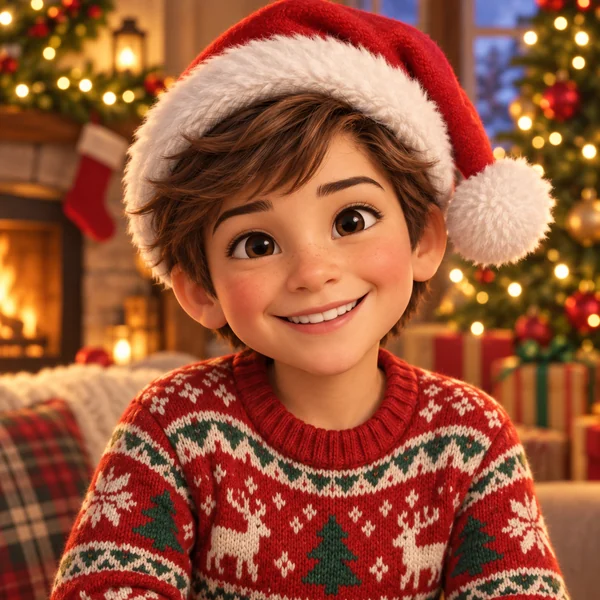
A playful animated version of your photo with a Santa hat and presents.
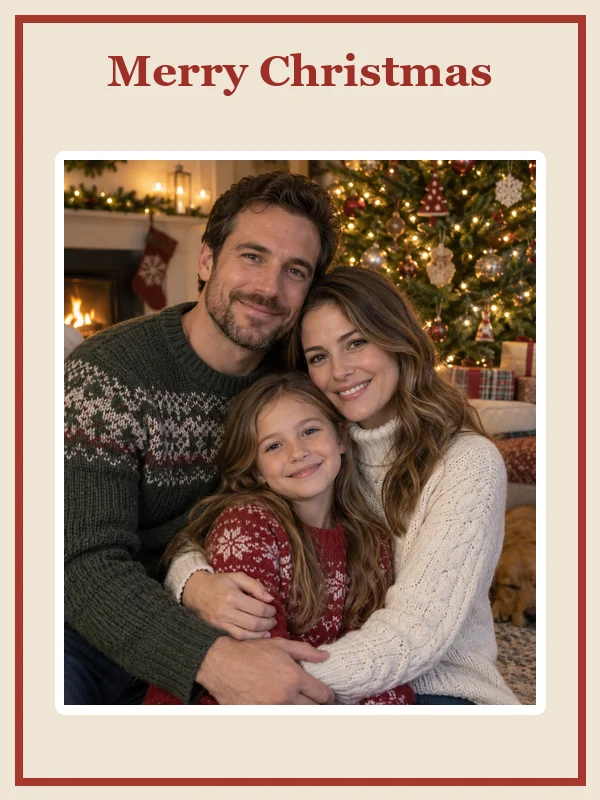
A Merry Christmas AI card layout with your family photo in the center.
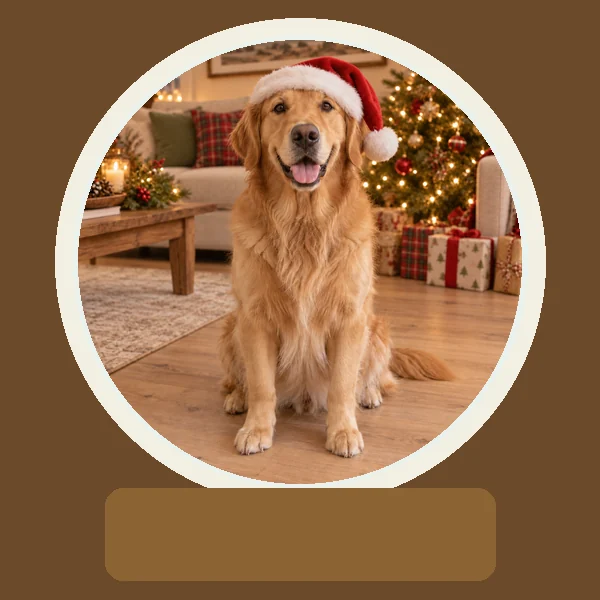
Place a person or pet inside a glittering snow globe keepsake.
Here is how to make an AI Christmas photo from one picture, in three steps.
Add a selfie, couple shot, family photo, or pet picture as a JPG, PNG, or WebP up to 10 MB. Any season works, even a summer photo.
Choose from Scenes, Outfits, Styles, or Cards, such as Fireside, Santa Suit, Vintage Film, or Snow Globe, or describe your own idea in Custom.
Create up to four versions at once, compare them, and download your favorite AI Christmas pic to share, print, or send.
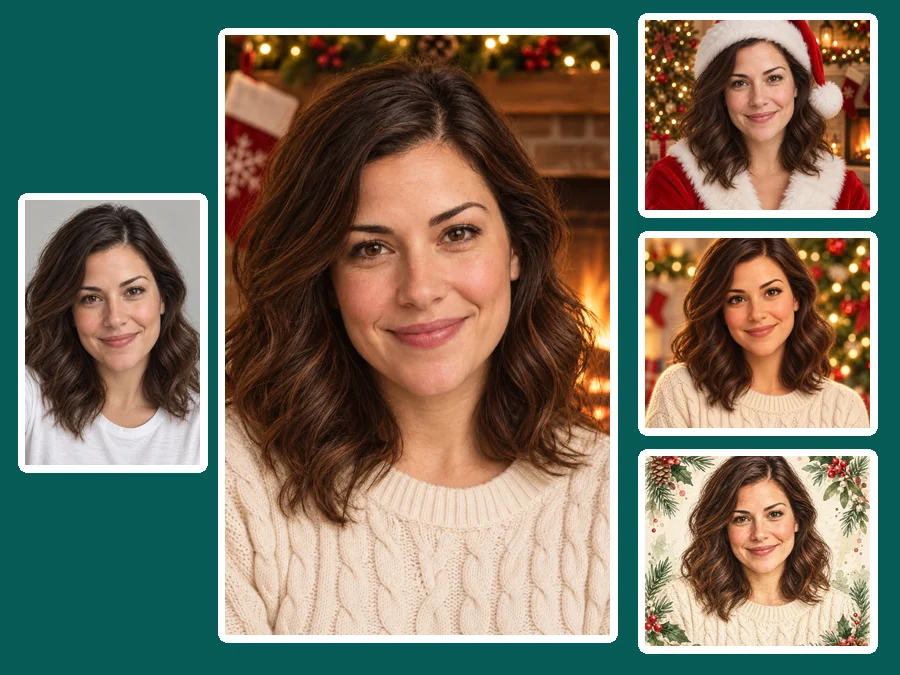
Twenty-four looks are grouped into Scenes, Outfits, Styles, and Cards, so one upload can become a fireside portrait, an elf costume, a vintage film shot, and a holiday card without writing a single prompt.
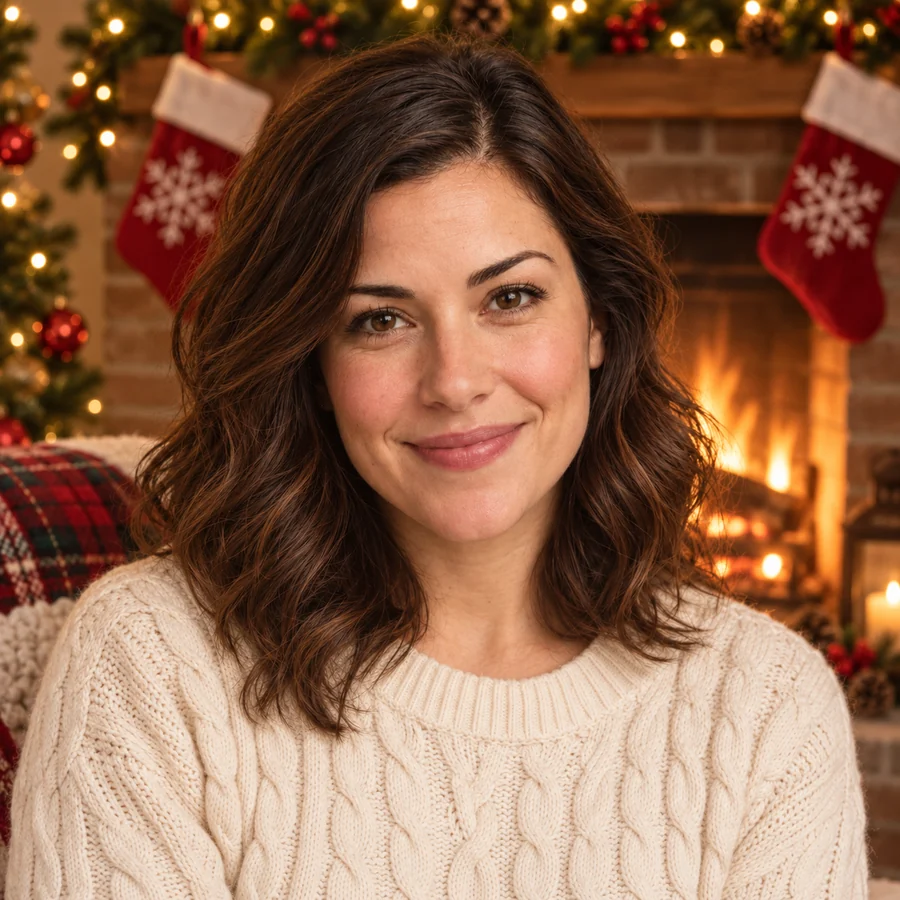
This Christmas photo AI changes the setting, outfit, and lighting while keeping facial features, skin tone, expression, and hairstyle, so all your AI generated Christmas images still clearly look like you and your family.


Need an AI Christmas photo background without changing your outfit? Pick a scene to add a tree, garlands, string lights, and warm holiday glow behind you. For rooms and homes, describe the decorations in Custom, then drag the slider to see AI Christmas decorations added to a plain living room.
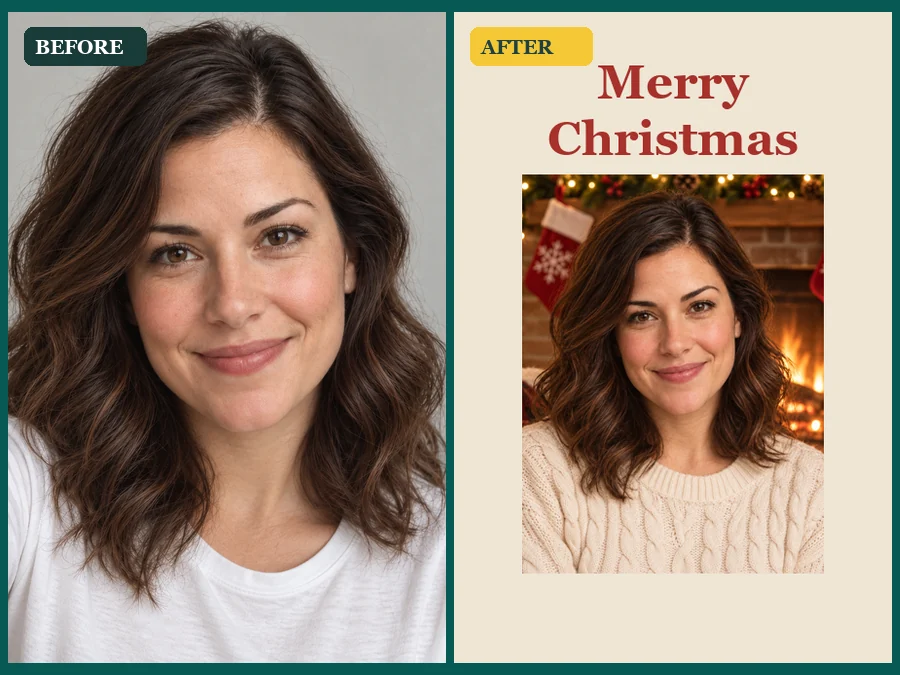
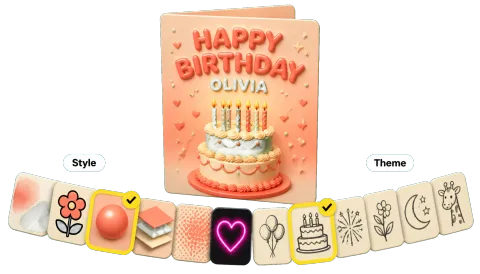
Card themes turn a plain portrait into a greeting card, postcard, ornament, or snow globe. Think of it as a Merry Christmas AI image generator that handles the frame and festive details for you.
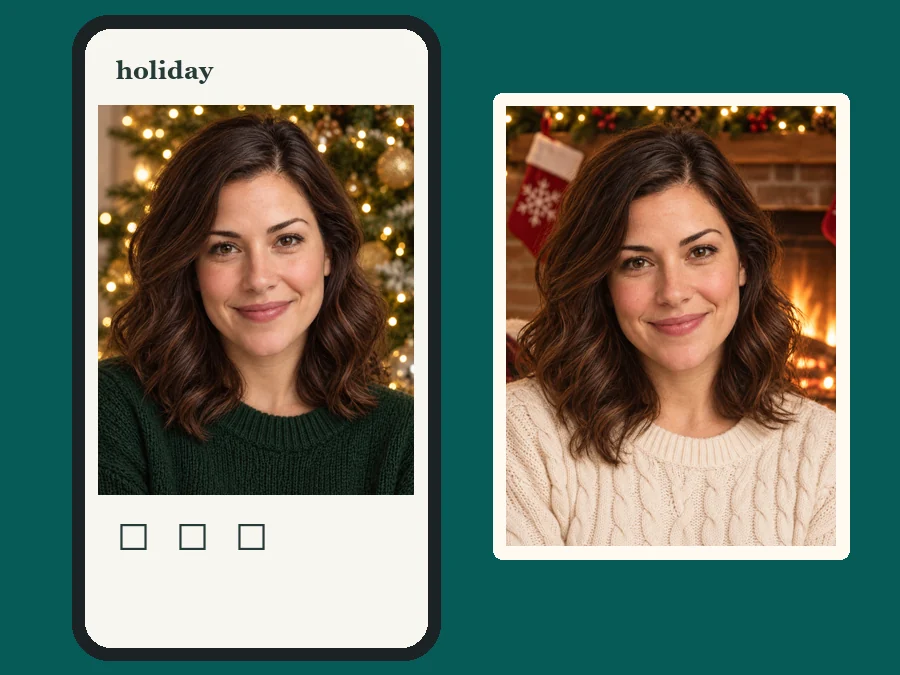
Turn one group photo into an AI Christmas family photo for printed cards, with no studio booking or schedule juggling.
Make your own viral Christmas AI photo for profile pictures, stories, and holiday posts from one everyday selfie.
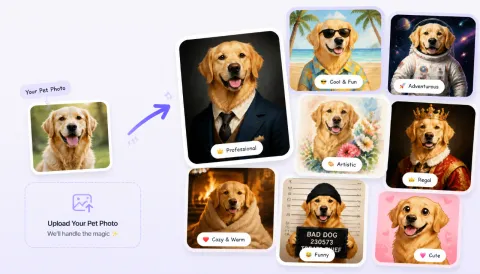
Put partners in matching sweaters or give the dog a Santa hat by the tree for gifts and festive profile photos.
Spin a favorite photo into a snow globe, ornament, or framed print when there is no time left for a holiday shoot.
A good source photo makes the festive result look natural.
Front-facing, sharp faces give the AI the detail it needs to keep everyone recognizable.
Daylight or warm indoor light blends best with fireplace and tree-glow scenes.
For family photos, stand close together so the scene can wrap around everyone.
Let the AI generate Blue Christmas looks with icy silver and navy tones, or any palette you like: describe it in Custom and the Christmas AI generator follows your wording.
Answers to common questions about making Christmas photos with AI.
An AI Christmas photo is a festive version of an existing picture. Like other AI generated Christmas photos, it adds holiday scenes, outfits, lighting, or card layouts while keeping the people or pets in your photo recognizable.
Upload one clear photo, choose a theme from Scenes, Outfits, Styles, or Cards, and click Generate. You can create up to four versions at once and download the one you like best. For a specific idea, describe it in Custom.
Yes. The generator keeps facial features, skin tone, expression, and hairstyle, and changes only the outfit, background, and holiday lighting around you. Sharp, front-facing photos give the most faithful results.
Yes. As an AI family Christmas photo generator, it handles group family photos, couples, and pets. Upload a photo where every face is visible and pick a scene such as Tree Glow or Fireside. Only upload photos of children if you are their parent or guardian or have permission.
Yes. Upload a photo of your room or home, choose Custom, and describe what you want, for example "warm string lights along the roof and a wreath on the door" or "a decorated tree in the corner". Clear, well-lit photos work best.
Yes. The Cards themes include Greeting Card, Postcard, Photo Frame, Instant Photo, Ornament, and Snow Globe. Download the result and print it or add it to any card layout you already use.
No. Any season works, even a beach or summer photo. The AI adds the festive outfit, scene, and lighting for you.
Use a sharp, well-lit photo where faces are clearly visible. Avoid heavy blur, sunglasses, strong filters, and very small images. JPG, PNG, and WebP files up to 10 MB are supported. The sharper the source, the more natural your AI Christmas images look.
Yes. Use Custom to describe colors and mood, such as a blue Christmas with silver lights, a pastel holiday palette, or a snowy cabin at night.
Only upload photos you own or have permission to edit, and get consent from the people in group shots. Do not use AI Christmas photos to impersonate someone or present them as real photos of events that did not happen.
Upload one photo, pick a festive theme, and get holiday portraits ready to share, print, or gift.