Add Your HEIC Files
Click Choose HEIC Photos or drag .heic and .heif files onto the box. Select several at once to batch convert. The decoder, about 3 MB, loads the first time you add a file.
Turn iPhone HEIC and HEIF photos into JPG or PNG files that open everywhere. Add one photo or a whole batch, convert them on your own device, and download each file or all of them at once.
Output
Runs in your browser: files are never uploaded. HEIC decoding uses the open-source heic-to / libheif library (LGPL-3.0).
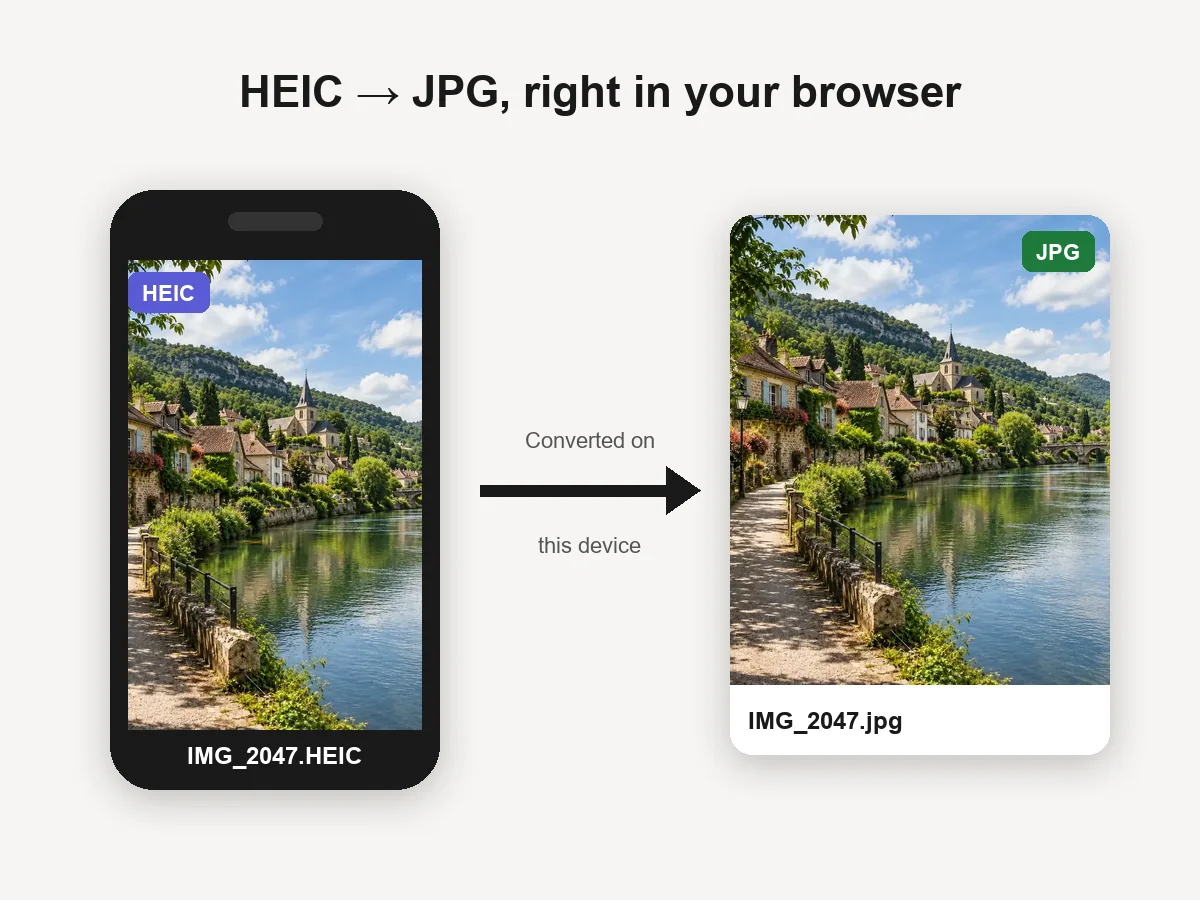
Reference example. It is not a result generated from your upload.
HEIC is the photo format iPhones and iPads have used by default since iOS 11. It stores images in the HEIF container with HEVC (H.265) compression, so photos take roughly half the space of a JPG at similar quality. The catch is compatibility: many Windows apps, older Android phones, websites, and upload forms still cannot open .heic files.
This HEIC to JPG converter fixes that without installing anything. The HEIC decoder runs inside your browser, so your photos are converted on your own device and never uploaded. It is free, needs no account, and handles both .heic and .heif files, one at a time or in a batch.
From iPhone photo to a universally compatible JPG, without leaving the browser.
Click Choose HEIC Photos or drag .heic and .heif files onto the box. Select several at once to batch convert. The decoder, about 3 MB, loads the first time you add a file.
JPG at 92% quality is the default and keeps files small. Move the quality slider between 50% and 100%, or choose PNG for lossless files you plan to edit.
Each converted photo gets its own download button with the original file name, or click Download All to save every file one after another.
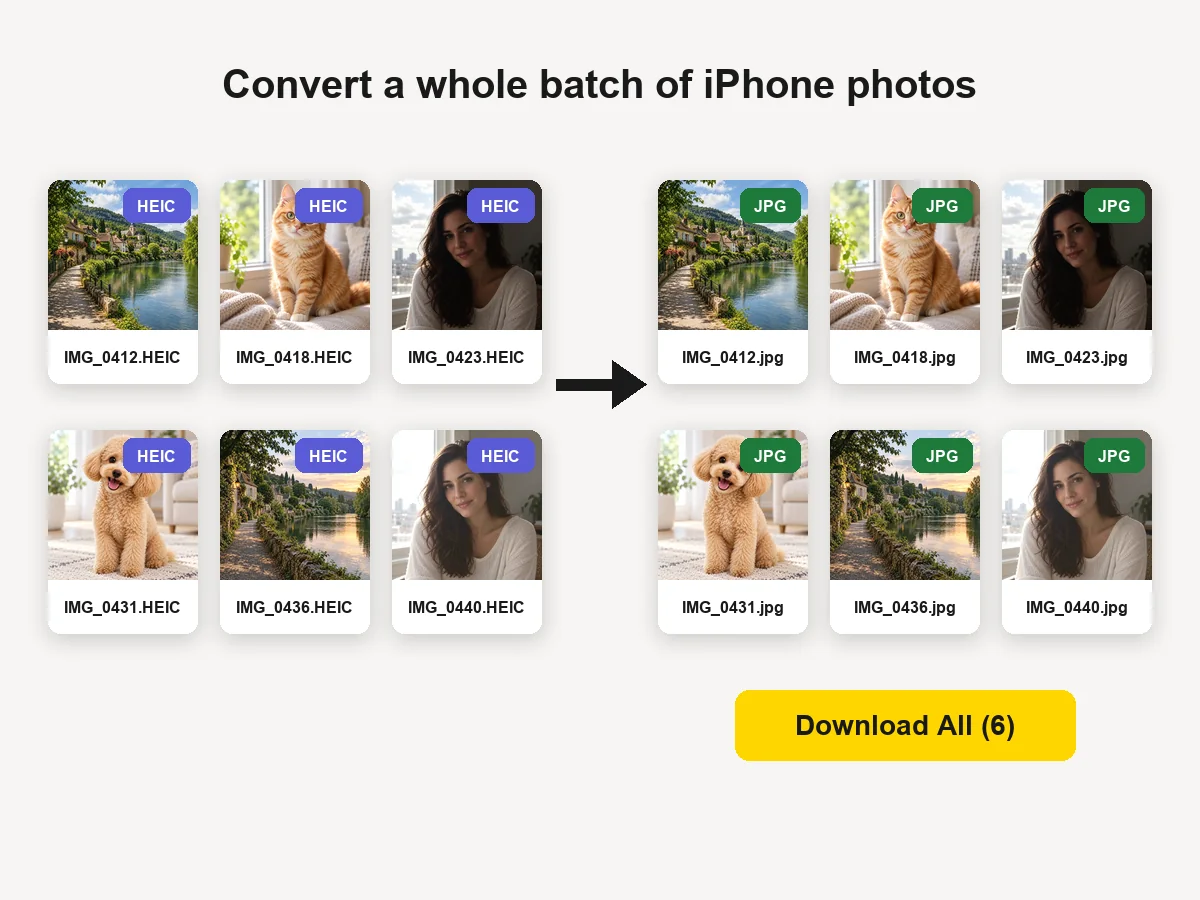
Drop in a whole folder of iPhone photos. Files convert one after another to keep memory use low on phones, show their new size and dimensions, and can be downloaded individually or all at once.
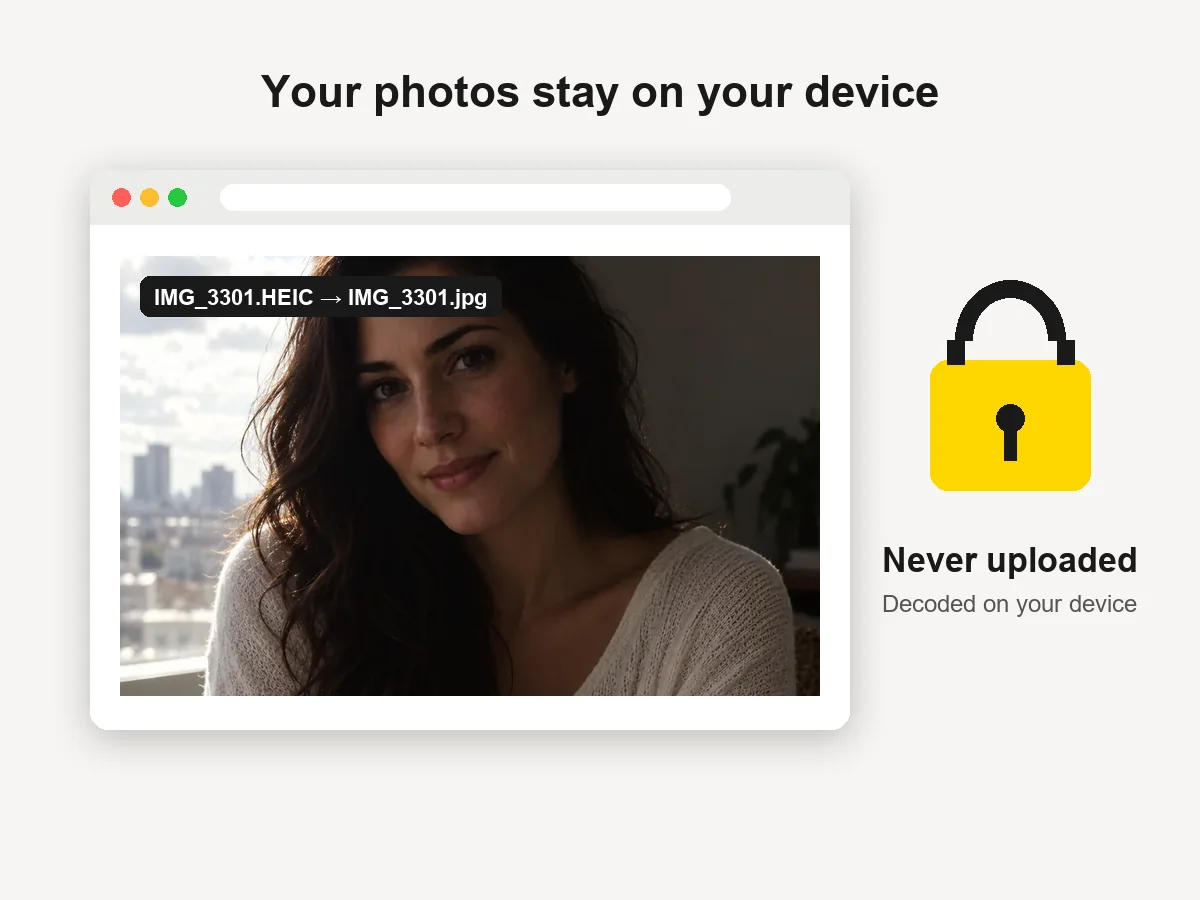
Most online converters upload your pictures to a server. Here the open-source heic-to decoder (built on libheif) runs locally in your browser tab, so family photos, documents, and screenshots stay private. There is nothing to sign up for.
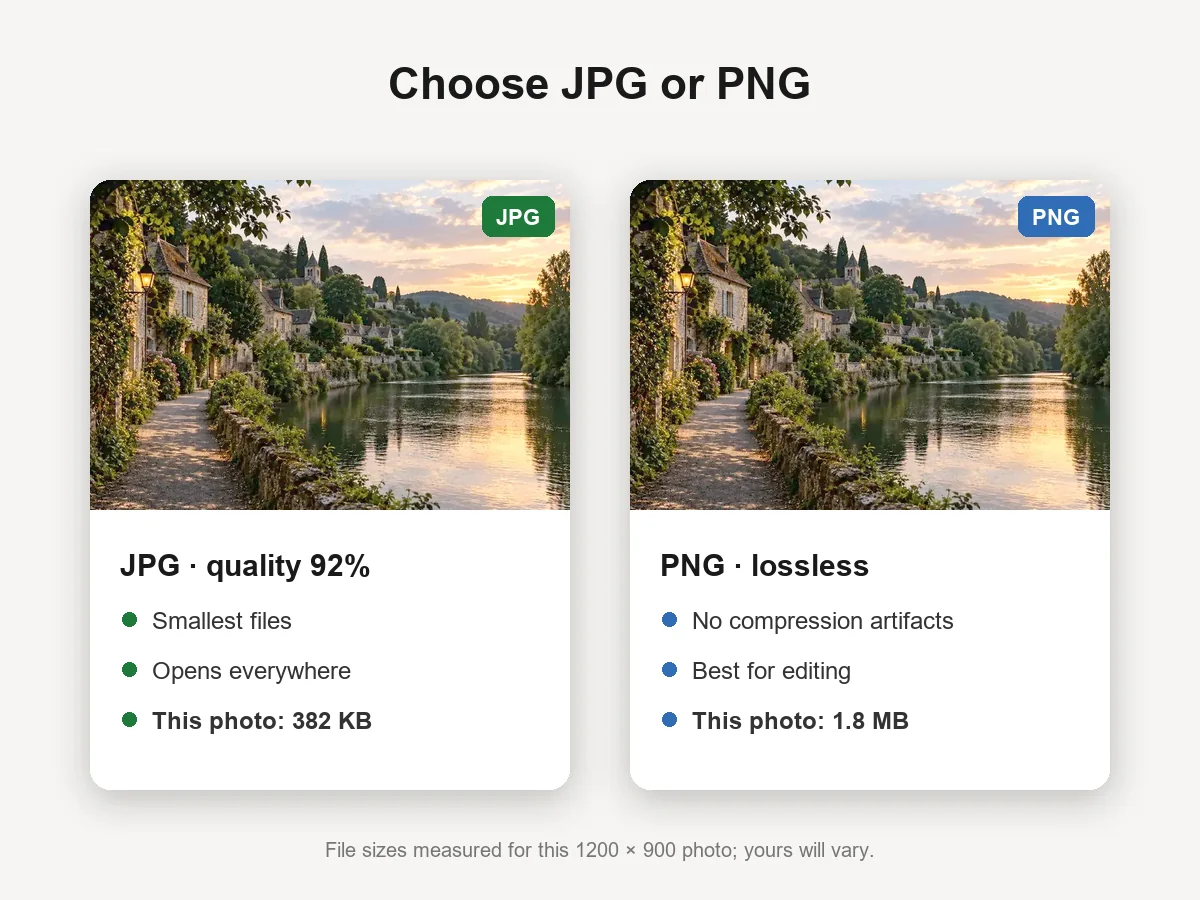
Choose JPG for the smallest files that open everywhere, with quality from 50% to 100%. Choose PNG when you want lossless output for further editing. Change the settings later and re-convert the list with one click.
Use it in a recent version of Chrome, Edge, Firefox, or Safari. It is the quickest way to open iPhone photos on a Windows PC or send them to people and websites that only accept JPG.
Common moments when a .heic file gets in the way.
Windows needs extra codecs to show HEIC. Converting to JPG lets any photo viewer, Office app, or editor open them.
Job portals, rental applications, marketplaces, and government forms often accept only JPG or PNG.
Email attachments and shared folders work better with JPG, especially for friends on older phones or computers.
Many photo editors, print shops, and design tools still expect JPG or PNG files.
A few settings and habits that save time.
On iPhone, open Settings > Camera > Formats and choose Most Compatible to capture new photos as JPG.
HEIC files are smaller and keep more detail. Convert copies for sharing and keep the originals as masters.
This range keeps JPGs visually identical to the original at a sensible size; below 80% artifacts appear.
If you will retouch or crop the photo later, PNG avoids adding another round of JPG compression.
How people use a HEIC to JPG converter day to day.
Illustrative examples adapted from reference material, not verified reviews of EzImgMaker.
My iPhone photos would not open on my work PC. I dropped in forty HEIC files, clicked Download All, and they all opened.
The rental application only accepted JPG. I converted the photos right in the browser without installing anything.
I like that nothing gets uploaded. These are photos of my kids, and they never leave my laptop.
The PNG option is handy when I retouch product shots afterwards, and JPG is perfect for the listings.
Questions about converting HEIC and HEIF photos.
Click Choose HEIC Photos, select one or more .heic or .heif files, keep JPG selected, and download the results. The conversion runs in your browser, so it is free with no account and no upload.
No. The heic-to decoder (open source, LGPL-3.0) is loaded into your browser and converts the files on your device. Only convert photos you took yourself or have permission to use.
Select as many files as you like; they are converted one after another. Each file can be up to 60 MB. Very large batches depend on your device’s memory, so on older phones convert a few dozen at a time.
JPG adds a little compression. At the default 92% quality the difference is not visible in normal viewing. Choose 100% for maximum quality, or PNG for lossless files that are several times larger.
No. The converted file does not keep EXIF metadata such as the camera model, capture date, or GPS location. That is useful for privacy, but keep the original HEIC if you need that information.
HEIF is the container standard; HEIC is the variant Apple uses, with HEVC-compressed images inside. This converter accepts both .heic and .heif files and converts the main image in each file.
Windows needs the HEIF and HEVC extensions from the Microsoft Store to display HEIC, and many apps and websites still do not support it. Converting the photos to JPG is the simplest fix.
Yes, both are common typos. HEVC (H.265) is the compression inside HEIC photos, often misspelled “hvec”, and “ro” is a slip for “to”. This tool converts HEIC and HEIF photos; it does not convert HEVC videos.
Open Settings > Camera > Formats and choose Most Compatible. New photos are then saved as JPG. Choose High Efficiency to switch back to the space-saving HEIC format.
Recent versions of Chrome, Edge, Firefox, and Safari on Windows, Mac, Android, and iPhone. If the decoder fails to load on a slow connection, use the retry button and your files will continue converting.
Add one photo or a whole batch, convert them on your device, and download JPG or PNG files.
HEIC decoding uses heic-to with libheif, open-source software licensed under LGPL-3.0 and loaded on demand as a separate file. iPhone is a trademark of Apple Inc.; this tool is not affiliated with Apple.