Product Photos and JPEGs
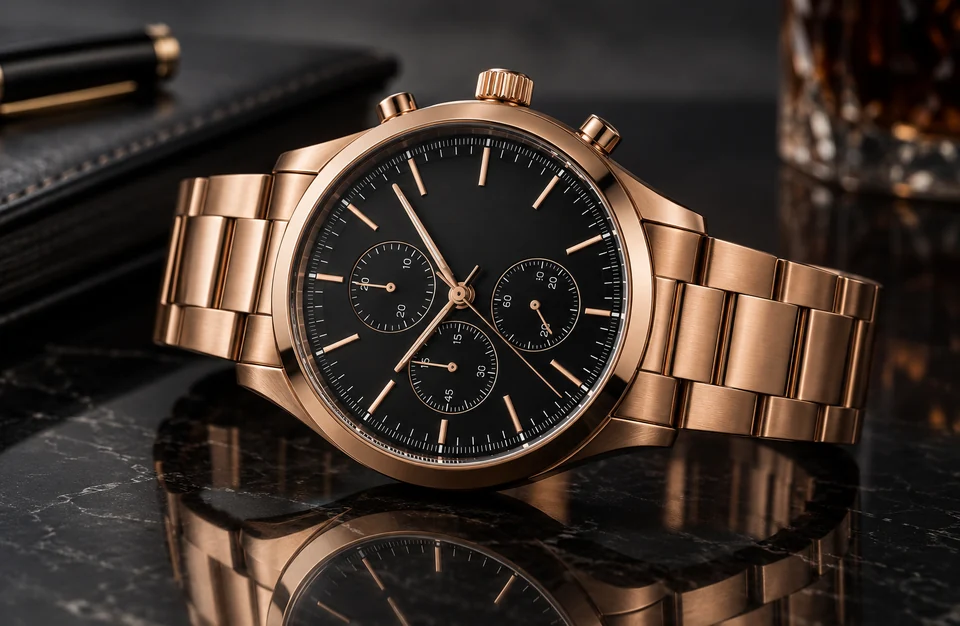
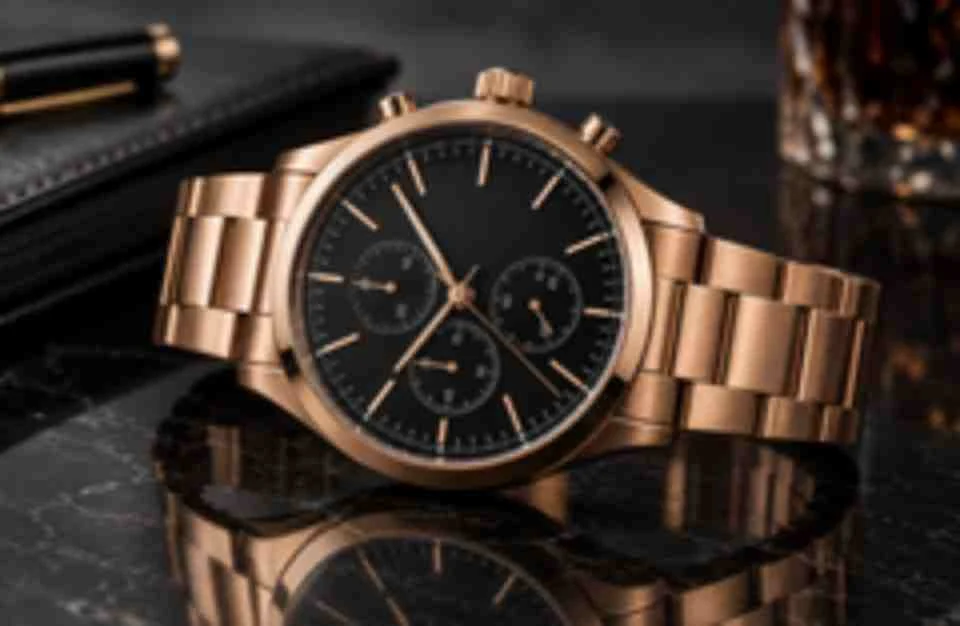
Compressed supplier JPEGs lose dial markings and metal edges. Increase photo resolution 4x and every index, screw and reflection holds up when shoppers zoom in.
Upload a small, pixelated or low resolution photo and increase its resolution with AI: upscale it 2x or 4x without changing the content, or restore lost detail at 2K or 4K. A before and after slider shows exactly what changed.
Quick resolution fixes
Fine-tune


Reference example. It is not a result generated from your upload.
Image resolution is the number of pixels a picture holds, written as width × height, such as 1920 × 1080. A low resolution image simply has too few pixels for the job, so it looks soft or blocky when you zoom, crop, print or show it on a big screen. A high res image has enough pixels that edges, text and texture stay crisp at the size you need.
Resizing in a basic editor only stretches the pixels a photo already has, which is why a stretched low res photo turns blurry. EzImgMaker is an image resolution enhancer built to improve resolution of image files properly: Upscale mode adds real pixels 2x or 4x and stays faithful to the original, while Restore mode rebuilds detail in low resolution images that are also blurry or noisy, then outputs at 2K or 4K. Either way you get higher resolution without starting over.
Six kinds of pictures where people most often need to increase picture resolution. Drag each slider to compare the low res original with the higher resolution result.
Compressed supplier JPEGs lose dial markings and metal edges. Increase photo resolution 4x and every index, screw and reflection holds up when shoppers zoom in.
Make photo higher resolution for a desktop or phone wallpaper: line art stays clean and colors stay flat instead of turning muddy.


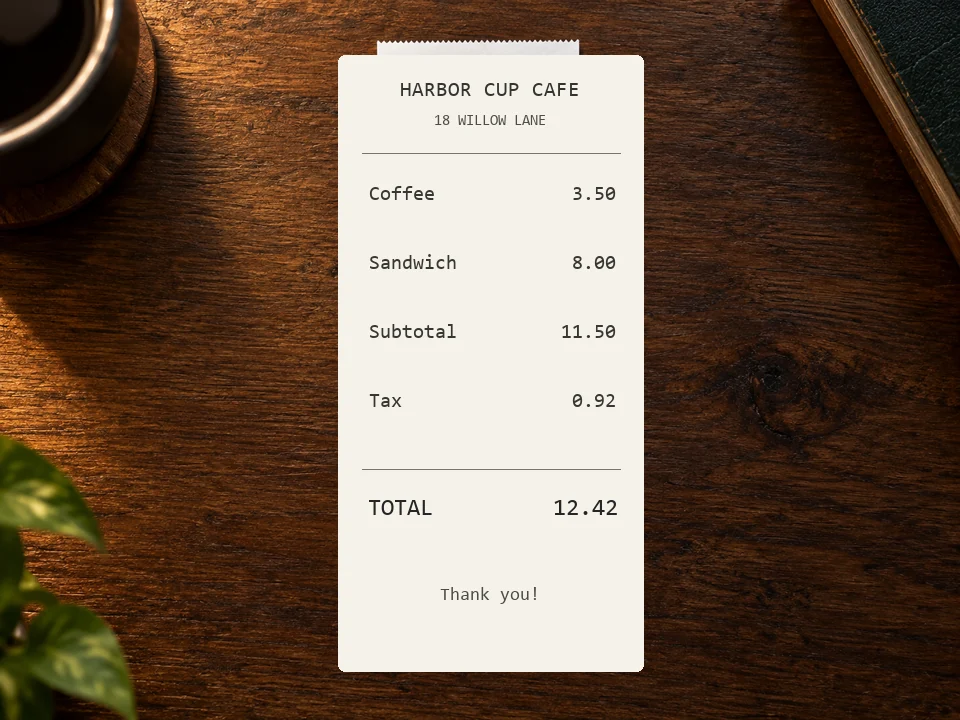
Small print in a low res picture becomes readable again, so scanned pages, menus, charts and slides can be reused.
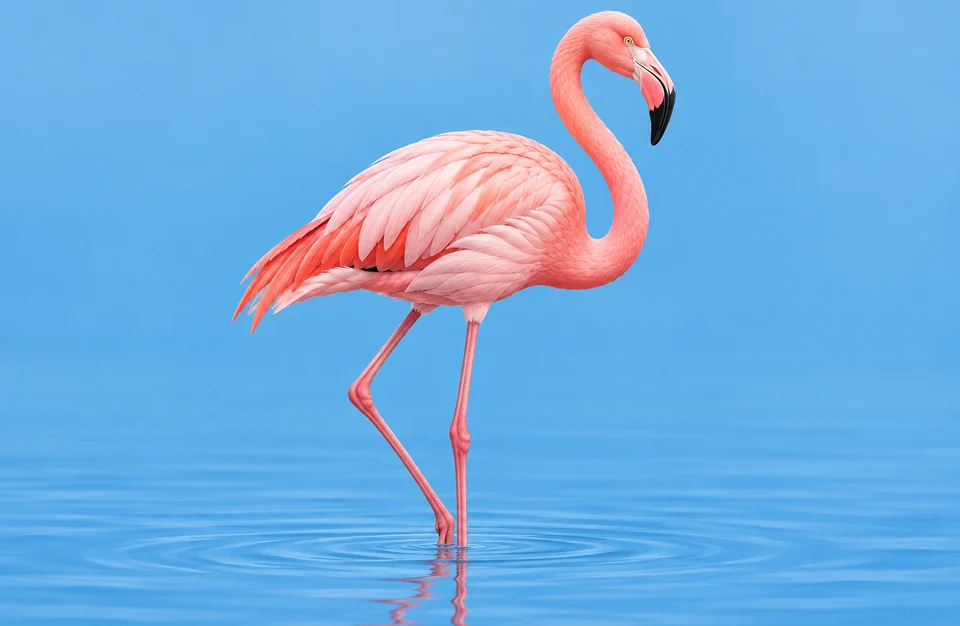
Raise the resolution of drawings and digital art before printing posters or cards, with smooth edges and no stair-stepping. A 4x photo resolution increase turns a web-size file into a print-size one.
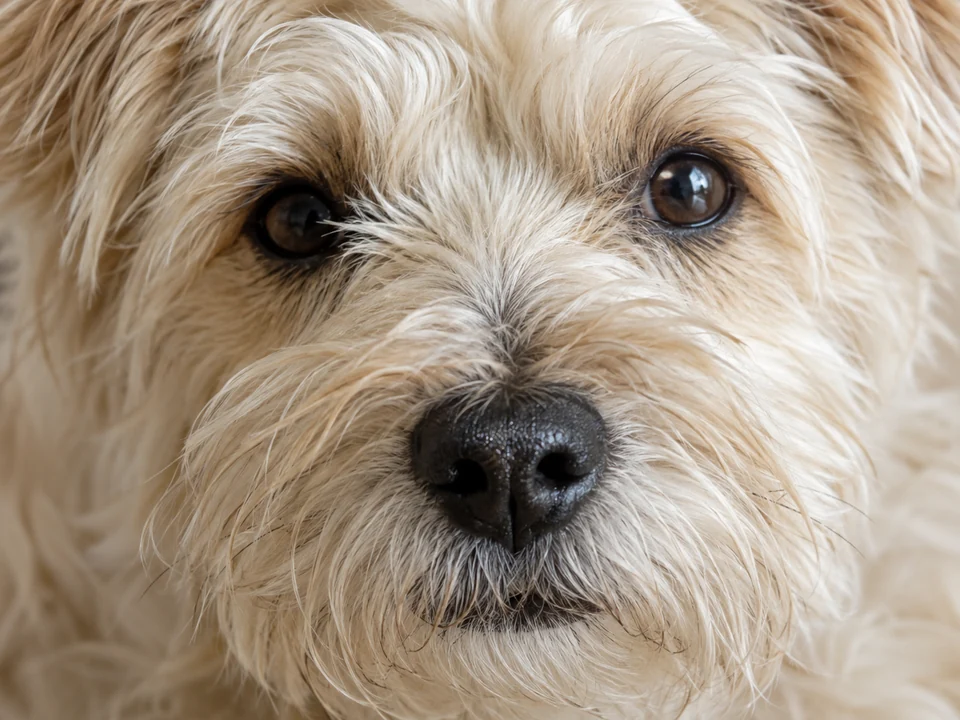
A zoomed-in phone shot of your dog gets individual fur strands and clear eyes back, enough to make the picture high resolution for a frame or a mug.
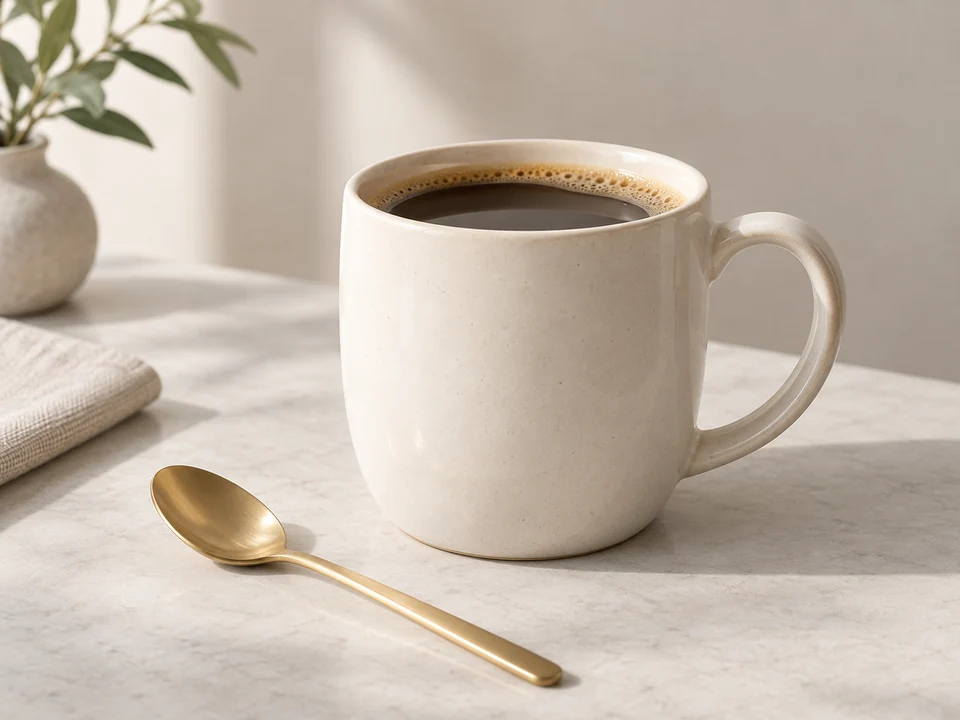
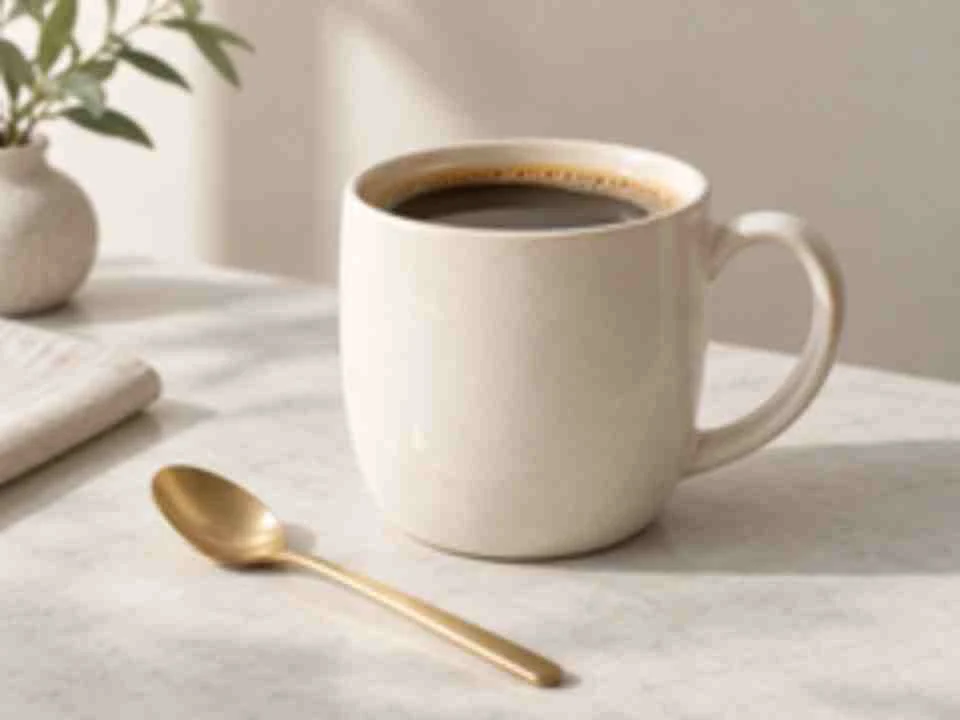
Restore removes grain and compression mush, the photo resolution loss that dim rooms and messaging apps cause, and brings back clean surfaces and edges.
Here is how to make a low resolution photo high resolution with AI: no layers, plug-ins or resampling settings.
Add a JPG, PNG or WebP up to 10 MB: a small download, a screenshot, an old scan, a logo or a heavily cropped phone photo.
Pick Upscale 2x or 4x to add pixels without changing the content, or Restore at 2K or 4K to rebuild detail in blurry, noisy or damaged pictures. Quick fixes such as Fix Low Res Photo set everything for you.
Click Increase Resolution, drag the slider to compare the low res and high res versions, and download the new file.
Wondering how to get a higher resolution on a picture with tools you already have? Here is how to change the resolution of a picture in common apps, and what each one can and cannot do.
Open Image > Image Size, tick Resample, choose Preserve Details 2.0 and type the new width in pixels; Camera Raw’s Super Resolution doubles the width and height in one step. Both work well up to about 2x on clean photos, beyond that detail starts to look painted.
Can you change the resolution of a picture without extra software? Yes: Preview’s Tools > Adjust Size and the resize option in Windows Photos change the pixel count by interpolation. Use them to hit an exact size or to shrink a file, not to add detail to a small photo.
Most built-in phone editors crop, sharpen and adjust light but do not add pixels. Open this page in Safari or Chrome, upload from your camera roll, and save the higher resolution file back to your phone.
Design apps can export a layout at 2x or 3x, which raises the file size but cannot add detail to a photo that was small to begin with. Increase the photo’s resolution first, then place it in the design.
Need an exact size? Resize. Need more real detail? Use Upscale for clean files and Restore for blurry, noisy or damaged ones, then crop or edit the high resolution result.
Check your photo’s pixel size (Properties on Windows, Get Info on Mac, or the info panel on your phone) against the target. From Twitch panel image resolution to WhatsApp status size resolution and 8x10 resolution for print, the last column shows what gets a 1000 px wide photo there.
| Use | Pixels needed | Aspect ratio | From a 1000 px wide photo |
|---|---|---|---|
| Twitch panel | 320 × 160 px (max 320 wide) | 2:1 | No upscale needed |
| YouTube thumbnail | 1280 × 720 px | 16:9 | Upscale 2x |
| WhatsApp status | 1080 × 1920 px | 9:16 | Upscale 2x |
| Full HD screen (1080p) | 1920 × 1080 px | 16:9 | Upscale 2x |
| QHD screen (1440p) | 2560 × 1440 px | 16:9 | Upscale 4x |
| 4K UHD screen | 3840 × 2160 px | 16:9 | Upscale 4x |
| 4×6 in print at 300 DPI | 1200 × 1800 px | 2:3 | Upscale 2x |
| 8×10 in print at 300 DPI | 2400 × 3000 px | 4:5 | Upscale 4x |
| 16×20 in print | 4800 × 6000 px at 300 DPI | 4:5 | Upscale 4x (about 250 DPI, fine for wall prints) |
Pixel sizes are the common recommendations; platforms update them from time to time. DPI only matters for print: 300 DPI is ideal, 200–250 DPI is fine for large prints viewed from a distance.
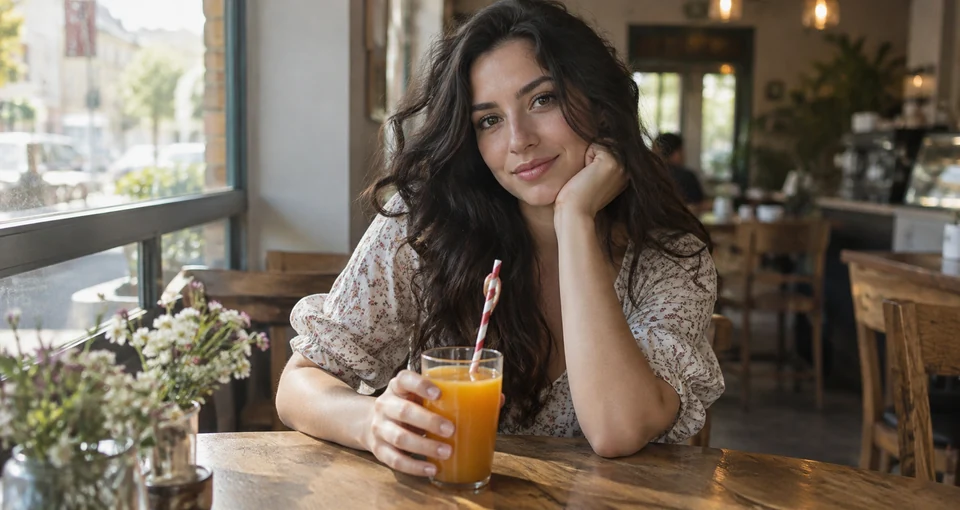
A normal 400% resize smears edges into soft blobs. Upscale mode increases resolution 2x or 4x with an AI model that keeps edges, text and texture crisp, and it never changes the content, so faces, logos and product details stay exactly as they were. It is a resolution changer and photo resolution converter that only goes up.
Only have a tiny logo from an old website or an email signature? Upscale 4x to make a logo high resolution for print, signage or a new site, with clean curves and sharp lettering. If you need a true vector file, hand the upscaled version to a designer to trace.


When a picture is small and also soft, noisy or compressed, adding pixels is not enough. Restore rebuilds eyes, hair, skin and fabric, removes JPEG blocks and outputs at 2K or 4K. It is the way to fix resolution of image files from old phones, chats and social downloads, and to improve picture resolution where detail is missing.
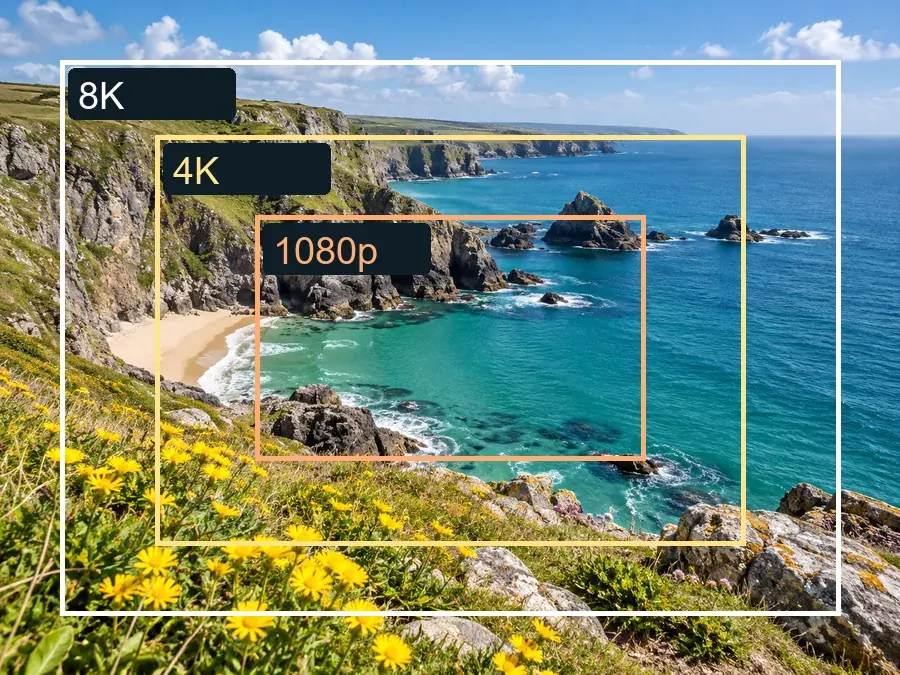
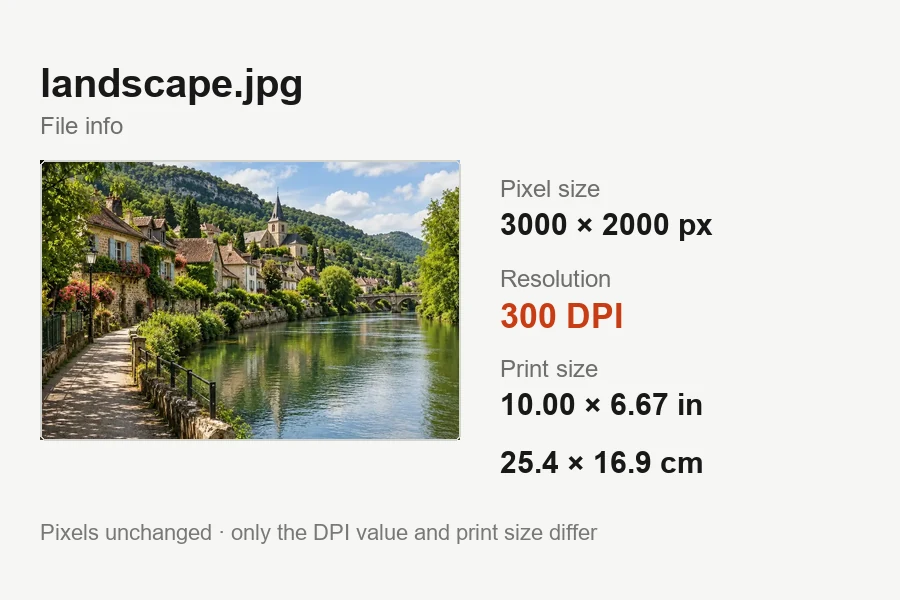
DPI is only a label that tells a printer how many pixels to place per inch; it adds no detail. If a print lab shows a “photo low resolution” warning, you need more pixels: an 8x10 at 300 DPI needs 2400 × 3000. Increase the pixel count here first, then set 300 DPI with the DPI tool.
Anyone whose only copy of a photo is smaller than the job in front of them.
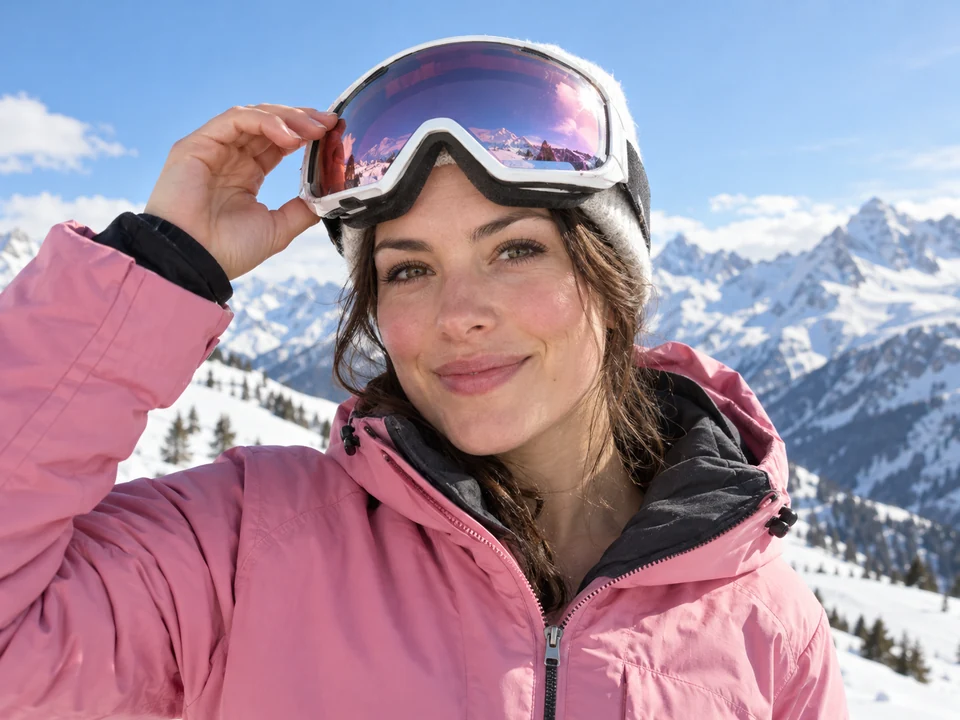
Turn small supplier shots into high resolution product photos that meet marketplace minimums and survive zoom.
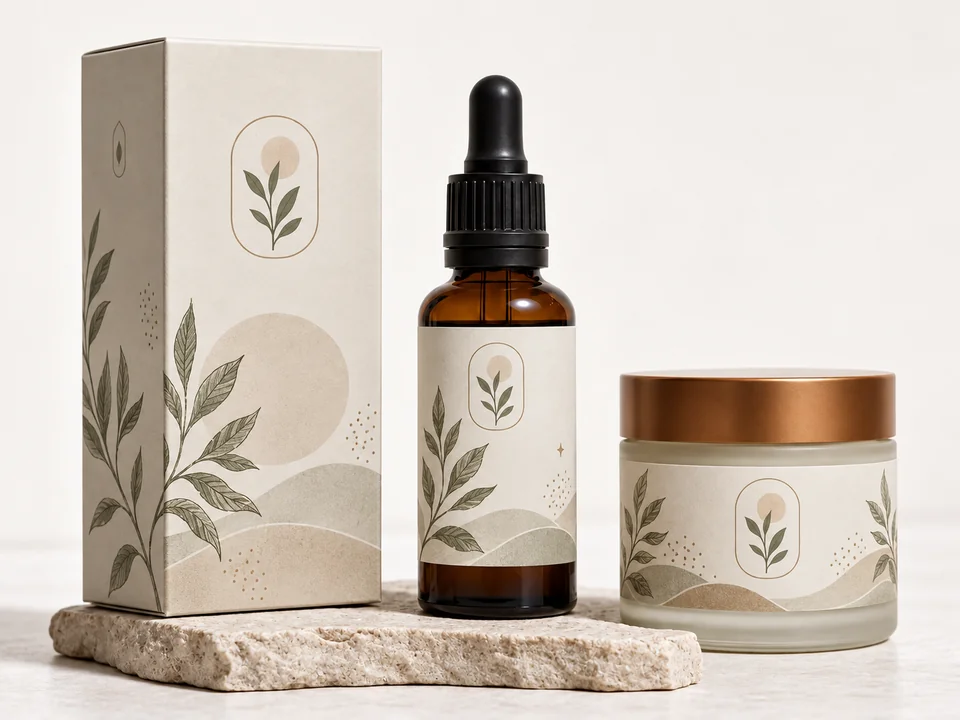
Convert low resolution pictures to high resolution before ordering canvases, mugs, calendars or framed prints.
Keep panels, emotes, thumbnails and channel art crisp on big monitors and TVs.
Raise the resolution of old scans and low res photos so faces hold up when you enlarge or reprint them.
Rescue the only copy of a logo or campaign image when the original file is lost.
Make low res screenshots, charts and slides readable in reports and presentations.
Here is how to save a high resolution image so you keep every pixel you already have. Increasing resolution works best on a file that has not been squeezed.
A screenshot keeps only the pixels on your screen. Use Save or Download on the original, and in chat apps send photos as a document or file to skip compression.
When emailing a photo choose Actual Size, and set cloud backup to original quality instead of a storage saver option, so the full-resolution file is the one you keep.
Export at 100% scale (or 2x for designs), choose PNG for graphics and JPG at quality 90 or higher for photos, and avoid re-saving the same JPG over and over.
Upscale or restore first, then crop, remove the background or add text, so every later step starts from the high res image.
Learn the numbers behind resolution, or pick the tool that matches your goal.
How many pixels 4K really has, 3840 × 2160 vs 4096 × 2160, and how big a 4K photo can print.
Read the guideUpscale any picture 2x or 4x when all you need is more pixels.
Open the UpscalerMake an image 4K for wallpapers, TVs and big screens in one step.
Make It 4KEnlarge a photo for 4×6, 8×10 or poster prints.
Enlarge a PhotoFix motion blur, missed focus and blurry faces when the problem is blur, not size.
Unblur a PhotoEvery common print size with the pixels it needs at 300 DPI, plus a crop-and-print tool.
Open the Size ToolInches, centimeters and pixels for 8x10 prints, and which photos crop well to it.
Read the guideWhy noise shows up in low light and how to clean it up on a phone, in an editor or with AI.
Read the guidePixels, DPI, and what AI can and cannot recover from a low resolution photo.
Upload it, choose Upscale 2x or 4x if the photo is clean but small, or Restore at 2K or 4K if it is also blurry or noisy, then click Increase Resolution and download. A 1000 px photo becomes 2000 or 4000 px wide in one pass.
Yes, with AI. A plain resize invents new pixels by averaging their neighbors, which looks soft. AI upscaling predicts detail that fits the picture, so edges, text and texture stay crisp at the larger size. Quality still depends on the source: a sharp small photo upscales far better than a blurry one.
A high res image has enough pixels for its use: about 1920 px wide for full-screen web, 3840 × 2160 for a 4K screen, and 300 pixels per inch for print. A low resolution photo has too few, often because it is a screenshot, a thumbnail, a chat-app copy or a heavy crop. A super low resolution image under about 200 px can be enlarged, but tiny faces in it cannot be recovered exactly.
To make it smaller, any resize option works: Image Size in Photoshop, Adjust Size in Mac Preview or Resize in Windows Photos. Changing the resolution of an image upward is different, because it needs new detail rather than stretched pixels, so use an AI upscaler such as Upscale 2x or 4x here.
Here is how to improve a low resolution photo: find the largest copy you have, use Upscale if it is clean but small, or Restore if it is also blurry, blocky or grainy, and check the result at the size you will use it. That is also how to fix a low resolution photo that a print lab rejects; compare its pixels with the guide above.
Run Restore at 4K first to rebuild detail, then Upscale the result if you need more pixels. Judge the result at the size you will actually print or post, since faces that were only a few pixels wide have to be estimated.
Upscale does not: it is a faithful enlarger that adds pixels without changing faces, text or content. Restore uses a generative model to rebuild detail in blurry or damaged photos, so it can redraw fine texture such as skin pores, hair or fabric weave slightly differently. Compare the slider and use Upscale when every detail must match the original.
No. Resolution is the pixel count, for example 2400 × 3000. DPI only tells a printer how densely to place those pixels, so changing DPI alone adds no detail. For a sharp 8x10 at 300 DPI you need 2400 × 3000 pixels: increase the pixels here, then set the DPI value.
You can try it free: new accounts get free credits when they sign up, so you can increase the resolution of a few photos and compare the results. After that, each job uses credits from your balance. If you need the opposite, any resize tool works as a resolution lowerer, and the low quality image maker is a low res image generator for memes.
Only upload photos you have the right to edit, such as your own pictures, family photos or images you have permission to use. Increasing the resolution of someone else’s photo or artwork does not give you the right to reuse or sell it.
Upload a small or low res photo and get a high resolution version at 2x, 4x, 2K or 4K.