Small Images to 4K
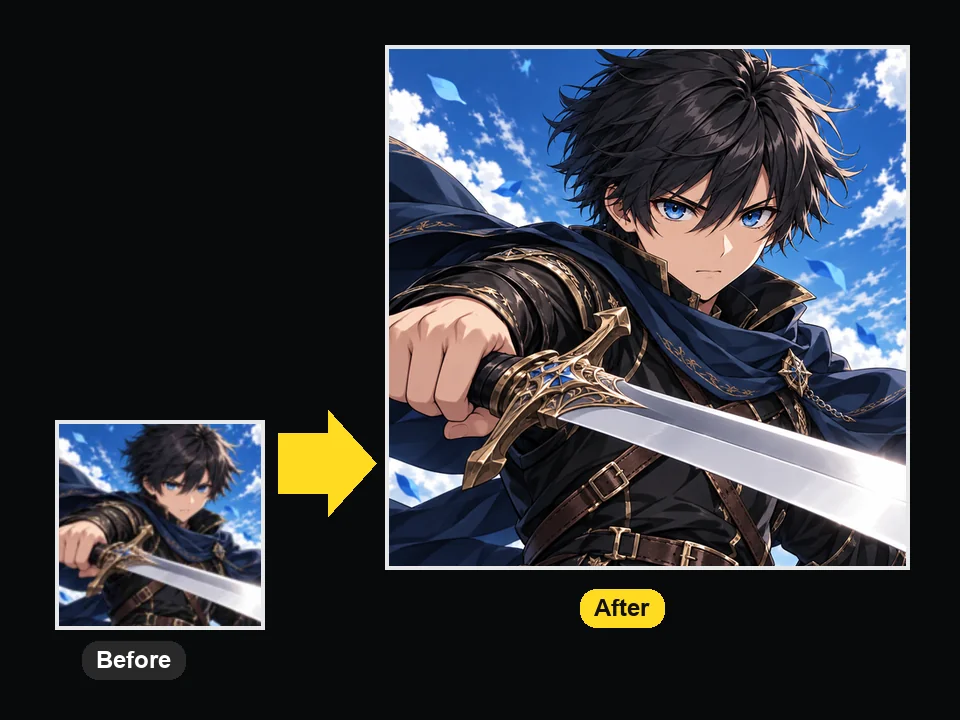
Turn a tiny saved image into a 4K-ready file.
Upload a small or soft anime image and the AI anime upscaler enlarges it 2×, 4×, or to 4K, keeping line art sharp, color blocks flat, and eyes and hair detailed.
Art type
Fine-tune
Your photo stays in this browser during this UI preview.

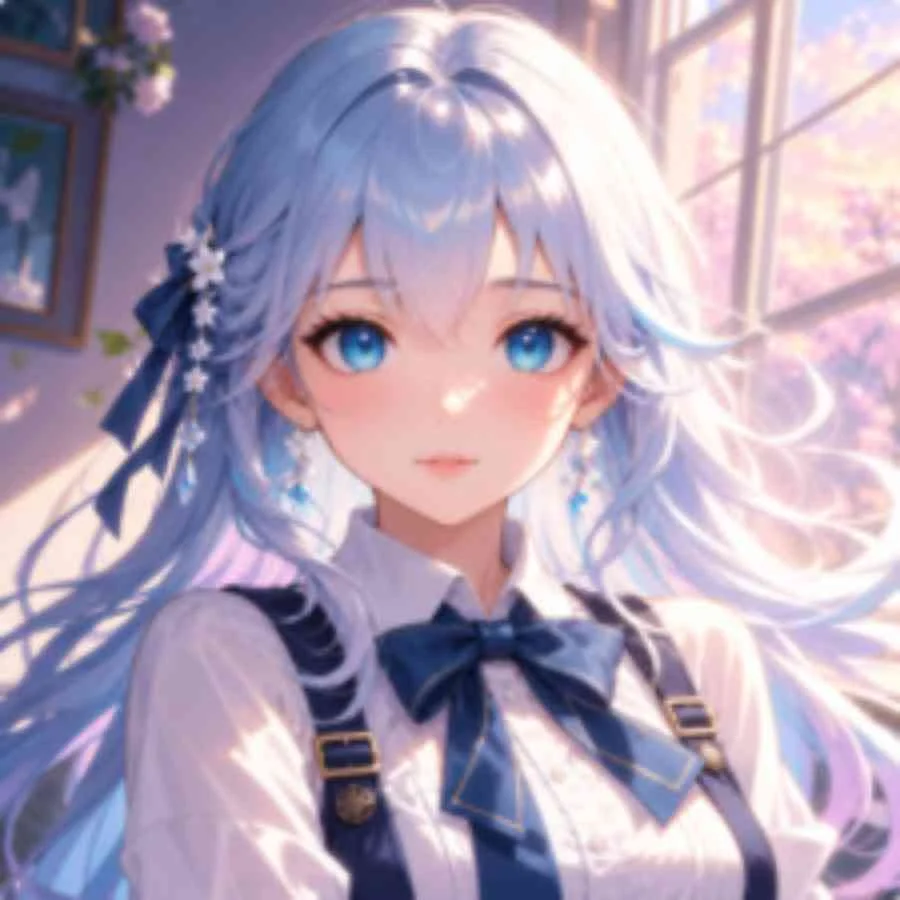
Reference example. It is not a result generated from your upload.
An anime upscaler is an AI image upscaler trained on anime, manga, and illustration instead of photographs. Anime art is built from clean outlines and flat color blocks, so a general photo upscaler tends to smear the lines and add fake texture. A dedicated anime image upscaler keeps the line work crisp and the fills smooth while it adds pixels.
Most anime images online are small and compressed: saved avatars, screenshots from older shows, AI-generated art at its default size. This AI anime upscaler enlarges them 2×, 4×, or to 4K and can clean JPEG noise in the same pass, so the result holds up on high-density screens, wallpapers, and prints.
Common ways people use anime upscaling.
Turn a tiny saved image into a 4K-ready file.
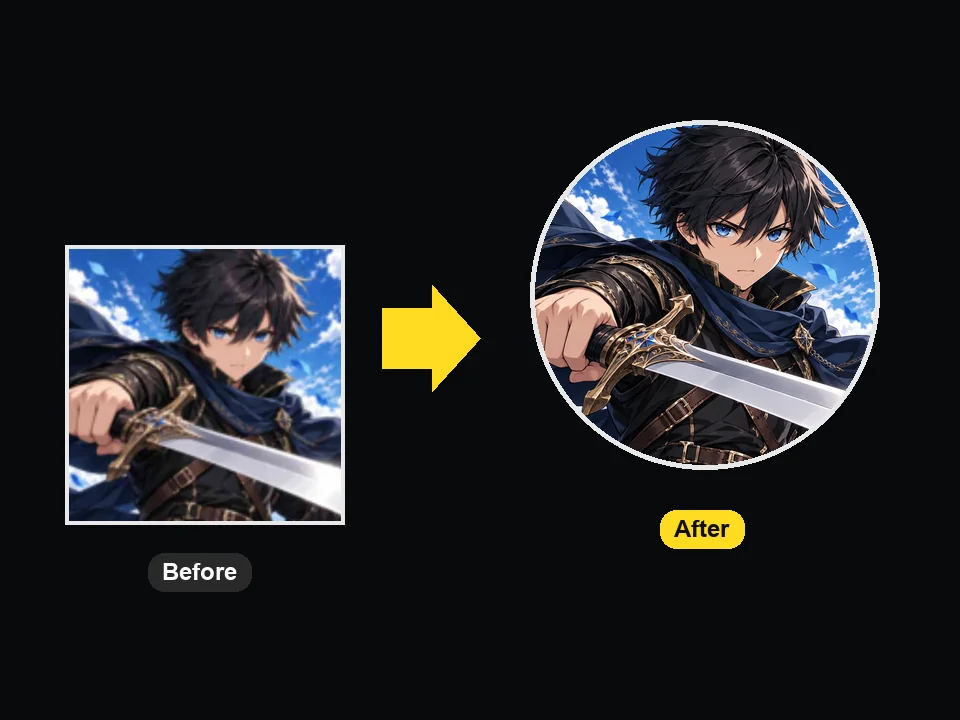
Enlarge a character image so avatar crops stay sharp.
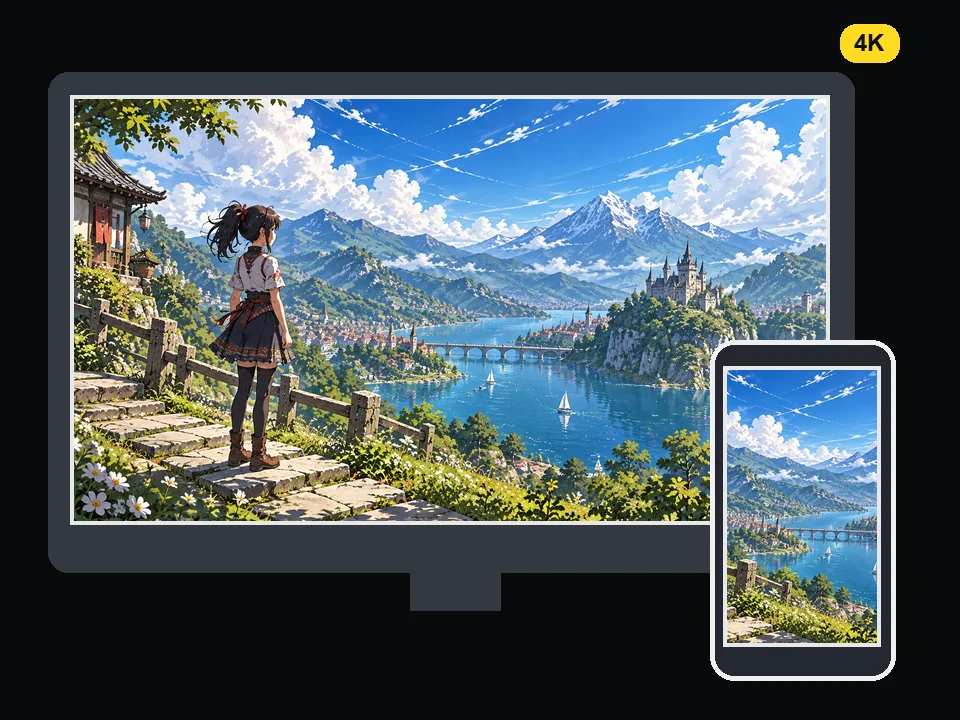
Prepare desktop, tablet, and phone wallpapers from a compact image.
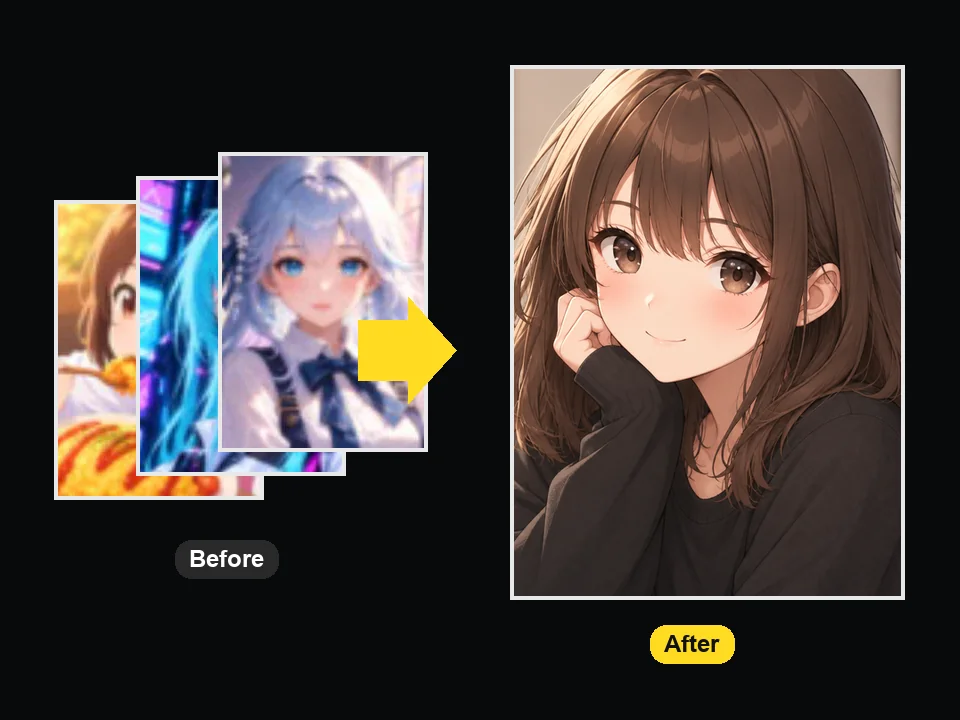
Upscale anime images you saved as WebP, JPG, or PNG.
Upload, pick a size, download. No upscaling software to install.
Add a JPG, PNG, or WebP up to 10 MB: fan art, a screenshot, a manga panel, an avatar, or AI-generated anime art.
Pick Illustration, Anime still, or Manga & line art, choose 2×, 4×, or 4K, and set how much noise and JPEG cleanup you want.
Run the upscale, compare the upscaled anime image with the original, and download the high-resolution file.
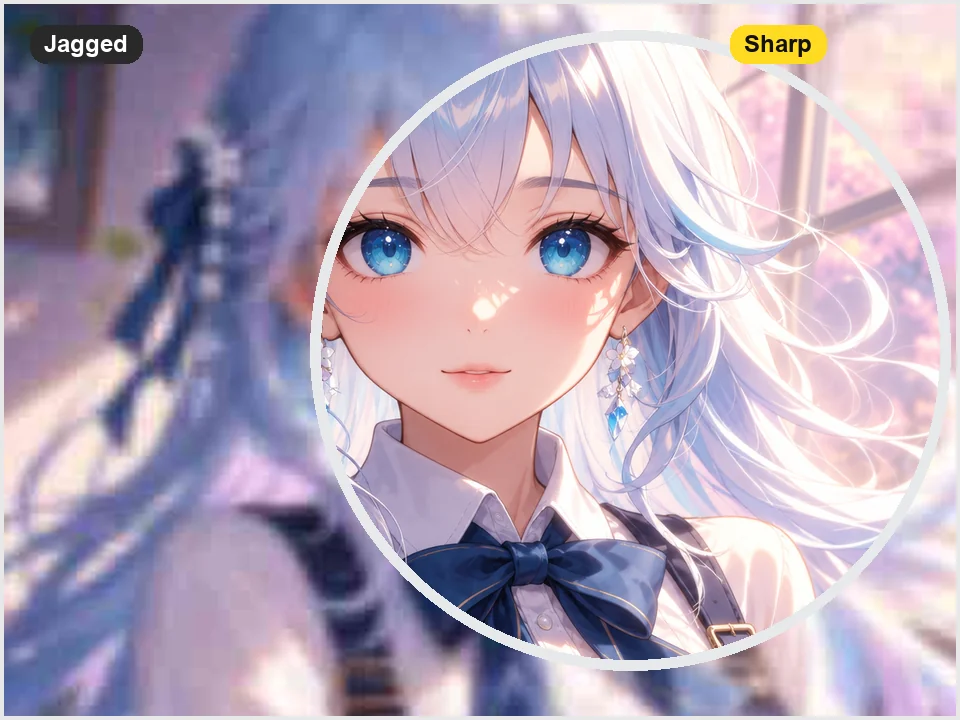
Jagged outlines and soft edges are where general upscalers fail on anime. This anime art upscaler redraws outlines as clean strokes and keeps cel-shaded fills flat, so hair strands, eyelashes, and highlights look hand-drawn at the larger size.
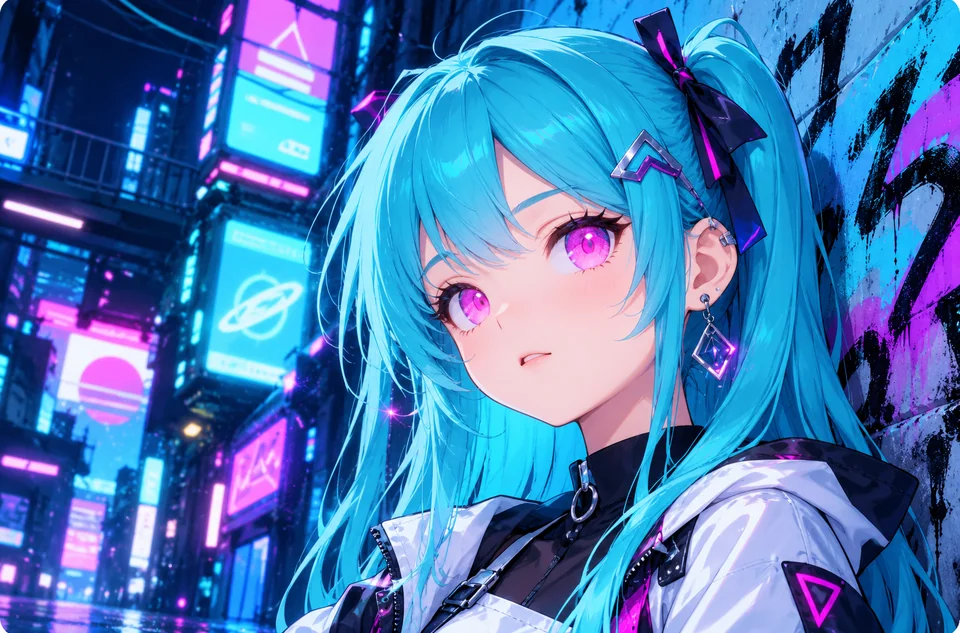
Image generators output anime at modest sizes by default. Generate a batch, pick the best one, and upscale anime images to 4× or 4K so they are ready for prints, posters, stickers, or merch mockups.
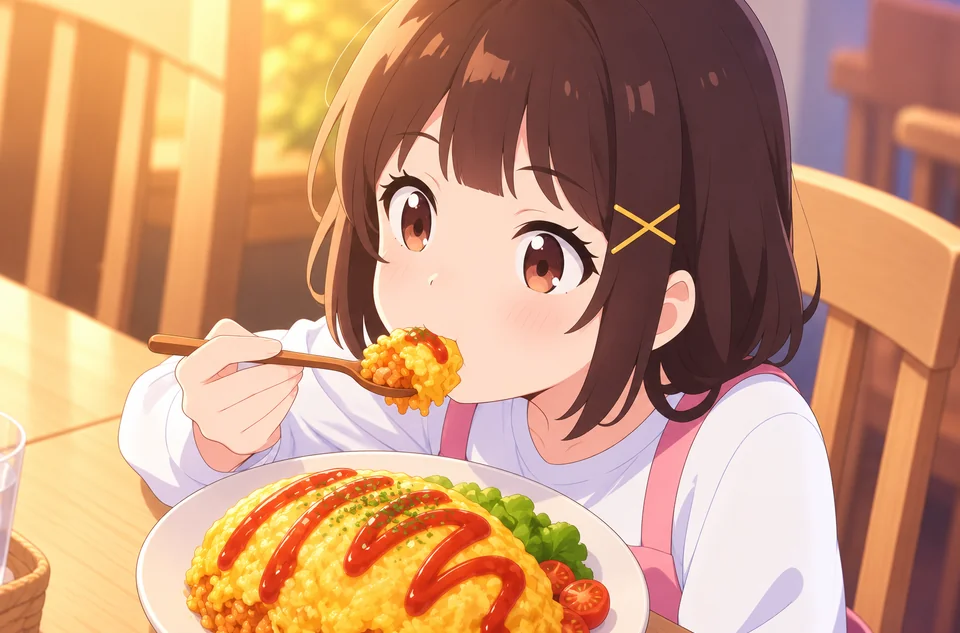
Frames from older shows and DVD rips look soft on modern screens. Choose Anime still with High cleanup to remove compression noise and get upscaled anime frames that hold up full-screen.
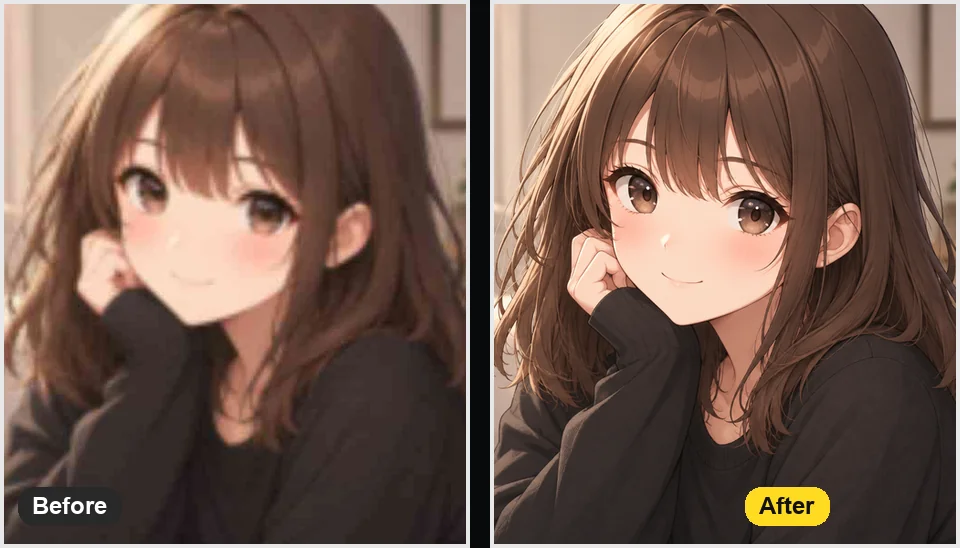
Choose 4K and the output is sized for 3840-pixel screens, ready to crop for desktop, tablet, and phone wallpapers without the blur you get from stretching a small file.
From fans to creators, anyone with a small anime image.
Upscale anime wallpapers, screenshots, and favorite character art for high-resolution displays.
Enlarge avatars and banners so they stay sharp wherever they are displayed bigger.
Finish illustrations and generated anime at print size for posters, zines, and commissions.
Choose Manga & line art to upscale black-and-white panels with crisp ink and screentone.
Small choices that make a visible difference when upscaling anime.
Use the original file, not a screenshot of a screenshot. Fewer compression blocks means cleaner lines.
Illustration for colored art, Anime still for frames, Manga & line art for black-and-white pages.
High cleanup suits noisy screenshots; keep it Low on painted art so brush texture survives.
Upscale first, then crop the avatar or wallpaper, so the crop keeps the most detail.
Simple workflows for the anime images people already have.
Illustrative examples adapted from reference material, not verified reviews of EzImgMaker.
My favorite character art was a small WebP that looked soft on my monitor. At 4K it finally works as a wallpaper.
I generate anime art in batches and only upscale the winners. The line work stays clean enough for sticker printing.
Old screenshots from shows I grew up with were blurry and blocky. With high cleanup they look like modern frames.
Avatars for our Discord server need to stay sharp at every size. Upscaling first, then cropping, made a big difference.
Formats, sizes, and how anime upscaling differs from general upscaling.
An anime upscaler is an AI upscaler trained on anime, manga, and illustration. It enlarges images while keeping outlines sharp and color areas flat, which general photo upscalers often blur or fill with fake texture.
Upload the image, choose an art style, select 4K (or 2× / 4×), and run Upscale Anime. Compare the result with the slider and download the high-resolution file.
No. With Noise & JPEG cleanup set to Low or High, it also removes compression blocks, noise, and jagged edges in the same pass, because most small anime images are both low-resolution and compressed.
Yes, it works as a waifu upscaler for character art and wallpapers. Choose Fan Art & Waifu for colored illustrations; it keeps faces, eyes, and hair detailed without changing the character.
Anime4K scaling is a real-time shader that sharpens anime video while it plays. This anime AI upscaler works on still images and rebuilds detail with a trained model, so it suits wallpapers, screenshots, and fan art rather than live playback. If you were searching for an Anime4K upscaler for images, this is the closer match.
No. People often search for the best anime upscaler ComfyUI setup to run models locally; here the model is already configured, so you upload, choose a size, and download without installing nodes or checkpoints.
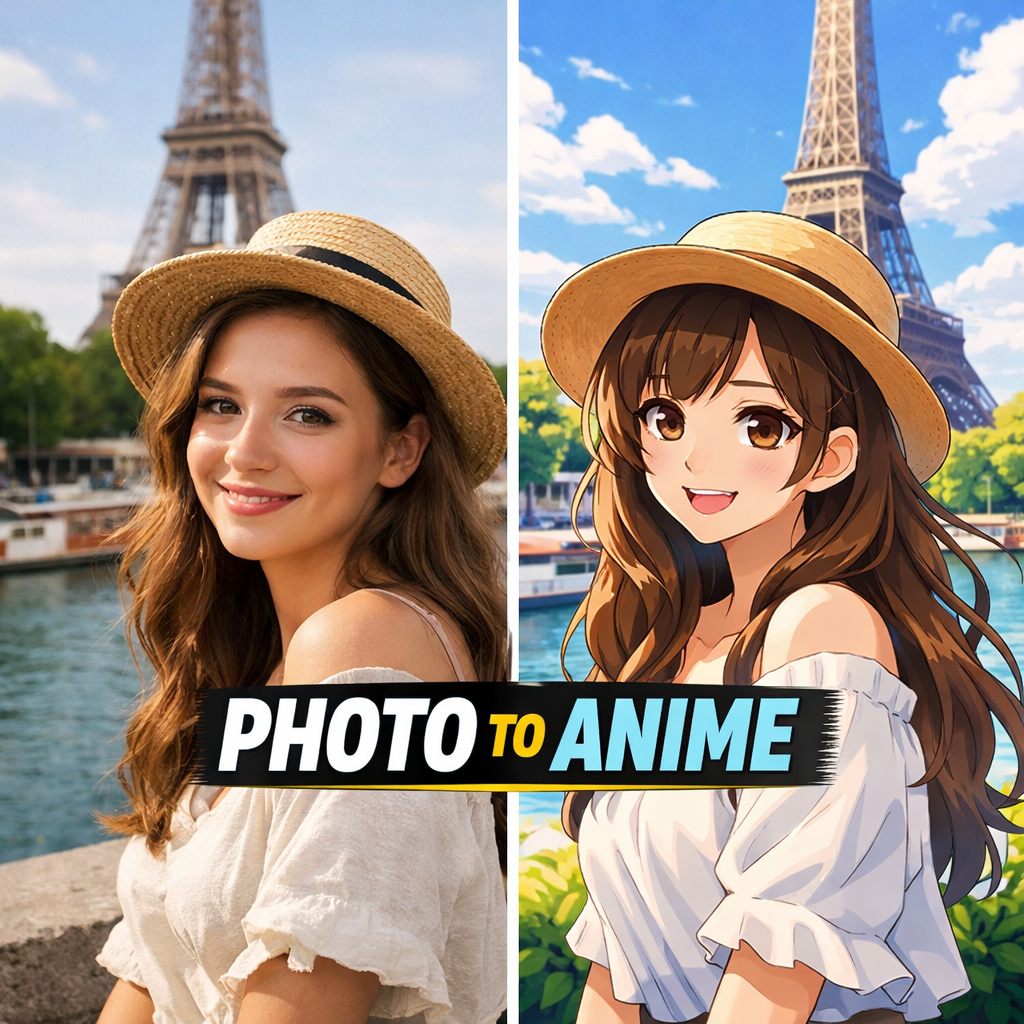
No. It upscales images that are already anime or illustration. To convert a real photo into anime style, use a photo-to-anime tool first, then upscale the result here.
Yes. Choose Manga & line art for black-and-white pages; it keeps ink lines crisp and screentone even instead of turning it gray and muddy.
JPG, PNG, and WebP images up to 10 MB. Output is 2×, 4×, or 4K depending on your choice.
Only upload art you created or have the right to use. Upscaling an official illustration or someone else’s fan art does not give you permission to sell or redistribute it.
Upload an anime image and get a larger, sharper version with clean lines and colors.