Night Street Photos
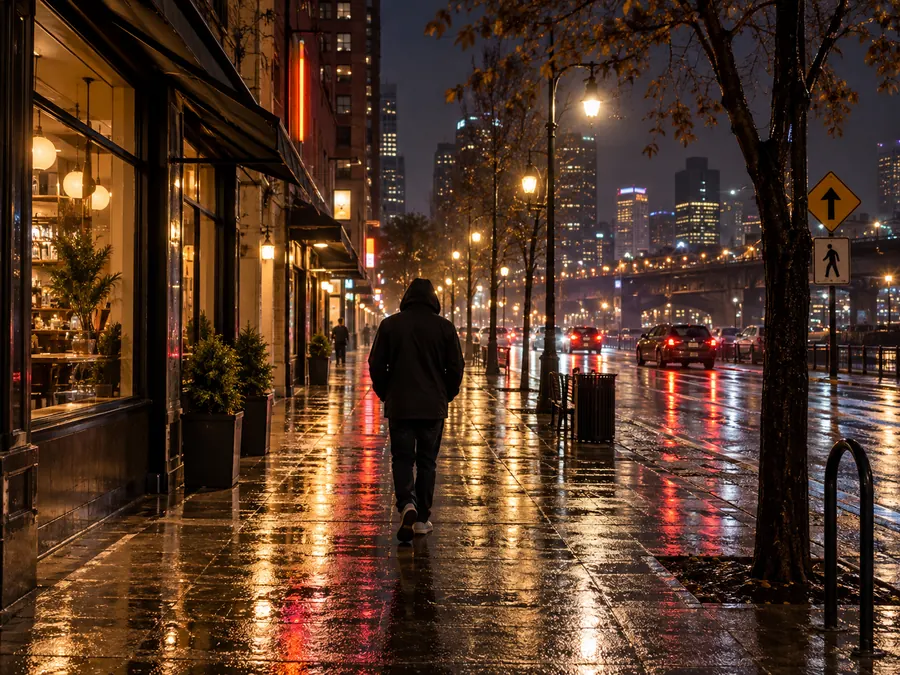
Streetlights, shop signs and wet pavement push a phone to its highest ISO. Denoising clears the speckle from the dark road and buildings while the signs and reflections keep their shape.
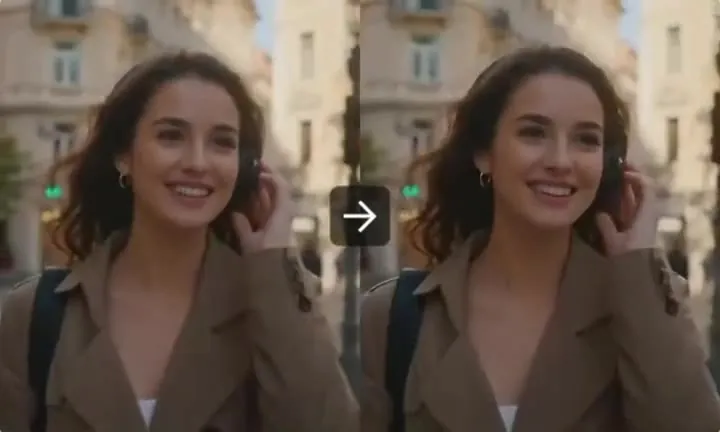
Upload a grainy night, indoor or phone photo and the AI denoiser removes luminance grain and color speckles while faces, text and textures stay as they were. Keep the original size or get a clean copy 2× larger.
Common noisy photos
Fine-tune


Reference example. It is not a result generated from your upload.
Noise on image files is the speckled, sandy texture that shows up in dark and flat areas: a dim restaurant wall, a night sky, the shadow side of a face. It comes in two kinds. Luminance noise is fine gray grain, a little like film. Color (chroma) noise is blotches of red, green and purple, strongest in the shadows. Noise in images has a few common causes: a high ISO in low light, the small sensors in phones, long exposures that warm up the sensor, and brightening a dark photo or lifting its shadows afterwards. It is the kind of noise photographers fight at every concert, wedding reception and night walk.
So what does denoise do? A denoiser separates that random speckle from the real detail underneath and removes it. A basic image noise filter simply blurs everything, which is why strong slider settings make skin look like wax. EzImgMaker is an AI image denoiser built on a faithful model: it removes grain and color noise, keeps faces, hair, text and textures as they are, and does not add or redraw content. Choose Original size to clean the photo as it is, or 2× larger to denoise and enlarge it in one pass.
Six grainy photos and how they look after AI denoising. Drag each slider to compare the noise picture with the cleaned one, then try the same setting on yours.
Streetlights, shop signs and wet pavement push a phone to its highest ISO. Denoising clears the speckle from the dark road and buildings while the signs and reflections keep their shape.
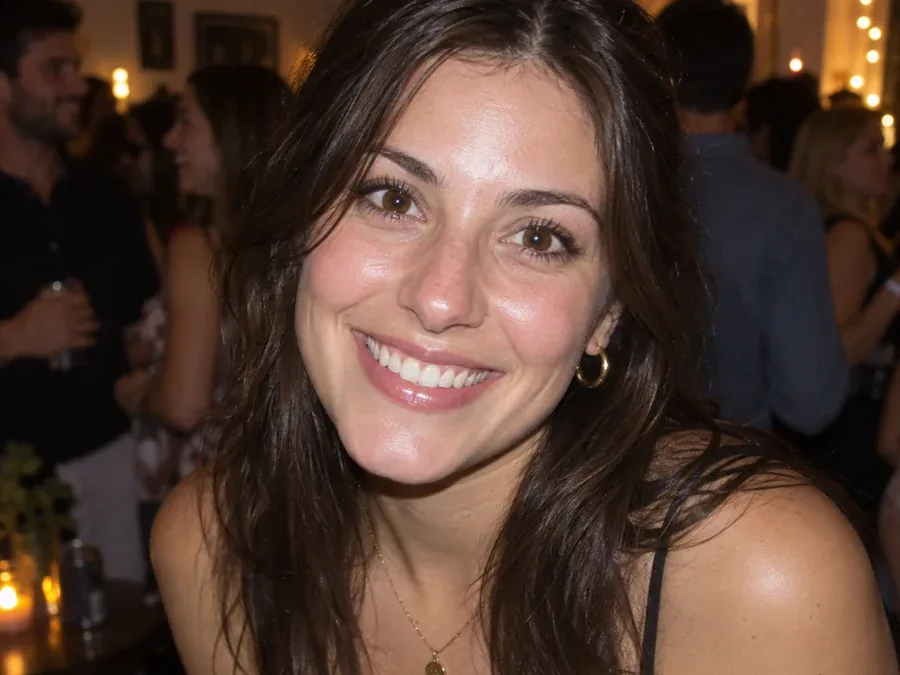
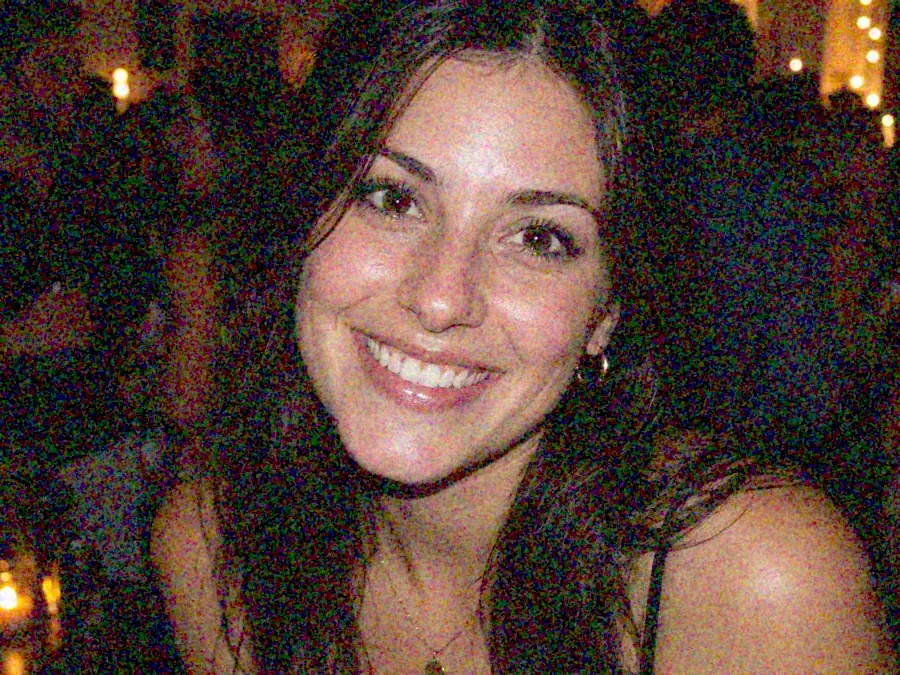
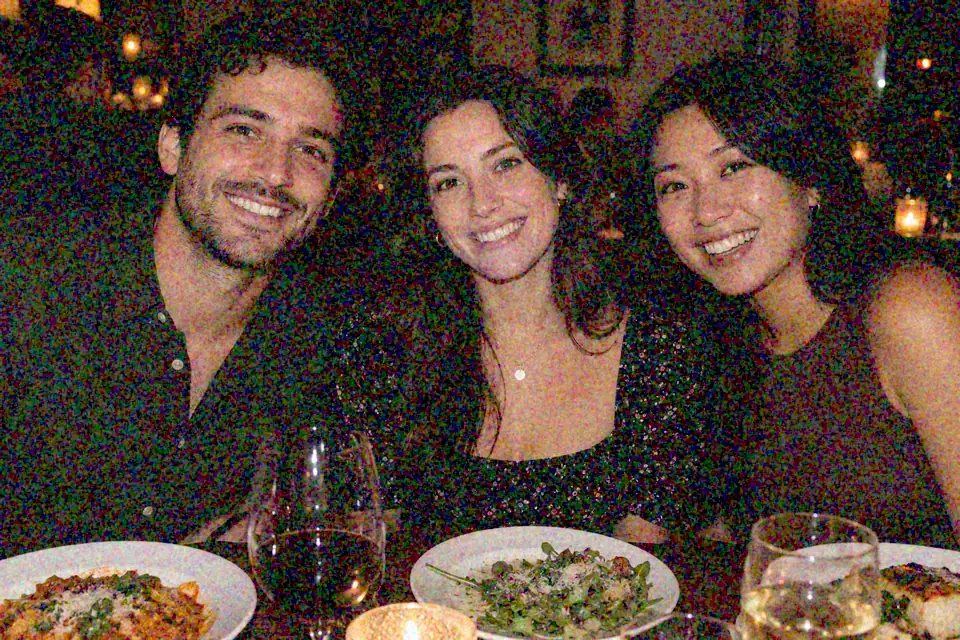
Parties and restaurants give the camera very little light, so grain lands on skin and hair. The AI photo denoiser cleans it and keeps her eyes, lashes and smile as they were.

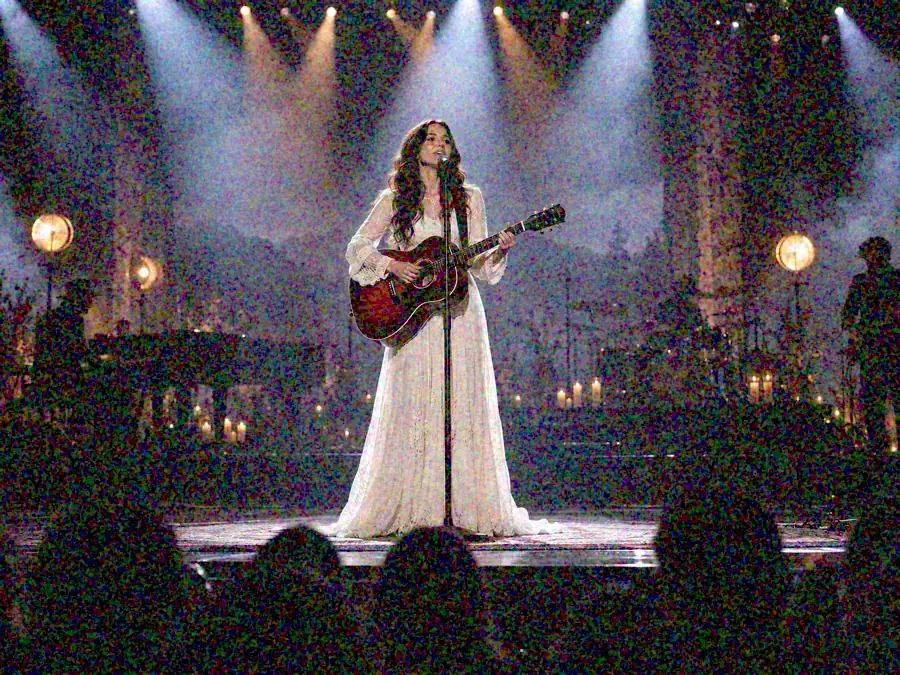
Stage lighting is bright on the performer and black everywhere else, a recipe for noise in photo shadows. The crowd, the haze and the back of the stage come out clean.
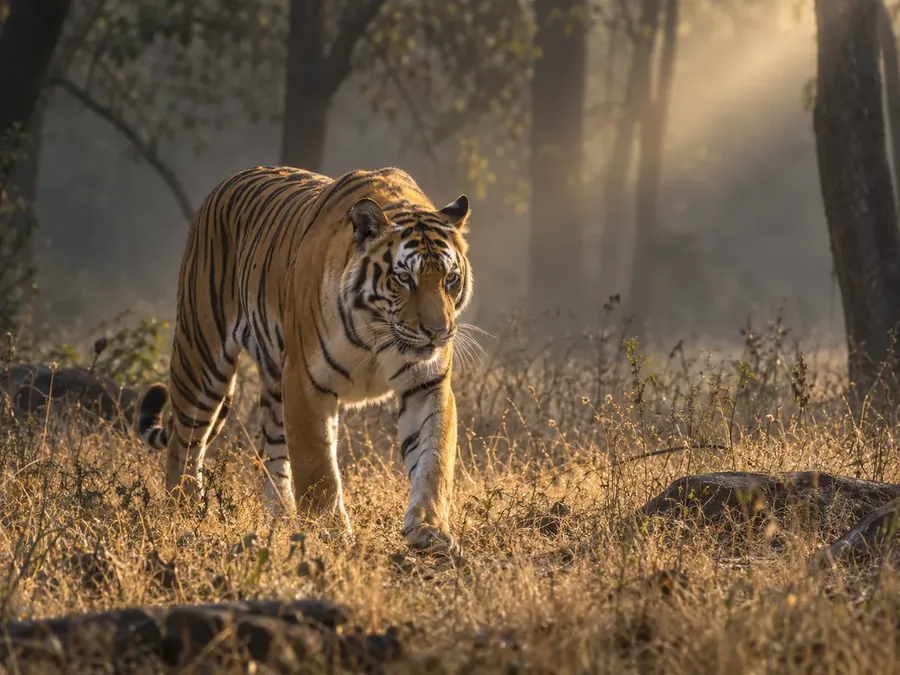
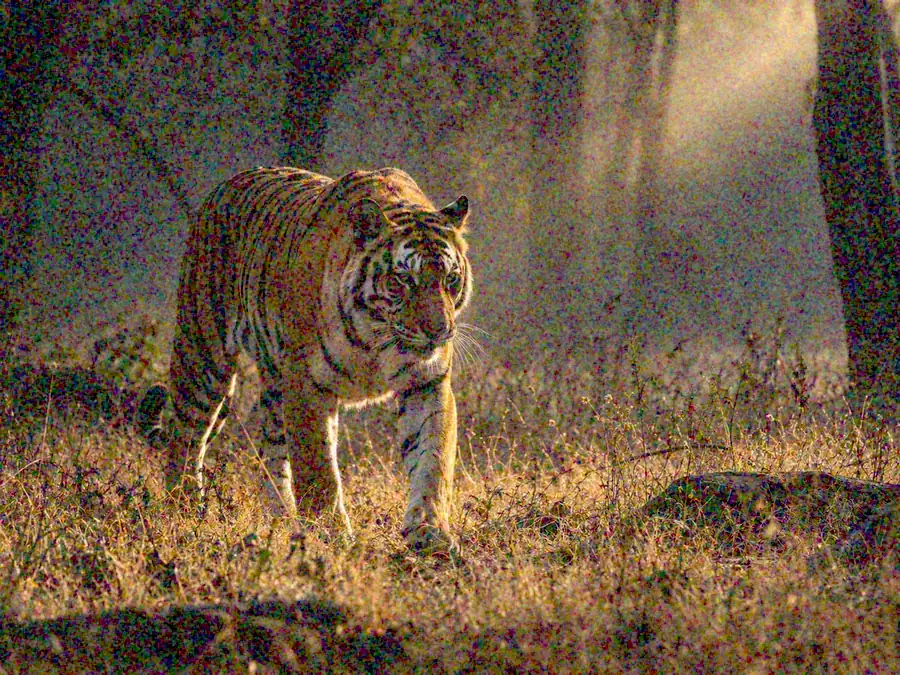
Long lenses at dawn and dusk need a high ISO to freeze movement. Remove noise from image areas like grass and forest shade while stripes, fur and whiskers stay detailed, and enlarge 2× for a closer crop.
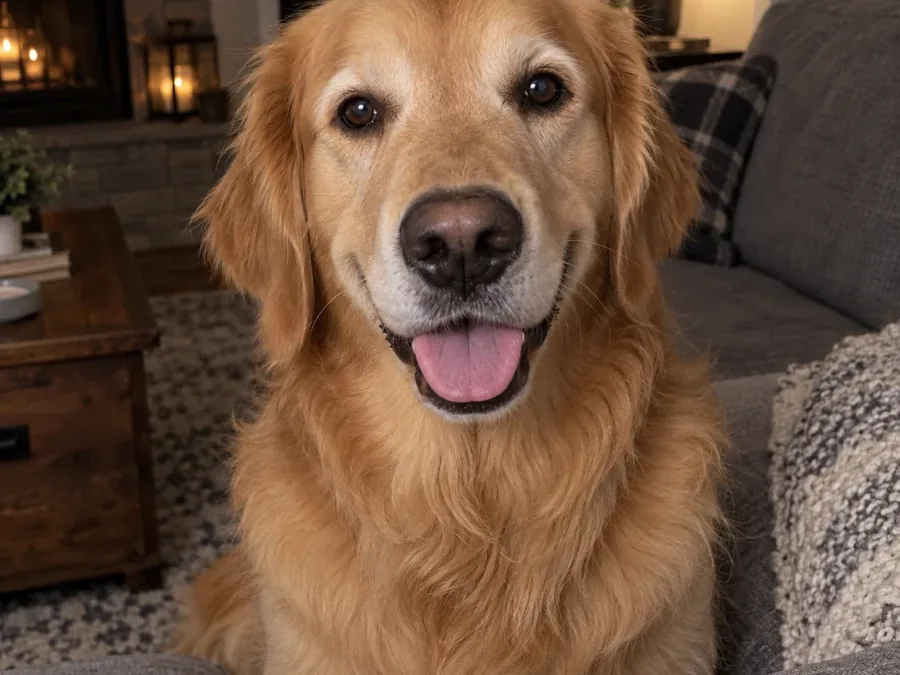
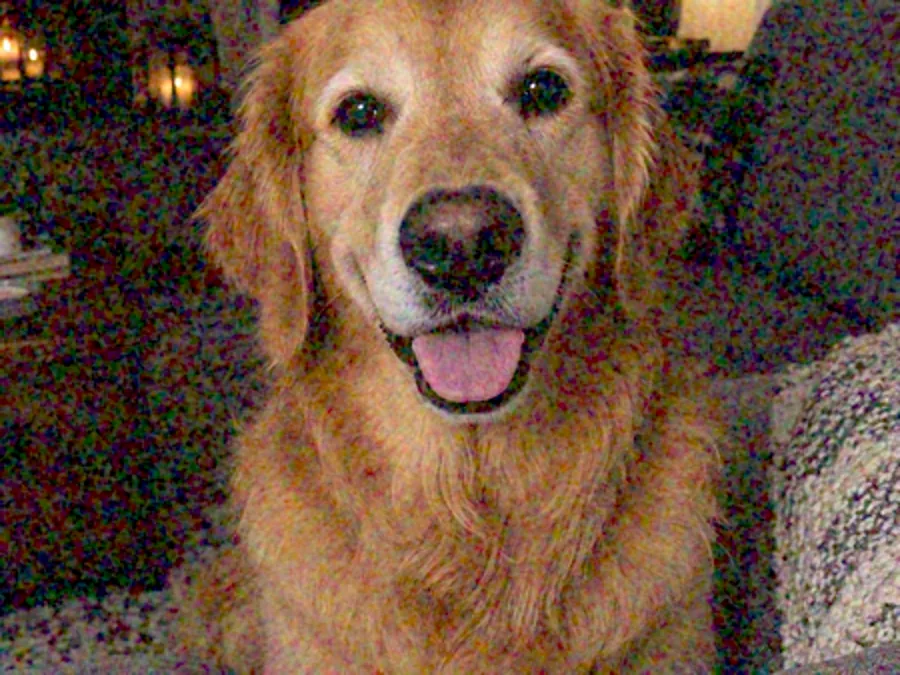
An evening shot from an older compact camera is small, soft and grainy. 2× larger output removes the grain and doubles the size, so the fur and the room behind look natural again.
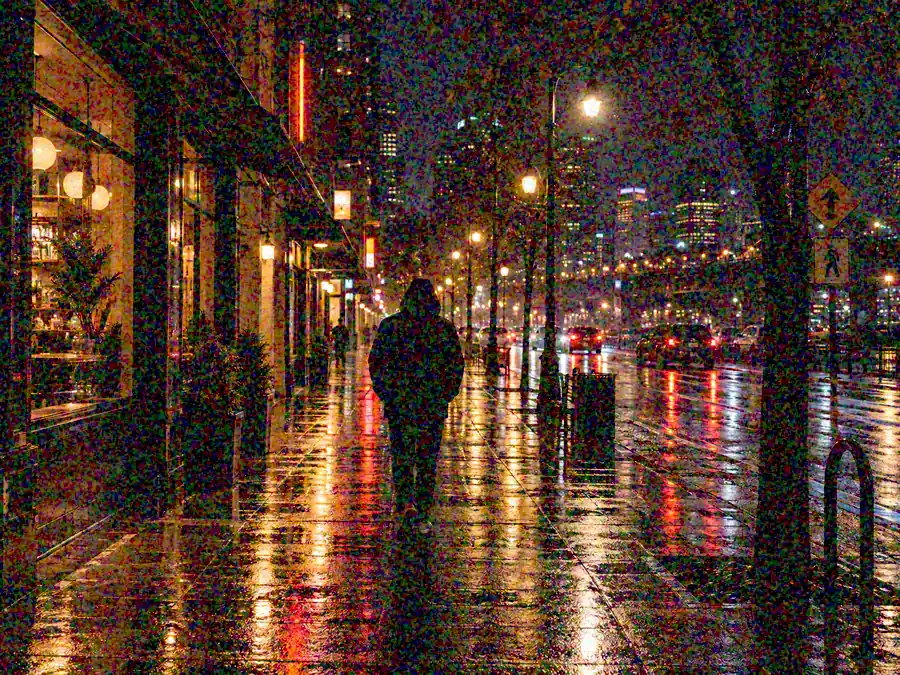
Rain, neon and a dark street: color speckles hide in the jacket and the background. Denoising removes them without smoothing his face or shifting the colors of the lights.
The quickest way to remove noise from pictures: no sliders, masks or layers to learn.
Add a JPG, PNG or WebP up to 10 MB. Use the original file rather than a screenshot or a copy a chat app has compressed: it holds more real detail for the AI to keep.
Original size removes the noise and keeps the same dimensions. 2× larger also doubles the width and height, which suits phone zoom shots, old digital camera files and prints. The presets set this for common scenes.
Click Denoise Image, drag the slider to compare the grainy original with the denoised photo at full size, and download the result.
Prefer to de-noise a photo by hand? Here is how to reduce noise in pictures with editors you may already have, and when each one is the better choice.
Open a RAW photo and run Denoise (under Photo > Enhance, or in the Detail panel in newer versions), starting around 50. For JPGs, use the manual Noise Reduction sliders: Color first until the blotches turn neutral, then Luminance until the grain softens but skin still has texture.
Choose Filter > Camera Raw Filter > Detail and raise Noise Reduction and Color Noise Reduction, or use Filter > Noise > Reduce Noise and balance Strength against Preserve Details. Apply it through a mask to clean only a sky or background.
Open Filters > Enhance > Noise Reduction and raise Strength step by step while you watch the photo; more strength means more blur, so stop when texture starts to disappear. Filters > Enhance > Despeckle helps with isolated bright pixels.
In the iPhone Photos app, tap Edit > Adjust, raise Noise Reduction, and lower Sharpness and Definition, which make grain stand out. Most Android gallery apps have a similar Denoise or Noise reduction slider under Adjust or Tools.
Looking for software to reduce noise in photos? These are the usual options, from desktop photography noise reduction software to the editor already on your phone, and where each one fits.
| Option | Works on | Install | RAW files | Best for |
|---|---|---|---|---|
| EzImgMaker AI image denoiser | JPG, PNG and WebP up to 10 MB | Nothing to install, works online | Export to JPG or PNG first | Phone shots, finished photos, quick fixes |
| Lightroom Classic Denoise | RAW files, plus manual sliders for JPG | Desktop app, subscription | Yes, built for RAW | Photographers with RAW libraries |
| Photoshop Camera Raw / Reduce Noise | RAW, JPG, TIFF and PSD | Desktop app, subscription | Yes, through Camera Raw | Manual control and masking |
| GIMP Noise Reduction | JPG, PNG, TIFF and more | Free desktop app | Through a separate RAW converter | Free manual cleanup |
| Desktop AI denoising software | RAW and JPG | Desktop app, usually a paid licence | Usually yes | Batch work on large shoots |
| Phone photo editors | Photos on your phone | Built in | Limited | Light grain on phone photos |
Which is the best denoise program? The one that matches your files. RAW shooters get the most out of a desktop raw editor; for JPGs, screenshots and phone photos, an online image denoiser is simpler. Any photo noise removal software or image noise reduction software works better on the original file than on a re-saved copy.
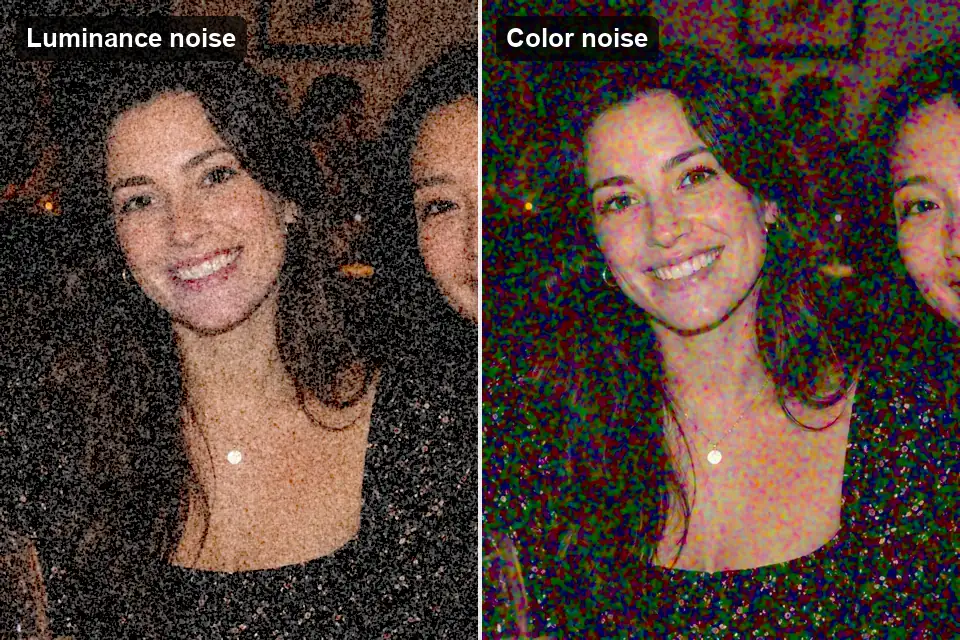
Noise has two parts, and the AI removes both. Luminance noise is the gray, sandy grain; color noise is the red, green and purple blotches in the shadows. The classic noise filter photo editors include treats everything the same and blurs fine detail with the grain. AI denoising tells grain apart from texture, so hair, fabric and brick stay sharp.
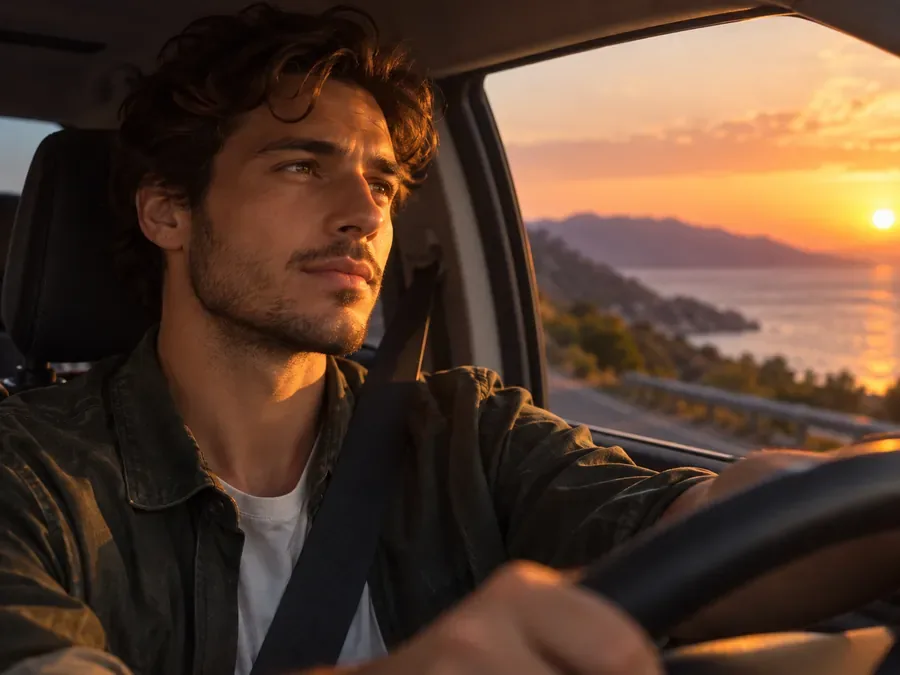

This denoiser AI runs on a faithful model that takes no text prompt and does not redraw anything: faces keep their features and expression, skin keeps its pores, and text and logos stay as they were. That is the difference between denoising and AI restoration, which rebuilds detail and can change it.

Small files from phone zoom, older digital cameras and tight crops are grainy and too small at the same time. Choose 2× larger to remove image noise and double the size in the same pass, so the grain is cleaned instead of being magnified along with the photo. Ready for prints, listings and slideshows.
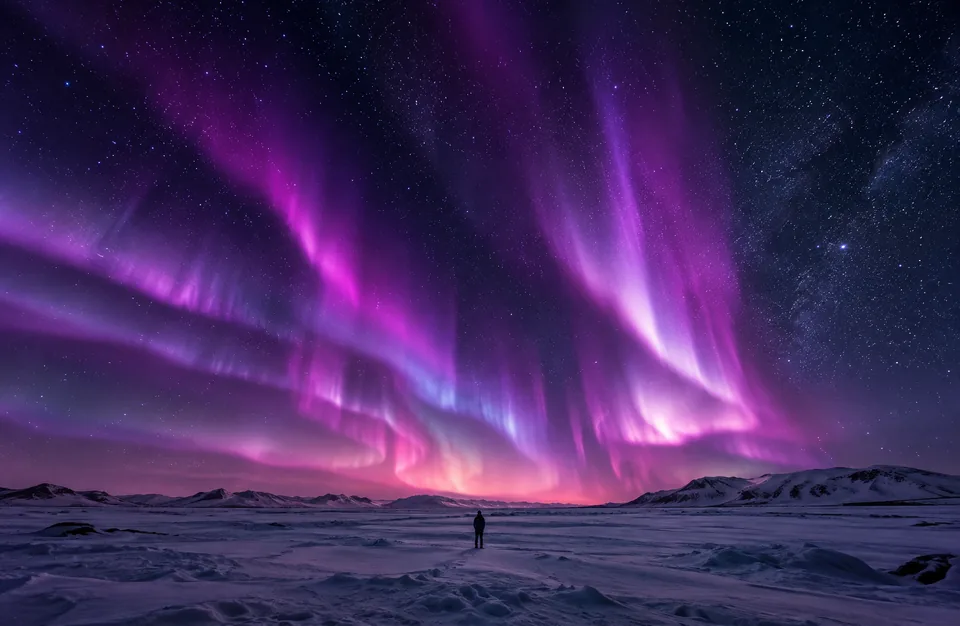
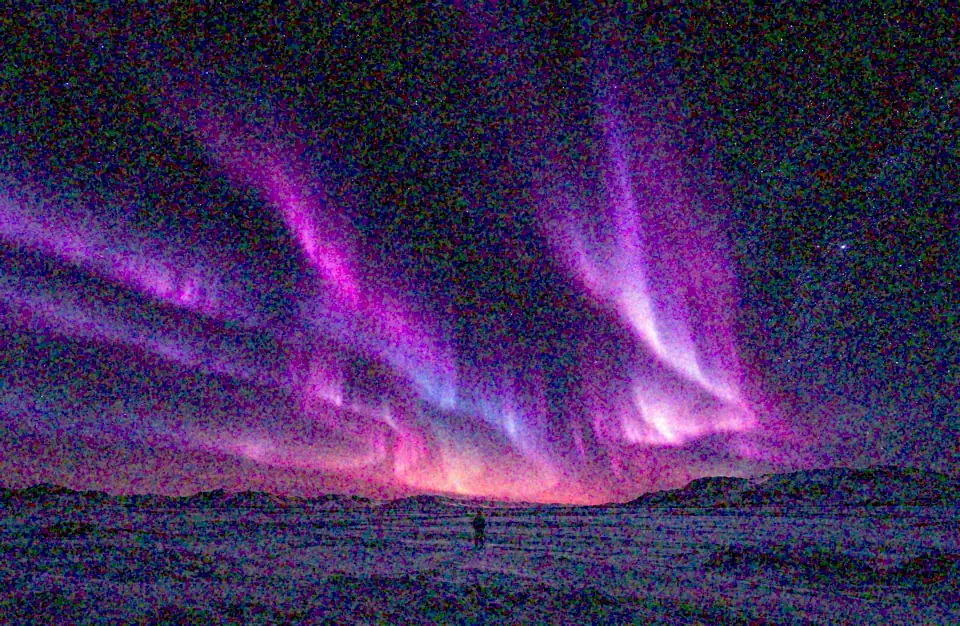
Night skies and city scenes are full of tiny bright points that a heavy blur wipes out. Image noise reduction with AI cleans the dark sky and the shadows around them, so stars, streetlights and windows stay small and sharp.
Anyone with a grainy photo they cannot take again.
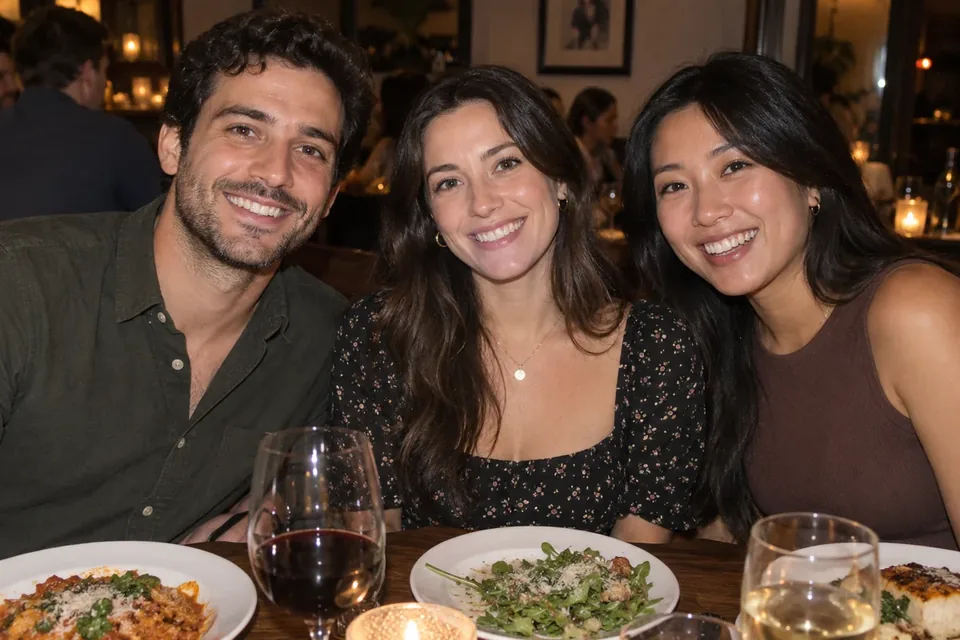
Clean high-ISO shots from weddings, receptions, concerts and city nights before delivery.
Rescue indoor birthday, bedtime and sofa photos taken without a flash.
A picture denoiser for small sensors: fix noise from night mode, digital zoom and brightened shadows.
Remove grain from long-lens shots taken in shade, at dusk or in indoor arenas.
Use it as an image noise remover for product photos shot in dim rooms, so materials and labels read clearly.
Tidy early digital camera photos and scans before you print or share them.
Small habits that make a visible difference.
Sharpening and upscaling magnify grain, so denoise photos first, or pick 2× larger here to clean and enlarge in one pass.
Screenshots and chat copies add compression on top of the noise. Upload the camera original when you have it.
Lifting a dark photo brings its noise up too. Fix exposure moderately and let the denoiser handle the grain.
Zoom in with the slider before you print. On extremely noisy shots some fine texture may remain, which looks more natural than wax-smooth skin.
Grain often arrives together with blur or compression. These guides and tools handle the rest.
Why grain appears, how to reduce it on a phone or in an editor, and how to avoid it next time.
Read the GuideBlocky squares, banding and halos around edges come from compression, not the sensor. Clean them up here.
Fix JPEG ArtifactsDenoising does not fix motion blur or missed focus. Unblur rebuilds sharp edges instead.
Unblur a PhotoVery heavy noise mixed with blur and faded color? Restore mode rebuilds the whole photo at 2K or 4K.
Restore a PhotoClean photo but too small? Add pixels 2× or 4× without changing what is in it.
Increase ResolutionWavy stripes from photographing a screen or a fine fabric need a moire remover, not a denoiser.
Remove MoireWhat AI noise reduction does, where its limits are, and what it costs.
Denoising removes the random speckle a camera records along with the picture: gray grain (luminance noise) and colored blotches (color noise). A good denoiser keeps edges, faces and textures while it smooths only the noise, so the photo looks as if it had been taken with more light.
It is the editing step that reduces grain. The noise reduction photo editors offer usually has separate Luminance and Color sliders plus Detail controls; push them too far and skin turns waxy while fine texture disappears. AI noise reduction does the same job by telling noise apart from detail, which keeps more texture when the grain is heavy.
Too little light. In dim scenes the camera raises the ISO, which amplifies the sensor signal and its random noise together. Small phone sensors, long exposures, digital zoom and brightening a dark photo afterwards all make it worse. Bright daylight shots rarely show visible noise.
It is designed not to. The model removes noise while keeping faces, skin texture, hair and fabric as they were, and it does not invent new detail. On an extremely noisy photo some fine grain or texture may remain, which usually looks more natural than a wax-smooth result. Compare at full size with the slider before you download.
No, each of those needs a different tool. Denoising does not fix motion blur or missed focus (use Unblur Image), JPEG blocks and halos (Remove JPEG Artifacts), printed halftone dots on scans (Descreen) or wavy moire from photographed screens (Moire Fix). For a photo that is very noisy and blurry at the same time, Restore mode in the AI Image Enhancer rebuilds both.
Original size removes the noise and keeps the same pixel dimensions, which is best for photos you will post or share. 2× larger also doubles the width and height, useful for phone zoom shots, old digital camera files, crops and prints. The noise is cleaned in the same pass as the enlargement, so the grain is not magnified.
It depends on your files. If you shoot RAW, a desktop raw editor with a built-in AI denoise gives the most control. For JPGs, PNGs, screenshots and phone photos, an AI denoise image tool that works online saves installing anything. Free options such as GIMP and your phone’s Noise Reduction slider handle light grain; the comparison table above lists the trade-offs.
This one is free to try: new accounts get free credits when they sign up, so you can denoise a few photos and judge the results yourself. After that, each image uses credits from your balance, and the cost is shown before you start. Looking for the best free image denoiser for light grain? GIMP’s Noise Reduction filter and your phone’s built-in slider cost nothing and are worth trying first.
This page works on still images. For grainy clips, the AI Video Enhancer cleans noise and compression and sharpens soft footage.
You can denoise images in JPG, PNG or WebP format up to 10 MB. Upload photos you took, photos of yourself, or images you have permission to edit.
Upload a grainy photo, keep the original size or go 2× larger, and download a clean, natural-looking result.
Lightroom and Photoshop are trademarks of Adobe Inc., iPhone is a trademark of Apple Inc., and Android is a trademark of Google LLC. EzImgMaker is not affiliated with these companies.