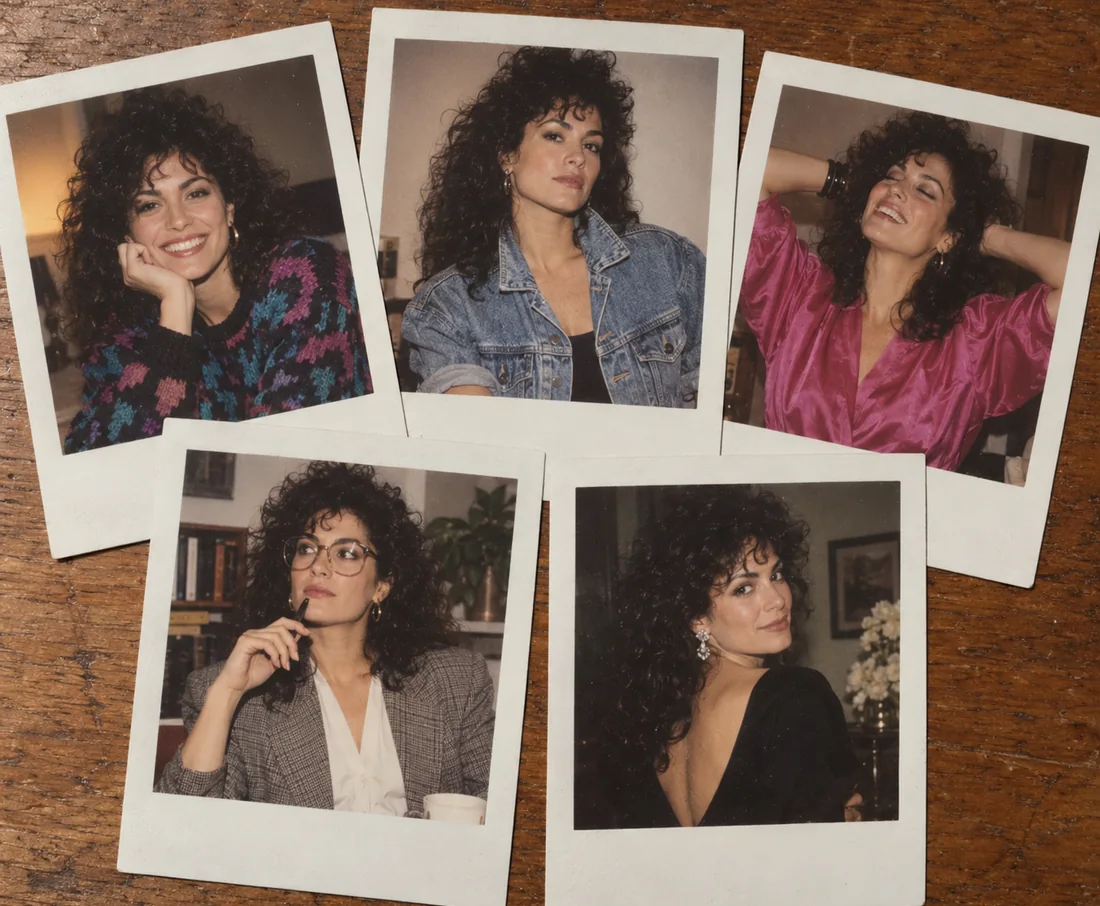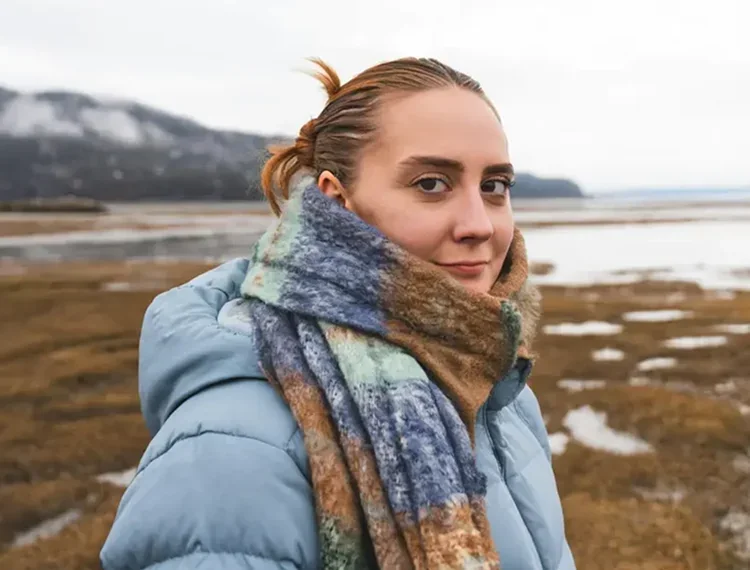
Editorial Portrait
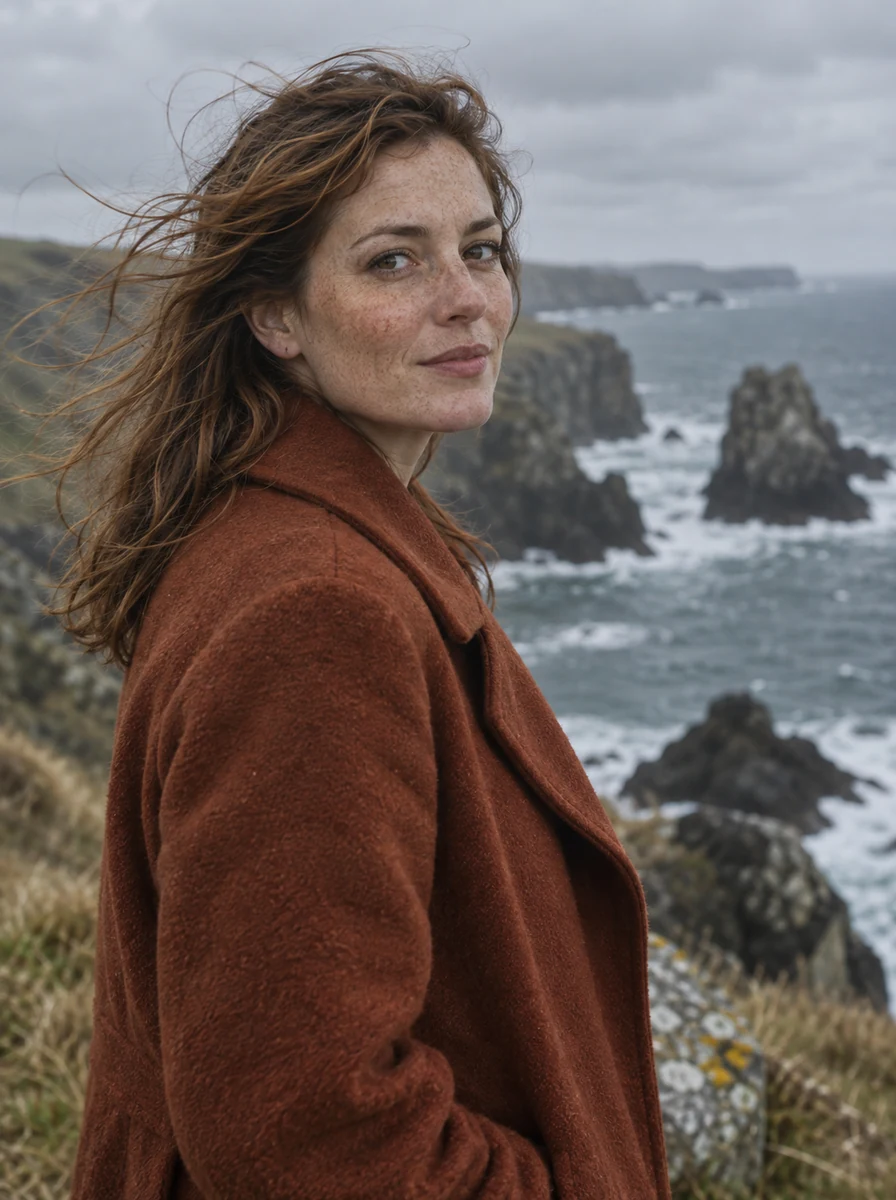
Freckles, flyaway hair, and wool texture under soft overcast light.
Google’s newest Nano Banana improves visual quality, prompt adherence, text rendering, and character consistency over Nano Banana 2. Create or edit images at 1K, 2K, or 4K, from 8:1 banners to 1:8 strips, for fewer credits per image than Nano Banana 2.
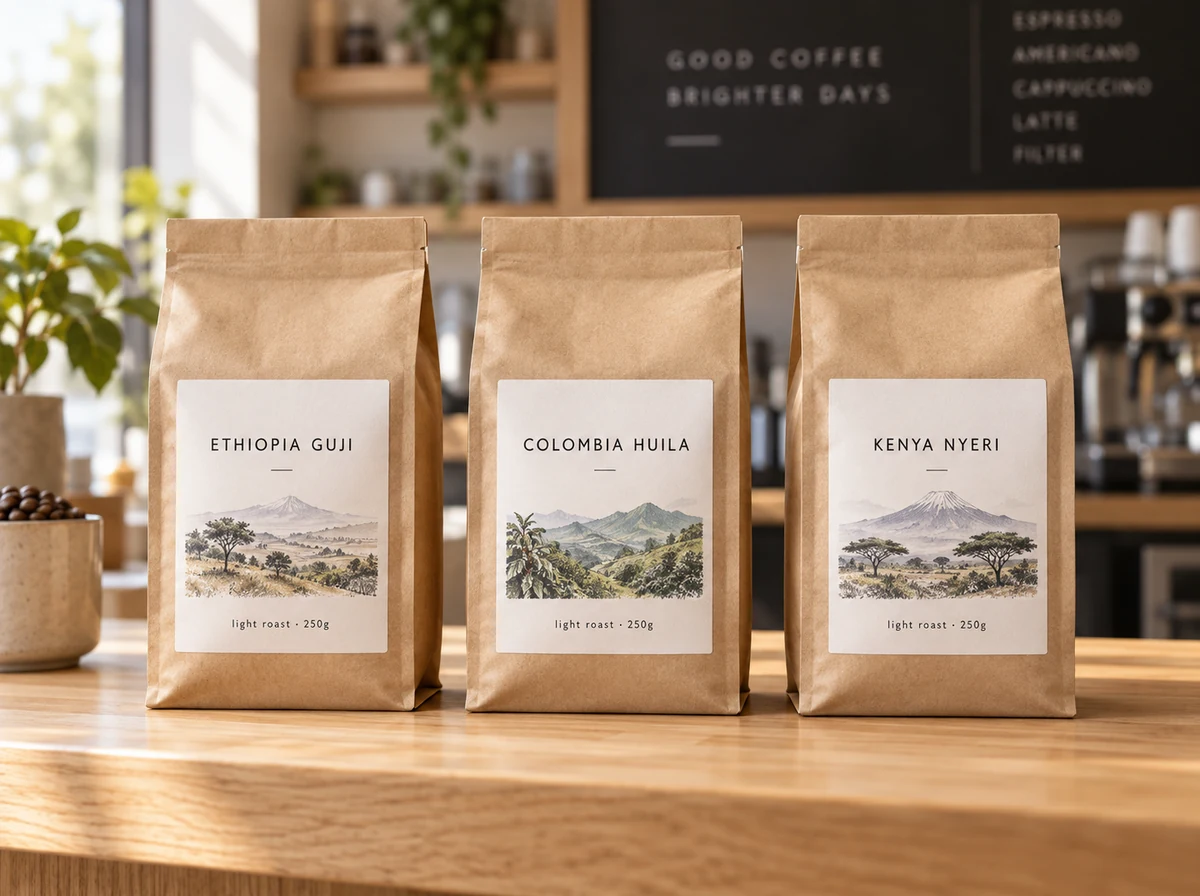
Three kraft coffee bags standing side by side on a light oak counter, one shared minimalist label system, the labels read "ETHIOPIA GUJI", "COLOMBIA HUILA" and "KENYA NYERI" with small text "light roast · 250g", soft morning window light, commercial product photography
Reference example. It is not a result generated from your upload.
Nano Banana 2.1 is Google’s latest image generation and conversational editing model, released on October 6, 2026. It is an update to Nano Banana 2 (Gemini 3.1 Flash Image), belongs to the Gemini 3 series, and is built on Gemini 3.6 Flash. Google says it keeps Flash-level speed and cost efficiency while improving visual quality, prompt adherence, multi-turn character consistency, and text rendering, and it positions the model as the more efficient counterpart to Nano Banana Pro.
That makes this Nano Banana 2.1 AI image generator a strong everyday default: packaging and product shots with labels spelled the way you wrote them, infographics and UI mockups with readable layouts, edits that change one detail and leave the rest alone, and banners as wide as 8:1, which Google says no longer show tiling artifacts at 2K and 4K. On EzImgMaker it also costs fewer credits per image than Nano Banana 2.
What Google’s newest Nano Banana supports on EzImgMaker.
| Spec | Nano Banana 2.1 |
|---|---|
| Developer | Google DeepMind |
| Released | October 6, 2026 |
| Based on | Gemini 3.6 Flash (Gemini 3 series) |
| Modes | Text to image and image editing with references |
| Resolution | 1K, 2K, or 4K (default 1K) |
| Aspect ratios | Auto, 1:1, 2:3, 3:2, 3:4, 4:3, 4:5, 5:4, 9:16, 16:9, 21:9, plus 4:1, 1:4, 8:1, 1:8 |
| Reference images | Up to 3 uploads on this page (the model accepts up to 14) · JPG, PNG, or WebP, up to 30 MB each |
| Consistency | Up to 4 characters and 10 objects kept consistent across references, according to Google |
| Output format | PNG or JPG |
| Prompt length | Up to 20,000 characters |
| Best for | Text-heavy designs, infographics, packaging and product shots, consistent characters, precise edits |
Specs reflect the model version available to us in October 2026. Google’s own apps also offer thinking levels and Search grounding; those options are not available on this page.
How Google’s newest Nano Banana compares with the other versions on EzImgMaker.
| Nano Banana 2.1 | Nano Banana 2 | Nano Banana Pro | Nano Banana 2 Lite | |
|---|---|---|---|---|
| Underlying model | Nano Banana 2.1 (built on Gemini 3.6 Flash) | Gemini 3.1 Flash Image | Gemini 3 Pro Image | Gemini 3.1 Flash-Lite Image |
| Released | October 2026 | February 2026 | November 2025 | 2026 |
| Resolution | 1K, 2K, 4K | 1K, 2K, 4K | 1K, 2K, 4K | Fixed size |
| Reference images (model limit) | Up to 14 | Up to 14 | Up to 8 | Up to 10 |
| Aspect ratios | 14 plus Auto, incl. 4:1, 1:4, 8:1, 1:8 | 14 plus Auto, incl. 4:1, 1:4, 8:1, 1:8 | 10 plus Auto | 14 plus Auto, incl. 4:1, 1:4, 8:1, 1:8 |
| Output format | PNG or JPG | JPG or PNG | PNG or JPG | Not selectable |
| Prompt length | 20,000 characters | 20,000 characters | 10,000 characters | 20,000 characters |
| Google’s October 2026 preference tests | Top score in every listed generation and editing test | Below 2.1 | Below 2.1 | Not reported |
| Choose it when | You want Google’s newest Nano Banana at a lower credit cost than Nano Banana 2 | You want to match earlier Nano Banana 2 results | Your project is built around the Pro look | You want quick, low-cost drafts at a fixed size |
Preference results are Google’s own side-by-side human evaluations from the Nano Banana 2.1 model card.
Readable lettering, real textures, and steady detail across portraits, products, signs, and posters.
Freckles, flyaway hair, and wool texture under soft overcast light.
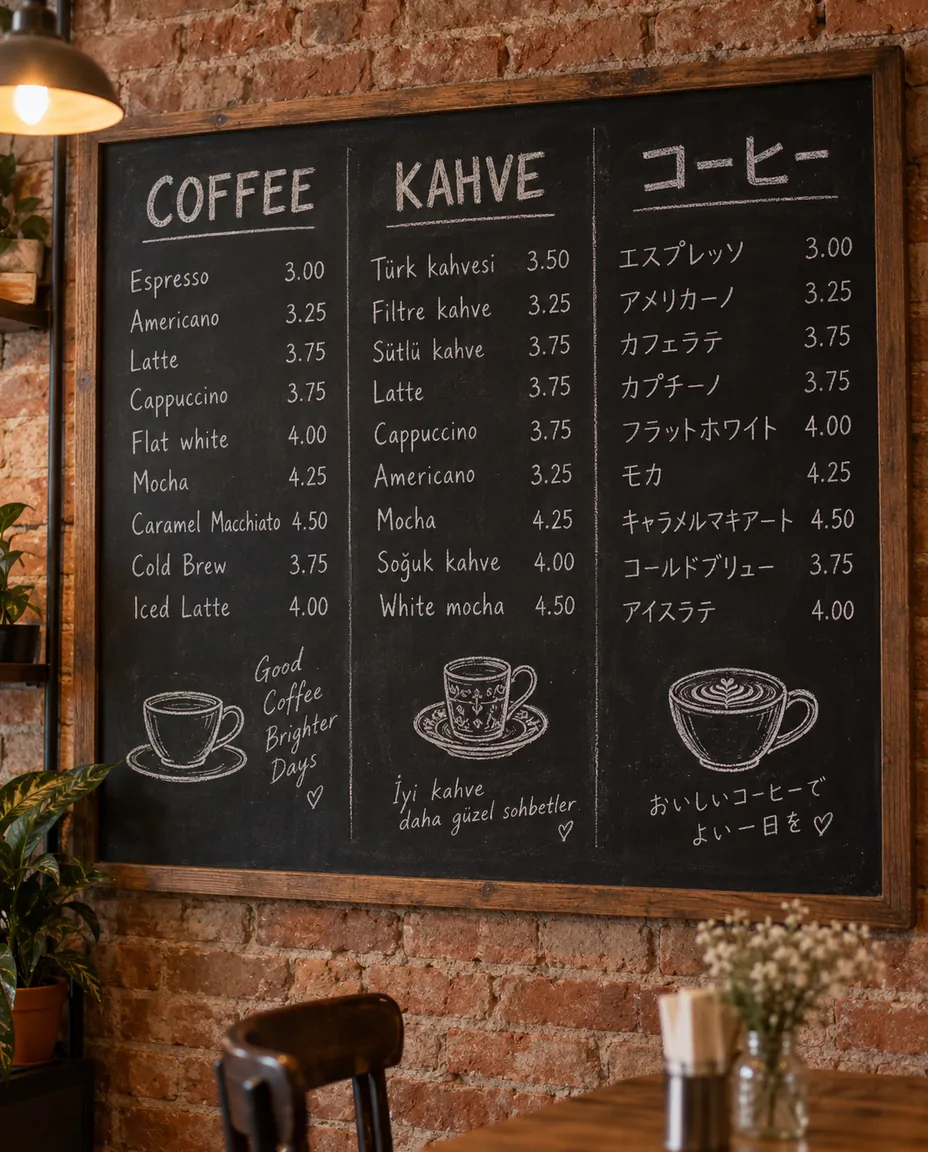
English, Turkish, and Japanese chalk lettering on one board, with prices.
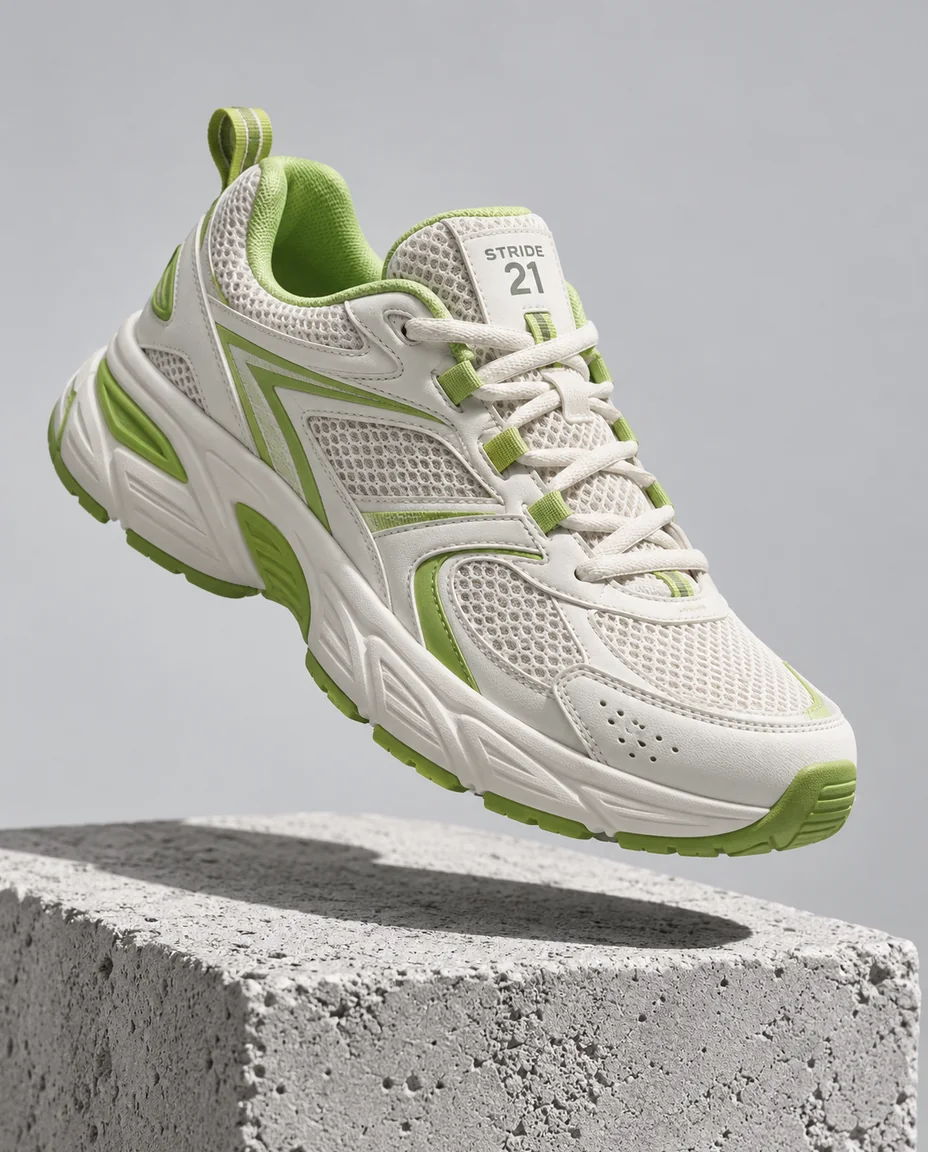
A floating product with a crisp shadow and a small tongue label.
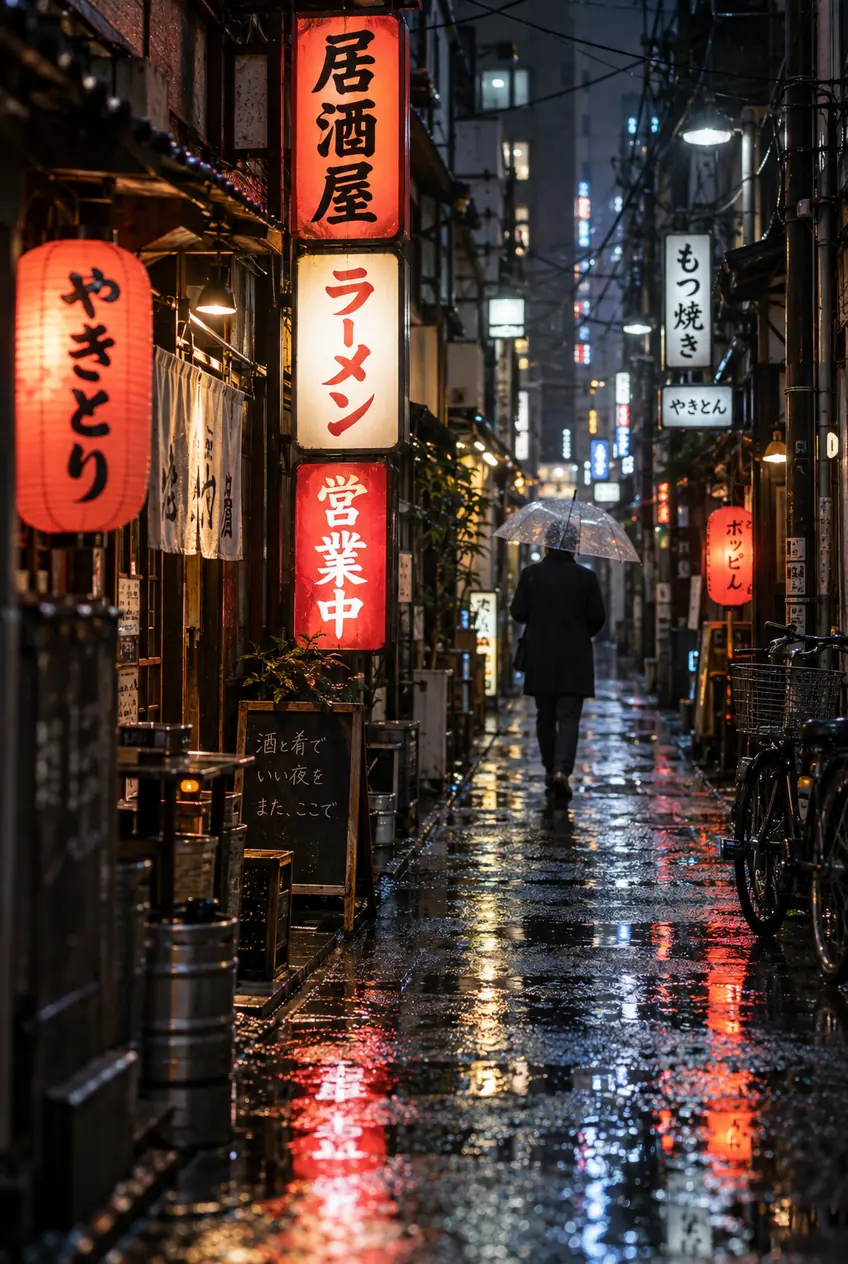
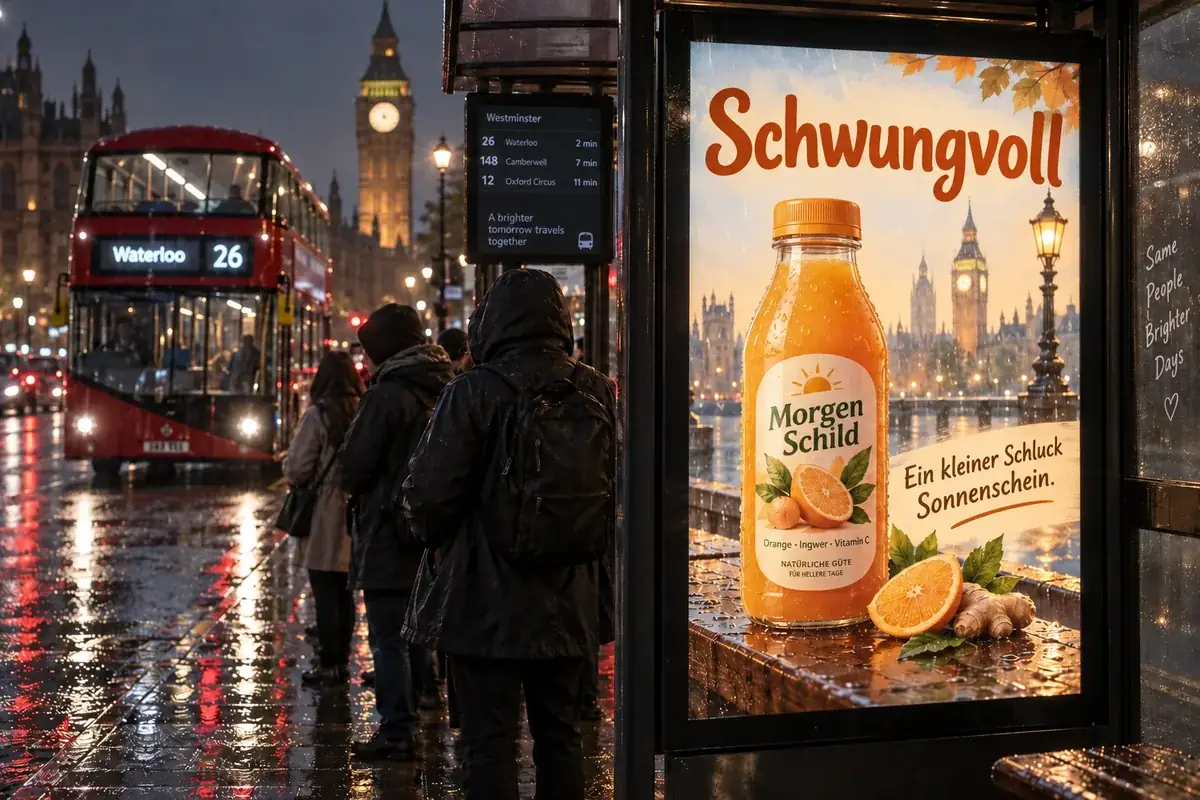
Stacked signs in Japanese script, reflected in a rainy alley.
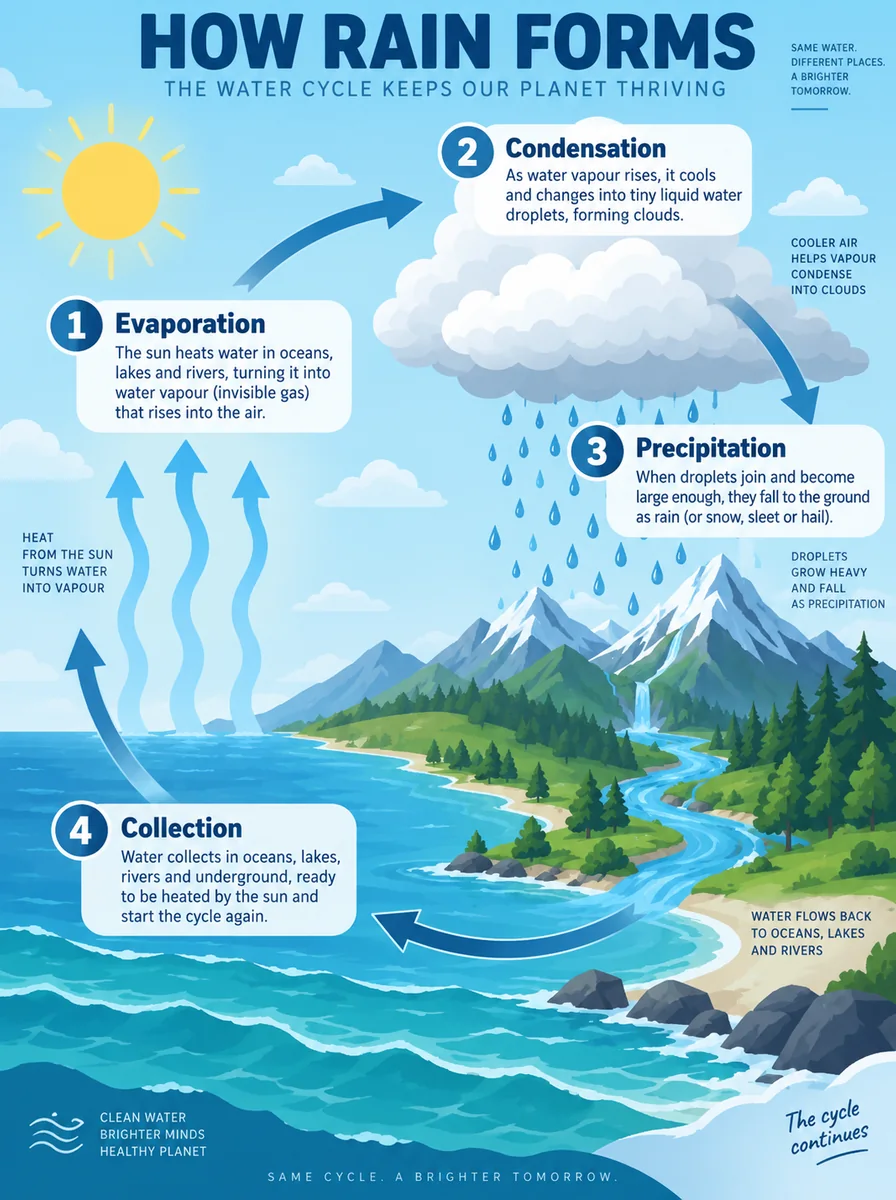
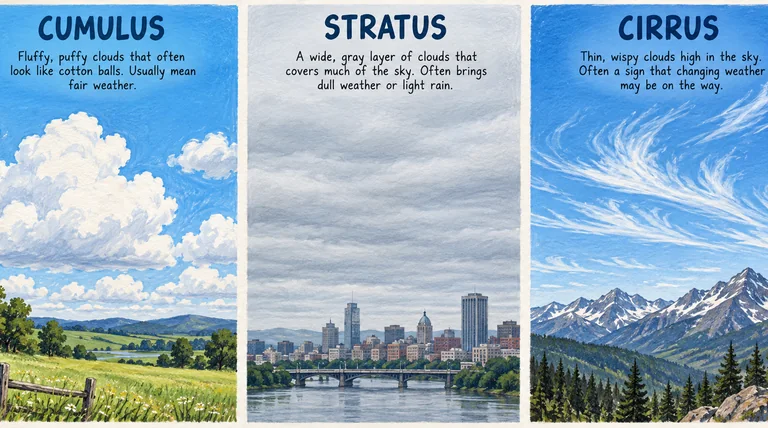
Four stages, curved arrows, and short captions that stay readable.
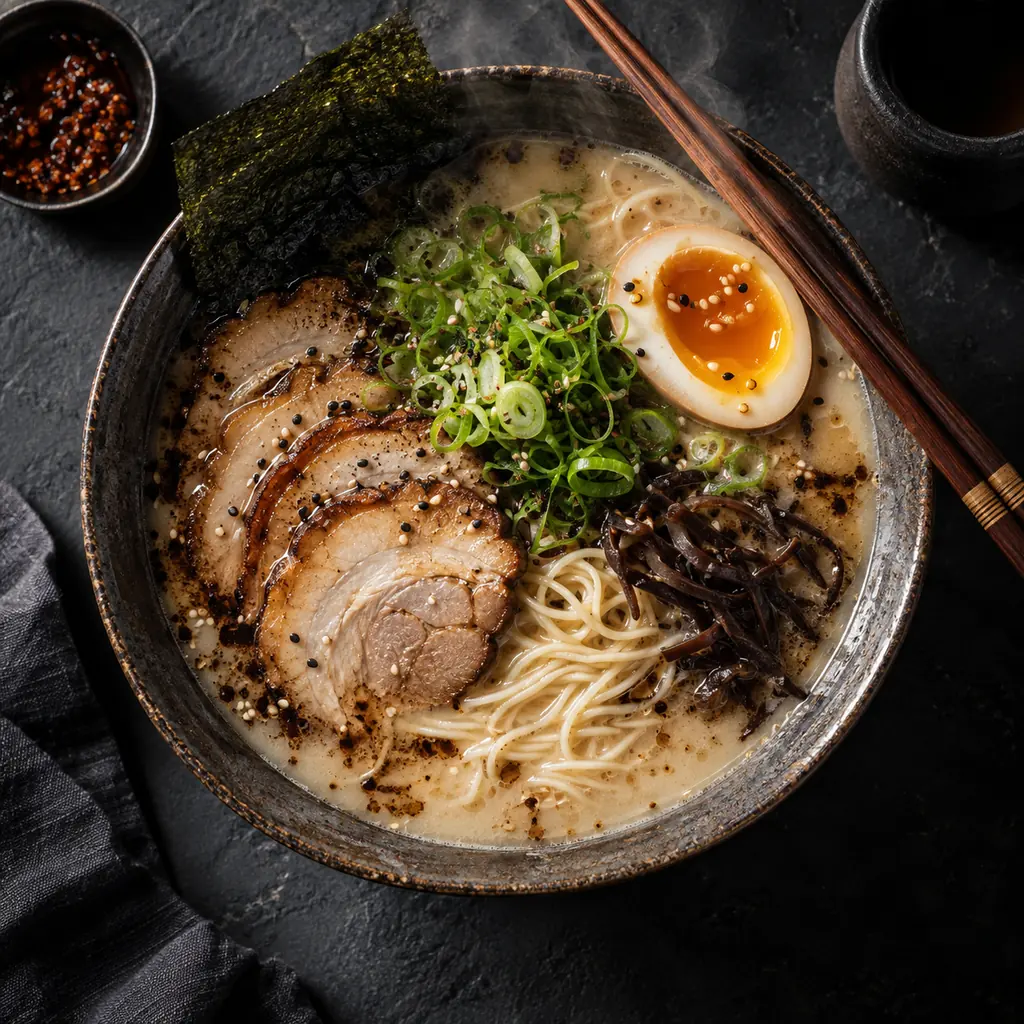
Steam, a jammy egg, and moody side light on dark slate.
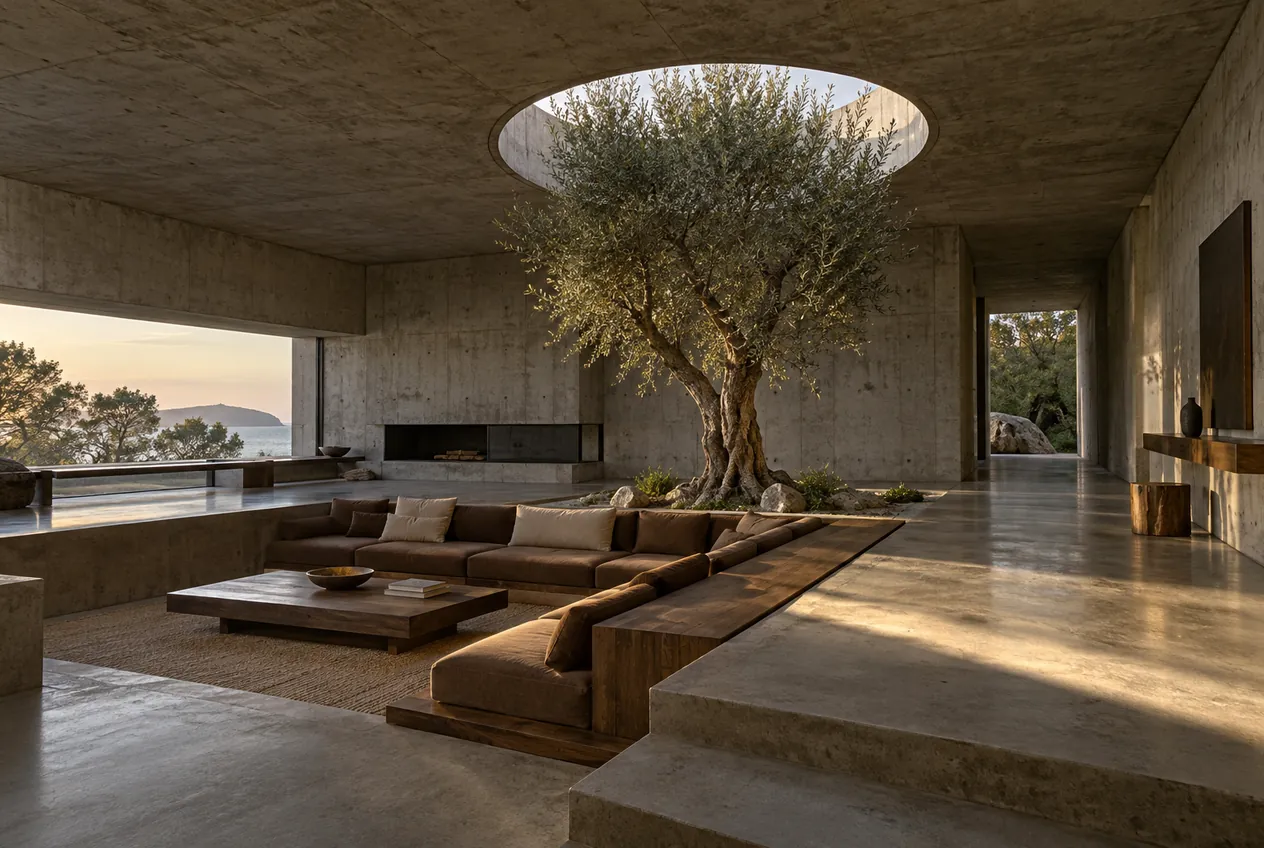
Concrete grain and a sharp sunbeam that hold up at 4K.
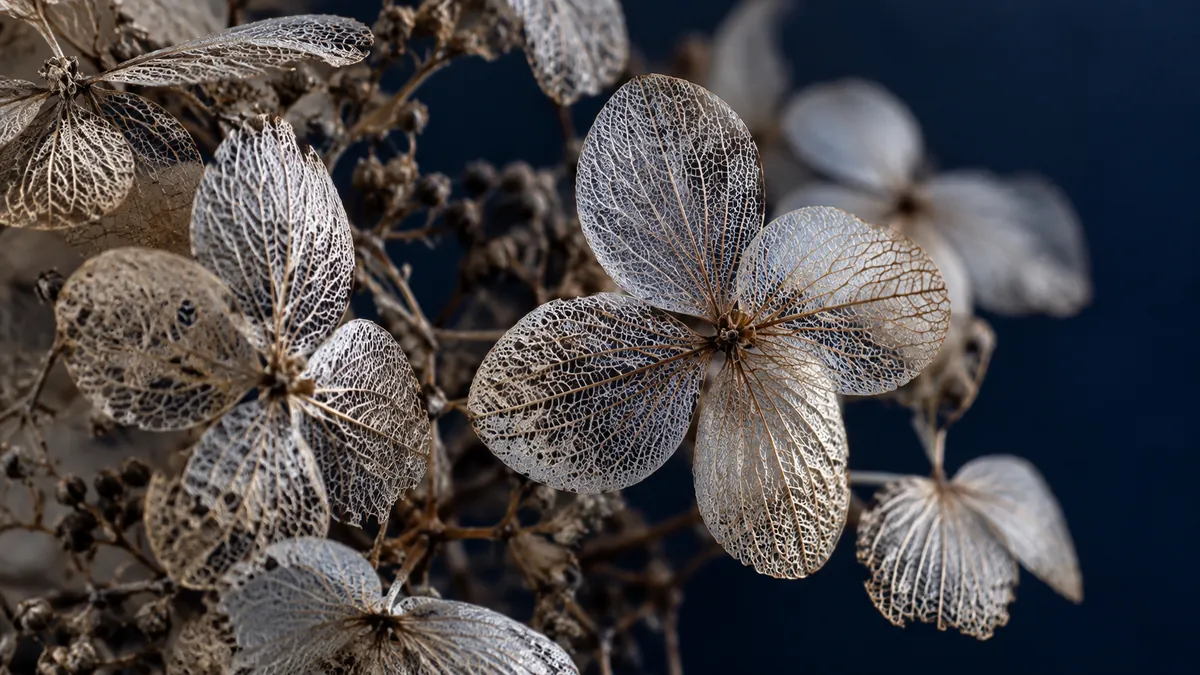
Lace-like petals and fine veins in a close-up still life.
Generate or edit an image in three steps.
Describe the subject, setting, light, and style, and put any words that must appear in quotes. Tap an idea chip if you want a starting point.
Switch to Edit / reference images to upload up to three photos to edit or keep consistent. Choose 1K, 2K, or 4K, an aspect ratio from 8:1 to 1:8, and PNG or JPG.
Review the result. To change one more detail, upload it again with a short instruction such as “make the tin matte black” and generate the next version.
Google improved text rendering and infographic layout in Nano Banana 2.1. Labels, menus, signs, and UI copy come out legible in Latin and non-Latin scripts, so packaging mockups and localized ads need less fixing.
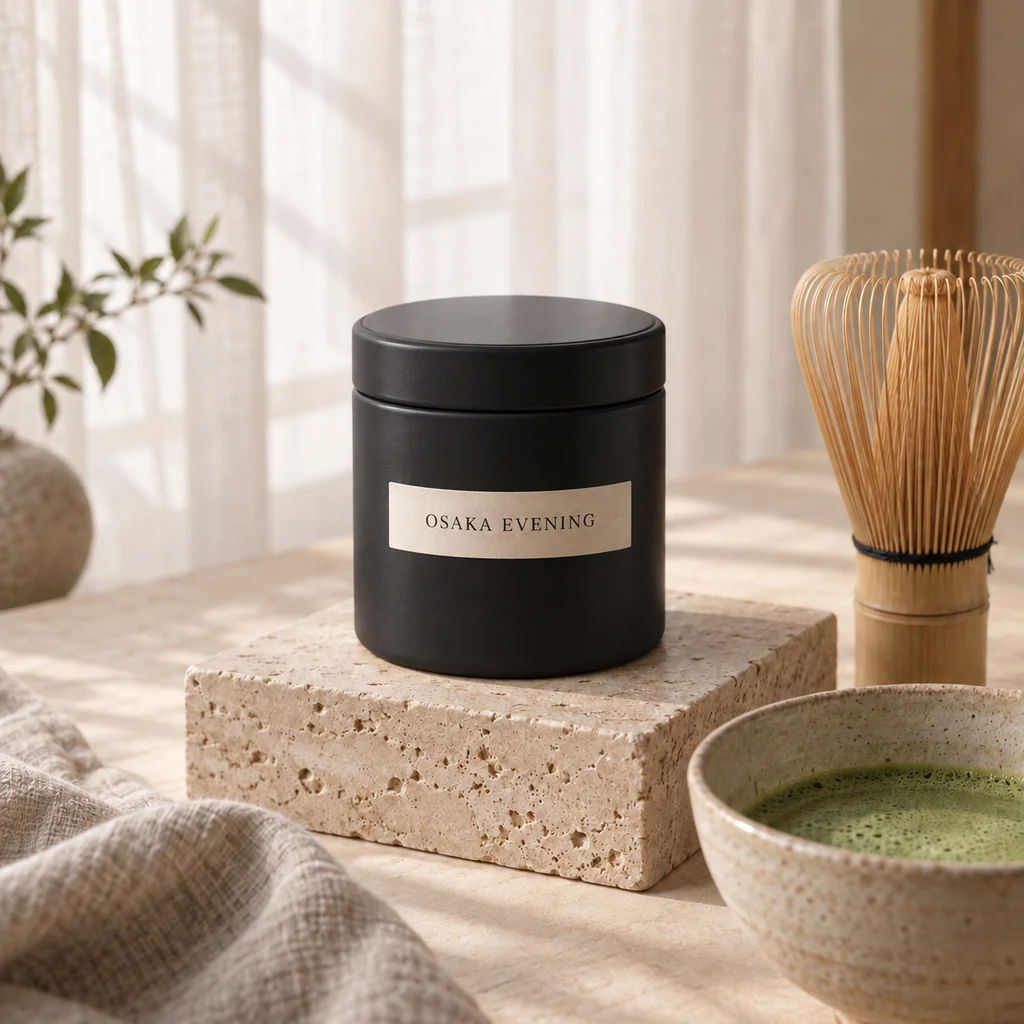
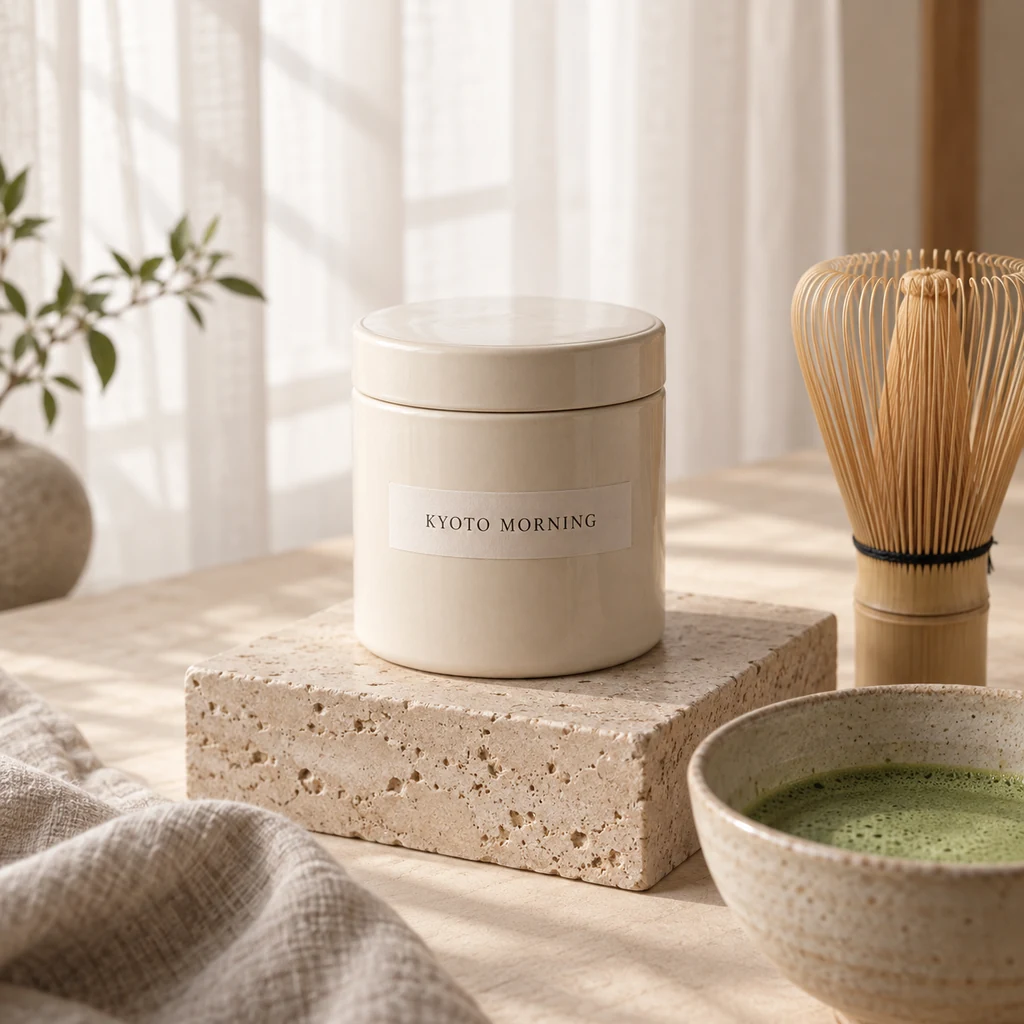
Upload a photo and say what to change. Here the label and the tin color changed while the plinth, whisk, bowl, light, and camera angle stayed put. In Google’s tests, 2.1 scored higher at editing than Nano Banana 2 and Nano Banana Pro.
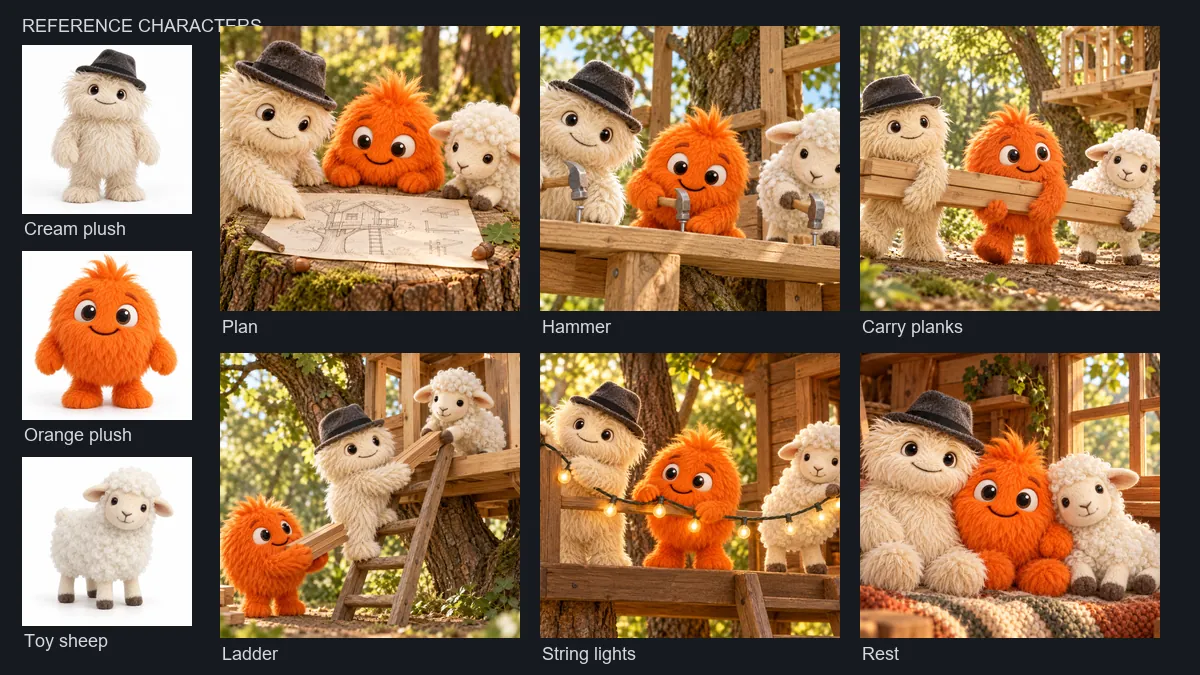
Upload your characters as references and place them in new scenes. Google says Nano Banana 2.1 keeps up to four characters and ten objects consistent, and multi-character consistency is where its tests show the largest gain over Nano Banana 2.
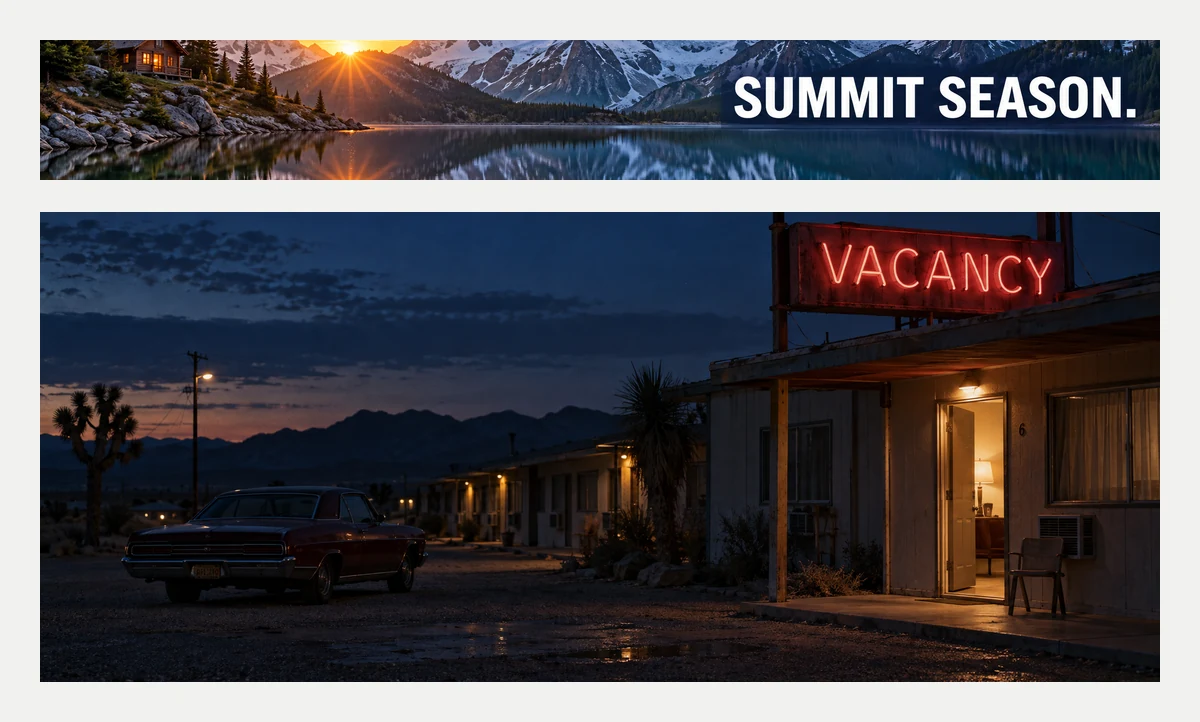
Pick from 15 ratio options, from 21:9 film stills to 8:1 web banners and 1:8 vertical strips. Google fixed the tiling artifacts that could appear on 4:1, 1:4, 8:1, and 1:8 images at 2K and 4K.
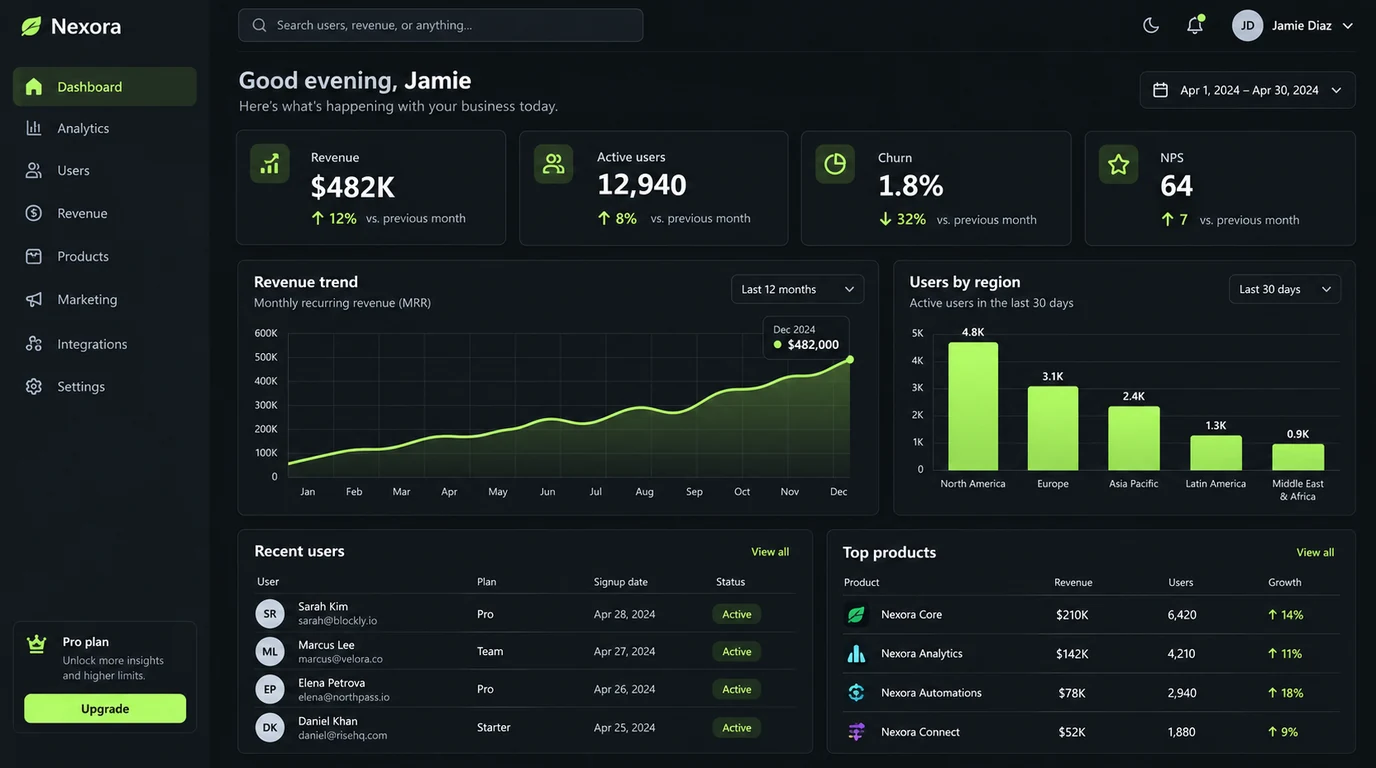
Labels, product renders, and studio shots for online stores and pitch decks.
Dashboards, charts, and explainer posters with labels you can read.
Menus, signs, and ads lettered in several languages from one prompt.
The same characters and props carried through every scene.
Small habits that get better results from each generation.
Put text that must appear in quotes and say where it goes, for example a label that reads "KENYA NYERI" in small capitals.
Google notes that small text can look blurry at 1K. Fine print, dense charts, and wide banners hold up better at 2K or 4K.
When editing, name one change and add “keep everything else identical” so the rest of the photo is preserved.
Google mentions occasional left and right mix-ups. Describe positions plainly, such as “the logo in the top-left corner”, and check them in the result.
Common questions about Google’s newest Nano Banana model.
Nano Banana 2.1 is Google’s latest image generation and editing model, released on October 6, 2026. It updates Nano Banana 2 (Gemini 3.1 Flash Image) with better visual quality, closer prompt following, stronger character consistency, and sharper text, while keeping Flash-level speed and cost. It outputs 1K, 2K, or 4K images in 15 aspect ratio options and can work from reference images.
Both offer 1K, 2K, and 4K output and the same aspect ratios. Nano Banana 2.1 adds better image quality, closer prompt following, sharper text and infographic layouts, and stronger character consistency, and Google fixed tiling artifacts on 4:1, 1:4, 8:1, and 1:8 images at 2K and 4K. Google now lists Nano Banana 2.1 as the recommended replacement for Nano Banana 2, and on EzImgMaker it costs fewer credits per image.
For most work, start with Nano Banana 2.1. Google describes it as the more efficient counterpart to Nano Banana Pro, and in Google’s October 2026 human preference tests it scored above Pro for overall quality, infographics, and editing. Nano Banana Pro is still available if your project is built around its look; it accepts up to 8 references and offers 10 aspect ratios plus Auto.
You can choose 1K (the default), 2K, or 4K, and Auto plus 14 aspect ratios: 1:1, 2:3, 3:2, 3:4, 4:3, 4:5, 5:4, 9:16, 16:9, 21:9, 4:1, 1:4, 8:1, and 1:8. Output can be PNG or JPG. Auto lets the model choose the shape, which suits edits of an existing photo.
Yes. Switch to Edit / reference images, upload the photo you want to change (plus up to two more references), and describe the edit, for example “change the label to read "OSAKA EVENING" and keep everything else identical”. The same mode can combine several characters or products into one new scene.
Lead with the subject, then the setting, light, camera, and style. Put exact text in quotes and name the language for non-English text. For edits, state the single change and what must stay the same. Choose 2K or 4K when the image contains small text.
Google gives limited access in its own apps. On EzImgMaker, new users get free credits to try Nano Banana 2.1, and after that each image uses credits from a credit pack. Higher resolutions cost more, and the price is shown before you generate.
Google offers the model in the Gemini API under the ID gemini-nano-banana-2.1, and in the Gemini app, Google AI Studio, AI Mode in Search, Google Ads, Flow, and Stitch. Some providers write the ID as nano-banana-2-1, and people also search for NanoBanana 2.1, Nano Banana 2.1 AI, or Gemini Nano Banana 2.1. All of these mean the same model, which you can use on this page without writing code.
No. EzImgMaker is an independent service that gives you access to the Nano Banana 2.1 model. It is not affiliated with or endorsed by Google or Google DeepMind.
Only upload images you own or have permission to use. Do not use Nano Banana 2.1 to impersonate real people, create deceptive images, or copy other people’s artwork or brands.
Describe an image or upload one to edit, pick a size and shape, and generate with Google’s newest Nano Banana.
Nano Banana, Nano Banana 2.1, Gemini, and Google are trademarks of Google LLC. EzImgMaker is an independent service and is not affiliated with, endorsed by, or sponsored by Google or Google DeepMind. Model names are used only to describe compatibility.