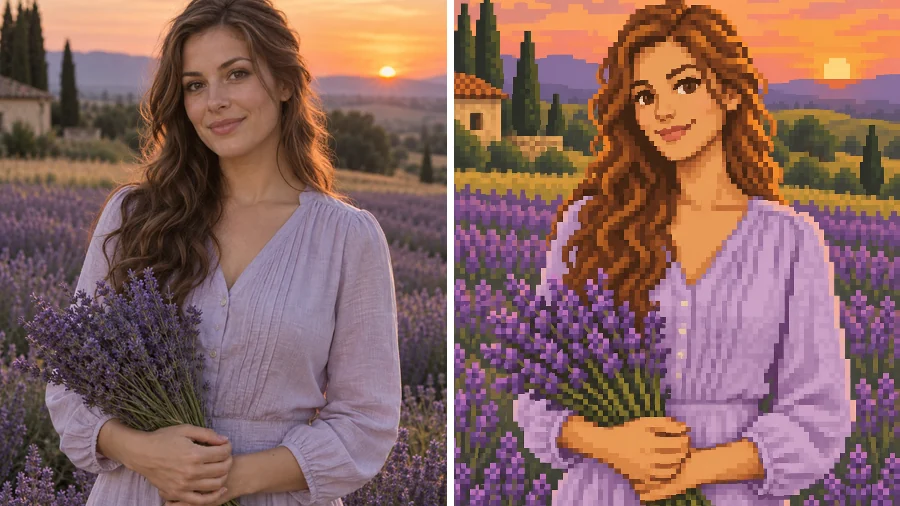
Golden-Hour Portrait
A lavender-field photo becomes a half-body pixel portrait under a glowing sunset sky.
Upload a selfie or portrait and this Stardew Valley portrait maker redraws you as a warm farming-game pixel character, keeping your hair, glasses, outfit, and smile, with a cozy scene behind you.
Character Type: Portrait Close-Up · Scene: Keep My Scene
Your photo stays in this browser during this UI preview.
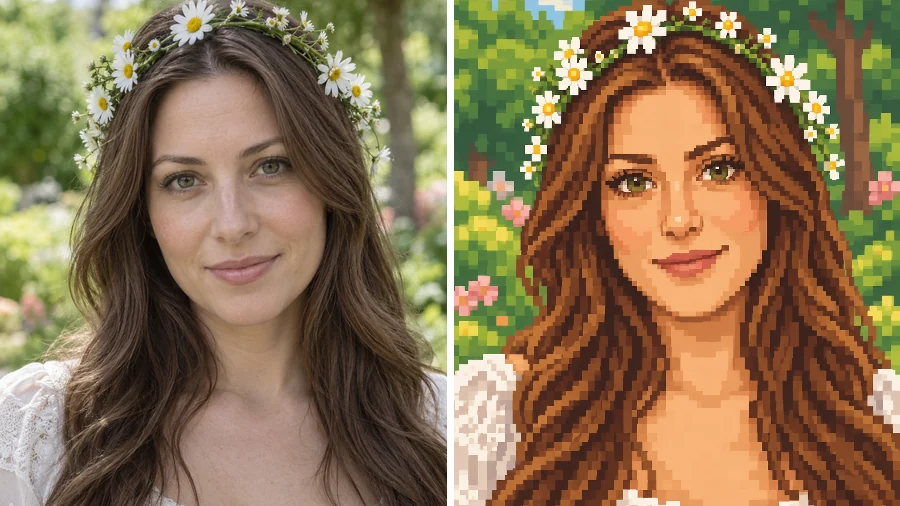
Reference example. It is not a result generated from your upload.
A Stardew Valley character creator turns your photo into the cozy pixel-art look of the much-loved farming game: chunky 16-bit pixels, warm earthy colors, soft dark outlines, rosy cheeks, and a friendly expression. This Stardew Valley pixel portrait maker keeps the things that make you recognizable, such as your hairstyle, hair color, glasses, freckles, and favorite clothes, and rebuilds them pixel by pixel.
Use it as a Stardew character creator or Stardew character maker for your own avatar, a Stardew Valley OC maker for original characters, or a quick way to put friends into a farm, forest, or village scene. EzImgMaker is an independent tool and is not affiliated with the game or its creator.
Each photo keeps its pose, outfit, and props while the whole picture turns into warm 16-bit pixel art.
A lavender-field photo becomes a half-body pixel portrait under a glowing sunset sky.
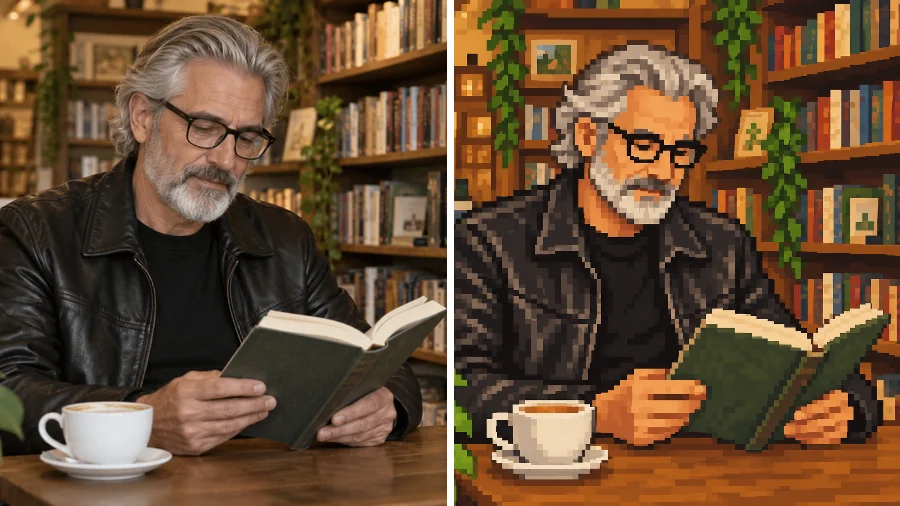
Glasses, a gray beard, a leather jacket, and a croissant all survive the trip into pixels.
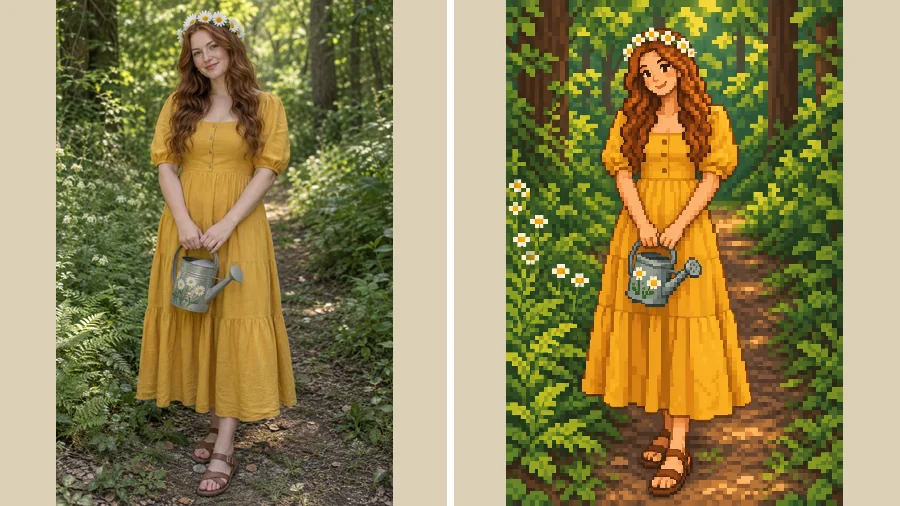
A sunflower crown and a yellow sundress turn into a sprite-like full-body character.
Three steps from photo to pixel character, with no sprite editor and no drawing.
Pick a well-lit selfie or portrait of one person with the face clearly visible. JPG, PNG, and WebP files up to 10 MB are supported.
Go with Portrait Close-Up for a chat-style bust, Full-Body Character for a sprite-like figure, or Farmer Outfit, then pick a farm, forest, village, or cozy indoor scene. Add a hat, scarf, or tool in the optional box.
Generate up to four versions, compare them, and download your favorite pixel character for profiles, streams, and fan art.
Eye color, freckles, hair texture, and glasses carry over into the pixel grid, so the portrait reads as you rather than a random farmer. Portrait Close-Up frames your face like the character portraits that pop up in cozy farming games.
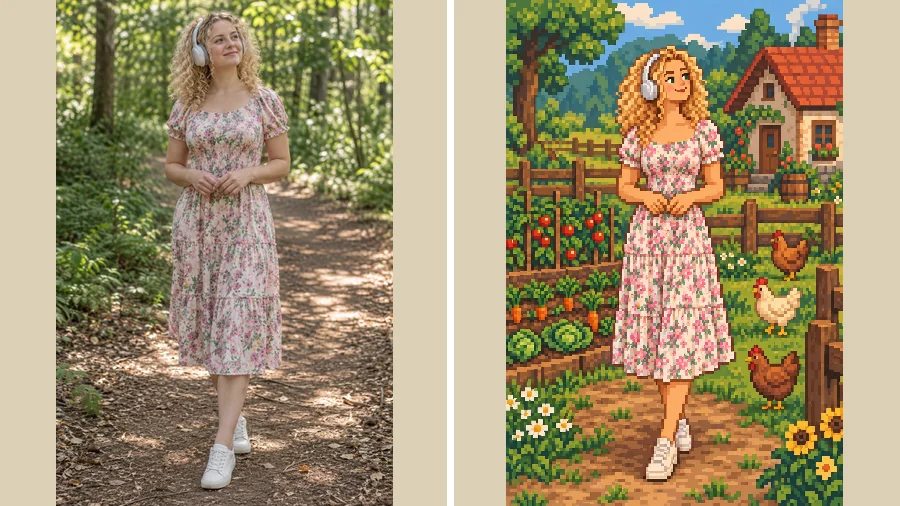
Keep your own background or move to a farm with fresh crops, a forest path, sunset fields, a village pond, or a cozy indoor corner. Every scene is redrawn in the same soft Stardew Valley pixel palette as your character.
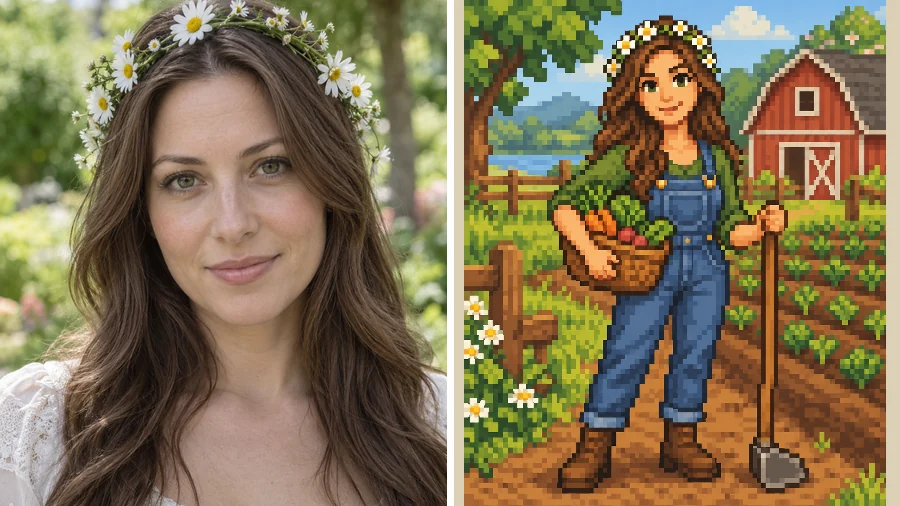
Turn a plain headshot into a full farmer in overalls with a basket of vegetables, or describe your own outfit, tools, and accessories. It is an easy way to design an original character for fan stories, role-play, and character sheets.
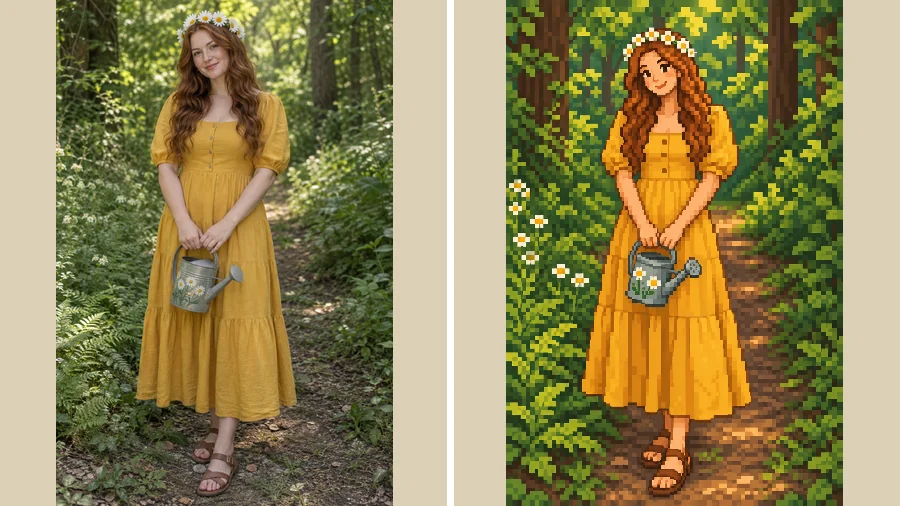
Need more than a face? Full-Body Character draws you head to toe in a sprite-like pose, the closest thing to a Stardew Valley sprite maker that starts from your own photo.
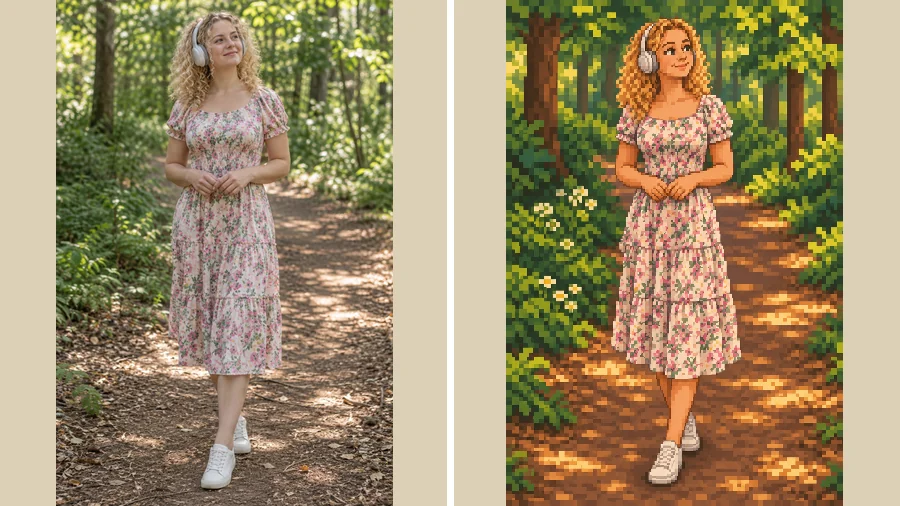
Treat it as a Stardew Valley avatar maker for Discord, gaming profiles, and forums, with a portrait that matches your cozy-game vibe.
Give every member of your co-op farm a matching pixel portrait for stream overlays, panels, and schedule posts.
Build an OC for fan fiction, role-play groups, or a cozy-game art challenge.
Print a pixel portrait of a partner or friend as a card, a sticker, or a small framed piece for their desk.
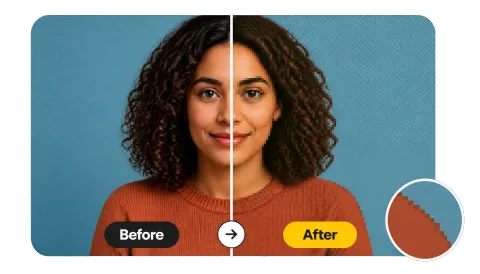
Pixel art has fewer details to work with, so a clear photo matters.
Single-person photos with the face front-on or slightly angled give the cleanest pixel portrait.
Even light keeps skin tone and hair color true to life once they are reduced to a small pixel palette.
Strong outfit colors and simple patterns survive pixelation better than fine prints.
Glasses, headphones, a flower crown, or a hat make the character instantly yours.
Common ways players and artists use their pixel portraits.
Illustrative examples adapted from reference material, not verified reviews of EzImgMaker.
I used a photo from a lavender field and the portrait kept my wavy hair and the purple flowers. It looks like it belongs in my favorite cozy game.
Our co-op group made matching portraits for our Discord server. Seeing my glasses and gray beard in pixel form made everyone laugh.
I needed an OC for a fan story, and Farmer Outfit gave me overalls, a basket, and a barn from a plain headshot.
My headphones came through perfectly, which is the one detail every other avatar maker I tried got wrong.
What people ask before turning a photo into a pixel character.
It is a tool for making a character in the cozy 16-bit pixel style of the farming game. This online version starts from your photo and turns it into a pixel portrait or full-body character that still looks like you.
Upload a clear photo, choose a Character Type such as Portrait Close-Up, pick a Scene, and generate. The AI reduces your features to a small warm palette, adds soft outlines, and redraws the background in matching pixel art.
Yes. Use Farmer Outfit or the optional details box to add clothes, tools, pets, or accessories. As a Stardew Valley OC maker, it is handy for fan art, role-play, and character sheets.
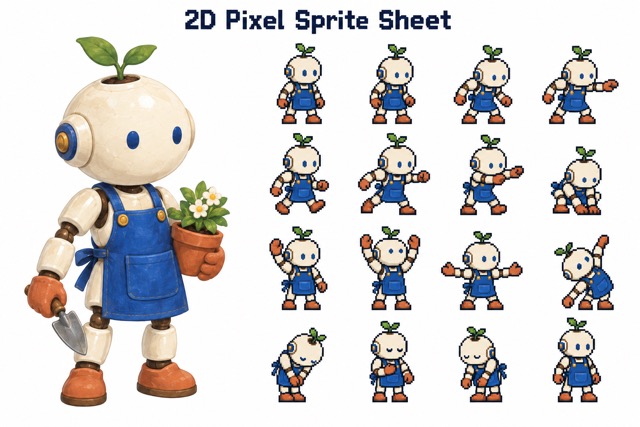
It makes sprite-style art rather than game-ready sprite sheets. Full-Body Character gives you a head-to-toe pixel figure, but it is a single image, not an animated sprite you can load into the game.
Yes. Pick Avatar Icon or Portrait Close-Up for a square, face-focused result that crops cleanly into a round profile picture.
That is the goal. Hair color, hairstyle, eye color, glasses, and signature accessories carry over while the art style changes. Clear, well-lit photos of one person give the most recognizable results.
Single-person photos work best because pixel art has limited detail. For a group, generate each friend separately with the same scene so the portraits match.
No. This Stardew Valley maker runs online in your browser on phone or desktop, so there is nothing to install.
No. EzImgMaker is an independent AI art tool and is not affiliated with, endorsed by, or sponsored by ConcernedApe or Stardew Valley. The name is only used to describe the pixel art style, and we don't use the game's logo, characters, or screenshots.
Only upload photos you own or have permission to edit, and ask a parent or guardian before editing a minor's photo. Keep results to personal use and fan art, and avoid suggesting any connection to the game.
Upload a photo and turn it into a cozy Stardew Valley-style pixel portrait that still looks like you.
Stardew Valley-style results are fan-inspired creative edits. EzImgMaker is not affiliated with, endorsed by, or sponsored by ConcernedApe or Stardew Valley. Stardew Valley is a trademark of its respective owner.