Neon Chase From Three References
One image for the city and one for each character keeps faces and outfits locked through a 30-second chase.
Alibaba’s newest Wan model turns a prompt, a first and last frame, or a stack of reference images, clips, and audio into one video of up to 30 seconds, in up to 1080p, with dialogue, music, and sound effects generated alongside the picture.
Generate a 30-second, 16:9 urban chase short in a stylish motion-graphics illustration style: flat graphic shapes, refined 2.5D layering, restrained 3D volume, not live action. Image1 is the reference for the neon city, roads, and overall texture; Image2 is the only reference for the man; Image3 is the only reference for the woman. Keep both faces, hairstyles, outfits, and colors consistent. Both are martial artists fighting over one glowing ball with a white core and a purple-pink-blue halo. 0–4 s: the camera dives from the neon skyline to street level as the woman sprints into frame clutching the ball. 4–8 s: the man cuts in from a side street to intercept her; she redirects his grab and slips past. 8–24 s: the chase runs through crowds and alleys, then both grab bicycles and race through night traffic, with handheld tracking, whip pans, snap zooms, and low angles. 24–30 s: she cuts between a braking car and a bus, escapes, and glances back with a proud smile as the camera rises over the city. Only one glowing ball, always the same size.
Reference example. It is not a result generated from your upload.
Wan 3.0 (also written Wan3.0 or Wan 3) is the latest video generation model from Alibaba’s Wan team. It opened as a public beta on August 6, 2026 and launched widely on August 24, 2026 through Alibaba Cloud Model Studio. Alibaba calls it an all-in-one model: the same model handles text to video, image to video with a first and last frame, and reference to video, and it creates clips of up to 30 seconds with a native audio track, about twice as long as earlier Wan models.
Alibaba Wan 3.0 comes in two tiers, and both are in the workspace above: Wan 3.0, the standard model, and Wan 3.0 Prime, a faster version with the same inputs and settings at a higher cost. Where Wan 2.2 is built for quick 5-second clips, Wan 3.0 is built for longer, reference-heavy scenes in which a character, a product, or a location has to look the same from the first second to the last.
What you can set when you generate with each Wan 3.0 tier on EzImgMaker.
| Wan 3.0 | Wan 3.0 Prime | |
|---|---|---|
| Best for | Most videos, at the lower cost | Faster results when you are short on time |
| Text to video | Yes | Yes |
| Image to video | First frame, or first + last frame | First frame, or first + last frame |
| Reference to video | Up to 10 images, 5 videos, and 5 audio clips | Up to 10 images, 5 videos, and 5 audio clips |
| Video length | 2–30 s | 2–30 s |
| Resolution | 480P, 720P, 1080P | 480P, 720P, 1080P |
| Aspect ratio | Auto, 16:9, 9:16, 1:1, 4:3, 3:4 | Auto, 16:9, 9:16, 1:1, 4:3, 3:4 |
| Native audio | Yes (on or off) | Yes (on or off) |
| Prompt | Up to 20,000 characters, English or Chinese | Up to 20,000 characters, English or Chinese |
First/last frames and reference files are separate modes and cannot be mixed in one generation. Reference videos run 1–15 s each and 15 s in total, and the reference clip length plus the output length must stay within 30 seconds. Reference audio works best paired with an image or a video. This workspace takes up to 3 reference images, 1 video, and 1 audio clip per generation.
Which Wan model to pick on EzImgMaker.
| Wan 3.0 | Wan 2.2 (A14B Turbo) | |
|---|---|---|
| Best for | Longer scenes with sound and consistent characters | Quick, low-cost 5-second drafts and talking portraits |
| Video length | 2–30 s, you choose | About 5 s, fixed |
| Resolution | 480P, 720P, 1080P | 480p or 720p |
| Aspect ratio | Auto plus five ratios | 16:9 or 9:16 |
| Native audio | Yes | No (speech-to-video lip-syncs to audio you upload) |
| Image input | First frame, or first + last frame | One starting image |
| References | Images, videos, and audio | No |
| Open weights | No | Yes (Apache 2.0) |
Wan 2.2 has its own page with text-to-video, image-to-video, and speech-to-video modes.
Placeholder clips with the prompts behind them, trimmed to 8 seconds. Copy one and swap in your own subject.
One image for the city and one for each character keeps faces and outfits locked through a 30-second chase.
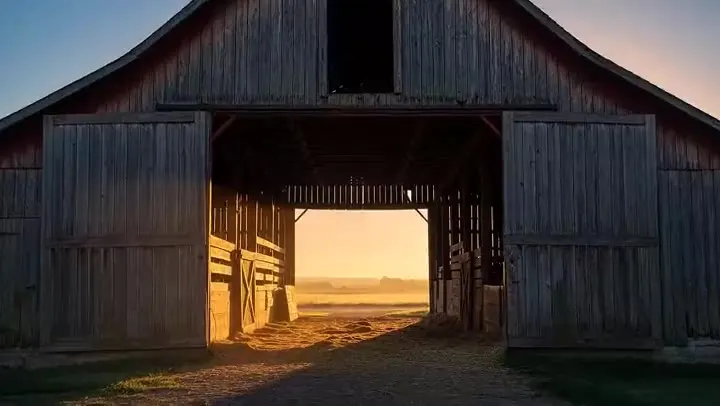
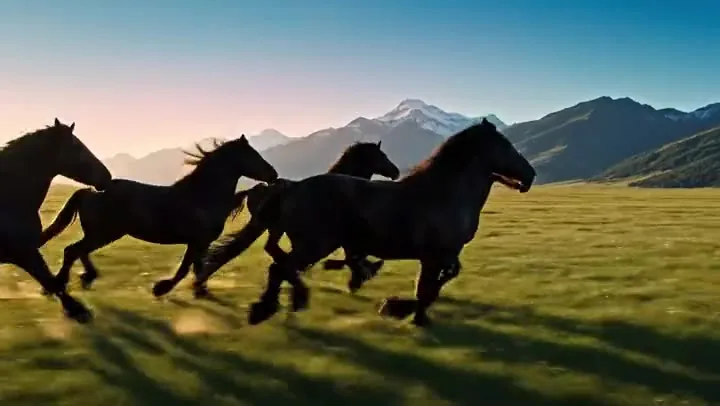
A time-coded prompt gives the joke a setup, a payoff, and an ending, with wind, hooves, and silence as the soundtrack.
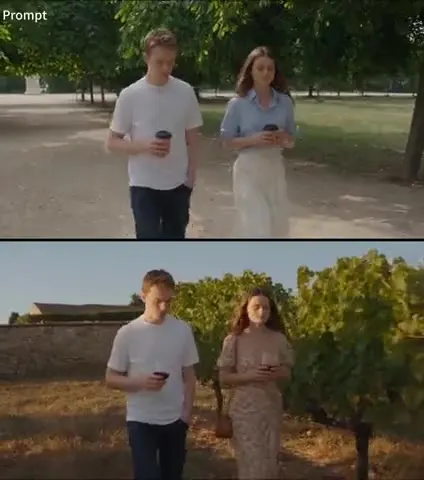
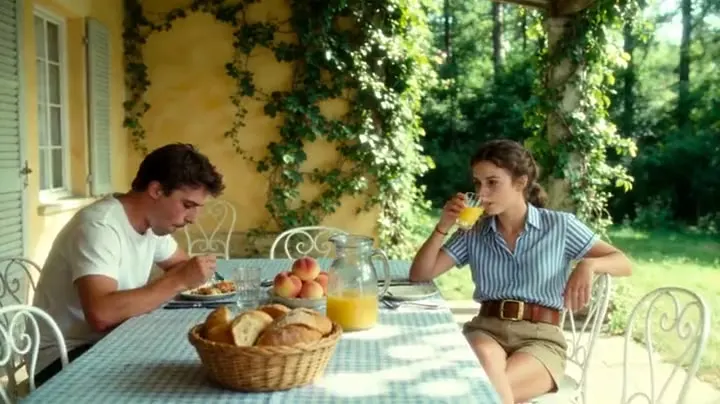
Five reference images appear in upload order, linked by the same card-flip transition.
A single character sheet turns into a 25-second 2D animation with jazz drums and a twist ending.
Rain, fire, robots, and one fragile flower, with heavy atmosphere and sound design in one pass.
Studio macros, wet city roads, and a drift on the race track, all from one prompt.
Three steps in your browser. No local install or GPU needed.
Use Text to video for a scene from words, Image to video to start on a first frame (and optionally end on a last frame), or Reference to video to add images, a video, and audio you call Image1, Video1, and Audio1.
Select Wan 3.0 or the faster Wan 3.0 Prime, then 480P, 720P, or 1080P, a length from 2 to 30 seconds, an aspect ratio or Auto, and whether to generate audio.
Create the Wan 3.0 video, check motion, timing, and consistency, then download it or change one beat of the prompt and run it again.
Wan 3.0 creates anything from a 2-second loop to a 30-second scene in a single pass, so a story can have a setup, a turn, and a payoff without stitching clips together. Write time codes such as 0–8 s and 8–16 s to pace each beat, and draft in 480P before you render the keeper in 1080P.
Upload reference images for faces, outfits, products, or places, a reference video for motion and camera work, and reference audio for a voice or a song, then refer to them as Image1, Video1, and Audio1 in the prompt. Giving each file a clear role keeps characters and props consistent across the whole clip.
Start the video on an exact first frame, such as a product shot, a storyboard panel, or a photo you own, and add a last frame when you know where the shot has to land. Wan 3.0 fills in the motion between them, and Auto aspect ratio follows the shape of your image.
With audio on, Wan 3.0 generates speech, ambience, music, and sound effects together with the picture, so a line of dialogue or a drum hit lands on the right frame. Write who says what and in which language, or switch audio off for silent B-roll you will score later.
Alibaba reports Wan 3.0 being used for these kinds of projects since its public beta.
Longer scenes with recurring characters, dialogue, and planned camera moves.
Product films and social ads where the product and logo must stay identical in every shot.
Scenic flyovers, city walks, and destination teasers with ambient sound.
Performances and dance clips driven by a reference song or voice.
A simple formula: subject + setting + action in order + camera + style + sound + what must not change.
Split 15–30 second videos into beats like 0–8 s, 8–16 s, 16–30 s, and give each beat one main action.
Write "Image1 is her face and outfit, Video1 is the camera move only, Audio1 is the song" so files are not blended by accident.
Name the speaker and language for each line, then list ambience, music, and key sound effects.
End with constraints such as "keep the bottle shape, label, and color unchanged" or "only one glowing ball".
Common questions about Alibaba Wan 3.0.
Wan 3.0 is Alibaba’s newest AI video model. It creates 2 to 30 second videos with native audio, in up to 1080p, from a text prompt, from a first frame (optionally with a last frame), or from reference images, videos, and audio. It launched on August 24, 2026 after a public beta that started on August 6.
They take the same inputs and settings. Wan 3.0 Prime is the high-speed tier: it returns videos faster and costs more per second. Wan 3.0 is the standard tier and the better value when you are not in a hurry.
Yes. Text to video needs only a prompt. Image to video starts on a first frame you upload and can end on a last frame. A third mode, reference to video, uses up to 3 images, 1 video, and 1 audio clip here, which you mention in the prompt as Image1, Video1, and Audio1.
Any whole number of seconds from 2 to 30. With a reference video, the reference clip length plus the output length must stay within 30 seconds, so a 10-second reference allows up to 20 seconds of new video.
No. First and last frames and reference files are separate modes in Wan 3.0. If the opening shot must match an image exactly, use Image to video; if you need several characters, products, or a reference clip, use Reference to video and describe the opening in the prompt.
Use Wan 3.0 for clips longer than 5 seconds, 1080p output, native sound, first and last frames, or reference files. Use Wan 2.2 for fast, low-cost 5-second drafts in 480p or 720p, or for its speech-to-video mode that animates a portrait to your own audio.
Wan 3.0 is a paid model because each second of video takes real GPU time. On EzImgMaker, new users get free credits to try it; after that, each video uses credits based on the model, length, and resolution, and the cost is shown before you generate. Wan 3.0 is not open source, unlike Wan 2.2.
Alibaba offers file-to-video and link-to-video for Wan 3.0 on its own platform, but those inputs are not available on EzImgMaker. Paste the key points from your document into the prompt, or add a slide or product image as a reference, instead.
No. EzImgMaker is an independent service that provides access to Wan 3.0 and Wan 3.0 Prime through a third-party API provider. It is not affiliated with, endorsed by, or sponsored by Alibaba, Alibaba Cloud, or the Wan team.
Only images, videos, and audio you own or have permission to use. Do not upload other people’s likeness or voice without consent, and do not create misleading, infringing, or harmful videos of real people.
Write a 30-second story or upload your references, and let Wan 3.0 generate the picture and the sound together.
Wan, Alibaba, and Alibaba Cloud are trademarks of Alibaba Group Holding Limited or its affiliates. EzImgMaker is an independent service and is not affiliated with, endorsed by, or sponsored by Alibaba, Alibaba Cloud, or the Wan team. Model names are used only to describe compatibility.