Shake It
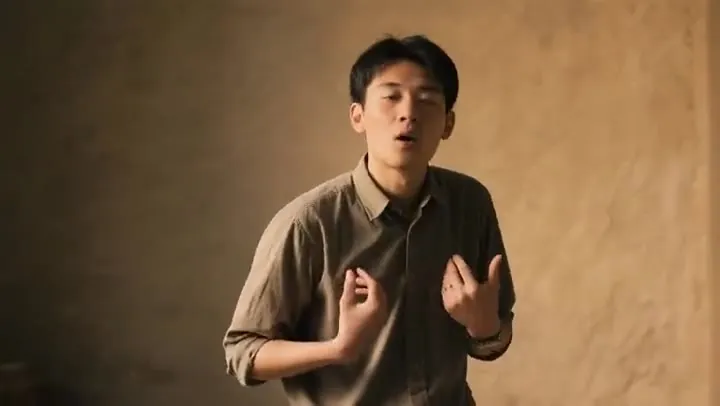
A playful shoulder-and-hip shake that works for almost any full-body photo.
Upload one full-body photo of yourself, a friend, a pet, or a character, choose a dance template, and AI turns the still picture into a smooth dance video with the same face, outfit, and style.
Your photo stays in this browser during this UI preview.
Reference example. It is not a result generated from your upload.
An AI dance video generator turns a still photo into a short dancing clip. You upload one picture, choose a dance, and the AI maps the moves onto the person, pet, or character in your photo frame by frame, keeping the face, hair, and clothes recognizable while the body moves. Picture to dance in one step: no filming, no dance lessons, no editing timeline.
Dance AI is behind many of the viral clips you see in short-video feeds: grandparents breaking out K-pop moves, a dog busting a belly dance, a cartoon mascot hitting a party routine. Using AI for dancing videos used to mean recording a reference dancer yourself. Here the motion comes from ready-made templates, so all you supply is the photo. Think of it as a dance dance maker for your camera roll.
Every template is a fixed dance routine: your photo decides who dances. Pick one and try it with your own picture.
A playful shoulder-and-hip shake that works for almost any full-body photo.
Robotic arm hits and footwork in a neon city, made for gaming avatars and cosplay.
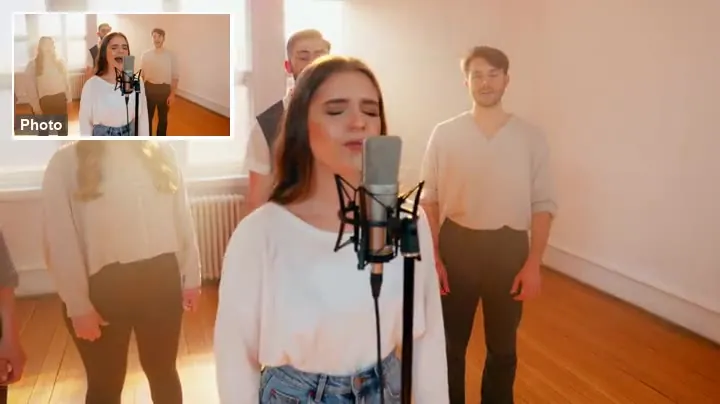
Big energetic moves on a club stage for birthdays, gym edits, and hype posts.
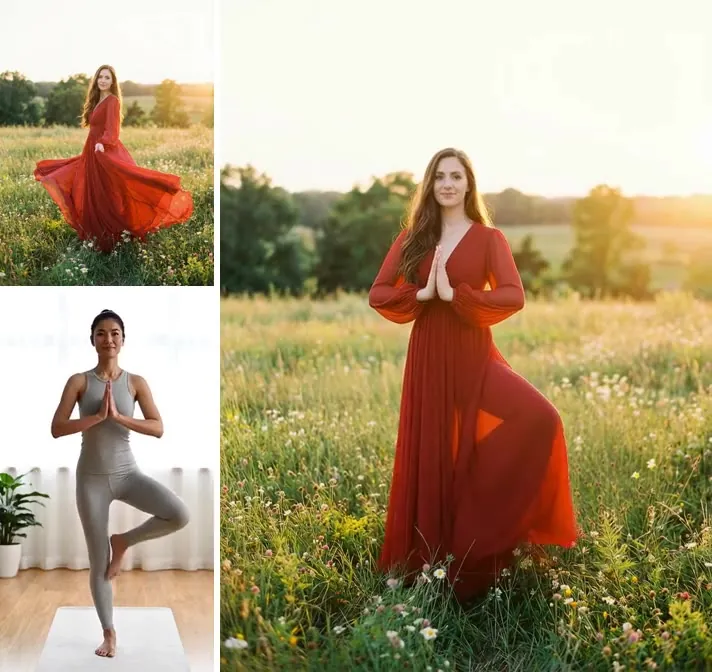
Slow, graceful arm work for elegant portraits and dreamy edits.
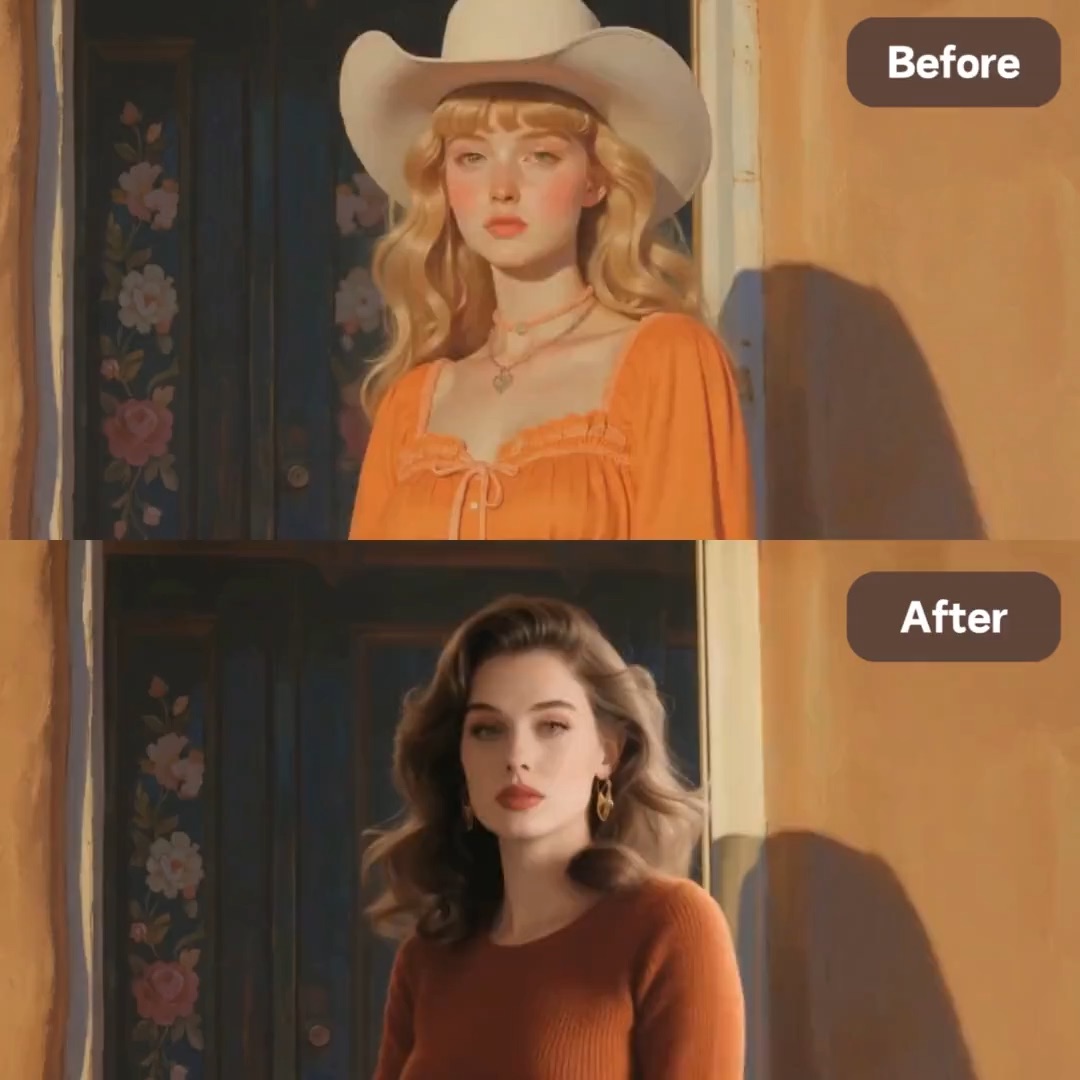
Cartoon pets and characters dance too: an easy win for stickers and fan art.
The classic funny pet clip: your animal stands up and starts a belly dance.
How to create AI dance videos from a single photo: the quickest way to make photo dance clips on phone or desktop.
Add a clear JPG, PNG, or WebP (up to 10 MB) of one person, pet, or character. Head to toe works best, because the AI dancer needs to see arms and legs to move them.
Choose a routine such as Shake It, Cyber Groove, Ballet Sway, or Pet Belly Dance. Want something else? Describe the moves in Custom.
Generate your AI dance video, watch the result, and download the clip for stories, reels, group chats, or birthday messages.
Make a picture dance without filming anything. The AI keeps the face, hairstyle, outfit, and background of your photo and adds natural body motion, so a selfie, a vacation shot, or an old portrait can make pic dance clips that still look like the original person.
Pets are some of the most shared AI dance videos. Upload a photo of your dog, cat, or any animal standing on all fours or sitting up, choose Pet Belly Dance or Cat Party, and turn your pet into the star of an AI dog dance clip.
You do not have to plan steps or learn a routine. Each template is a complete performance with timing and footwork already built in, from K-pop poses to party moves, so it feels like a dance choreography generator and a camera crew in one.
Many AI video generation tools for dance only shake the image. This AI dancing generator re-poses the whole body frame by frame, so arms swing, hips turn, and dresses move with the rhythm while the face stays stable from start to finish.
Ways people use dancing AI videos every day.
Join dance challenges with a photo instead of a filmed take, and post the AI dance videos as stories, reels, or shorts.
Send a friend a clip of themselves (with their permission) dancing for their birthday, a promotion, or New Year.
Make a cartoon mascot, an illustrated avatar, or a game character dance for a reaction clip your group chat will reuse.
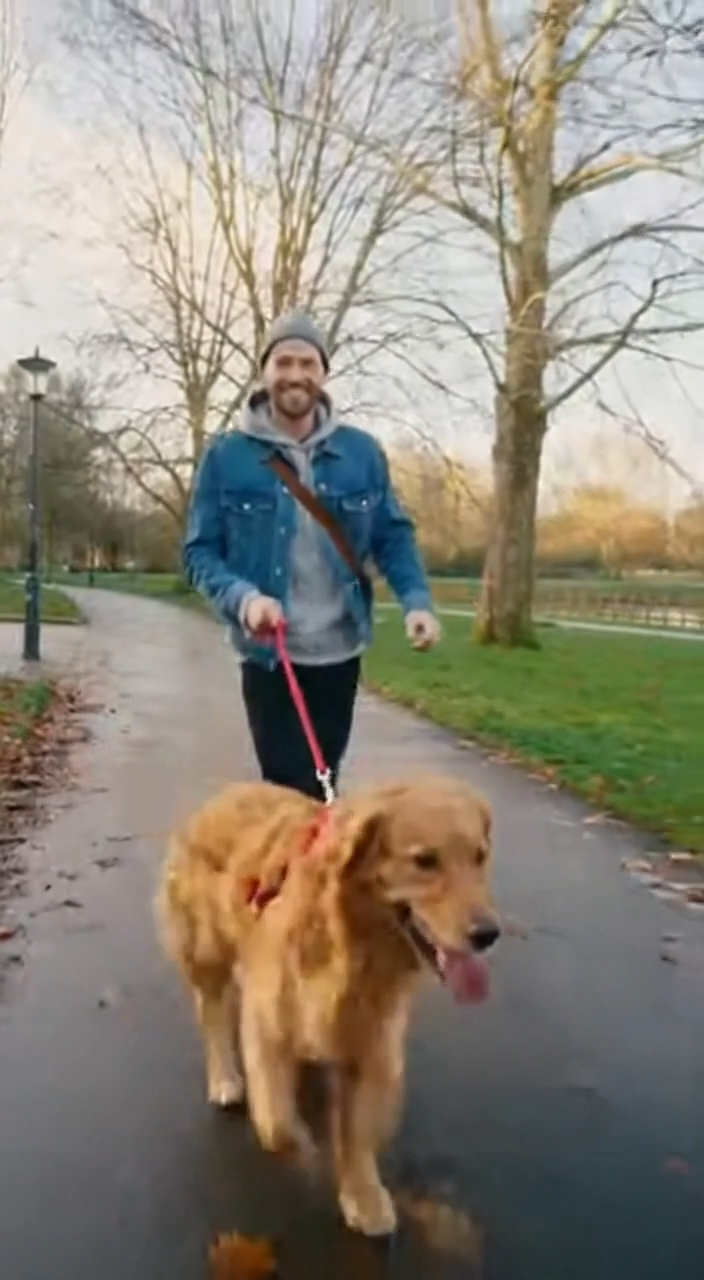
Give your dog or cat its own dance routine, a favorite for pet accounts and family albums.
For AI photo dancing, the photo you upload matters more than anything else.
Full-body photos from head to feet give the cleanest moves. Cropped legs or hidden hands make the AI guess.
A front-facing pose with a visible face keeps the features stable while the body turns.
One subject on a tidy background dances better than a crowded group shot.
Skirts and coats move with the dance. Fitted outfits give sharper footwork; flowy ones look softer.
Common ways creators use photo-to-dance clips.
Illustrative examples adapted from reference material, not verified reviews of EzImgMaker.
I made my grandpa dance from an old wedding photo for his 80th. The whole family watched it on repeat, and he loved it more than anyone.
Our dog account gets the most views when he dances. One photo and a pet template, and the clip was ready for the weekend post.
I use it for my game avatar. The cyber routine fits the character, and I did not have to animate anything myself.
Full-body photo, plain wall behind me, and the dance looked natural. The cropped selfie I tried first was much worse, so the tips matter.
Answers to common questions about AI dance videos.
Upload a full-body photo, choose a dance template (or describe your own moves in Custom), and generate. The AI dance video generator re-poses the subject frame by frame to follow the routine, then gives you a short video to download. That is all it takes to make a photo dance.
A sharp, well-lit photo of one subject standing from head to toe, facing the camera, with arms and legs visible. Avoid heavy filters, motion blur, and objects covering the body. Group photos and tight face crops give weaker AI dancing results.
Yes. AI dog dance and cat dance clips are some of the most popular uses. Pick Pet Belly Dance or Cat Party and upload a clear photo where your pet is fully visible. Cartoon animals and illustrated characters work too.
You do not need prompts for templates: the routine is already set. If you use Custom, describe the subject, the moves, and the mood, for example "a girl dancing a smooth K-pop routine on a rooftop at sunset, hair flowing, smiling at the camera". Keep prompts about the dance, not the body.
Right now you choose from built-in dance templates or describe moves in Custom. Uploading your own reference dance clip is on the roadmap.
New users get free credits to try it. Each dance video uses credits, so you can test a few templates before deciding which ones to keep making.
Only upload photos you own or have permission to use, and get the person's consent before making them dance. Do not use photos of minors, celebrities, or strangers, and never use a dance video to mock, deceive, or harass anyone.
Yes, for personal and fun posts. Many platforms ask you to label AI-generated content, so add an AI tag or caption, and do not present the clip as real footage of someone.
Yes, as long as the character has a clear full body. Original characters, mascots, and avatars you created are a great fit; avoid uploading artwork you do not have the rights to.
Upload a full-body picture, pick a dance, and turn it into an AI dance video worth sharing.
Dance templates are generic routines and are not affiliated with any artist, song, or platform. Upload only photos you have the right to use, with the consent of the people in them. AI dance videos are for entertainment; label them as AI-generated when you share them.