A Subtle Slimmer Look
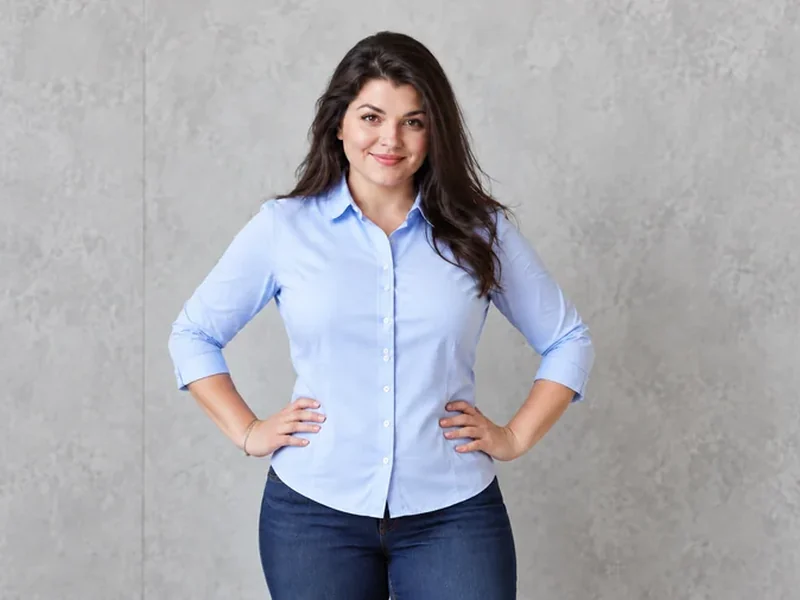
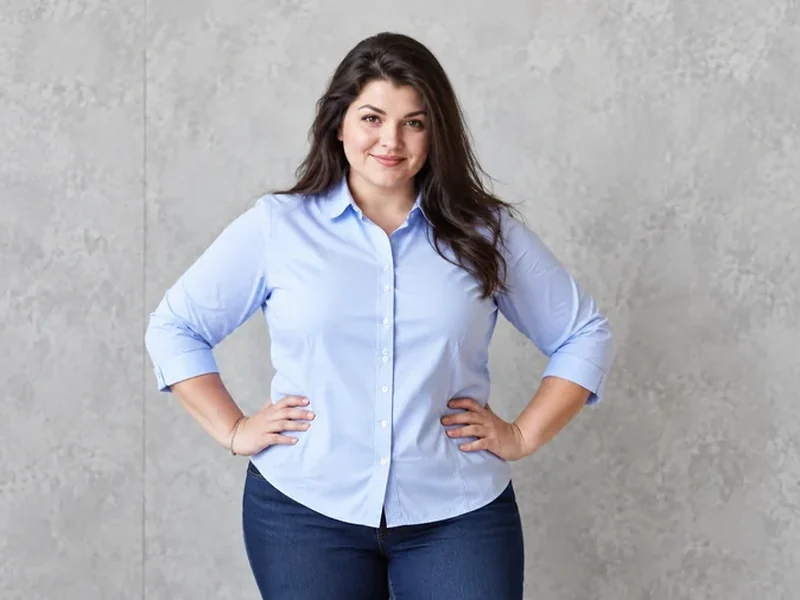
A natural, healthy change through the waist and arms, with the shirt refitted and the wall behind kept straight.
Upload a full-body photo, tap a quick edit or describe your own, and the AI body editor adds muscle definition, slims or fills out your build, adds height, straightens posture or changes your outfit. Your face, skin tone and background stay the same, and every edit stays natural.
Popular body edits
Fine-tune
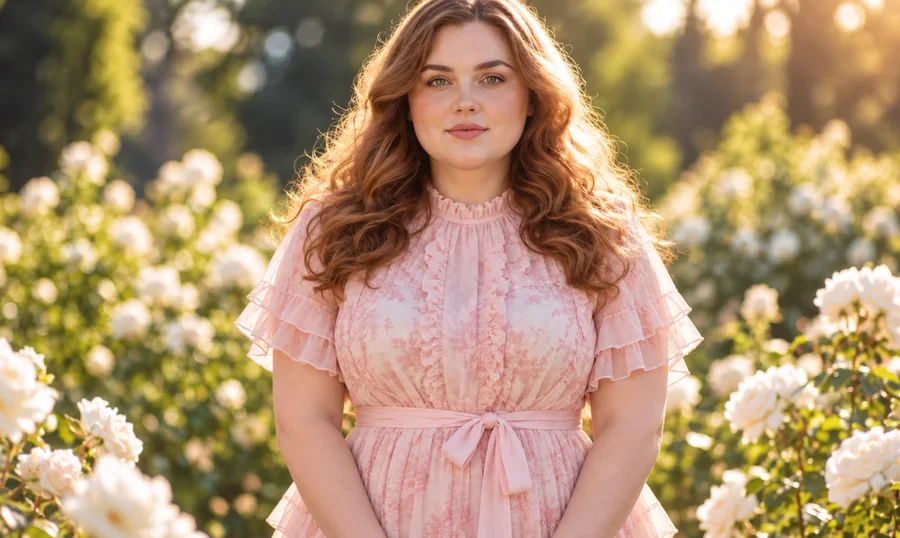
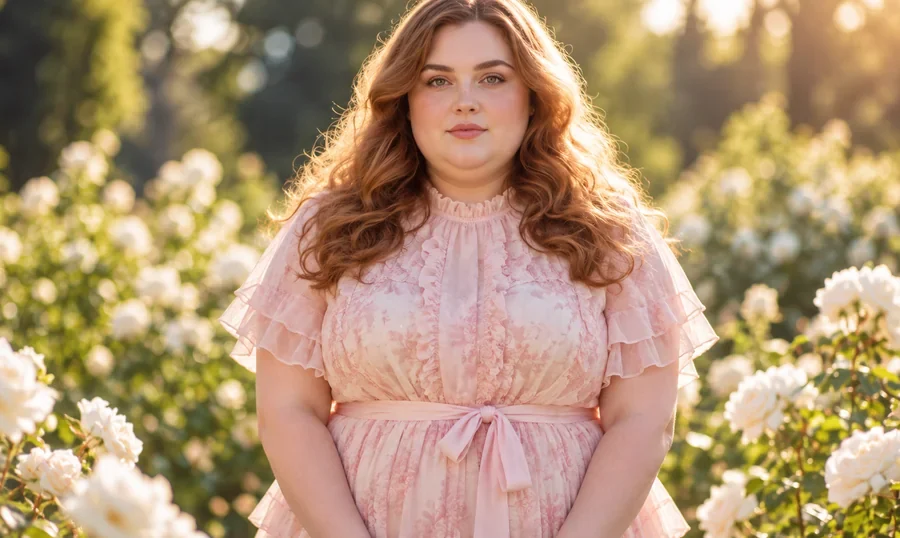
Reference example. It is not a result generated from your upload.
An AI body editor is a photo body editor that changes body shape, pose details or clothing from a plain-language instruction. Classic body editing means liquify brushes and sliders that bend the background along with you. Here you write the body edit you want, such as “add some muscle to my arms” or “make my legs look longer”, and the body editor AI redraws only that part, refits the clothes and keeps walls, door frames and horizons straight.
Use it as a body editor online for fitness goal previews, beach and vacation photos, outfit planning or creative projects. It works as an AI body changer (or body changer AI) for build and muscle tone, and as a body changer for height, posture, outfits and tattoos, and it pairs with the face editor when you want a face body editor workflow in one place. Every result is a natural-looking AI preview, never a promise of how a real body will change.
Same person, same photo, one change. Drag each slider, then load a similar edit into the body editor.
A natural, healthy change through the waist and arms, with the shirt refitted and the wall behind kept straight.
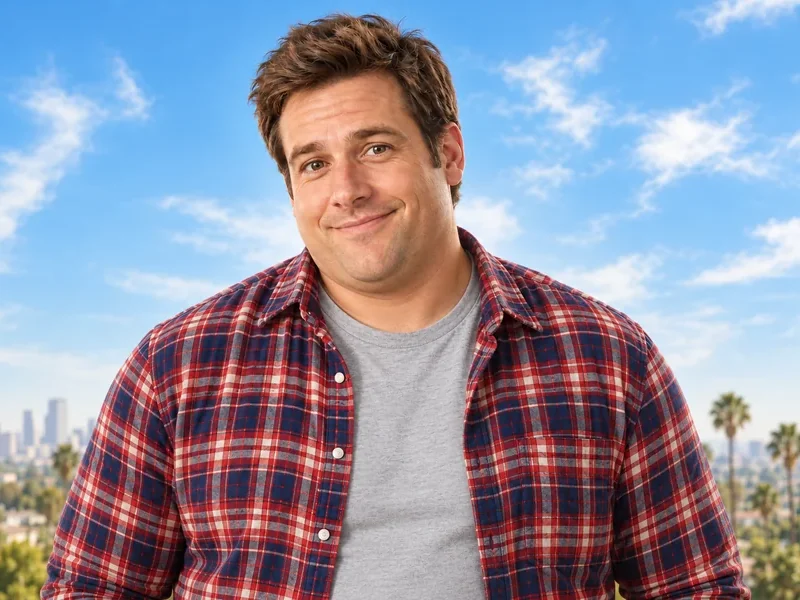

Preview a fuller face and frame for a character, a costume or simply to see the difference, with the same face.
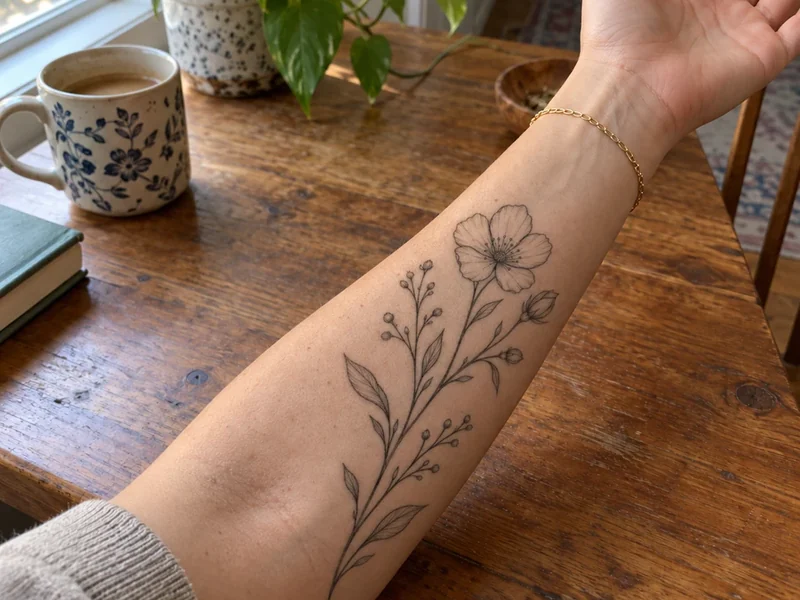
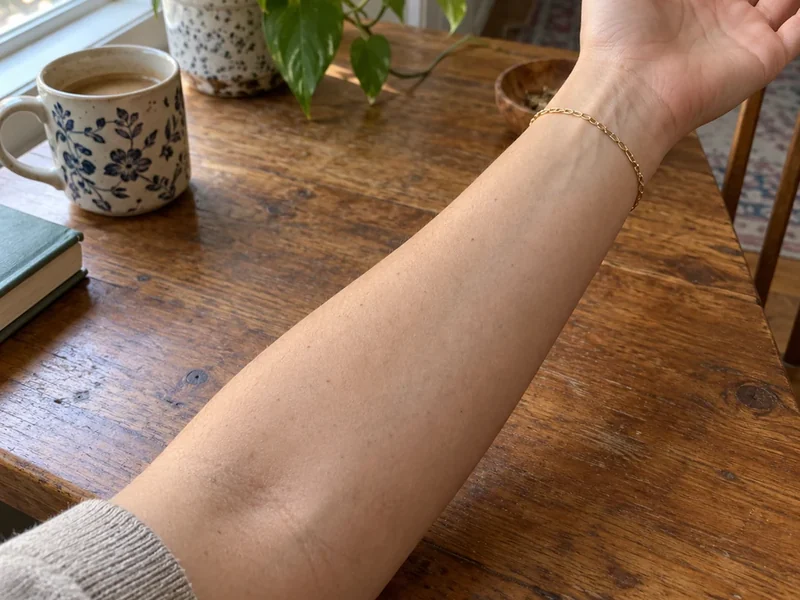
Place a design on the forearm, wrist or shoulder; the ink follows the skin, curve and light like the real thing.
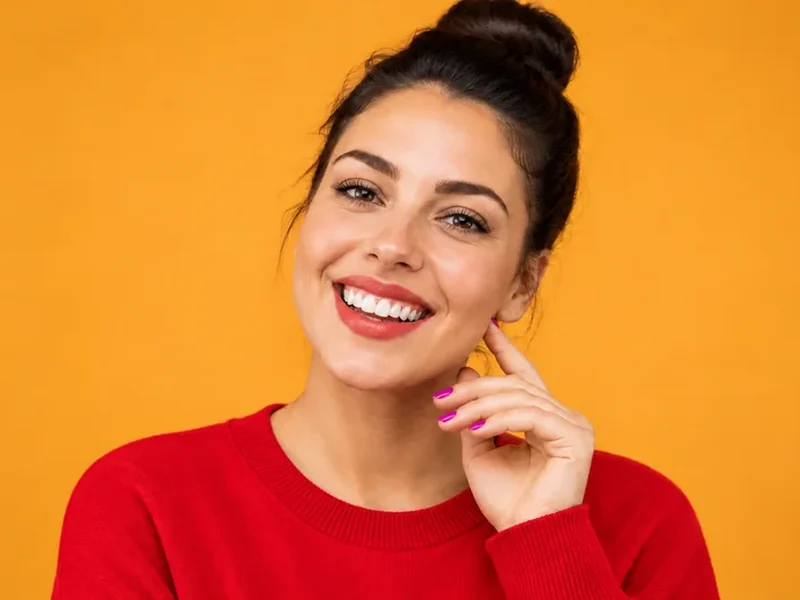
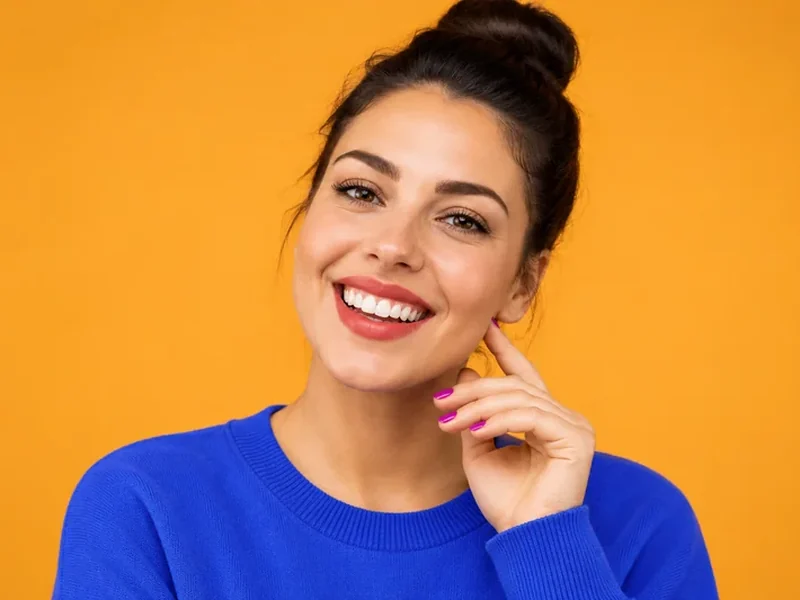
Change a color, a jacket or the whole outfit while your pose, hair and smile stay exactly as they were.
Edit body in photo files online in three steps, with no liquify tool and no editing skills.
Use a clear JPG, PNG or WebP up to 10 MB where the part you want to edit is visible: waist, arms, legs or the whole outfit.
Tap Add Abs, Build Muscle, Slimmer Look, Fuller Build, Look Taller, Straighten Posture, Change Outfit or Add a Tattoo, or type your own edit. Choose Subtle, Natural or Noticeable strength.
Click Edit Body, drag the slider to compare with the original, then download it or adjust the instruction and run it again.
Body editing that looks like a real photo: one change at a time, clothes refitted, background untouched.
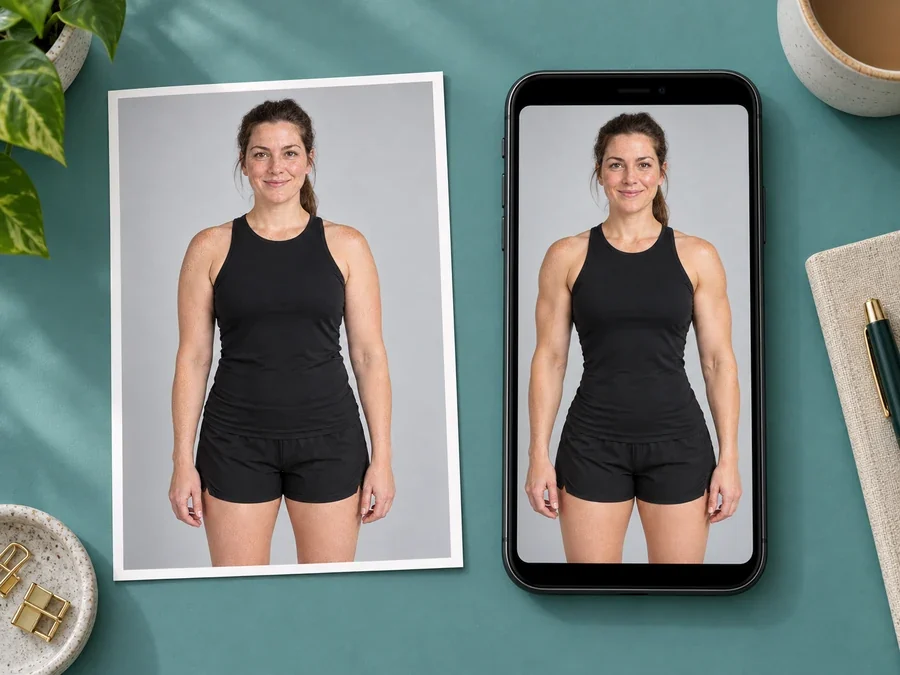
Starting a training plan? Use the AI body shape visualization generator to picture a realistic, healthy version of your goal: a little more muscle tone, a stronger posture, a leaner waist. Keep it modest and specific, and use it as motivation, not as a measuring stick.
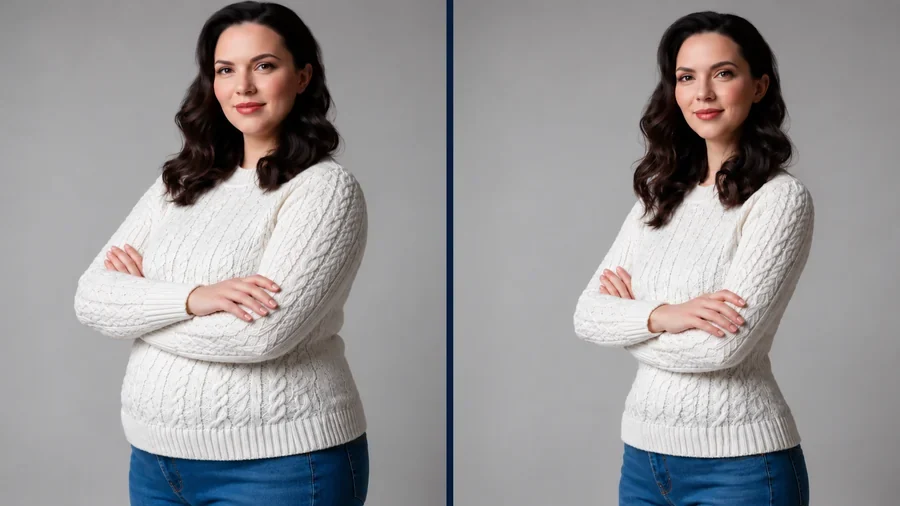
The body editor changes shape in small, believable steps and refits the clothes around it, so seams, folds and shadows still make sense. Subtle strength is the default for shape edits, and the face, skin tone and background are left alone.
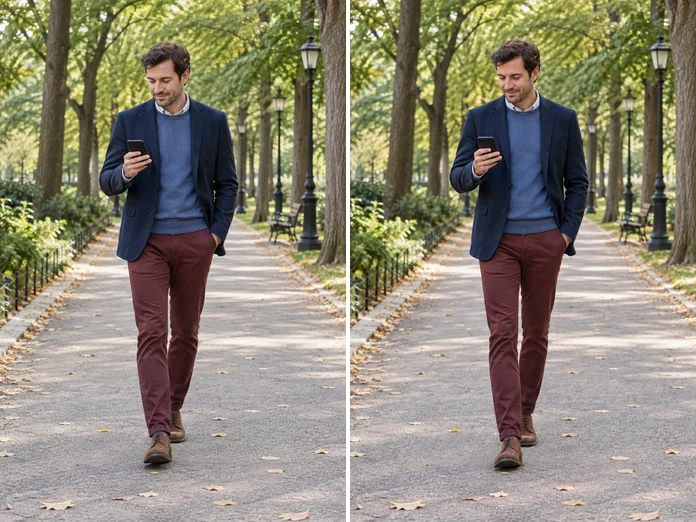
Lengthen the legs a touch, lift a slouch, or level the shoulders. Height and posture edits keep the head and face in proportion and rebuild the background around you, so nothing looks stretched.
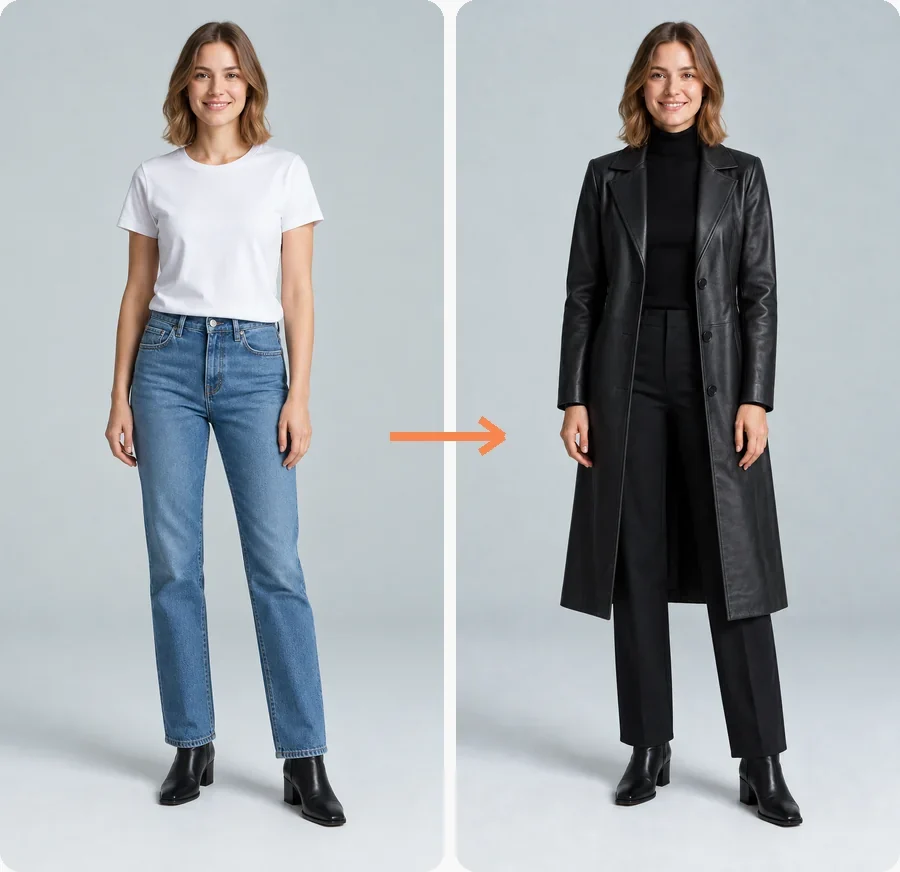
A body edit is not only about shape. Trade a T-shirt for a leather coat, try a new color, or add a tattoo before you book the artist. The clothes drape over your real pose instead of being pasted on top.
Need more control over one change? Each page below is a dedicated body edit tool with its own presets.
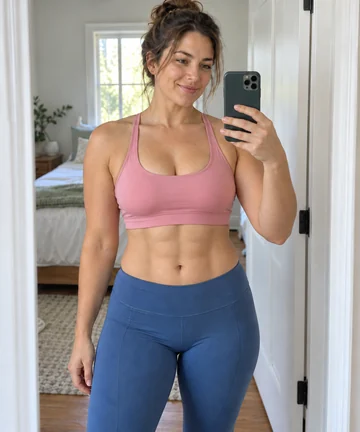 Add Abs to PhotoAdd abs to a photo with AI: pick a hint of abs, a four-pack, six-pack or eight-pack, and the AI abs generator sculpts your core while face, pose and clothes stay.
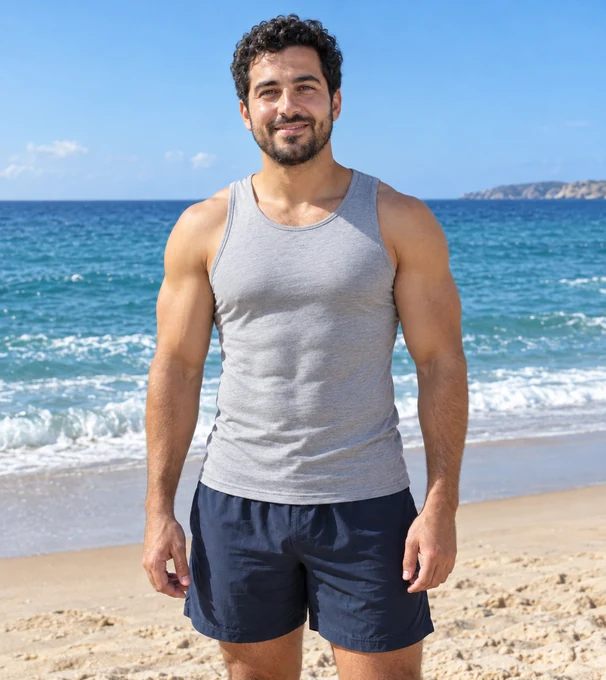 AI Muscle GeneratorFree-to-try AI muscle generator: add muscles, six-pack abs or an AI bodybuilder physique to your photo while your face, pose and clothes stay the same.
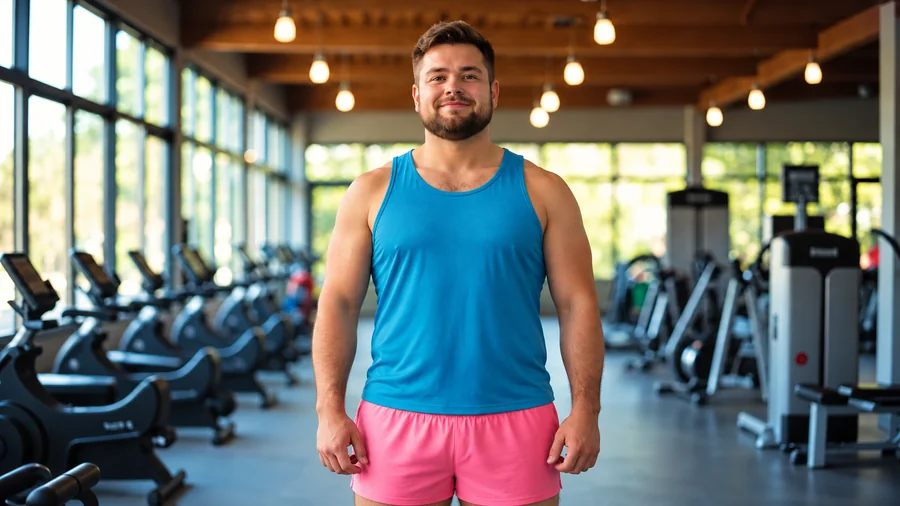 AI Skinny FilterWhat would I look like skinny? Try the AI skinny filter: upload a photo, pick an area and intensity, and preview a slimmer body that still looks like you.
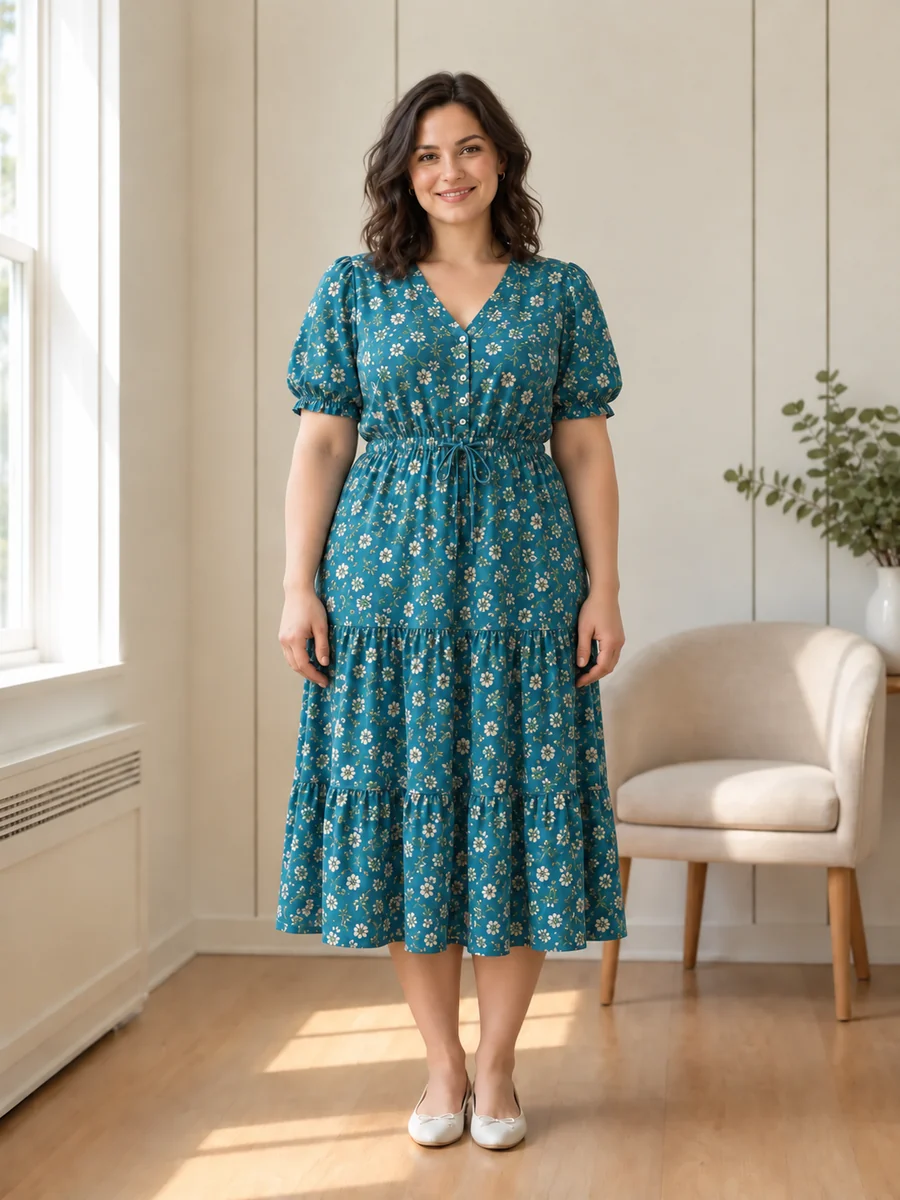 AI Fat FilterTry the AI fat filter for a fun, realistic weight gain photo. Upload a selfie, pick +10 to +100 lbs, and see a fuller you that still looks like you.
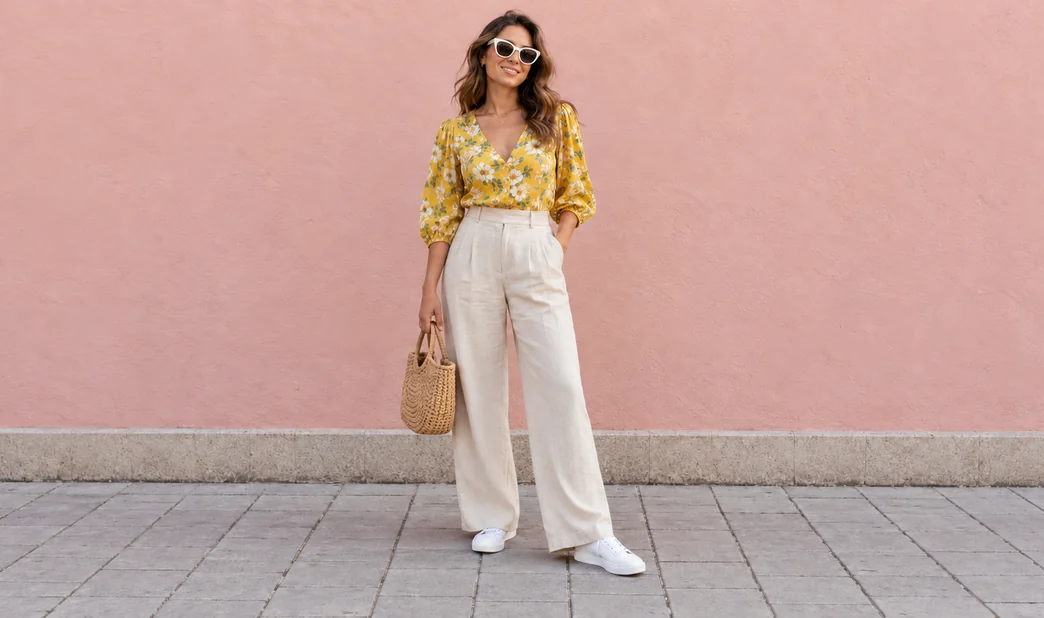 How to Look Taller in PhotosHow to look taller in photos: lengthen legs, straighten posture and fix shrinking camera angles with an AI look-taller editor, plus six photo tips that work.
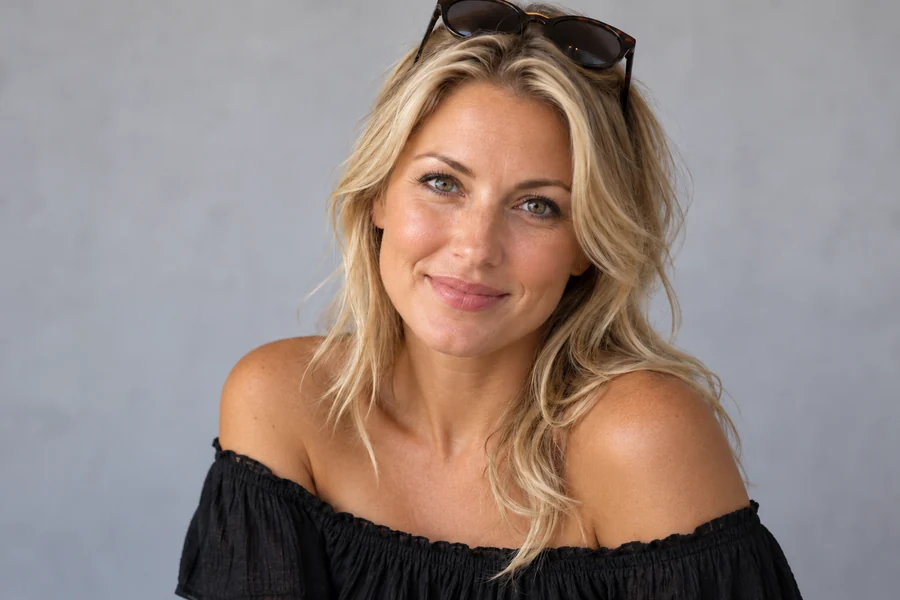 Tan FilterTry a tan filter on any photo: pick sun-kissed, golden, bronze or deep tan and the AI adds a natural tan to your skin only, never changing your features.
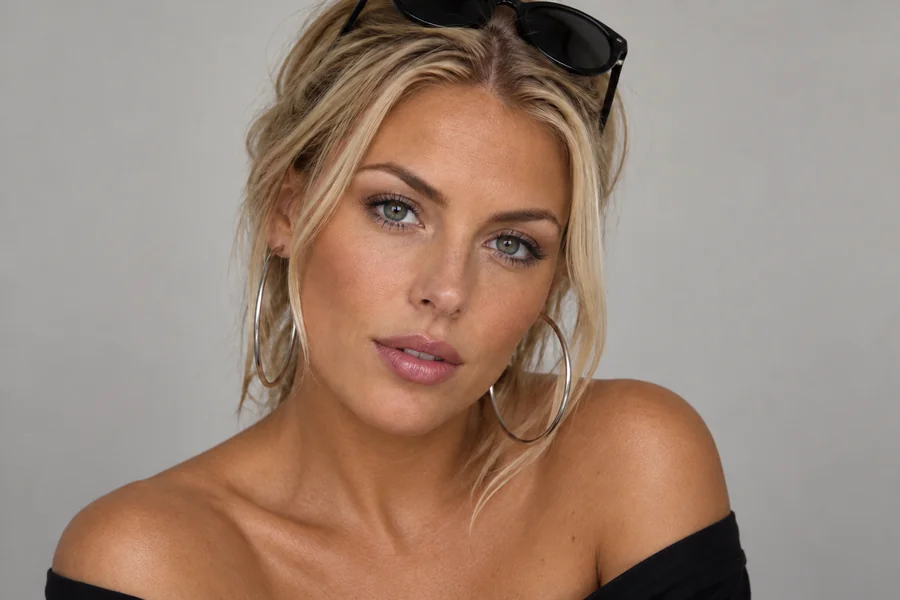 Skin Color ChangerHow do you change your skin color in a photo? Upload a portrait to the AI skin color changer, pick a shade, tan, or undertone, and preview a natural new tone.
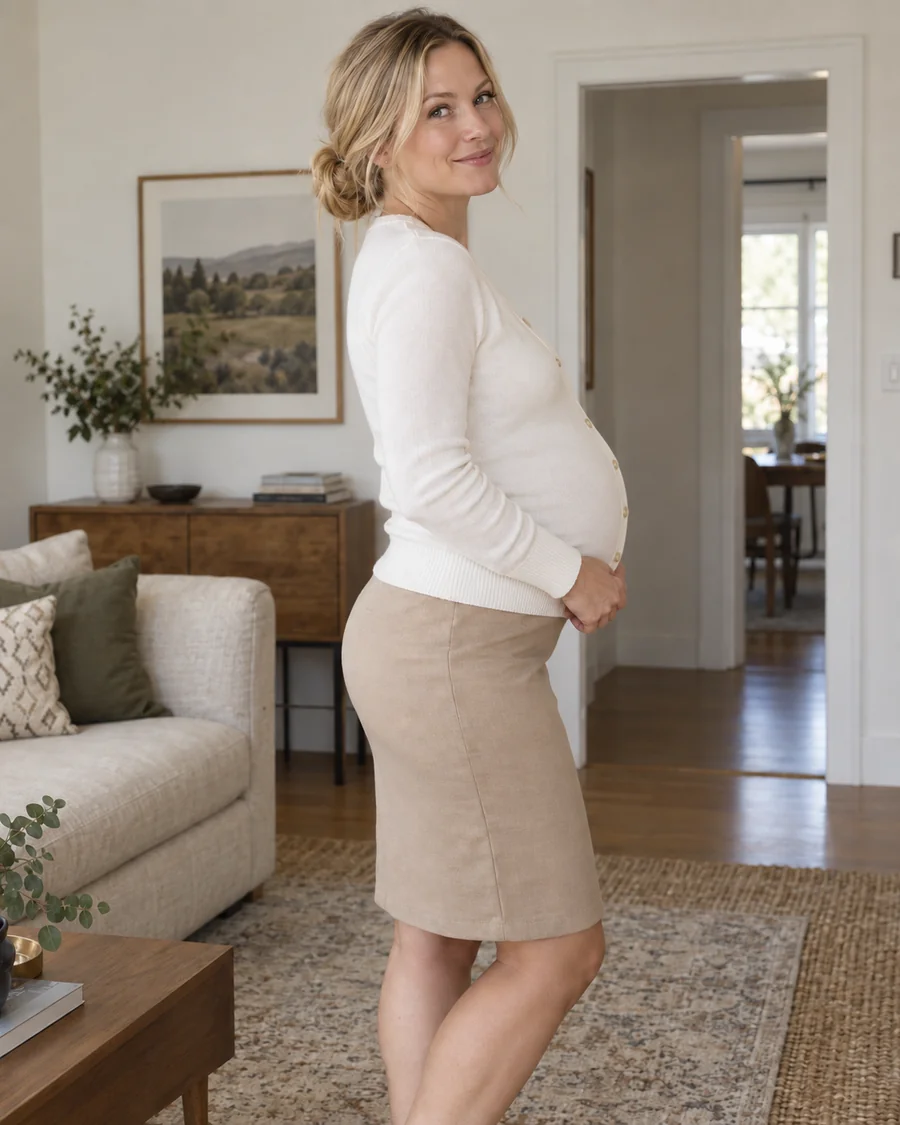 Pregnant AI GeneratorWhat would I look like pregnant? Upload a photo to the pregnant AI generator, pick an early, mid, or late stage, and get a realistic baby bump preview.
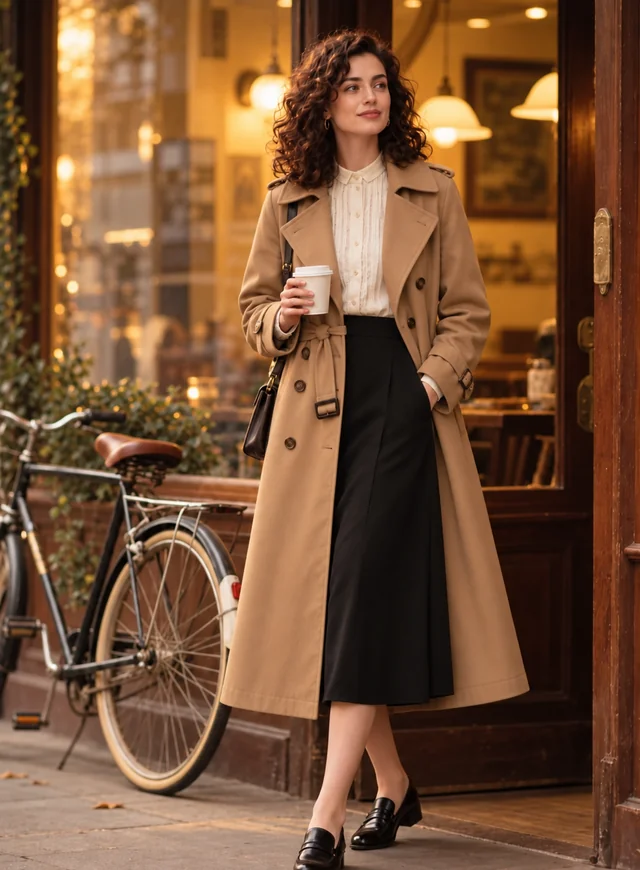 AI Clothes ChangerChange clothes in any photo with the AI clothes changer. Upload a picture, pick an outfit or describe one, and the AI clothes swap keeps your face and pose.
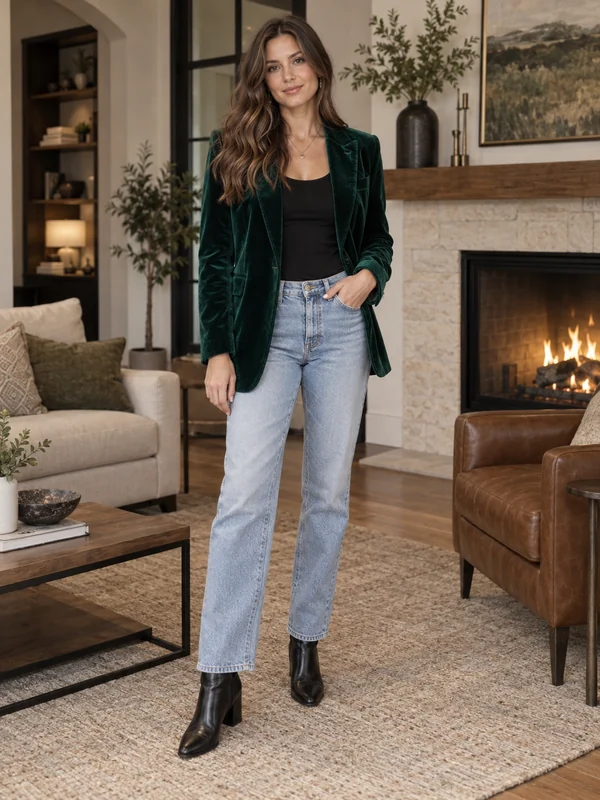 AI Outfit GeneratorFree-to-try AI outfit generator and outfit builder online: describe the occasion or style, or add a full-body photo, and get a complete look on a model or on you.
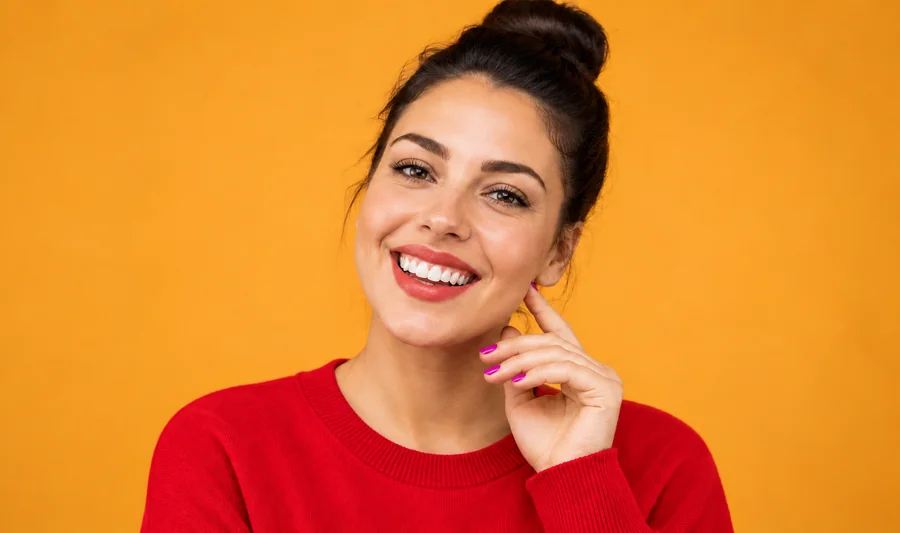 Clothes Color ChangerChange color of clothes in photo uploads with the AI clothes color changer, from dress color changing to a T-shirt color change, while fabric texture stays.
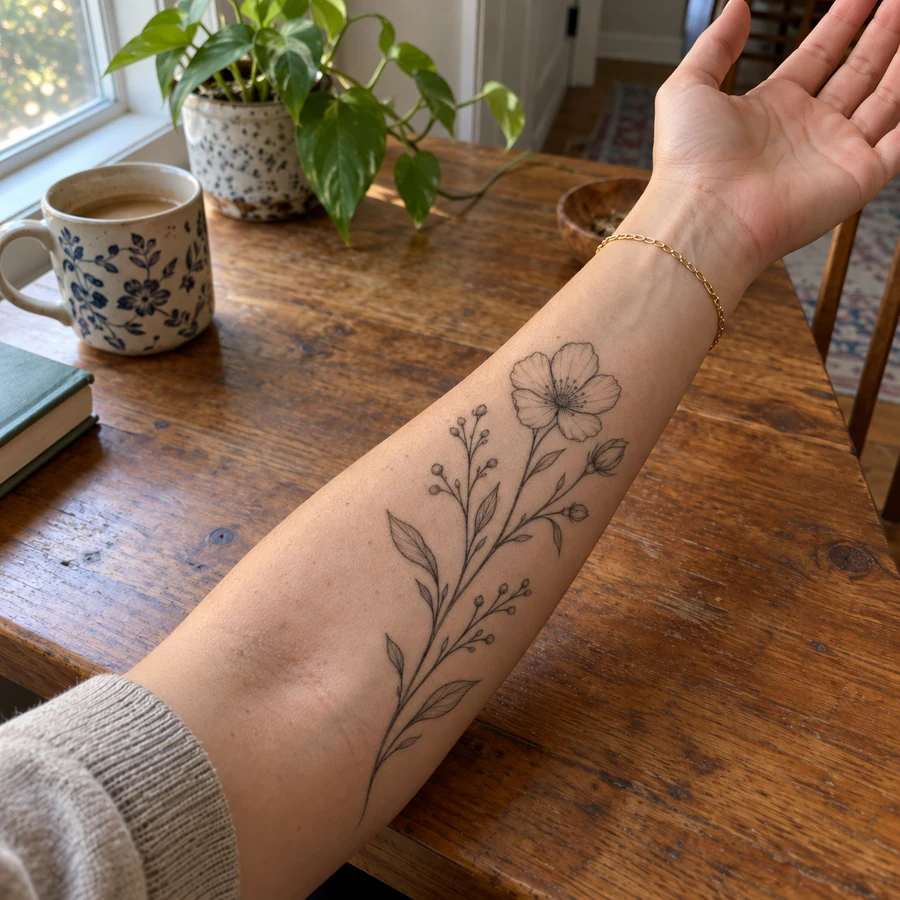 Tattoo Try-OnAdd tattoo to photo uploads and preview ink before it is permanent. Pick one of 20 tattoo styles or describe your own design, then see the tattoo on your body.
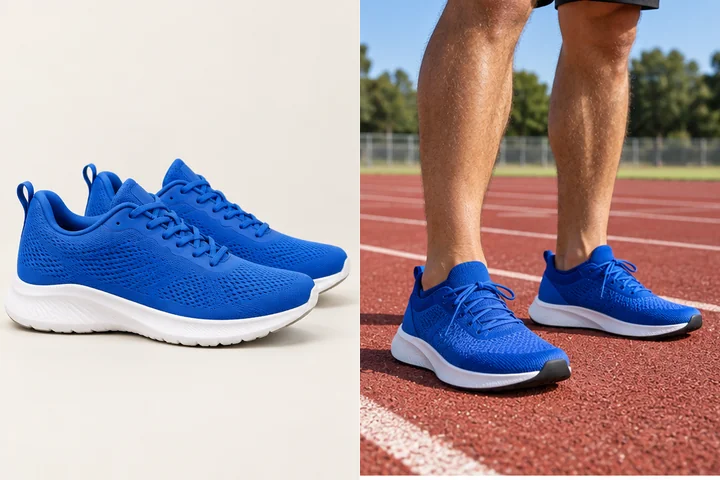 Virtual Shoe Try OnShoe swap in any photo: upload a full-body shot, pick sneakers, boots, heels or loafers, or add a photo of the exact pair, and see the new shoes on your own feet.
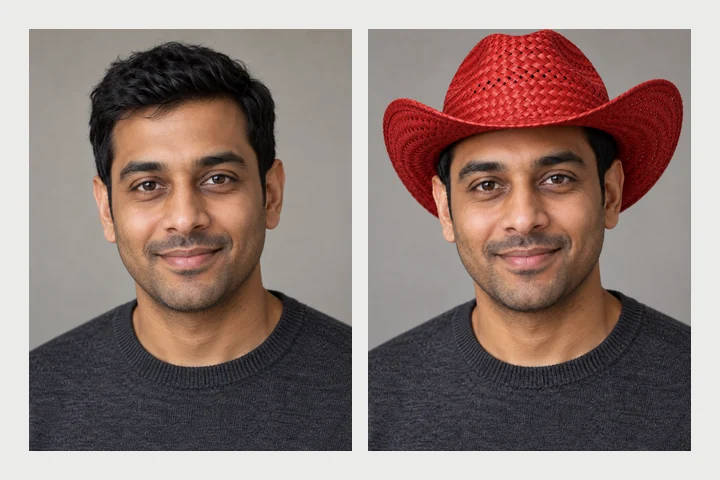 Virtual Hat Try OnVirtual hat try on with AI: add a hat to a photo, from caps and fedoras to cowboy hats, or put a Santa hat or birthday hat on your photo, fitted to your head.
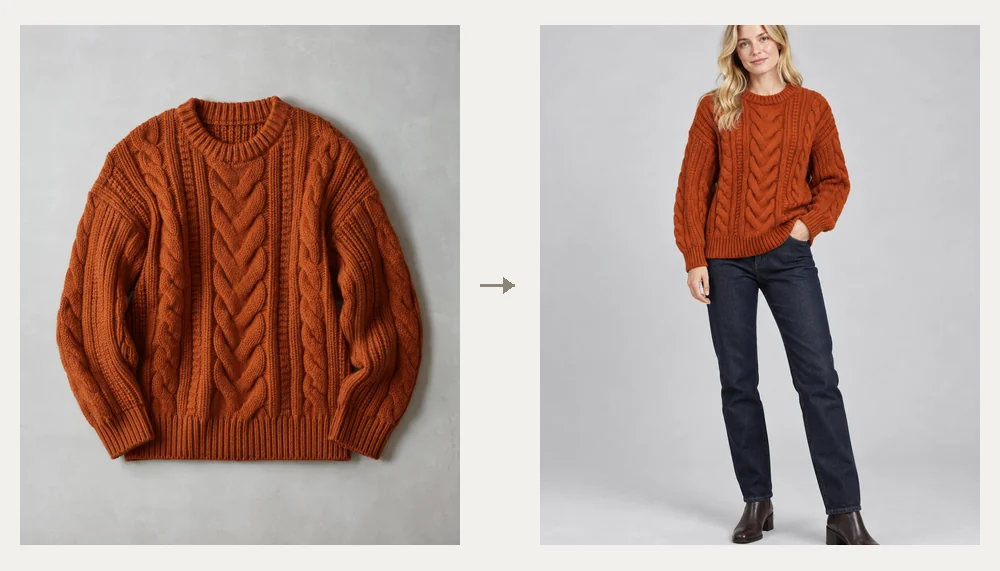 AI Fashion Model GeneratorAI fashion model generator for clothes on models: upload a garment photo and get AI generated female models or male models wearing it. Free to try.
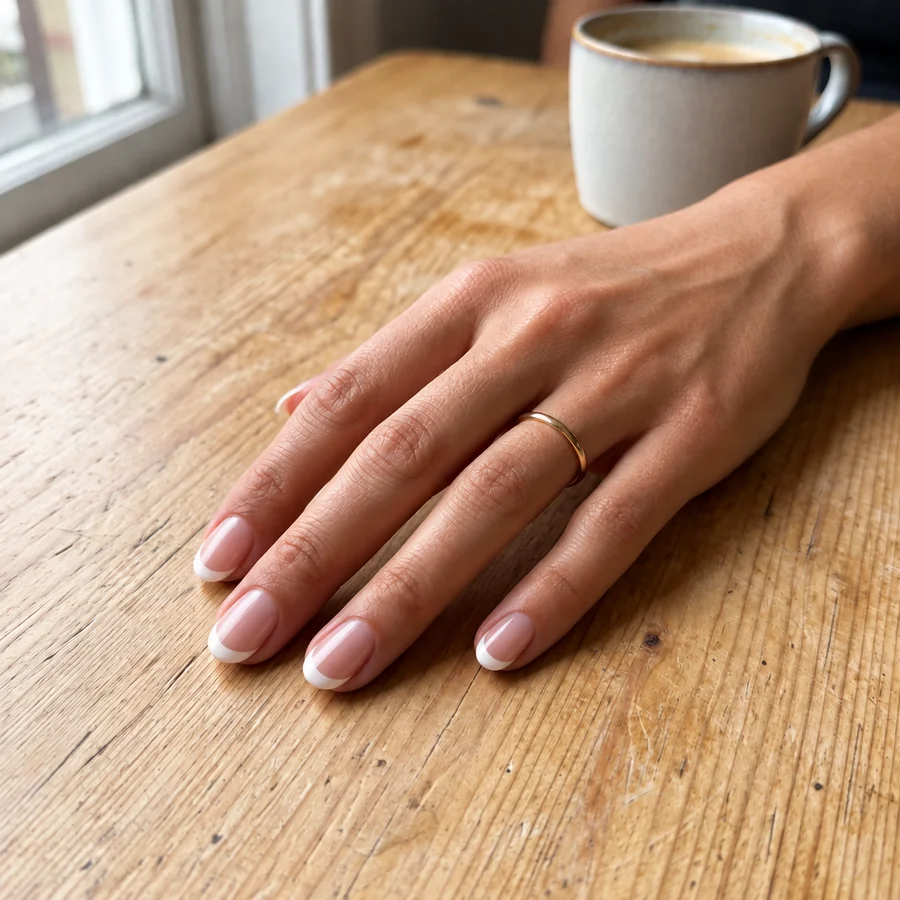 AI Nail Art GeneratorDesign your own nails with AI nails: upload a hand photo, pick a nail art style, shape, and length, and see the manicure on your real fingers before the salon.
Edit body online for goal setting, outfits or product photos: a quick body edit saves a reshoot.
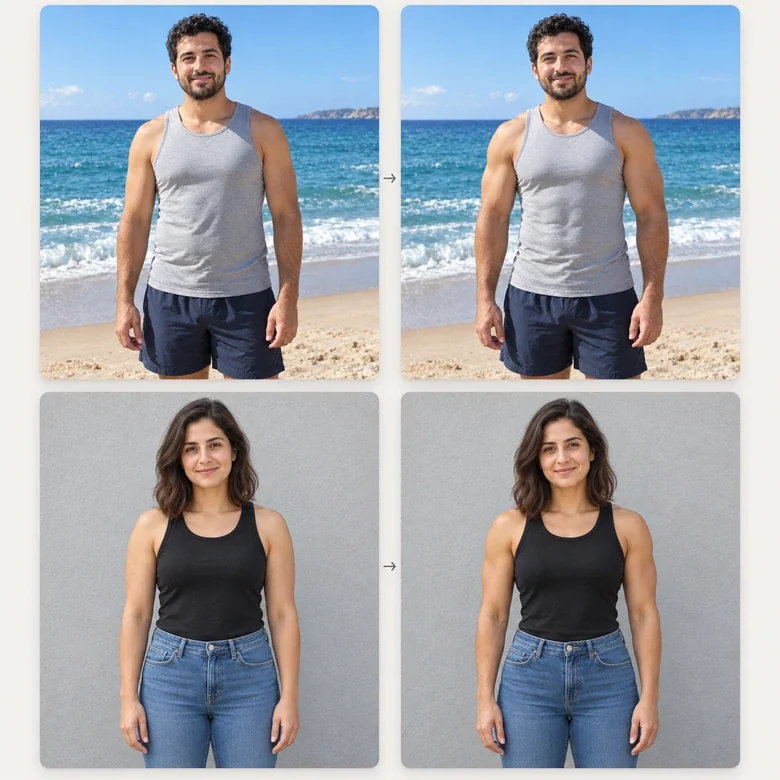
Picture a realistic goal before you start a plan, then compare it with real progress photos later.
Stand straighter, fix a slouch or refit a swimsuit strap in the photo you want to keep.
See a new jacket, dress or color on your own body before you buy it or pack it.
Show how a garment drapes on a model photo you already own, with honest proportions.
Check the size and placement of a design on your arm, wrist or shoulder before the appointment.
Give a character a stronger build, a fuller frame or a new costume for a story or game.
An edited photo is a preview, not a target. These points keep body editing honest and useful.
AI shows a possible look. Real bodies change at their own pace, and that is fine.
Strength training and steady habits shift muscle and posture over months; a coach or doctor can tell you what is realistic.
Shoulders back and a tall neck change how you look in photos right away, edit or no edit.
Tailored, well-fitting clothes flatter any build more than any filter does.
A lens at waist height, slightly angled down, keeps legs long and proportions true.
Choose Subtle strength first. Small changes look real; big ones look edited.
The body editor handles any single edit you can describe. These pages go deeper on one change.
| What you want | Best tool | Why |
|---|---|---|
| Any body edit in your own words | AI Body Editor (this page) | Type the change, choose a strength, compare |
| Abs or muscle tone | Add Abs to Photo, AI Muscle Generator | Levels from toned to athletic |
| Slimmer or fuller look | Skinny Filter, Fat Filter | Ready-made strength steps |
| Height and proportions | Look Taller | Leg length and posture presets |
| New clothes or shoes | AI Clothes Changer, Virtual Shoe Try-On | Upload the exact item or pick a style |
| A tattoo idea | Tattoo Try-On | Styles, placements and your own design |
Copy-ready prompts for portraits and full-body photos: outfits, light, backgrounds and natural retouching, with before and after examples.
Read the guideHoliday outfit ideas for parties, family photos and cozy nights, with looks you can try on your own photo.
Read the guideFree photo editors for Mac compared, from built-in apps to online tools, and what each does well.
Read the guideWhat the body editor changes, how natural it looks, and how to use it responsibly.
It is a photo body editor that edits build, muscle tone, height, posture, outfits and tattoos from a written instruction. You describe the body edit, the AI changes only that part, refits the clothes and keeps your face, skin tone and background the same.
Most body editor apps are installs with sliders. You can skip the download: this body editor works in any phone or desktop browser, so it covers what people look for in an app that edits body photos, a change body app, a shape body app, a body tune app or a body shaper app. It is an app for body editing pictures that needs no install, with the same edits as apps for editing body photos and an app for editing body shape in one.
Whether you search for a body editor app or a body app editor, good body editing apps share three things: they keep your face and skin tone, they do not warp the background, and they let you stay subtle. Check those on your own photo before you pay for what claims to be the best app for body editing. Many people use a slider app for quick nudges and an instruction-based body editor like this one for bigger changes such as outfits, height or posture.
In a photo, yes: that is what the body editor is for. In real life, training, nutrition, sleep and time shape muscle and posture, while height and bone structure stay mostly fixed. If you are asking “can I change my body shape” for health reasons, talk to a doctor or a qualified coach and use the AI preview only as motivation.
Looking for an AI free body editor? This one is free to try: new accounts get free credits when they sign up, so you can test several body edits. After that each edit uses credits from your balance.
Every edit is told to keep your face, identity and skin tone, and to keep straight lines straight. If a wall or door frame still looks off, rerun with Subtle strength or crop the photo closer to the body.
Yes. Pick Look Taller or type “make my legs a little longer”. The body editor lengthens the legs and torso in proportion without stretching your head. For more control, the dedicated look taller tool has its own presets.
Yes. The same edits work on any adult body: muscle tone, waist, shoulders, height, posture, outfits and tattoos. Describe exactly what you want, for example “broader shoulders” or “a softer, curvier waist”.
Yes. Name the person, such as “the man in the green shirt”, and describe the edit. Everyone else stays as they were.
Only adults: your own photos, or photos of people who agreed to the edit. Do not make sexualized edits, edit minors, or present an edited body as real fitness or weight-loss results.
Upload a full-body photo, describe the change and compare the result. Free to try with sign-up credits.
Body edits are AI-generated previews for creative and planning use. They are not health, fitness or medical advice, and edited photos should not be presented as real results.