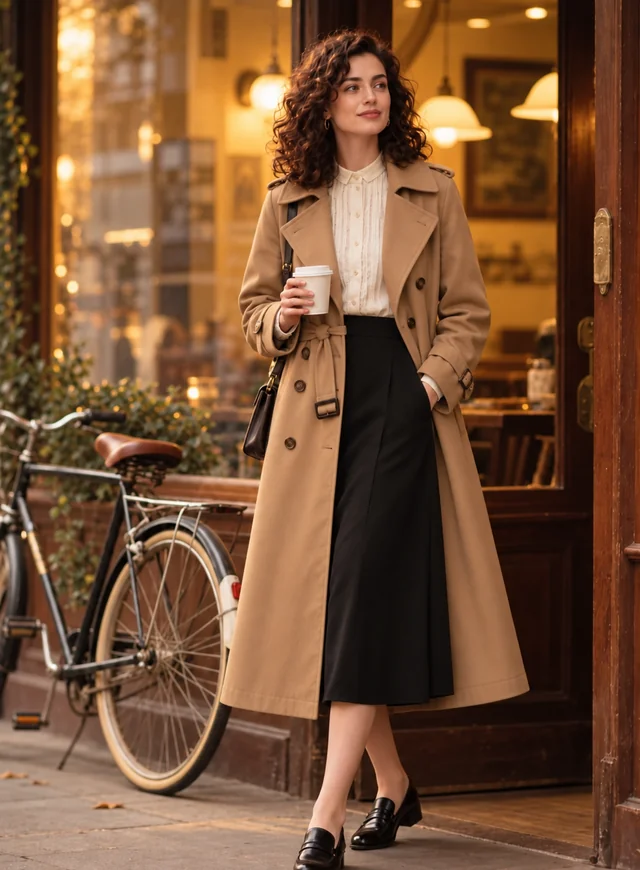
Upload Your Photo
Full-body or three-quarter photos work best: an outfit shot, a mirror selfie, a group photo or a vacation snap. JPG, PNG or WebP up to 20 MB.
Camera angles, wide lenses and mirror selfies take inches off everyone. Upload a photo and the AI lengthens your legs, straightens your posture or fixes a high camera angle, with natural proportions and a background that stays straight. Below: six tricks to look taller in pictures before you even press the shutter.
Height ideas
Fine-tune
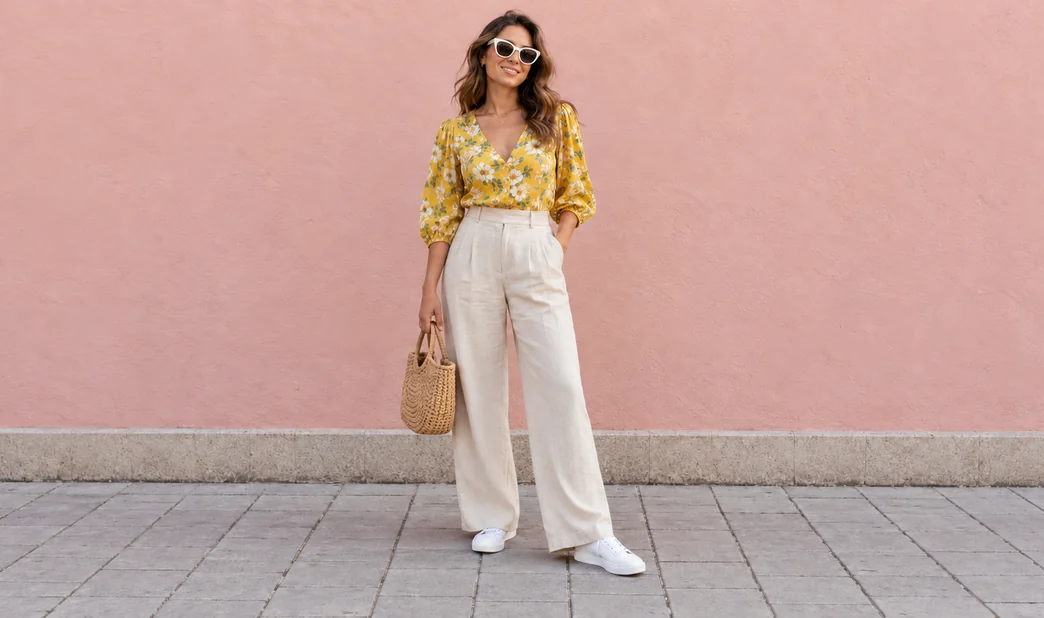
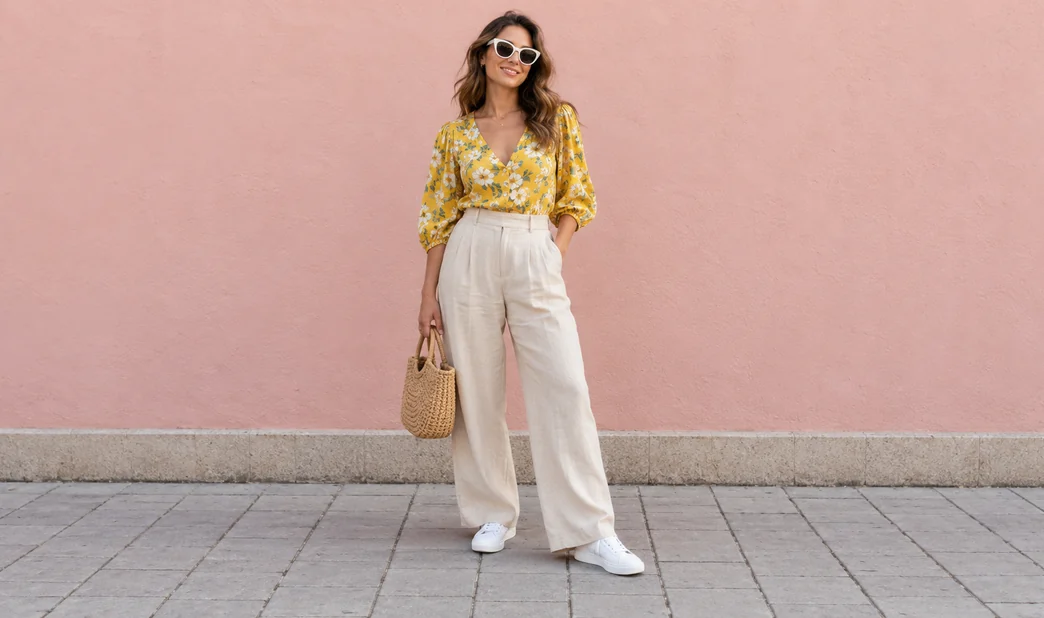
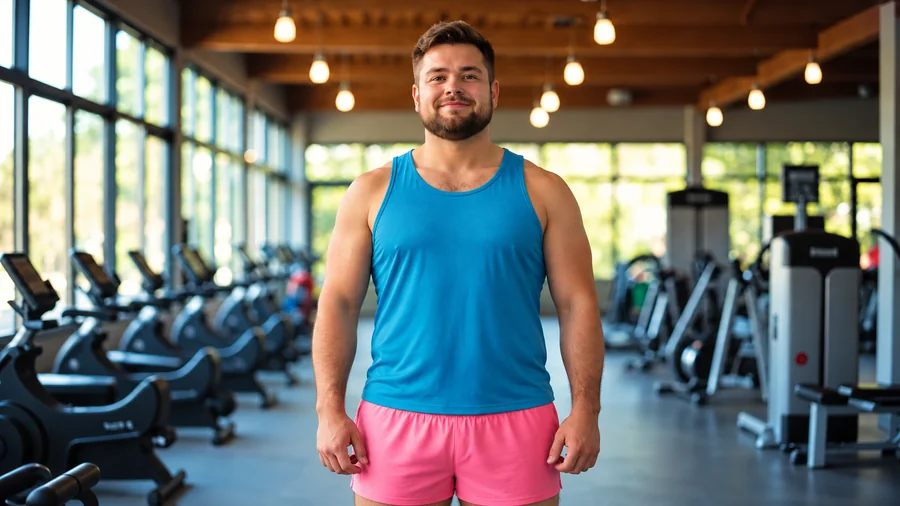
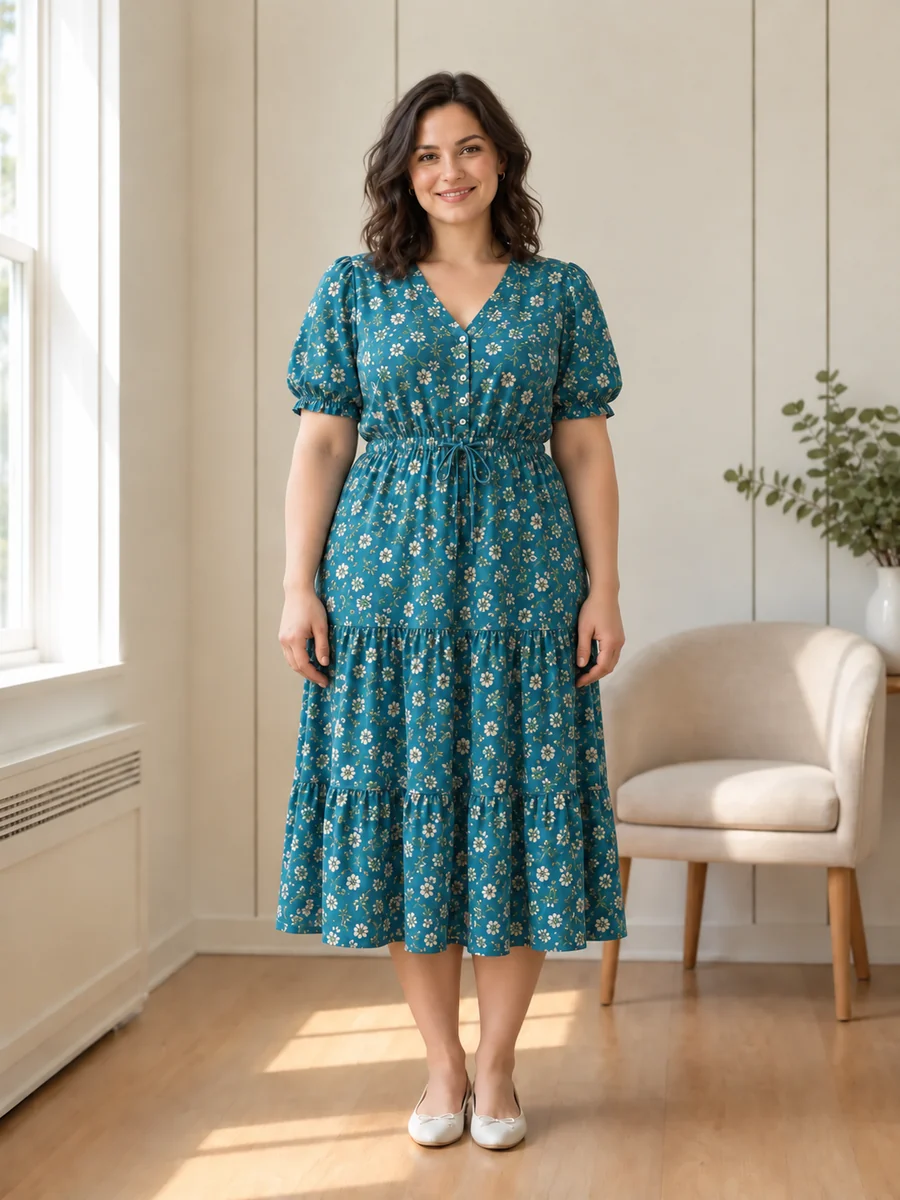
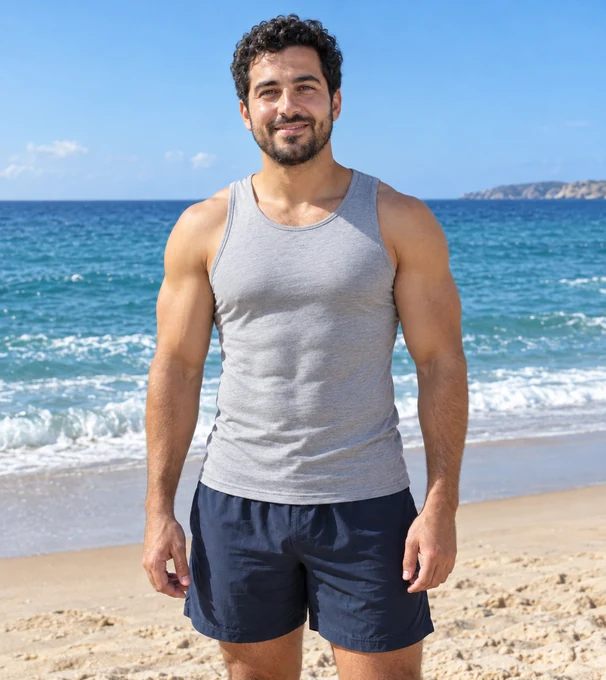
Reference example. It is not a result generated from your upload.
Most people look shorter in photos than they do in person, and it is rarely about height. A phone held above eye level shrinks your legs, a wide-angle lens up close makes your head look bigger than your body, a crop at the ankles cuts the line short, and a relaxed slouch takes off the rest. Learning how to look taller in photos is mostly about undoing those four things.
This look-taller editor does it after the fact. Upload a photo, pick a height idea such as Longer Legs, Fix High-Angle Shot or Straighten Posture, and the AI makes the person in the photo taller with realistic proportions: the head and face stay the same size, the background stays straight and the feet stay on the floor. It is free to try with the credits you get when you sign up, and the photo tips below help your next picture start taller.
Three steps, no sliders or warping tools to wrestle with.
Full-body or three-quarter photos work best: an outfit shot, a mirror selfie, a group photo or a vacation snap. JPG, PNG or WebP up to 20 MB.
Tap Natural Height Boost, Longer Legs, Fix High-Angle Shot, Mirror Selfie Fix, Straighten Posture or another idea, or type your own request. In a group photo, mark the person to change. Choose Subtle, Natural or Noticeable.
Drag the slider to compare with your original. If it went too far, switch to Subtle and run it again, then download the version that looks like you on a good day.
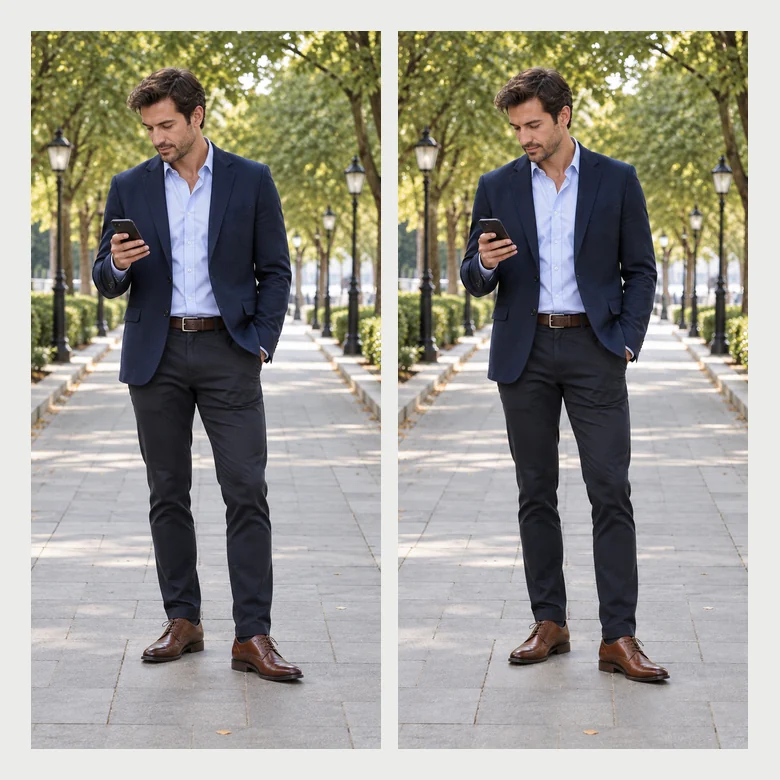
Old-school height apps stretch a strip of the photo, so doors bend and floors warp. Here the AI redraws the person with longer legs and a straighter stance while the street, the walls and the people around you stay the same size.
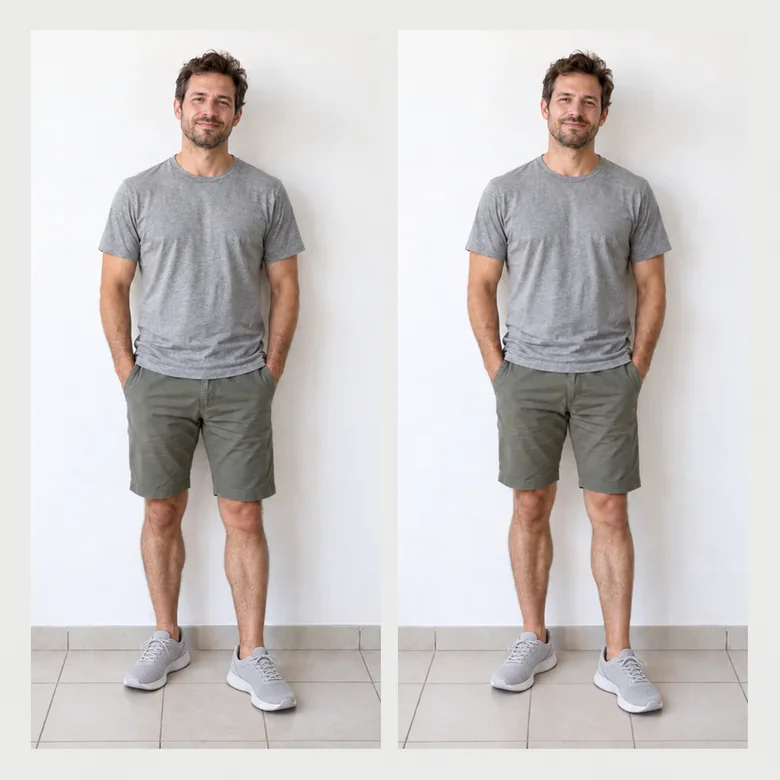
Height comes mostly from the legs, the way it does in real bodies, while the head, face and hands keep their size. Subtle, Natural and Noticeable keep every change inside realistic human proportions, so the photo tall edit never looks cartoonish.
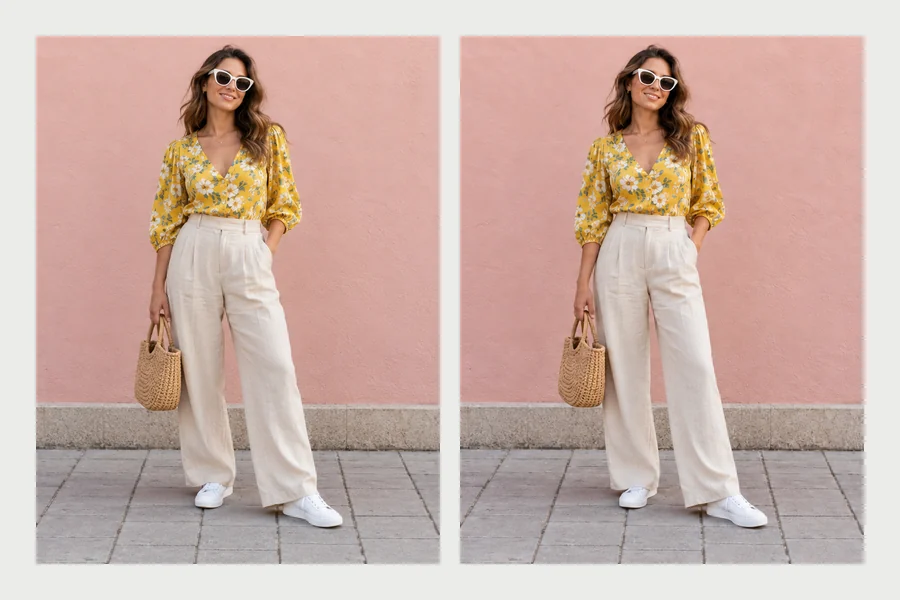
Photos taken from above, downward-angled mirror selfies and a slouch all shave off height. Pick Fix High-Angle Shot, Mirror Selfie Fix or Straighten Posture and the AI corrects the perspective or the stance instead of just stretching you.
Use these when you take the photo, then let the editor handle anything the camera still got wrong.
Ask the photographer to hold the camera around your hips, tilted slightly up. A camera above eye level always makes you look shorter.
Wide-angle lenses up close make heads big and legs short. Stand farther away and use the 2× lens instead.
Keep your feet in the frame with a little floor below them. Crops at the ankles or knees cut your line short.
Shoulders back, chin level, weight on the back leg and your body turned slightly to the side.
A single color head to toe, a high waistline and pointed shoes lengthen the whole silhouette.
Portrait orientation with the horizon below your waist makes you fill more of the frame.
The same five problems, fixed while shooting or afterwards.
| Problem | Fix it while shooting | Fix it afterwards with AI |
|---|---|---|
| Camera held too high | Lower the camera to waist height | Fix High-Angle Shot |
| Wide lens too close | Step back and zoom to 2× | Natural Height Boost |
| Feet cut off | Leave floor space under your feet | Show My Feet (adds room below) |
| Slouching | Shoulders back, chin level | Straighten Posture |
| Shortest in the group | Stand slightly closer to the camera | Taller in a Group Photo with the person marked |
Height is not a flaw. These fixes are about photos that look like you do in person, not about changing who you are.
Other natural edits from the body editor collection.
All body edits in one place: height, posture, muscles and outfits.
Browse allPreview a slimmer version of yourself with the same face and pose.
Open toolAdd a natural hint of abs or a six-pack to a gym or beach photo.
Open toolNeed more room around you? Extend any side of a photo with AI.
Open toolAnswers to common questions about looking taller in pictures.
Have the camera at waist height, tilted slightly up; stand back and zoom instead of using the wide lens close up; keep your feet in the frame; stand tall with your body angled; wear one color or vertical lines; and shoot in portrait orientation with the horizon low.
The AI redraws the person with longer legs, a straighter stance or a corrected camera perspective, depending on your request, and rebuilds the area around them so the background stays straight. The head, face and identity are kept exactly as they are.
Subtle is a change nobody would notice as an edit, Natural is a moderate boost and Noticeable is clearly taller. Every option stays inside realistic human proportions; for a believable result, Subtle or Natural is usually best.
No. Unlike stretch tools, nothing is pulled out of shape: the AI only changes the person and fills in the background behind them, so doors, floors and other people keep their size.
Yes. Tap Longer Legs, or type something like “make my legs a little longer, keep my upper body the same”. Choose Subtle for the most natural look.
Yes. Brush over that person or drag a box around them, then tap Taller in a Group Photo. Everyone else and the background stay unchanged.
It is free to try: new accounts get free credits when they sign up. After that each edit uses credits, and the cost is shown on the button before you start.
Fixing a bad camera angle or posture is fair, since it makes the photo look like you in person. Adding a lot of height you do not have is misleading, so keep dating and profile photos honest, and never use edits to impersonate someone.
Only photos of adults who agreed to the edit. Do not use it on minors, strangers or celebrities, or to mock anyone’s height.
Upload a photo, pick a height idea and let the AI fix the angle, the posture or the legs.