Make Me Slimmer: Full-Body Photos
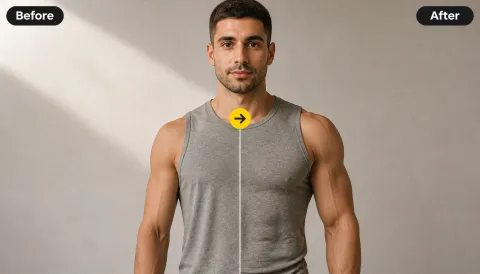
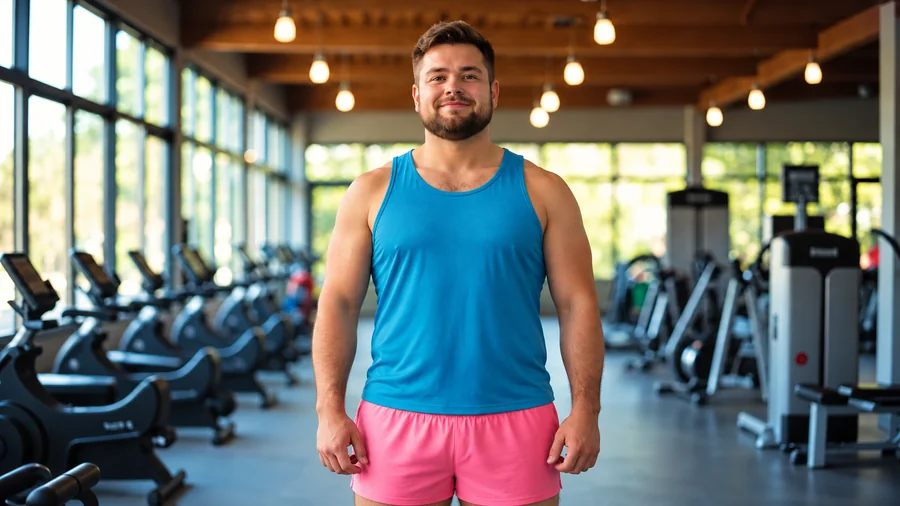
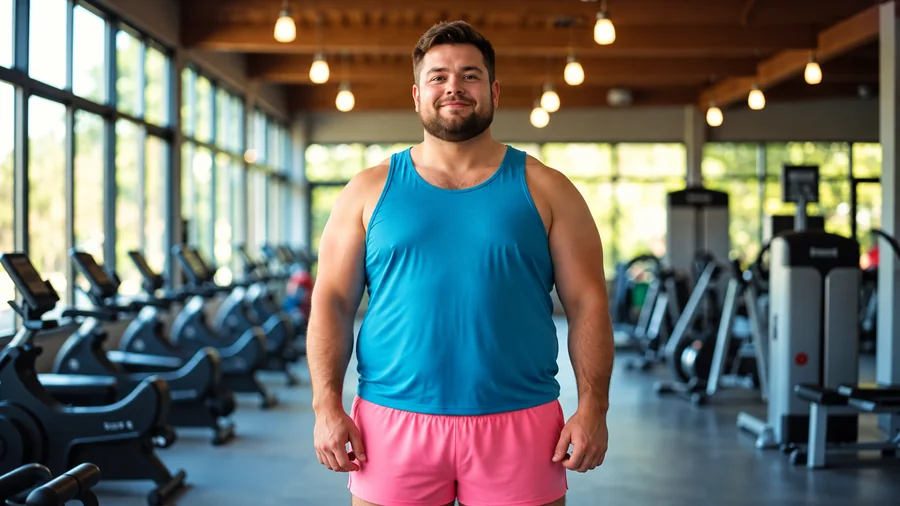
A full-length gym photo becomes a slimmer body version with a narrower waist and leaner arms, while the tank top, shorts, and gym behind him stay exactly the same.
Upload a photo and the AI body slimmer gently refines the waist, arms, legs, or face while keeping your face, outfit, pose, and background. A playful preview, not a verdict on any body.
Slimming looks
Fine-tune
Your photo stays in this browser during this UI preview.
Reference example. It is not a result generated from your upload.
An AI skinny filter, also called a body slimmer, photo slimmer, or slim filter, is a photo effect that shows how a person could look with a slimmer body or face. Instead of warping pixels with a liquify brush, the skinny AI redraws the silhouette, so the waist, arms, legs, and jawline change while the face, clothes, pose, and background stay the same.
People use it to answer "what would I look like skinny?", to preview how an outfit would fit, or simply for fun. Treat every result as a creative visual, not a health target or a prediction. Bodies come in every shape and size, and no filter result is "better" than the photo you started with.
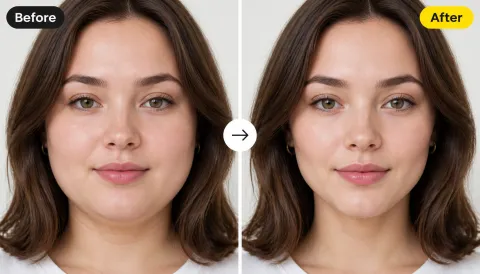
Drag each slider to compare the original photo with the body slimmer result.
A full-length gym photo becomes a slimmer body version with a narrower waist and leaner arms, while the tank top, shorts, and gym behind him stay exactly the same.
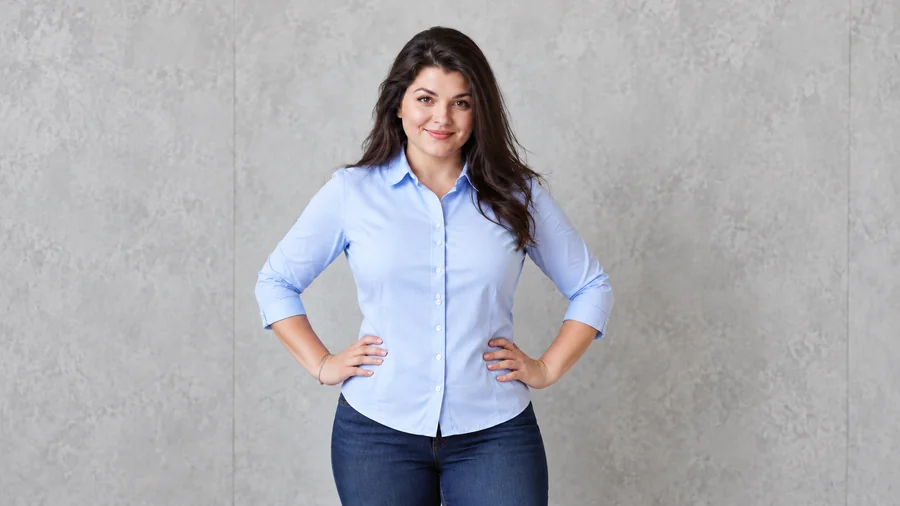
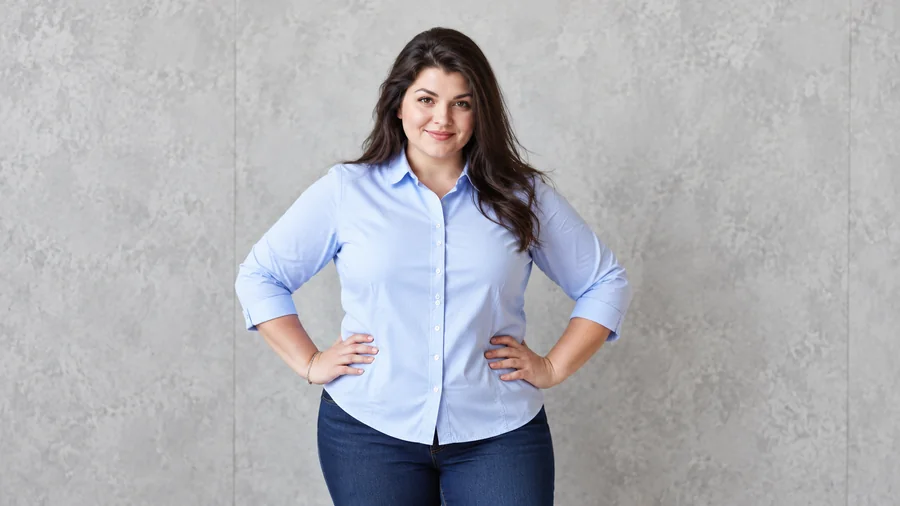
The skinny photo editor reshapes the body under the clothing, so shirts, collars, and buttons still fit naturally instead of stretching.
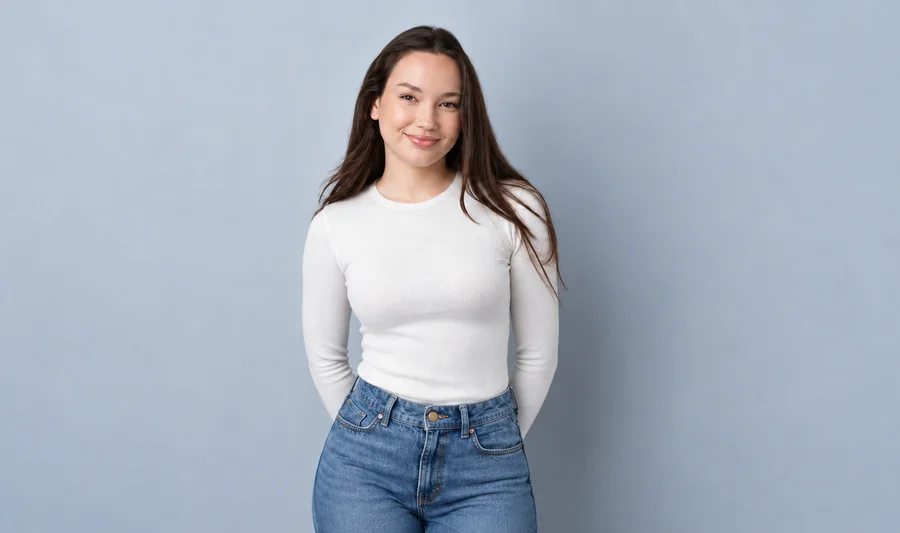
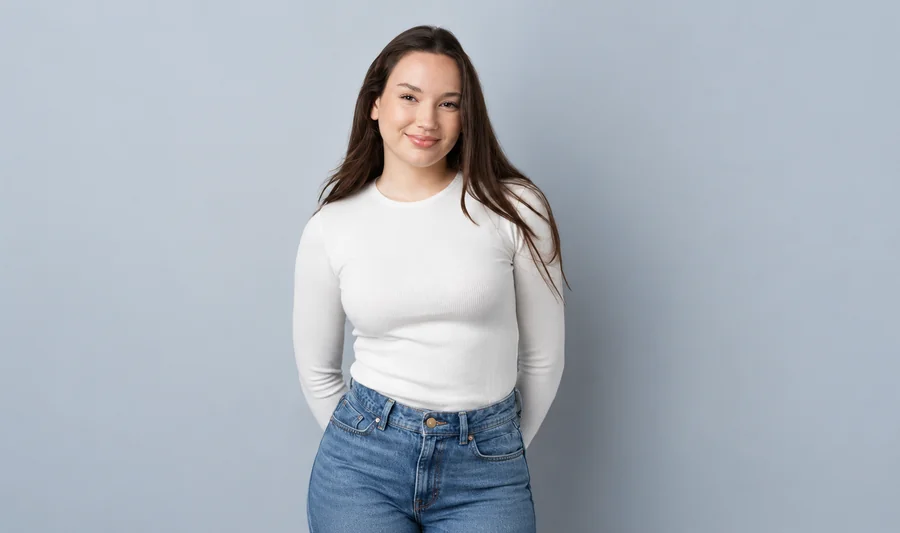
Prefer a light touch? A low intensity trims just a little at the waist and arms, which is often enough for a casual photo.
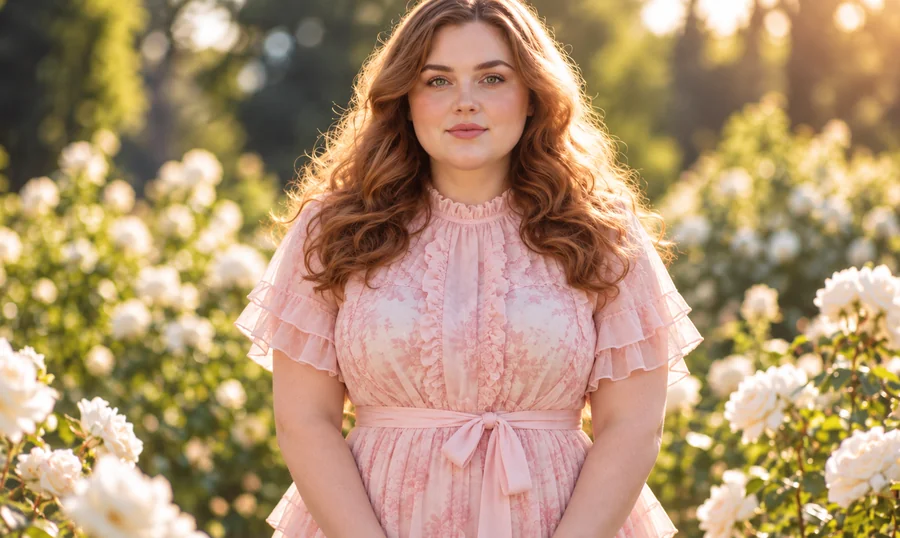
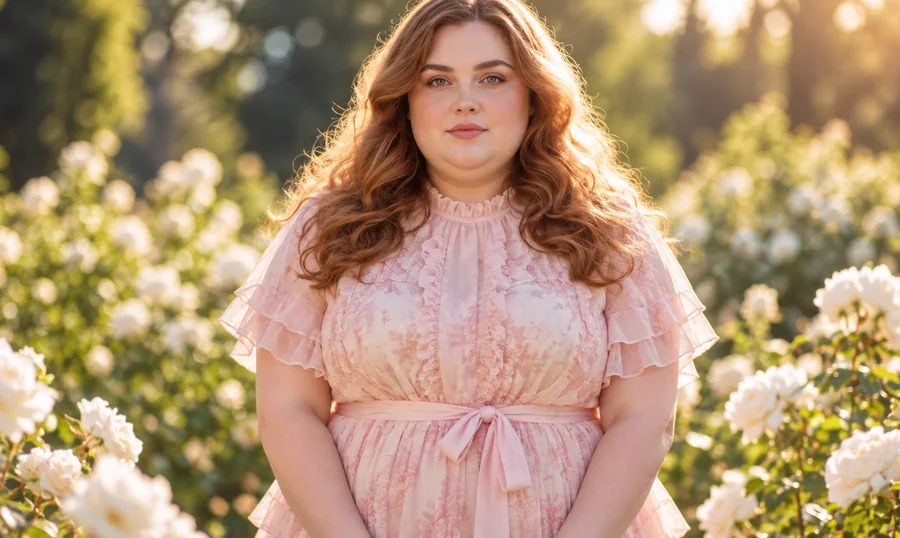
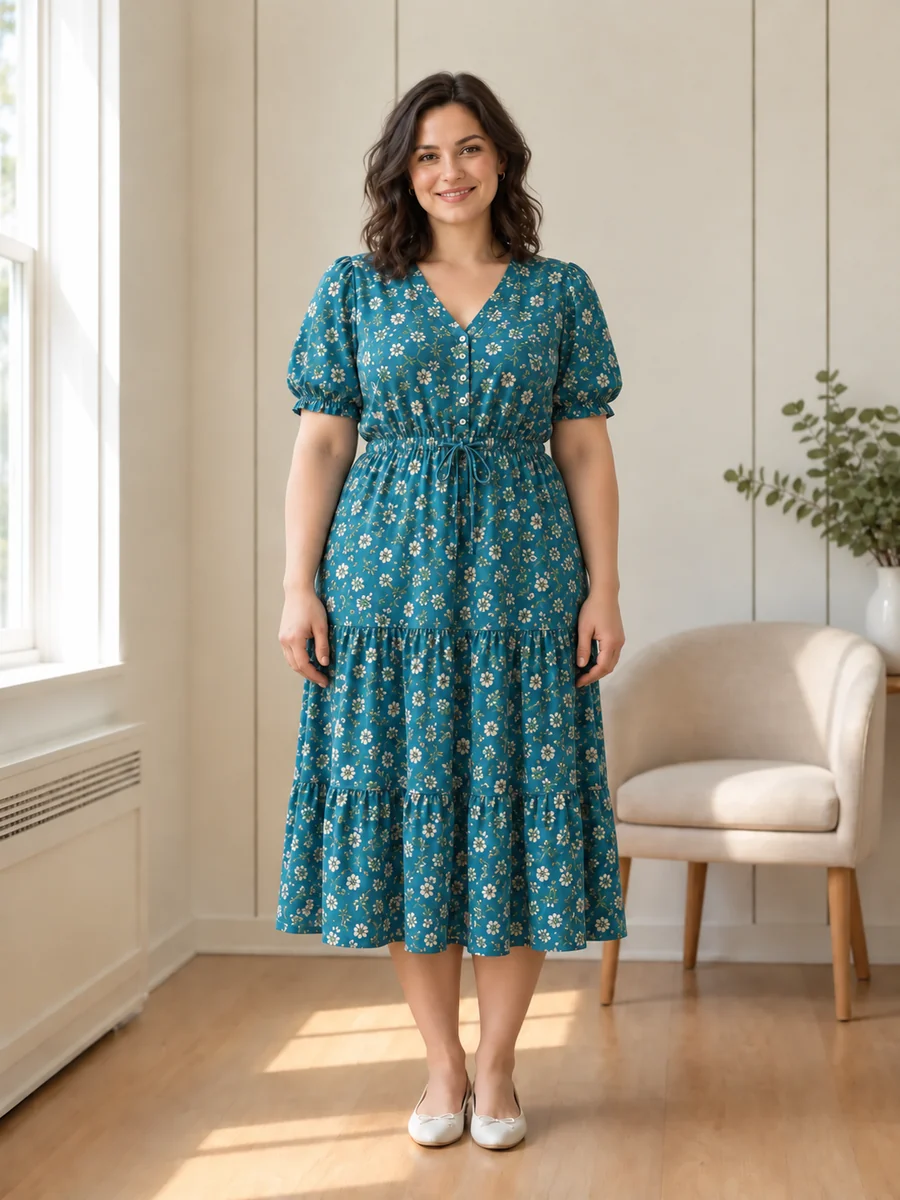
Flowing dresses, sheer sleeves, and busy garden backgrounds stay intact. Only the silhouette and face change, so the photo still feels like the same moment.
Wondering "what will I look like skinny?" Preview it in three steps, right in your browser.
Choose a JPG, PNG, or WebP up to 10 MB. A full-body or half-body photo of one adult, standing in good light, gives the most natural result.
Pick a slimming look or set it yourself: full body, waist and tummy, arms and legs, or face and jawline, then adjust the intensity and body style.
Generate the slimmer version, drag the before/after slider, and lower the intensity if you want something closer to the original.
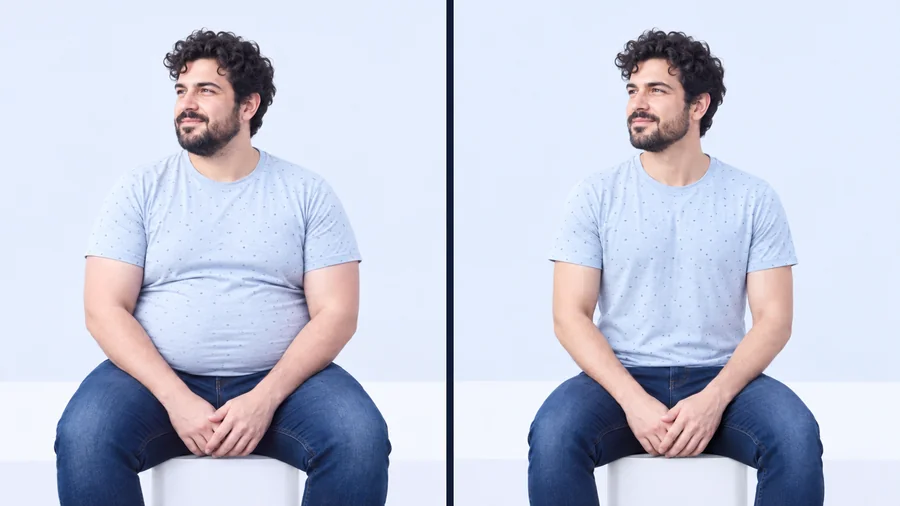
This skinny AI keeps your facial features, skin tone, hair, and expression locked, then refines body proportions around them. The result reads as the same person in the same photo, not a stranger pasted into your clothes.
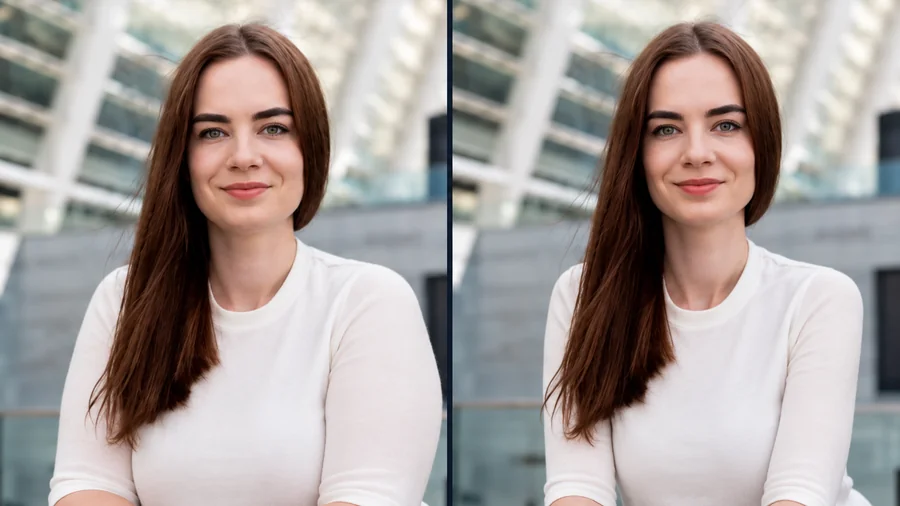
Make your body thinner everywhere or focus on one area: waist and tummy, arms and legs, or a slimmer face and sharper jawline. Use the optional details box for anything specific, like keeping a dress unchanged.
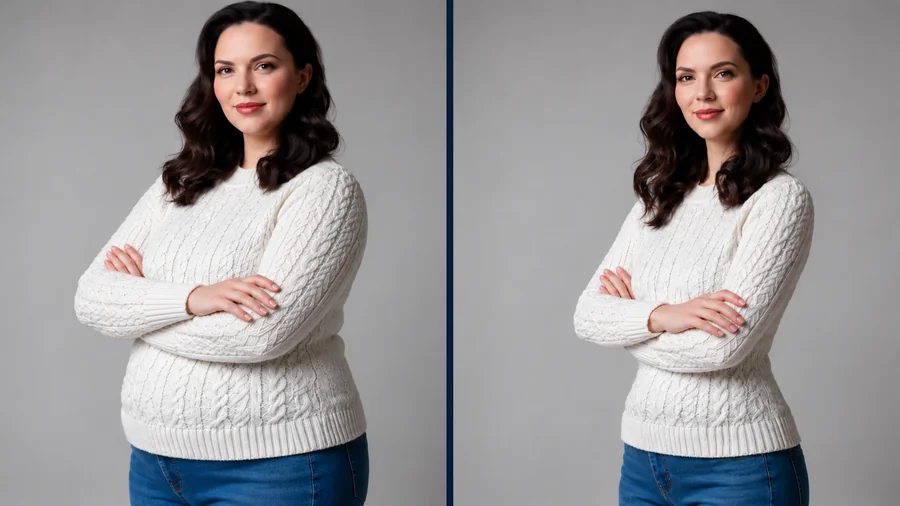
Manual slimming tools bend door frames and stretch patterns. The AI skinny filter rebuilds the outline instead, keeping knit textures, lighting, shadows, and straight lines in the background believable.
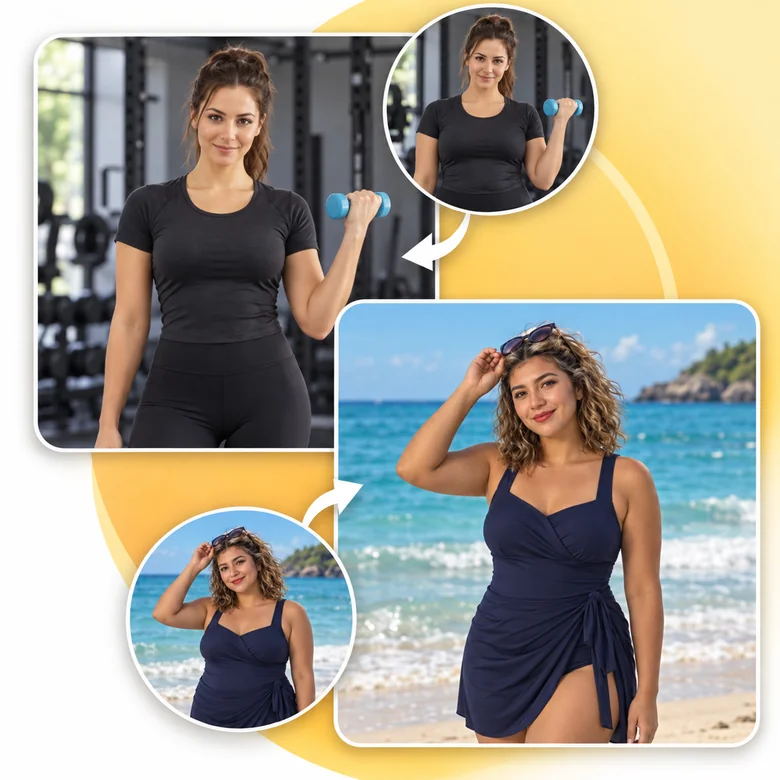
Many people look for an app to make you look skinny, but this photo slimmer runs in any phone or desktop browser. Upload from your camera roll, preview the result, and skip installing another slimming application.
Lighthearted and practical ways to use a slimmer-body preview.
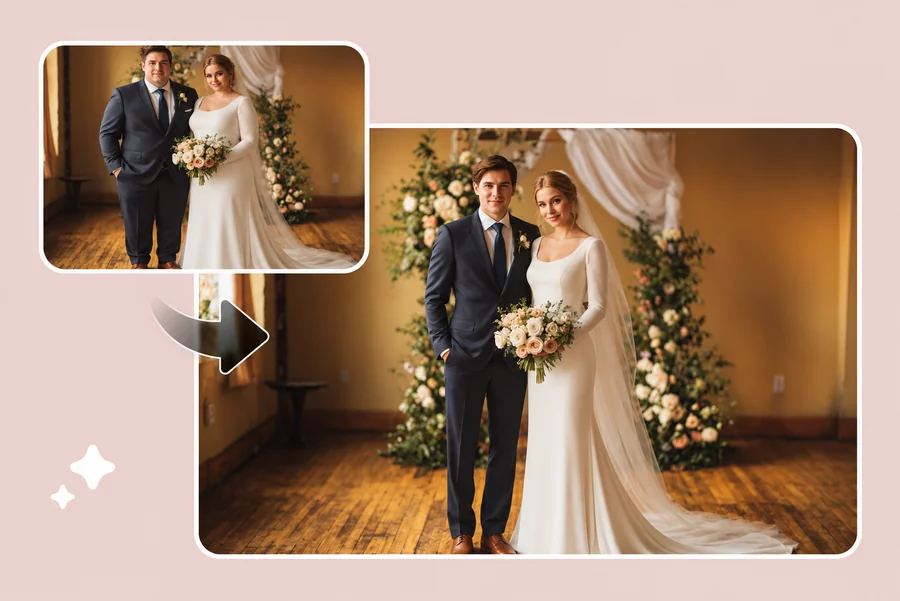
Answer "how would I look skinny?" with a quick, playful preview instead of guessing. Share it with friends or keep it to yourself.
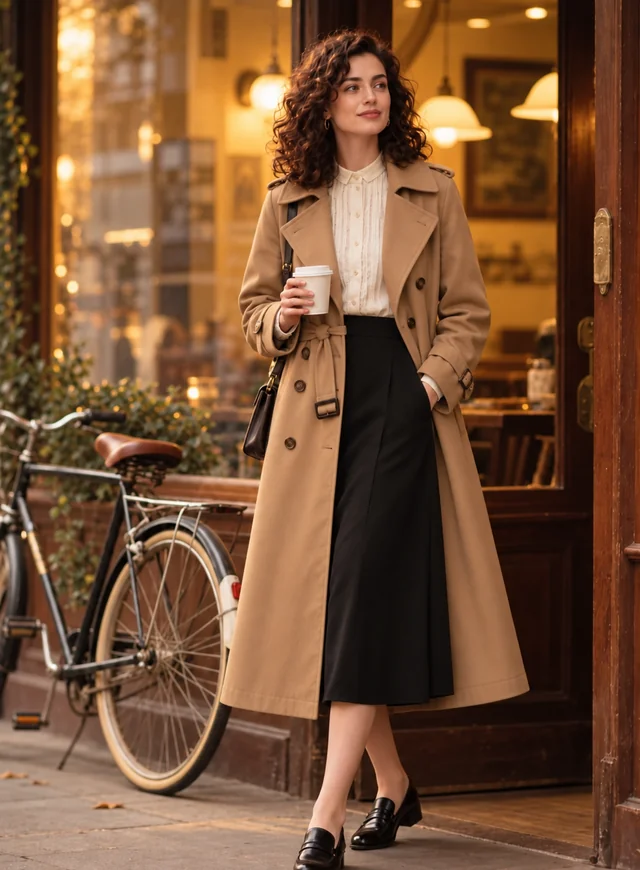
See how a fitted suit, a dress, or a new style might sit on a slimmer body before planning a shoot or a shopping trip.
Writers, cosplayers, and game artists can explore different body types for a character from a single reference photo.
Some people like a visual reference for a fitness plan. Keep it realistic, pair it with advice from a professional, and remember the photo is an illustration, not a promise.
Learning how to pose for a picture to look thinner also gives the AI a better starting photo. These photographer tricks show how to make yourself look thinner in photos, or how to make yourself look skinny in a photo without editing at all.
Turn your body about 45 degrees to the camera and put your weight on the back leg instead of standing square-on.
Push your chin gently toward the camera to define the jawline, and keep the lens at eye level or a little above.
Keep a little gap between arms and waist, or place a hand on your hip, so the arms are not pressed flat against the body.
Diffused light and fitted, darker clothes show a clean outline, which also helps the skinny filter keep proportions natural.
Common, lighthearted ways people use slimmer-body previews.
Illustrative examples adapted from reference material, not verified reviews of EzImgMaker.
I was curious what I would look like skinny, so I tried the subtle setting. It still looked like me, same hoodie and all, which made it fun rather than weird.
I design characters for a tabletop campaign. One reference photo plus the toned and slim settings gave me three body types to sketch from.
Before ordering a tailored suit, I previewed a slimmer fit on my own photo. The jacket kept its lapels and buttons instead of melting.
The posing tips helped as much as the filter. Angling my body and moving my arms away from my waist changed my photos right away.
Answers to common questions about skinny filters and slimmer-body previews.
A skinny filter is an AI photo effect that previews a slimmer body or face. This body slimmer redraws the silhouette while keeping your face, outfit, pose, and background, so the result looks like the same photo with different proportions.
Upload a clear full-body photo, choose Subtle Slim or Noticeably Slimmer, and generate. It works as a simple "what would I look like skinny generator", but the result is a creative illustration, not a forecast of how your body would actually change.
Pose first: angle your body, keep your arms away from your waist, push your chin slightly forward, and shoot from eye level. Then, if you want, use the AI skinny filter at a low intensity for a natural finish rather than an obvious edit.
You do not need an app that will make you look skinny. This make me skinny AI runs online in mobile and desktop browsers, so you can make me thin or make me slimmer edits from your camera roll without installing anything.
No. A weight loss filter only changes pixels. Real bodies change differently depending on genetics, health, and many other factors, so never use a filtered photo as a medical or diet target, and talk to a professional about health goals.
Yes. Set Focus area to Face & jawline, Waist & tummy, or Arms & legs, then choose the intensity. You can also describe specific details in the optional text box.
It keeps your identity, expression, hairstyle, and outfit, and only refines proportions. If a garment changes, lower the intensity or add "keep the outfit unchanged" in the details box.
No. The skinny filter is for photos of adults only. Please do not upload photos of anyone under 18, and do not use body edits to comment on or tease anyone about their body.
Only upload photos you have permission to edit, and get consent from the person in them. Never use a slimmed photo to mislead others, for example in dating profiles or fitness and diet product ads.
Upload a photo, choose an area and intensity, and see what the AI skinny filter creates.