One-Take Cliff City Chase
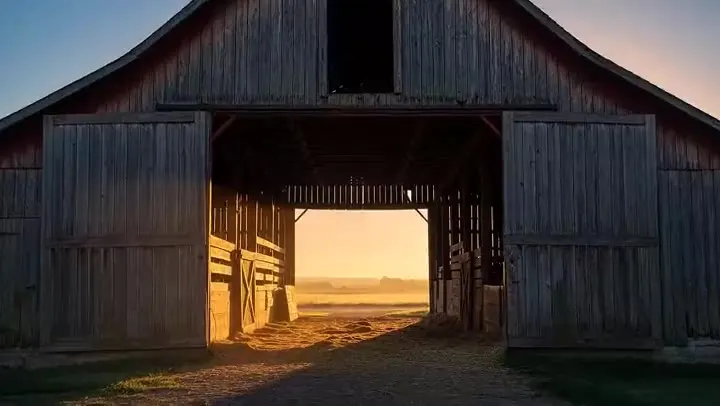
MiniMax H3 text to video: a single continuous camera move that dives, whips around, and ends on a wide waterfall reveal.
Make Hailuo AI videos with all three MiniMax models in one place. MiniMax H3 creates 4 to 15 second clips in 768P or 2K with sound, from text, a start and end frame, or reference images, video, and audio. Hailuo 2.3 and Hailuo 02 bring photos to life with lifelike motion in up to 1080P.
Speeder chase across a cliff city (single continuous shot). From a monumental cliffside city carved into stone, the camera dives toward a tiny streak of light ripping along a narrow ledge-road. Lock-on: a speeder hugging the wall at insane speed. The camera slingshots ahead, whips back, then drops tight to the rear thrusters: heat haze, grit snapping off the ledge, warning lights flashing. A collapsing balcony rains debris; the rider snaps a last-inch swerve under a falling arch, then threads through hanging laundry lines and open windows in one fluid line. The camera darts through the same openings, staying glued to the motion. One final bend and sudden calm: the camera blasts outward into a reveal of the city opening onto a boundless waterfall-fed valley, mist turning into rainbow.
Reference example. It is not a result generated from your upload.
Hailuo AI is the AI video generator from MiniMax, the Shanghai-based AI company. Hailuo AI takes its name from the Chinese word hailuo (海螺), “conch shell”, and the MiniMax Hailuo AI models are known for lifelike motion, believable physics, and camera moves that follow your prompt. On EzImgMaker you can use the three Hailuo MiniMax models available through our provider without switching apps.
MiniMax H3, also called Hailuo 03, is the newest generation. It makes 4 to 15 second videos in 768P or 2K with sound generated alongside the picture, and works from text, from a start and end frame, or from reference images, video, and audio. Hailuo 2.3 is an image-to-video model that animates a single photo with expressive faces and body movement. Hailuo 02 covers both text to video and image to video, including an end frame. Together they make one Hailuo AI video generator for most short-form jobs.
What each Hailuo model can do on EzImgMaker.
| MiniMax H3 | Hailuo 2.3 | Hailuo 02 | |
|---|---|---|---|
| Best for | Longer clips with sound and reference control | Animating a photo with expressive motion | Text or image to video with an end frame |
| Text to video | Yes | No | Yes |
| Image to video | Start frame, or start + end frame | Start frame only | Start frame, or start + end frame |
| Reference to video | Up to 3 reference images, plus a reference video and an audio clip | No | No |
| Video length | 4–15 s, any whole second | 6 or 10 s | 6 or 10 s |
| Resolution | 768P or 2K | 768P or 1080P, Standard or Pro quality | Hailuo 02 Standard: 768P (512P for image to video); Pro: 1080P |
| Long clips at top resolution | 2K at every length | 1080P is 6 s only | 1080P is 6 s only |
| Aspect ratio | 21:9, 16:9, 4:3, 1:1, 3:4, 9:16, or Auto with references; follows your frames in image to video | Follows your photo | Landscape in text to video; follows your photo in image to video |
| Sound | Generated with the video (stereo) | Silent | Silent |
On EzImgMaker, Hailuo 2.3 appears only in Image to video, and Reference to video runs on MiniMax H3. 2K and 1080P take longer and use more credits than 768P; the cost is shown on the Generate button before you start.
Placeholder clips with the prompts behind them, one or more for each Hailuo model. Copy a prompt and change the subject to make your own.
MiniMax H3 text to video: a single continuous camera move that dives, whips around, and ends on a wide waterfall reveal.
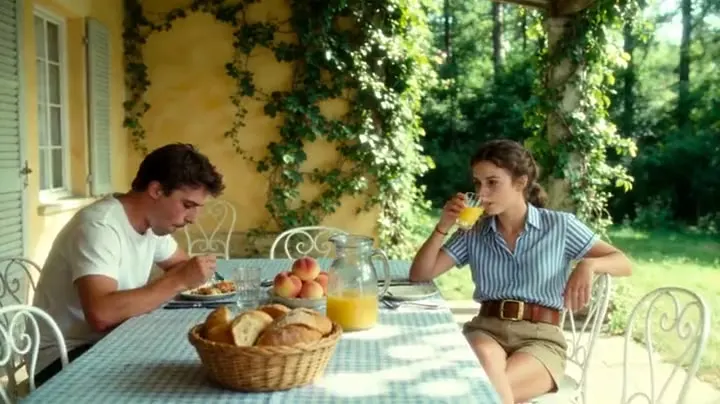
MiniMax H3 image to video: the sheets lift in sequence as the gust travels, while the woman and the city stay true to the photo.
MiniMax H3 reference to video: the traveler and the buried machine come from a reference image; the camera rises to show the scale.
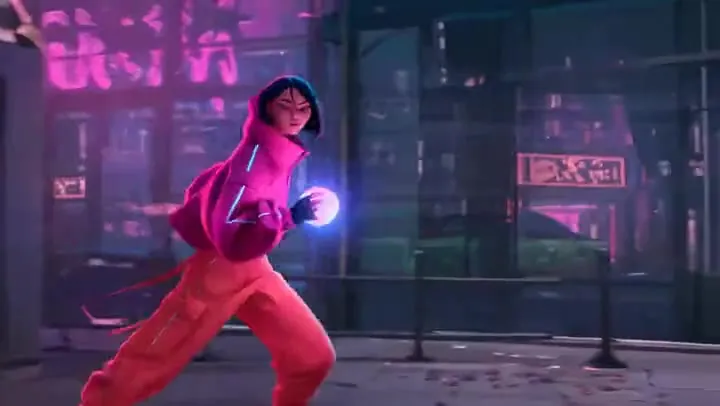
Hailuo 2.3 Standard: a still of two knights becomes a slow-motion clash with sparks, dust, and a moving camera.
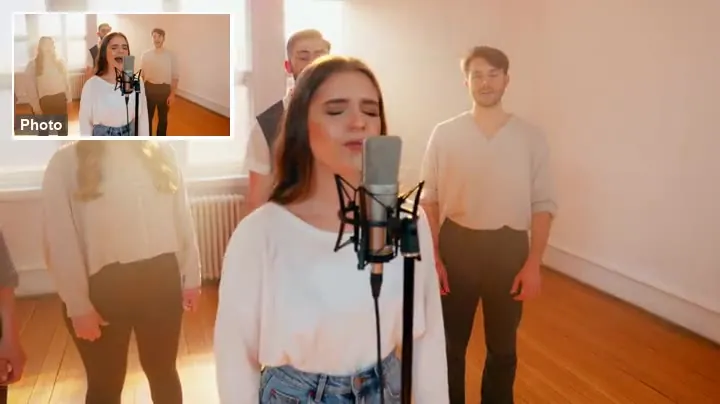
Hailuo 2.3 Pro: graceful hand movement, flowing sleeves, and steady fabric detail from a single photo.
Hailuo 02 with a start and an end frame: the camera pulls back from the samurai and lands exactly on the closing image.
Three steps in your browser. No app to install.
Choose Text to video, Image to video, or Reference to video, then MiniMax H3, Hailuo 2.3, or Hailuo 02. Hailuo 2.3 appears in Image to video, and Reference to video uses MiniMax H3.
Describe the subject, the action, and how the camera moves. Add a start frame and an optional end frame, or upload up to three reference images, a reference video, and an audio clip for H3.
Choose 4–15 seconds in 768P or 2K on H3, or 6 or 10 seconds on Hailuo 2.3 and Hailuo 02 (1080P is 6 seconds only). Generate, review the clip, and download your Hailuo AI video.
H3 is the MiniMax AI video generator to reach for when the clip needs room: any length from 4 to 15 seconds, 768P drafts or 2K finals, and six aspect ratios from 21:9 widescreen to 9:16 vertical. Music, ambience, and effects are generated with the picture, so describe the sound in the same prompt as the action.
Give MiniMax H3 up to three reference images of a character, product, or place, plus a reference video for motion or camera language and an audio clip for a voice or song. Say what each file should control, and H3 carries that subject through the whole shot.
Hailuo 2.3 turns one photo into a 6 or 10 second clip with natural micro-expressions, dance moves, and fabric that moves with weight. It handles realistic footage as well as anime and illustration. Use Standard for everyday clips and Pro when detail matters, in 768P or 1080P.
Hailuo 02 works from text or from a photo, and in image to video it can also take an end frame, so the shot lands exactly where you planned. Draft quickly in 512P or 768P at 6 or 10 seconds, then render the keeper with Hailuo 02 Pro in 1080P.
Vertical 9:16 and square clips with strong motion hooks, made from a prompt or a single photo.
Product shots animated from a packshot, or reference-driven ads that keep the product the same in every frame.
Previsualize camera moves in 21:9, test a start-to-end transition, or block a scene before the shoot.
Bring illustrations, key art, and character sheets to life without hand-animating every frame.
Clear, concrete prompts give the most reliable results on every Hailuo model.
Say who moves, how they move, and how the camera follows: tracking shot, push-in, crane up, or a handheld feel.
For 10–15 second MiniMax H3 videos, split the prompt into beats such as 0–4 s, 4–9 s, and 9–15 s, and add the sound for each beat.
Write what each upload controls: the face and outfit from the reference image, the camera move from the video, the voice from the audio.
In image to video, describe only what moves, then list what stays fixed: the face, the outfit, the product label, the background.
Common questions about the Hailuo AI video generator and the MiniMax models behind it.
Hailuo AI is MiniMax’s AI video generator. It turns text prompts, photos, and reference files into short videos with realistic motion and camera control. On EzImgMaker you can use three Hailuo models: MiniMax H3, Hailuo 2.3, and Hailuo 02.
MiniMax H3 (also known as Hailuo 03 or Hailuo 3.0) is the newest model: 4–15 seconds, 768P or 2K, sound, and text, frame, or reference input. Hailuo 2.3 animates a single photo in 768P or 1080P with expressive motion. Hailuo 02 (also written Hailuo-02) does text to video and image to video with an optional end frame, from 512P up to 1080P with Hailuo 02 Pro.
Not here. With our provider, Hailuo 2.3 is an image-to-video model, so it needs a start frame and does not take an end frame. For a video from text alone, choose MiniMax H3 or Hailuo 02.
MiniMax H3 makes clips of any whole number of seconds from 4 to 15, in 768P or 2K. Hailuo 2.3 and Hailuo 02 make 6 or 10 second clips; their 1080P output is limited to 6 seconds, and Hailuo 02 also offers 512P for quick image-to-video drafts.
MiniMax H3 generates stereo sound together with the video, and you can direct the music, ambience, effects, or dialogue in the prompt; there is no switch to turn it off. Hailuo 2.3 and Hailuo 02 produce silent clips that you can score yourself.
Video generation needs real GPU time, so it is not unlimited. On EzImgMaker, new users get free credits to try Hailuo AI; after that, each clip uses credits based on the model, length, and resolution. Hailuo pricing is shown on the Generate button before you start, and 768P is the cheapest way to test a prompt.
The correct spelling is Hailuo, from the Chinese pinyin for “conch shell”. Because the name is unfamiliar in English, people often type it as hailou, haliou ai, hailous, haulio ai, halio ai, hailouai, or hulio ai, and Spanish and Portuguese speakers write Hailuo IA. All of them mean the same MiniMax video generator.
No. EzImgMaker is an independent service that provides access to MiniMax H3, Hailuo 2.3, and Hailuo 02 through a third-party API provider. It is not affiliated with, endorsed by, or sponsored by MiniMax. The official Hailuo AI app and website are run by MiniMax.
Only images, videos, and audio you own or have permission to use. Do not upload other people’s likeness or voice without their consent, and do not create misleading, infringing, or harmful videos of real people.
Describe a scene or upload a photo, pick MiniMax H3, Hailuo 2.3, or Hailuo 02, and generate your Hailuo video.
MiniMax, Hailuo, and Hailuo AI are trademarks of MiniMax or its affiliates. EzImgMaker is an independent service and is not affiliated with, endorsed by, or sponsored by MiniMax. Model names are used only to describe compatibility. Example clips are placeholders from public model demos and will be replaced with our own generations.