Upload Your Dark Photo
Drop in a JPG, PNG, or WebP file up to 20 MB, such as a backlit portrait, a dim room, or an evening shot. It opens locally and is never sent to a server.
Upload a dark picture and brighten the image right in your browser. Pick a one-click fix or fine-tune brightness and exposure, compare before and after, and download.
Quick fixes
Fine-tune
Runs in your browser. Your photo is never uploaded.

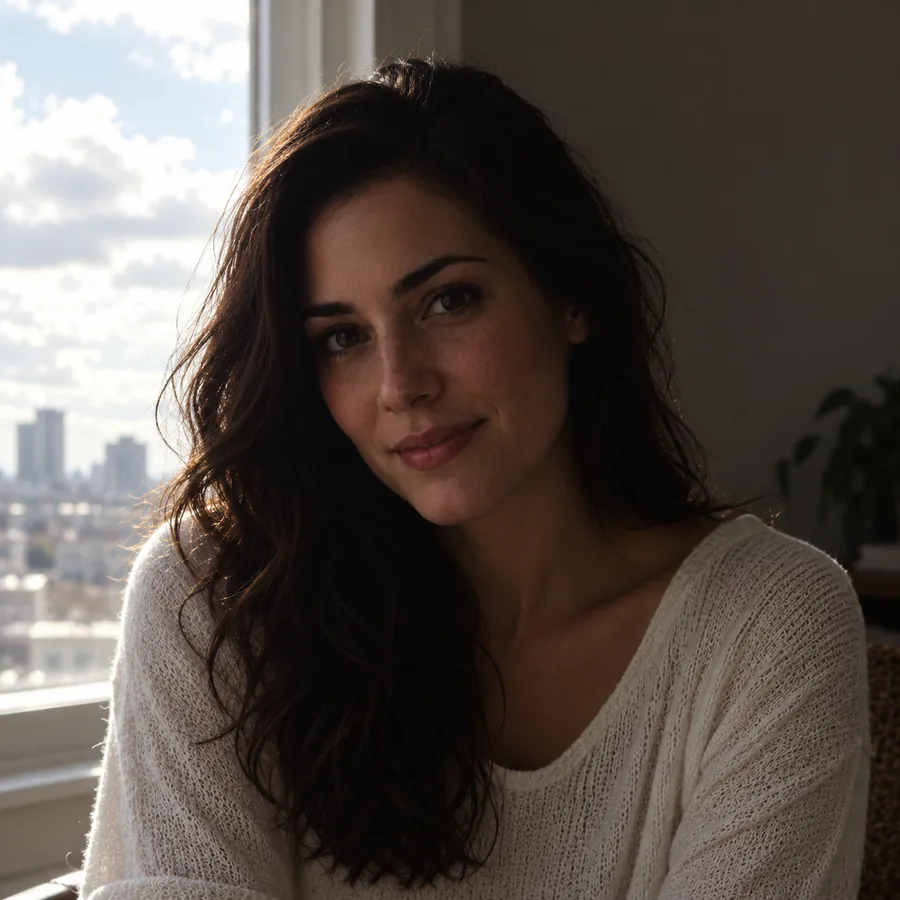
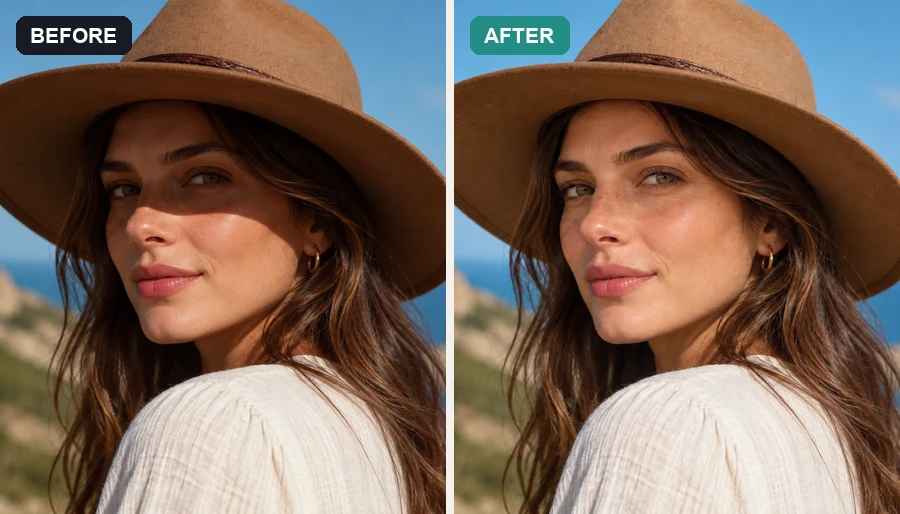
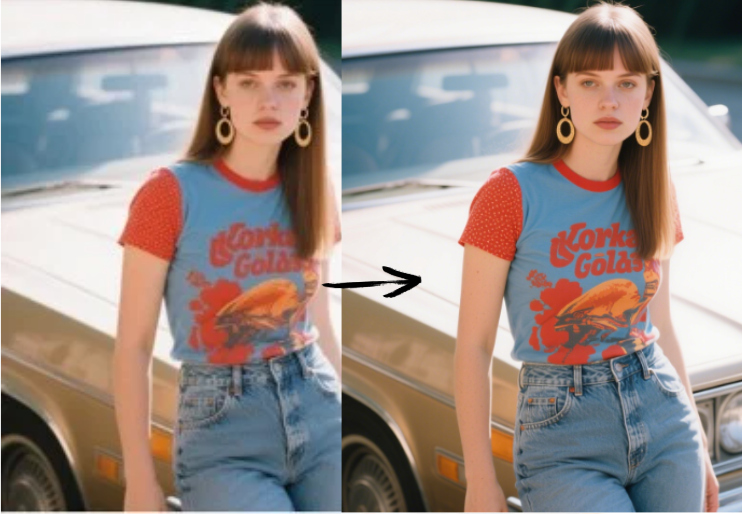
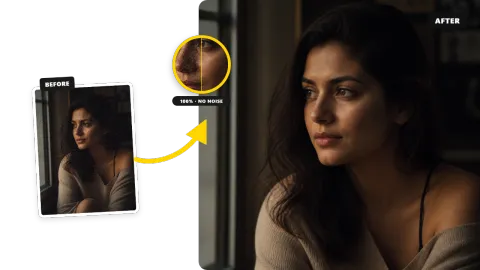
Reference example. It is not a result generated from your upload.
An image brightener is an image brightness editor that lightens pictures that came out too dark. Instead of only pushing every pixel brighter, this picture brightener lifts the shadows with an exposure curve, keeps highlights from turning white, and lets you balance contrast and color so the brightened photo still looks natural.
It runs entirely in your browser: nothing is uploaded, there is no account to create, and the download keeps your original resolution. Note that a completely dark image, such as a frame shot with the lens cap on, contains no detail to recover; most underexposed photos, however, hide far more detail than you might expect.
How do you brighten a picture without editing software? Three steps, all in the browser.
Drop in a JPG, PNG, or WebP file up to 20 MB, such as a backlit portrait, a dim room, or an evening shot. It opens locally and is never sent to a server.
Start with Auto Brighten or Dark Photo Fix, then fine-tune brightness, shadows, contrast, saturation, and warmth. The before/after preview updates as you drag.
Pick JPG, PNG, or WebP and save the image at full resolution, ready to post, print, or share.
The Shadows slider applies an exposure curve that lightens dark areas much more than bright ones, so faces and textures come back while skies and windows keep their detail. It is the difference between a photo that looks properly exposed and one that simply looks grey.
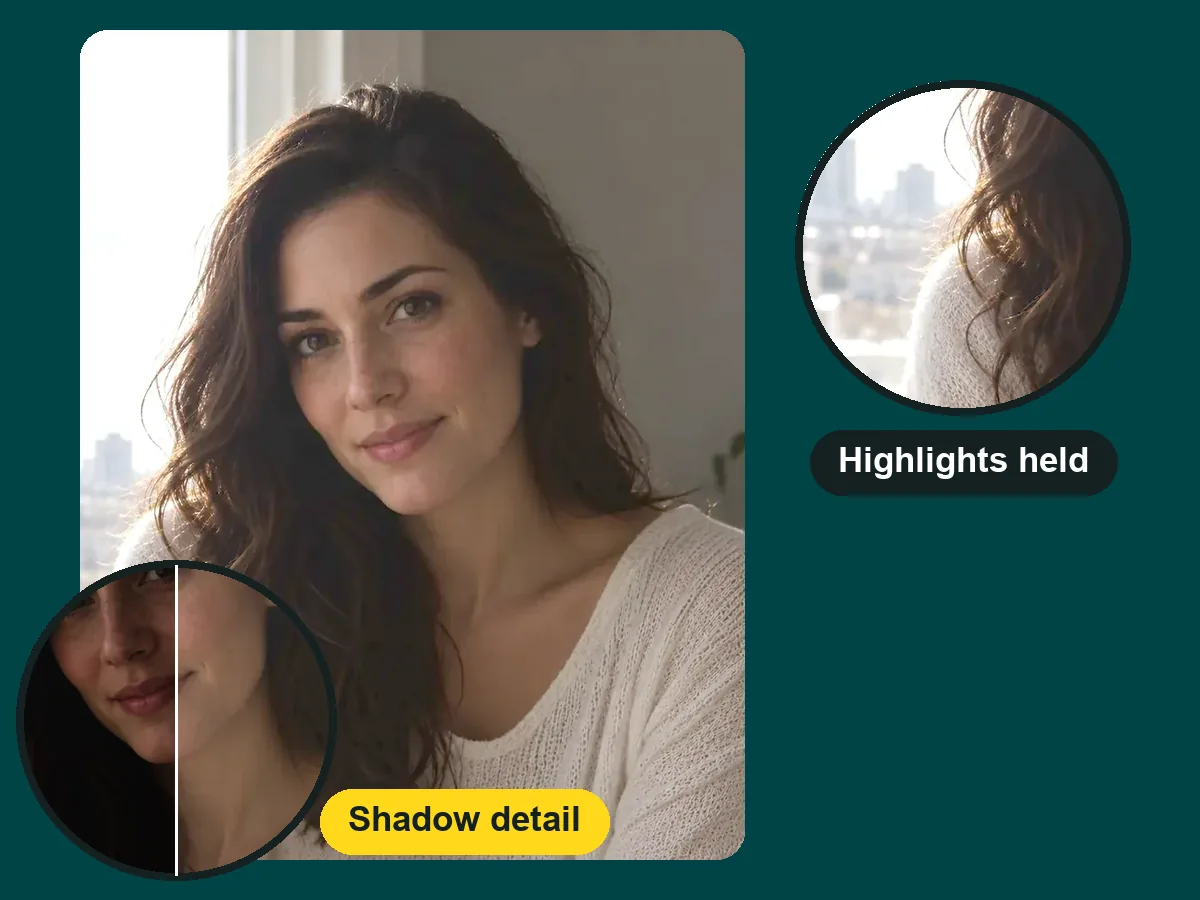
Not sure where to start? Quick fixes such as Auto Brighten and Backlit Face set every slider for you. Want control? Use it as an image brightness adjuster and dial in exactly how bright, contrasty, and warm the photo should be.
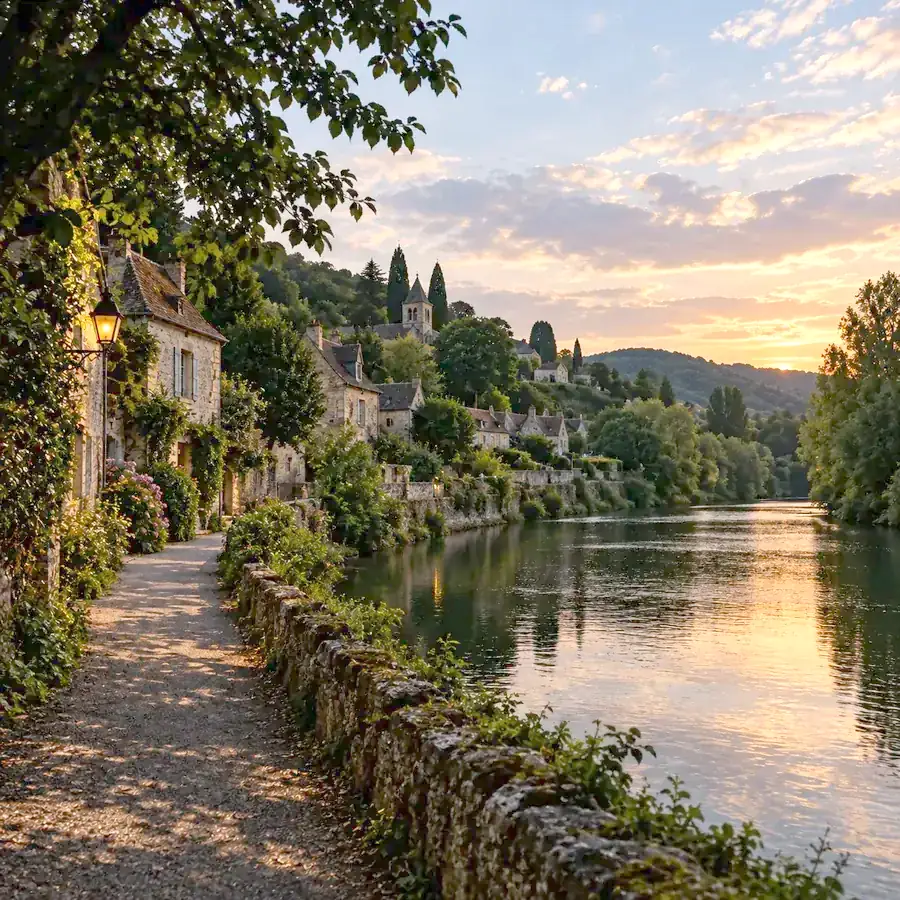
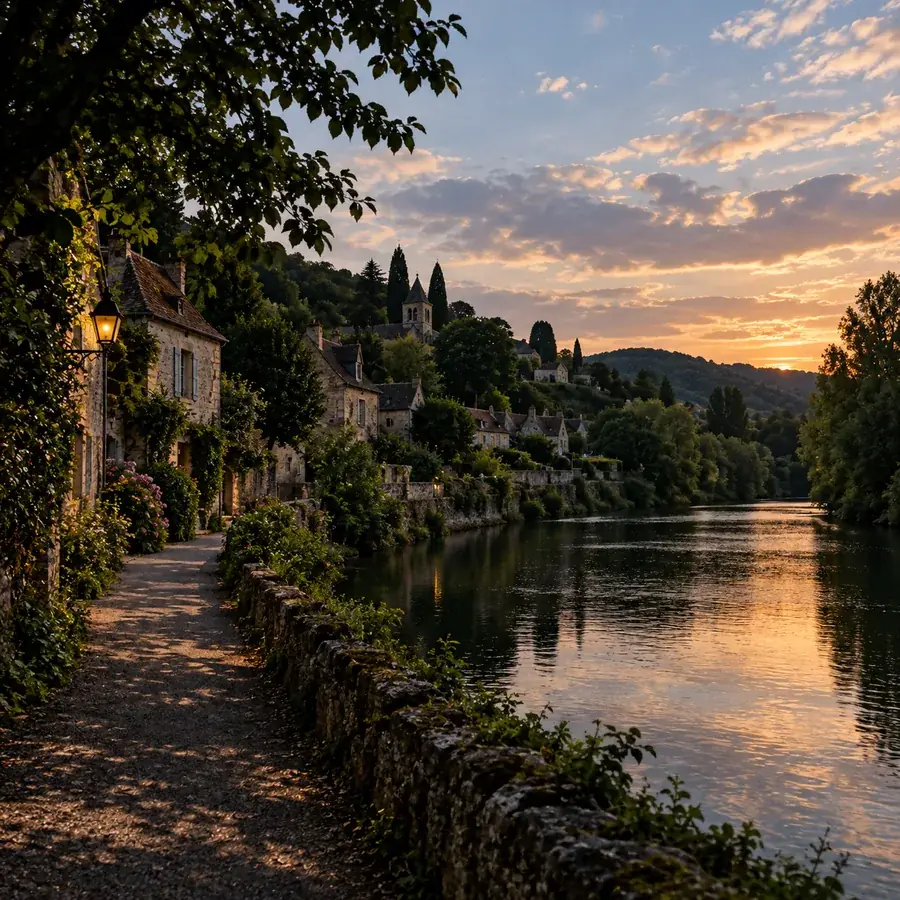
Shot into the sun or under heavy trees? Lighten the image to bring back paths, water, and buildings, then add a touch of saturation so the scene keeps its color instead of turning flat.
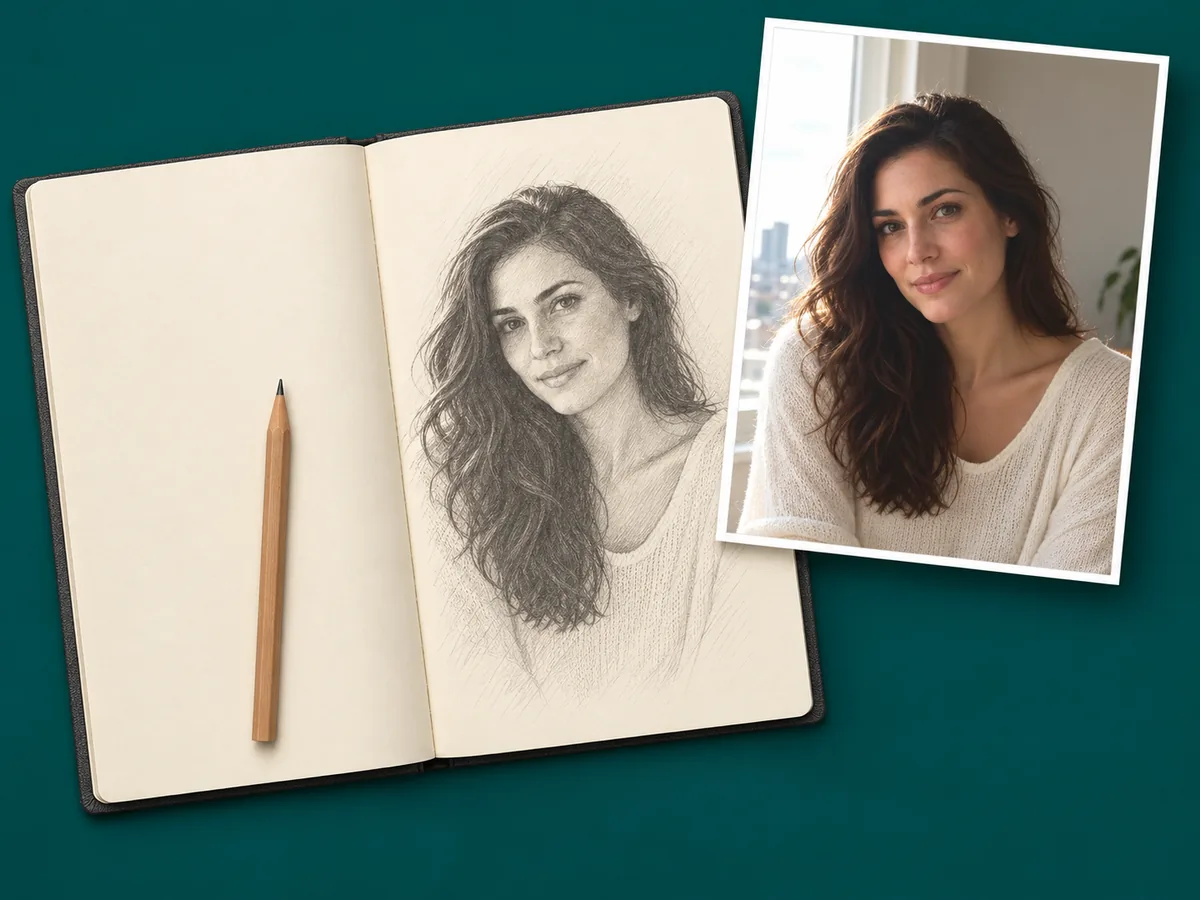
Your photo is processed on your own device, so it stays private and the tool is free to use with no sign-up. The brightened image downloads at its original size, not a shrunken preview.
The shots that most often need a brightness boost.
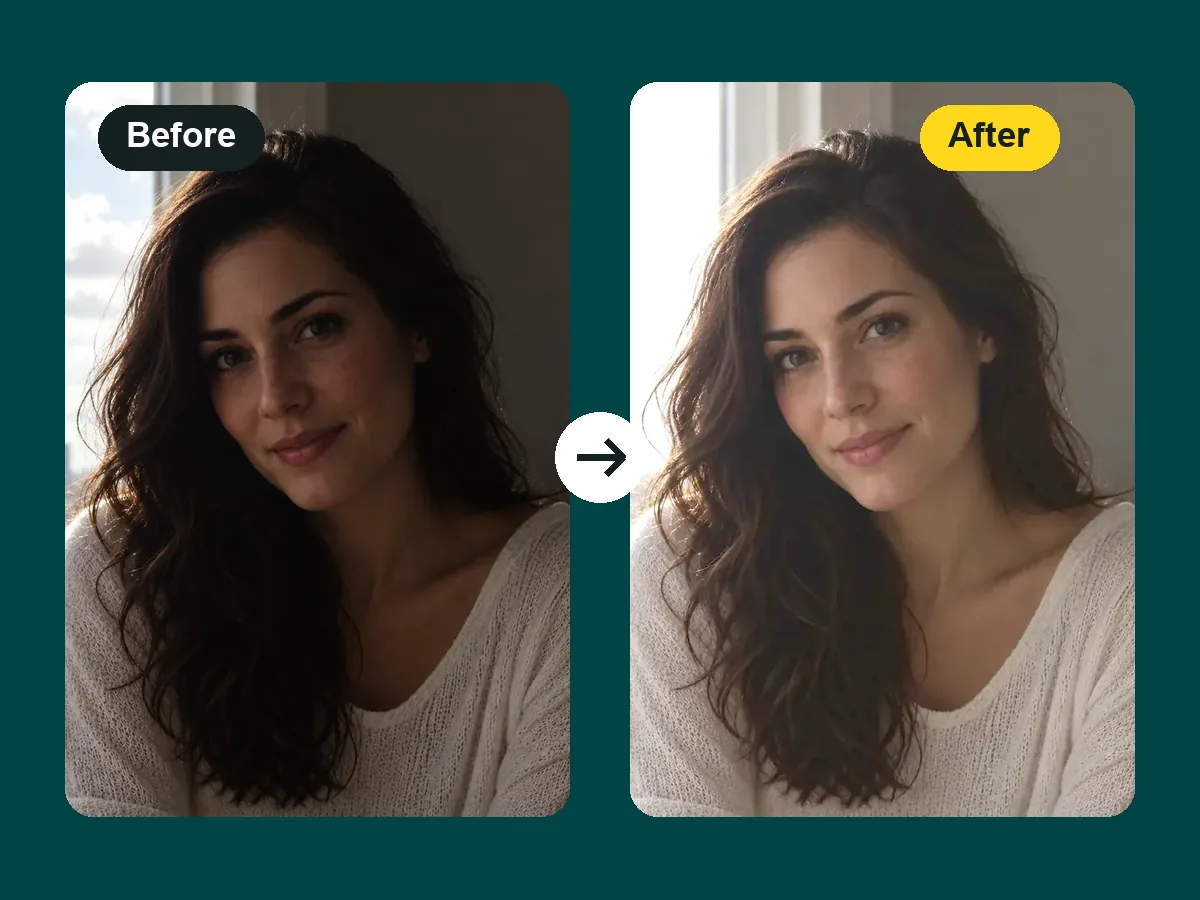
When someone stands in front of a window or bright sky, the camera exposes for the background. Lift the shadows to bring the face back without blowing out the window.
Restaurants, parties, and living rooms are darker than they look. Brighten the picture to recover faces and details lost in dim light.
Make product photos brighter and cleaner so shoppers can see colors and details clearly.
Lighten an image you want to trace, print, or study so edges and textures are easy to see.
A few habits that keep brightened photos looking natural.
Raise the Shadows (exposure) slider before Brightness; it recovers dark areas while protecting highlights.
Brightening flattens a photo. A small contrast boost restores depth so it does not look washed out.
Dark photos often turn cool or orange. Nudge Warmth until faces look like they did in real life.
Use the original photo, not a screenshot or a compressed copy, so there is more detail to bring back.
How people use a photo brightener on everyday shots.
Illustrative examples adapted from reference material, not verified reviews of EzImgMaker.
Half of my reception candids came out so dark I could barely tell who was in the frame. Dark Photo Fix brought the faces back and the chandeliers still look like chandeliers.
The school play was shot from the back row with no flash. After brightening the picture I can actually see my daughter on stage.
I paint from photo references, and a dark one reads as one black mass. Now I lighten the image first and the shading finally separates.
Trail photos after sunset used to be a black smear. The path and trees show up again, and the sky keeps its color.
Common questions about brightening pictures online.
An image brightener, also called a photo brightener or photo lightener, is a tool to increase brightness of image files that came out too dark. This one combines brightness, an exposure (shadows) curve, contrast, saturation, and warmth so you can make a photo brighter without making it look washed out.
Upload the picture, click Auto Brighten or Dark Photo Fix, adjust the sliders until the before/after preview looks right, and download. You can brighten pictures one after another without reloading the page.
Lift the shadows before raising overall brightness, add a little contrast back, and start from the original file. The download keeps your full resolution, and PNG export avoids extra compression.
Choose Dark Photo Fix, then raise Shadows (exposure) until faces and details are visible and lower it slightly if the photo starts to look grey. This lifts the dark tones while keeping highlights intact, which is why it works better than only raising brightness. If you also want to make photo brighter overall, add a little Brightness at the end.
Only if detail was captured. A completely dark image, such as pure black from a covered lens, has nothing to recover. Most photos that look black on screen are just underexposed, and the Shadows slider usually brings a surprising amount back.
Yes, it is free and needs no sign-up. The image is processed by your browser on your own device, so there are no credits or limits for brightening.
No. The image brightener works locally in your browser, so the picture never leaves your device. Only photos you have the right to edit should be used.
You can brighten JPG, PNG, and WebP images up to 20 MB, and download the result as JPG, PNG, or WebP.
Brightening reveals the noise that is already hidden in dark areas. Keep the Shadows lift moderate and add a little contrast, or run the result through a denoise tool afterwards if grain is visible.
Brightness shifts every tone up or down by the same amount. Exposure here works like a curve: it lifts dark tones much more than bright ones, which is why it is better for lightening a dark photo without clipping highlights.
Yes. The image brightener runs in mobile browsers on iPhone and Android, so you can brighten photo files straight from your camera roll with no app to install.
Upload an underexposed picture, lift the shadows, and download the brightened image in full resolution.