Natural HDR
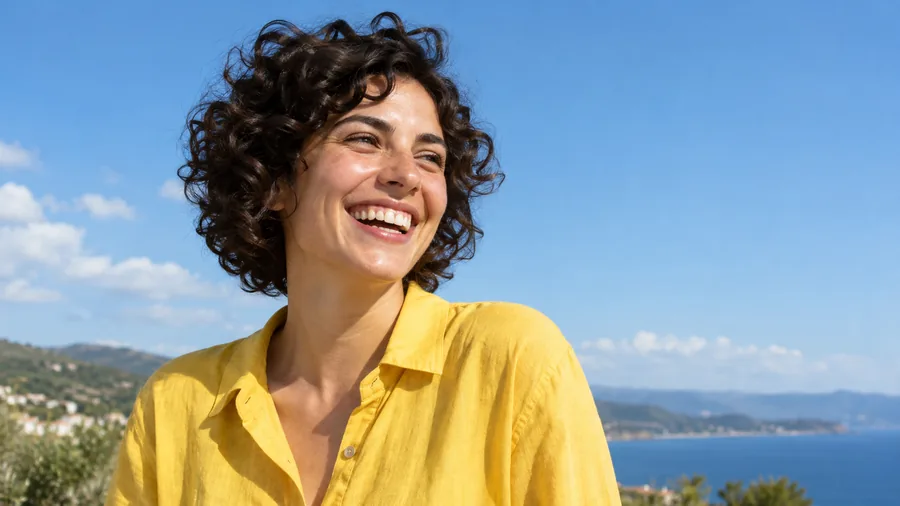
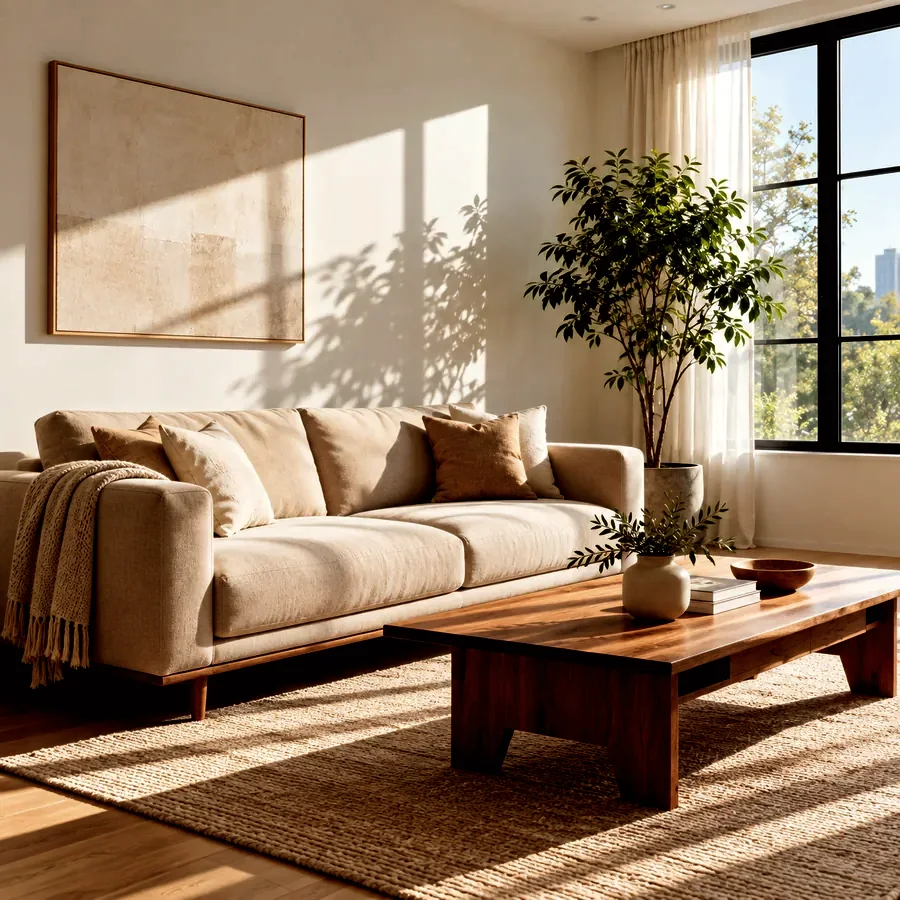
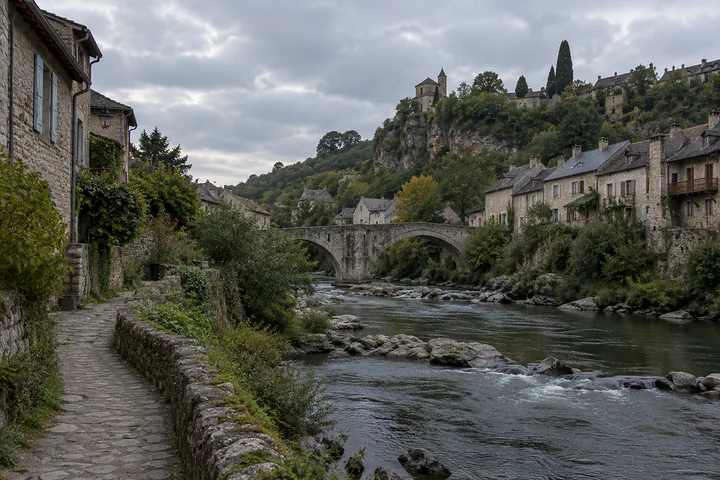
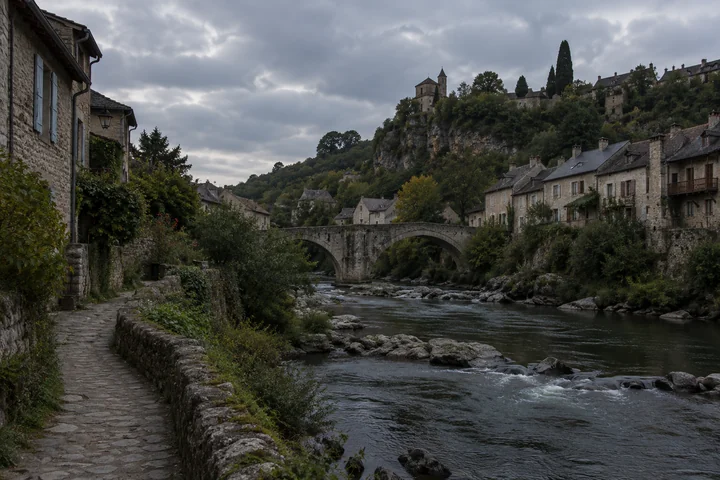
Lifted shadows, held clouds, and a little extra color: a well-exposed version of a flat travel photo.
Upload one photo and the AI HDR filter balances it like a bracketed shot: brighter shadows, held highlights, richer local contrast and color. Pick a natural, dramatic, landscape, real estate, night, grunge, food or portrait look and keep the scene true to life.
HDR Look: Natural HDR · Strength: Balanced
Reference example. It is not a result generated from your upload.
HDR stands for high dynamic range: a photo that shows detail in the darkest shadows and the brightest highlights at the same time, the way your eyes see a bright sky and a shaded street together. Classic HDR editing merges several bracketed exposures in HDR picture software and then tone-maps them. An HDR effect gets you that look from one ordinary photo.
This AI HDR filter reads the scene, brightens the shadows, holds back the highlights, and adds local contrast and color, with eight HDR effects to choose from: natural, dramatic, landscape, real estate, night, grunge, food, and portrait. Pick a strength from subtle to max. People, text, and the composition stay the same, so the result still looks like your photo, just with more detail.
Drag each slider to see what the HDR filter recovers in common scenes.
Lifted shadows, held clouds, and a little extra color: a well-exposed version of a flat travel photo.
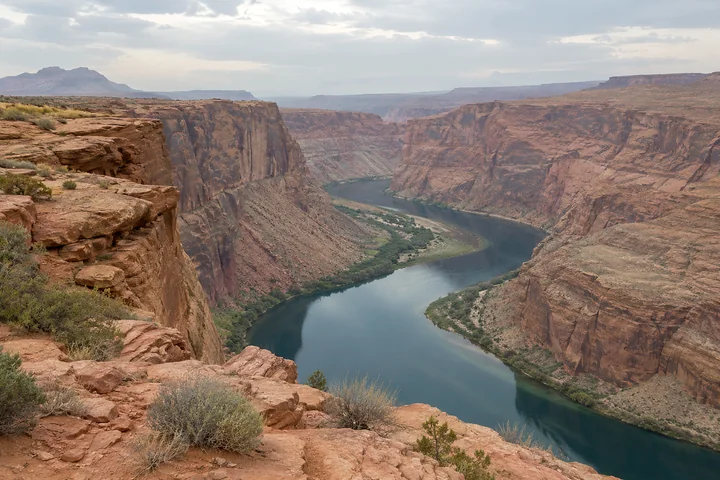
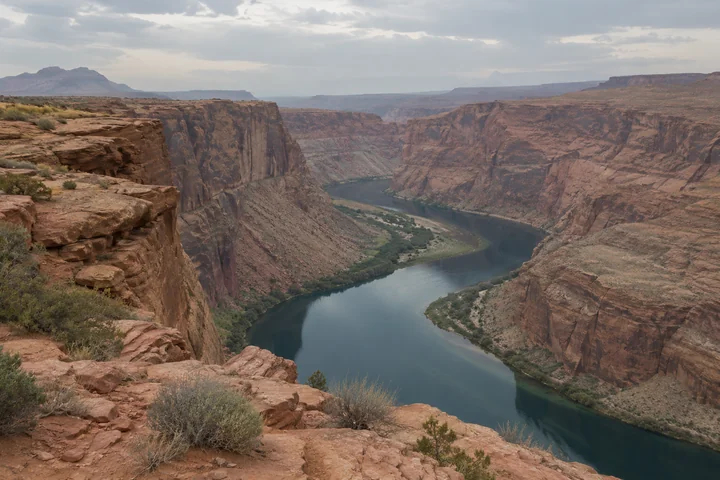
Strong local contrast, deep color, and textured rock and sky for an epic landscape.
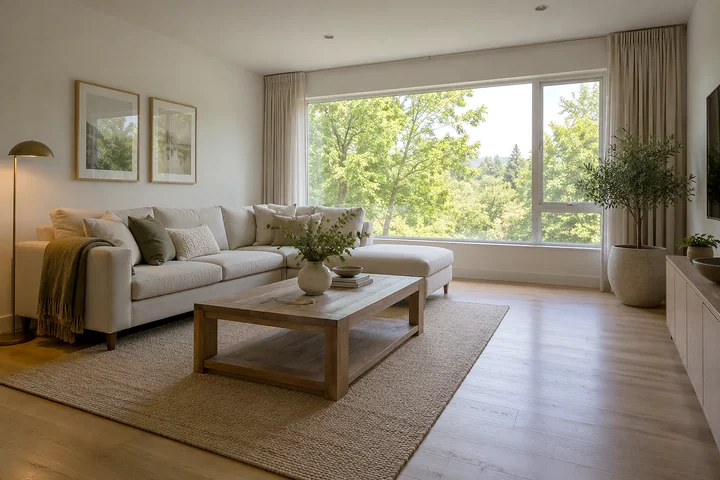
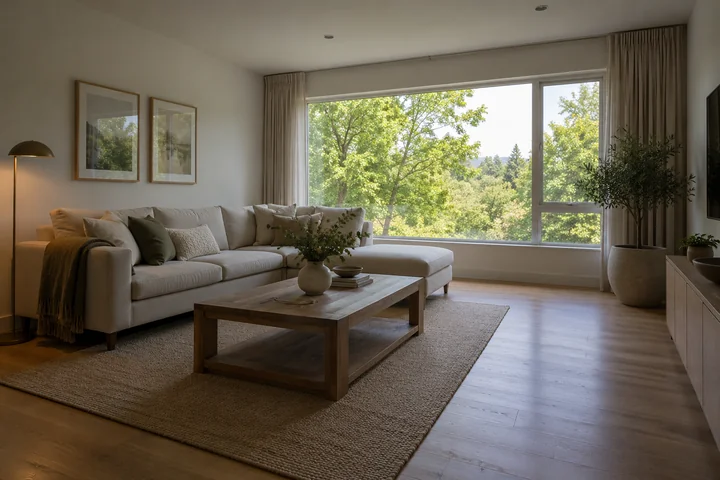
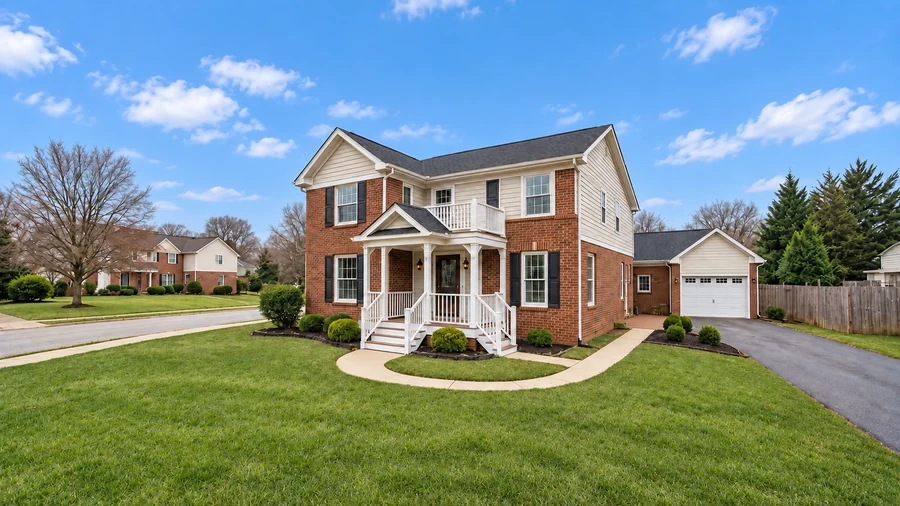
A bright, even interior with detail in the windows, the classic listing-photo look.
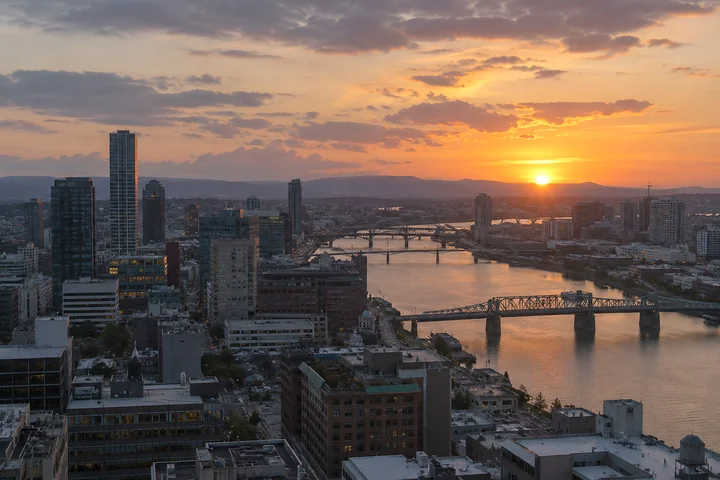
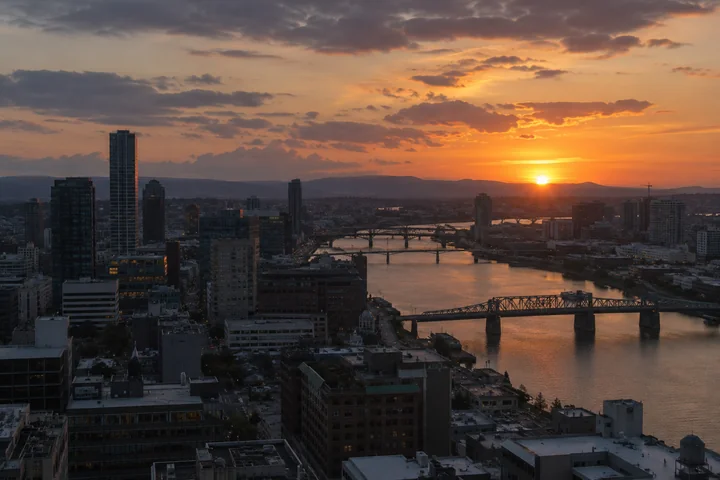
A dull sunset skyline turned into glowing color without blowing out the lights.
HDR editing in three steps. No bracketing, tripod, or desktop software required.
Landscapes, interiors, cityscapes, food, cars, or portraits. JPG, PNG, or WebP up to 20 MB.
Choose one of eight HDR effects, then Subtle, Balanced, Strong, or Max. Add a note like “keep the sky soft” if you like.
Drag the slider to compare with the original and download the HDR photo, or try another look on the same image.
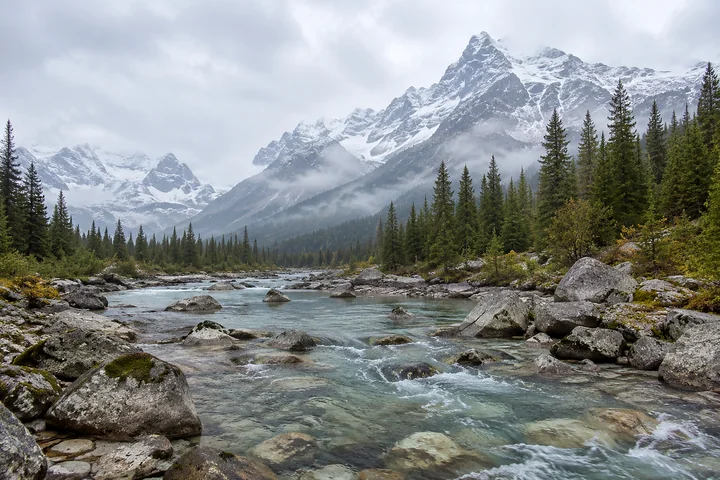
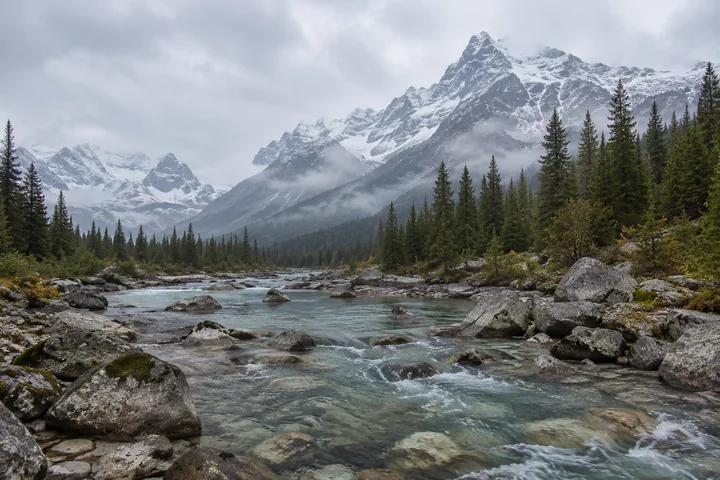
Real HDR needs three or more exposures and a steady tripod. AI HDR works from the one photo you already have, phone or camera, and rebuilds the tonal range so the sky, the shadows, and everything in between show detail. You can even HDR convert an old JPEG that was shot without HDR mode.
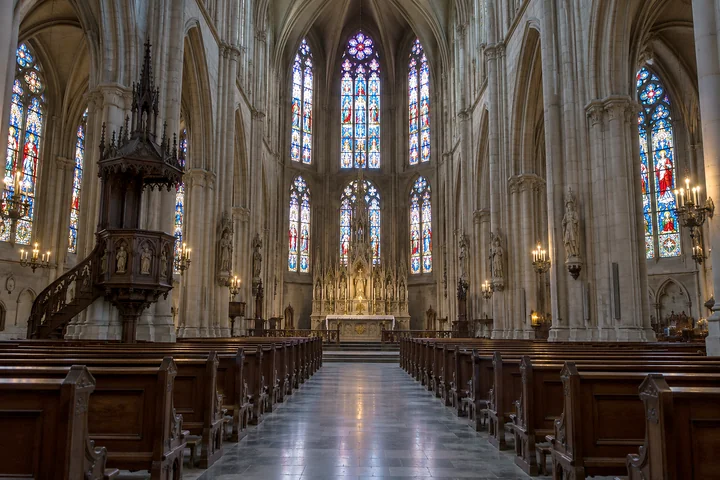
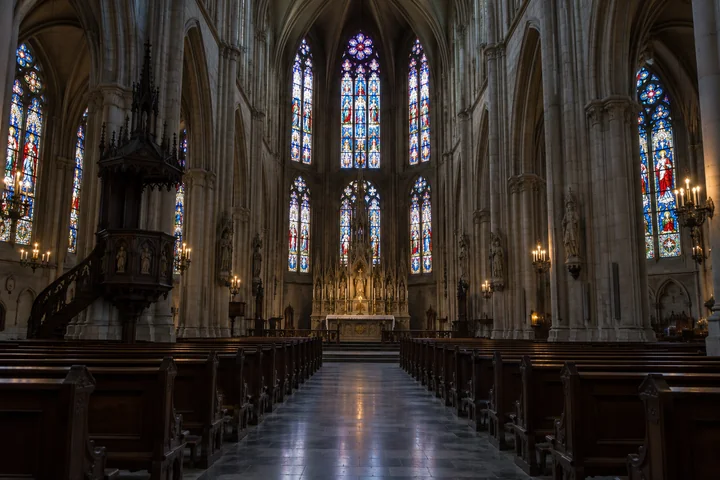
Dark interiors, backlit scenes, and deep shade hide detail that is still in the file. The HDR effect lifts crushed shadows and keeps bright windows and skies from clipping, like this cathedral where the arches and pews come back out of the dark.
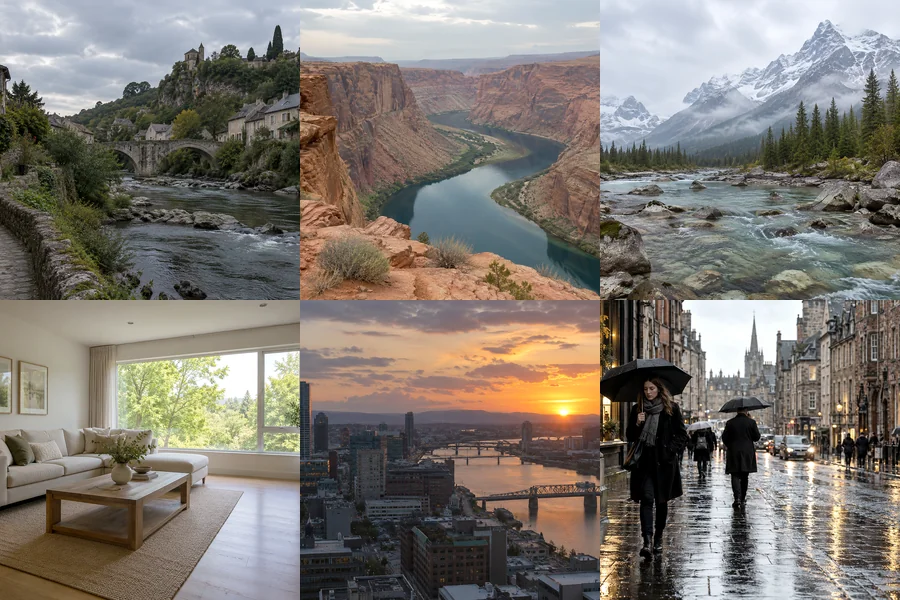
Natural for everyday shots, dramatic and landscape for scenery, real estate for listings, night for cityscapes, grunge for a gritty vintage feel, and food and portrait looks tuned for plates and people. It replaces a shelf of HDR presets in desktop software.
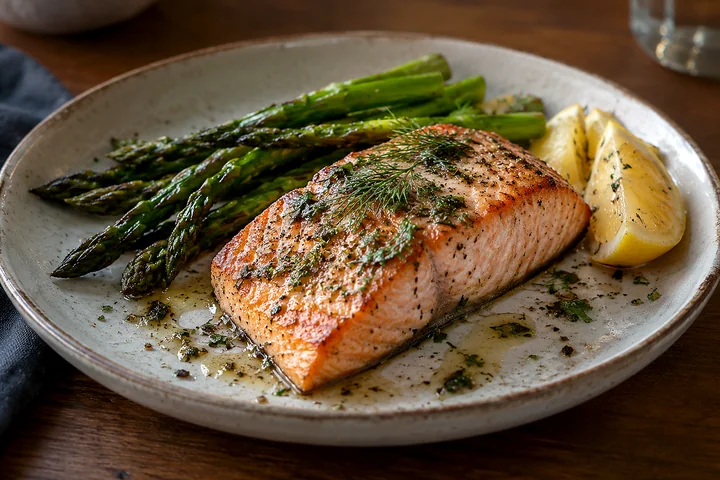
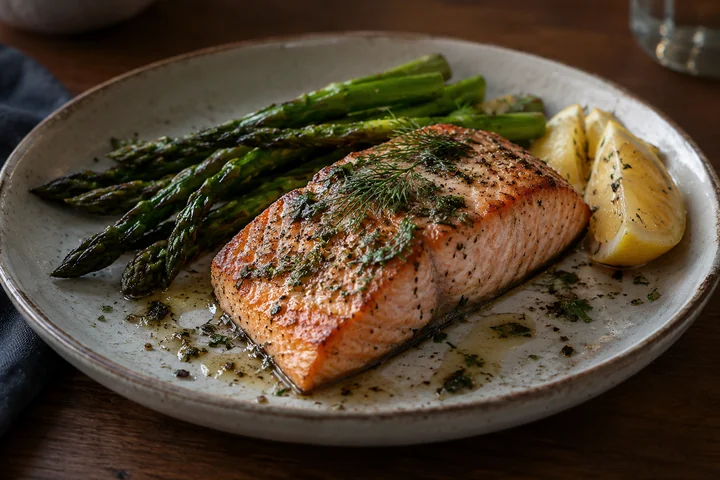
Old-school HDR often meant halos, gray skies, and neon colors. Start with Balanced or Subtle and the result reads as a better-exposed photo: more texture and color on the plate, cleaner highlights on the sauce, nothing added or moved.
Not sure which HDR effect to pick? Start here.
| HDR look | What it does | Best for |
|---|---|---|
| Natural HDR | Gently lifts shadows, recovers highlights, adds a little color | Travel, everyday, and phone photos |
| Dramatic HDR | Strong local contrast, deep color, textured skies, light vignette | Epic landscapes, architecture, cars |
| Landscape HDR | Detailed sky, mountains, foliage, and water, front to back | Mountains, coasts, forests |
| Real Estate HDR | Bright even interiors, window detail, neutral white balance | Property listings and rentals |
| Night HDR | Detail in the dark, controlled lights, glowing color | City skylines, sunsets, street scenes |
| Grunge HDR | Gritty contrast, muted color, grain, dark vignette | Urban, vintage, and moody edits |
| Food HDR | Appetizing color, crisp texture, balanced highlights | Menus, food blogs, delivery apps |
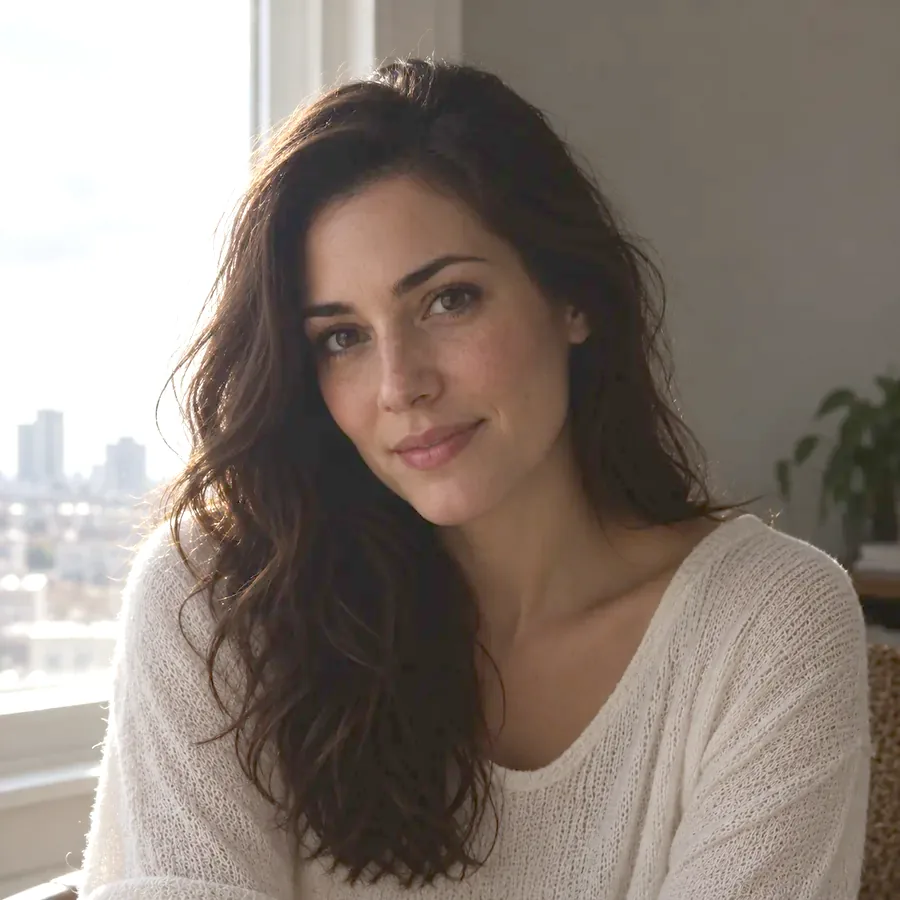
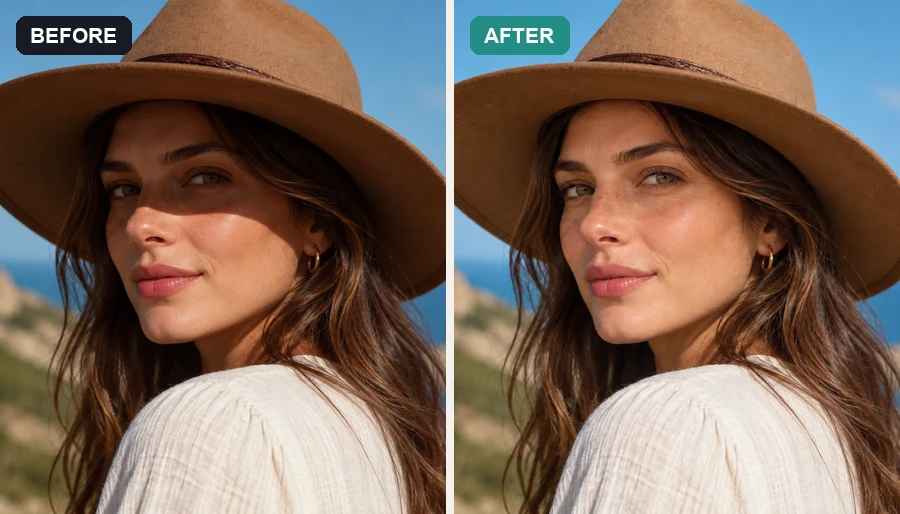
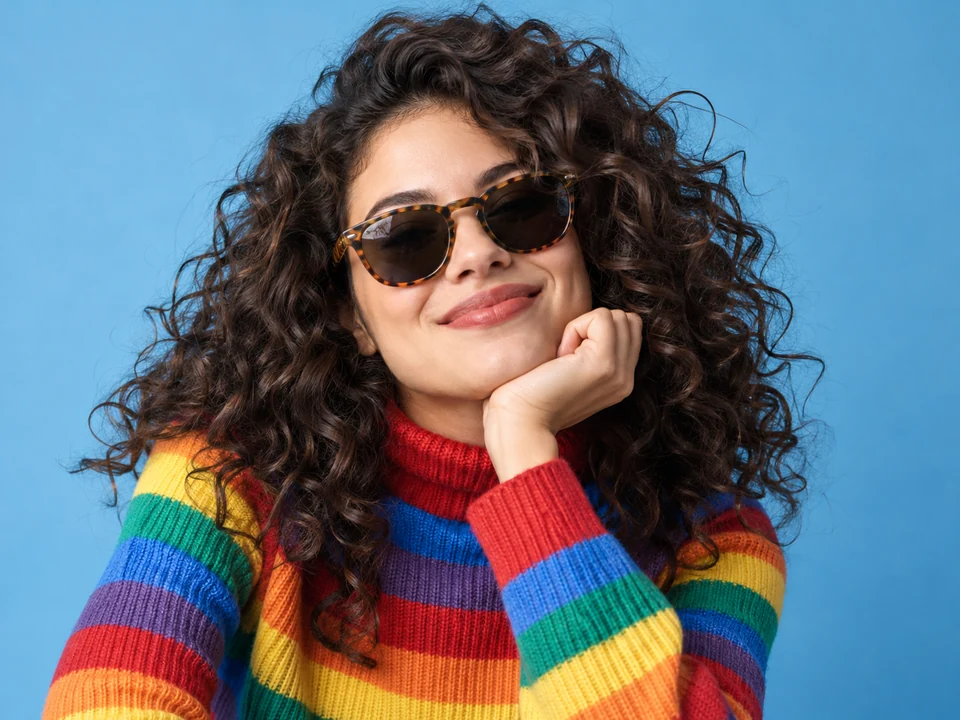
| Portrait HDR | Balanced face and background, natural skin | Backlit and outdoor portraits |
Brighter rooms and visible window views make listings and rentals look inviting.
Bring back skies and shadows from a single handheld shot.
Give menu and delivery photos more color and texture.
Add depth and clean reflections to marketplace photos.
Make flat phone photos pop for posts, Reels covers, and thumbnails.
Recover dark streets and skylines without blowing out the lights.
HDR can only rebuild what the original captured.
Totally blown-out areas have no detail to recover; expose for the sky when you shoot.
HDR adds local contrast, which also shows blur and noise. Use the sharpest version you have.
Try Balanced first, then go Subtle for portraits or Strong for dramatic scenery.
Use Real Estate for rooms, Night for dark scenes, and Food for plates for the most natural result.
Sharpen, denoise, and restore detail before or after adding HDR.
Open toolFree in-browser brightness, exposure, and contrast sliders.
Open toolBlue skies, green lawns, twilight, and virtual staging for listings.
Open toolRelight a photo: fix backlight, dark faces, harsh sun, or add golden hour.
Open toolAnswers about AI HDR filters and HDR photo editing.
An HDR effect makes a photo look like it has a higher dynamic range: more detail in shadows and highlights, stronger local contrast, and richer color. Traditionally it comes from merging bracketed exposures; the AI HDR filter here creates it from one photo.
Yes. Upload one photo and the AI recovers the shadow and highlight detail already in the file and tone-maps it. It cannot invent detail in areas that are completely black or completely white.
Not unless you want it to. Natural HDR with Subtle or Balanced strength looks like a better-exposed photo. Dramatic, Grunge, and Max are there when you want a bold, stylized look.
No. It is an online HDR photo editor that runs in your browser on phone or desktop, so there is no HDR picture software to download. Searching for a way to edit foto HDR style on your phone? Upload the photo here.
Phone HDR merges several frames at the moment you shoot. This HDR effect works afterwards on any saved photo, including old pictures and photos taken with HDR off, and lets you choose the look and strength.
No. HDR convert here means an HDR look in a standard image you can share anywhere. It does not create HDR10, Dolby Vision, or gain-map files for HDR displays.
Landscapes, cityscapes, interiors, architecture, cars, and food, especially scenes with a bright sky and dark shadows. Portraits work too with the Portrait look, which keeps skin natural.
Yes. Upload a landscape, sky, or city photo, apply Landscape, Dramatic, or Night HDR, and use the result as a desktop wallpaper, a Zoom background, or a design backdrop.
It is free to try: new accounts get free credits when they sign up, and each generation uses a few credits. For simple brightness and contrast changes, the Image Brightener runs free in your browser.
Upload a photo and bring out the detail in every shadow and highlight.