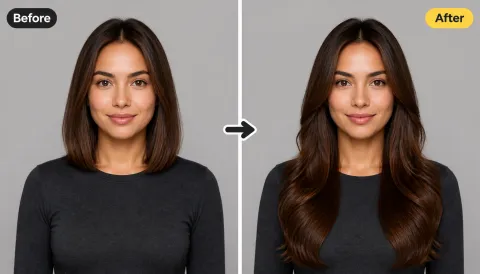
Casual to Statement Coat
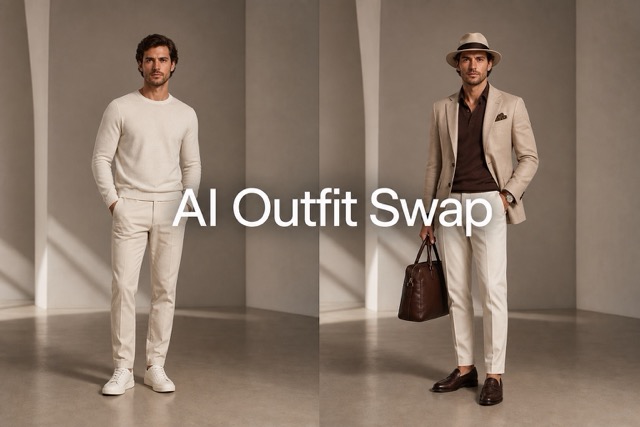
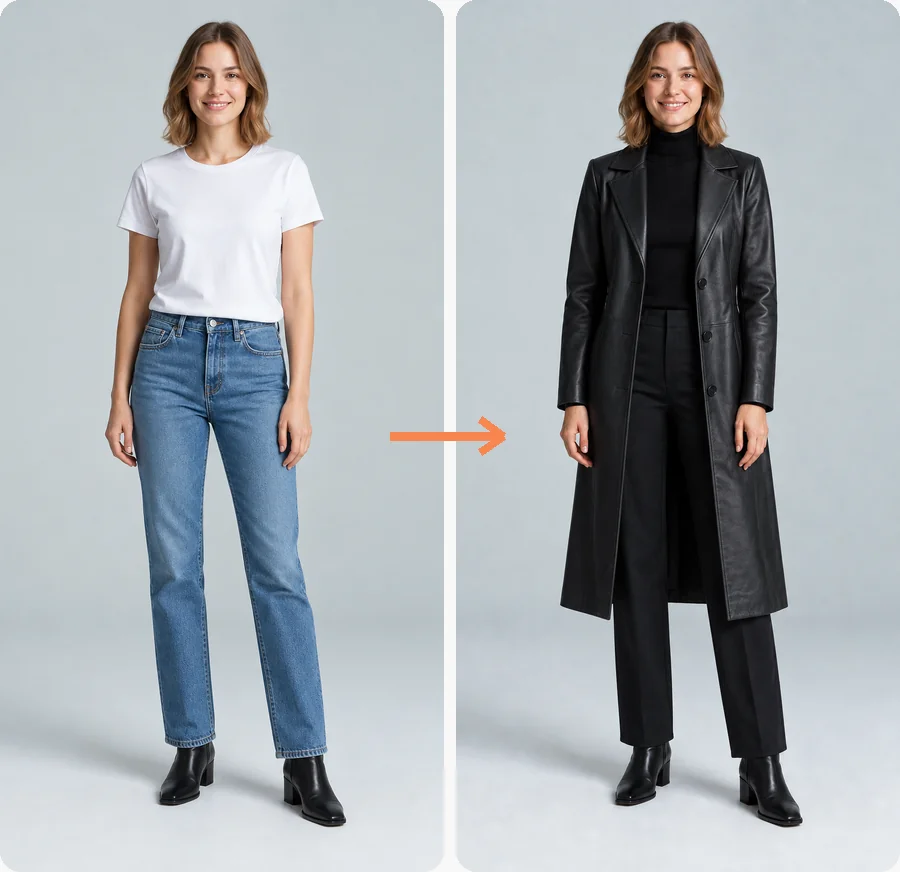
Swap clothes from a white tee and jeans to a long black leather coat with boots, keeping the same face and stance.
Upload a photo, choose a casual, work, coat, or party look, describe your own, or add a photo of the exact garment, and this AI outfit changer swaps the clothes while keeping your face, pose, and background.
Your photo stays in this browser during this UI preview.
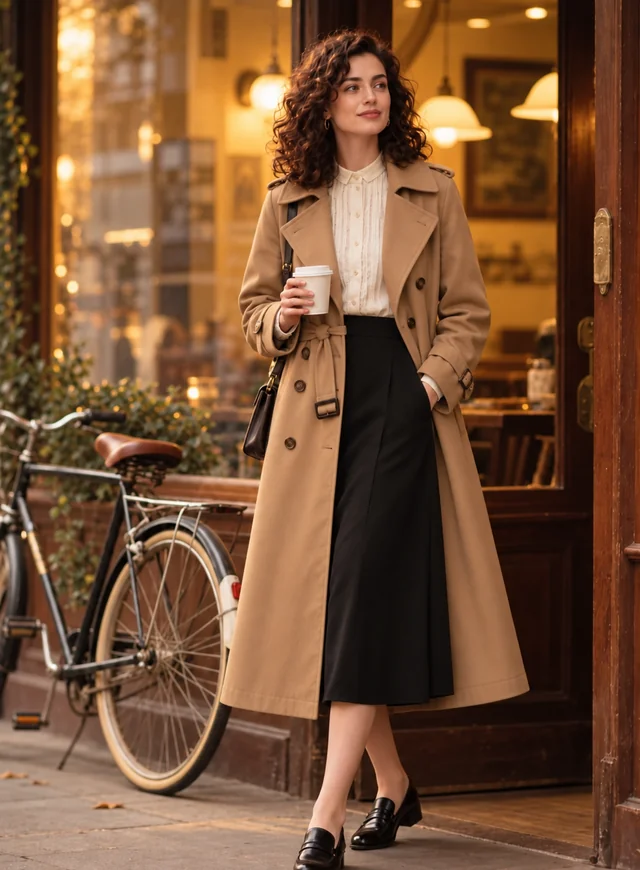
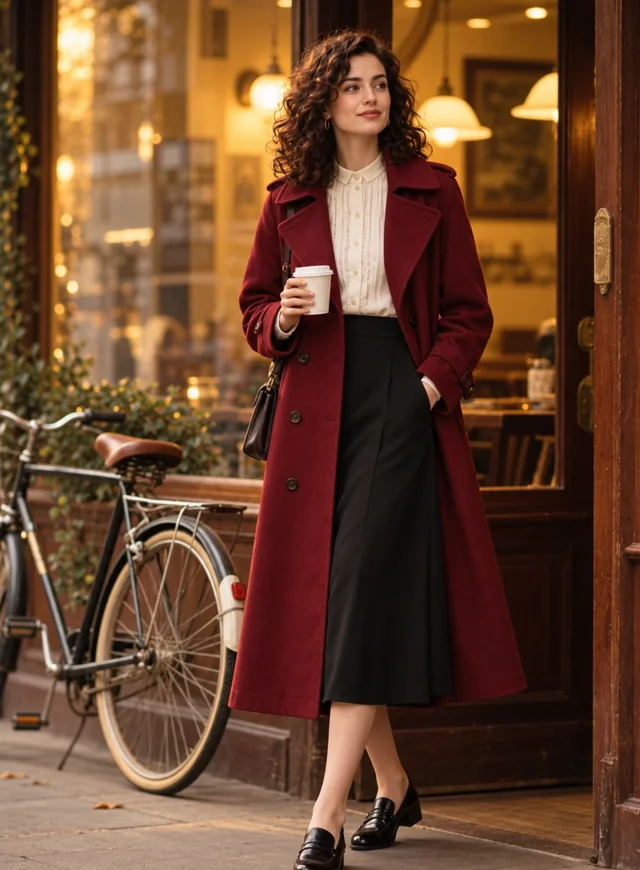
Reference example. It is not a result generated from your upload.
An AI clothes changer is a photo editor that replaces the outfit in a picture with a new one. Instead of masking and repainting fabric by hand, you upload one photo, pick a look or add a photo of the garment you want, and the AI clothing changer redraws the garments so they follow your pose, body shape, and lighting. People also call it a clothes swapper, an outfit changer, or an AI cloth changer, and it is the simplest way to change clothes in a photo without a reshoot.
Use the AI clothes swap to preview a coat before you buy it, give a portrait a work-ready change of clothes, or try festive looks for the holidays. The clothes changer AI only swaps one complete outfit for another: it never removes clothing, makes fabric see-through, or creates revealing images.
A few ways one photo can change outfit. Pick a look below to load the matching preset.
Swap clothes from a white tee and jeans to a long black leather coat with boots, keeping the same face and stance.
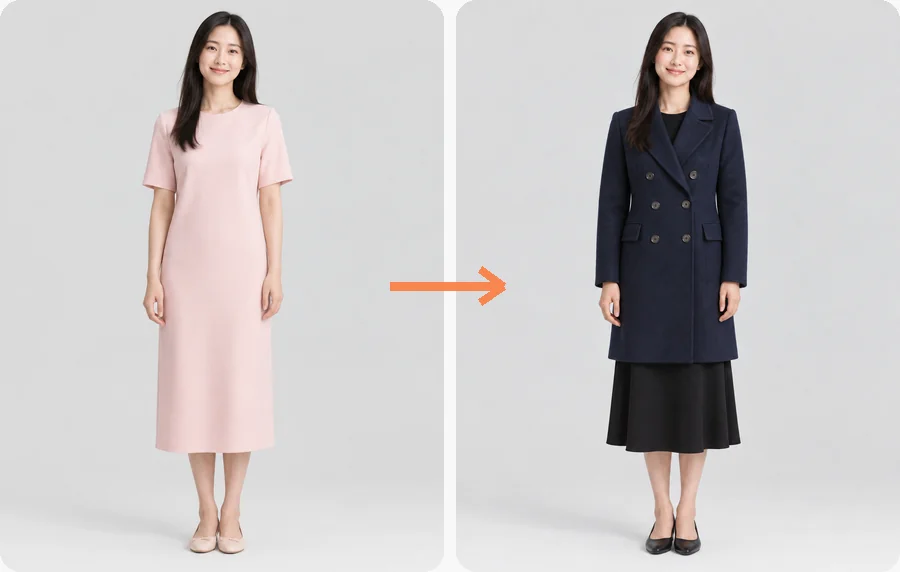
Turn a soft pink day dress into a navy double-breasted coat for a sharper, cold-weather look.
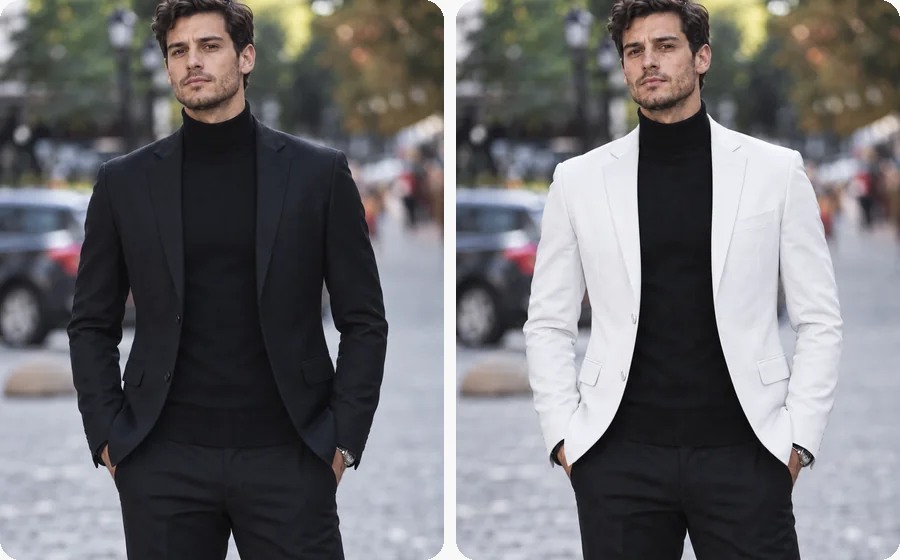
Keep the turtleneck and swap the jacket color and cut. A quick way to test a lighter look for an event.
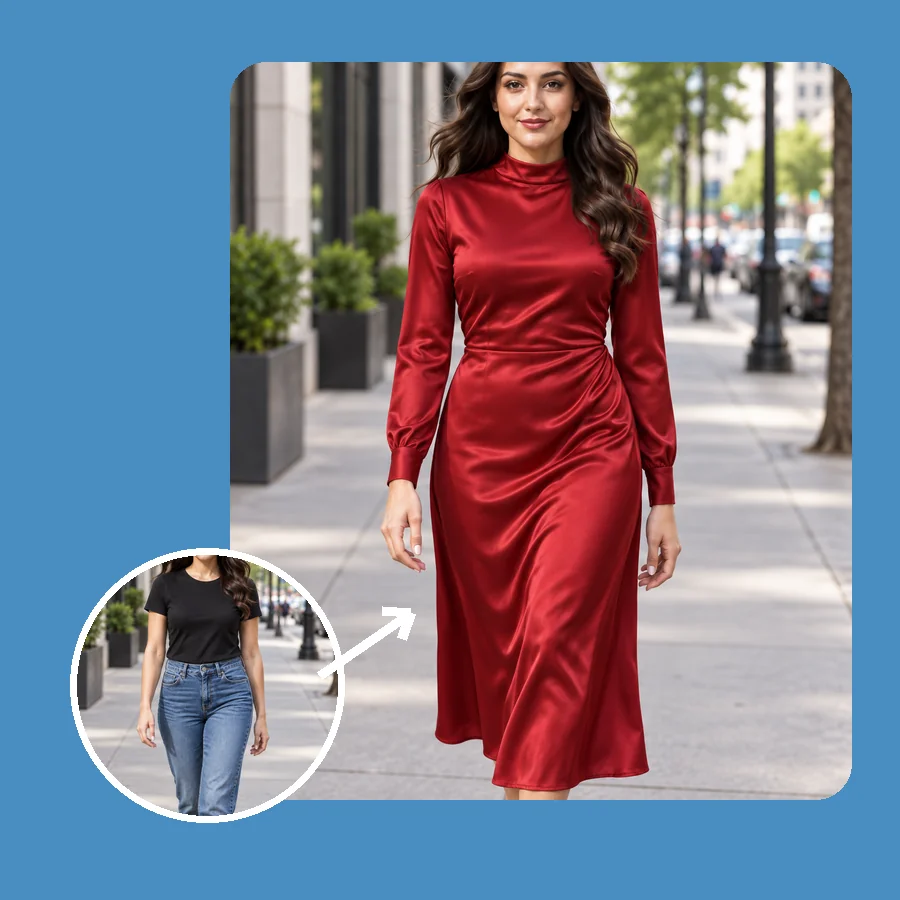
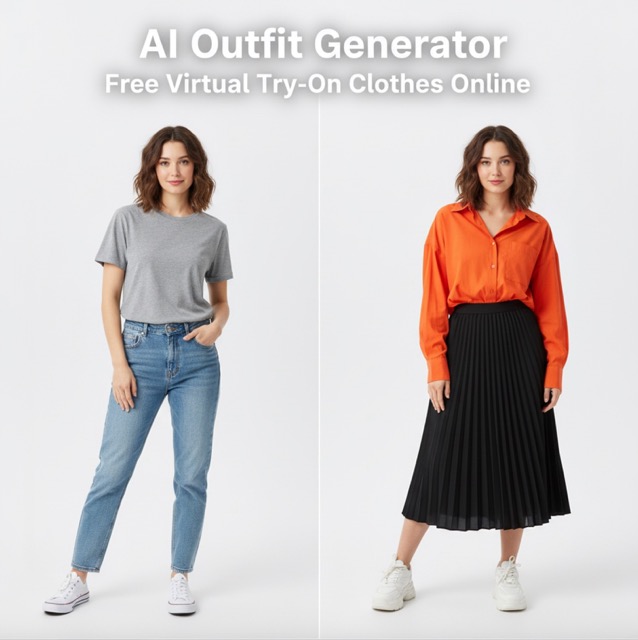
Go from a black top and jeans to a red satin midi dress and preview your evening outfit before you get ready.
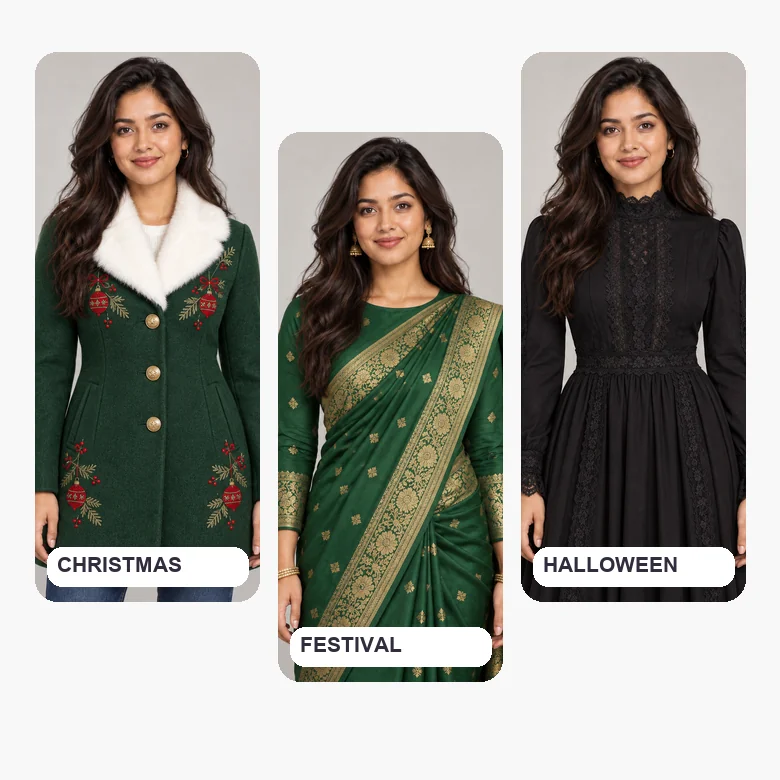
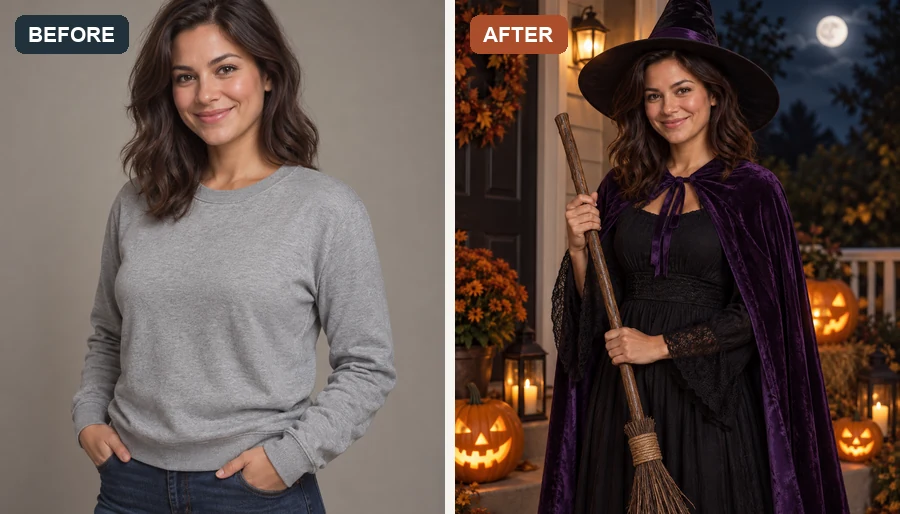
Dress up for Christmas, Diwali, or Halloween with a themed coat, a festive saree, or a gothic costume.
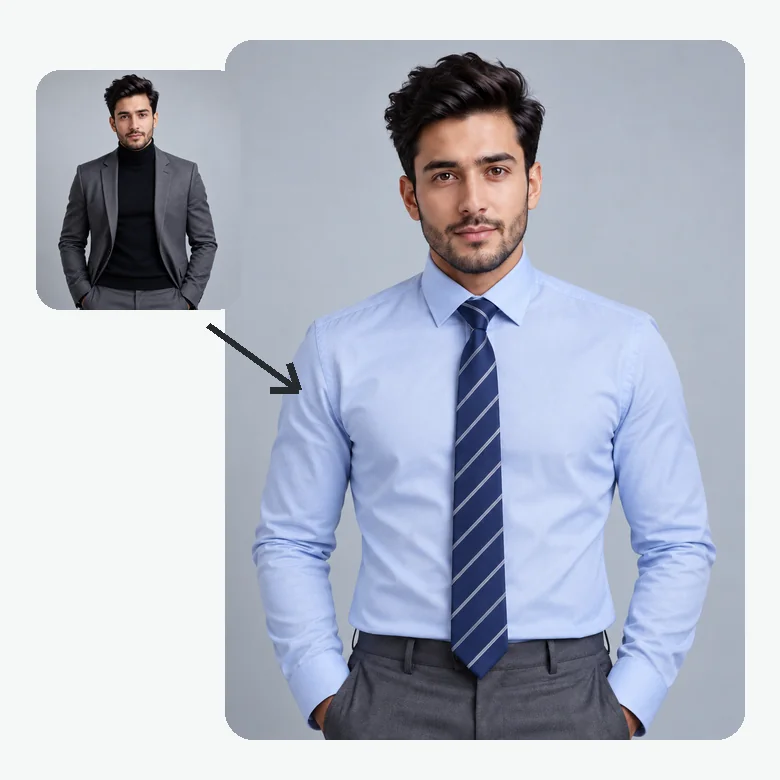
Replace a casual top with a shirt and tie or a tailored suit for a headshot, a profile photo, or a CV.
Let AI change clothes in your picture in three steps, without changing clothes in real life.
Choose a clear photo where the outfit you want to replace is visible, ideally from head to knee. JPG, PNG, and WebP files up to 20 MB are supported.
Browse Casual, Work & Formal, Coats & Jackets, and Party & Festive, open Custom and describe the outfit in your own words, or add a photo of a top, dress, or jacket in the optional Garment Photo slot to try on that exact item.
Create up to four versions, compare each AI clothes change with the original, and keep the one that fits your idea best.
The AI clothes swapper edits only the outfit. Your face, hairstyle, hands, and the scene behind you stay as they were, so the new look reads like the original photo taken in different clothes, not a cut-out pasted on top.
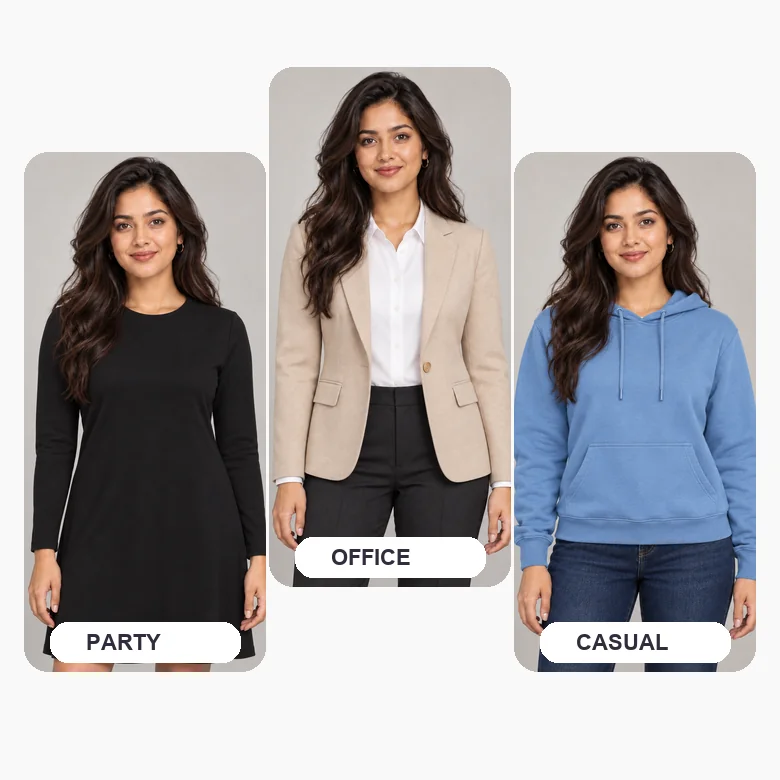
Presets cover the classics, but Custom lets you ask for anything: "office wear with a beige blazer and sleek pants", "oversized teal hoodie with ripped jeans", or "boho maxi dress". The AI outfit changer turns that description into a full outfit on your photo. Already found the piece? Upload a photo of the garment instead and try on that exact item.
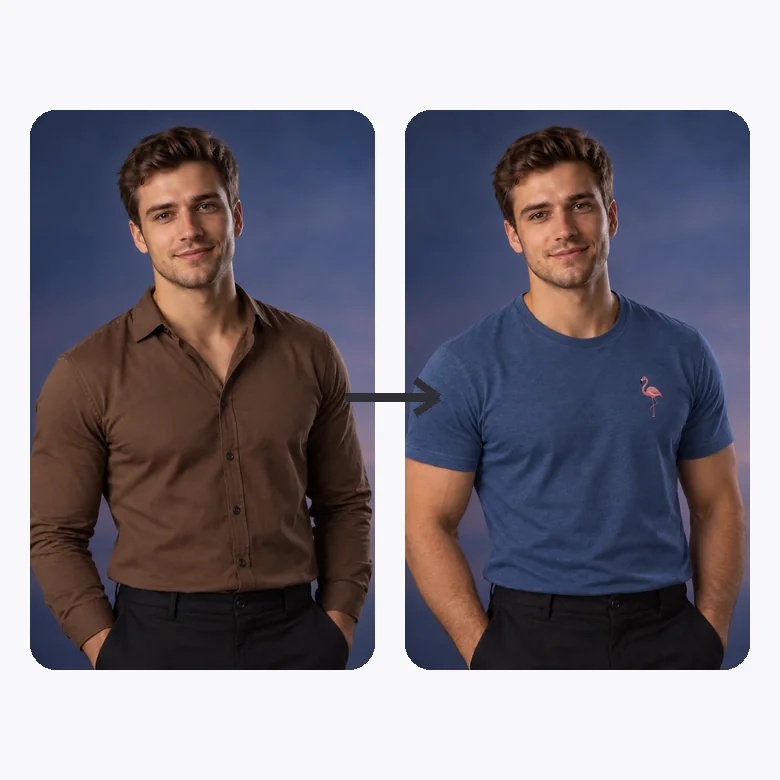
Need the same portrait in a lighter, more casual top? Instead of booking another shoot, use the clothes swap AI to change clothing in the photo you already have, then compare versions side by side.
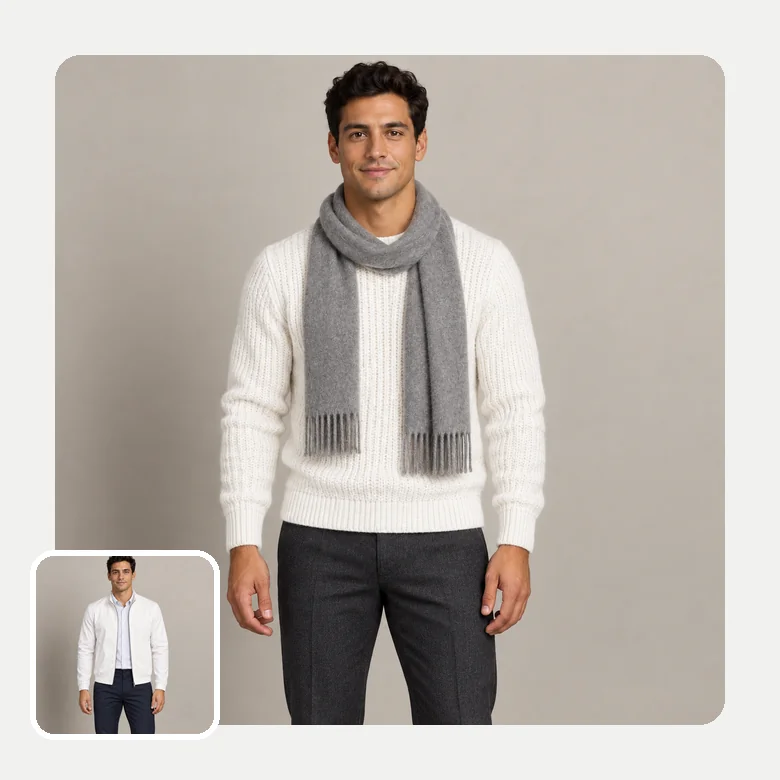
Knits look soft, wool looks heavy, and satin catches the light. As a clothes swapper AI, it rebuilds folds, seams, and shadows to match your body and the original light, so each new outfit sits naturally.
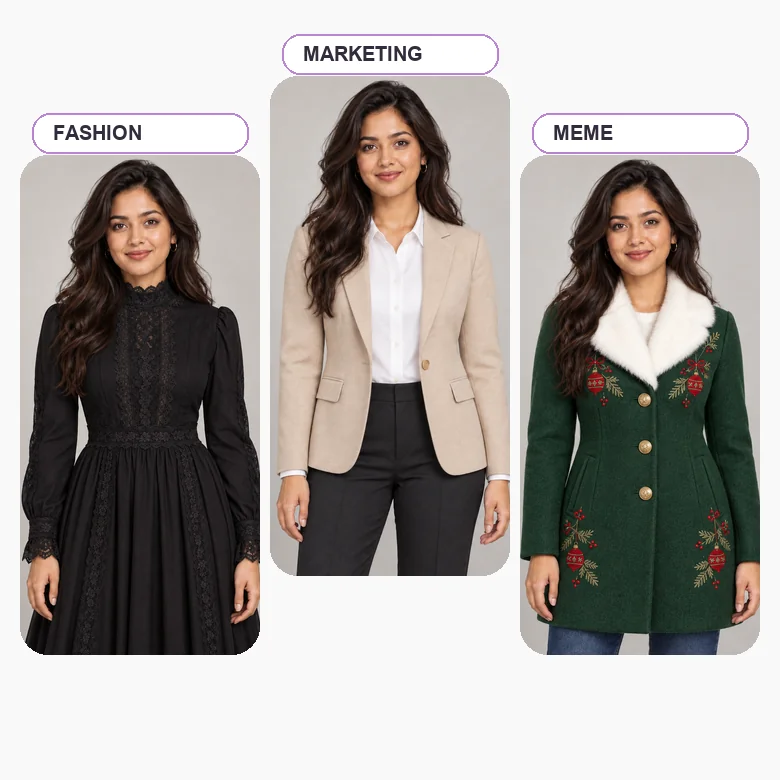
See a coat, suit, or new dress in photo previews before you order it, and narrow down colors and cuts without a trip to the fitting room.
Post outfit-of-the-day ideas, seasonal looks, and before-and-after AI outfit swap edits from a single photo.
Stylists, sellers, and marketers can mock up how a look works on a model photo while planning a shoot or a campaign.
Plan what to wear to a wedding, a holiday party, or a themed night, from a tuxedo to a festive saree or a Halloween costume.
Give the clothes change AI a clear view of the outfit and the results look far more natural.
A head-to-knee or full-body photo gives the AI room to draw coats, dresses, and trousers properly.
Soft, even lighting helps the new fabric pick up realistic shadows and colors.
Bags, crossed arms, or other people in front of the clothes make the swap harder to blend.
Ask only for complete, everyday outfits and edit only photos you have permission to use.
Common ways people put outfit changes to work.
Illustrative examples adapted from reference material, not verified reviews of EzImgMaker.
I was stuck between a camel trench and a red wool coat. Seeing both on my own photo made the choice obvious, and it still looked like me.
One street photo turned into a week of outfit posts. The coats and blazers keep the original light, so the set looks consistent.
I needed a suit-and-tie version of a casual portrait for a speaker page. The face, hair, and background stayed exactly the same.
We sketch look ideas on model photos before a shoot. Describing the outfit in Custom saves a lot of back-and-forth with the team.
Answers to common questions about changing outfits in photos with AI.
An AI clothes changer, also called an AI clothing changer, clothes swapper, or AI outfit changer, replaces the clothes in a photo with a new outfit. It detects the person and the garments, then generates new clothing that follows the pose, body shape, and lighting while leaving the face and background untouched.
Upload a clear photo, choose an outfit from Casual, Work & Formal, Coats & Jackets, or Party & Festive, describe one in Custom, or add a garment photo, then generate. Compare the AI clothes changes with your original and try another look if you want a different style.
It is designed to look natural: the new outfit gets folds, seams, and shadows that match your photo. Results are best with sharp, well-lit pictures where the outfit is clearly visible. Very small, blurry, or heavily filtered photos can produce softer details.
Yes. Open the Custom tab and describe the outfit, for example "charcoal turtleneck with a camel coat" or "green velvet holiday dress". Mention colors, fabrics, and the occasion for the most accurate AI outfit swap.
You can use it to preview the style and color of an outfit on your own photo before you buy: add the product photo in the Garment Photo slot, or pick the closest preset. It is a visual preview, not a sizing tool, so check the brand size chart for fit.
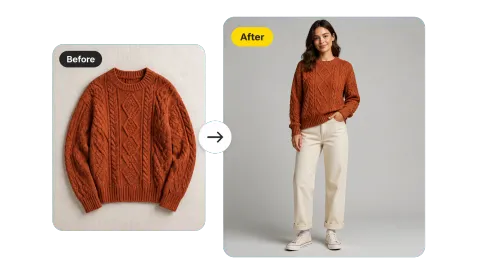
Yes. Add the garment in the optional Garment Photo slot next to your own photo: a product shot or flat lay of a top, dress, jacket, or suit, for men or women. The AI clothing try on uses that item as the reference outfit and keeps your face, pose, and background. A front-facing, uncropped garment on a plain background gives the cleanest result. Only use garment photos you have the right to use.
The clothing swap AI works best with a sharp photo of one person, standing or sitting, with the outfit visible from shoulders to at least the knees. Even lighting and a simple background help. Avoid photos where bags, arms, or other people cover most of the clothes.
This tool only swaps one complete outfit for another. It does not undress people, make clothing transparent or see-through, or create revealing or sexualized images, and requests like that are refused. Photos of children should only be edited by a parent or guardian, with everyday outfits, and no result may be used to embarrass, harass, or deceive anyone.
Only upload photos you own or have permission to edit, and get consent before changing the outfit of another person. Do not present an edited image as a real photo of someone in a way that could mislead others.
Choose an output number from 1 to 4. Generating several versions of the same AI clothes swap is an easy way to compare fits, colors, and details before you pick a favorite.
Upload a photo, pick a look or describe one, and see yourself in a new outfit with the AI clothes changer.