Hands on Hips
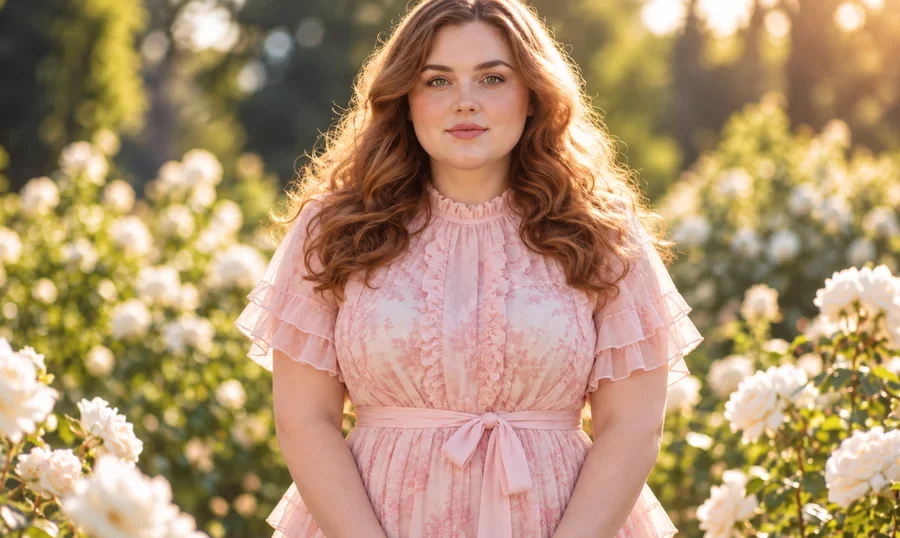
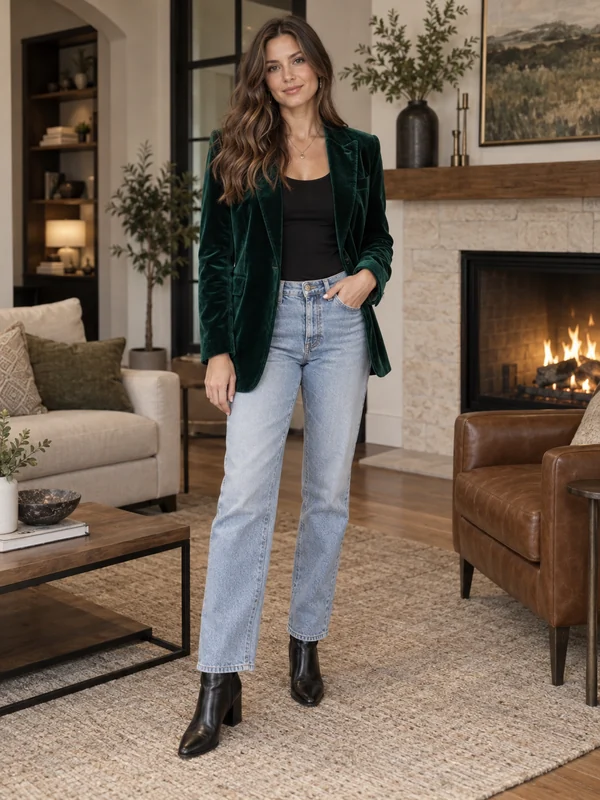
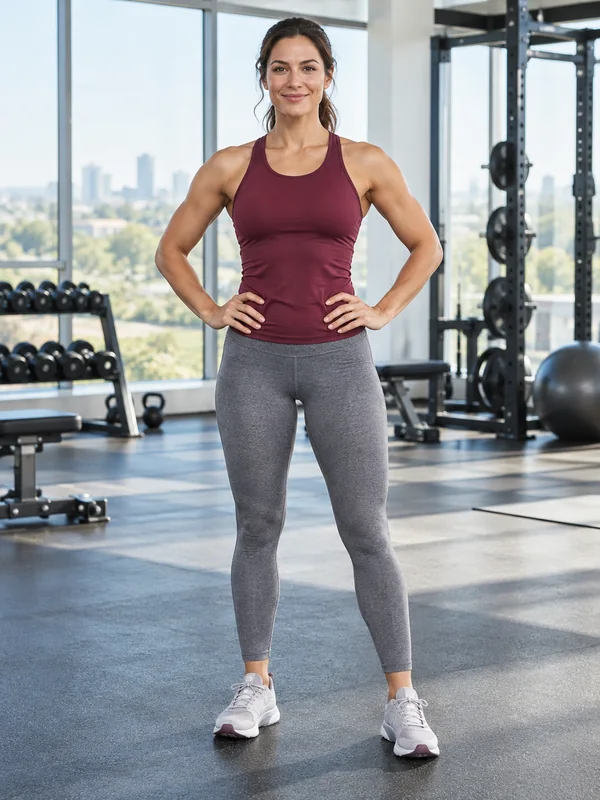
A confident stance with both hands on the hips and the weight on one leg.
Upload a photo and pick a new pose: hands on hips, arms crossed, sitting, walking, waving, a jump, or a pose copied from any reference photo. The AI moves only the body, so your face, outfit, and background stay the same.
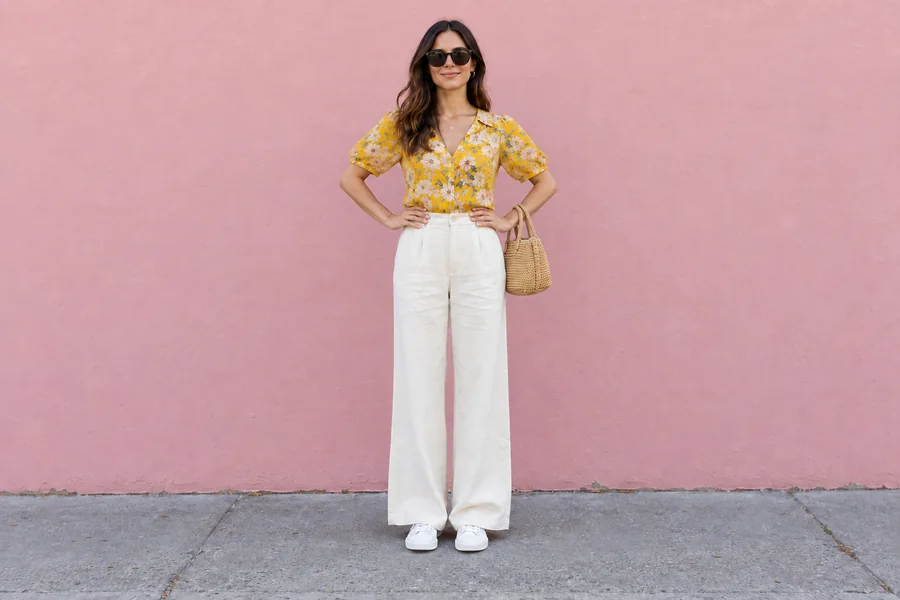
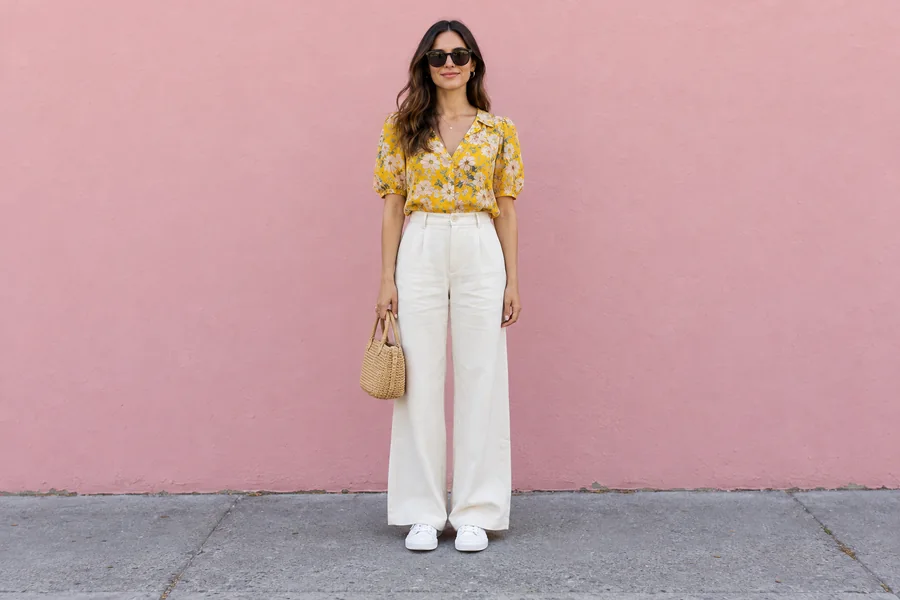
Reference example. It is not a result generated from your upload.
An AI pose changer edits the body position in a photo you already have. Upload a picture, choose a pose such as hands on hips, arms crossed, sitting, or walking, and the pose changer redraws your arms, legs, and posture while your face, hair, outfit, and background stay the same. It is a photo position change without a reshoot: the light, the location, and the camera angle are kept, so the new pose looks like it was taken in the same moment.
Use it to change pose in photo shots where everything else is right: a great outfit with stiff arms, a travel photo where you stood like a statue, or a product listing that needs a second pose from the model. Pick one of 12 preset poses, or upload a pose reference and let AI change pose to match it. Unlike an AI pose generator that invents a new person, this pose change AI keeps the person you uploaded.
Standing, casual, and fun poses, each redrawn on the same person in the same place. Pick one to load it in the workspace.
A confident stance with both hands on the hips and the weight on one leg.
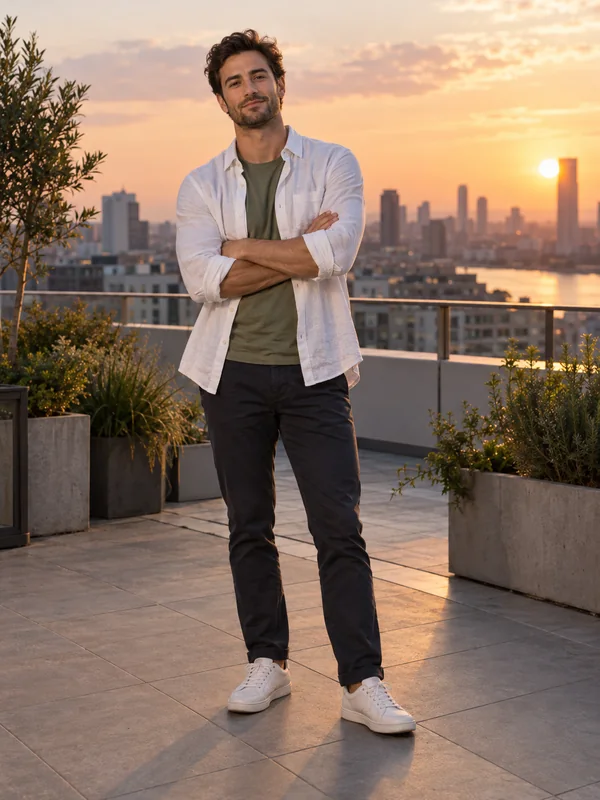
Arms loosely folded for a calm, self-assured portrait.
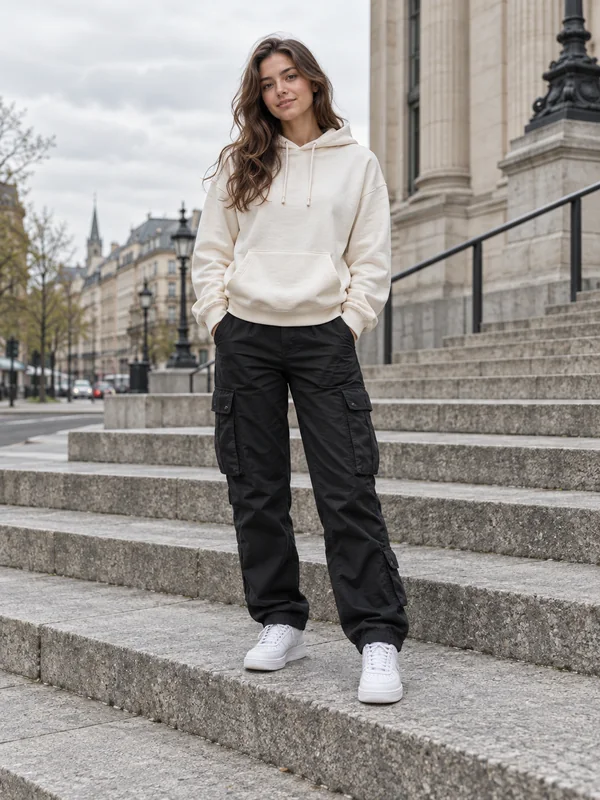
A relaxed, easy stance for street style and outfit photos.
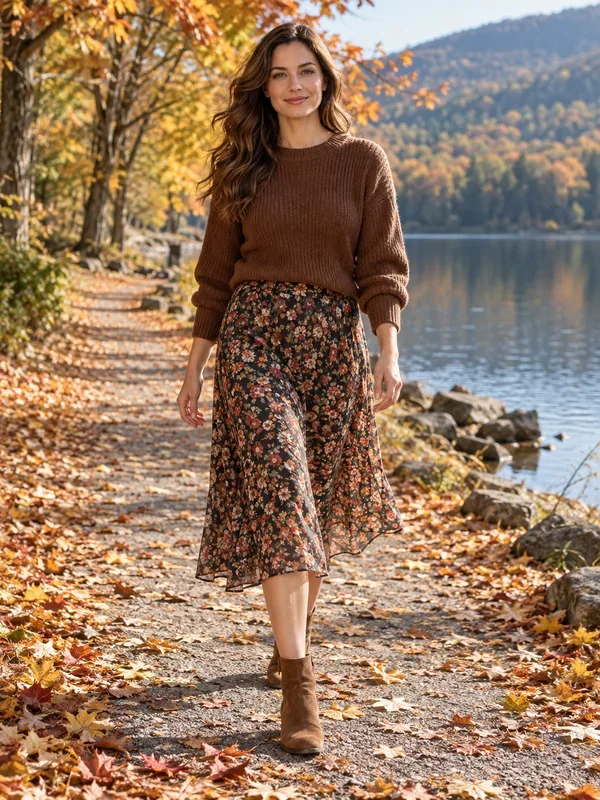
A natural mid-stride step toward the camera, candid and full of movement.
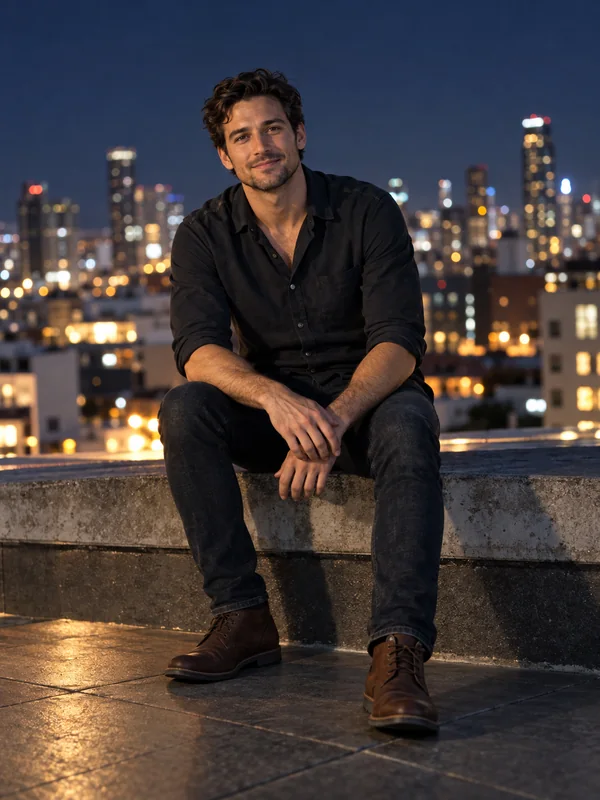
Seated on a step, bench, or ledge that fits the scene.
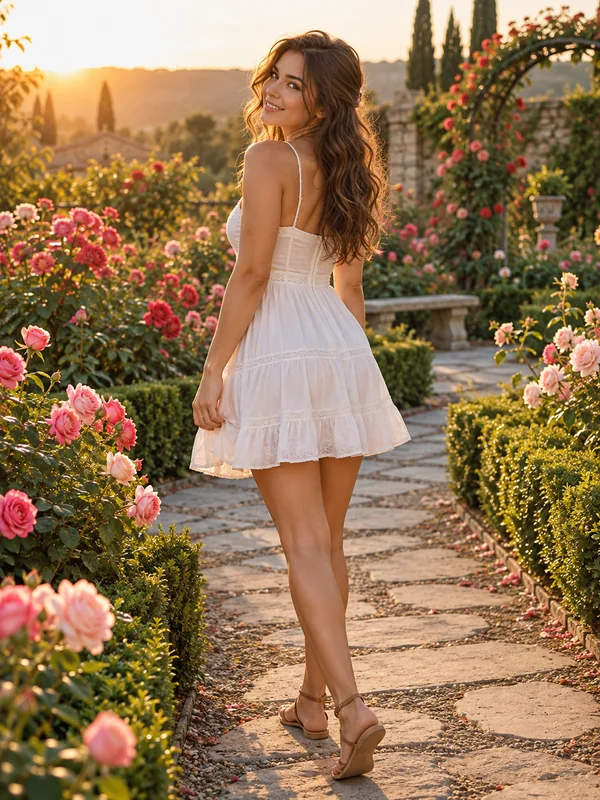
Turned away from the camera, glancing back with a smile.
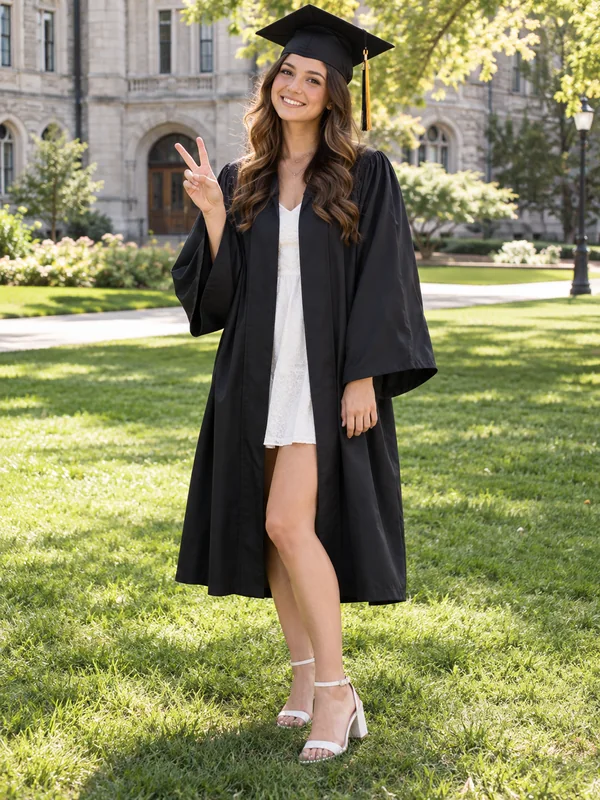
A cheerful peace sign near the face for fun, casual photos.
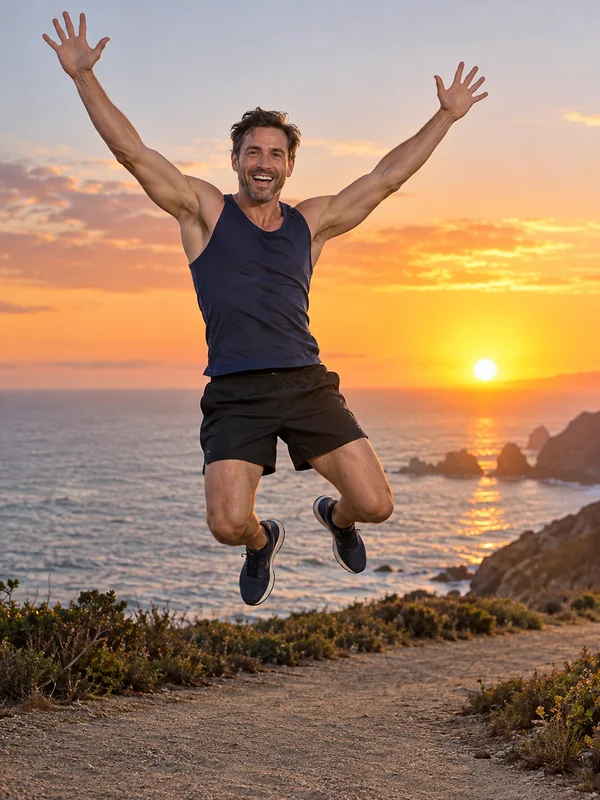
A joyful jump frozen mid-air, arms up and feet off the ground.
Three steps, no prompt writing and no posing app.
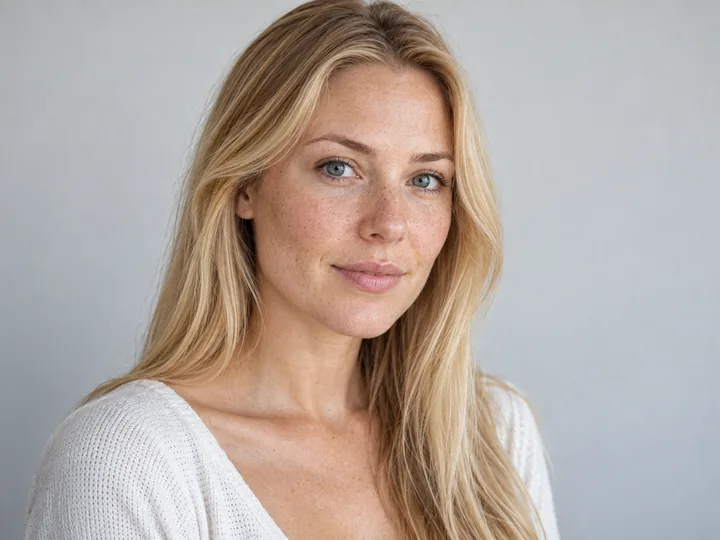
Choose a clear photo of one person, full body or half body, with the face visible. JPG, PNG, and WebP files up to 10 MB are supported.
Open Standing, Casual, or Fun and pick a pose, or upload a pose reference photo and switch to Copy reference pose. Add details such as "head tilted slightly" in the note.
The AI changes the pose and keeps everything else. Compare the result with your original, try another pose on the same photo, or animate your favorite into a short clip.
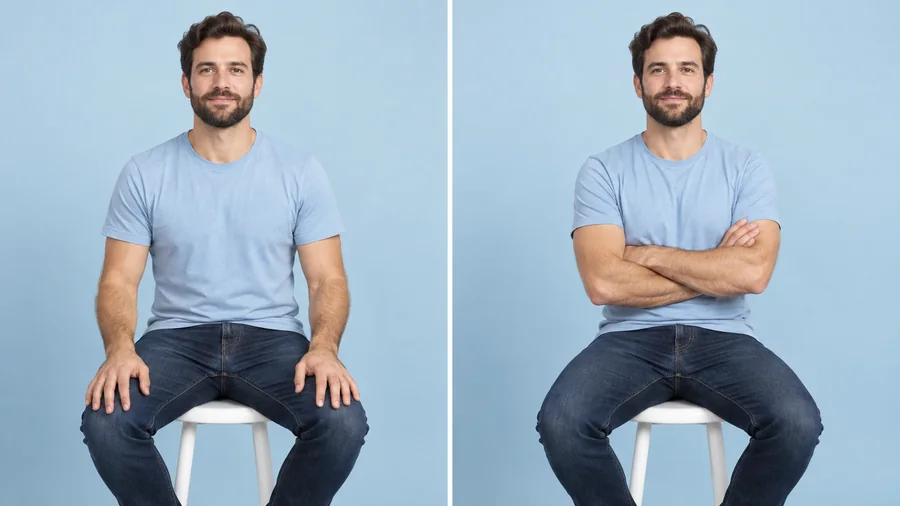
Many edits that move a body also drift the face, change the clothes, or blur the background. This change pose AI rebuilds only the limbs and posture: your face, hairstyle, outfit, accessories, and the scene behind you come through unchanged, and any background revealed by the move is filled in to match.
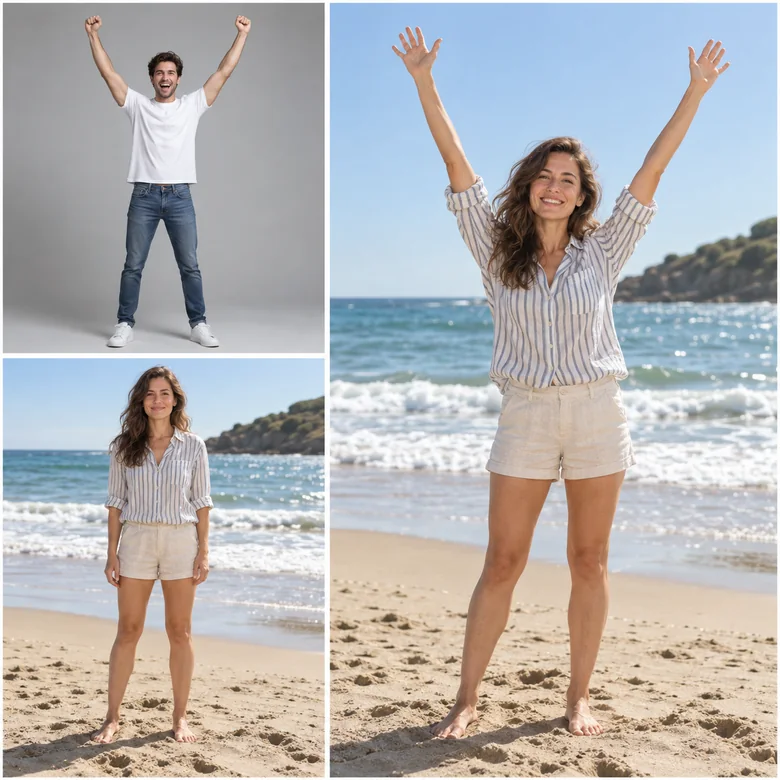
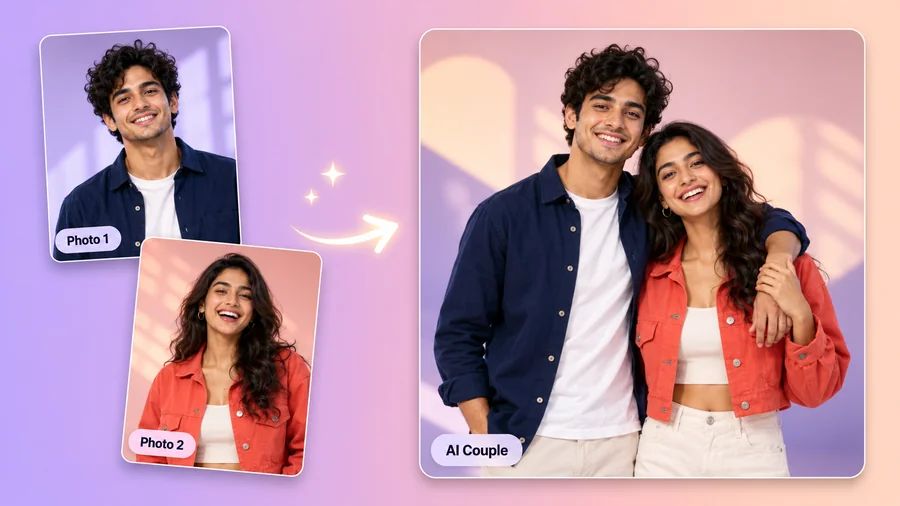
Saw a pose you love on a mood board or in a friend’s photo? Upload it as the Pose Reference and choose Copy reference pose. The AI copies only the body position, the angle of the head, arms, legs, and feet, onto you; the reference person’s face, body, clothes, and background are never used.
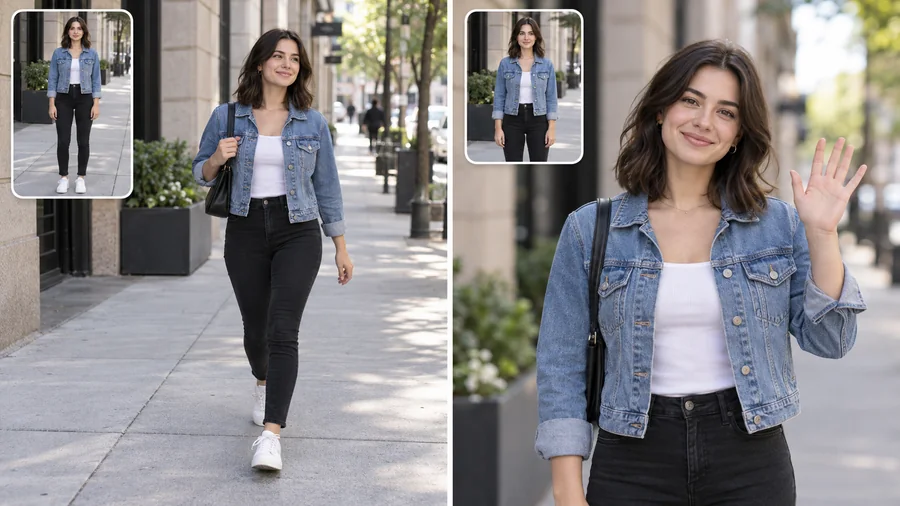
Full-body photos give the pose change AI the most to work with: stance, legs, and feet can all move, so walking, sitting, and jumping look natural. Half-body and waist-up photos work well for arm poses such as arms crossed, a peace sign, waving, or a thinking pose. The original framing is kept, so a waist-up shot stays waist-up.
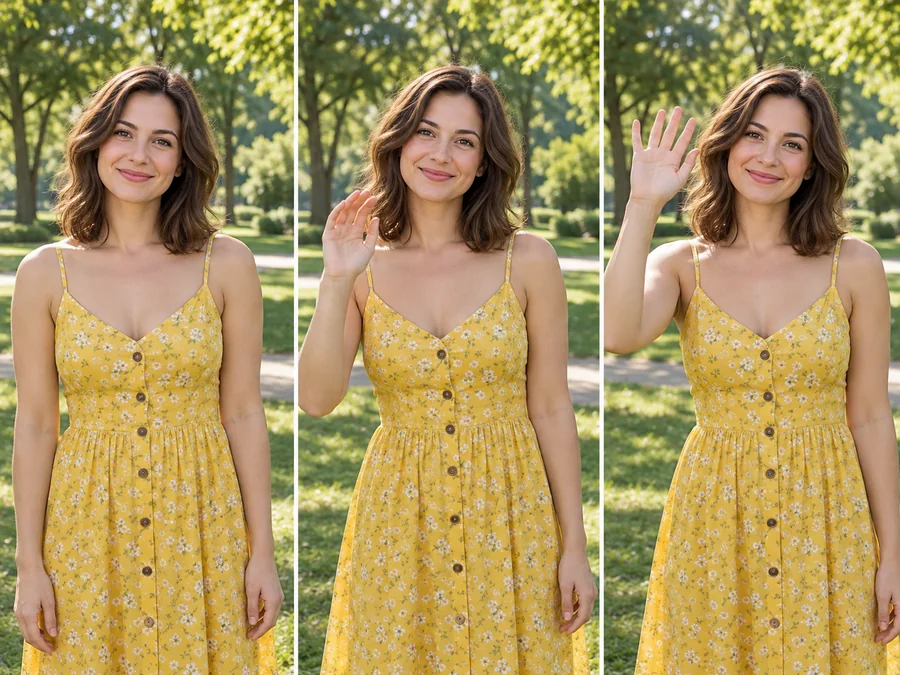
Happy with the new pose? Press Animate on the result to open it in Animate Photo and turn it into a short clip with a natural blink, smile, or head turn, or use Image to Video to add camera motion. One still photo becomes a moving post in a couple of steps.
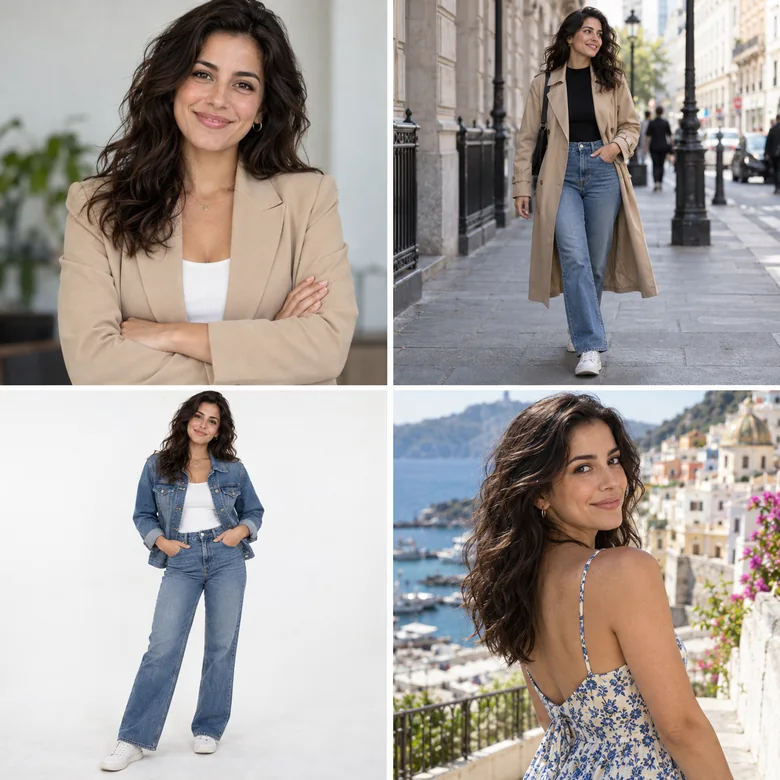
Keep the photo with the great light and outfit, and swap arms-at-your-sides for something relaxed.
Turn one good portrait into a few natural poses so your profile doesn’t show the same shot four times.
Show clothing on a model in a second or third pose without booking another shoot.
Get a walking, sitting, or over-the-shoulder version of one photo for a carousel or a story.
Try poses on your own photo before a shoot and save the ones that suit you as references.
Change the pose of the one person who stood awkwardly while everyone else looks great.
The photo you upload decides how natural the new pose can look.
For walking, sitting, leaning, or jumping, upload a full-body photo with the feet in frame.
A visible, well-lit face stays the most recognizable after the pose changes.
Some room around the body gives arms and legs space to move without being cropped.
Pick a reference where the whole pose is visible and the camera angle is close to your photo.
Change the outfit, the height, or the sky next, or put someone new in the shot.
Describe any edit in plain words, from relighting a scene to removing objects.
Open the Photo EditorKeep the new pose and try a different outfit on the same photo.
Change the OutfitAdd a little height and longer legs without stretching the background.
Look TallerTurn one selfie into a full shoot in new locations and styles.
Start a PhotoshootPut a friend or family member from another photo into the same shot.
Add a PersonSwap a gray sky for a sunset or a starry night behind your new pose.
Replace the SkyMake your new pose blink, smile, and move in a short video.
Animate a PhotoExtend a tightly cropped photo so there is room for a full-body pose.
Expand a PhotoHow it works, credits, reference poses, group photos, and downloads.
Upload a photo, pick a pose or upload a pose reference, and press Generate. The AI pose changer reads the person’s body, redraws the arms, legs, and posture in the new position, and fills in any background the move reveals. The face, hair, outfit, light, and camera angle are kept, so the result looks like the same photo with a different pose.
It is free to try. New accounts get free credits when you sign up, and each pose change uses the number of credits shown on the Generate button. So if you were looking for an AI pose generator free to start with, or a way to change pose in photo online free of any install, you can try several poses in your browser before buying more credits.
Yes, that is the point of the tool. Only the body position changes: your facial features, skin tone, hairstyle, outfit, and accessories are kept, along with the background and the light. Fabric folds and shadows are redrawn to follow the new pose so the outfit still looks natural.
Yes. Upload the photo of the pose you want as the Pose Reference, then choose Copy reference pose. The AI copies the position of the head, arms, legs, and feet onto the person in your photo, but not the reference person’s face, body, clothes, or background. Only use reference photos you have the right to use.
Both. Full-body photos are best for walking, sitting, leaning, and jumping, because the legs and feet need to move. Half-body photos work well for arm and hand poses such as arms crossed, a peace sign, waving, or a thinking pose. The framing of your original photo is kept.
It works best with one person. In a group photo, the AI changes the pose of the main person and keeps everyone else as they are; use the note to say who should move, for example "the man on the left, arms crossed". For the cleanest result, crop the photo to that person first.
Hands are the hardest part of any pose change. Generate again for a new version, choose 2 outputs and keep the better one, or pick a simpler pose such as hands in pockets or arms crossed. A sharp photo with the hands visible also helps.
The presets are made for people, so results on pets are less predictable. You can upload a pet photo and describe the pose in the note, for example "the dog sitting and looking up at the camera", and the AI will try to keep the breed, fur color, and markings.
Yes. It runs in the browser on iPhone and Android phones, with nothing to install. Upload from your camera roll, pick a pose, and save the result straight to your phone.
You get a PNG in the same shape as your upload, at about 1K–2K pixels on the long side. For prints or large screens, enlarge it with the Image Upscaler afterwards.
One photo, a preset pose or a reference, and the same you in a new position: same face, same outfit, same place.