3D Glossy
A party popper caught mid-burst, confetti frozen in the air, for launches, birthdays and wins.
Make an emoji online from a short description: pick 3D Glossy, Flat, Kawaii, Pixel, Sticker Outline, Animal, Food or Reaction Face, set the mood and the background, and get square emojis ready to cut out and share. Free to try.
A glossy 3D party popper emoji bursting with colorful confetti, rounded vinyl-toy shapes, soft studio highlights and a gentle contact shadow, centered on plain white.
Reference example. It is not a result generated from your upload.
Phone keyboards give everyone the same set of emoji. This emoji generator draws new ones from your words: a sleepy avocado, a cat holding a tiny trophy, a skeptical side-eye face for the team chat. Describe the idea, choose one of eight styles from 3D Glossy to Pixel, and the AI emoji maker returns square images on a clean solid background.
AI generated emojis are pictures, not Unicode characters, so you send them as images or stickers, or upload them as custom emoji wherever a server or workspace allows it. Use the emoji AI as an emoticon maker for chat replies, a custom emoji generator for a community, or an emoji creator online for slides and sticker sheets. Want an emoji of your own face? Emoji From Photo, listed in the hub below, handles that.
Eight starting points for the AI emojis generator. Tap a card to load its prompt, then swap in your own subject.
A party popper caught mid-burst, confetti frozen in the air, for launches, birthdays and wins.

A two-tone coffee cup with a heart of steam; flat color stays crisp in slides and documents.
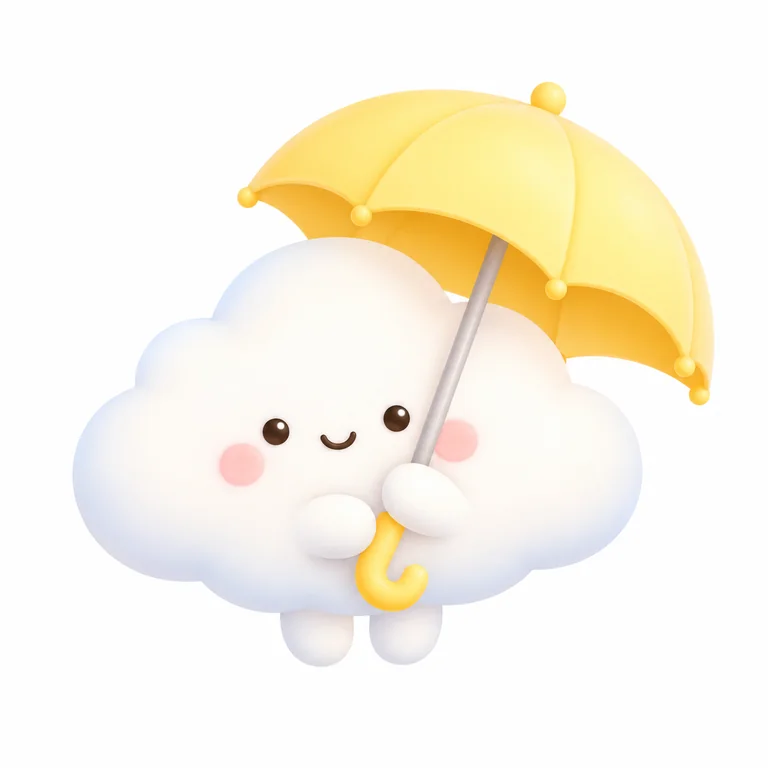
A blushing cloud under a tiny umbrella, pastel and round, for gentle replies.

A star-stamped gold coin on a tight grid, made for gaming servers and retro themes.

A thumbs-up with a thick white border that stands out on dark chat themes.
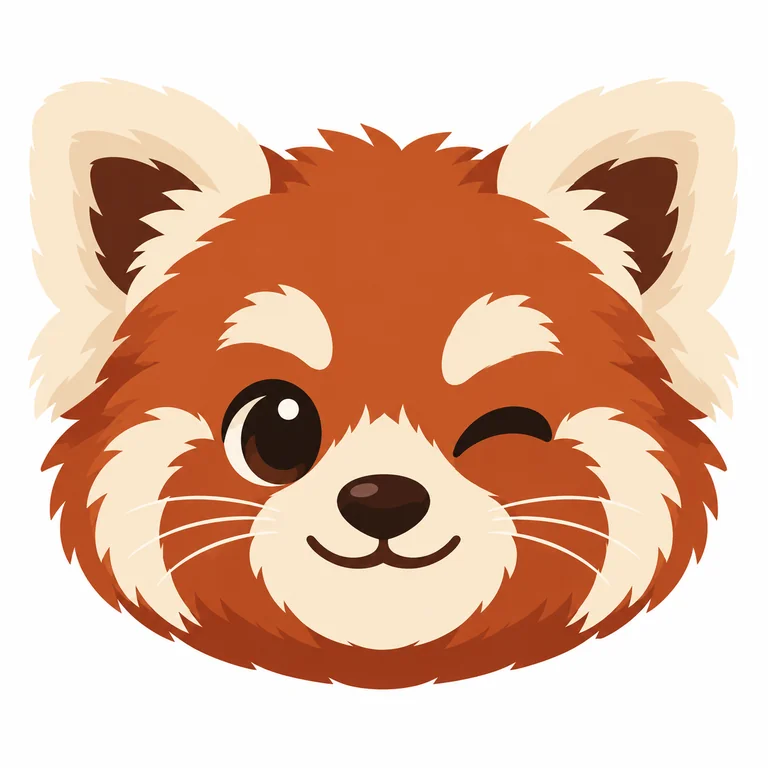
A winking red panda drawn with simple flat fur shapes and ears big enough to read small.
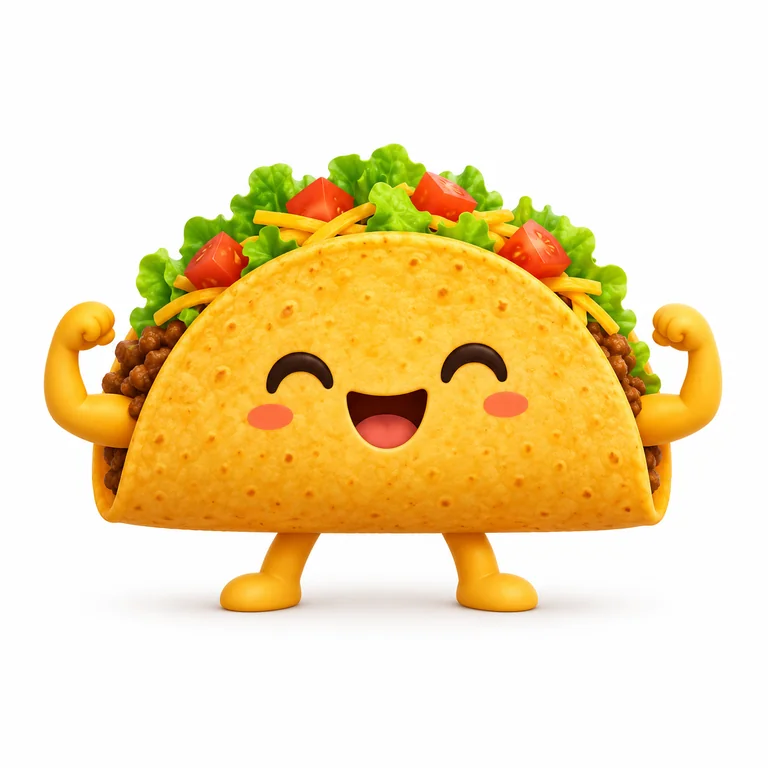
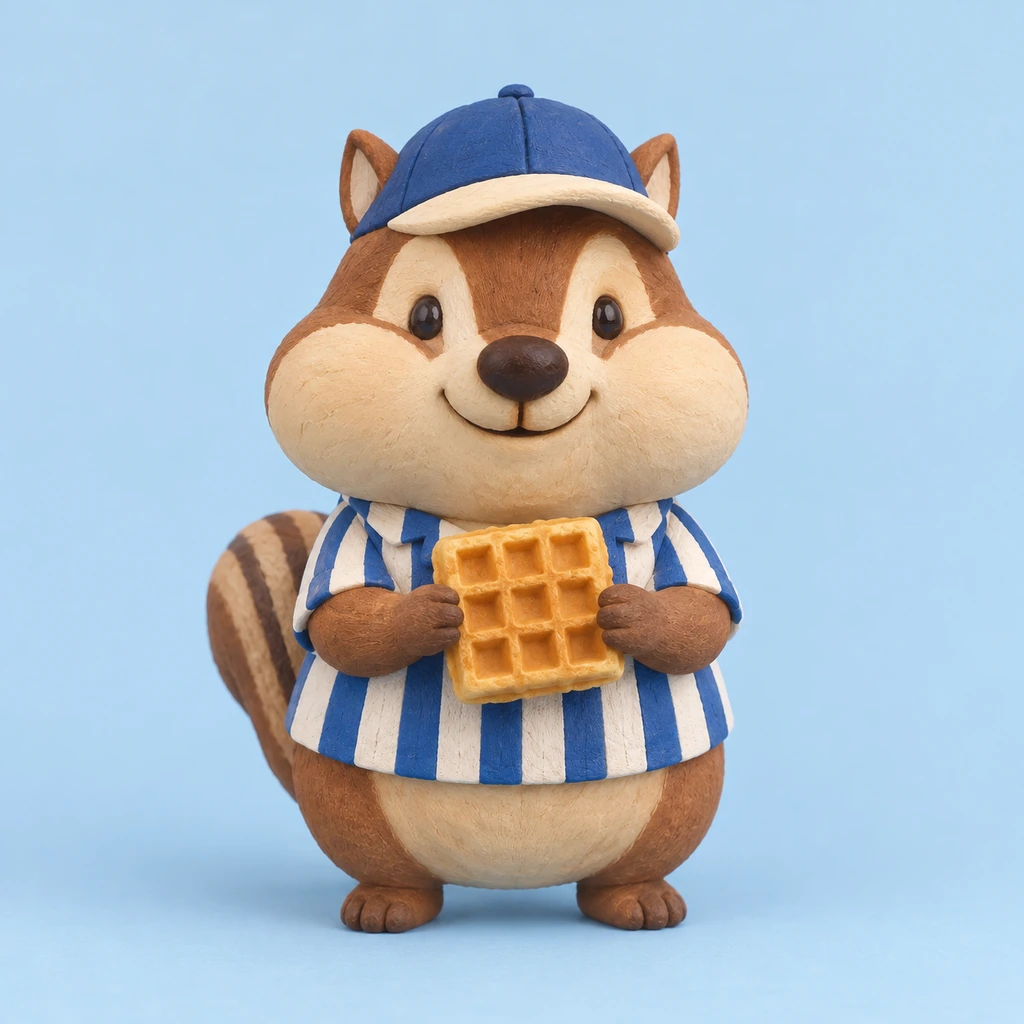
A proud taco flexing tiny arms. Food emojis can wear a face or stay a plain tasty icon.
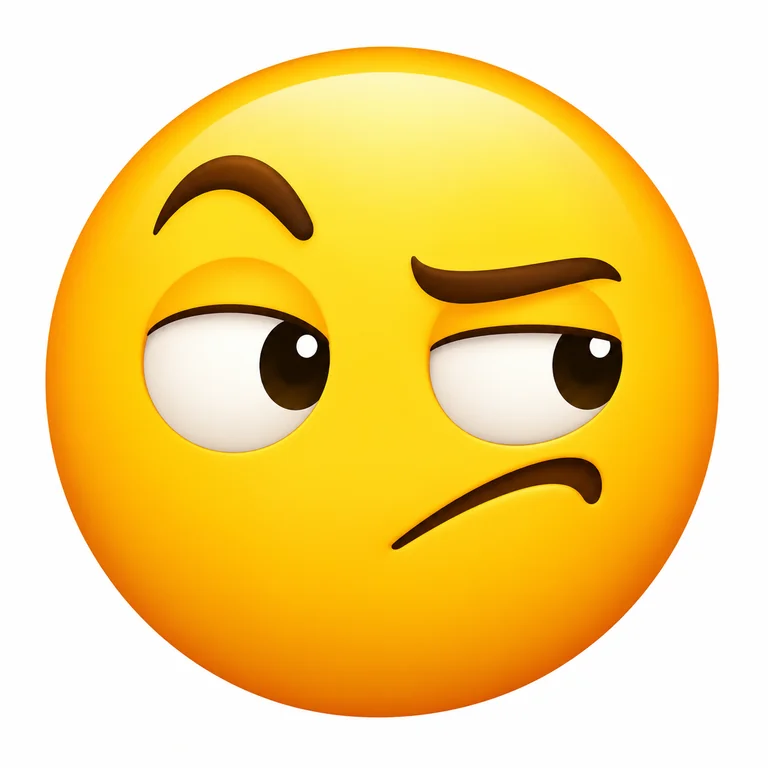
One raised brow and eyes sliding sideways: the reply for news nobody quite believes.
Name the subject and its feeling in a few words, such as "a pineapple in sunglasses, very proud". One idea per emoji keeps it readable when it shrinks to chat size.
Choose 3D Glossy, Flat, Kawaii, Pixel, Sticker Outline, Animal, Food or Reaction Face, then set Mood when the expression matters, from laughing to sleepy.
White, light gray, a soft color or black, always flat. Add up to 12 characters of short text, like GG or OK, only when the emoji needs words.
Generate emoji in batches of up to four, shrink your favorite to thumbnail size to test it, then cut out the background if your app wants a transparent PNG.
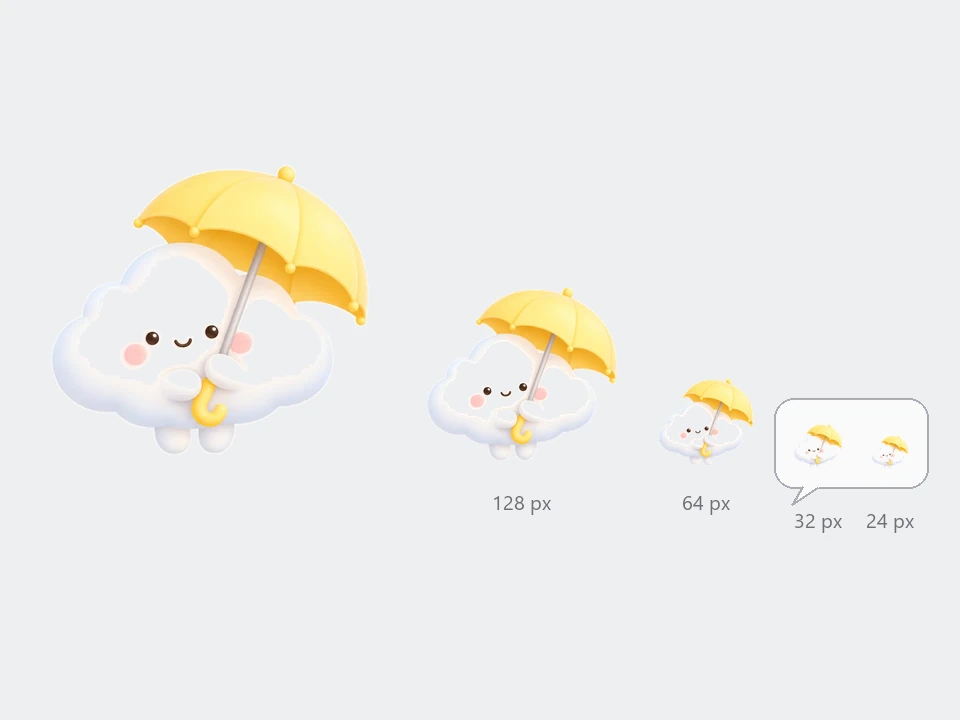
Custom emoji appear tiny in a message, so the emoji generator AI is told to favor bold silhouettes, thick outlines and one clear expression over fine detail. Preview yours at small size before you upload it anywhere.
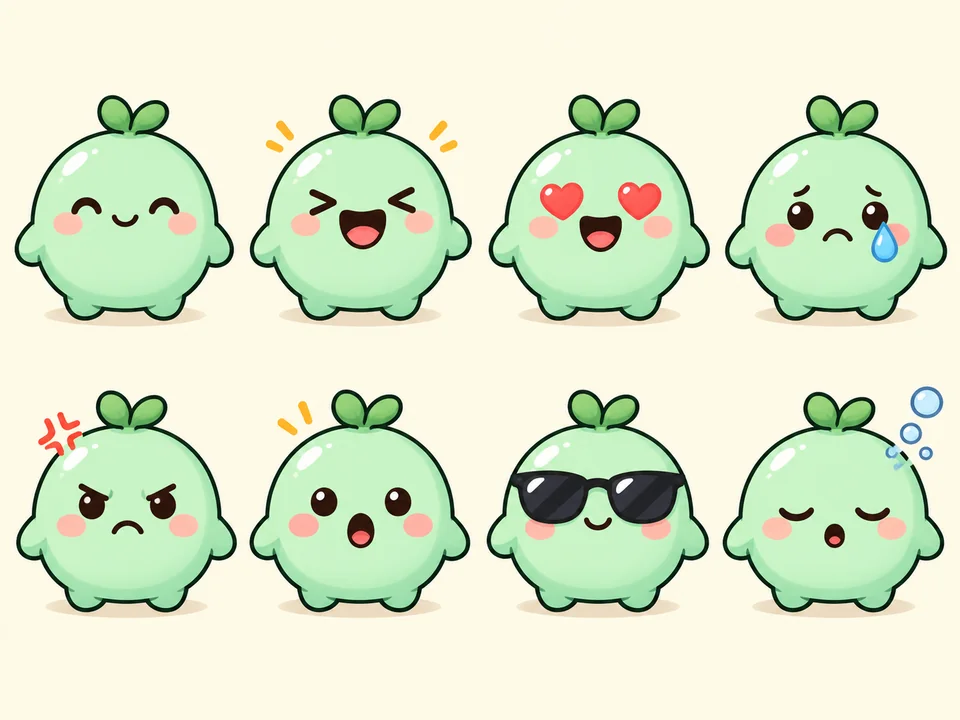
Keep the same description and change only Mood to build a matching pack: happy, laughing, in love, sad, angry, surprised, cool and sleepy versions of one mascot for a server or a class group chat.
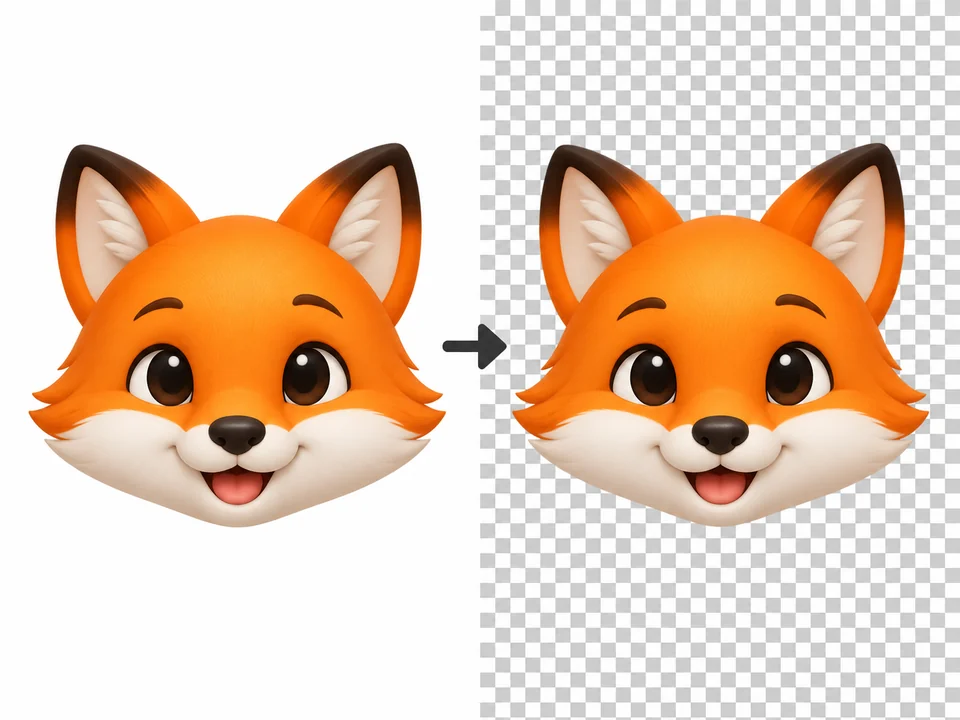
Every emoji is drawn on a flat background you choose, which makes the next step easy: Make Image Transparent removes it and leaves a PNG with clean edges for stickers and emote slots.
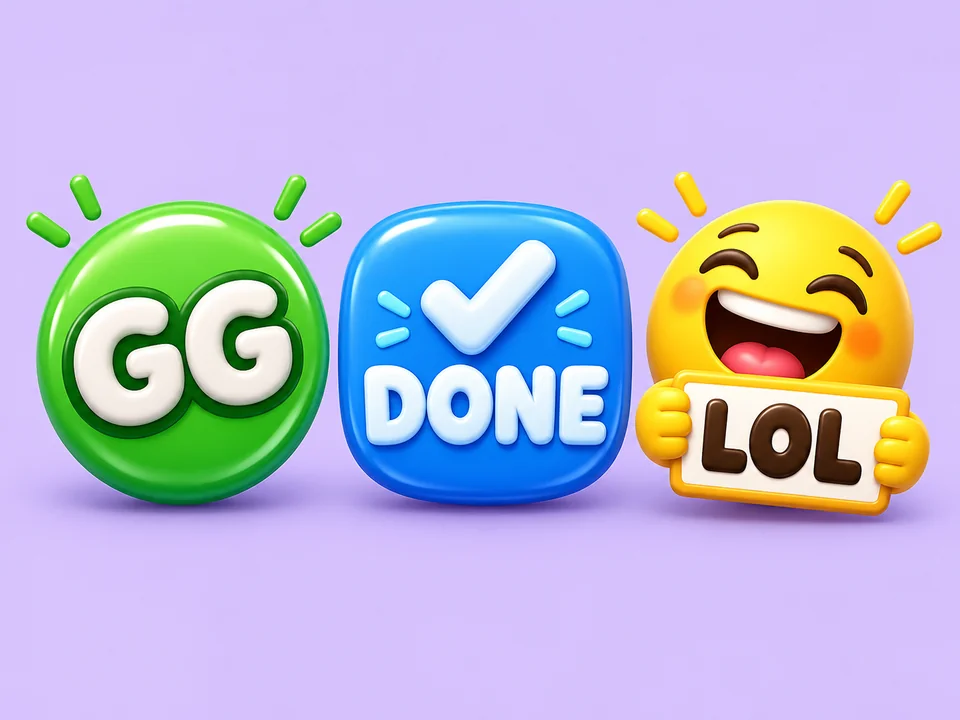
Need a GG badge for a gaming chat or a DONE stamp for a project channel? Type up to 12 characters in Short text and the AI letters them onto the emoji; leave the field empty and no words appear.
Unlike emoji generators that only offer yellow faces, every style here works for any subject.
| Style | What it looks like | Works best for | Prompt tip |
|---|---|---|---|
| 3D Glossy | Rounded, shiny volumes with soft highlights | Celebrations, launches, app-style icons | Name a material: glossy plastic, glass or jelly |
| Flat | Solid colors, no gradients, crisp edges | Slides, docs, minimalist chat themes | Ask for two or three colors only |
| Kawaii | Big head, tiny face, blush and pastels | Friendly reactions, stickers, classrooms | Add one small prop, such as an umbrella or a cup |
| Pixel | Hard square pixels, small palette | Gaming servers, retro themes | Keep the subject simple; pixels drop fine detail |
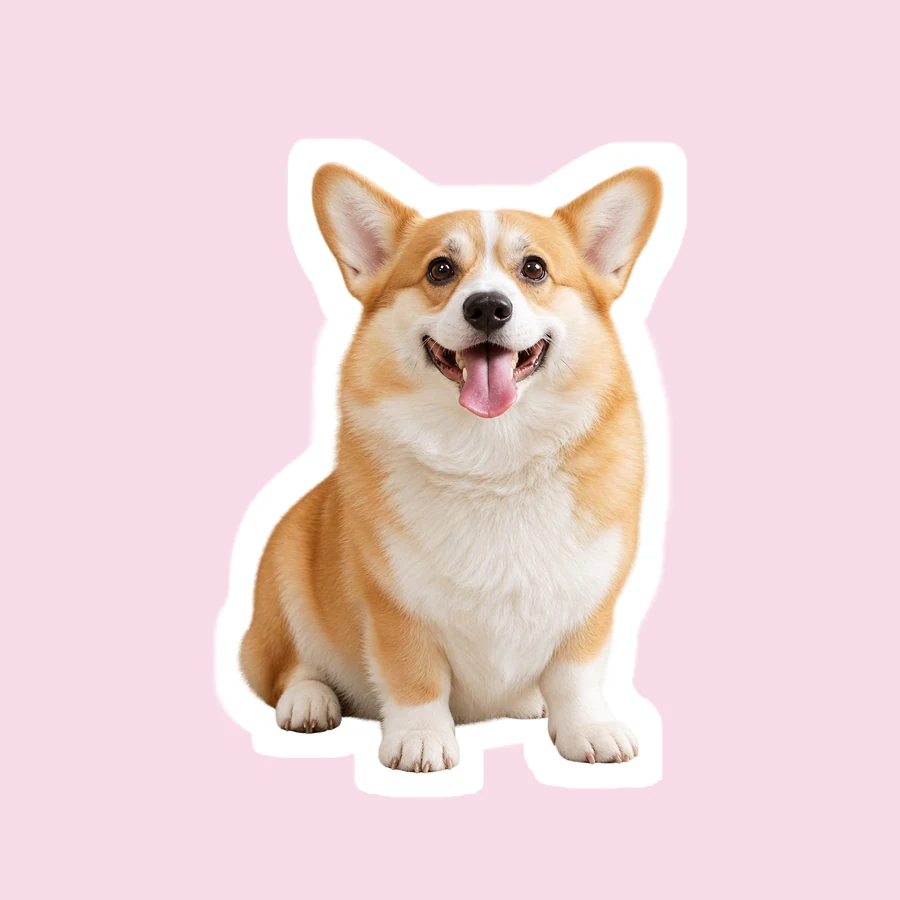
| Sticker Outline | Bold lines and a thick white border | Printable sticker sheets, chat stickers | Use a gray or black background so the border shows |
| Animal | Round animal faces with clear ears | Mascots, pet groups, community emotes | Say the expression: winking, yawning, proud |
| Food | The food itself becomes the emoji | Menus, cooking groups, food blogs | Decide whether the food gets a face |
| Reaction Face | Classic round yellow face, one big emotion | Replies, polls, an AI emoji meme | Exaggerate the brows and mouth |
Chat apps usually shrink custom emoji to about 32 pixels or less, so judge every style at that size.
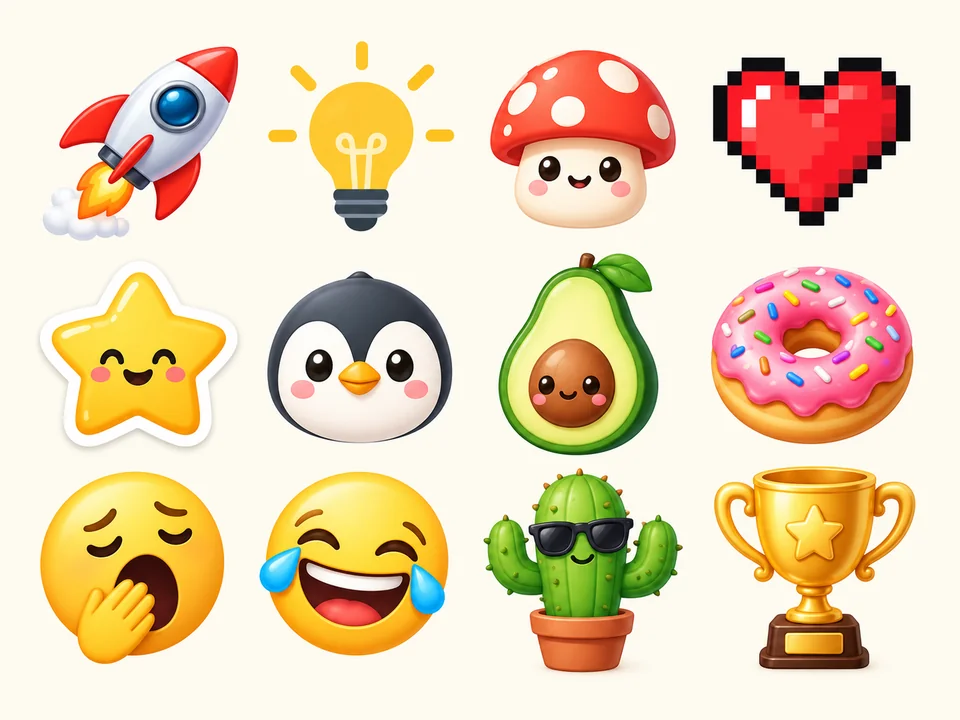
Inside jokes and server mascots as custom emoji, scaled down and uploaded wherever your chat app accepts its own.
Streamers and creators give regular viewers a set of matching reactions, from a cheering mascot to a facepalm.
Stars, trophies and friendly animals as digital stamps for homework feedback or a club newsletter.
A flat emoji beside a heading sets the tone without a stock icon pack; make one per section in the same style.
Sticker Outline emojis with white borders, laid out on a page and printed on sticker paper at home.
Pair a Reaction Face with a caption for an AI emoji meme, or use the page as an emoticon creator for reply images.
Wondering how to do AI emoji designs that survive being shrunk? Four habits help.
A crying cactus works; a crying cactus at a rainy bus stop does not survive 32 pixels.
Bigger eyes, higher brows and a wider mouth carry the emotion once small details disappear.
Three or four strong colors stay distinct at small sizes and keep a set looking consistent.
Check the emoji against both a light and a dark chat theme; a version on black can help in dark mode.
Make emoji from text on this page, from a selfie with Emoji From Photo, or put emoji on and take them off your pictures.
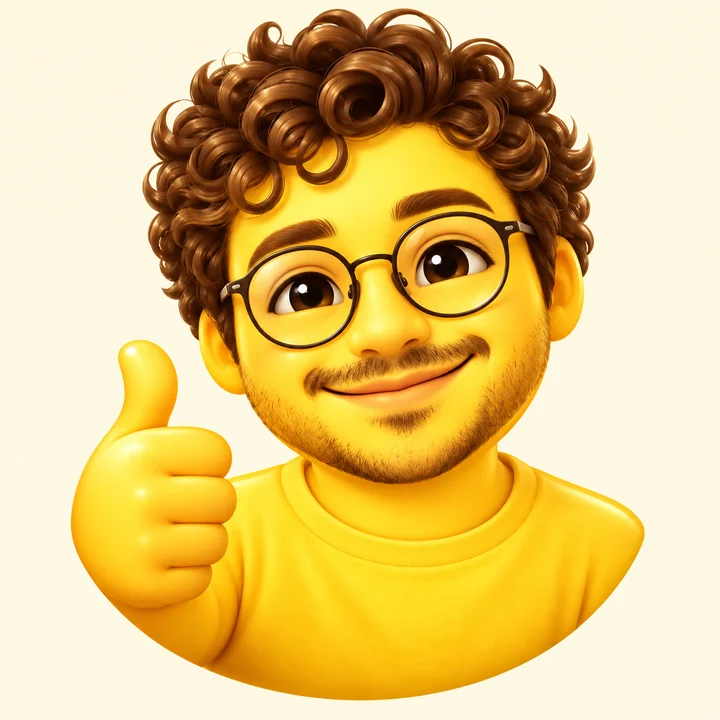 Make Emoji From PhotoMake emoji from photo in one step: turn a picture into an emoji of yourself, a 3D avatar, a sticker or a face cam avatar, with 12 expressions. Free to try.
 Discord Emoji MakerDiscord emoji maker for custom emotes: turn a face or pet photo into a bold emote, then size the PNG to 128 x 128, under 256 KB, for your server. Free to try.
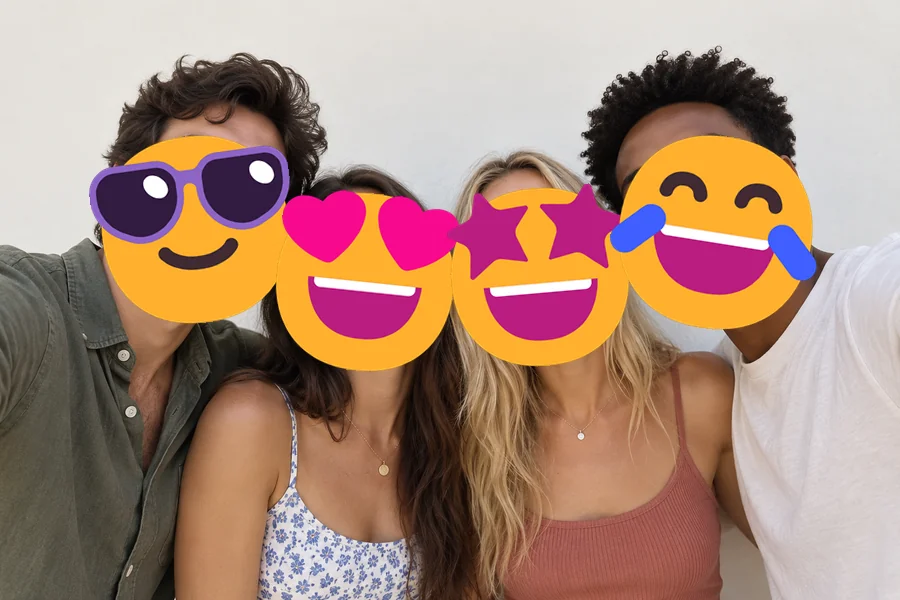 Add Emoji to PhotoAdd emoji to photo files for free: put any emoji in photos and pictures, then drag, resize, rotate, or delete it and download at full size. No upload needed.
 Remove Emoji from PhotoRemove emoji from photo shots in one pass: the AI emoji remover erases emojis and stickers from pictures and fills the covered area with matching background.
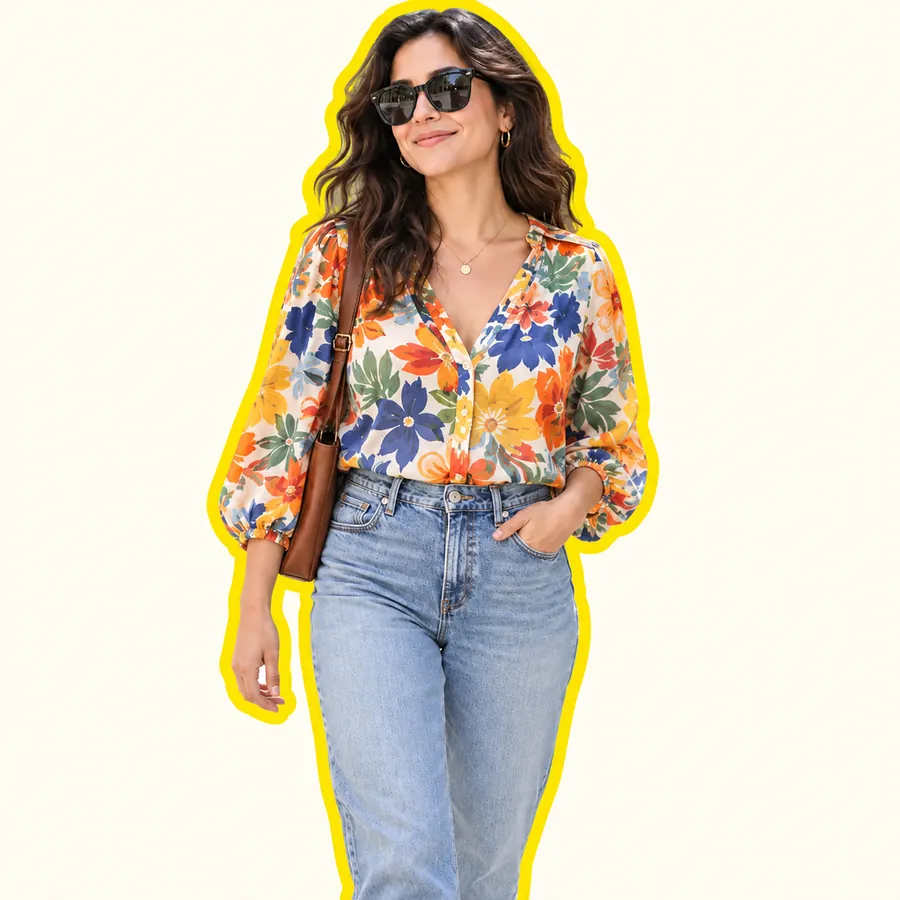 AI Sticker MakerHow to make a picture a sticker: upload a photo or screenshot, pick a style like die-cut, cartoon, chibi, or kawaii, and the AI sticker maker turns it into a PNG.
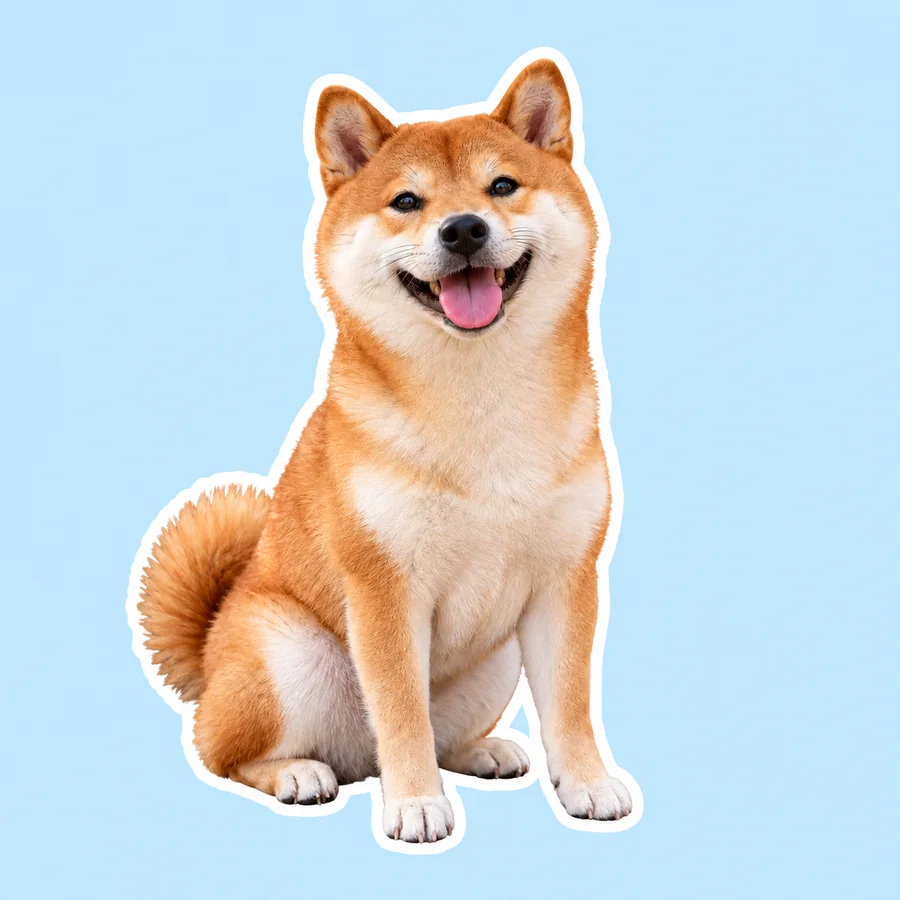 Telegram Sticker MakerTelegram sticker maker for photos: AI cuts out the subject, adds a white border or caption and saves a PNG to size at 512 px for the @Stickers bot. Free to try.
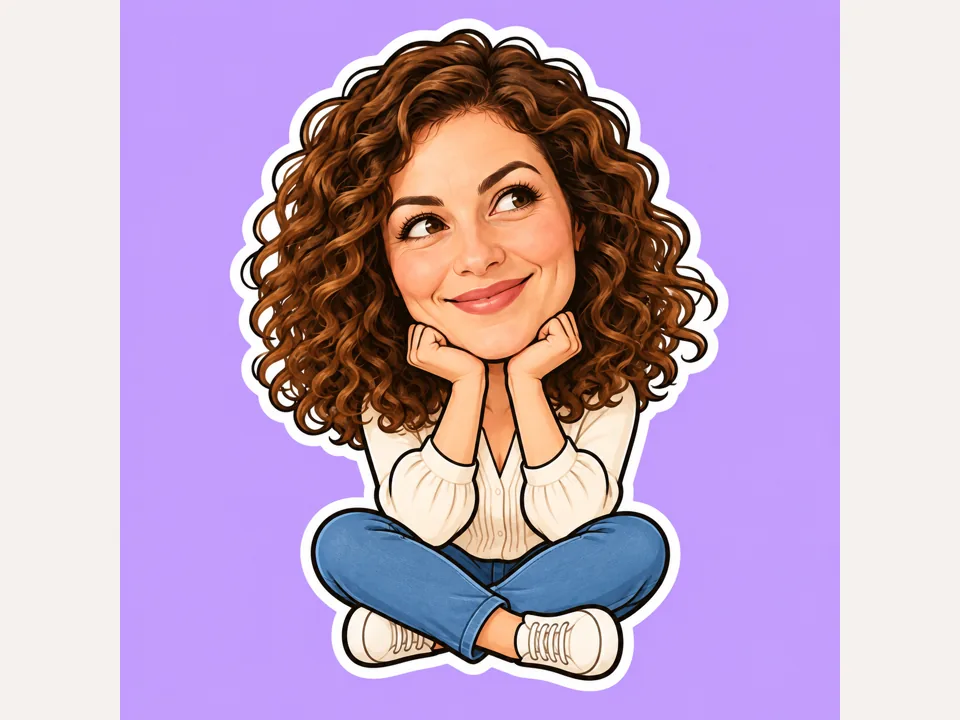 Funny Sticker MakerUse a funny sticker maker to turn your own memes and photos into big-head reactions, pet stickers and short captions on solid backgrounds. Free to try.
 Make Image TransparentMake image transparent online: the AI erases the background and saves a transparent PNG of people, products or logos. Make background transparent, free to try.
Drop a finished emoji in and get the patting-hand animation as a looping GIF reaction.
Open the toolLarger spot illustrations in a matching flat or cartoon look for worksheets, menus and slides.
Open the toolFull-body chibi characters with big heads, for ideas that need more than a face.
Open the toolA profile picture in the same colors as your emoji pack, so avatar and reactions match.
Open the toolType a short description, choose a style and a mood, pick a background and press Generate. You get square emoji images to save, cut out as a transparent PNG and share as pictures, or upload as custom emoji in apps that support them.
No. Keyboard emoji are Unicode characters that each phone draws in its own style, while AI emojis are image files. They look exactly as generated everywhere, but you share them as images, stickers or custom emoji uploads instead of typing them.
This page works from text only, so it can’t copy your face. Emoji From Photo does that: upload a selfie and it turns your features into an emoji. Here, describe a character instead, such as a curly-haired avatar with round glasses.
Generate on White or Black, then open Make Image Transparent and remove the background. A plain solid backdrop is what makes the cut-out clean, which is why this generator never paints scenery behind the emoji.
Results are square 1:1 images, far larger than any chat needs. Many apps ask for roughly 128 × 128 pixels and a small file size, so scale yours down and check your app’s own limits; the Discord Emoji Maker page lists the sizes Discord uses.
The emoji generator is Free to try. Before anything is drawn, the Generate button shows the cost for the model you picked and the number of emojis, up to four per run.
Yes. Type up to 12 characters in Short text and they are lettered onto the emoji; GPT Image 2 is the steadiest choice for spelling. Leave the field empty and the emoji stays wordless.
Start with Nano Banana 2, the default. Switch to GPT Image 2 when the emoji carries text, Nano Banana Pro for finer detail, or Seedream 4.5 for a glossy 3D finish, and compare a couple of runs side by side.
No. Describe your own idea instead of asking for a platform’s emoji designs, a mascot from a game or show, or a company logo. Original emoji avoid copying anyone else’s artwork and give your chat a look nobody else has.
Yes, two companion tools: Add Emoji to Photo places emoji on a picture in your browser, and Remove Emoji From Photo erases emoji and stickers from a shot. To turn a photo into an emoji, use Emoji From Photo.
Describe it, pick a style and a mood, and let the emoji AI maker draw up to four versions. Free to try.
Emoji made here are original artwork generated from your description; they are not part of the Unicode standard or any platform’s emoji set, and EzImgMaker is not affiliated with any emoji, chat or keyboard provider.