Marketing Photos and Ads
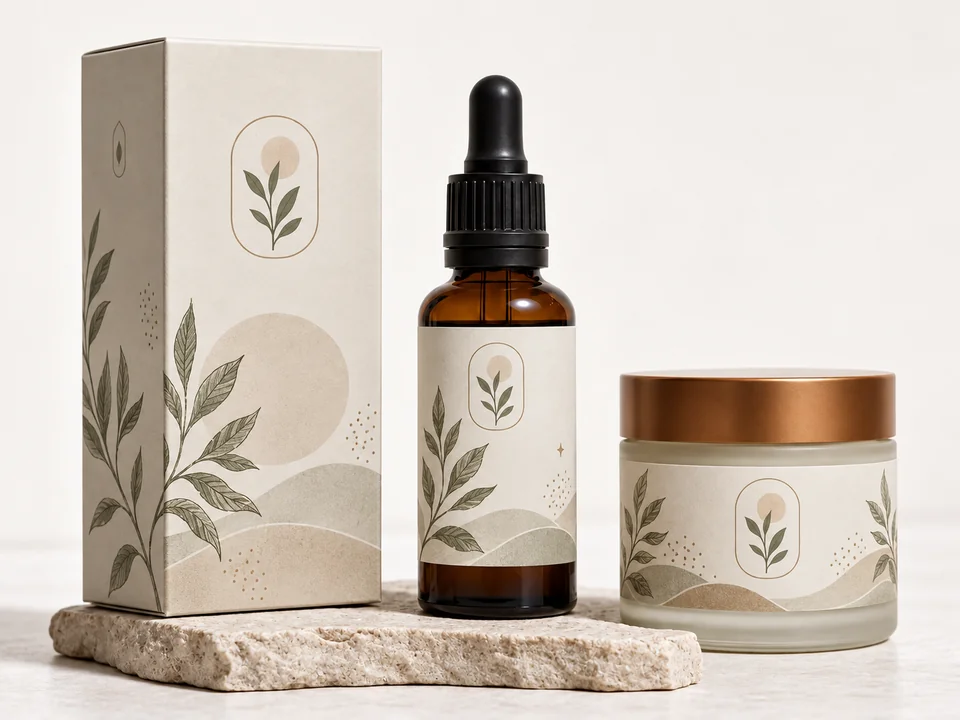
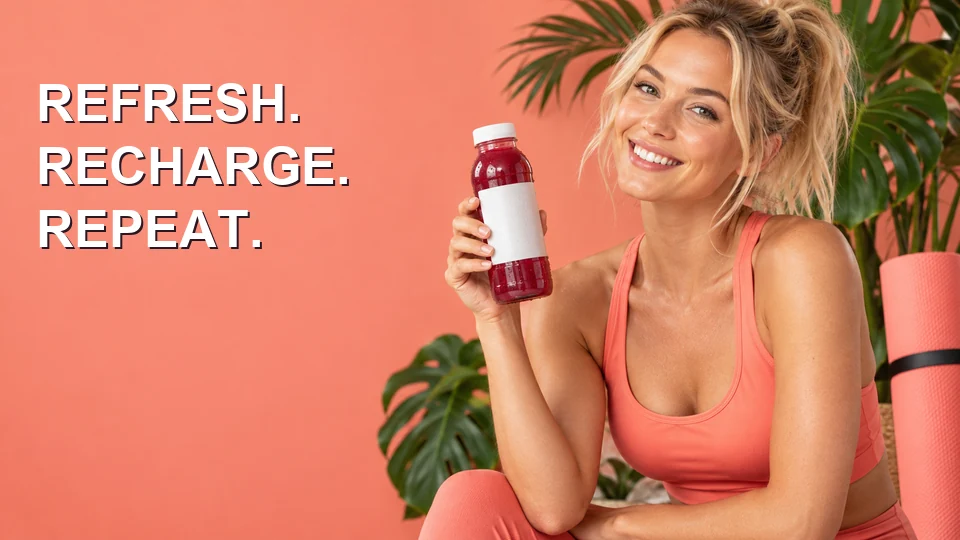
Bottle labels, small print and hair come back crisp, so a campaign image holds up on a large display or a printed flyer.
Upload a photo, logo, PNG or piece of art and the AI upscaler makes it 2× or 4× larger, or big enough for a 4K screen. Faces, text and colors stay exactly as they are; you just get more pixels and crisper edges.
Upscaling presets
Fine-tune
Reference example. It is not a result generated from your upload.
An image upscaler adds pixels to a picture so it can be shown or printed bigger. Ordinary resizing, the bicubic stretch built into most editors, only spreads the existing pixels further apart, which is why a small file turns soft and blocky when you scale it up. AI upscaling predicts the missing detail instead, so edges, letters, hair and fabric come out crisp at two or four times the size.
EzImgMaker runs a faithful upscaling model. It works as a photo upscaler, a picture upscaler for graphics and screenshots, and an AI image scaler for art, but it never redraws: no new objects, no changed faces, no rewritten text. Pick 2× for a quick upsize, 4× for print and zoom, or 4K to fill a 3840-pixel screen. If the picture is blurry rather than small, the unblur and enhancer tools further down are the better fit.
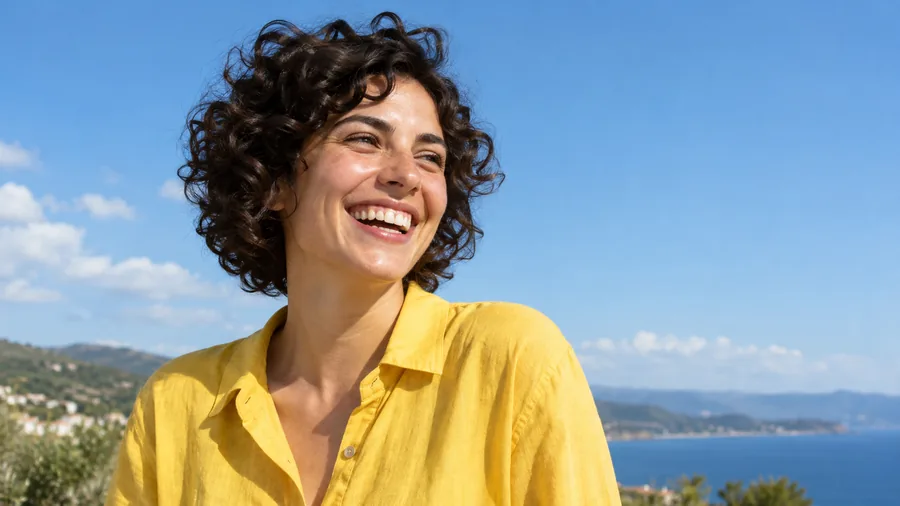
Six kinds of images run through the AI upscaler, shown at the same size. Drag each slider to compare the original with the upscaled picture.
Bottle labels, small print and hair come back crisp, so a campaign image holds up on a large display or a printed flyer.
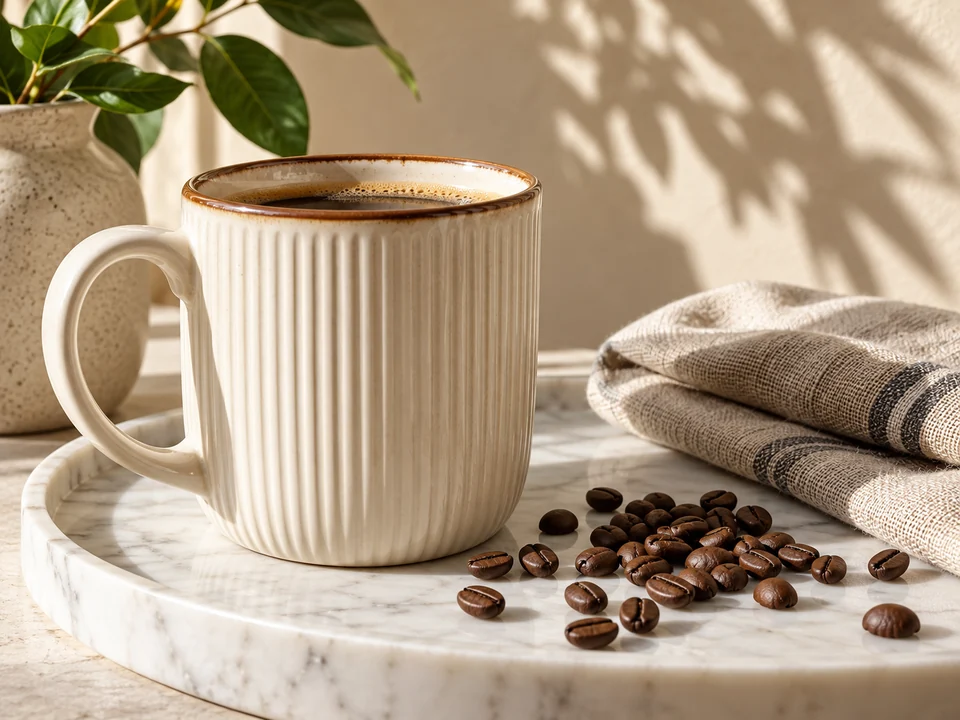
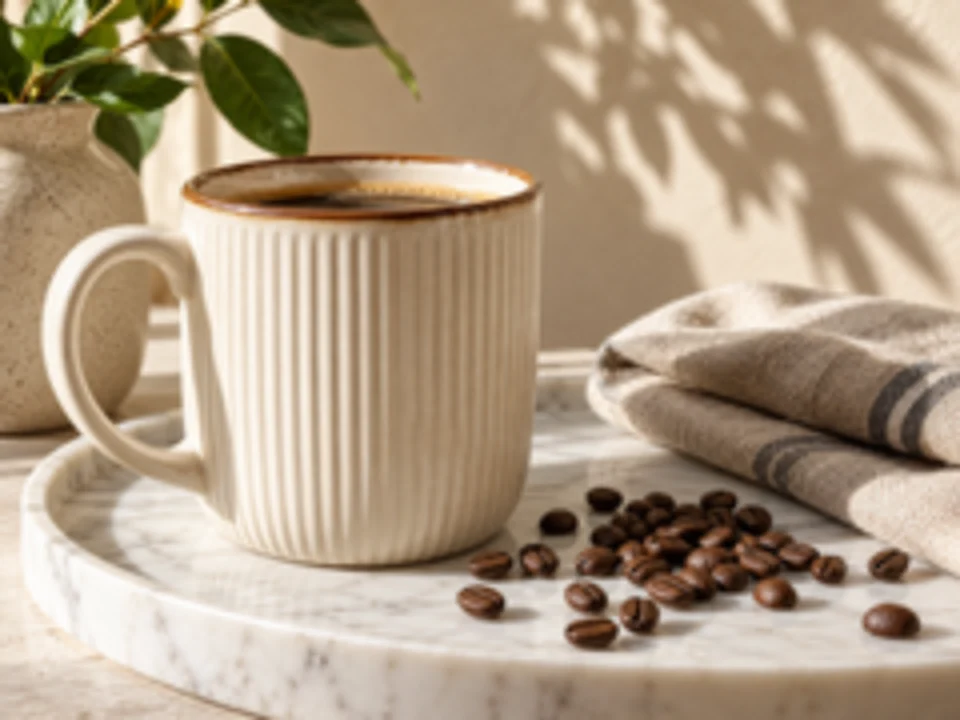
Glaze speckles, coffee beans and the linen napkin stay detailed when shoppers zoom in on a listing.
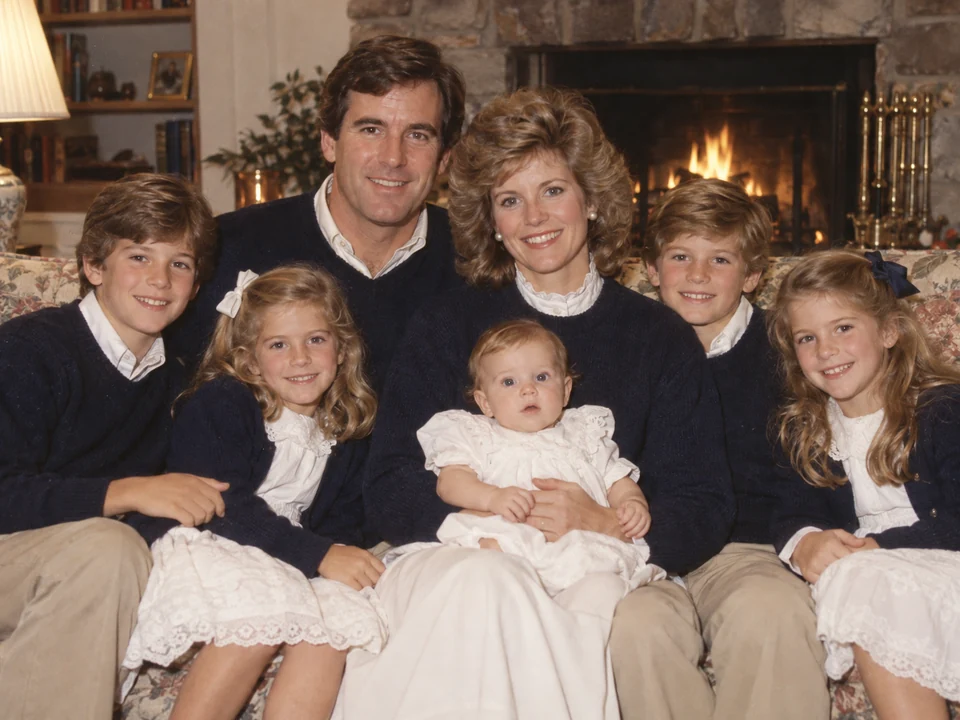
Older digital photos and small scans get the pixels a frame or album print needs, without changing anyone’s face.


Bold type and fine print stay clean. This is where logo upscaling beats a plain resize, which smears letters and curves.
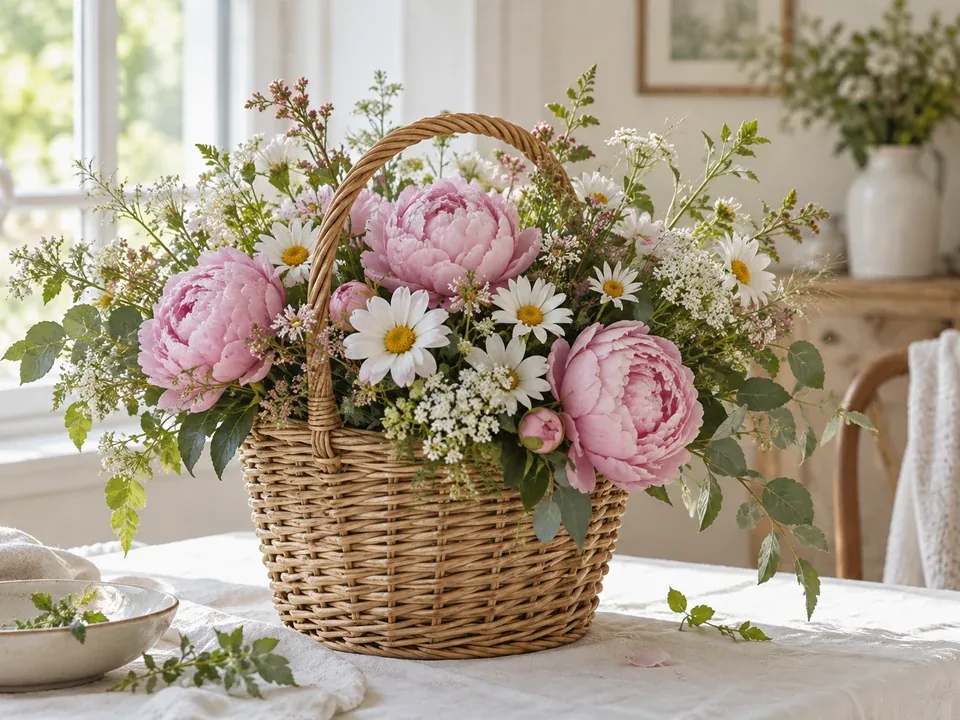
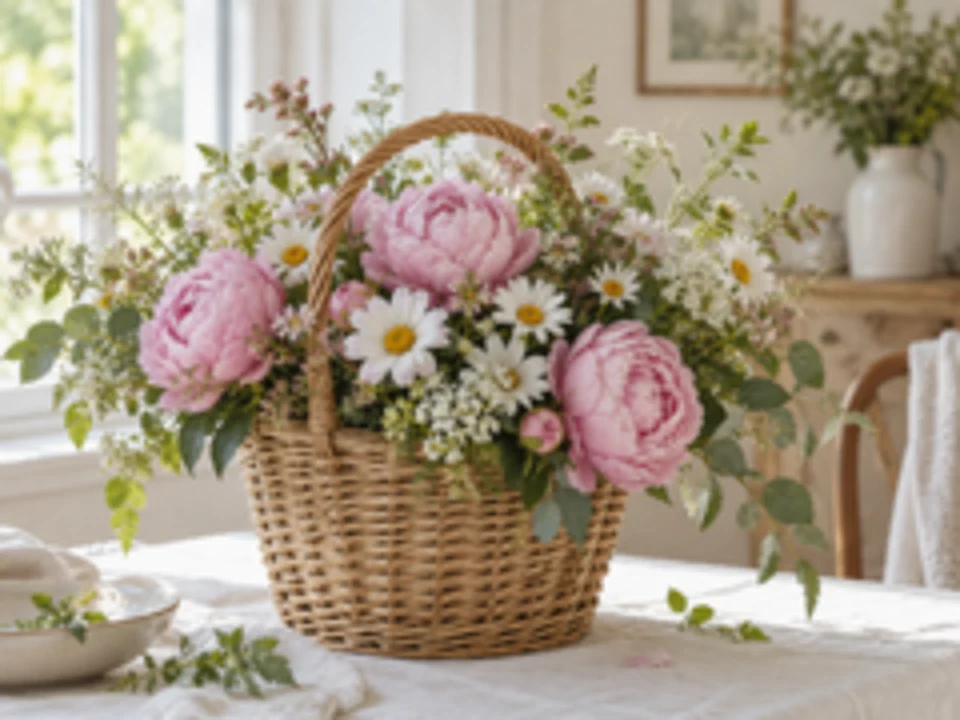
Petals, wicker and window light keep their texture, ready for a blog header, a print or a wide screen.
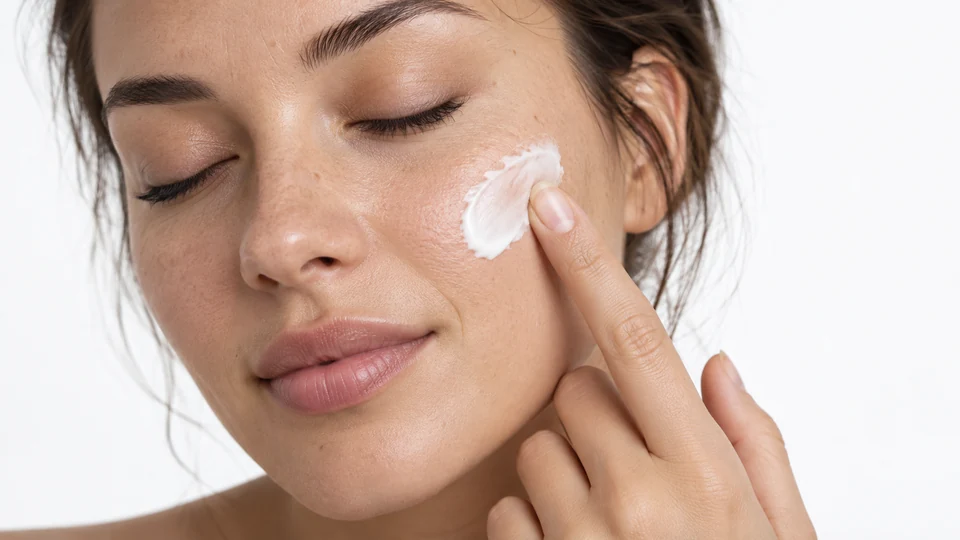
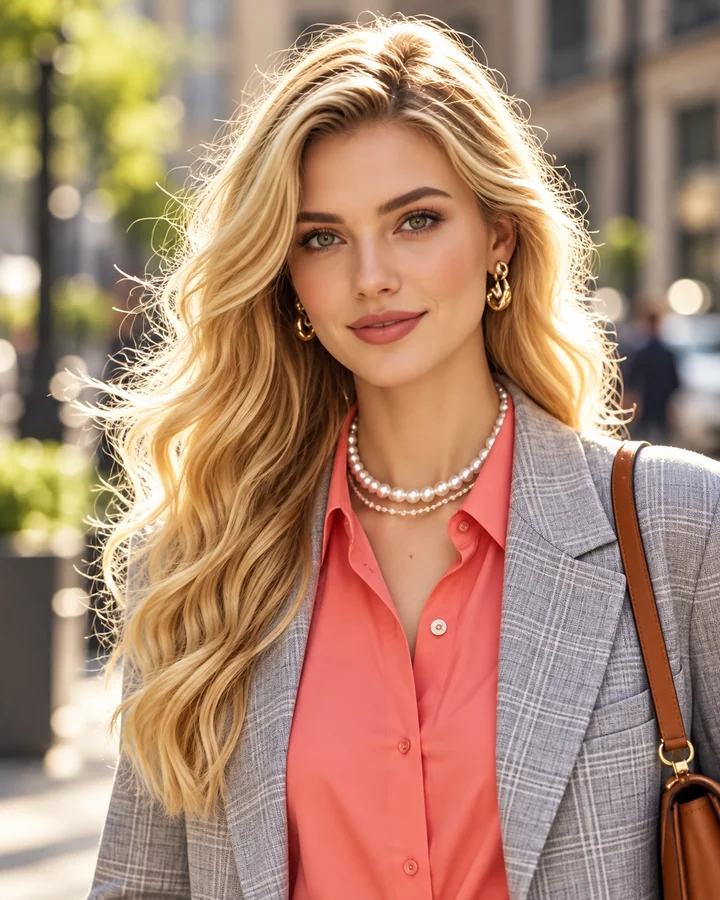
Lashes, skin texture and the cream on a fingertip stay natural. Nothing is smoothed away or repainted.
Upscale image online in three steps. No software, plugin or graphics card needed.
Add a JPG, PNG or WebP up to 10 MB: a photo, logo, product shot, screenshot, scanned page or AI-generated art.
2× doubles the width and height, 4× quadruples them, and 4K picks the smallest step, up to 4×, that reaches 3840 pixels on the long side. A preset such as Logo / Text sets it for you.
Click Upscale Image, drag the slider to compare before and after, and download the upscaled file.
Many AI upscalers quietly repaint faces and textures. This one is a faithful upscaling model: it adds resolution and sharpens edges, while faces, text, brand marks and composition stay as they were. That makes it a safe choice for client photos, product listings and family pictures where accuracy matters.
Small logos and banners are the hardest test for an image upscaler: plain resizing blurs letters and leaves jagged curves. Choose Logo / Text to upscale logo files 4× with clean type and smooth edges, ready for a sign, slide or print. A PNG upscale works the same way as a JPG one.
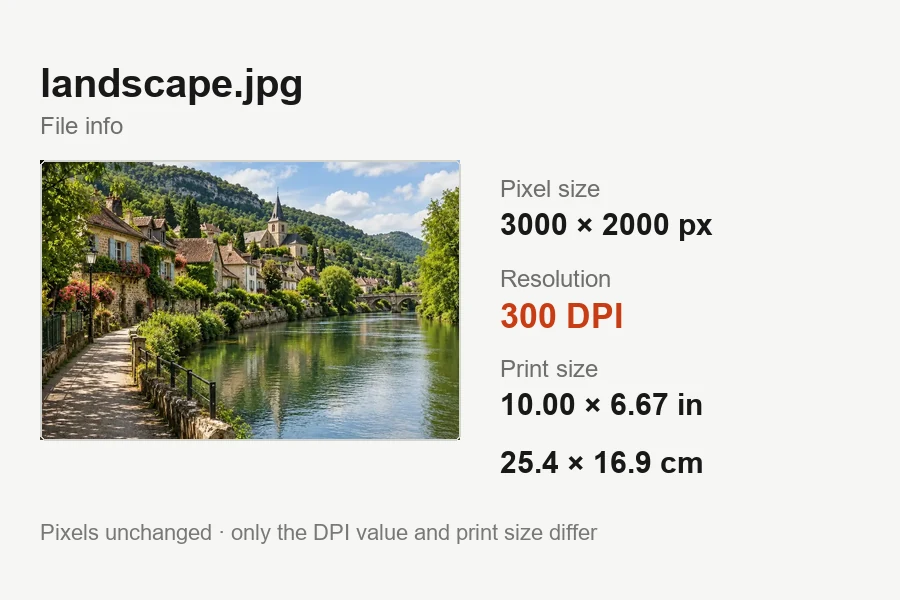
Shoppers zoom in. Upscaling clothes photos, jewelry and packaging keeps stitching, fabric weave and label text readable at full size, and gives prints the extra pixels a 300 DPI file needs.
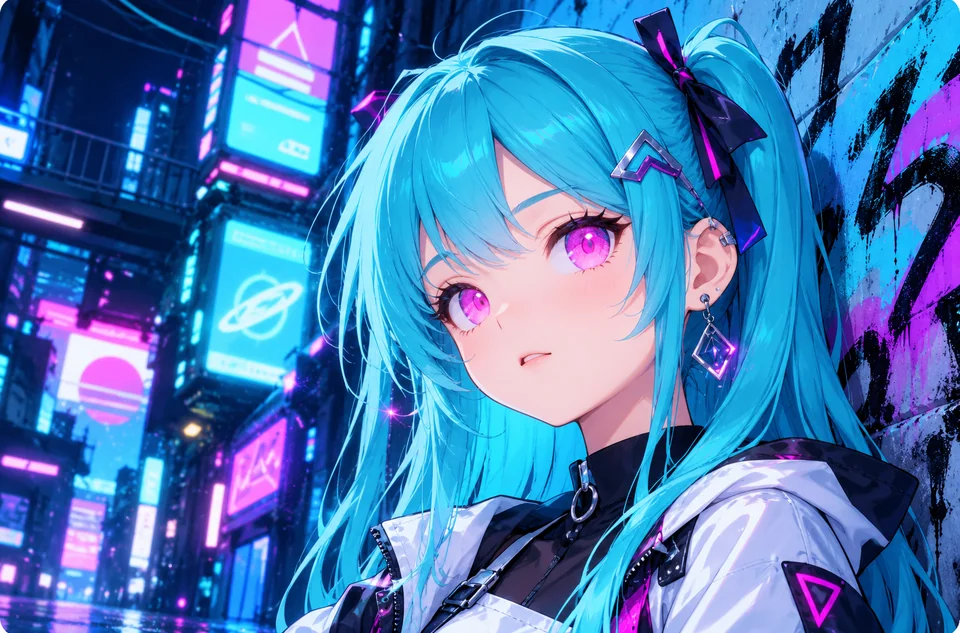
Generated art, reaction memes, scanned comics and old game assets are often tiny. Upscale image memes before you repost them, upscale manga panels for a sharper read, or upscale textures for a game mod. For anime with heavy line work, the dedicated anime upscaler is tuned for it.
How the common ways to make an image bigger compare. Image upscaling with AI is the only one that adds believable detail instead of stretching what is already there.
| Method | How it adds pixels | Edges and text | Good for |
|---|---|---|---|
| Nearest neighbor | Copies each pixel into a bigger block | Hard stair-step edges | Pixel art and retro game screenshots |
| Bilinear / bicubic (editor default) | Averages neighboring pixels | Soft and slightly blurry | Small size bumps of 10–20% |
| Lanczos | Weighted average over a wider area | Sharper, with faint halos | Moderate enlargements of clean photos |
| AI upscaler (this tool) | Predicts the missing detail with a trained model | Crisp and faithful to the original | 2× and 4× upscales, logos, prints, 4K screens |
| Generative restore | Redraws detail from what the model sees | Fixes blur but may alter small details | Blurry, noisy or damaged photos (image enhancer) |
No upscaler can recover detail the camera never captured: a face only a few pixels wide stays a guess. For blur, unblur first, then upscale.
Anyone with a picture that is the right image but the wrong size.
Upscale supplier photos so zoom works on product pages and marketplace listings.
Upscale logo files and old brand graphics for print, signage and presentation slides.
Upscale pictures from older cameras, phones and scanners for albums and frames.
Upscale thumbnails, memes and AI art so reposts do not look crunchy.
Upscale manga panels, comic scans and game textures for bigger, sharper screens.
Upscale PDF image exports, charts and screenshots so slides and reports stay readable.
Small habits that make a visible difference when upscaling pictures.
A downloaded original beats a screenshot of it. Every re-save adds compression the upscaler then enlarges too.
Upscale first, then crop the square, banner or thumbnail you need, so the crop keeps the most detail.
2× suits web and social use. 4× gives posters, product zoom and large prints room to breathe.
An upscaler enlarges what is there. If the photo is blurry, unblur or enhance it, then upscale the sharp version.
Each tool covers one job. Use these when a plain upscale is not quite what the picture needs.
Make an image 4K quality for wallpapers, TVs and monitors, with 1080p vs 4K explained.
Open toolEnlarge a photo for prints and posters, with the pixels each print size needs.
Open toolRaise resolution or restore detail at 2K or 4K when a photo is soft as well as small.
Open toolFix motion blur, camera shake and missed focus before you upscale.
Open toolUpscale or restore blurry, noisy and faded photos in one place.
Open toolUpscale anime, manga and fan art with crisp line art and flat color.
Open toolSet 300 DPI for print without touching a single pixel.
Open toolPixel counts, screen sizes and viewing distance: when 4K is worth it.
Read the guide3840 × 2160 vs DCI 4K, megapixels, and how big a 4K image prints.
Read the guideHow the AI upscaler works, what it changes, and what it costs.
An image upscaler increases a picture’s pixel dimensions. An AI upscaler does it with a trained model that predicts the missing detail, so the larger version looks sharp instead of stretched. It is the opposite of compressing or shrinking an image.
Upload the original file, choose 2× or 4×, and click Upscale Image. Faithful AI upscaling keeps edges and text sharp, so the bigger picture shows no blocky pixels. Very small or already blurry pictures improve less: upscaling adds resolution, but it cannot invent detail the camera never caught.
Resizing changes an image’s dimensions with simple math, in either direction. To upscale (sometimes written "up scale") means making it bigger while adding detail. An image descaler or downscaler does the opposite and makes files smaller; this tool only upscales.
No. It is a faithful upscaler: it takes no prompt and does not repaint content, so faces, logos, text and colors stay as they are at a higher resolution. If you want detail rebuilt on a blurry photo, use Restore in the image enhancer instead.
For portraits, the best image upscaler for people is one that leaves the face alone. Faithful upscaling keeps identity, skin texture and expression; generative upscalers can make faces smoother or subtly different. If the portrait is blurry, unblur it first and then upscale it.
Yes. Upload the PNG or JPG and choose Logo / Text (4×); logo upscaling keeps straight edges and letters clean. If the final logo needs a transparent background, check the downloaded file and run it through a background remover if needed.
No. A GIMP upscale plugin or an image upscaler local install needs a strong graphics card and setup time. Here the model runs on our servers, so any browser on a desktop or phone works and there is no best image upscaler app to hunt for. It is a ready-made web tool, not an image upscale API you have to code against.
It is free to try: new accounts get free credits when they sign up. After that, each upscale uses credits from your balance, and bigger results (4K and above) cost more than smaller ones.
Uploads can be up to 10 MB. Choose 2×, 4×, or 4K (the smallest step that reaches 3840 pixels on the long side). Results can reach 20,000 pixels on the long side; a very large upload is upscaled by a smaller step automatically so it stays within that limit.
JPG, PNG and WebP photos, graphics, screenshots and art that you own or have permission to edit. Upscaling someone else’s photo or artwork does not give you the right to reuse or sell it.
Upload a photo, logo or picture and get a sharper version 2×, 4× or 4K in size.