


Text Watermarks
Diagonal words across fur and a soft background are where blur tools leave a ghost. The AI rebuilds every whisker, so the text watermark is simply gone.
Upload an image you own, pick what to erase (text, a logo, a date stamp, a signature or a tiled overlay) and brush over it if you like. The AI removes the mark and rebuilds the sky, skin or fabric underneath, with no cropping and no smudge.
Common jobs
Fine-tune


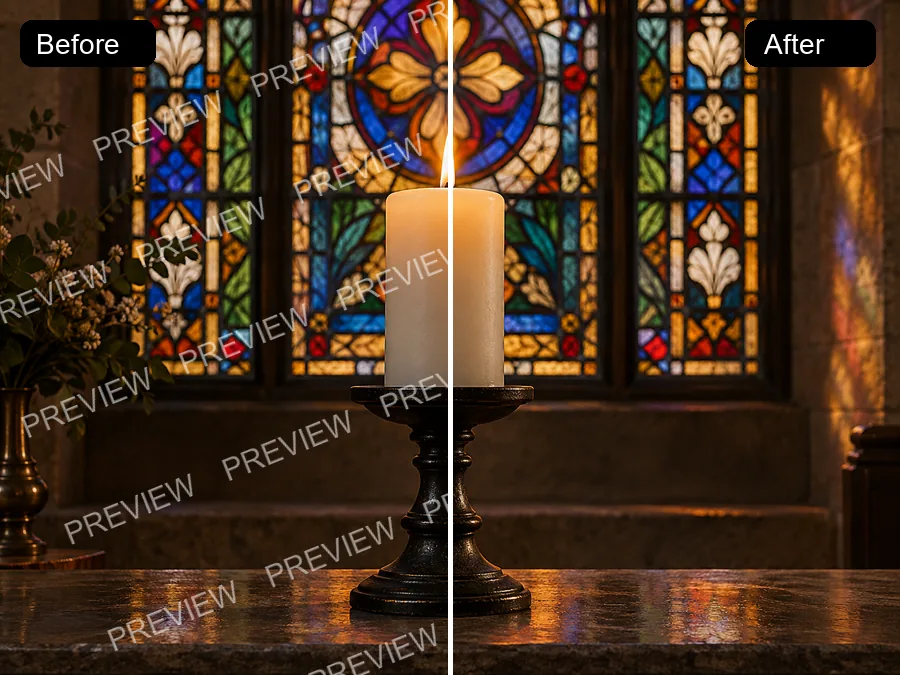
Reference example. It is not a result generated from your upload.
A watermark remover erases text, logos, stamps and other overlays from an image and rebuilds the pixels behind them, so the photo looks as if the mark was never there. Instead of cropping the corner or smudging it with a clone brush, the AI reads the surrounding texture and continues it: sky, skin, fabric, foliage or a plain studio wall.
This online watermark remover is made for photos you own or have the right to edit: pictures an old camera stamped with the date, product shots carrying last year’s logo, a signature you added to your own work. Choose the type of mark, brush over it if you want, and remove watermark AI-style in one pass. Like any image watermark remover, it should never be used to take credit for someone else’s work.
Drag each slider to compare the marked image with the cleaned one. Each kind of mark is one setting in the workspace.
Diagonal words across fur and a soft background are where blur tools leave a ghost. The AI rebuilds every whisker, so the text watermark is simply gone.


A caption in the corner of a photo or an AI image, removed without cropping the frame or touching the flowers around it.


A semi-transparent studio logo sits on a glowing galaxy. As a logo remover and trademark remover, the AI fills the corner with matching stars and color.


The orange digits an old camera burned into a sunset photo. A water stamp remover for the date stamps on your own vacation shots.


A photographer’s script signature over a portrait, removed from the photographer’s own file so it can be delivered clean or signed again.


Repeated words and grid lines across the whole frame, like the preview marks a trial app adds to your own exports. Every repetition goes, every texture stays.
Here is how to remove the watermark from any photo you own, without layers or a clone brush.
Add a JPG, PNG or WebP up to 20 MB. The original file works better than a screenshot or a resized copy.
Brush over the watermark or drag a box around it (optional), then choose Text, Logo, Date stamp, Signature or Stock overlay. Skip the brush and the AI detects the mark itself.
Click Remove Watermark, drag the slider to compare, and download the clean image at its full size.


Cropping is the quick way to delete watermark photo marks, but it changes the framing and throws away part of the scene. Delete watermark from photo areas the smart way: the AI rebuilds shirts, skin and the trees behind the text, and a 3:2 photo stays 3:2.
Wondering how to remove logo marks without touching anything else? Paint over the logo or drag a box around it and only that area is rebuilt, so you can remove a logo from a picture and keep nearby detail exactly as it was. Leave it unmarked and the photo watermark remover finds the mark on its own.
Film cameras and many phones printed the date in glowing digits. Remove timestamp from photo corners and keep the moment, not the date: this is how to remove date stamp from photo files you took yourself. Date stamp removal works on scanned prints as well, so the photo stamp remover can remove date stamp from picture scans too.
Tiled words and grid lines are the hardest marks because they cross every texture. The AI treats the whole frame and rebuilds fur, snow and trees, so not even a faint diagonal line is left.
Real jobs on images that belong to you.
Remove date stamps and camera marks from family pictures you took, before printing or framing them.
Clean your own signature or proof mark off a file when the unmarked original has been lost.
Remove logo from photo sets you shot yourself when the branding changes, instead of reshooting the products.
Take the caption or handle you added to your own image off before you repost it somewhere else.
Clean an outdated slogan or campaign tag off your company’s banners and deck images so they can be reused.
Remove a previous agency’s logo from photos of your own home before you list it again.
The best way to remove watermarks from photos you own starts with the right file and a little marking.
The full-size original gives the AI the most real detail around the mark; screenshots add blur and compression.
When you brush, cover the glow or shadow around the letters too, so no outline is left behind.
A logo and a date stamp on the same photo? Run the watermark remover image by image: remove one, then upload the result for the next.
Use it on your own images or images you have permission to edit, never on someone else’s watermarked work.
Image and video watermark removers on EzImgMaker, plus tools for text, emojis and objects.
 Gemini Watermark RemoverHow to remove a Gemini watermark? Upload an image you made with Gemini or Nano Banana and the Gemini watermark remover erases the sparkle logo without cropping.
 GIF Watermark RemoverRemove watermark from GIF animations you own. Upload a GIF, mark the logo or text, and the GIF watermark remover rebuilds every frame and keeps the loop smooth.
 Remove Emoji from PhotoRemove emoji from photo shots in one pass: the AI emoji remover erases emojis and stickers from pictures and fills the covered area with matching background.
 Video Watermark RemoverHow to remove watermark from video clips you own? Upload the file, choose the logo, text, or moving mark, and the AI video watermark remover rebuilds the frame.
 Sora Watermark RemoverHow to remove Sora watermark from videos you generated? Upload a Sora or Sora 2 clip and the AI erases the moving logo and @username without cropping the frame.
 Veo3 Watermark RemoverHow to remove Gemini video watermark marks? This Veo3 watermark remover cleans the Veo logo off Veo 3 and Gemini clips you generated, with no crop or blur.
 TikTok Watermark RemoverHow to remove TikTok watermark from your own saved videos? The TikTok watermark remover erases the logo and @username without cropping, ready to cross-post.
 AI Text Remover from VideoText remover from video powered by AI. Remove text, words, titles, captions, and watermark text from a clip while the background, motion, and audio stay intact.
 Remove Subtitles from VideoRemove subtitles from video with an AI subtitle remover. Upload a clip, erase burned-in captions and hard subtitles, and keep the frame, timing, and audio intact.
 Remove Object from VideoRemove object from video with an AI video eraser. Describe the person, logo, or item to erase, and the AI fills in the background on every frame as the clip plays.
 AI Image EnhancerAI photo enhancer and image quality enhancer: upscale pictures 2x or 4x, fix blur, noise and faded color, and enhance picture quality right in your browser.
 Background RemoverRemove background free to try: the AI background remover online cuts out people, products and pets, then gives you a transparent PNG, white, color or new scene.
 AI Photo EditorAI image editor free to try: upload a photo, type the change and pick Nano Banana, Seedream, GPT Image or FLUX to swap backgrounds, outfits, light and more.
 Remove Glare from PhotoHow to remove glare from photo shots? Upload one and the AI glare remover clears sun glare, flash reflection, and window reflections while keeping the detail.
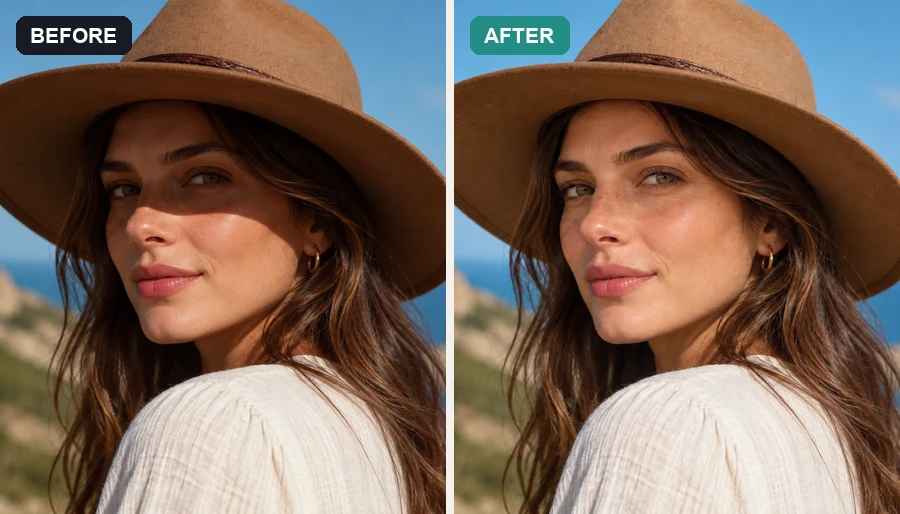 Remove Shadow from PhotoRemove shadow from photo portraits, products, and documents: the AI shadow remover lifts harsh face, hat, hand, and cast shadows and relights them naturally.
How it works, what it can remove, and when you are allowed to use it.
Upload the picture, choose the type of mark or leave Auto-detect, brush over the mark if you like, and click Remove Watermark. The AI erases the mark and rebuilds what was underneath. Compare the result with your original and download it.
It depends on who owns the image. Removing your own watermark, date stamp or logo from your own photos is fine. Removing a photographer’s, stock agency’s or creator’s watermark to use their work without permission can infringe copyright and, in many countries, laws that protect copyright information. Only use the tool on images you own or are allowed to edit.
You can try it free: new accounts get free credits when they sign up. After that, each removal uses credits from your balance.
Text and captions, logos and trademark symbols, camera date and time stamps, signatures, and tiled stock-style overlays. It works as a logo remover, trademark remover, stamp remover and text watermark remover in the same tool.
Proof watermarks protect a photographer’s work until it is paid for. If you are the photographer and only the proof copy is left, upload it and choose Text or Stock overlay. If you are the client, ask the photographer for the final unmarked files; don’t remove proof marks from photos you haven’t licensed.
No. Leave the brush empty and the AI looks for the mark itself. Marking helps when there are several marks and only one should go, or when the mark is very faint.
Only the area of the mark is rebuilt; the rest of the image stays as it was. Busy patterns, small text or faces right under a large mark are the hardest to reconstruct, so compare the result with your original before using it.
Instagram adds its logo and your handle to Reels you download, not to photos. To remove Instagram watermark marks from your own Reel, use the video watermark remover; to remove IG watermark text from a screenshot of your own post, upload it here, where it works as an Instagram watermark remover for stills. Don’t remove handles from other creators’ posts.
No. However it is spelled, a water mark remover or watermark eraser does the same job: it finds the overlay and rebuilds the image underneath. Here you can remove water mark text, logos and stamps in one place.
It works in mobile browsers, so you don’t need one of the best apps to remove watermarks; mark the area with your finger. This page handles still images; clips go to the video watermark tools listed above.
Upload your image, pick the type of mark or brush over it, and get a clean, full-size picture back.
Use the watermark remover only on images you own or have permission to edit. Removing watermarks from other people’s photos, artwork or stock images may infringe their copyright. Instagram is a trademark of its owner; EzImgMaker is not affiliated with it.