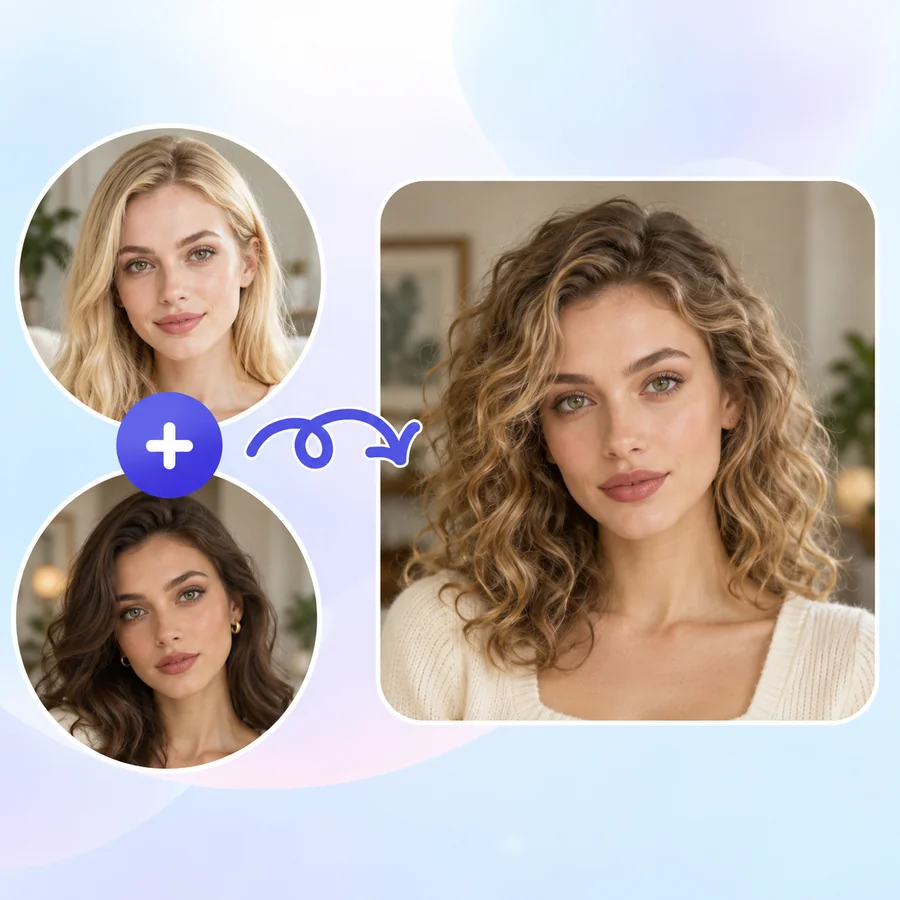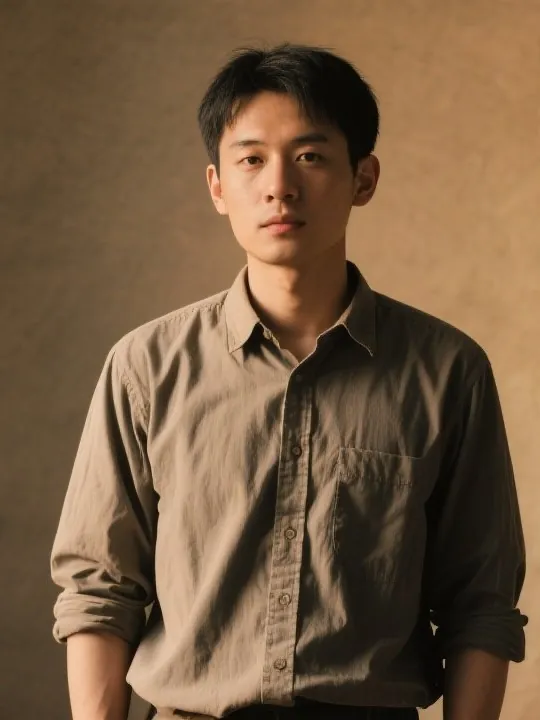
Face Photo
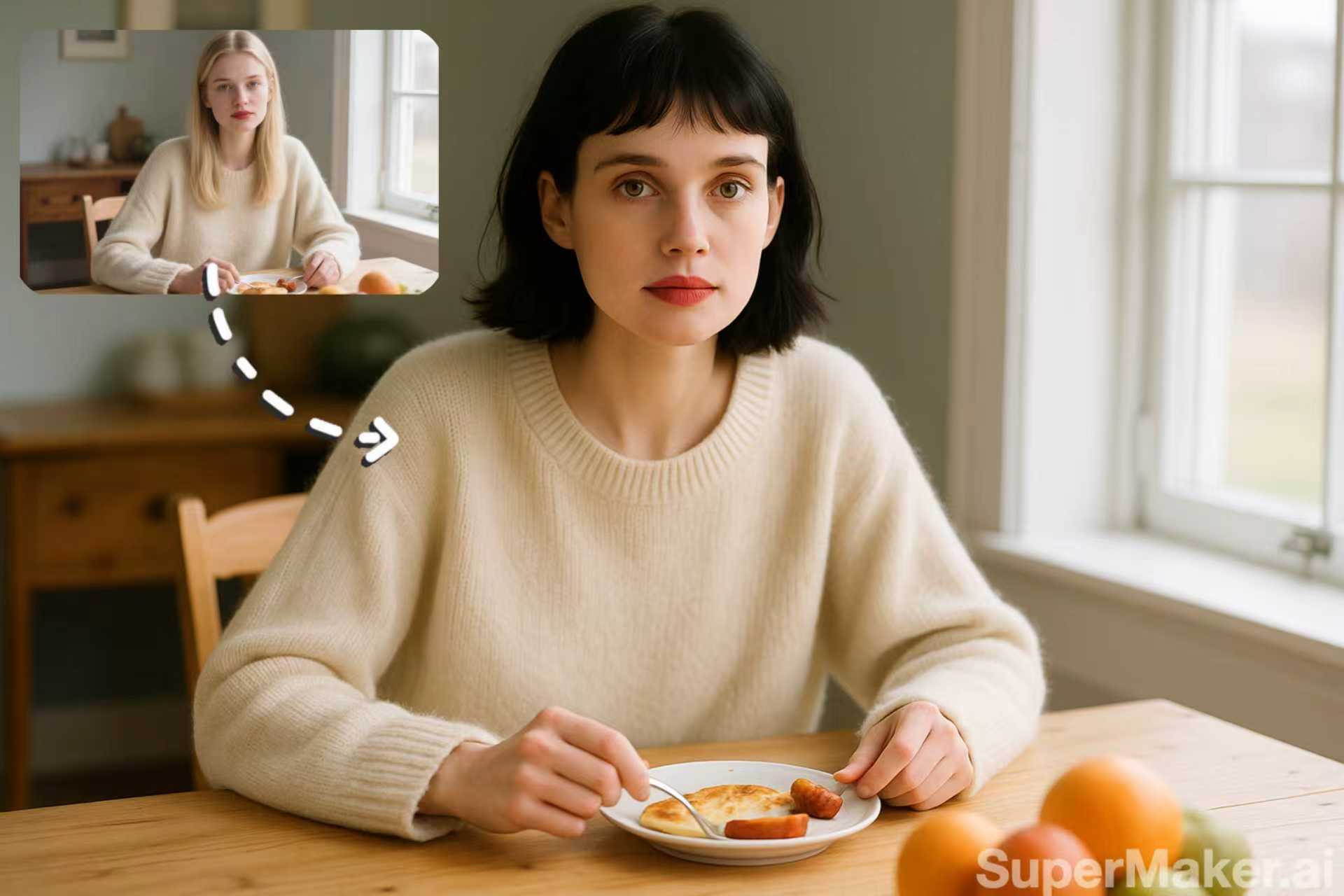
A clear, front-facing portrait of a fictional person.
Upload a clear photo of your face and a short target video. The AI places that face on the person in the clip and carries over their movement, expressions, and lighting, so the result plays like it was filmed that way. Use only your own face or one you have permission to use.
Fine-tune
Your files stay in this browser during this UI preview.
Reference example. It is not a result generated from your upload.
An AI video face swap takes the face from one photo and puts it on the person in a video. The model reads the target clip frame by frame (head turns, blinks, smiles, speech, and lighting changes) and redraws the new face so it follows every movement. The background, camera motion, and soundtrack stay as they were.
This face swap video tool is built for consent-based fun and creative work: starring in a dance trend yourself, previewing a character for a short film with an actor who agreed, or making a birthday clip with a friend’s permission. It is not a tool for impersonating real people or putting anyone into a video they did not agree to.
Examples use fictional, AI-generated people. Play the result to see the face follow speech and gestures.
A clear, front-facing portrait of a fictional person.
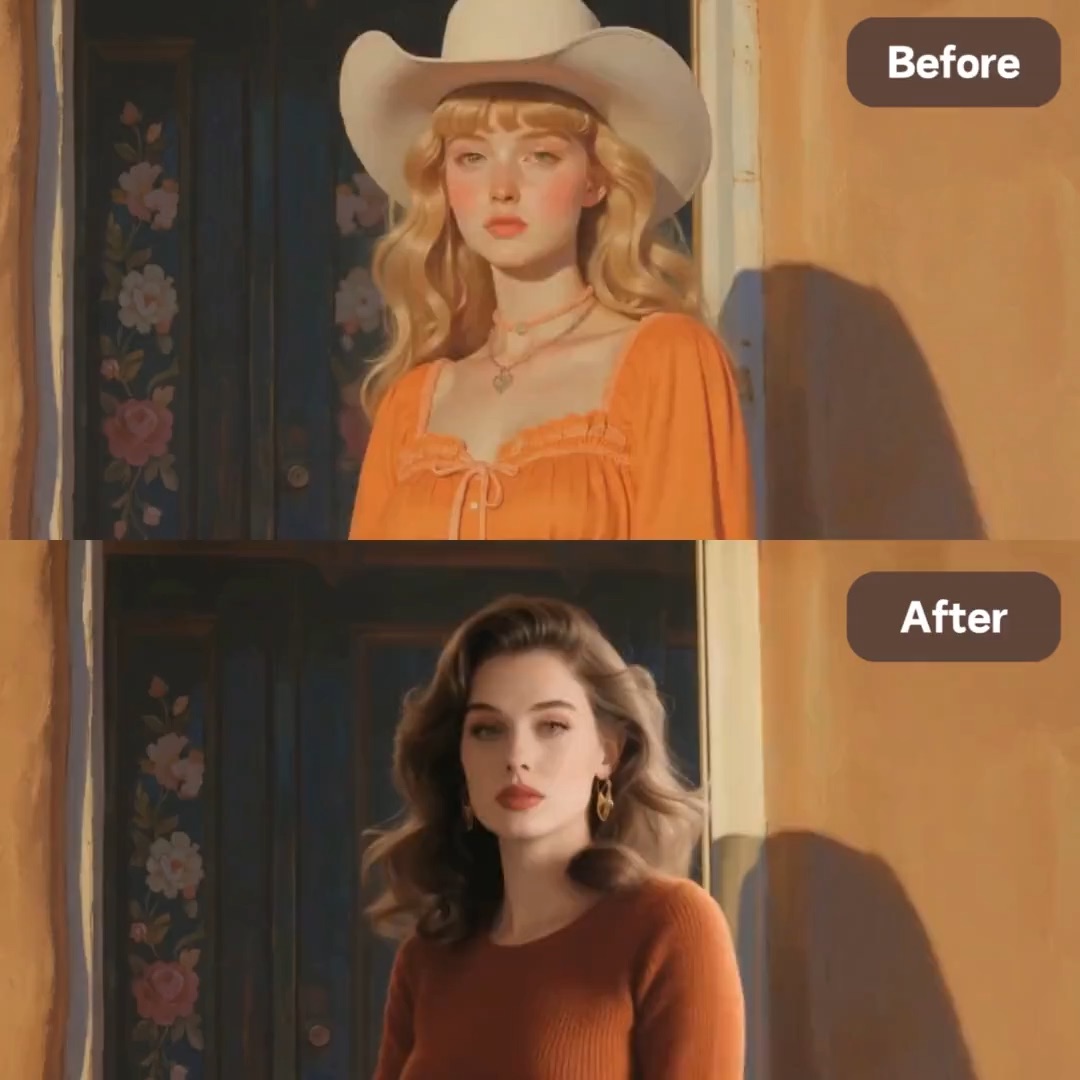
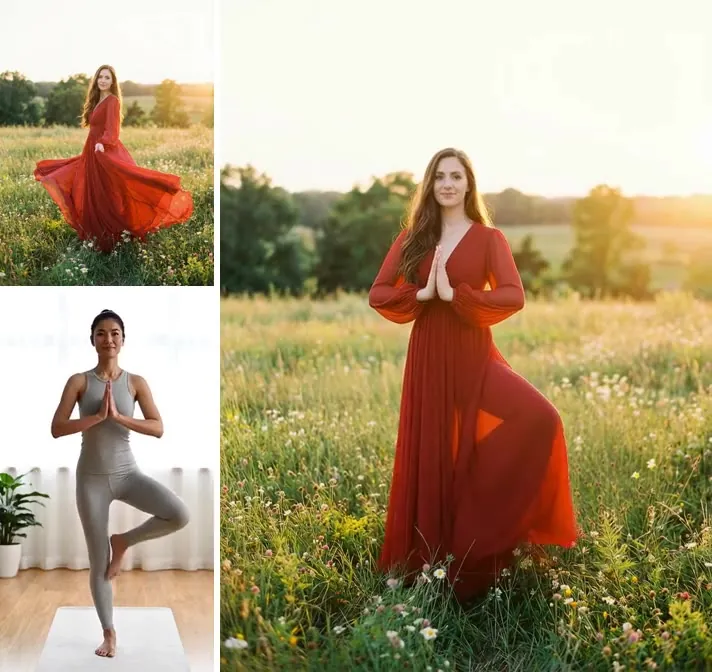
The new face speaks and gestures with the original performance.
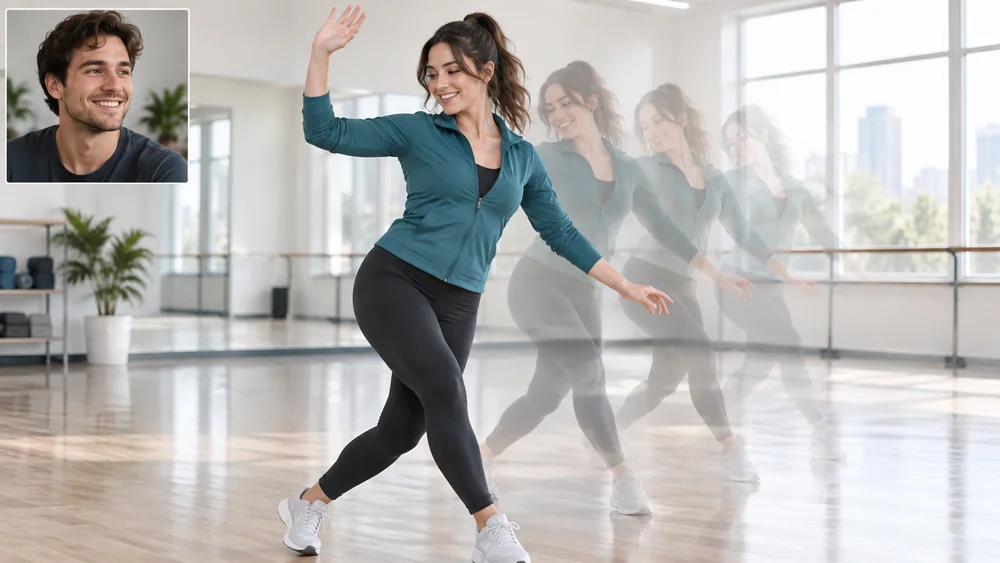
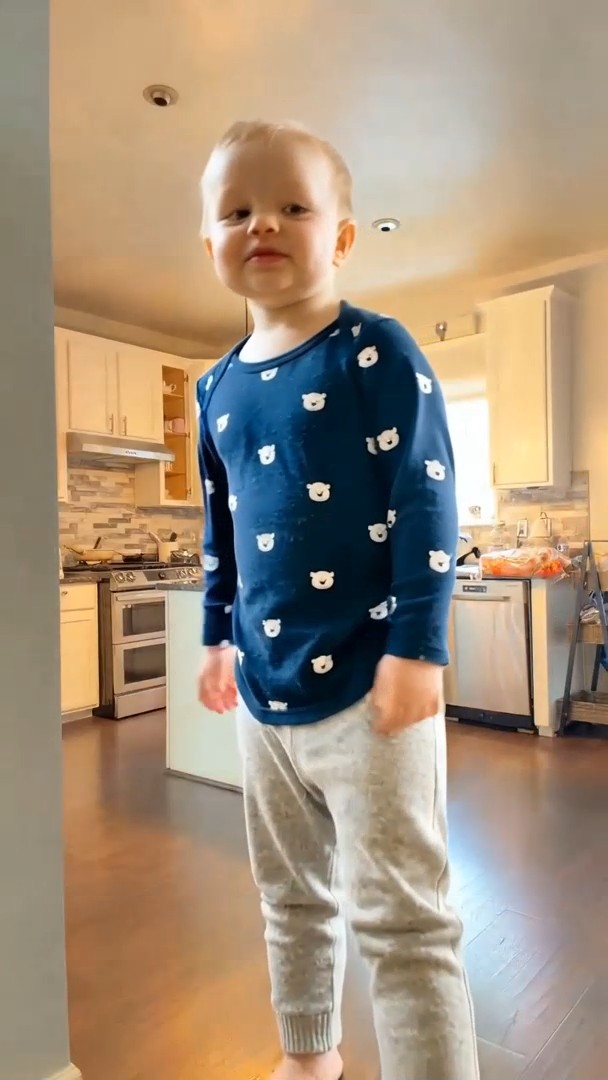
A performance from the target clip, carried over to the person in the photo.
Swap face video clips in three steps.
Choose a sharp, well-lit photo of your face (or of someone who agreed), looking at the camera with nothing covering it. JPG, PNG, or WebP up to 10 MB.
Upload an MP4 or MOV clip up to 30 seconds and 10 MB with one clearly visible person. Steady framing and a visible face give the most natural result.
Pick 480p, 580p, or 720p, tick the consent box, and start. Watch the whole clip, then download the face swap video with the original audio.
A face swap AI video tool that keeps the performance intact.
The video face swap AI tracks the original face through every frame, so smiles, blinks, lip movement, and head turns carry over to the new face instead of looking pasted on.
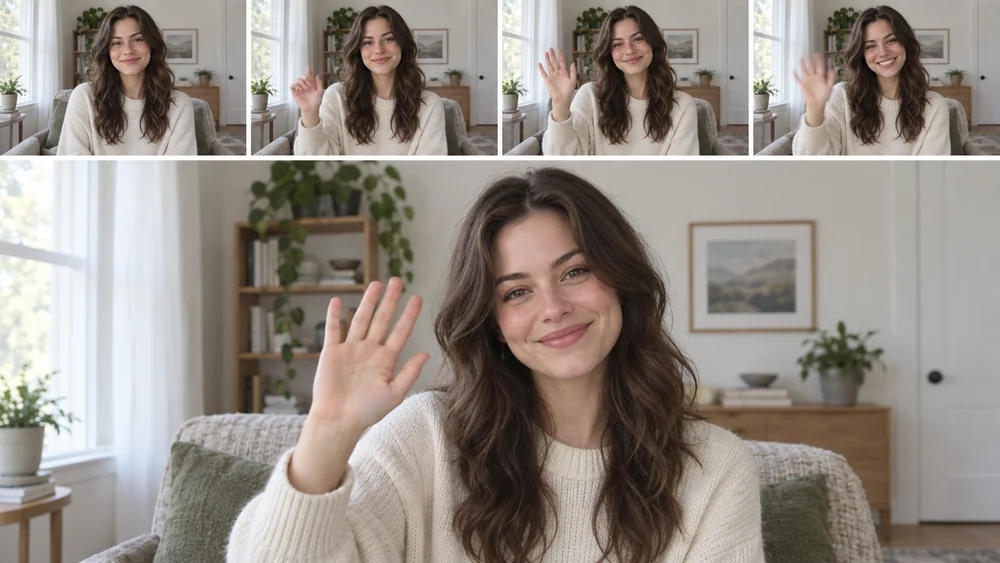
Shadows, highlights, and color are relit to match the target video, so a face photo taken indoors still fits a sunset or a neon-lit street. That is the difference between a quick face AI swap and a clip that holds up on a big screen.
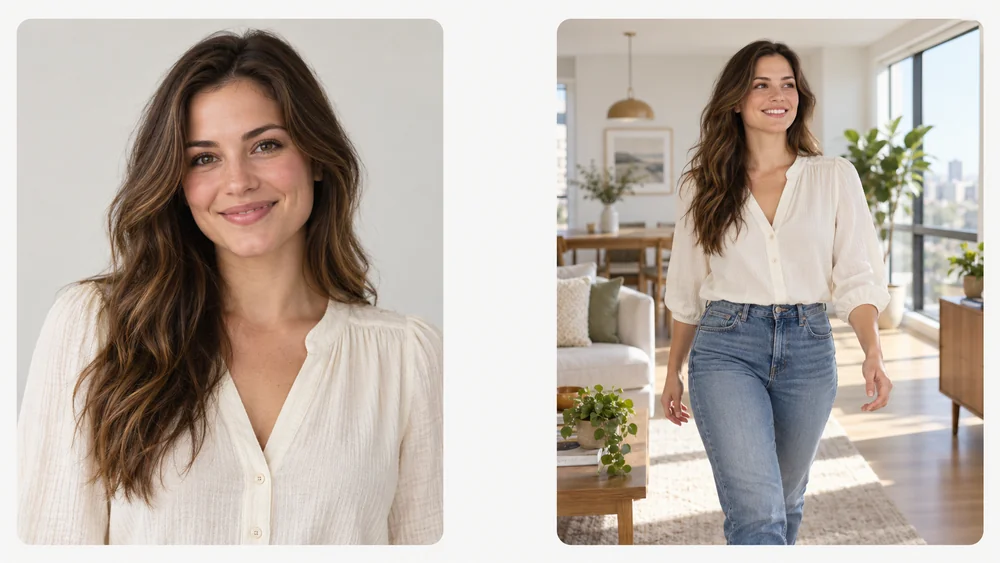
You do not need a video of yourself. A single portrait is enough for the AI video faceswap to rebuild your face from different angles as the person in the clip moves.
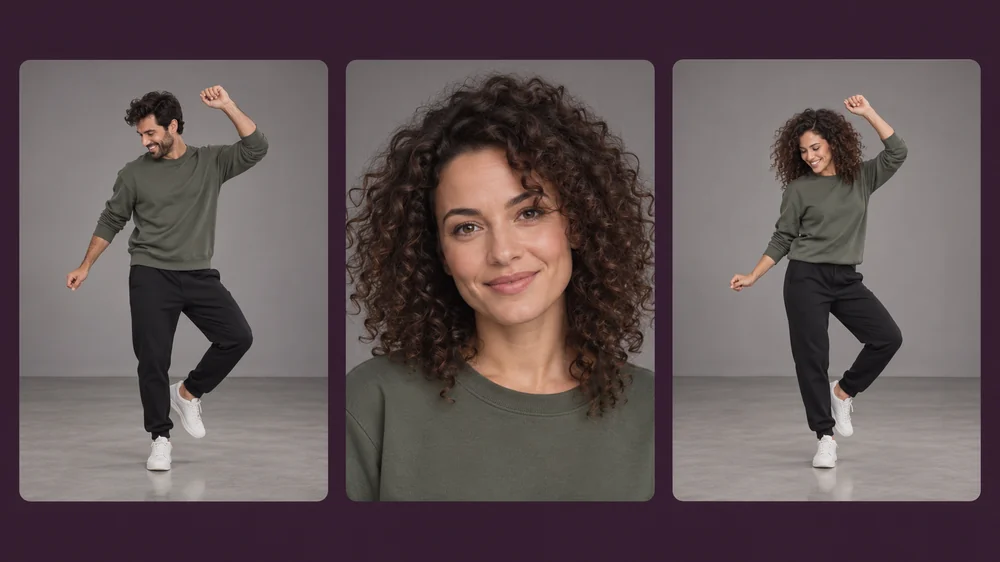
Only the person changes. The setting, camera movement, timing, and soundtrack of the target clip stay the same, so music and dialogue still line up after the face swap.
Fun, creative uses where everyone shown has agreed.
Put your own face into a dance or meme template you could not film yourself.
Preview how an actor who agreed would look in a scene before the shoot.
Make a surprise video with a friend’s face, with their okay, for a laugh.
Give an AI-generated or illustrated character a consistent face across clips.
Better inputs give more convincing face swap videos and a cleaner face video swap.
Eyes open, face fully visible, no sunglasses, masks, or hands in front.
Soft, even light on the face photo helps the AI relight it for the scene.
Pick a target video where one person is clearly visible most of the time.
The photo also guides hair and clothing, so a similar look gives the cleanest face swap.
Typical consent-based uses.
Illustrative examples adapted from reference material, not verified reviews of EzImgMaker.
I can’t dance, but I put my own face into a dance clip for my sister’s wedding slideshow. Everyone knew it was a joke and loved it.
We tested how our lead actor would look in a stunt shot before the shoot. He signed off on it, and it saved us a costly reshoot.
My friend agreed to be the star of her own birthday video. A front-facing photo and a short party clip were all it took.
I give my original AI character the same face in every short. The video face swapper keeps her consistent across clips.
How the video face swap works, and the rules for using it.
You upload a face photo and a target video. The AI detects the person in the clip, follows their head position, expressions, and lighting on every frame, and redraws them with the face from your photo. The background and audio stay the same.
Your own, or that of an adult who has clearly agreed to it. Do not upload photos of celebrities, public figures, or anyone who has not given permission, and never upload photos of minors.
It uses the same kind of AI as a deepfake maker, which is why it comes with strict rules. It may not be used for sexual or explicit content, impersonation, fraud, harassment, political deception, or to make anyone appear to say or do something they did not. Share results only with the consent of the person shown, and label them as AI-edited when there is any chance of confusion.
The face, hair, and look come from your photo, while the motion, expressions, and scene come from the video. For the most natural result, use a photo whose hairstyle and outfit are close to the person in the clip.
Clips with one clearly visible person work best. In group shots the AI usually replaces the most prominent person, so trim or crop the video to the person you want first.
A face photo in JPG, PNG, or WebP and a target video in MP4 or MOV, each up to 10 MB, with the video up to 30 seconds. Output is 480p, 580p, or 720p, and the original audio is kept.
Yes, in the sense that it does the same job, whether you call it a face swap video, a video faceswap, or an AI faceswap video. It runs online, so there is no app to install.
New users get free credits to try a video face swap. Credit packs cover more clips after that.
Uploads that break these rules, such as a celebrity’s face, a minor, or sexual content, are not allowed, and accounts used for impersonation or harassment can be closed. If you find a video that uses your face without permission, contact us so we can act on it.
Upload a face photo and a short clip, confirm consent, and see the video face swap play.
Use only your own face or the face of an adult who has given clear permission. Celebrities, public figures, minors, sexual or explicit content, impersonation, and any deceptive or harassing use are not allowed. All example people on this page are fictional and AI-generated.