Doodle on a Pet Photo
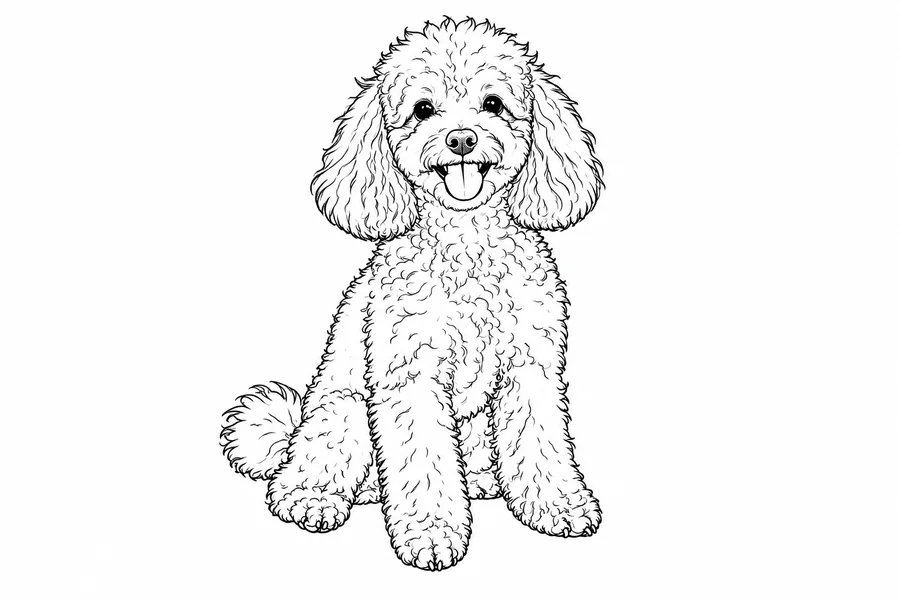
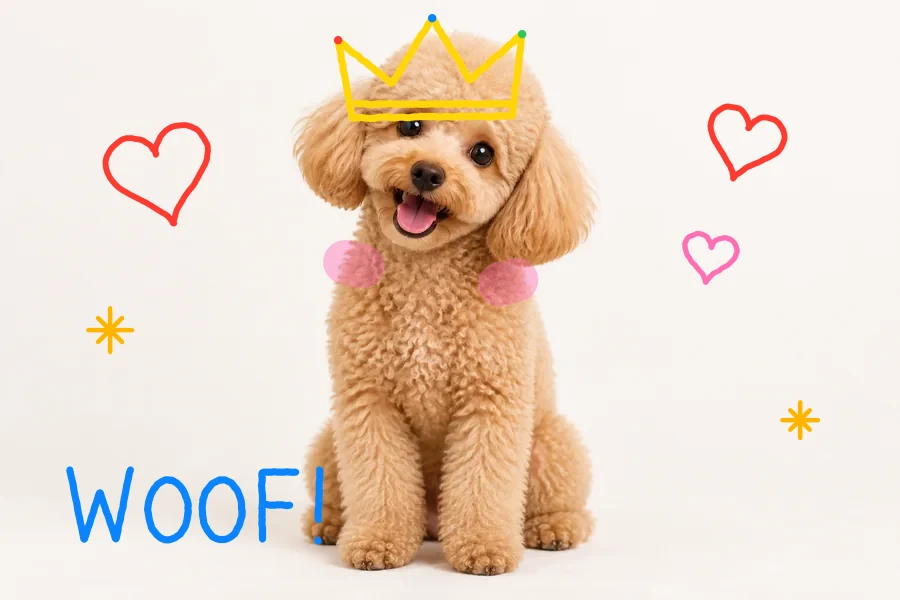
A pen crown, highlighter cheeks, little hearts, and a hand-lettered WOOF!
Upload a photo and draw on it with your mouse, finger, or stylus. Pick a pen, highlighter, or neon brush, erase and undo freely, then download the picture at full resolution. Free, and nothing is uploaded.
Brush
Runs in your browser. Your photo is never uploaded.
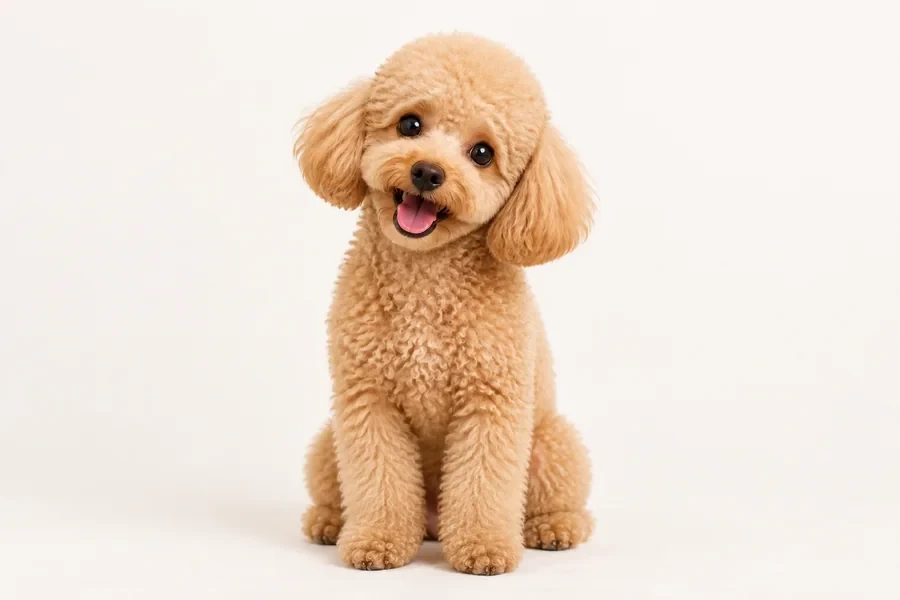
Reference example. It is not a result generated from your upload.
Drawing on an image means adding your own freehand lines on top of a photo: a doodle crown on your dog, a neon heart in a sunset selfie, or a red circle around the detail you want someone to notice. This online photo drawer gives you a pen, a see-through highlighter, a glowing neon brush, and an eraser that only removes your strokes, never the photo underneath.
Drawing on pictures happens entirely in your browser. The picture is never sent to a server, there is no account to create, and the finished drawing downloads at the original resolution as a PNG or JPG. Think of it as a pocket pic drawer for quick edits on a laptop, tablet, or phone.
A few things people draw on pictures. Every example below was drawn with this tool’s own brushes.
A pen crown, highlighter cheeks, little hearts, and a hand-lettered WOOF!
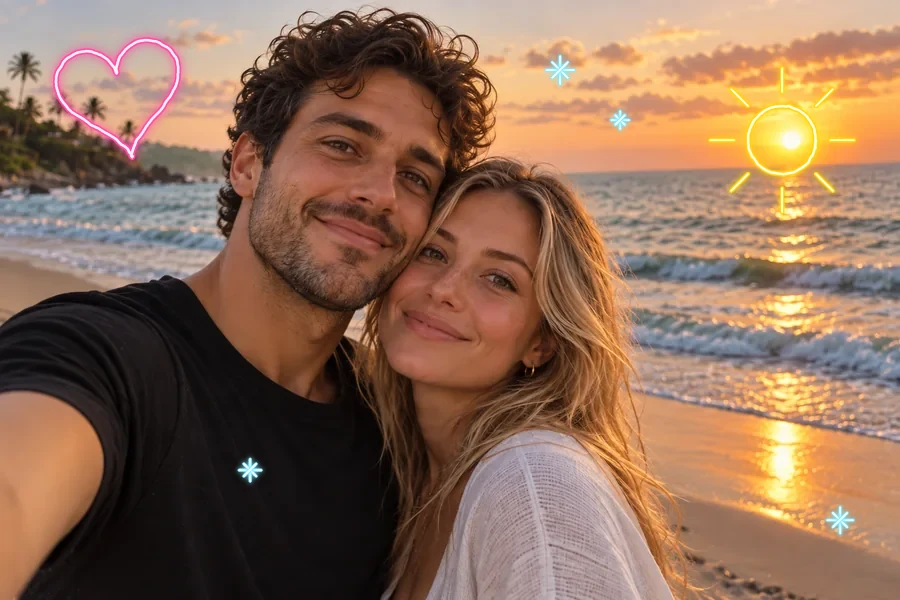
Glowing hearts, sun rays, and sparkles drawn over a sunset photo.
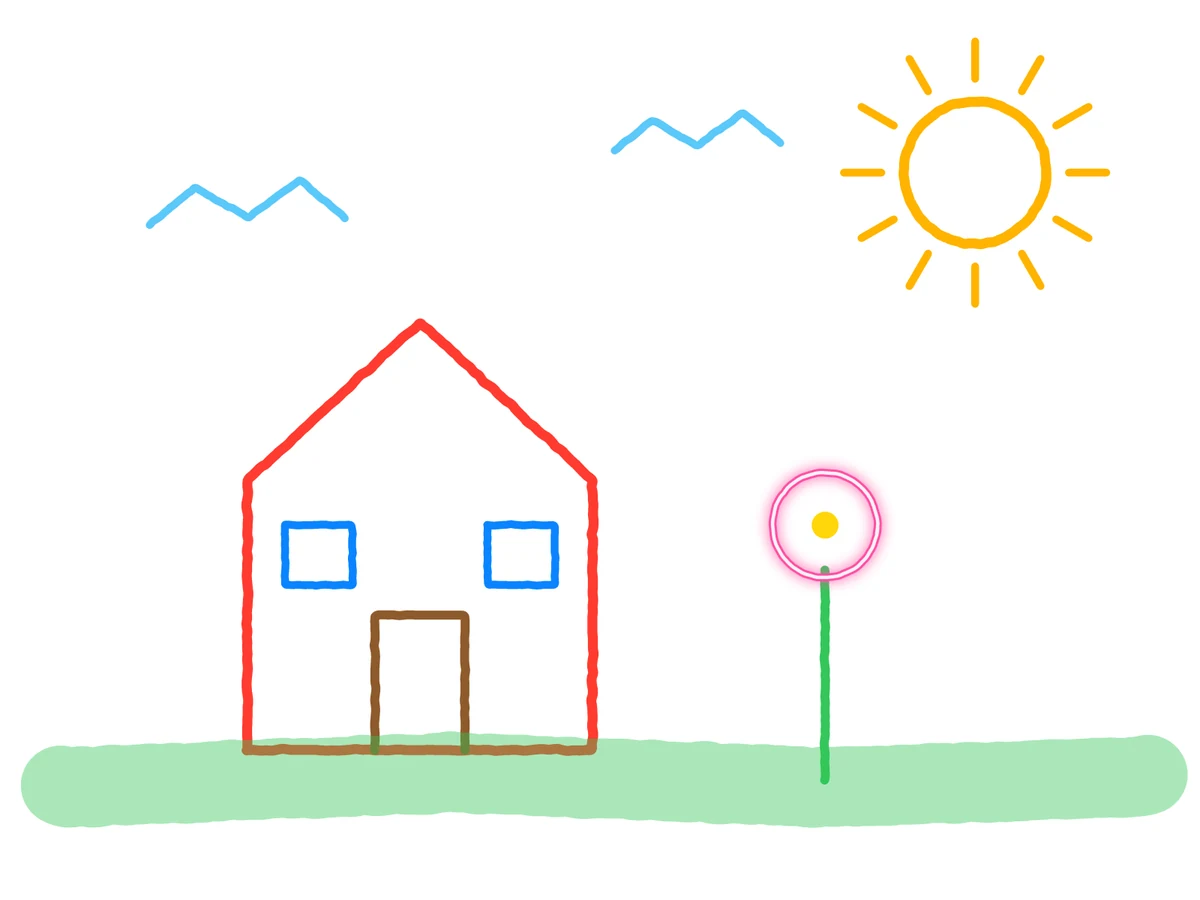
No photo needed: open a white canvas and draw from scratch.
How to draw on pictures without installing an app: upload, draw, download.
Drop in a JPG, PNG, or WebP up to 20 MB, or start on a blank canvas. The image opens locally in your browser and is never uploaded.
Choose Pen, Highlighter, or Neon, pick a color and brush size, and draw over the picture with a mouse, finger, or stylus. Erase, undo, or redo any stroke.
Save the result as PNG or JPG at the original resolution, ready to post, send, or print.
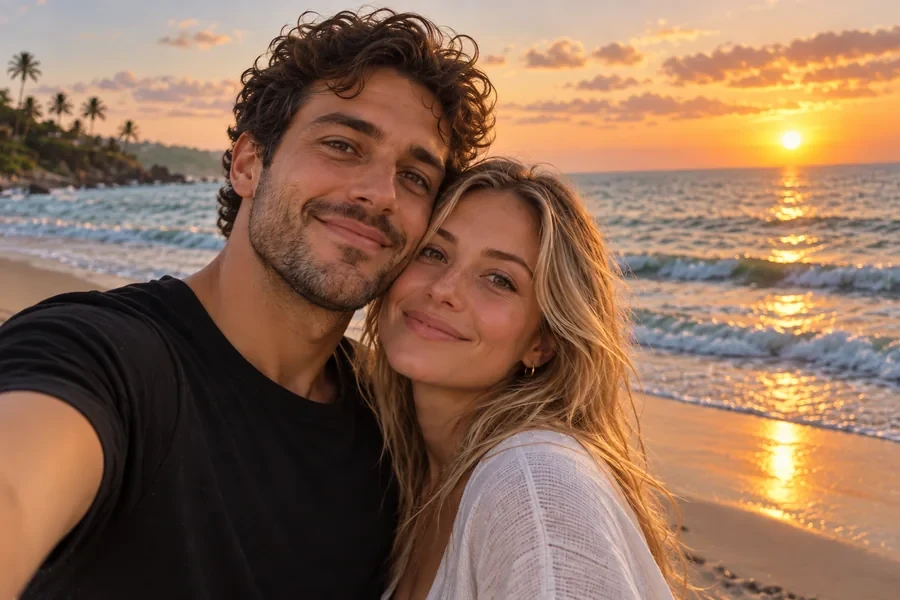
Three brushes cover most doodles: a crisp pen for outlines and lettering, a translucent highlighter that lets the photo show through, and a neon brush that glows like a light tube, so you can draw in picture-perfect neon on night shots and selfies. Nine quick colors plus a full color picker, and one size slider for every tool.
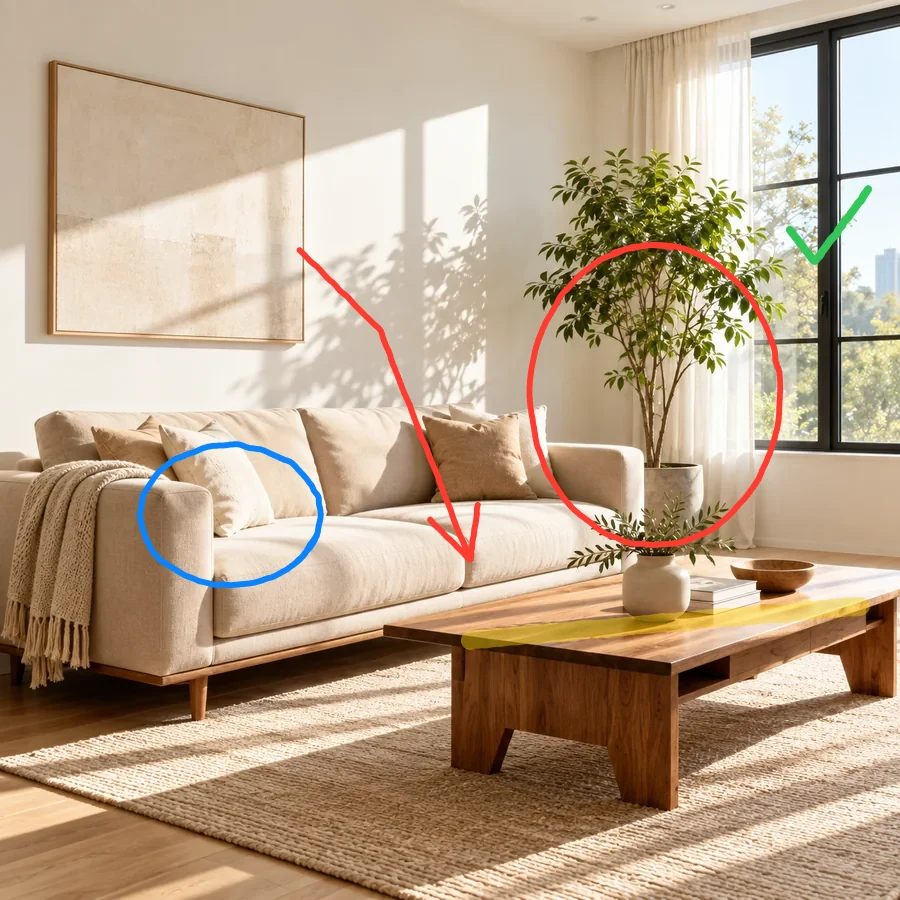

Circle the plant, underline the table, add an arrow and a check mark. Drawing over photos is the fastest way to give feedback on a room, a product shot, a screenshot, or a map, and the red pen stays sharp even when the image is zoomed in after download.
Every stroke is kept as its own layer above the picture. The eraser removes only drawing, never the original photo, and Undo, Redo, and Clear let you try an idea, change your mind, and draw over a picture again as often as you like.
This photo drawer runs on your own device, so it is free, needs no sign-up, and never uploads your picture. The download keeps the original pixel size, and you can also skip the photo and sketch on a 1600 × 1200 blank canvas.
Everyday reasons for drawing on images instead of opening a full editor.
Add doodles, hearts, and handwritten notes to selfies and pet photos before you share them.
Circle problems, draw arrows, and highlight details on screenshots, floor plans, product photos, or proofs.
Draw on pictures to turn them into birthday cards, thank-you notes, or party invites with a personal touch.
Mark up diagrams, maps, and worksheets so students can see exactly what you mean.
Small habits that help you draw over photos cleanly.
When drawing on a picture, white or yellow reads best on dark areas; red, blue, or black stands out on bright ones.
Draw the outline with a thin pen, then go over areas with a wider highlighter for soft color.
The glow of the neon brush pops most over night skies, shadows, and dark clothing.
On a small screen, use a slower, larger finger stroke and the size slider instead of tiny movements.
A few of the ways people use a quick drawing tool on photos.
Illustrative examples adapted from reference material, not verified reviews of EzImgMaker.
I send renovation notes to my contractor: I draw over pictures of each room and send them. A red circle and an arrow beat a long email every time.
Our dog gets a doodle crown on every birthday photo. It takes a minute on my phone and the download is still full size.
I mark up screenshots for bug reports. The highlighter is translucent, so the text underneath stays readable.
My students draw on images of maps to trace rivers and borders. No accounts, no installs, it just works on the classroom tablets.
Common questions about drawing on photos online.
Upload the image, choose Pen, Highlighter, or Neon, pick a color and size, and draw directly on the preview. When you are happy with it, click Download Image to save a PNG or JPG. You can draw on an image online this way on any modern desktop or mobile browser.
Open this page in your phone’s browser, upload a picture from your camera roll, and draw with your finger. The canvas does not scroll while you draw, and Undo is one tap away. No app to install.
Use the Highlighter brush. It paints with translucent color, so the photo shows through, which is ideal when you want to draw over picture details and emphasize them rather than hide them.
Yes. The eraser works on your drawing only, so the original image is never damaged. You can also undo or redo strokes one by one, or clear the whole drawing and start again.
It is free and needs no sign-up. The drawing runs entirely in your browser on your own device, so there are no credits, limits, or watermarks.
No. Your picture stays on your device the whole time. Please only draw on photos you own or have the right to edit, and ask before sharing edited pictures of other people.
Yes. Strokes are redrawn at the photo’s original pixel size when you download, so lines stay sharp. Very large images (over about 16 megapixels) are scaled down slightly so that phones can save them.
Yes. Click “No photo? Draw on a blank canvas” under the upload box to sketch on a white 1600 × 1200 canvas with the same brushes.
You can draw on JPG, PNG, and WebP images up to 20 MB and download the result as PNG or JPG. PNG keeps transparent areas of an uploaded PNG; JPG fills them with white.
This tool is for freehand drawing, so you can hand-letter words or sketch shapes yourself. For typed text or emoji stickers, use the related text and emoji tools after you download.
Upload a photo, doodle, highlight, or mark it up, and download the result in full resolution.