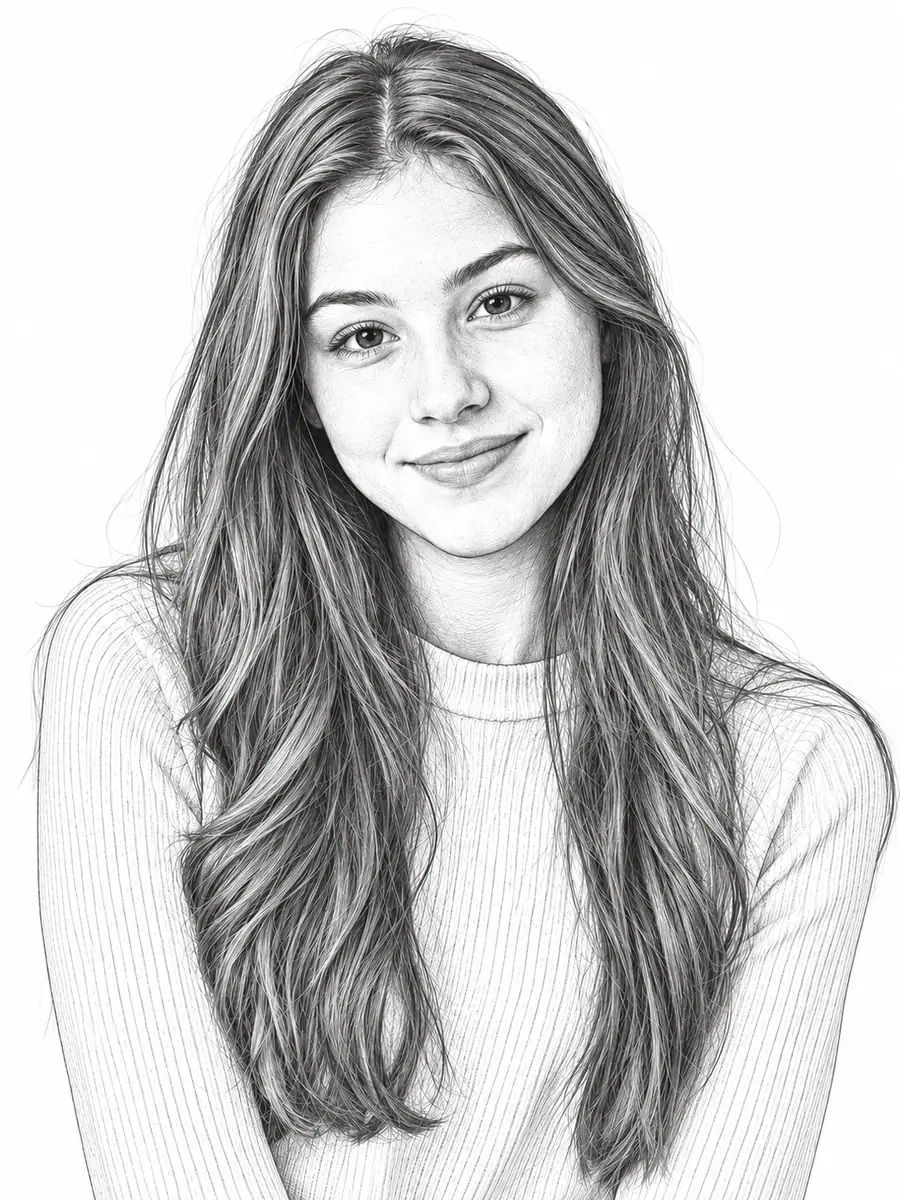
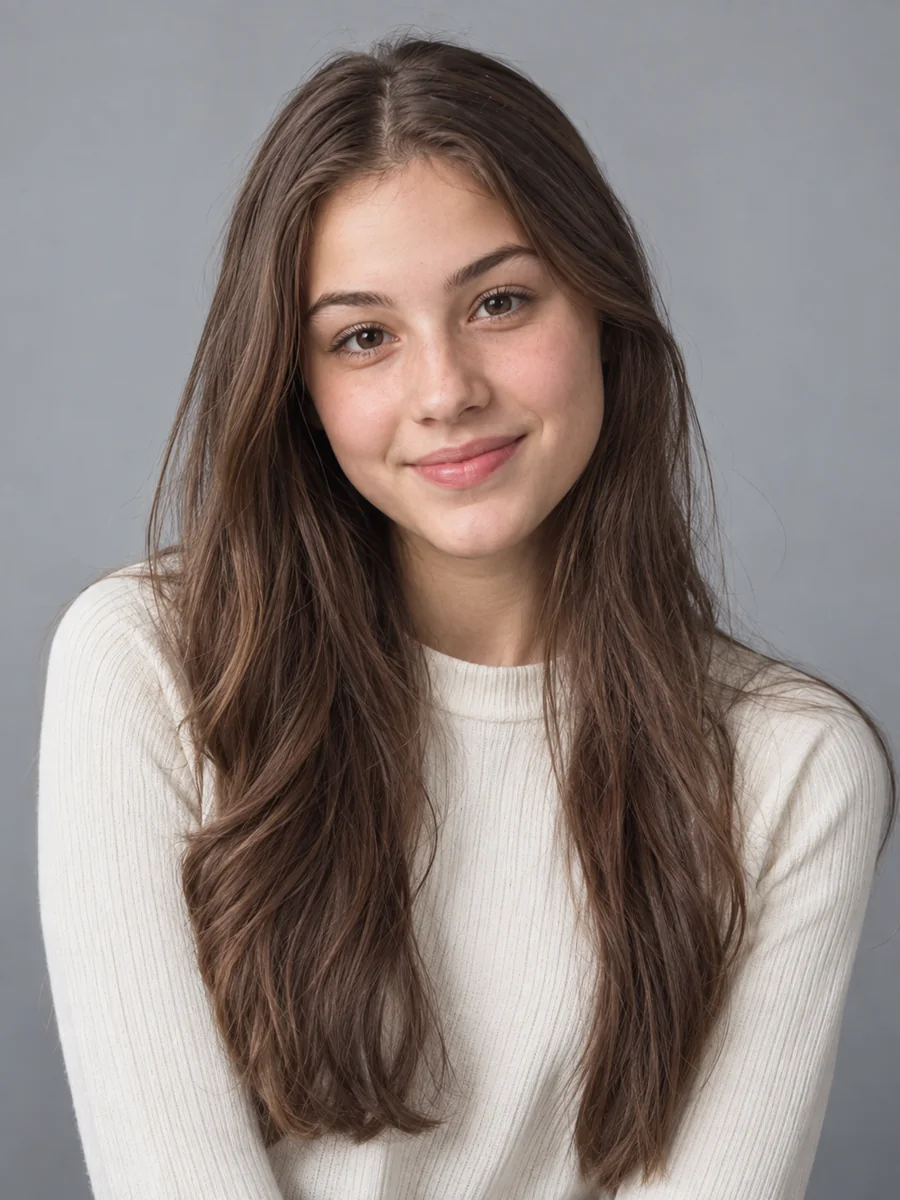
Detailed Portrait Line Drawing
Keep facial features, long hair strands, and clothing folds for a rich photo to line drawing result that still feels clean and light.
Upload a portrait, pet, product, or landscape and convert photo to line art in the look you need: detailed line drawings, coloring pages, minimal outlines, or pen-and-ink sketches.
Your photo stays in this browser during this UI preview.
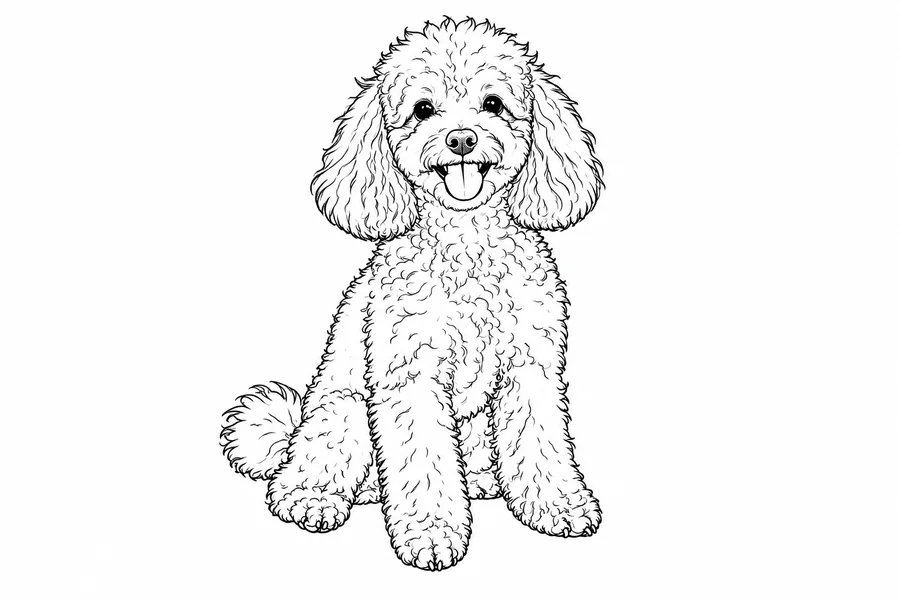
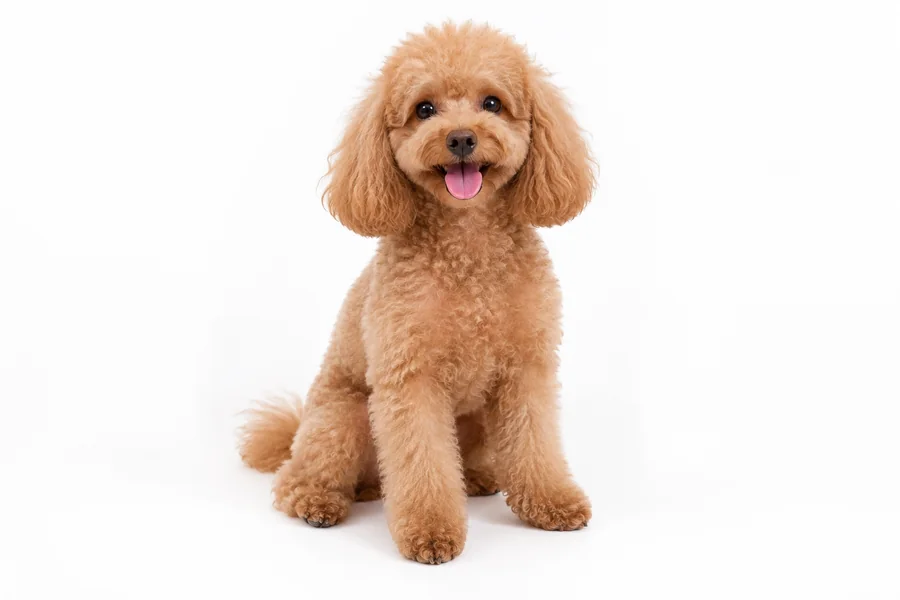
Reference example. It is not a result generated from your upload.
A photo to line art converter redraws a picture as clean dark lines on a white background. Instead of tracing by hand, you upload an image and the AI line art generator finds the contours that matter, such as faces, hair, fabric folds, and the edges of buildings and objects, then turns them into a readable line drawing.
Use it as a picture to line drawing tool for portraits and pets, as an image outline generator for coloring pages and stencils, or as a quick photo outline maker to outline photo subjects for design drafts. Every result is a creative interpretation, so busy backgrounds and very small details may be simplified.
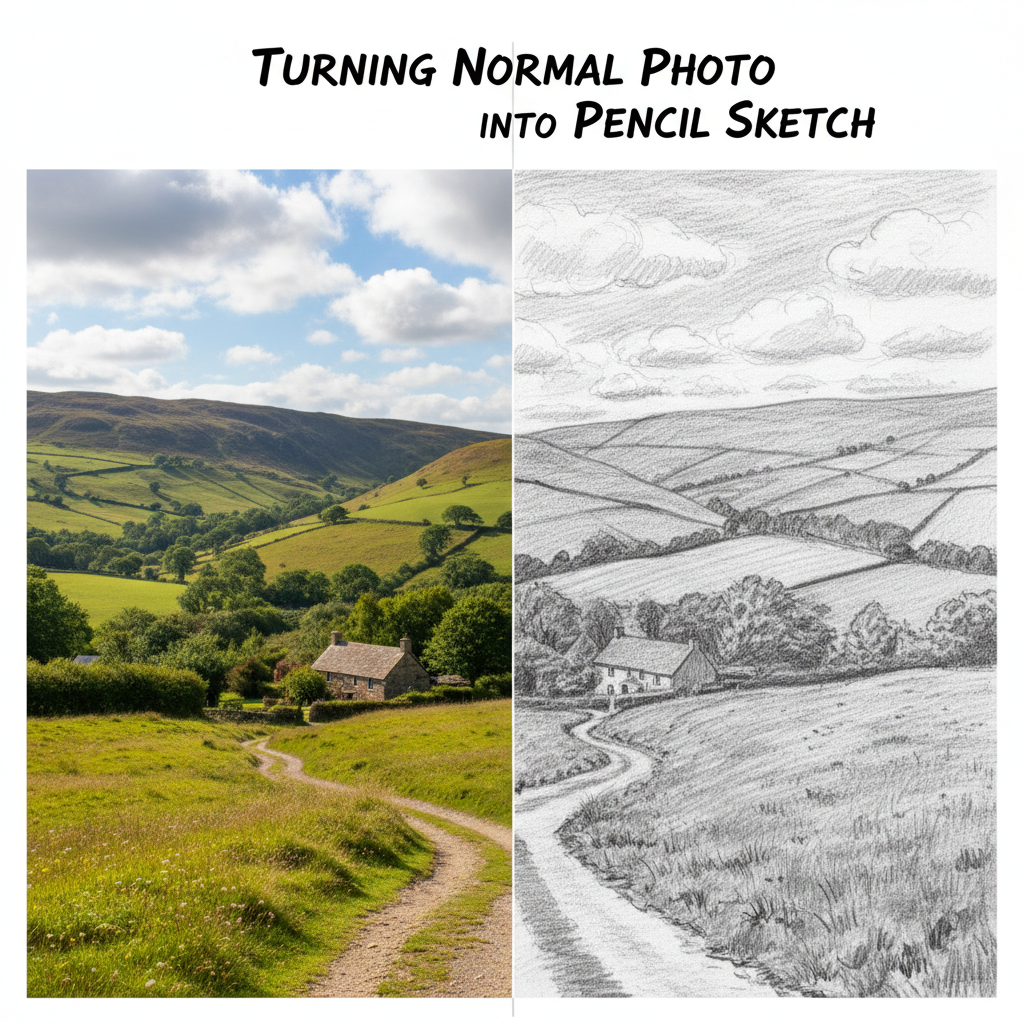
Drag each image to compare the original with the line art. The same tool can keep rich detail, simplify to a clean outline, or prepare a bold stencil.
Keep facial features, long hair strands, and clothing folds for a rich photo to line drawing result that still feels clean and light.
Turn a favorite pet photo into a soft, simple outline that keeps the ears, fur shape, and happy expression. Great for stickers, mugs, and custom gifts.
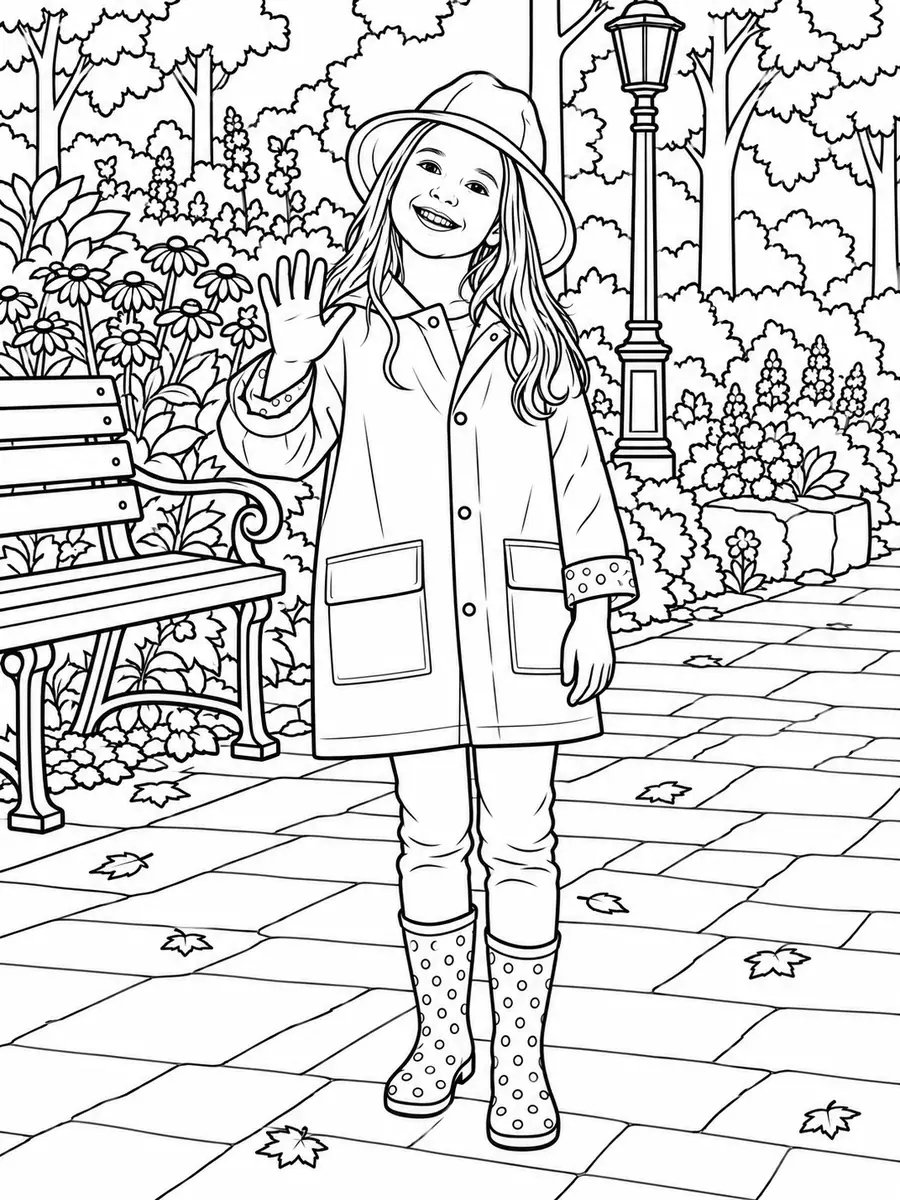
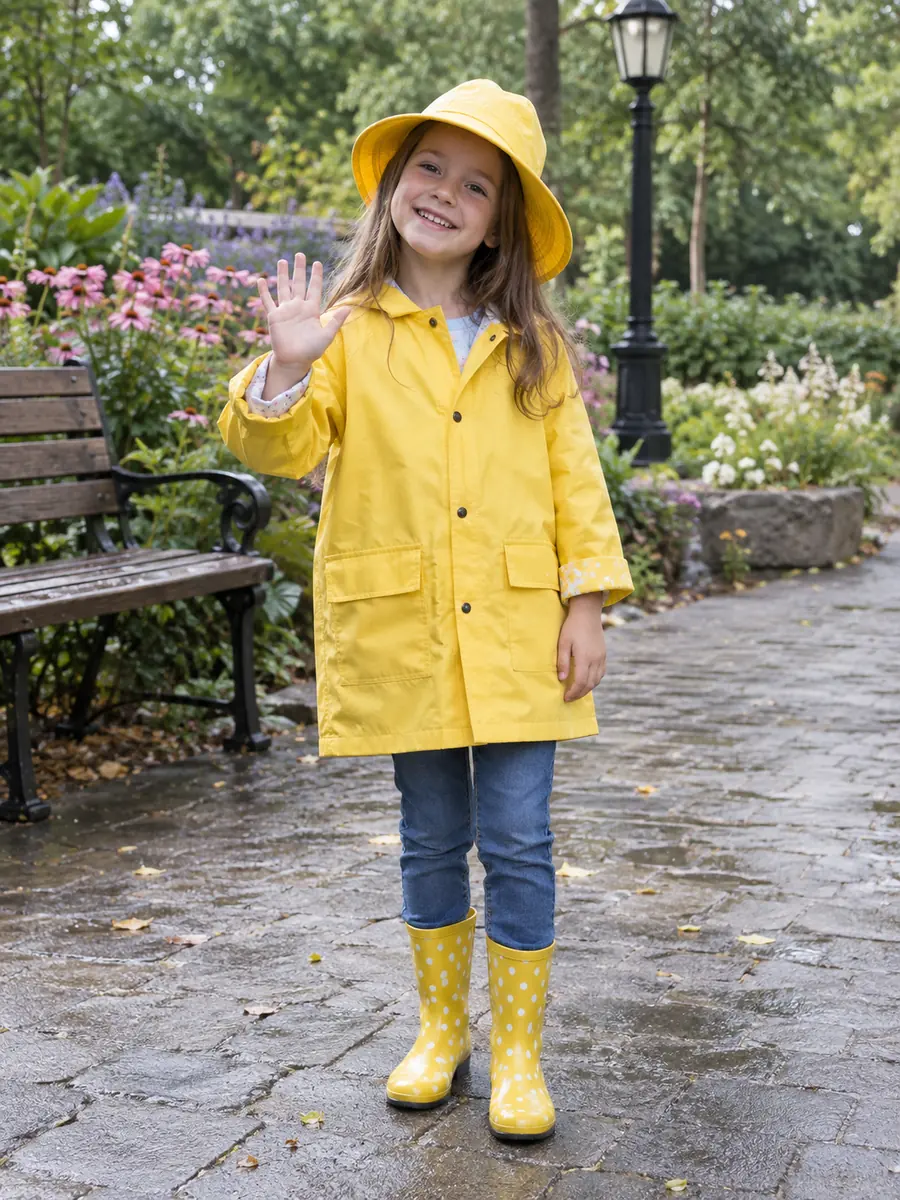
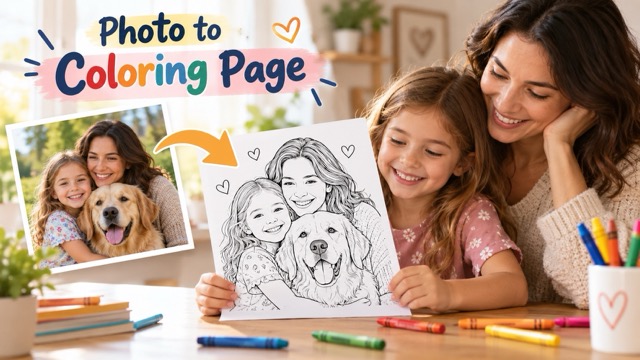
Bold, closed outlines with the color and shading removed, so any picture becomes a printable coloring page for kids, classrooms, or relaxing evenings.
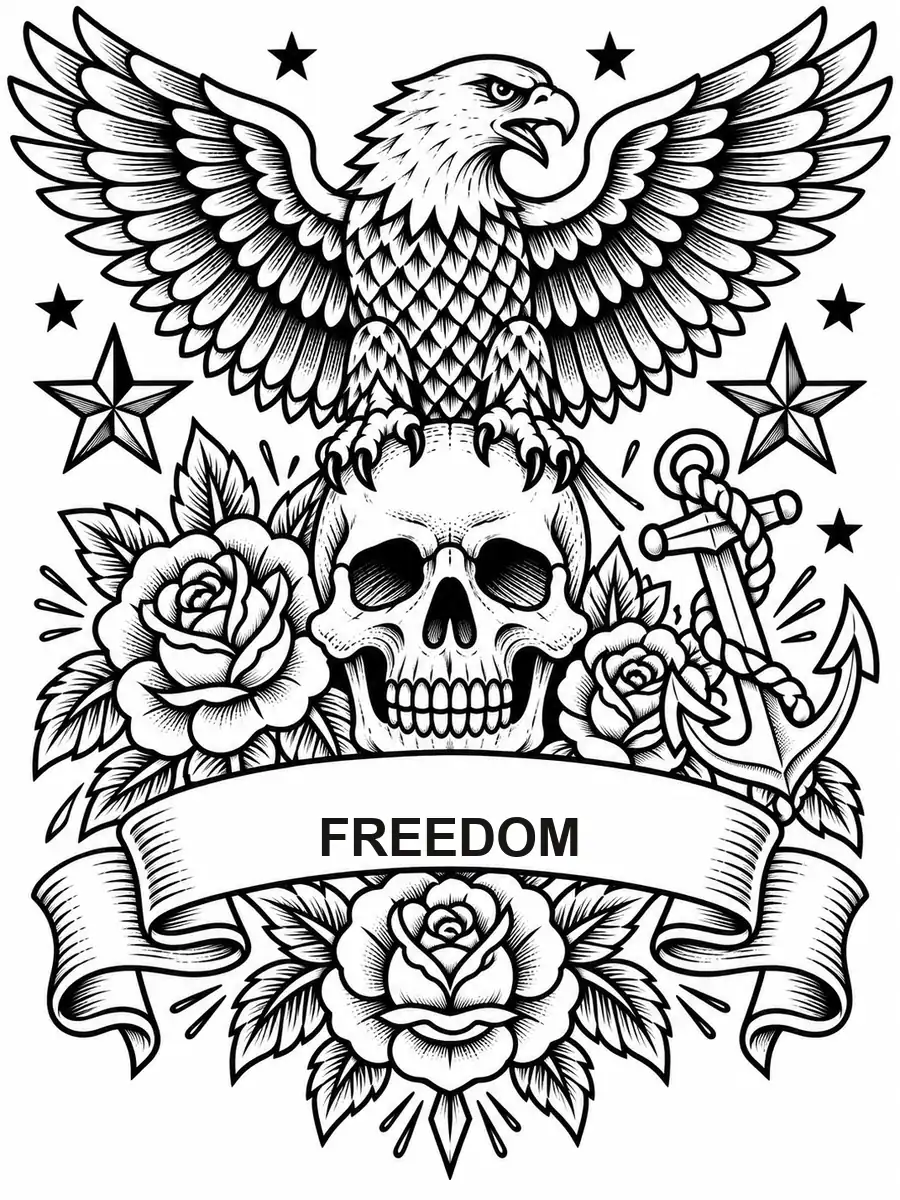
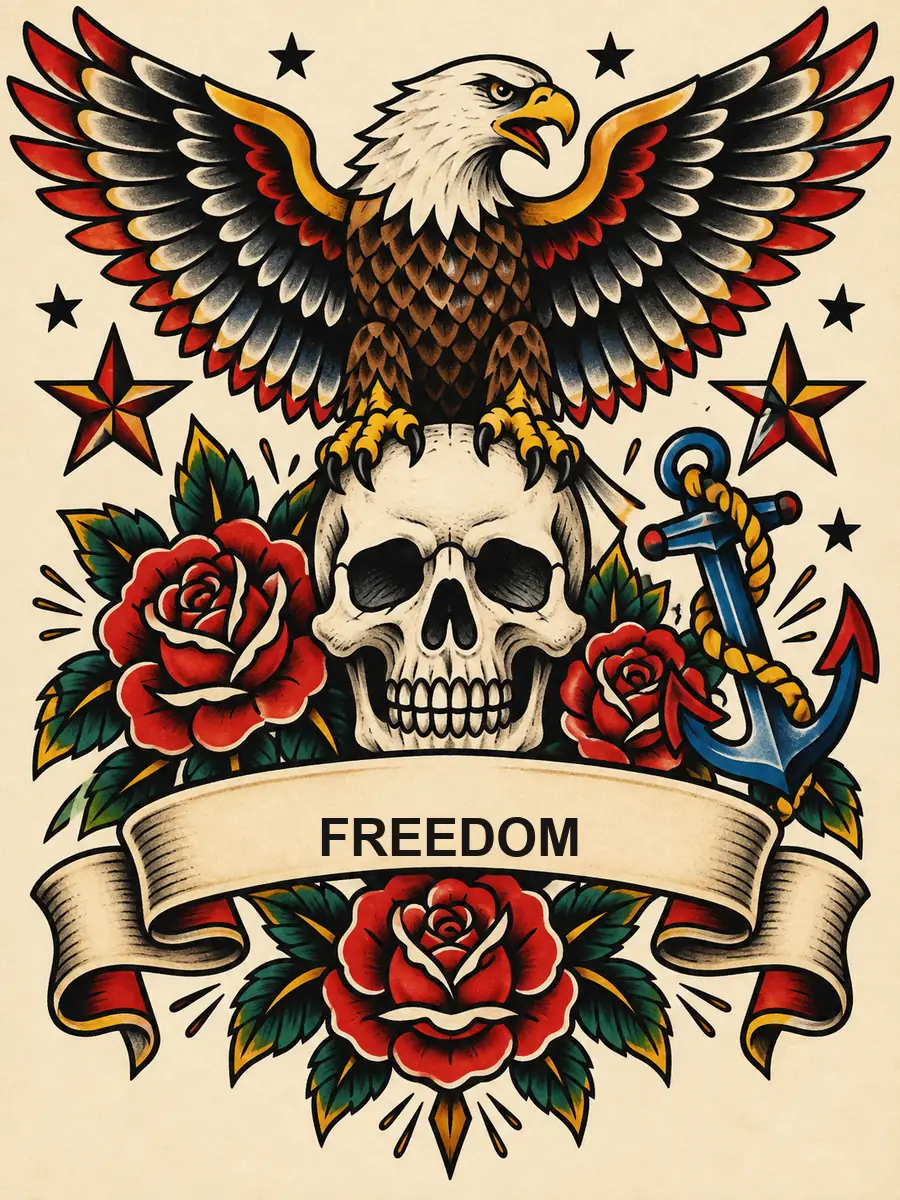
Strong, confident ink lines that make shapes and placement easy to discuss with an artist. A professional should still refine any final tattoo design.
Go from image to outline in three steps, with no manual tracing and no design software.
Choose a JPG, PNG, or WebP image up to 10 MB with a visible subject and good contrast between the subject and the background.
Choose Detailed, Coloring Page, Sketch, or Minimal, switch to a pen-and-ink look such as Cross-Hatch or Continuous Line, or describe exactly what you want in Custom.
Generate the line drawing, compare it with your photo, and download the outline picture, or try a lighter or bolder style for a different feel.
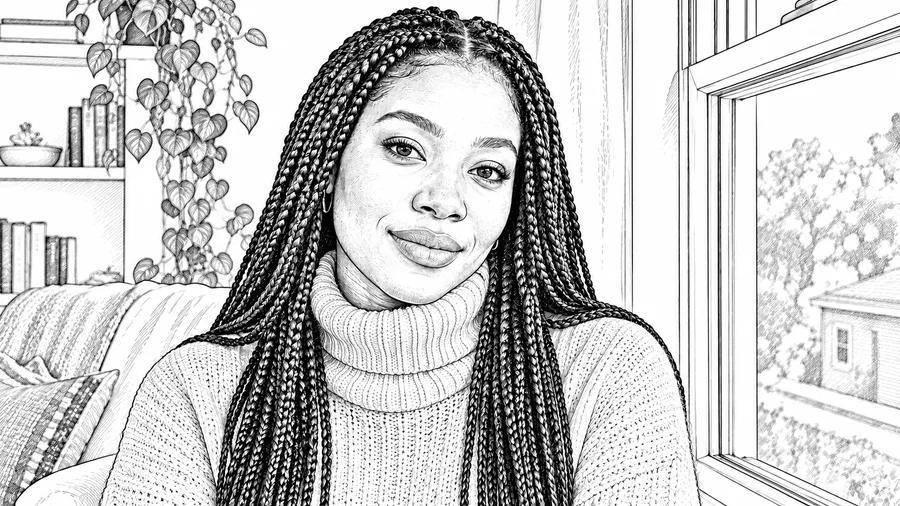
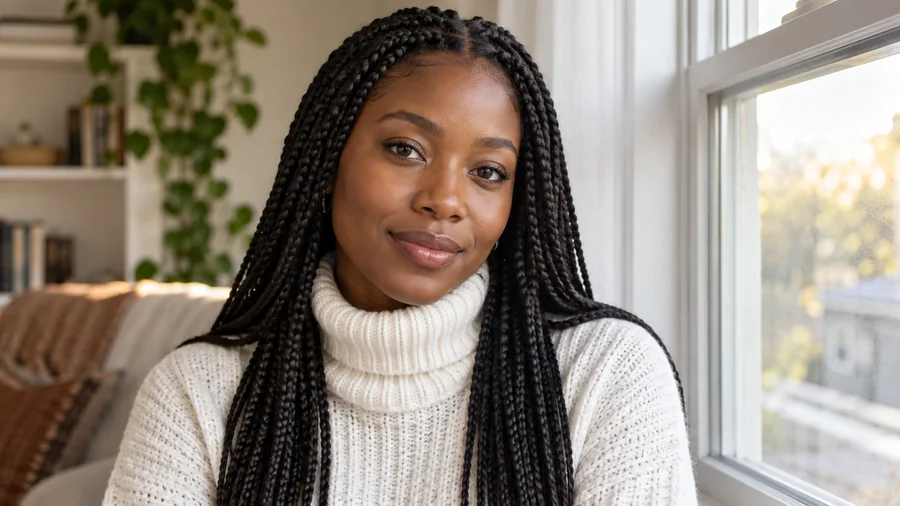
The AI traces the contours that matter, including eyes, lips, braids, and knit textures, and turns them into precise strokes. The image to line drawing result still looks like the person in the photo, not a generic edge filter.
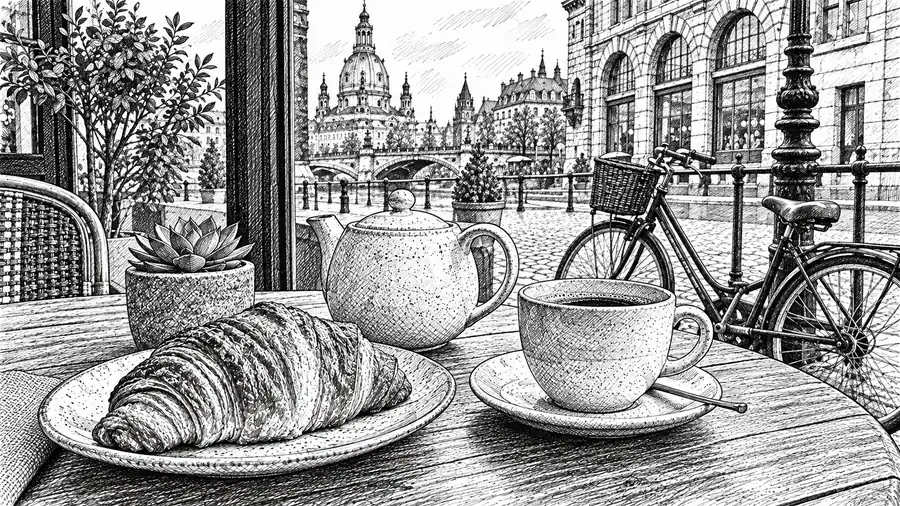
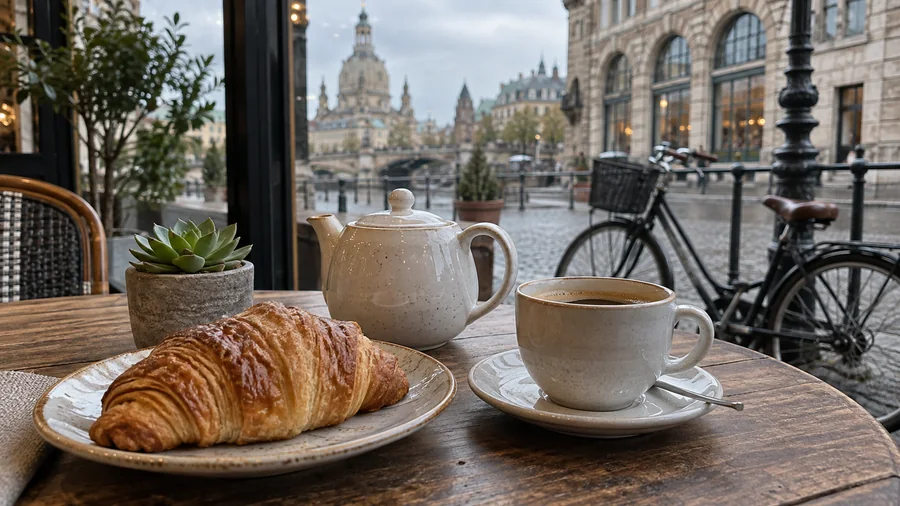
Flat outlines can look lifeless. Varied stroke thickness and hatching keep the light, shadow, and volume of the original, with bolder lines in front and finer lines in the background, the way an illustrator would draw it.
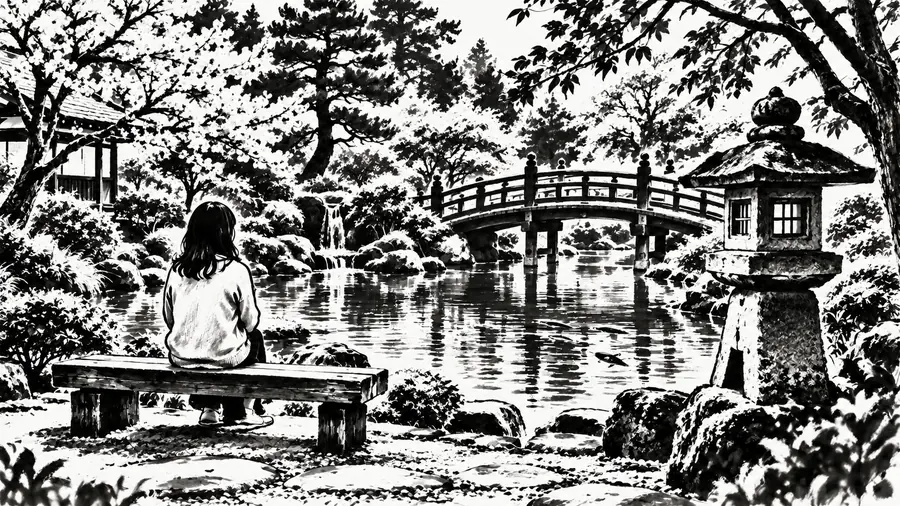

Convert picture to line art with the background intact: trees keep their branches, bridges and lanterns keep their shape, and interiors keep their layout, so the drawing tells the same story as the photo.
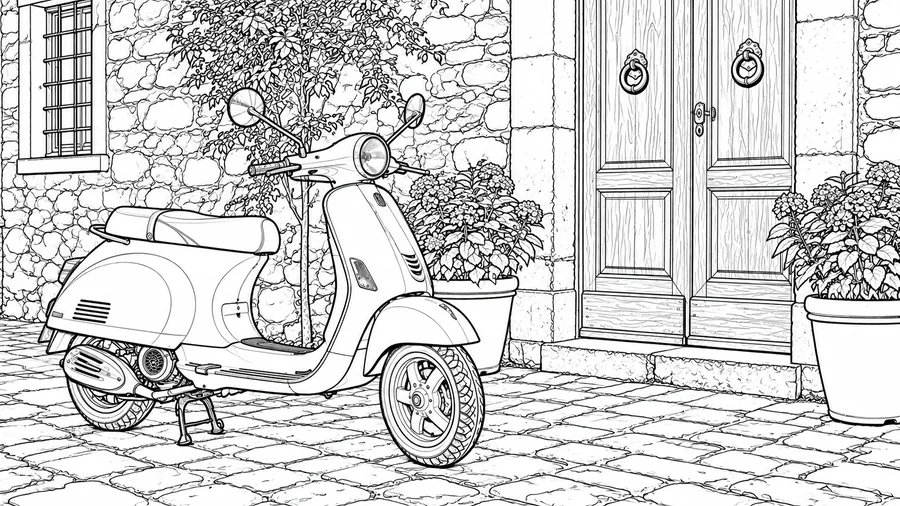
Smooth strokes and truly clean white space make the line art easy to print as wall art, greeting cards, coloring sheets, or craft templates, and easy to color in by hand or digitally.
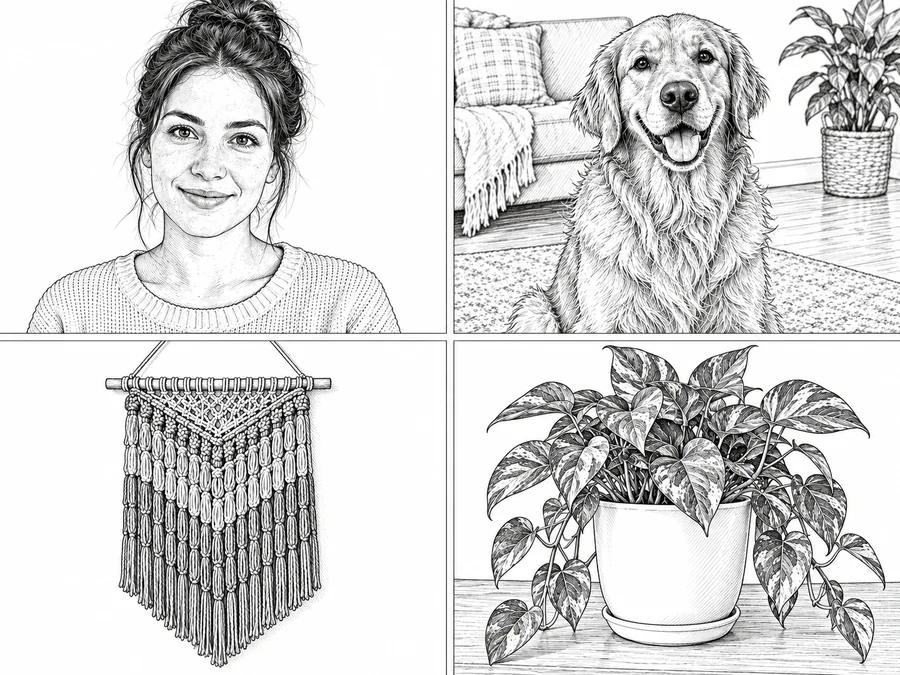
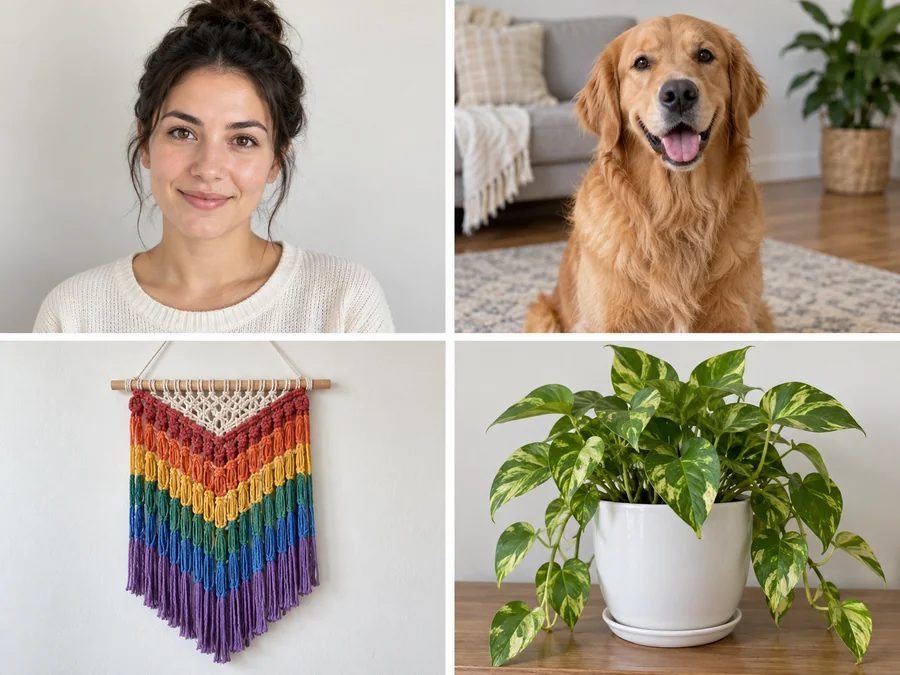
Turn kids’ photos, pets, and animals into printable coloring pages, or outline a picture so students can trace, label, and color it in class.
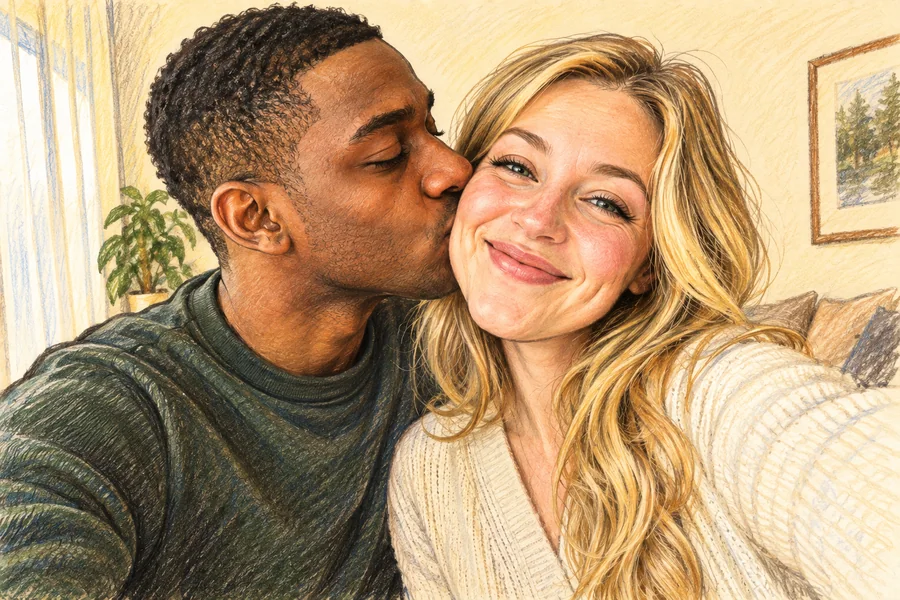
Create minimalist line portraits of family, couples, and pets for framed gifts, invitations, profile graphics, and wall art.
Use clean outlines as a starting point for tattoo ideas, embroidery, wood burning, or cutting templates, then refine the final design by hand.
Convert product photos, plants, and buildings into line art for mood boards, packaging drafts, presentations, and blog illustrations.
The clearer the edges in your photo, the cleaner the line art will be.
Even light and a subject that stands out from the background give the AI clear edges to follow.
A plain or blurred background keeps the outline focused on the subject instead of clutter.
Blurry, noisy, or very small photos lead to broken lines. Use the highest-quality version you have.
Pick Coloring Page or Bold Ink for printing and coloring, and Detailed or Cross-Hatch for wall art.
Common ways creators use line drawing results.
Illustrative examples adapted from reference material, not verified reviews of EzImgMaker.
I turned product photos into line art for a packaging mood board. The outlines were clean enough to show the direction without tracing everything myself.
I wanted a simple tattoo reference from a travel photo. The line drawing helped me explain the shape and composition before I met the artist.
My students needed simple animal outlines for a class activity. A few photos became coloring-page drawings that were easy to print.
For quick concept work this beats opening a design app and tracing by hand. I generate a few line styles and keep the cleanest one.
Answers to common questions about turning photos into line drawings.
A line art generator, sometimes called a line drawing generator or image to line drawing converter, turns a photo into a drawing made only of lines. It keeps the shapes and important details of the subject while removing color, texture, and most shading.
Upload a clear photo, choose a style such as Detailed, Coloring Page, or Clean Contour, and click generate. Compare the result with your original, then download it or try another style if you want more or fewer lines.
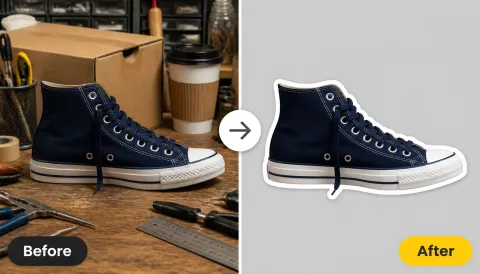
Yes. It works like an image outliner or picture outline maker: it traces the main edges of your picture into a clean outline drawing, so you do not have to trace an image by hand. If you want a colored border around a cut-out subject instead, use a sticker-style outline tool.
Detailed, Coloring Page, Sketch, and Minimal cover most photos, while Clean Contour, Cross-Hatch, Bold Ink, and Continuous Line give a pen-and-ink look. You can also describe line thickness, background, or detail level in Custom.
Yes. Choose the Coloring Page style for bold, closed outlines with the shading removed. Photos with one clear subject and a simple background, such as pets, kids, flowers, or cars, usually make the best coloring pages.
Line art focuses on clean contours with little or no shading, which makes it easy to print, color, or trace. A pencil sketch adds graphite texture and soft shading for a more hand-drawn, artistic portrait.
The result is an image file, not vector paths. If you need an SVG for cutting machines or logos, use the clean line art as a reference and convert or trace it in vector design software.
Sharp photos with good contrast, even light, and one main subject convert best. Portraits, pets, products, and architecture work well; very dark, blurry, or cluttered photos may produce broken or busy lines.
No. You can convert image to line art directly in your browser on desktop or phone, without Photoshop, tracing paper, or a separate drawing app.
Only upload photos you own or have permission to edit, and get consent before sharing line portraits of other people. Do not use the tool to copy artwork you do not have the rights to.
Upload a picture and let the line art generator create a clean line drawing, outline, or coloring page.