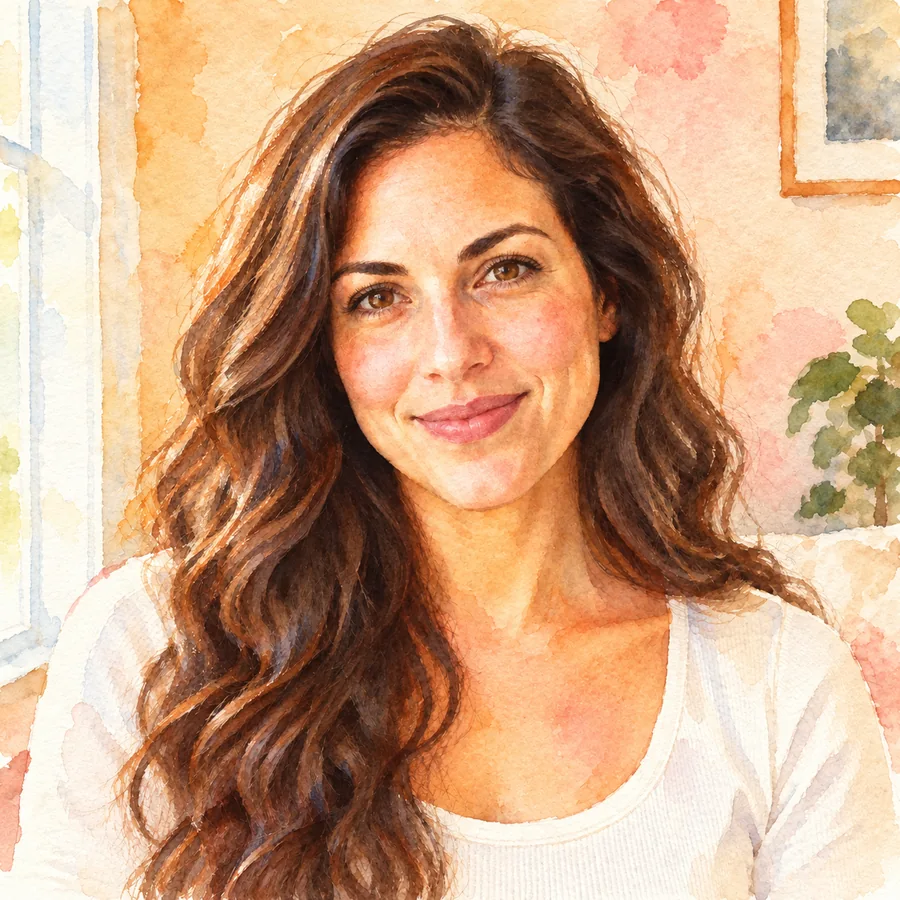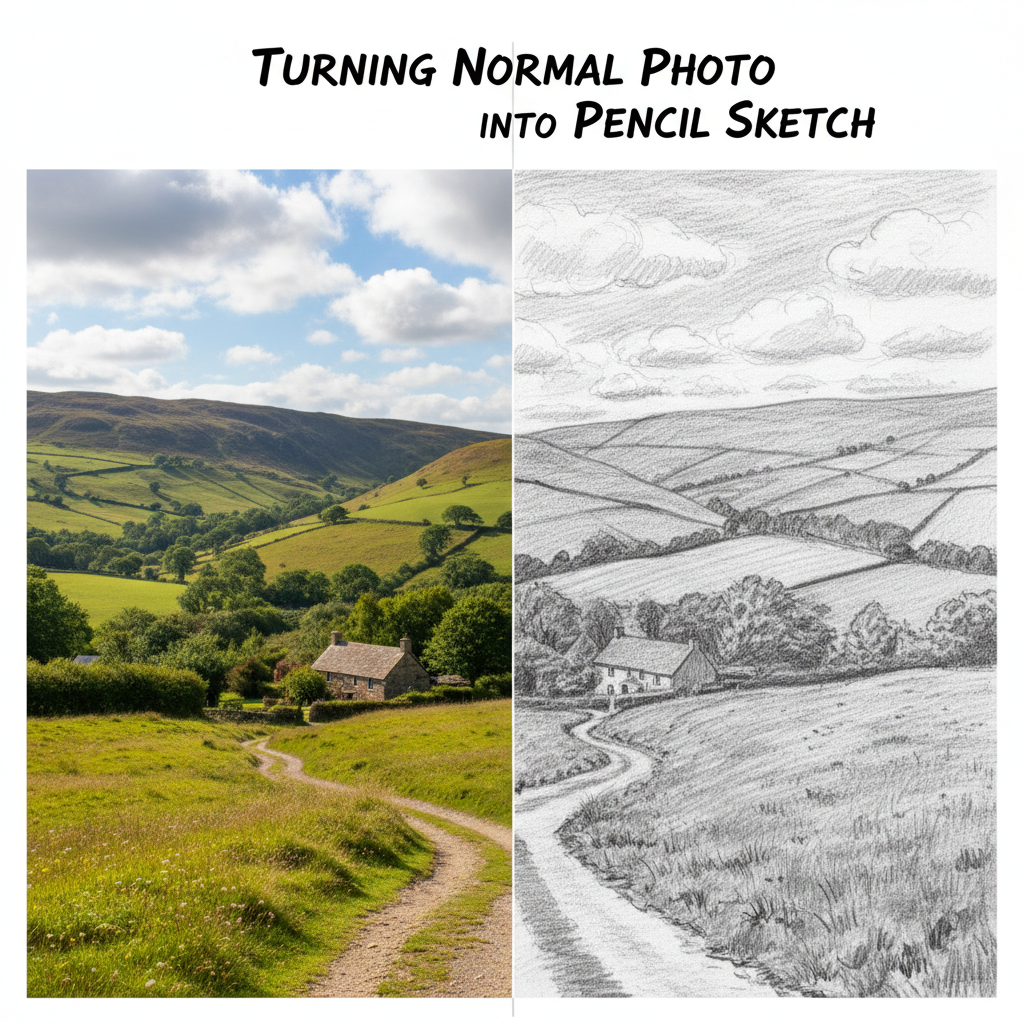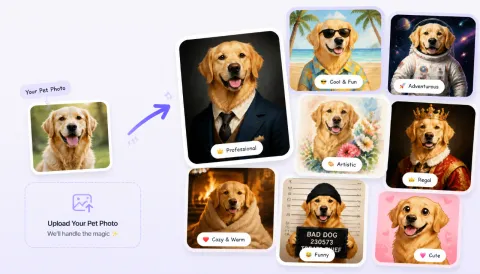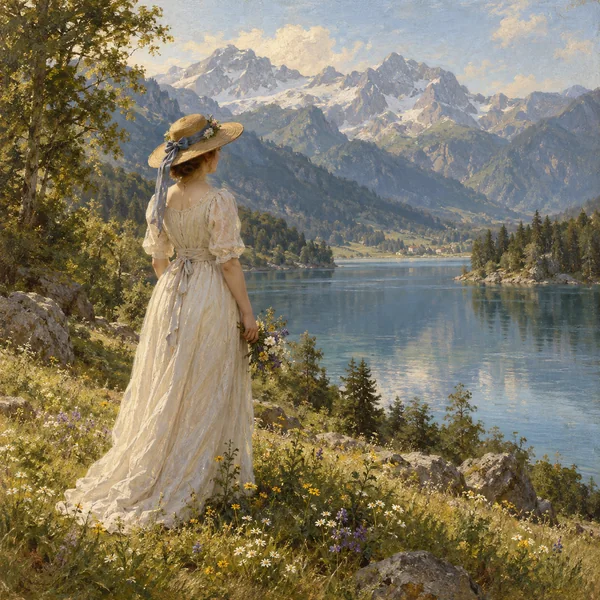
Classic Oil
Balanced color, smooth blending, and fine canvas texture: the timeless gallery look for any photo oil painting.
Upload a portrait, pet, or landscape and turn it into an oil painting with visible brushstrokes, rich pigment, and canvas texture in the style you choose.
Your photo stays in this browser during this UI preview.
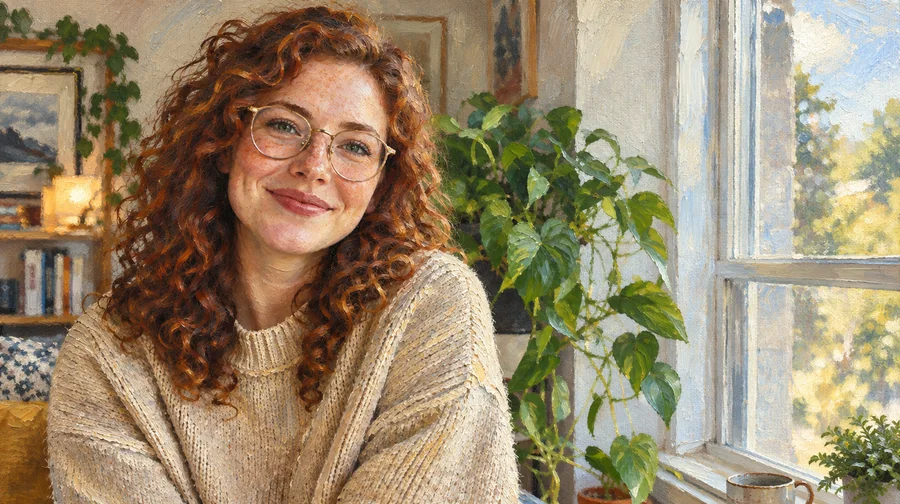
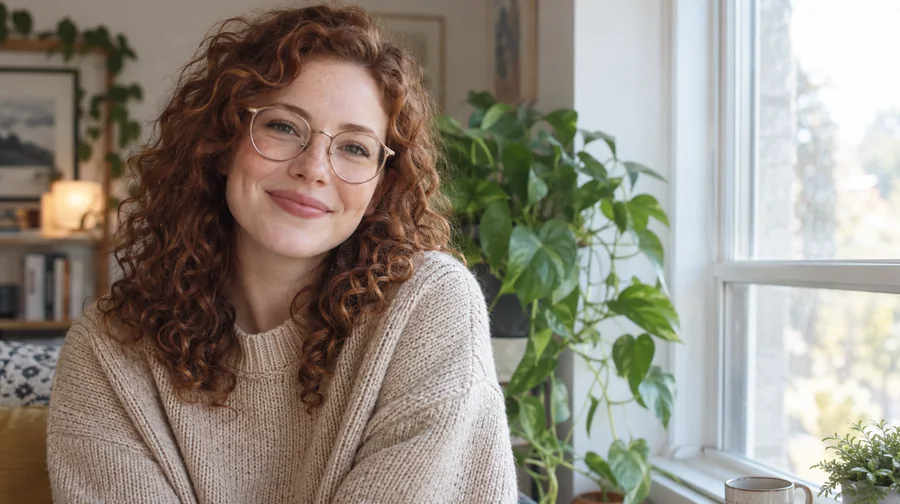
Reference example. It is not a result generated from your upload.
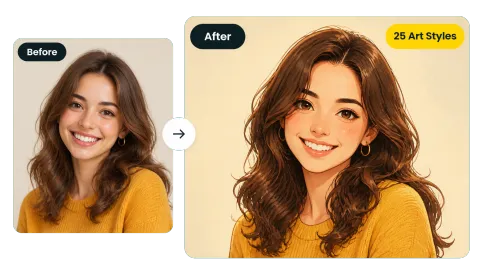
A photo to oil painting converter is an AI tool that repaints a picture as if an artist had made it with oil paint on canvas. Instead of laying a flat oil paint filter over your image, the AI oil painting engine rebuilds it with directional brushstrokes, layered pigment, soft blending, and woven canvas grain, while keeping the subject, pose, and composition you shot.
Use this image to oil painting converter to change photo to oil painting art for wall prints, gifts, pet portraits, and social posts. Upload a portrait, a pet, a landscape, or an old family photograph, pick a painting style, and turn it into an oil painting you would be happy to frame.
Each style can turn photo to oil painting art with its own palette and brushwork. Pick the look that suits your picture.
Balanced color, smooth blending, and fine canvas texture: the timeless gallery look for any photo oil painting.
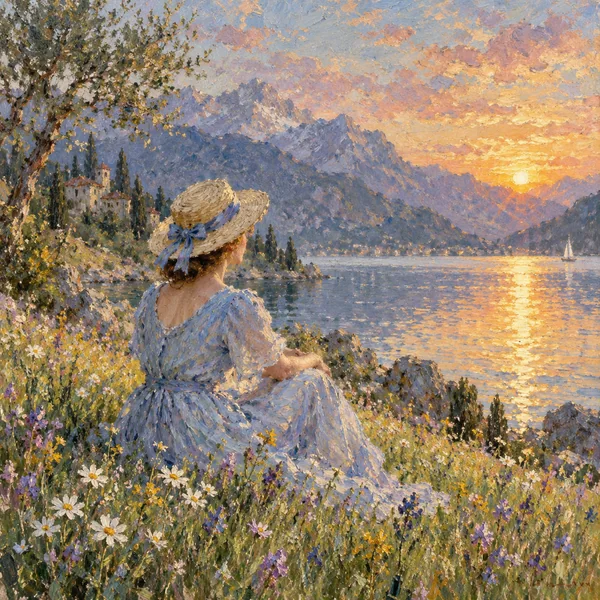
Broken, lively strokes and glowing natural light that suit gardens, lakes, and travel scenes.
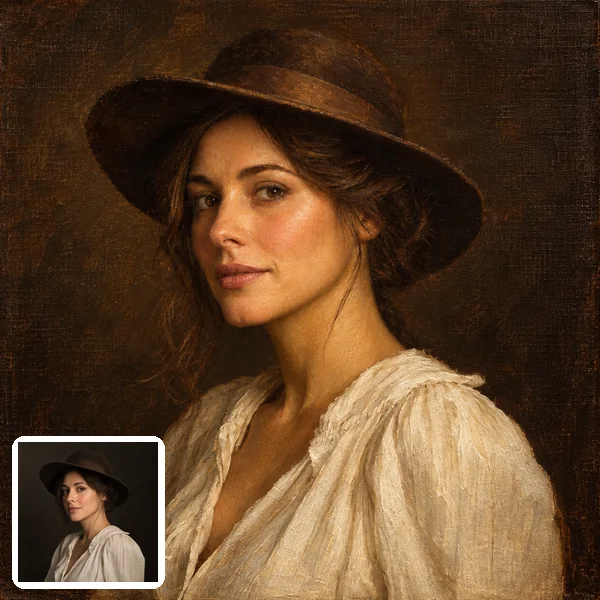
Warm skin tones, soft glazes, and a dark backdrop for a portrait that feels centuries old.
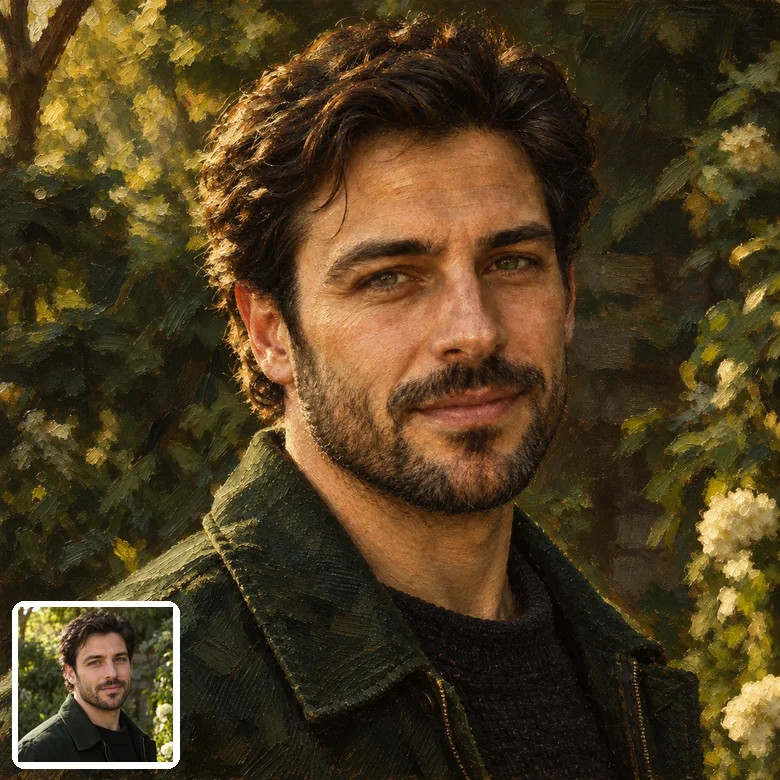
Rich earth tones, deep shadows, and gentle light inspired by classic portrait painters.
Create an oil painting online in three steps, with no brushes, paints, or editing software.
Choose a clear JPG, PNG, or WebP up to 10 MB. Portraits, pets, landscapes, and scanned prints all work, so you can convert image to oil painting from your phone or computer.
Choose a Classic style such as Renaissance or Old Master, a Modern look such as Impressionist or Palette Knife, or describe your own in Custom.
Generate your oil painting from photo, compare it with the original, and try another style until the brushwork feels right.
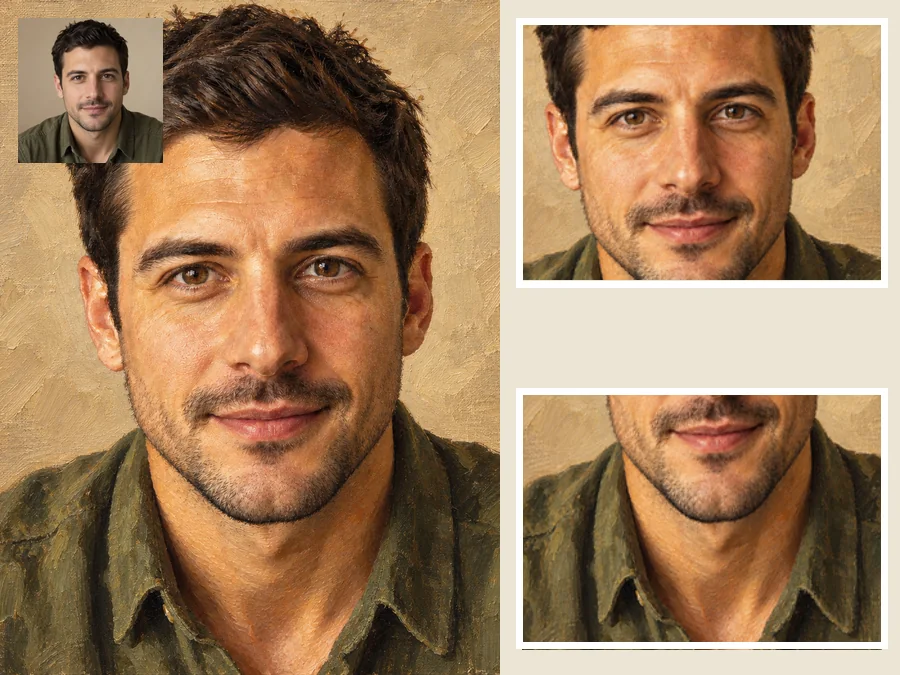
Skin softens into blended strokes while the eyes, smile, and other key features stay sharp, so a portrait still looks like the same person after you convert photo into oil painting art.
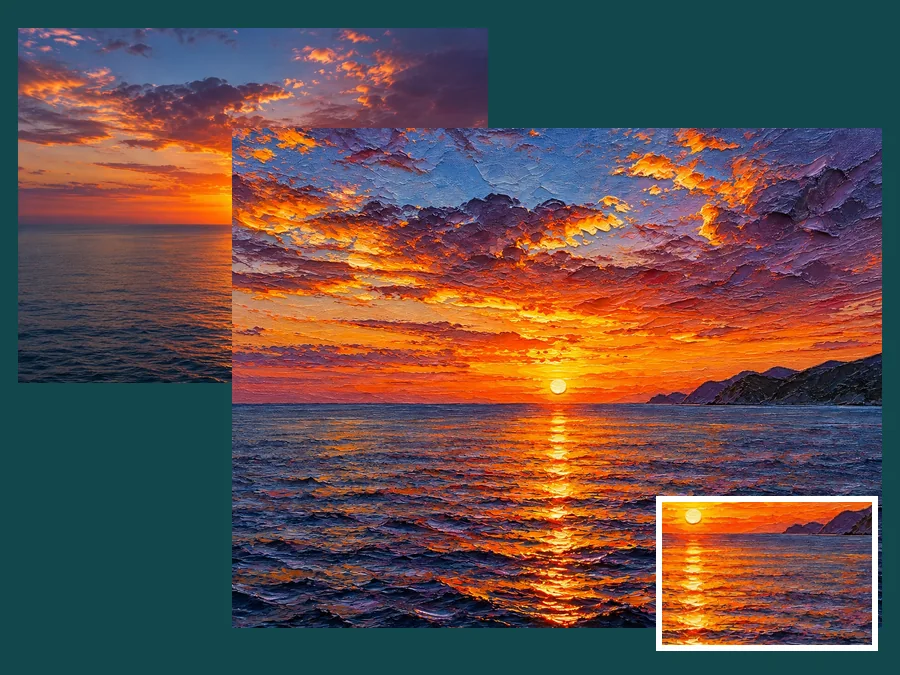
This goes beyond a simple oil painting filter. Skies, water, and foliage are rebuilt with layered, directional strokes and thick impasto ridges along the brightest highlights, the way a painter builds them by hand.
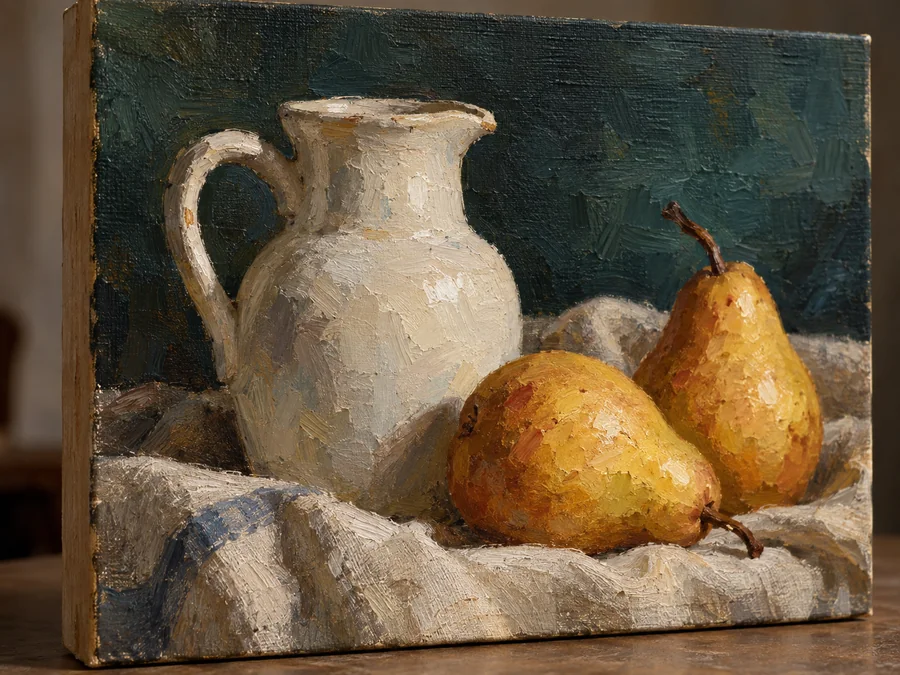
Every result carries a woven canvas grain under the pigment, so a photo to oil painting on canvas print looks painted up close, not printed. It is the easiest way to convert photo to canvas painting art for your walls.
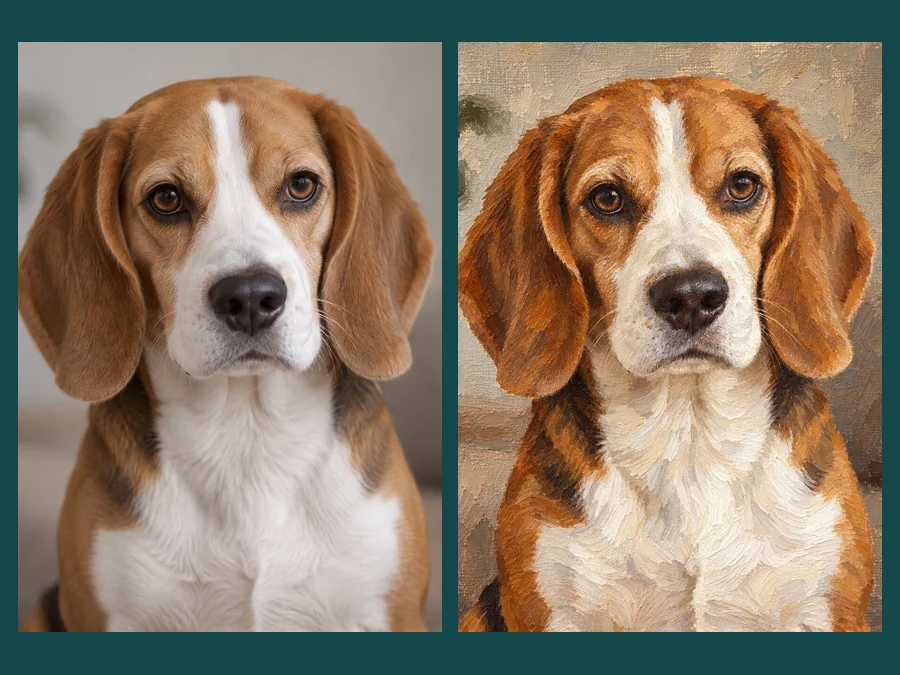
Fur turns into directional brushwork while markings and eye color stay in place, landscapes take on loose layered color, and objects keep their shape. Every picture to oil painting result keeps the subject you love.
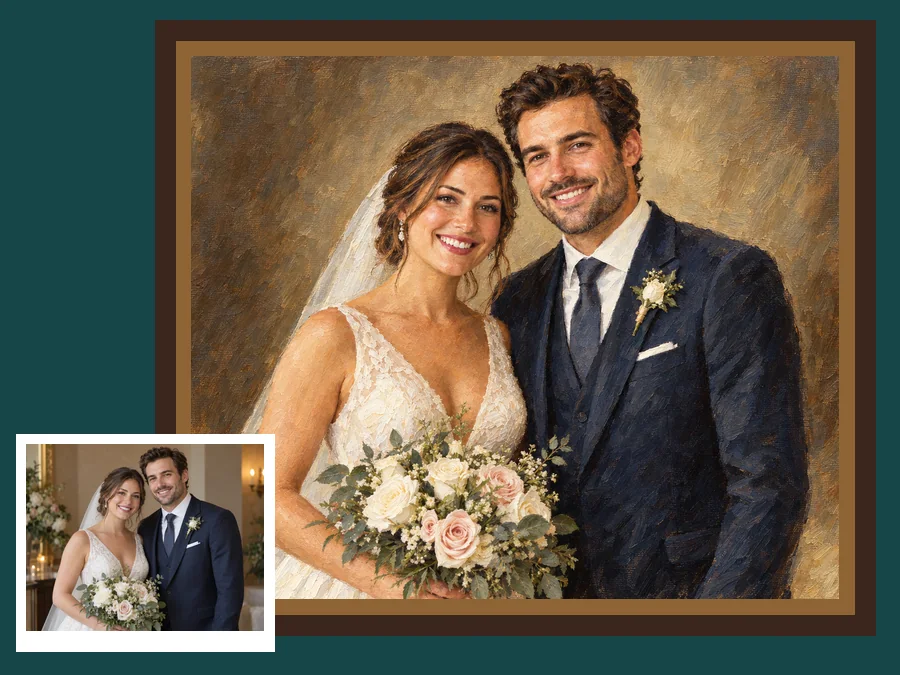
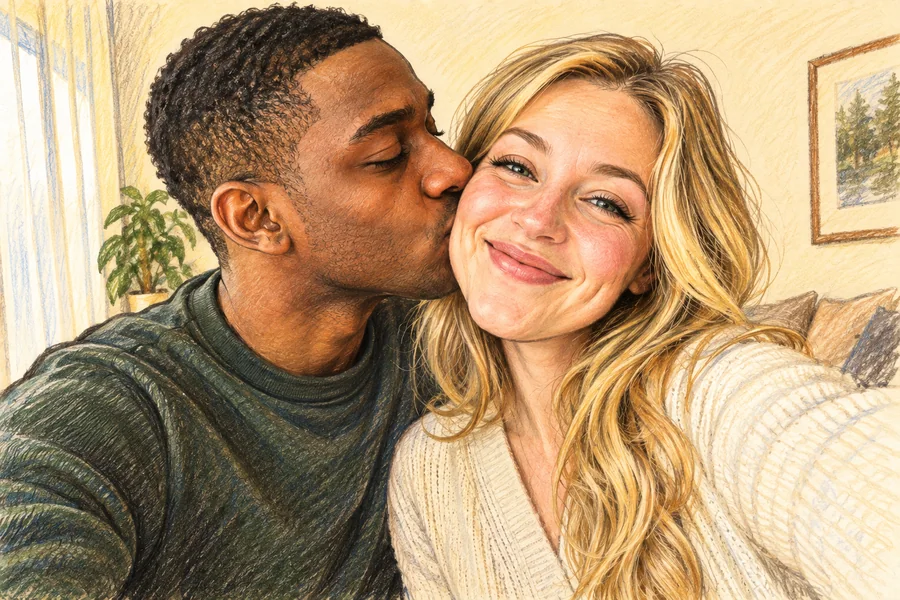
Print a wedding, anniversary, or travel photo as a picture to oil painting canvas piece for the living room or hallway.
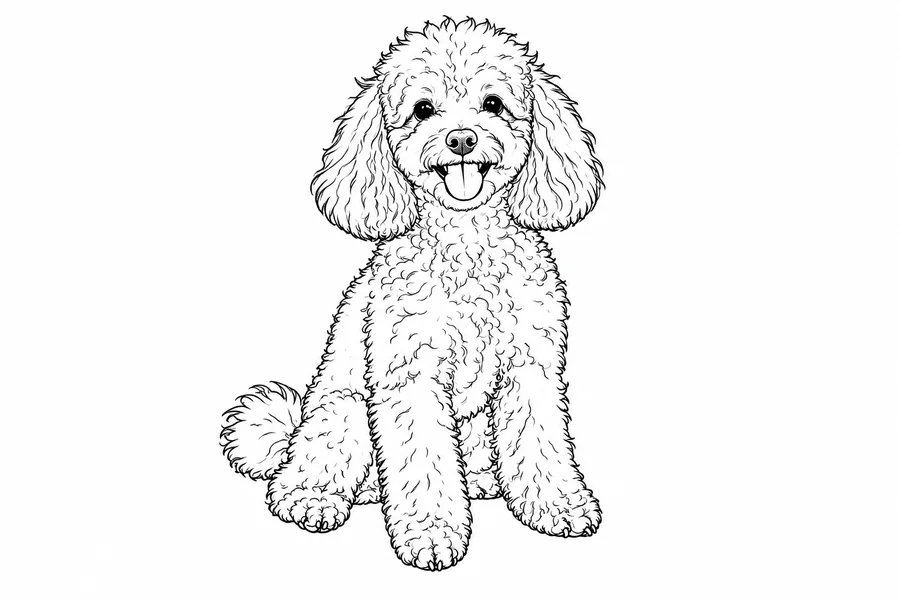
Turn a phone photo of your dog or cat into a painted portrait with the fur rendered in real brushstrokes.
Give parents, partners, or friends a painted version of a shared memory, ready to frame or print as a card.
Stand out in busy feeds with painted travel shots, profile pictures, and channel covers.
A strong source picture gives the AI more detail to paint.
Clear focus on the eyes, fur, or main subject gives the brushstrokes clean edges to follow.
Window light or open shade keeps skin tones and colors rich once they turn into pigment.
A calm background lets the painted subject stand out, especially for portrait to oil painting looks.
Old Master suits portraits, Impressionist suits gardens and lakes, and Palette Knife adds energy to bold shots. A phone snap works too: convert pic to oil painting straight from your camera roll.
Common ways people put painted photos to work.
Illustrative examples adapted from reference material, not verified reviews of EzImgMaker.
I had one good photo from my parents' anniversary dinner. The painted version went on canvas, and the brush texture holds up even close to the frame.
My spaniel has a white patch over one eye. The painting kept it exactly where it sits and still turned his fur into real strokes.
I painted a few room photos for a decor post, and using one style for all of them made the series feel like a matching set.
Painted versions of my street-food travel shots stand out in my grid far more than the clean originals did.
Answers to common questions about turning photos into oil paintings.
An oil painting photo is a picture that has been repainted to look like oil paint on canvas, with visible brushstrokes, layered pigment, and canvas texture. EzImgMaker creates one from your upload while keeping the subject, pose, and composition recognizable.
Upload a clear photo, choose a style such as Classic Oil, Renaissance, or Impressionist, and click Generate. Compare the result with your original and try another style if you want softer or bolder brushwork.
A basic oil paint filter smears pixels into a uniform texture. AI oil painting repaints the picture with brushstrokes that follow the shapes of the face, fur, sky, or fabric, adds impasto highlights, and builds a canvas grain underneath, so the result looks hand-painted.
Yes. The converter keeps facial structure, expression, hairstyle, and clothing, and only changes how the picture is rendered. Sharp, well-lit portraits give the most faithful results.
Yes. Download the painting and send it to a canvas printing service of your choice. Going from photo to painting on canvas this way gives you a wall piece with painted-looking brushwork and canvas grain. For large prints, start from the highest-resolution photo you have.
Classic styles include Classic Oil, Renaissance, Old Master, and Realism. Modern styles include Impressionist, Thick Impasto, Palette Knife, and Contemporary. You can also describe your own look in Custom.
Yes. Pets keep their markings and eye color, landscapes gain layered strokes and painted light, and scanned prints work just like phone photos. Faded or very small scans may lose some fine detail.
No. This picture to oil painting converter runs in your browser on phone or desktop. There are no brushes, palettes, or plugins to set up: you upload a picture and the AI handles the painting.
Use a sharp, well-lit photo with a clear main subject. Avoid heavy blur, very dark shots, and tiny thumbnails. JPG, PNG, and WebP files up to 10 MB are supported.
Only upload photos you own or have permission to edit, and respect the privacy of anyone in the picture. Do not use painted results to impersonate someone or to mislead people about a real event.
Upload a picture, pick an oil painting style, and create a painted keepsake for your wall, a gift, or your feed.