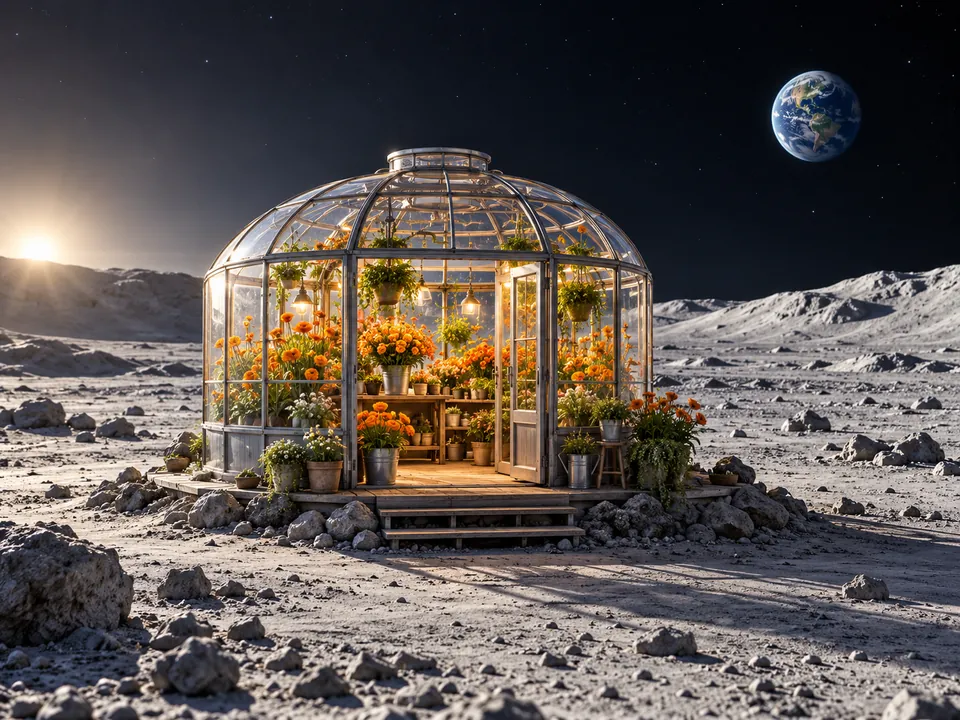
Lunar flower greenhouse
Prompt: Surreal photographic scene of a tiny original flower shop on a silent lunar landscape, glass greenhouse dome filled with vivid orange flowers, Earth small in the sky, delicate morning light, no signs or words.
Create with Grok Imagine Image 2.0 using imaginative prompts or up to five reference images. Explore surreal scenes, material changes and focused edits.
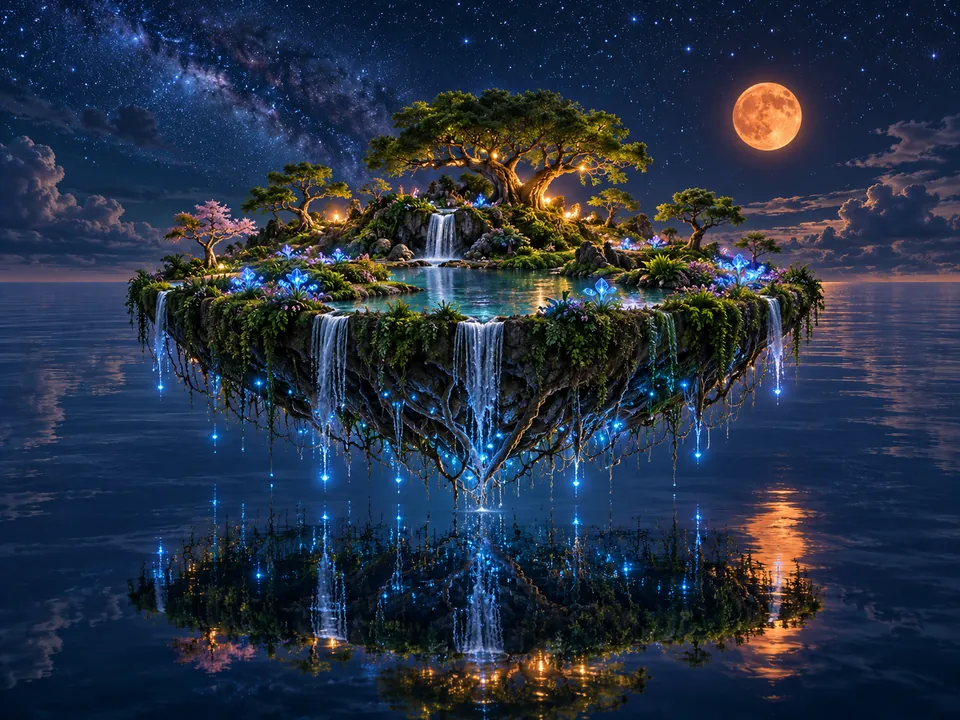
Surreal cinematic image of a lush circular floating garden island above a mirror-like midnight ocean, delicate roots trailing beneath, bioluminescent blue flowers and a small orange moon, no people, no lettering.
Reference example. It is not a result generated from your upload.
Grok Imagine Image 2.0 brings text-to-image creation and reference-based editing into one workspace. Describe an unexpected scene, choose its frame, or upload up to five images to guide a new direction.
Creative prompts work best when an unusual subject still has clear visual rules. A crystal whale needs a recognizable silhouette; a shell library needs readable stairs and light. For Grok Imagine image edit, state the exact change and identify the shapes, viewpoint and background to preserve.
These prompts combine a recognizable subject with one unexpected setting, material or scale relationship. Try a prompt and change the central idea while keeping its composition readable.
Prompt: Surreal photographic scene of a tiny original flower shop on a silent lunar landscape, glass greenhouse dome filled with vivid orange flowers, Earth small in the sky, delicate morning light, no signs or words.
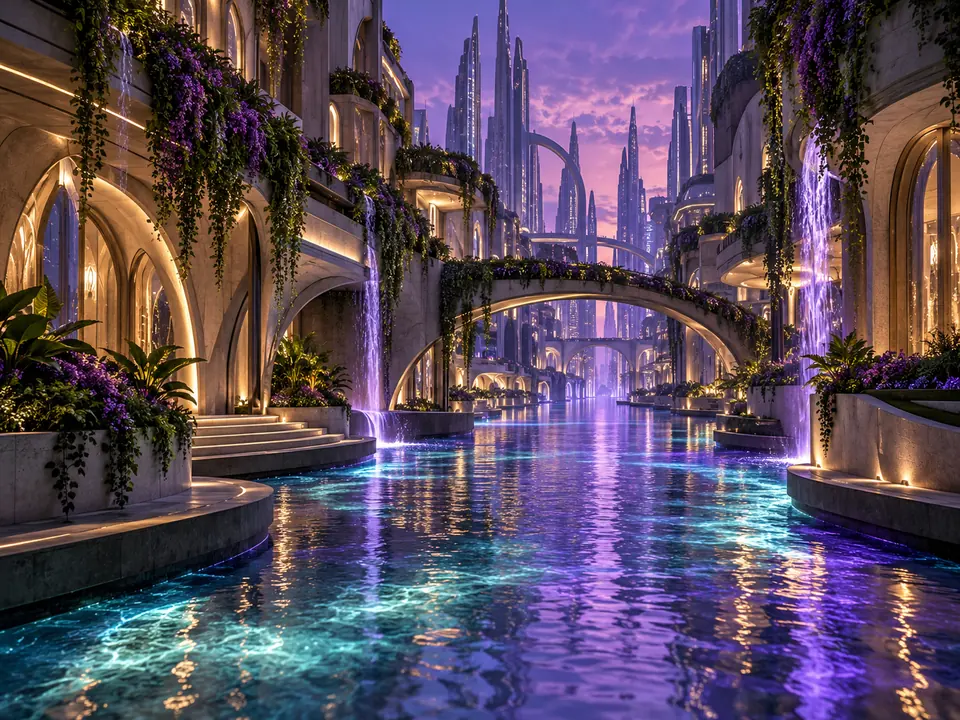
Prompt: Cinematic photograph of a futuristic city alley with a luminous river flowing between buildings instead of a road, hanging gardens and violet reflections, no people, no signage, original architecture.
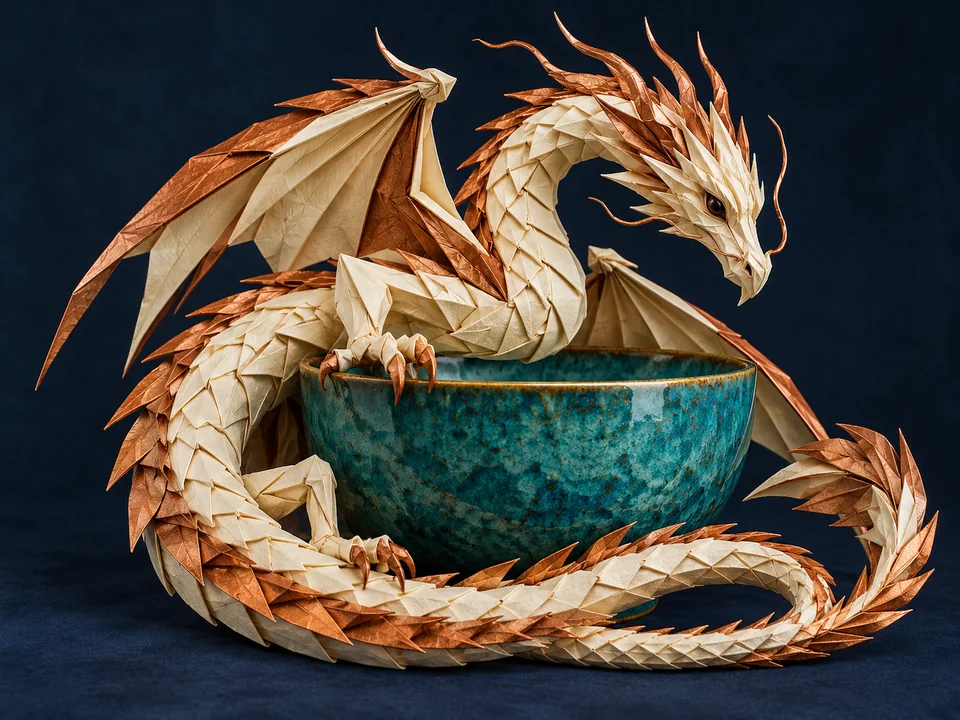
Prompt: Original intricate folded-paper dragon made from ivory and copper paper curling around a turquoise ceramic bowl, artistic still life on deep navy, full character visible, no franchise resemblance, no words.
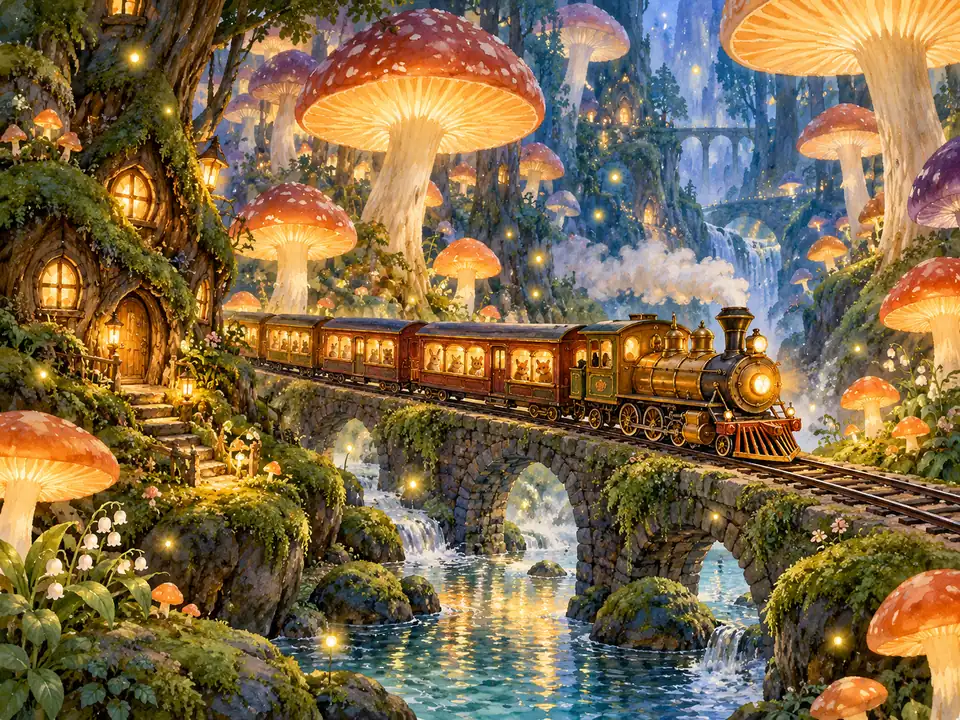
Prompt: Whimsical watercolor-and-gouache illustration of a tiny original brass train passing through an immense glowing mushroom forest, mossy rocks and drifting fireflies, cozy storytelling atmosphere, no words or logos.
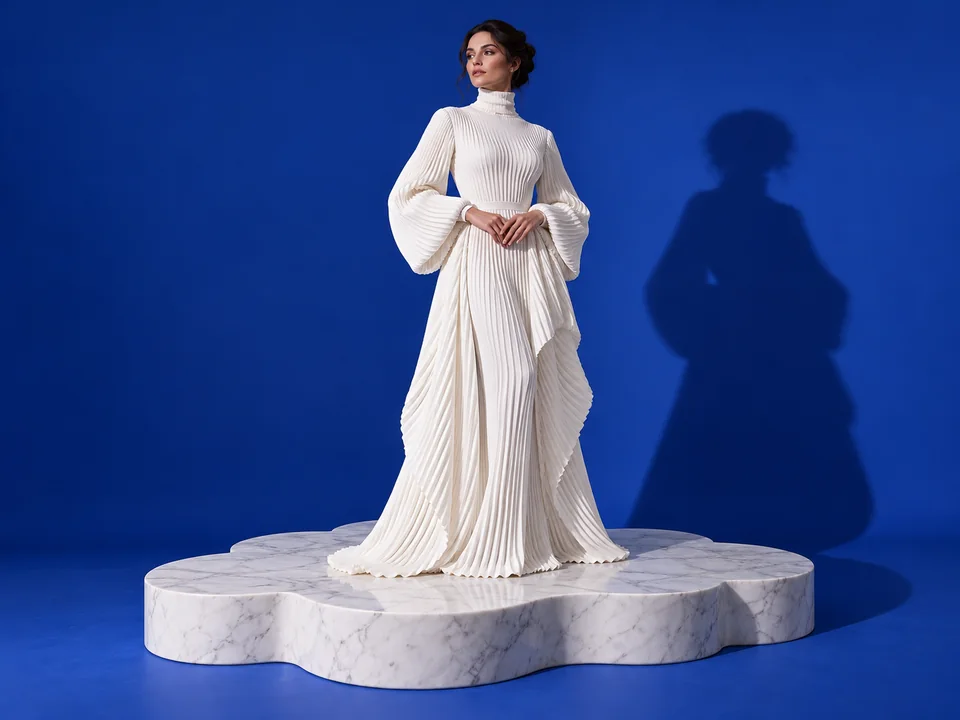
Prompt: Elegant editorial fashion photograph of a fictional adult woman aged 30 in a sculptural fully covered white pleated outfit standing on a cloud-shaped marble platform, cobalt studio backdrop, sculptural shadow, no celebrity resemblance, no brands.
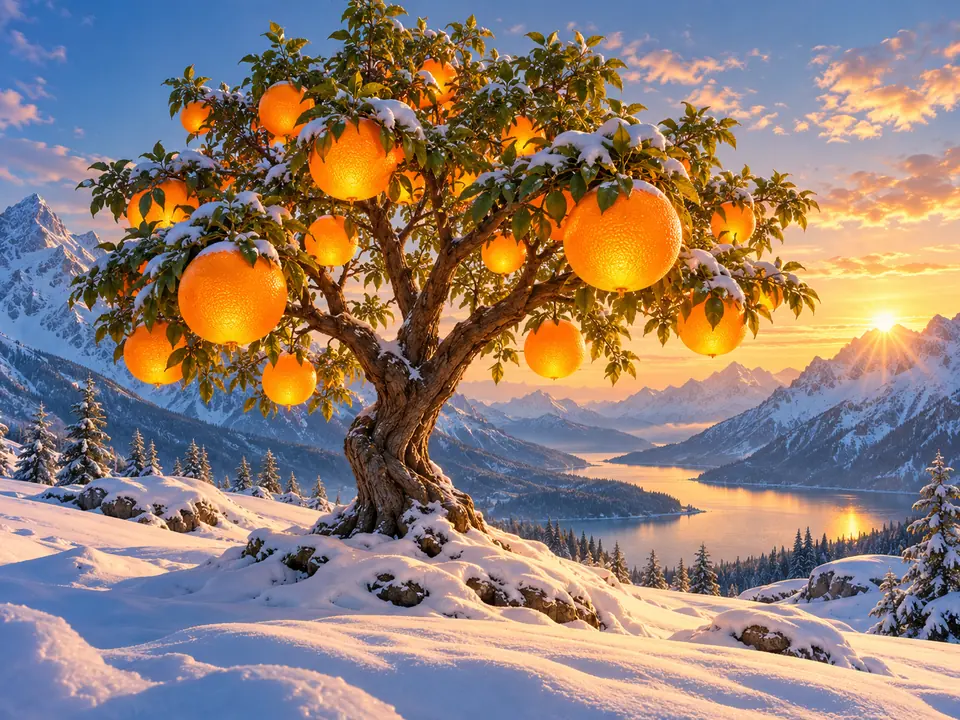
Prompt: Surreal landscape photograph of a bright orange tree growing from pristine white snow in a blue mountain valley, enormous fruit like glowing lanterns, sunrise, refined cinematic color, no people or lettering.
In Text to image, name a familiar subject and one surprising change: a paper dragon, a lunar flower shop or an orange tree in snow. Specify the camera angle and light so the scene has a coherent setting.
Choose 3:2 or 16:9 for a wide environment, 2:3 or 9:16 for a tall figure, or 1:1 for a centered object. Place important details away from the edges of the chosen Aspect ratio.
Select one to four outputs and compare silhouette, scale and the relationship between objects. Revise the confusing part of the prompt instead of piling on additional style terms.
Upload the chosen picture to Reference image 1 and describe a specific change. Up to five references are supported; explain their roles and ask to preserve the camera position and objects that already work.
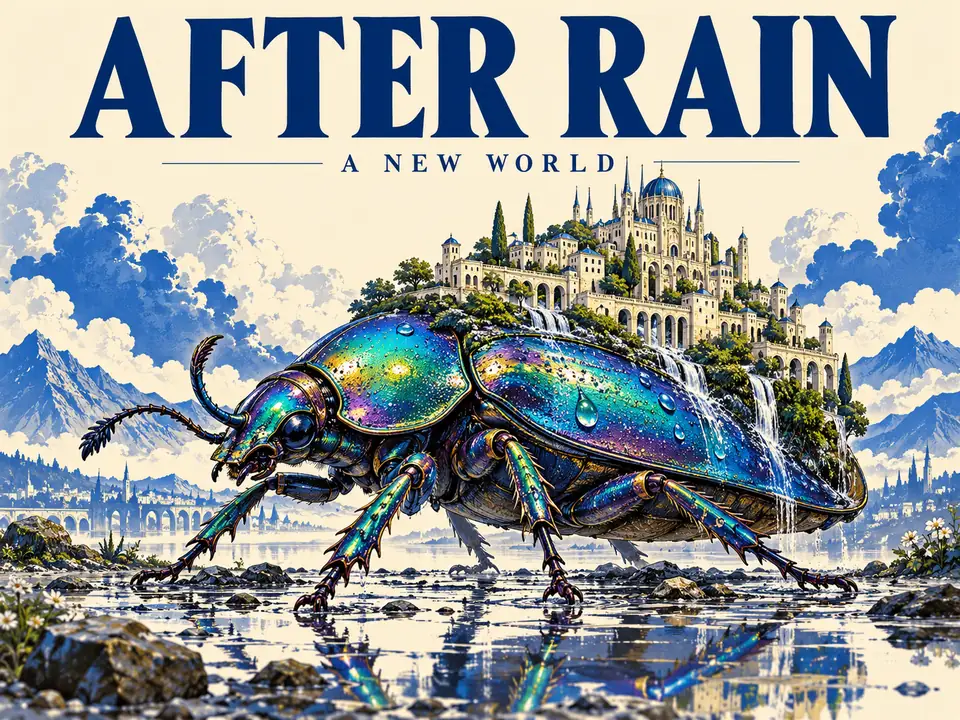
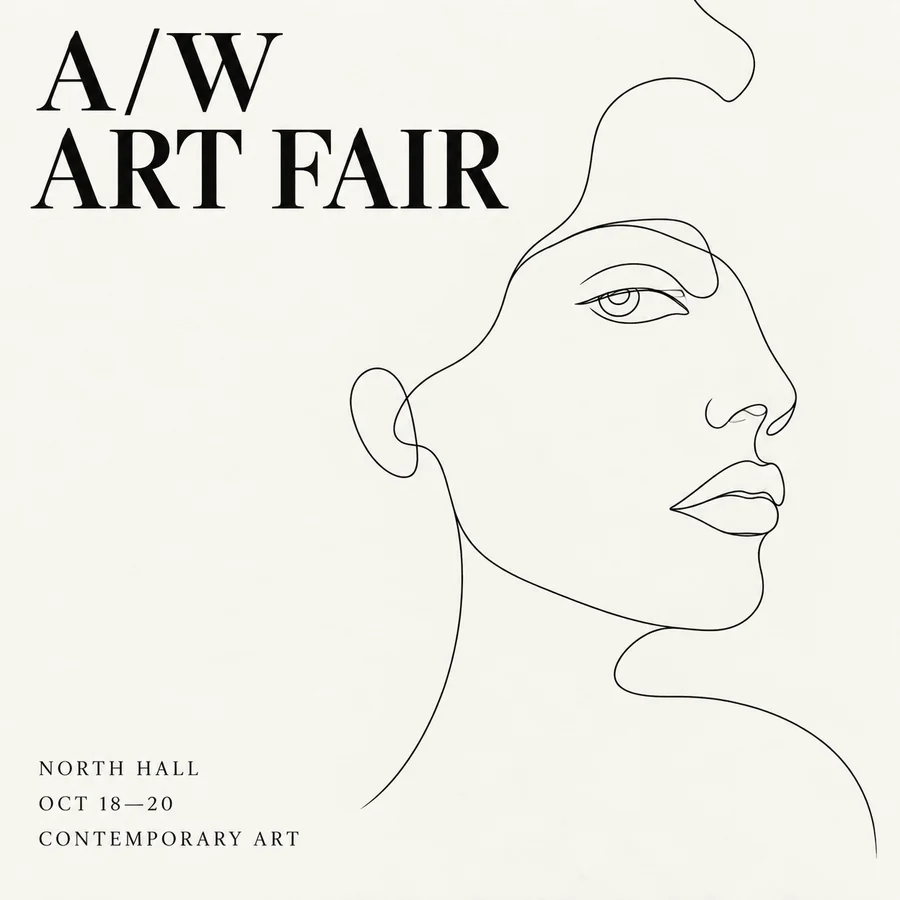
A tiny city rests on an iridescent beetle beneath AFTER RAIN. A short title, simple background and one central subject keep a fantastical poster readable. Check the letterforms before using them in a finished layout.
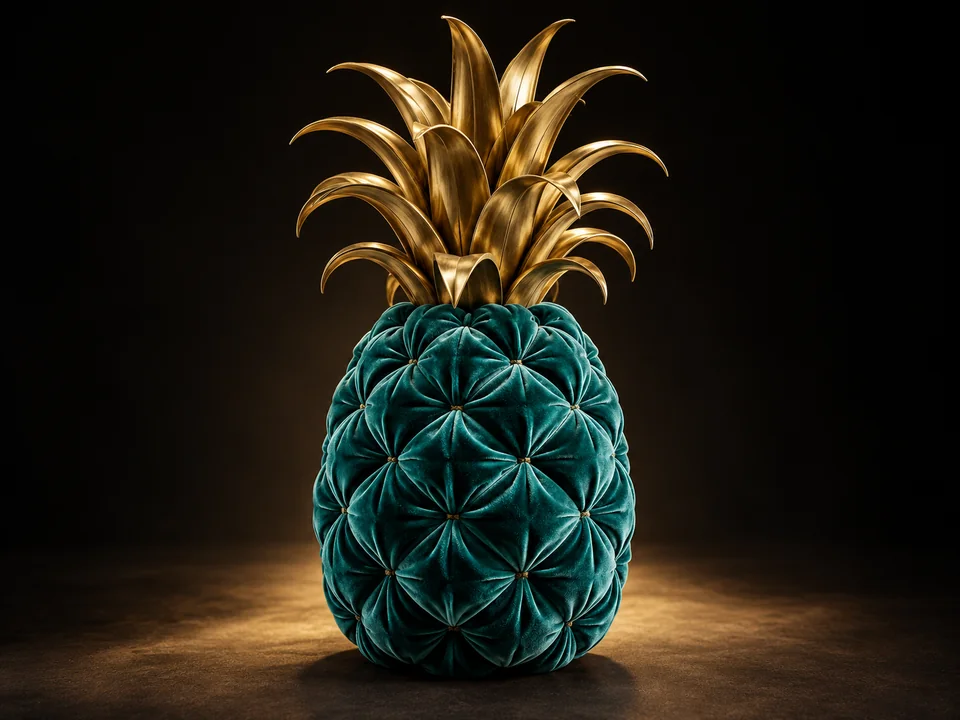
Teal velvet gives the pineapple a soft surface while brass leaves keep its silhouette unmistakable. Name the material of each part and describe the light that should reveal the contrast.
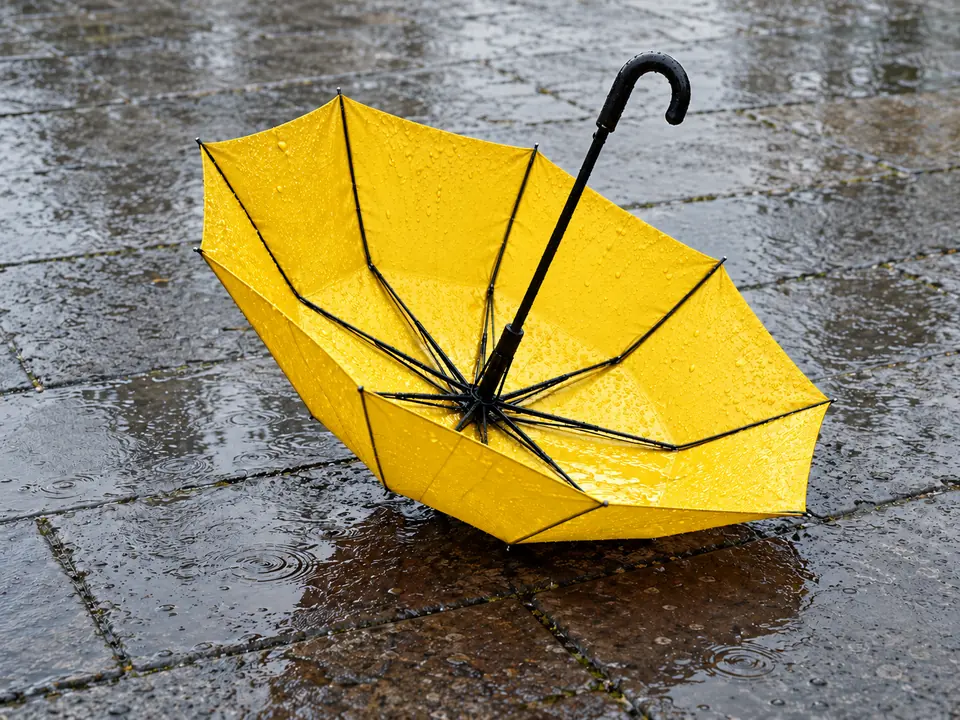
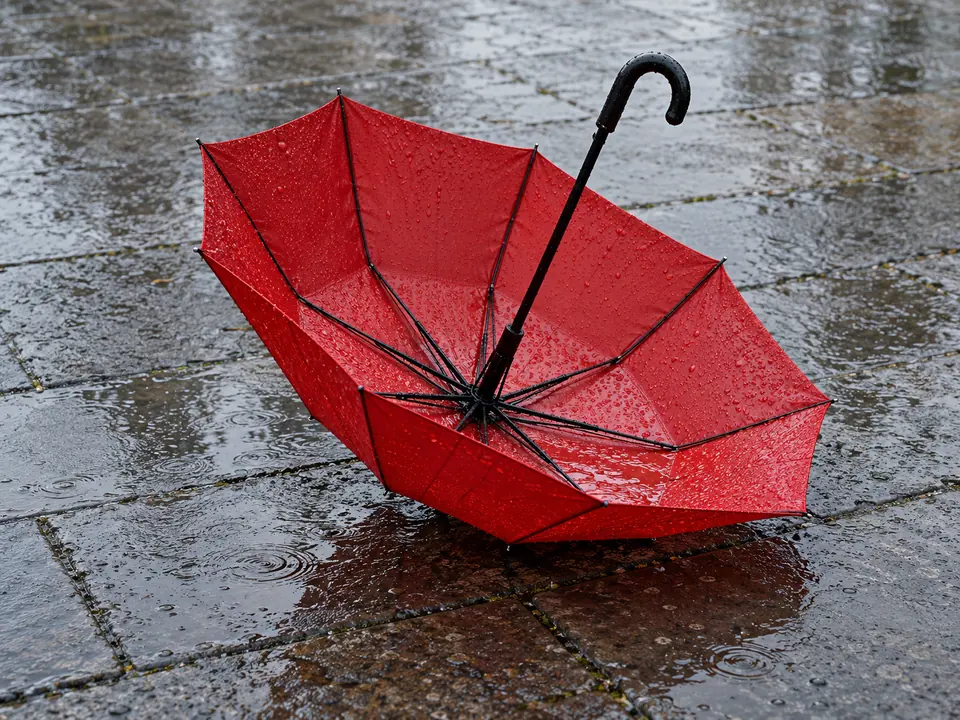
The red umbrella turns yellow while its shape, wet paving stones and reflections remain aligned. A focused Grok image edit prompt identifies the canopy as the only changing area and preserves the original surroundings.
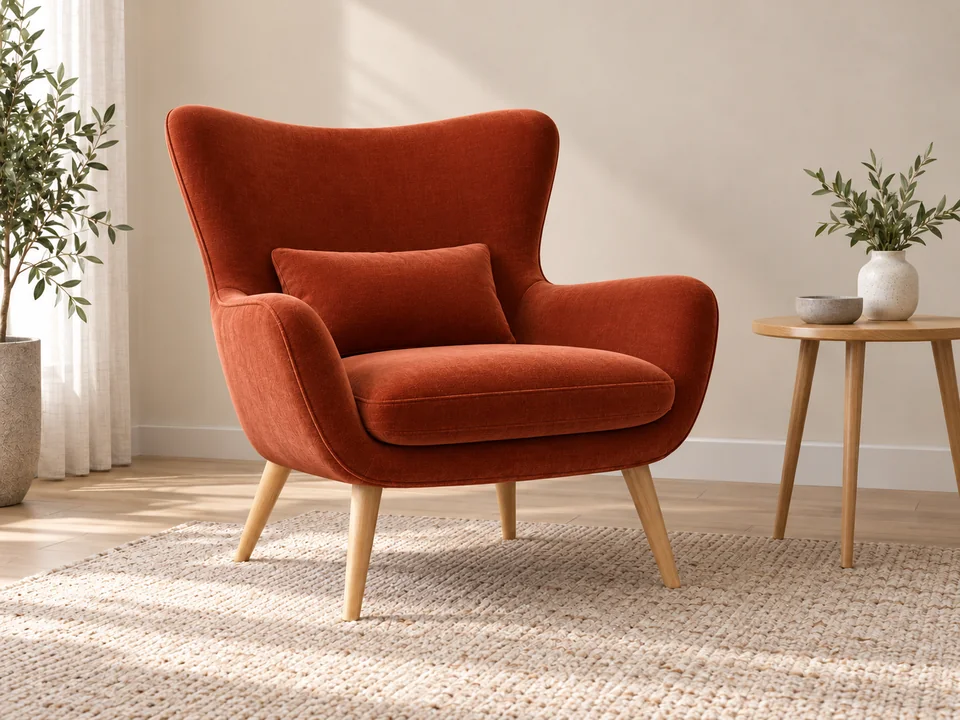
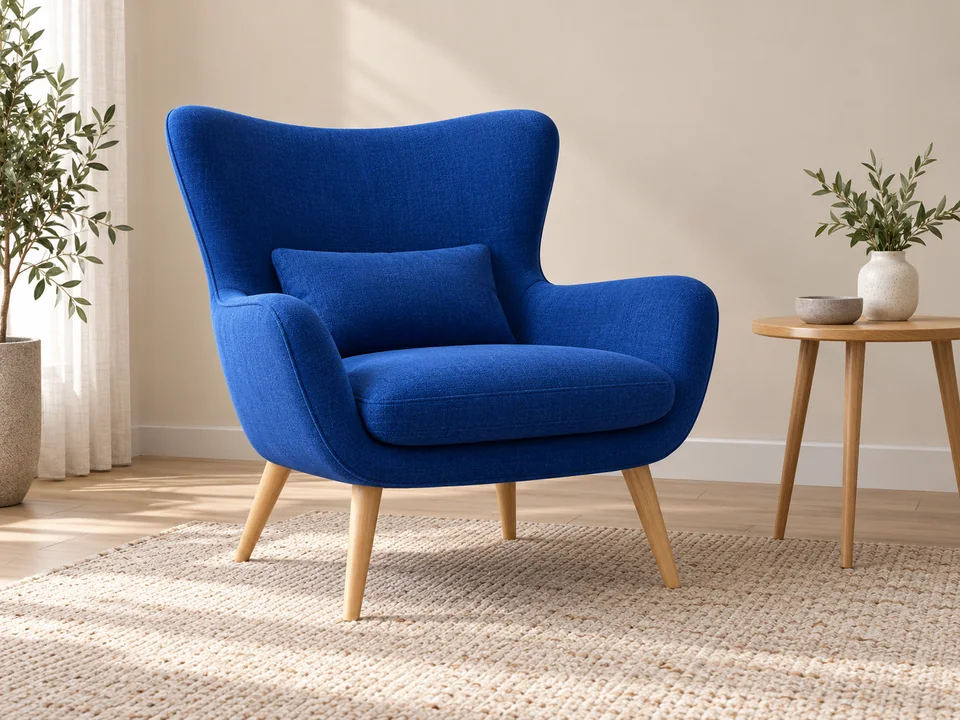
The cobalt lounge chair changes to terracotta velvet without moving its wooden legs, side table or camera view. Specify the new fabric and color separately from the room lighting to keep the revision controlled.
| Setting | Supported behavior |
|---|---|
| Available modes | Text to image; Edit / reference |
| Resolution setting | Provider-managed; no explicit resolution parameter in these endpoints |
| Aspect ratios | 1:1, 2:3, 3:2, 16:9, 9:16 |
| Reference maximum | Up to 5 images for image editing |
| Output count | One image per provider task; workspace can submit 1–4 outputs |
| Prompt length | Up to 8,000 characters |
| Editing interface | Text-guided changes; no local mask or brush controls on this page |
The editing interface uses written instructions and uploaded images. Local masking and region-edit controls are not included here.
| Model | Image references | Resolution selection | Control to compare |
|---|---|---|---|
| Grok Imagine Image 2.0 | Up to 5 | Provider-managed | A focused text-to-image and reference-edit workflow |
| Flux 3 Klein | Up to 10 | 1K / 2K / 4K | Optional prompt enhancement and more reference slots |
| Nano Banana 2 Lite | Up to 10 | Provider-managed | JPEG output and a broader set of aspect ratios |
A higher reference limit or an explicit resolution tier changes the workflow; it is not a ranking of creative quality.
Choose a shell-shaped library or a garden floating above the ocean, then keep the remaining architecture, lighting and perspective consistent. Several unrelated impossibilities can compete for attention.
An orange moon, mushroom glow or window can explain the scene’s highlights and shadows. Tell the prompt where that source sits relative to the subject.
For a yellow umbrella, preserve the canopy shape, handle, pavement and reflections. This is more actionable than asking for the same picture with a different mood.
A train beneath mushrooms reads more clearly when tracks, carriage windows and a doorway establish its size. Include one familiar reference instead of describing every object as enormous or tiny.
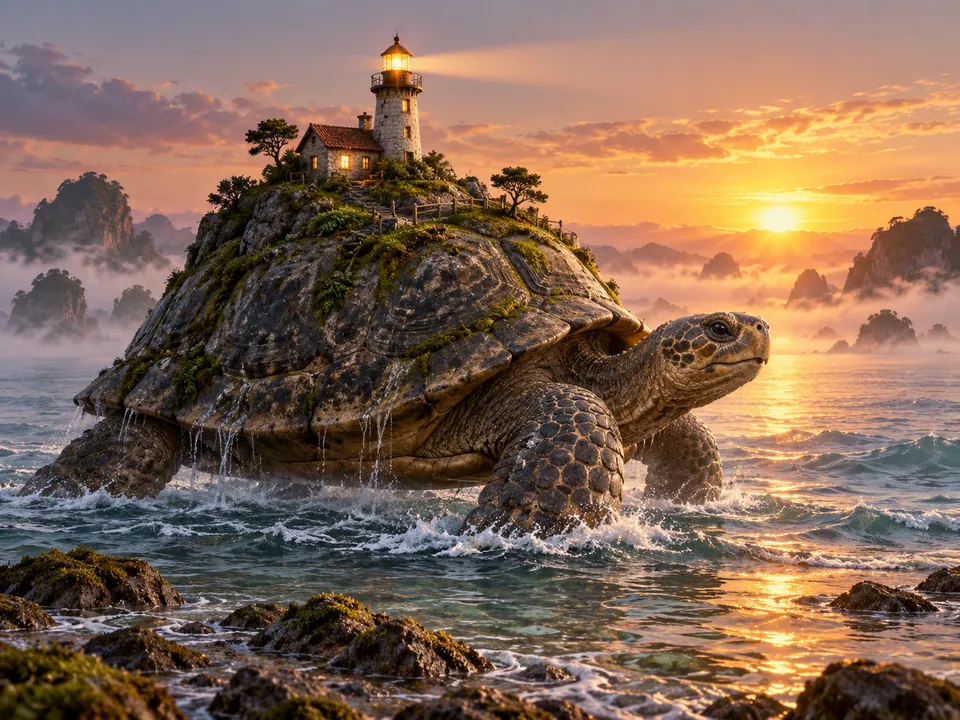
Explore a lighthouse on a sea creature or a library within a shell, using consistent light and scale cues to make the location readable.
Pair one symbolic object with a short headline and sufficient negative space, then finish publication text in a dedicated layout tool.
Develop a lunar greenhouse or glowing forest from a brief that defines the viewpoint, main route through the scene and source of light.
Upload a chosen image to test an upholstery finish or object color while retaining the framing that already suits the project.
Grok Imagine Image 2.0 is an image-generation and editing model. This page supports text-to-image prompts and image-based edits with up to five references.
Define a subject, an unusual visual idea, a camera position and a light source. Keep the rest of the setting coherent so the surprising detail remains easy to understand.
Choose Edit / reference, upload an image and describe the change. List the elements to preserve, such as the face, silhouette, viewpoint or background, and inspect the result before sharing.
This workspace accepts up to five reference images and a prompt of up to 8,000 characters. Use the fewest references needed to describe the intended change clearly.
The available ratios are 1:1, 2:3, 3:2, 16:9 and 9:16. Choose the final composition shape before generating rather than relying on a heavy crop afterward.
These Grok Image 2.0 endpoints do not expose a resolution setting. The provider determines the output size. Use a model with documented resolution controls when a particular tier is required.
No local brush or mask control is included. Edits are guided by uploaded references and written instructions. A separately documented local-edit endpoint is not exposed in this workspace.
Check the current credit quote beside the generate action for your selected output count. Each requested output is a separate task, so the total depends on how many images you request.
Confirm that Edit / reference is selected and at least one supported image has finished uploading. Simplify the requested change, reduce conflicting references and read any validation message before trying again.
Only upload images you own or are authorized to use. Obtain consent for identifiable people, respect copyright and other rights, and avoid presenting an altered image as a factual photograph.
Choose a scene, define its light and perspective, then refine the details with a focused image edit.
EzImgMaker is an independent site and is not affiliated with xAI.