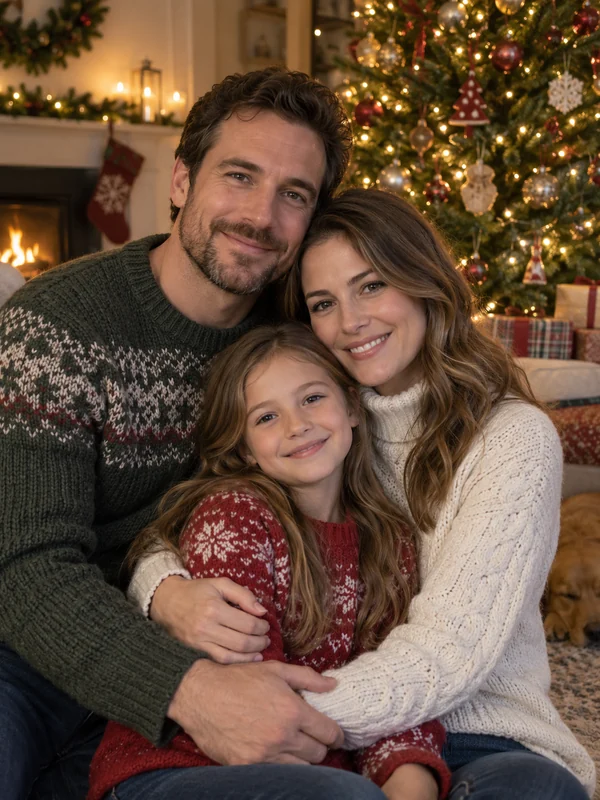
Christmas
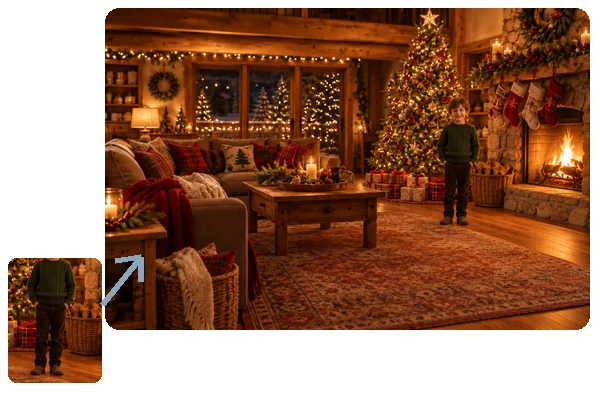
Tree glow, fireside, Santa suits, matching pajamas, and Christmas cards.
Upload one selfie, couple, family, or pet photo and pick a holiday: Christmas, Halloween, Thanksgiving, New Year, Valentine’s Day, Easter, Lunar New Year, or the Fourth of July. The AI builds the scene, outfit, and light around you, keeps every face recognizable, and can lay it out as a card or invitation.
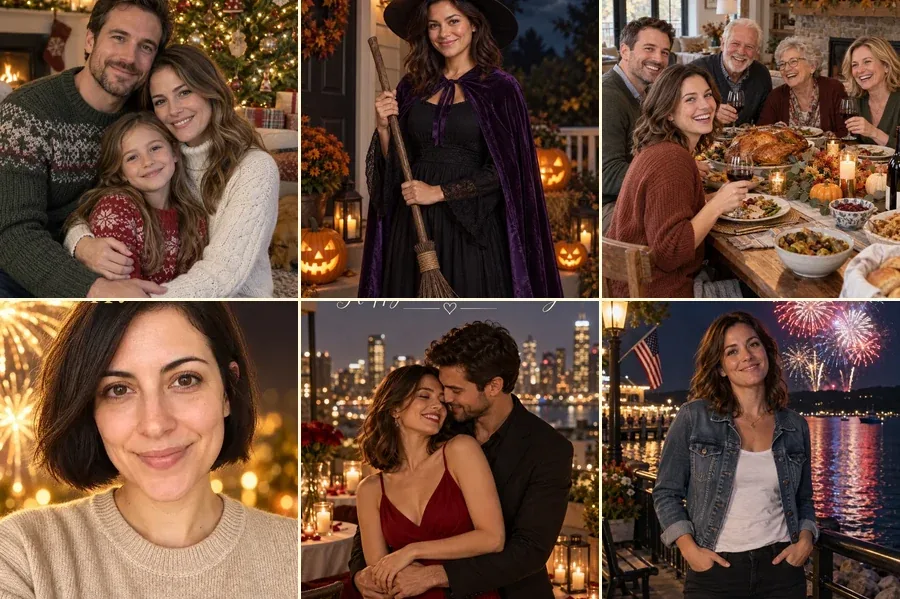
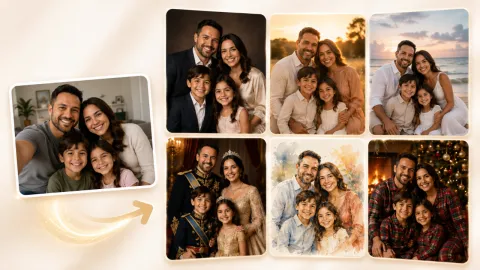
Reference example. It is not a result generated from your upload.
An AI holiday photo generator turns one everyday picture into festive portraits for every celebration on the calendar. You upload a selfie, a couple shot, a family photo, or your pet, choose a holiday, and the AI rebuilds the scene around you: a glowing Christmas tree, a pumpkin-lit Halloween porch, a Thanksgiving table, midnight fireworks, red lanterns for Lunar New Year, or a stars-and-stripes Fourth of July. Faces, expressions, and hairstyles stay yours, so the AI holiday photos still look like you.
This page is the EzImgMaker home for every holiday tool. Use the workspace above for quick seasonal photos across eight holidays, switch to a card or invitation layout when you need something to send, or open a dedicated page below for more styles, such as the Christmas photo generator, the Halloween costume generator, or the new Christmas and New Year video makers.
One upload, eight holidays. Each card opens that holiday in the workspace above.
Tree glow, fireside, Santa suits, matching pajamas, and Christmas cards.
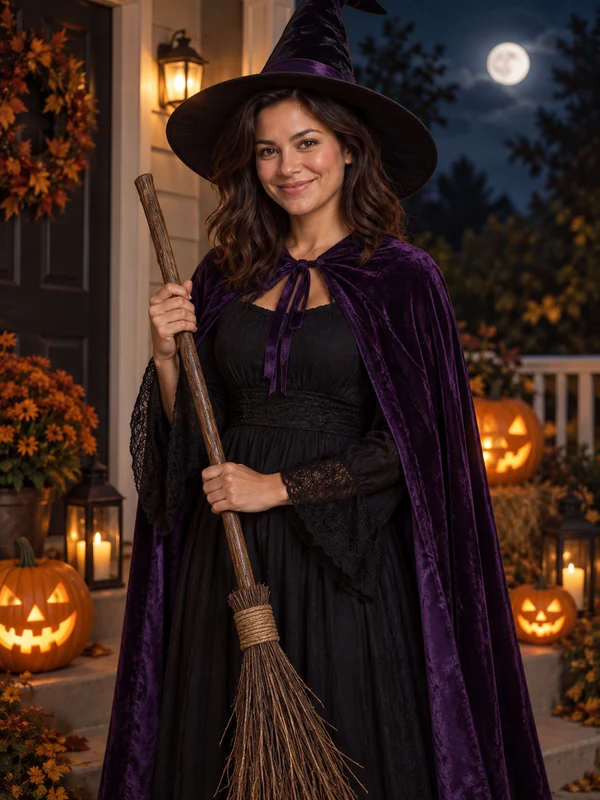
Witches, vampires, sugar skulls, and a masked ball, all non-gory.
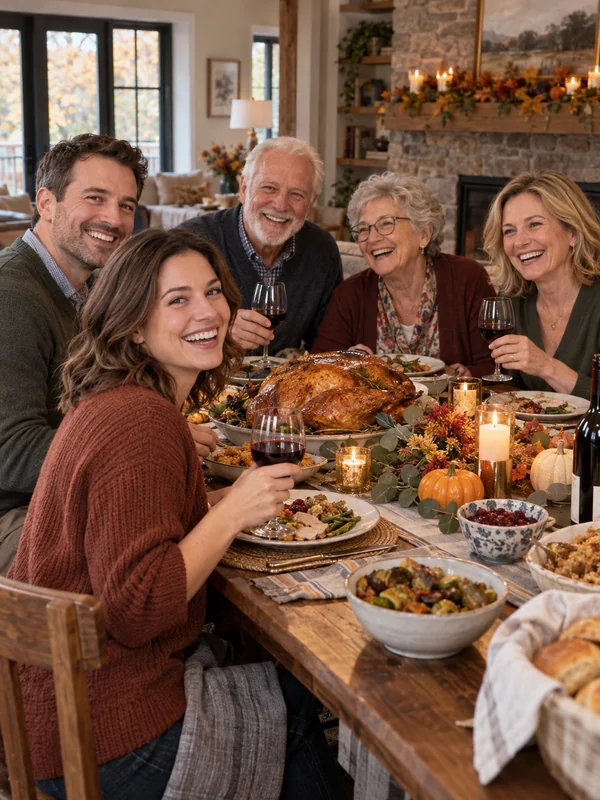
Harvest dinners, Friendsgiving tables, autumn leaves, and fall porches.
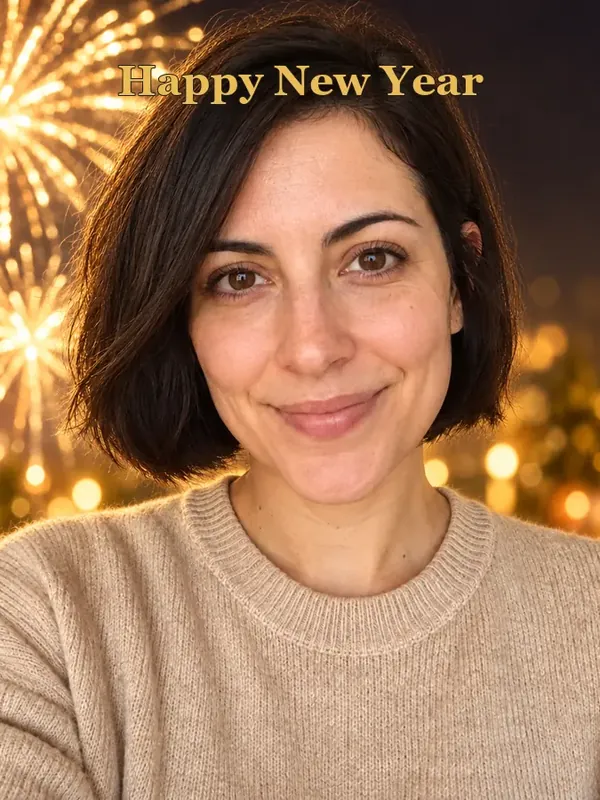
Fireworks, champagne toasts, golden confetti, and midnight countdowns.

Rooftop dinners, roses, heart balloons, and Galentine’s brunches.
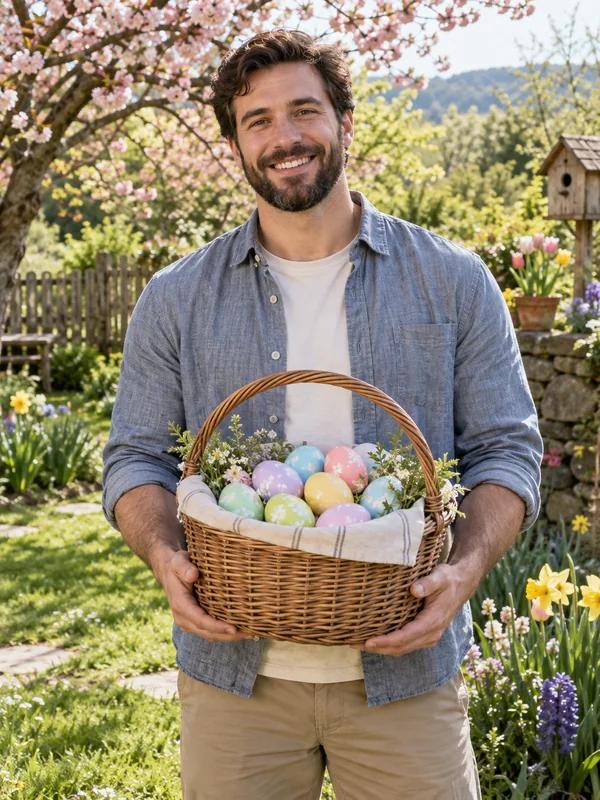
Bunny ears, egg hunts, spring blossoms, and pastel brunch tables.
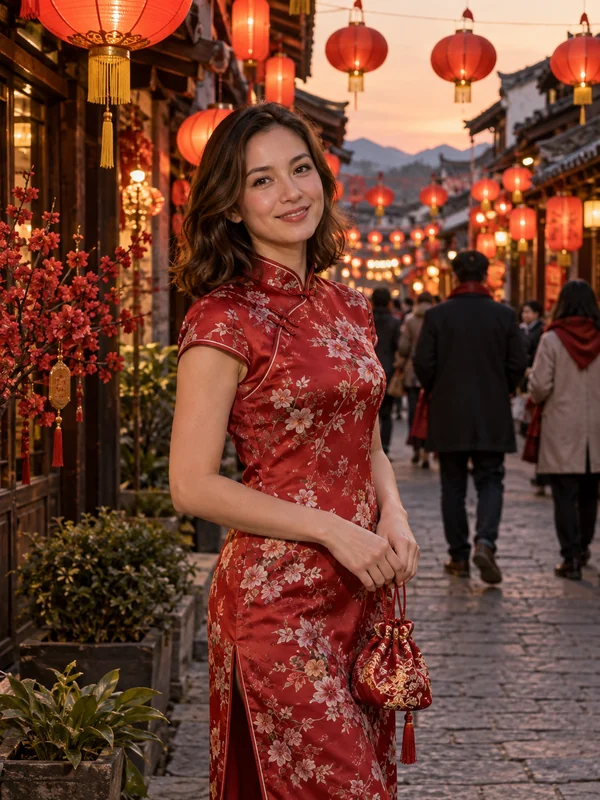
Red lanterns, qipao portraits, reunion dinners, and a golden dragon.
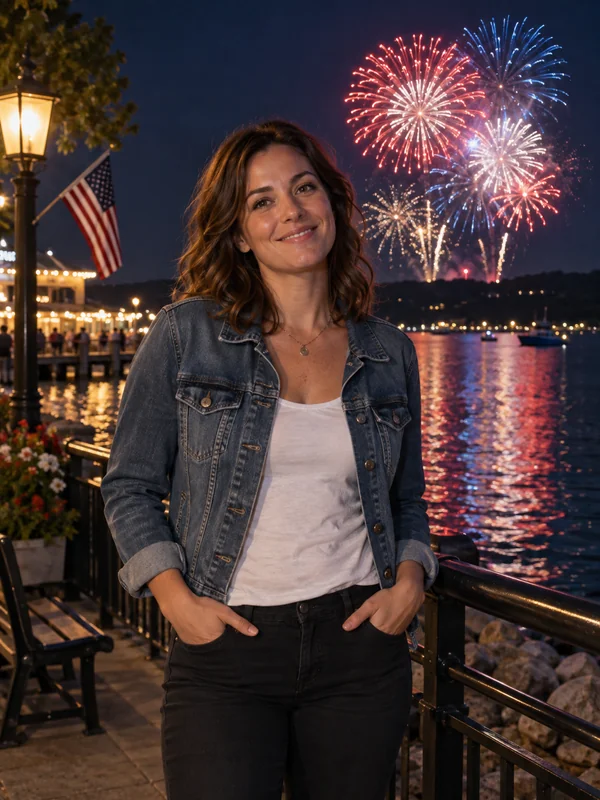
Flags, fireworks, parades, BBQs, plus invitations and evites.
Three steps, any season, on phone or desktop.
Add a selfie, couple, family, or pet photo as a JPG, PNG, or WebP up to 10 MB. It does not need to be a holiday photo: a summer snapshot works for Christmas too.
Open a holiday tab, from Christmas to the 4th of July, and pick a scene, an outfit, or a card or invitation layout. For any other celebration, describe it in Custom.
Create up to four versions at once, keep your favorite, and post it, print it, or send it as a card, an invitation, or an evite.
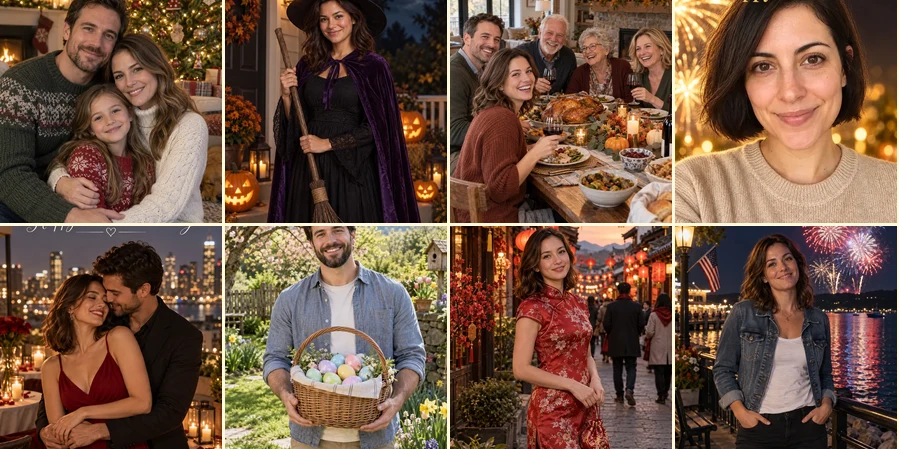
Over 60 looks across Christmas, Halloween, Thanksgiving, New Year, Valentine’s Day, Easter, Lunar New Year, and the Fourth of July live in one workspace. Take one good photo in January and you have seasonal photos ready for the whole year.
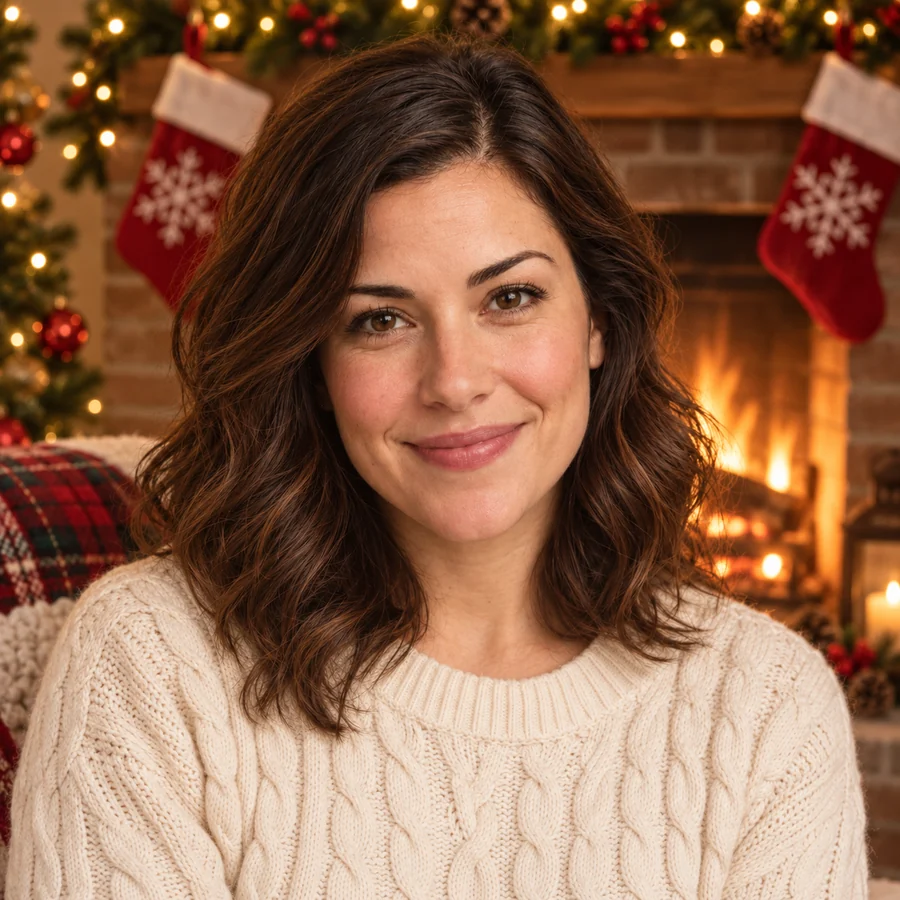
The AI changes the setting, outfit, props, and light but keeps facial features, skin tone, expression, and hairstyle. Your holiday AI photos look like you on a great day, not like a stranger in a costume.
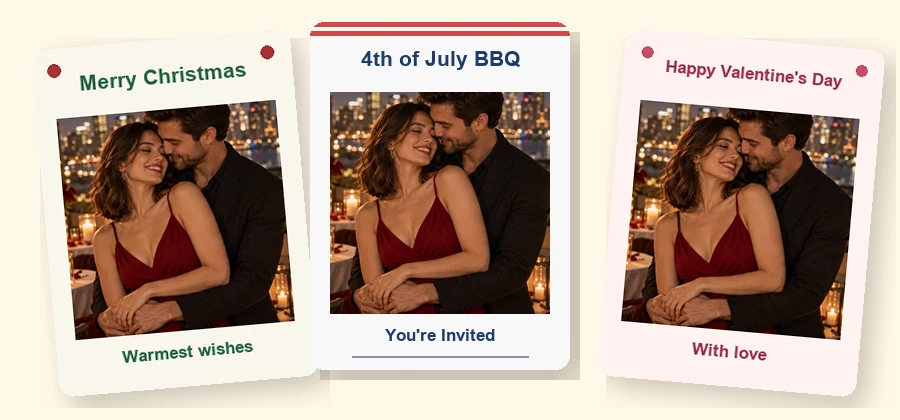
Every holiday tab ends with a card, and the 4th of July tab adds a BBQ invitation, a blank invitation, and a phone-sized party evite. The AI writes only the words in the layout, so you can add names, dates, and addresses yourself and send 4th of July invites free of printing and postage as a 4th of July evite.
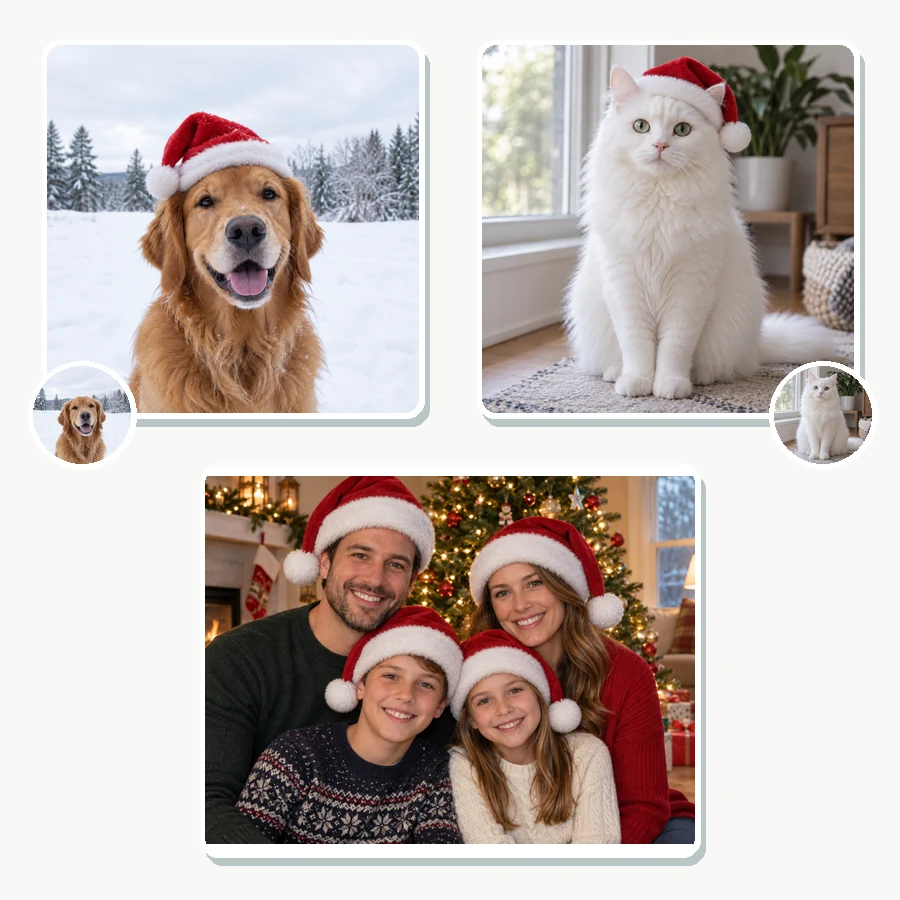
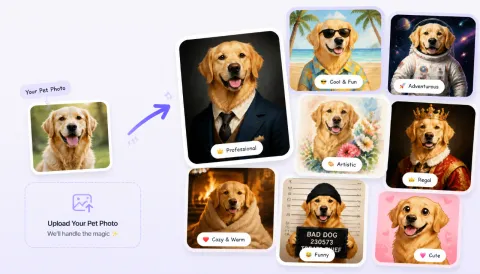
Group photos keep everyone in the frame, couples get matching looks, and pets get Santa hats, party hats, and pumpkin patches of their own. Make one family photo and dress it up for every holiday card you send.
Plan your AI holiday photos for the year. Start a week or two before each holiday so cards and invitations arrive on time.
| Holiday | When | Popular AI looks | Cards and invites |
|---|---|---|---|
| Lunar New Year | Late January to mid February (lunar calendar) | Red lanterns, qipao portrait, reunion dinner, golden dragon | Lucky red card |
| Valentine’s Day | February 14 | Rooftop dinner, rose bouquet, heart balloons, Galentine’s brunch | Valentine card |
| Easter | A spring Sunday, March or April | Bunny ears, egg hunt, spring blossoms, Easter brunch | Easter card |
| Fourth of July | July 4 | Flag portrait, fireworks night, hometown parade, backyard BBQ | BBQ invitation, blank invitation, party evite |
| Halloween | October 31 | Witch, vampire, sugar skull, masked ball, party zombie | Halloween card |
| Thanksgiving | Fourth Thursday of November (US) | Harvest dinner, Friendsgiving, autumn leaves, fall porch | Thanksgiving card |
| Christmas | December 25 | Tree glow, fireside, Santa suit, pajamas, snow globe | Christmas card |
| New Year’s Eve | December 31 | Fireworks, champagne toast, golden confetti, midnight clock | New Year card |
| Any other holiday | Whenever you celebrate | Diwali, Hanukkah, St. Patrick’s Day, Mother’s Day and more | Describe it in Custom |
Need a full invitation with your own wording? The AI Thanksgiving invitation maker and the AI Christmas card generator are listed below.
Photos, videos, filters, frames, cards, and invitations for each holiday. Open any page for more styles and examples.
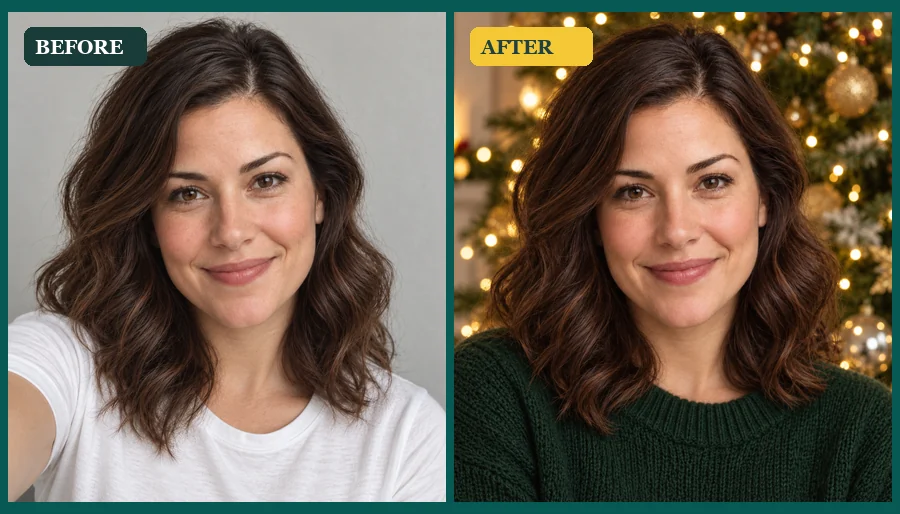 AI Christmas Photo GeneratorMake an AI Christmas photo from any selfie, couple, family, or pet picture. Pick a festive scene, outfit, style, or card and download your Christmas AI photos.
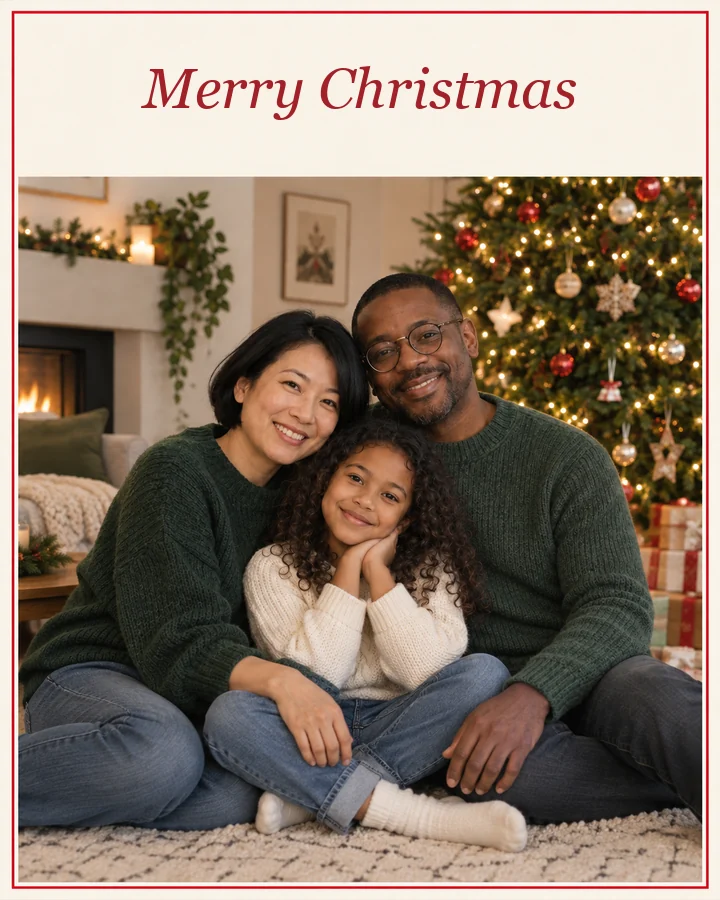 AI Christmas Card GeneratorFree to try xmas card generator: describe your card, add a family photo, pick a style, and the AI Christmas card generator designs cards to print or send.
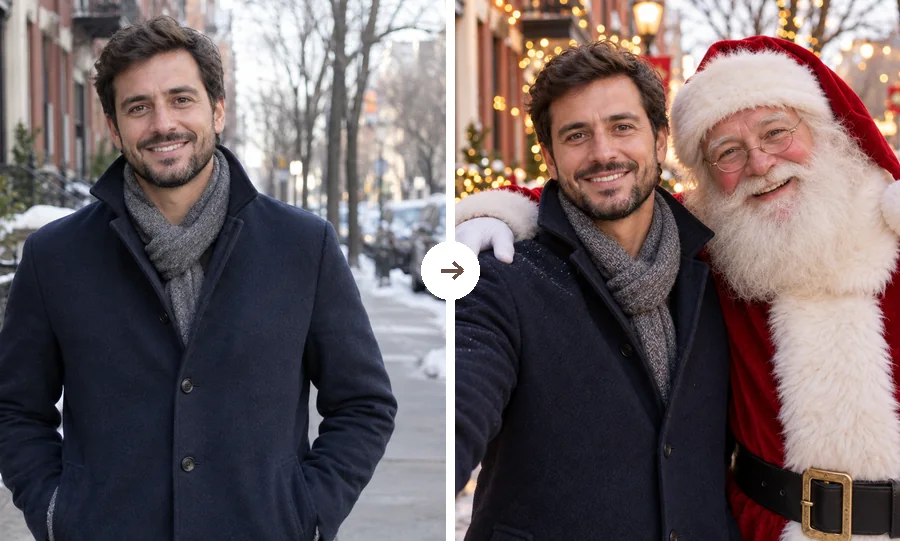 AI Christmas FilterPut a Christmas filter on any photo: reindeer antlers, a Santa makeover, elf ears, falling snow, or a festive frame. Christmasify an image you already took.
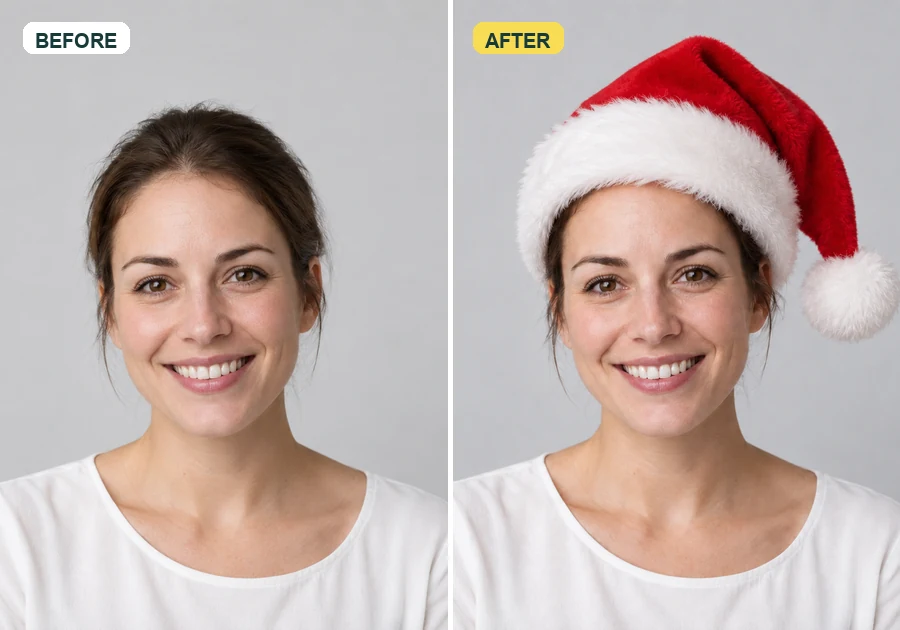 Add Santa Hat to Your PictureAdd santa hat to your picture with AI: upload a photo, pick a classic, elf, blue, or antler Christmas hat, and it fits every head in the shot, pets included.
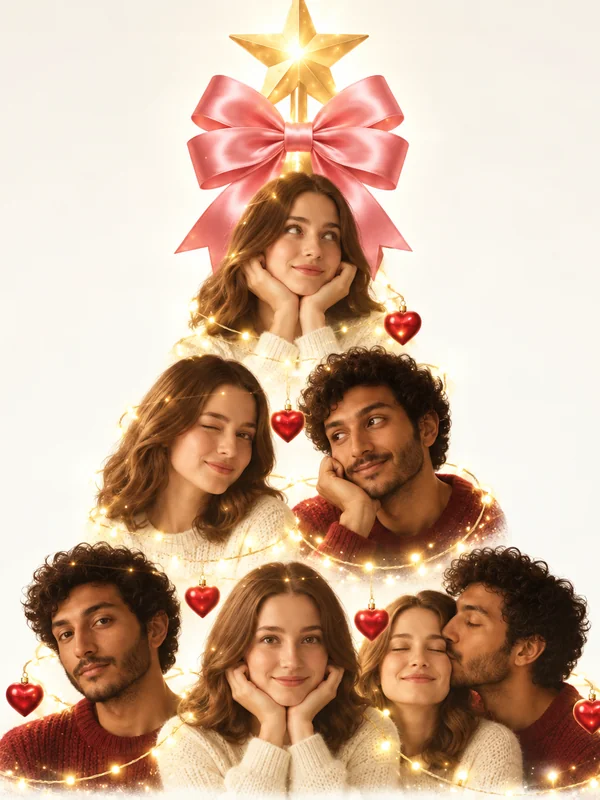 AI Christmas Photo TrendJoin the AI Christmas photo trend: turn selfies, couples, or pets into a viral portrait Christmas tree, a tree made of things you love, or a cozy tree scene.
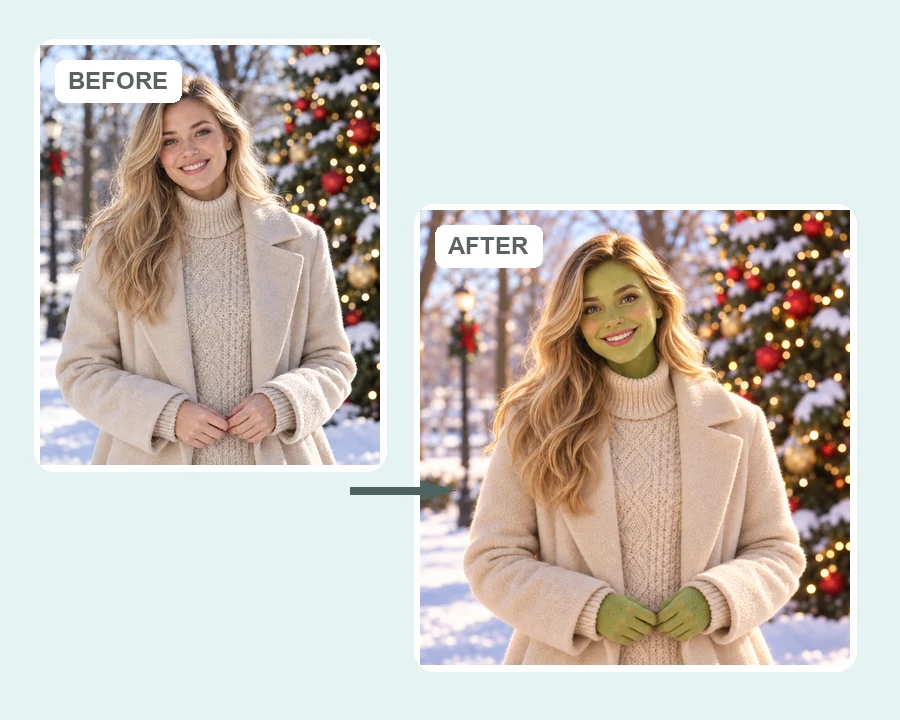 AI Grinch FilterGrinch yourself with the AI Grinch filter: upload a selfie, family, or pet photo and get a Grinch-style green holiday look with fuzzy fur and a sly grin.
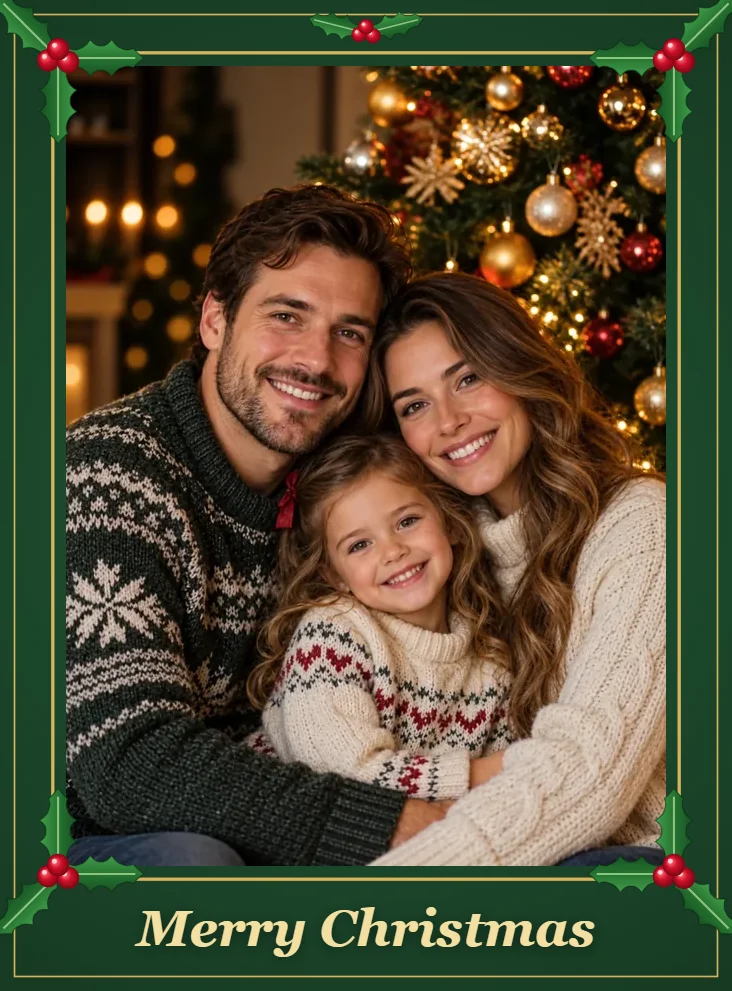 Christmas Free Frames and BordersChristmas free frames and borders for photos: add a Merry Christmas frame, holly, lights, or snow border in your browser and download a printable frame image.
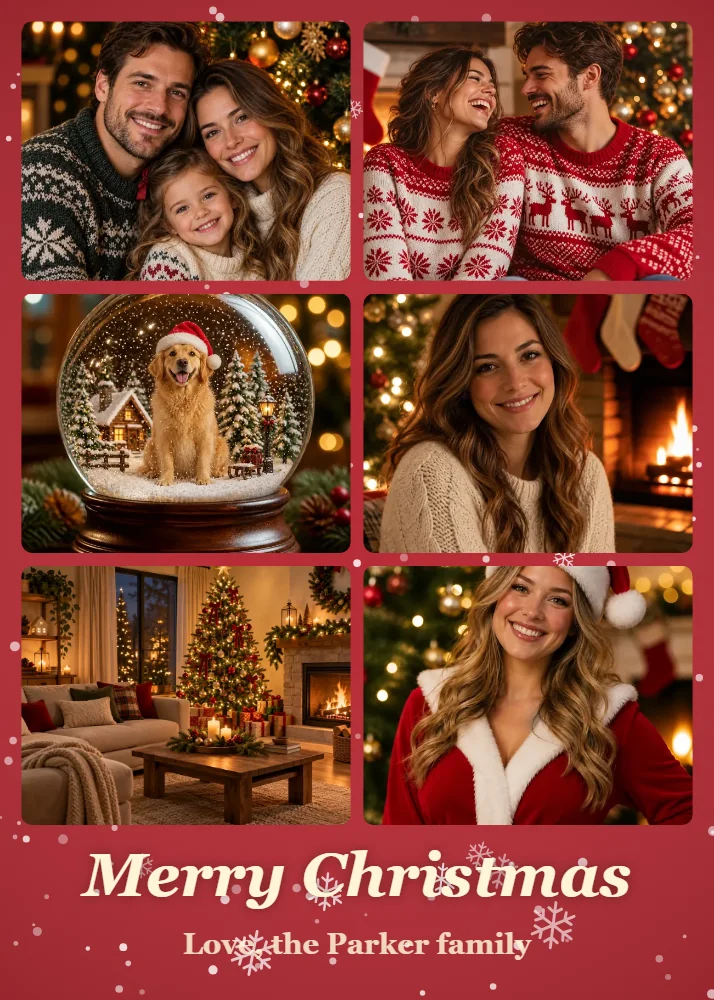 Christmas Collage MakerMake a Christmas collage from 2–9 photos in your browser: choose a grid, tree, or ornament layout, add a greeting, and download a Christmas card photo collage.
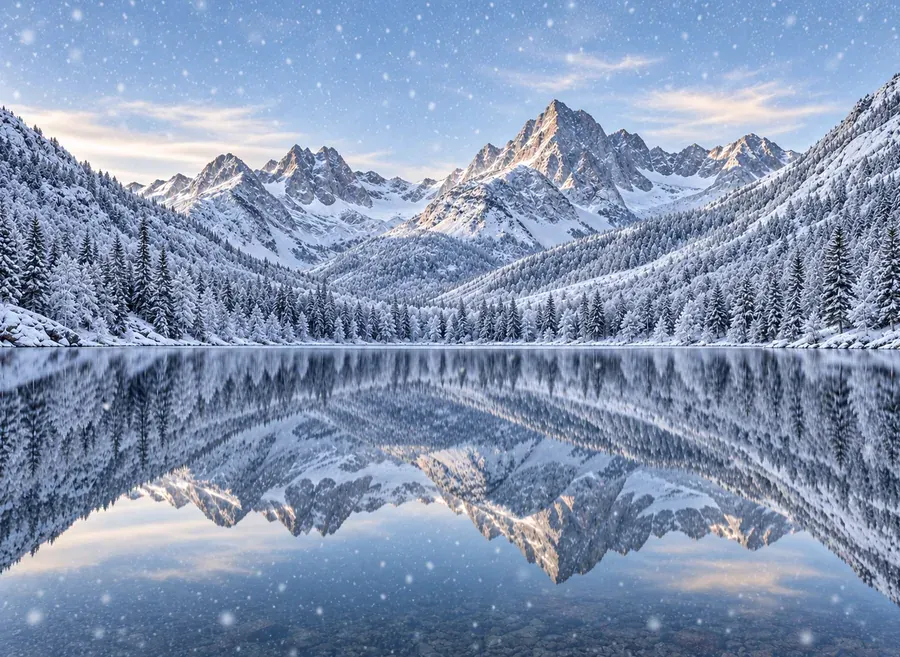 Add Snow to PhotoPut realistic snow on image scenes with AI. Add snow to photo landscapes, homes, products, or portraits, pick light flurries or a blizzard, and compare.
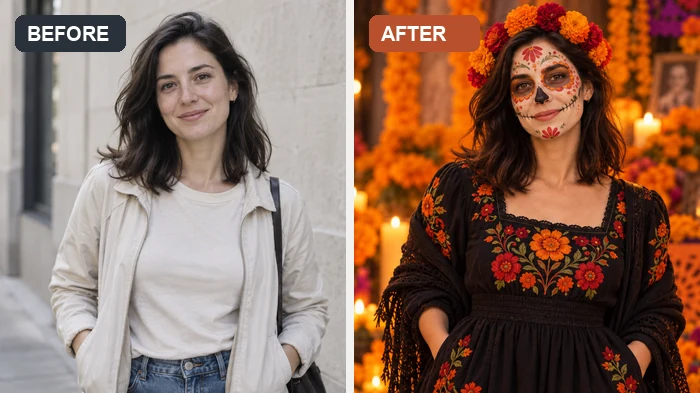 AI Halloween FilterJoin the AI Halloween trend: upload a selfie and this Halloween filter turns it into a witch, vampire, skeleton, or spooky photoshoot scene for your feed.
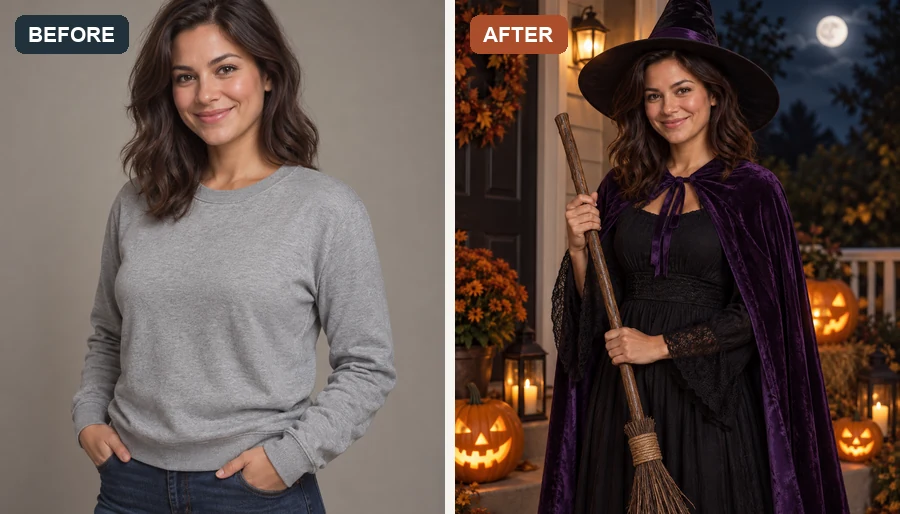 AI Halloween Costume GeneratorUse the Halloween costume generator to try an AI costume on your own photo. Pick a witch, vampire, or pirate, or hit Random for a surprise Halloween look.
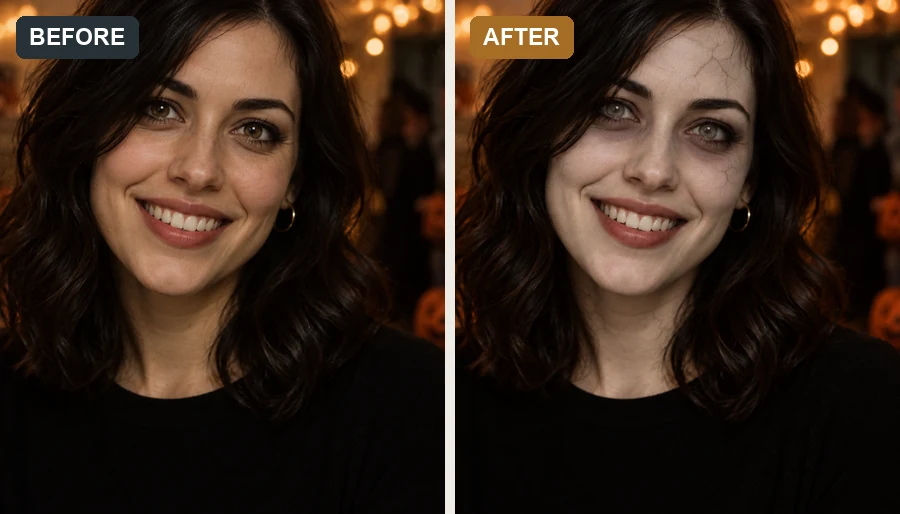 AI Zombie FilterMake a zombie out of any selfie with the AI zombie filter. Pick an undead look, intensity, and spooky background; your face stays recognizable, with no gore.
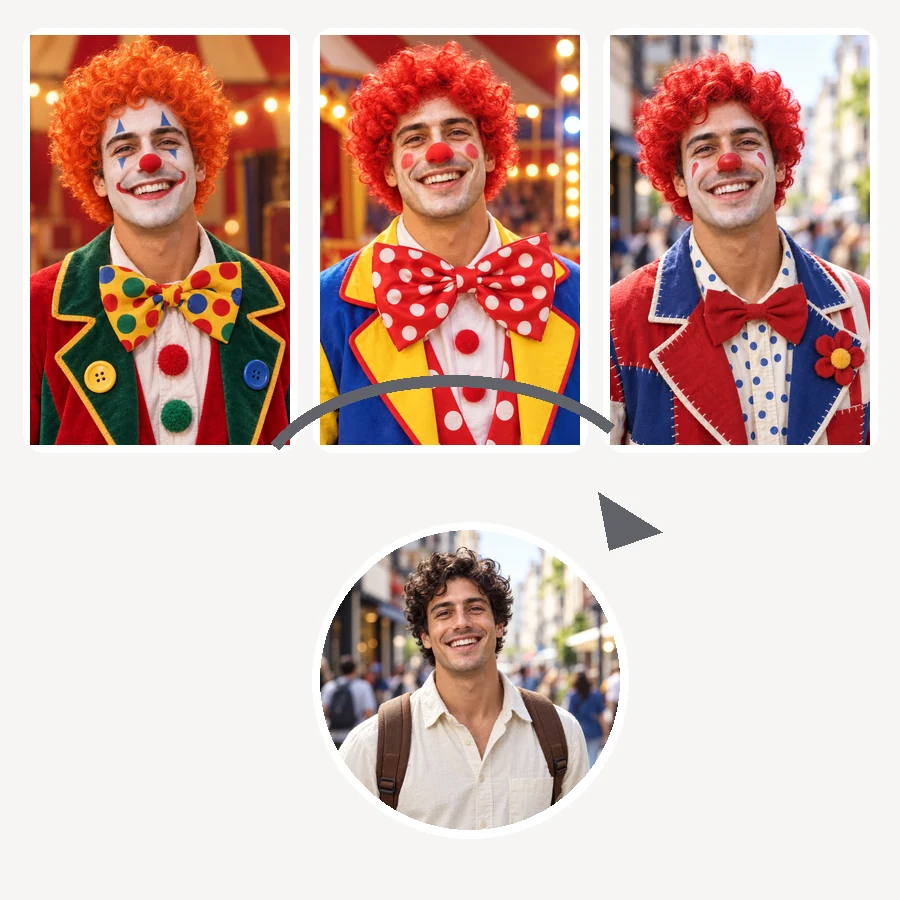 AI Clown FilterClownify a picture with the AI clown filter: pick a circus, rainbow, or glam clown face, then make a clown selfie, a clown meme, or an original clown OC.
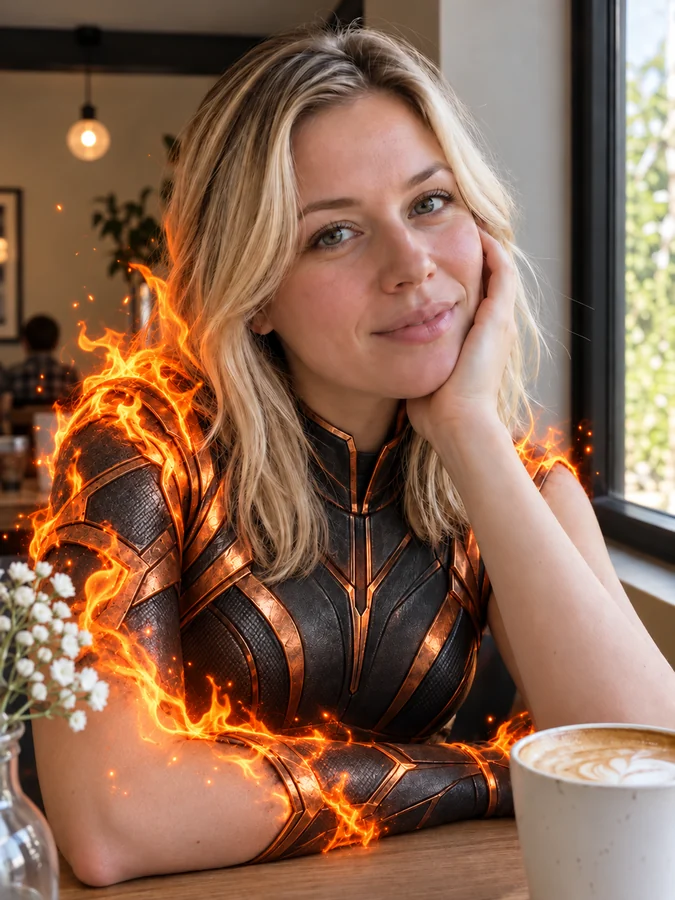 AI Superhero GeneratorUse this AI superhero generator to turn yourself into a superhero. Upload a selfie, pick a superpower and art style, and get an original hero portrait of you.
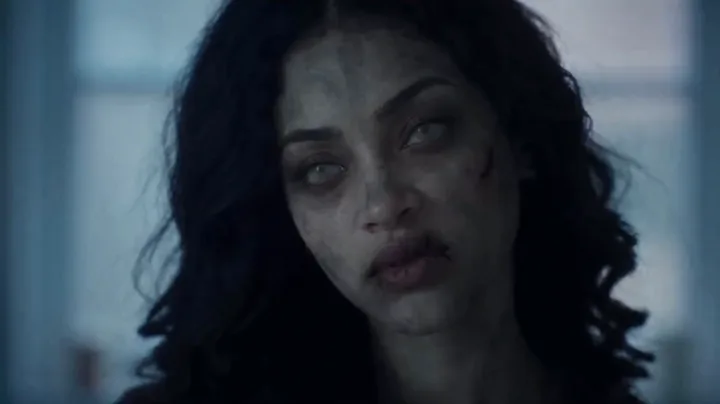 Zombie Love Story AI VideoMake a zombie love story AI video from two photos: the survivor can’t shoot, the partner has turned, and golden memories follow. Cinematic, with sound.
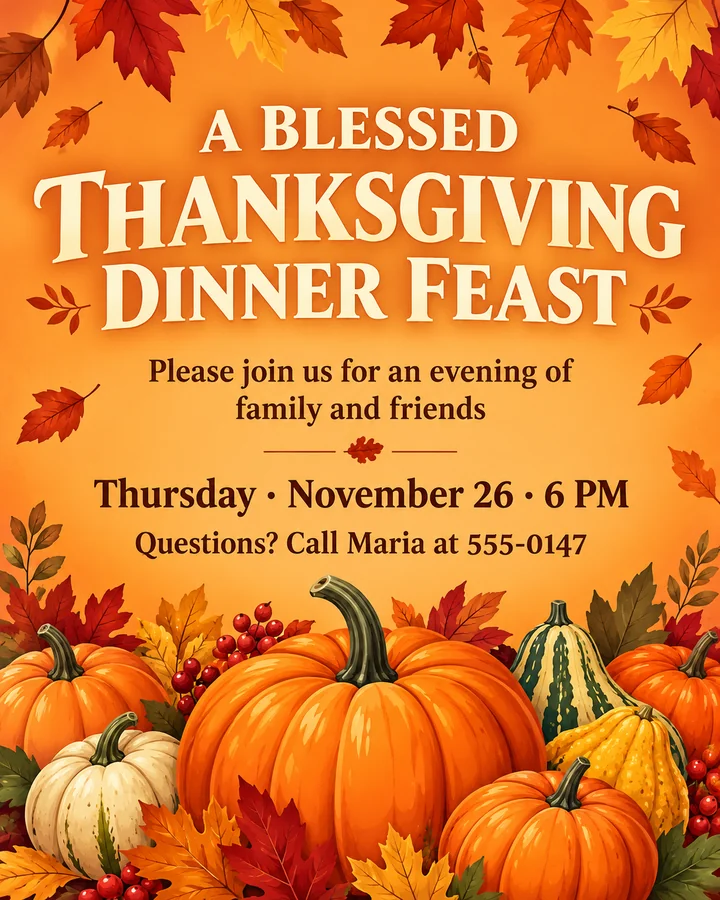 AI Thanksgiving Invitation MakerFree to try AI Thanksgiving invitation maker: add your wording, pick a style, and get a custom Thanksgiving invitation template, flyer, or Friendsgiving invite.
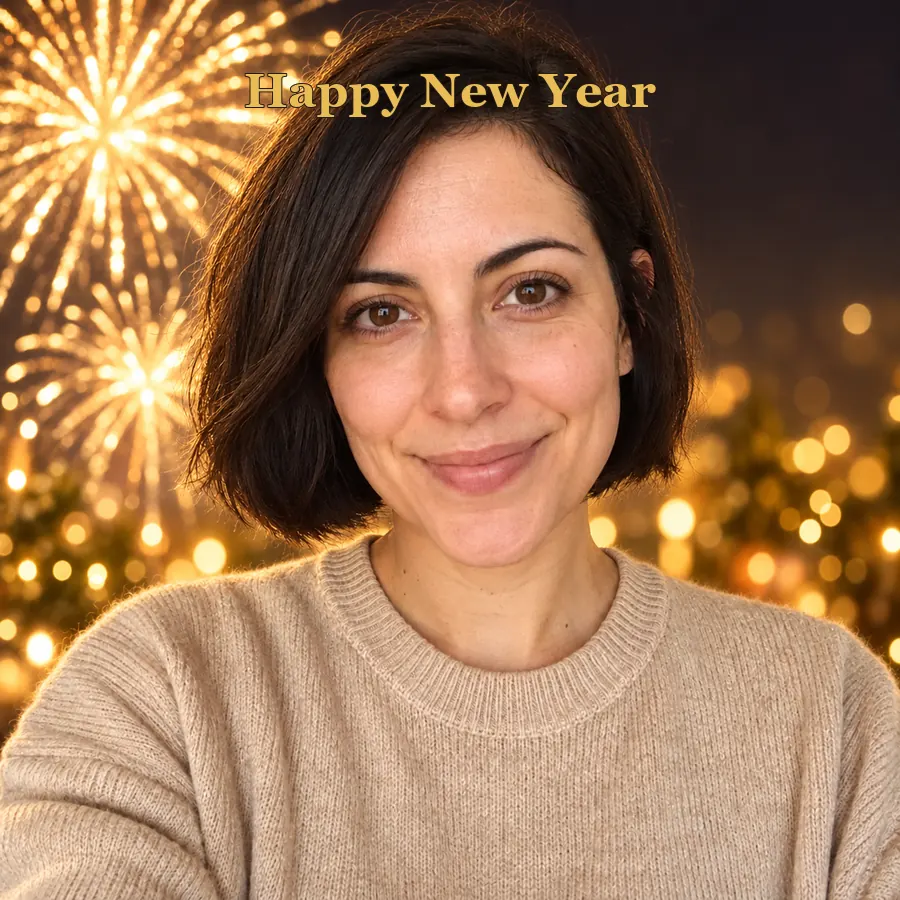 AI Happy New Year PicturesTurn a selfie into happy New Year pictures: fireworks portraits, a New Year backdrop, photoshoot ideas, and happy New Year photo frames and cards to share.
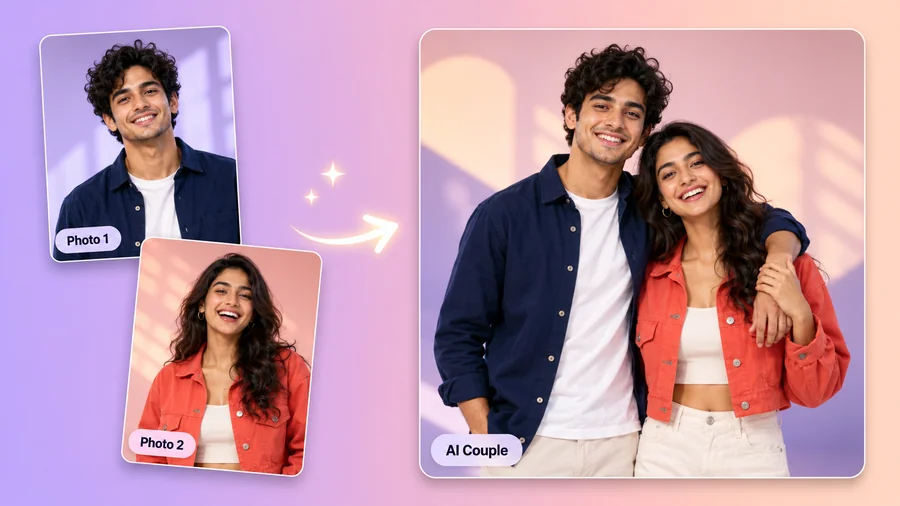 AI Couple Photo MakerTry AI photo editing for couples: upload one photo of each of you, pick a style, pose, and scene, and the AI couple photo maker creates a romantic duo picture.
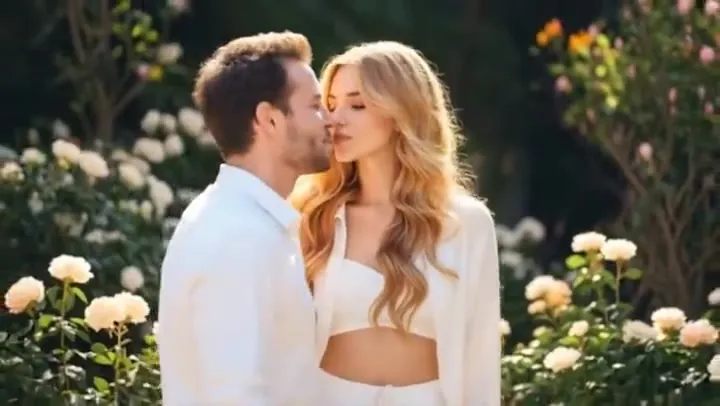 AI Kissing Video GeneratorCreate a romantic AI kiss from photos of two consenting adults. This AI kissing video generator animates a gentle, cheek, or French kiss in the style you choose.
 AI Hug Video GeneratorMake an AI hug video from one or two photos. This AI hug generator turns friends, couples, and family into a warm, moving virtual hugging clip you can share.
Outfits, photoshoot ideas, card messages, prompts, and DIY projects for the season.
Copy-ready prompts for Christmas portraits, family photos, pets, and cards, each with an example.
Get the promptsWhat to write in Christmas cards for family, friends, coworkers, and clients, ready to copy.
Read the guideShort, heartfelt, funny, and religious Thanksgiving messages to copy into any card.
Read the guideParty looks, ugly sweaters, matching family outfits, and dressy holiday styles.
Read the guideCasual, dressy, couple, family, and Friendsgiving outfits for every kind of dinner.
Read the guideFamily, couple, table, and pumpkin-patch photo ideas, plus tips for better holiday shots.
Read the guideEasy, cute, and more advanced things to draw for Christmas, for kids and adults.
Read the guideWatercolor, acrylic, oil, window, and rock painting ideas for the holidays.
Read the guideHandmade photo frame projects, plus how to add a Christmas frame to a photo online.
Read the guideFrom holiday cards to party invitations and profile pictures.
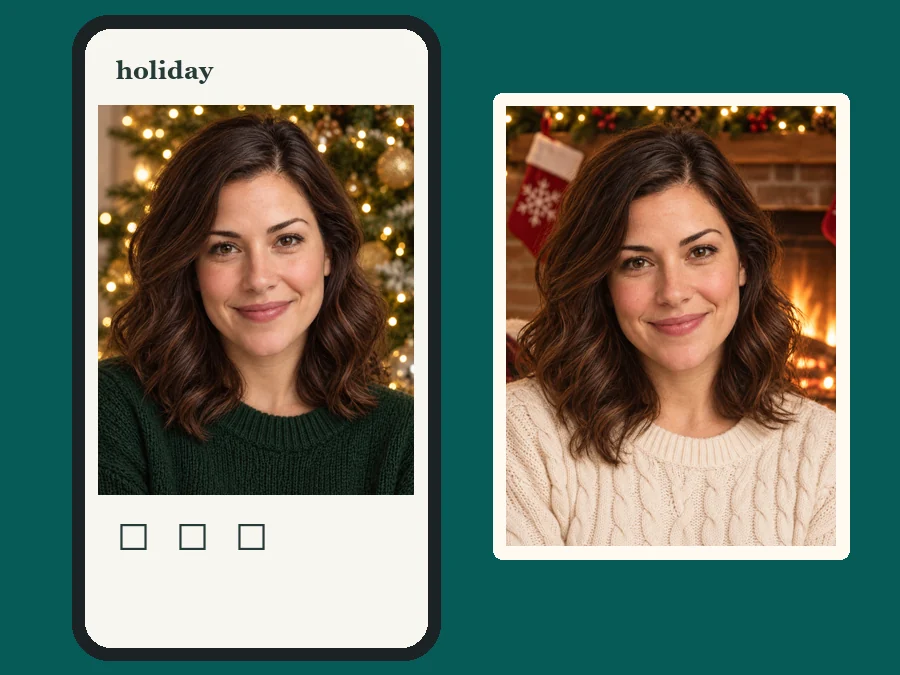
Turn one family photo into an AI holiday card for Christmas, New Year, Easter, or Lunar New Year.
Send a 4th of July evite, a Friendsgiving invite, or free holiday party invitations by message or email.
Swap your profile photo for each holiday: Santa hat in December, red lanterns in February, fireworks in July.
Print a snow globe portrait, a fireside family photo, or a Valentine’s couple shot as a frame or ornament.
Good source photos make every holiday look natural.
Sharp, front-facing faces let the AI keep everyone recognizable, even in costumes and face paint.
For family and Friendsgiving photos, stand close together so the scene can wrap around everyone.
For invitations, let the layout leave space and type the names, date, and address yourself so every detail is exact.
Diwali, Hanukkah, St. Patrick’s Day, birthdays: describe the scene, colors, and props in Custom.
Answers to common questions about AI holiday photos, cards, and invitations.
AI holiday photos are festive versions of your own pictures. The AI keeps the people and pets from your photo and adds the holiday: a scene, an outfit, props, lighting, or a card layout, from Christmas trees to Fourth of July fireworks.
Christmas, Halloween, Thanksgiving, New Year, Valentine’s Day, Easter, Lunar New Year, and the Fourth of July each have their own tab with 7 to 9 looks. For Diwali, Hanukkah, St. Patrick’s Day, Mother’s Day, or any other celebration, describe the scene in Custom.
Yes. Every holiday tab includes a card layout, such as Christmas Card, New Year Card, Easter Card, or Lucky Red Card. Download it and print it or send it digitally. For a fully custom Christmas card with your own wording, use the AI Christmas card generator.
You can try them free: new accounts get free credits when you sign up, which is enough to make a free 4th of July invitation and test the look. Pick Blank Invitation for a design with an empty area for details, BBQ Invitation for a cookout, or Party Evite for a phone-sized invite.
Yes. Download the Party Evite or any invitation as an image and send it by text, email, or group chat. Add the time and address in your message, or type them onto the empty lines with any photo editor.
Holiday invitations are free to try with the credits you get when you sign up. The 4th of July tab has three invitation layouts, and for Thanksgiving there is a dedicated AI Thanksgiving invitation maker that writes your own party details into the design.
Yes. The generator keeps facial features, skin tone, expression, and hairstyle and changes only the scene, outfit, props, and light. Sharp, front-facing photos give the most faithful results.
Yes. Group photos, couples, and pets all work. Make sure every face is visible. Only upload photos of children if you are their parent or guardian or have permission.
No. Any season works. A summer selfie can become a Christmas portrait, and a winter photo can become a Fourth of July fireworks shot.
Only upload photos you own or have permission to edit, and get consent from the people in group shots. Do not use AI holiday photos to impersonate someone or to present them as real photos of events that did not happen.
Upload one photo, pick a holiday, and get festive portraits, cards, and invitations for the whole year.
AI holiday photos are generated images, not real photographs. Upload only photos you have the right to use, with the consent of everyone shown.