Family Holiday Card
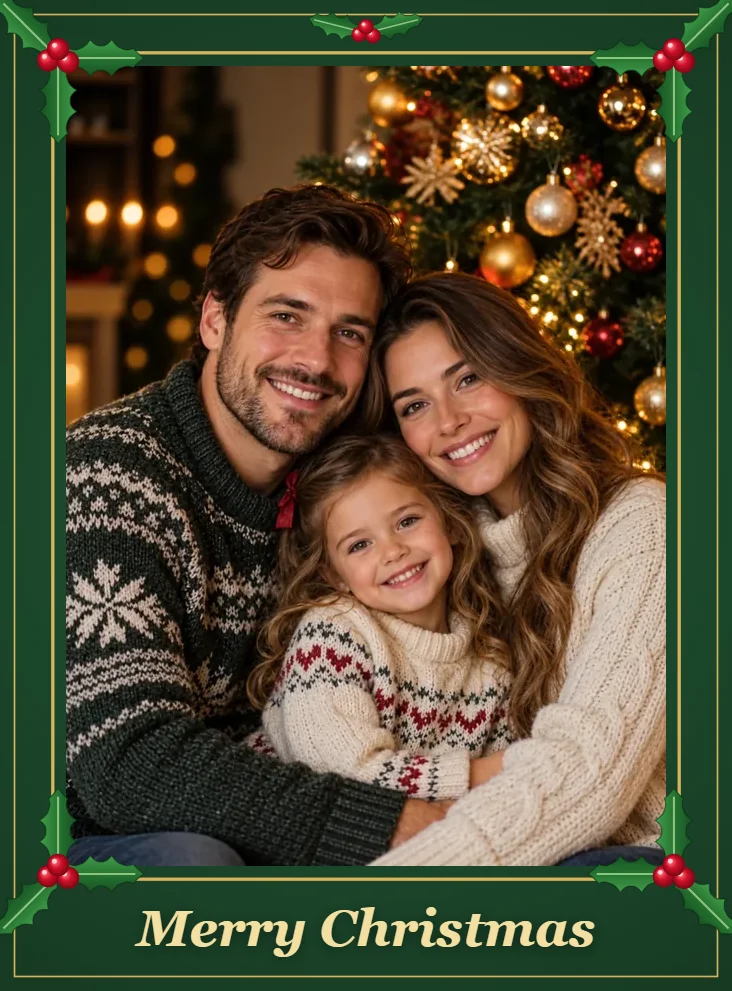
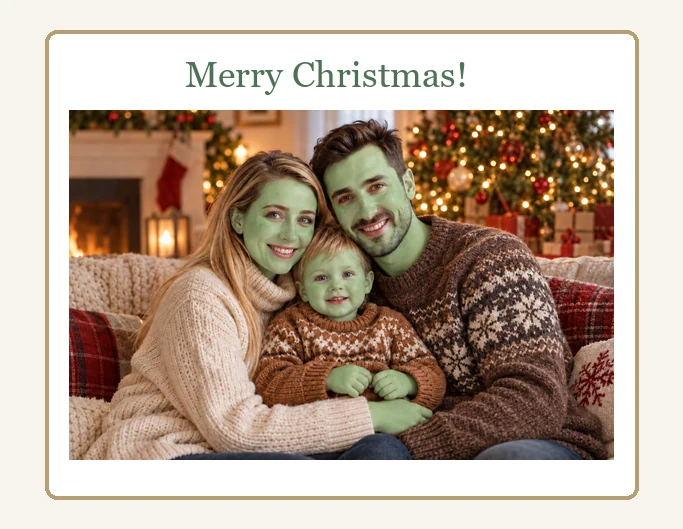
Put the whole family in green fuzzy style on a Christmas card that gets a laugh.
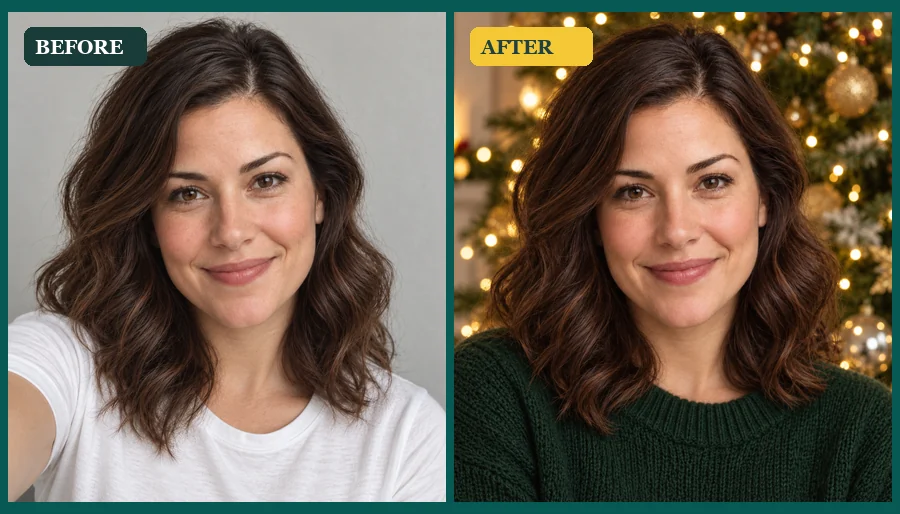
Upload a selfie, family photo, or pet picture and get a Grinch-style holiday portrait: green fuzzy fur, a sly grin, and a glowing Christmas scene, while your hair, outfit, and pose stay yours.
Look: Realistic Green · Photo Type: Selfie · Holiday Scene: Christmas Tree Glow
Your photo stays in this browser during this UI preview.
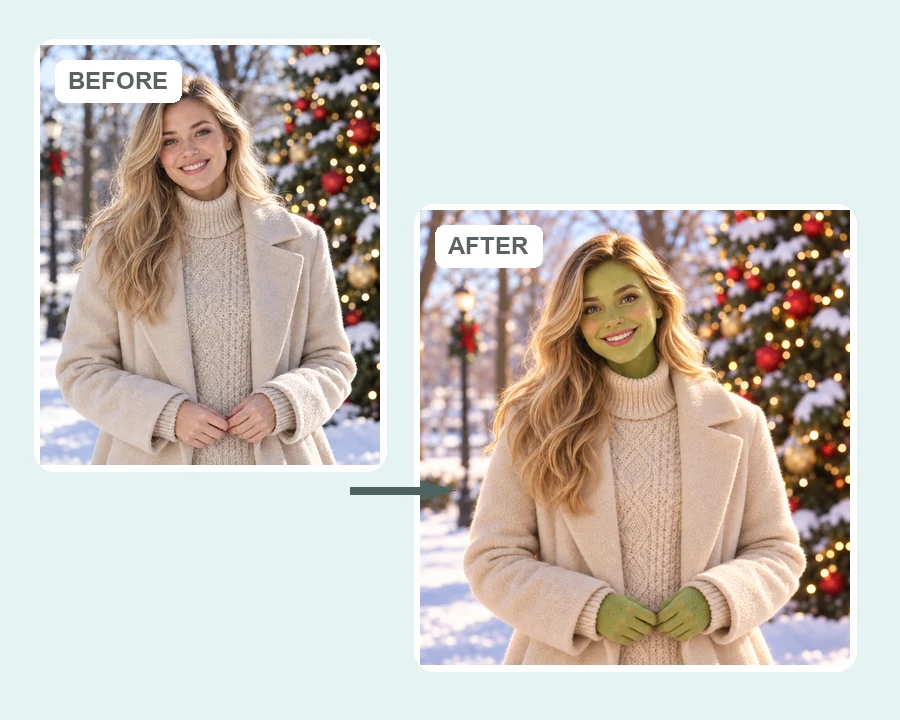
Reference example. It is not a result generated from your upload.
An AI Grinch filter is a holiday photo effect that gives you a Grinch-style makeover: green fuzzy skin, arched eyebrows, a sly grin, and a cozy Christmas backdrop. Unlike a flat sticker, the AI repaints your face and hands in the green style while keeping your hairstyle, clothes, pose, and expression, so the result still looks like you.
Use it as an AI Grinch generator for selfies, baby photos, family pictures, and pets, in a realistic, cartoon 3D, vintage, or pencil sketch look. EzImgMaker is an independent tool: the effect is inspired by the classic grumpy holiday character and is not an official or licensed product.
A few ways people use their green holiday portraits once the season starts.
Put the whole family in green fuzzy style on a Christmas card that gets a laugh.
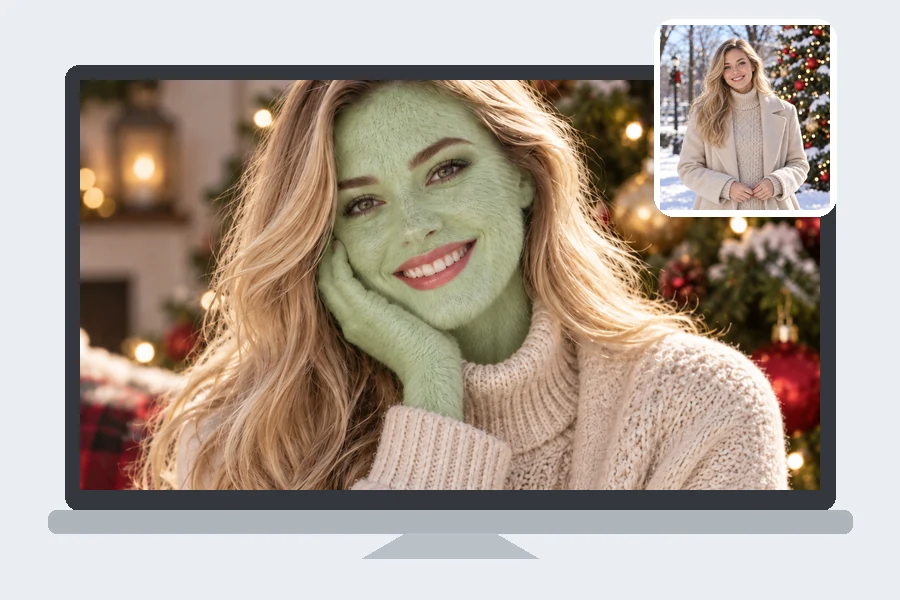
Turn a portrait into a festive phone or desktop wallpaper with tree lights behind you.
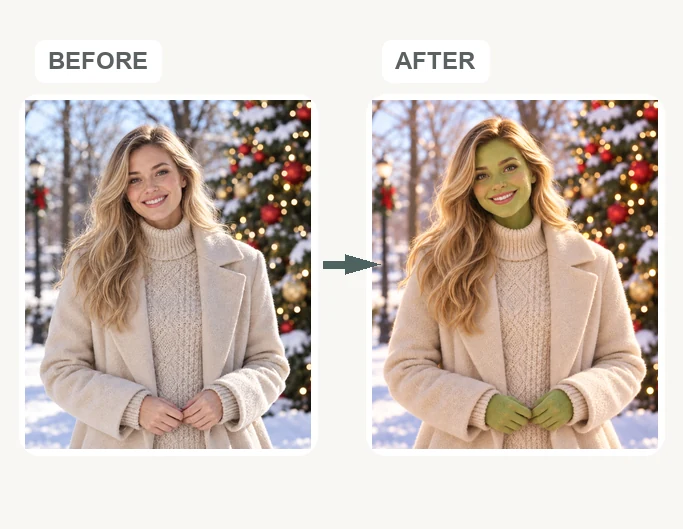
Planning green face paint for an ugly sweater party? Preview the look on your own face first.
No green face paint, no editing skills, just one photo.
Choose a selfie, baby picture, family photo, or pet photo with faces clearly visible. JPG, PNG, and WebP files up to 10 MB are supported.
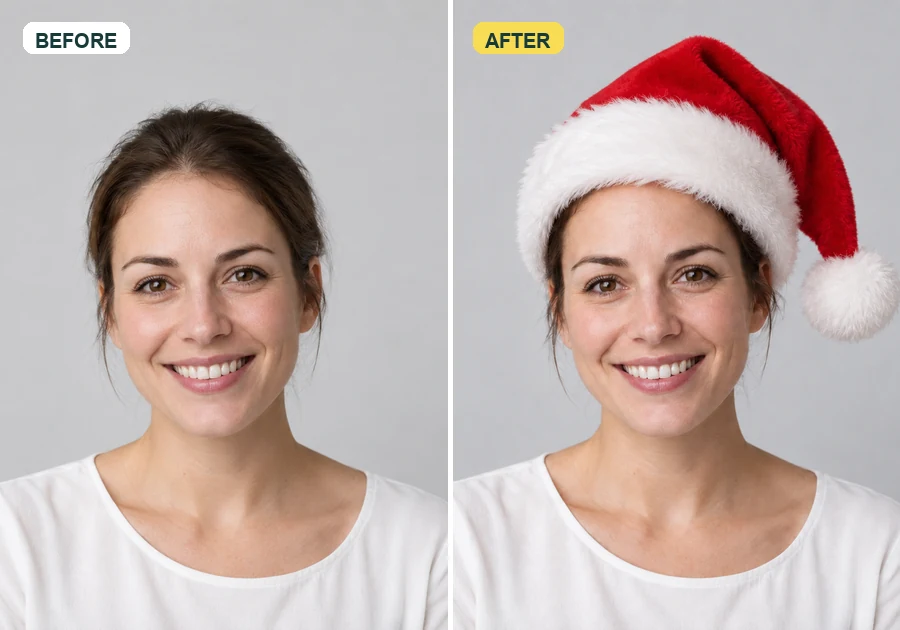
Pick a Look, tell the AI the Photo Type, and choose a Holiday Scene or keep your original background. Add a Santa hat or an ugly sweater in the note.
Preview your Grinch-style photo, then save it for cards, profile pictures, and holiday posts.
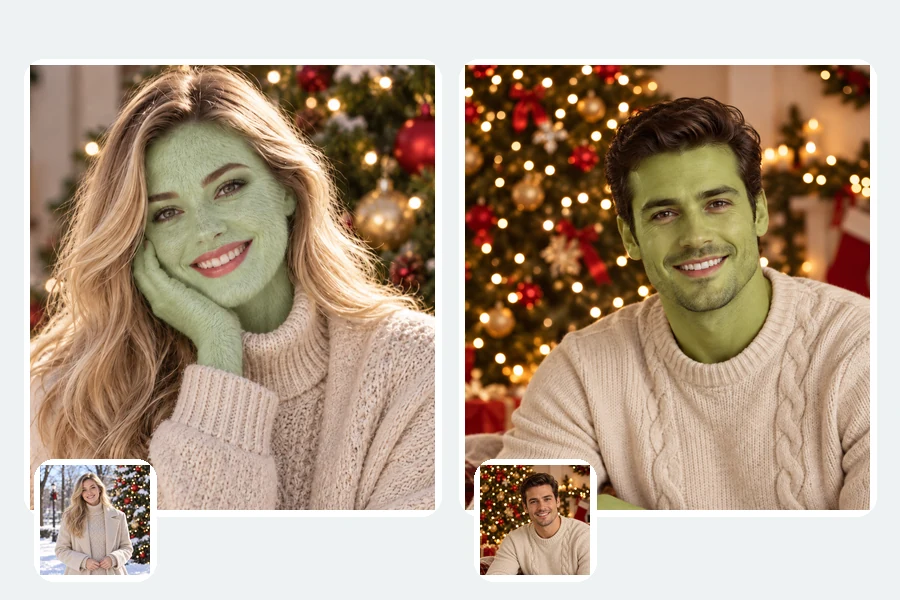
The green style is painted onto your real features. Hair color, clothes, pose, and expression carry over, so friends recognize you instantly, just greener, fuzzier, and a little more mischievous. It works on close-up selfies and full-body photos alike.
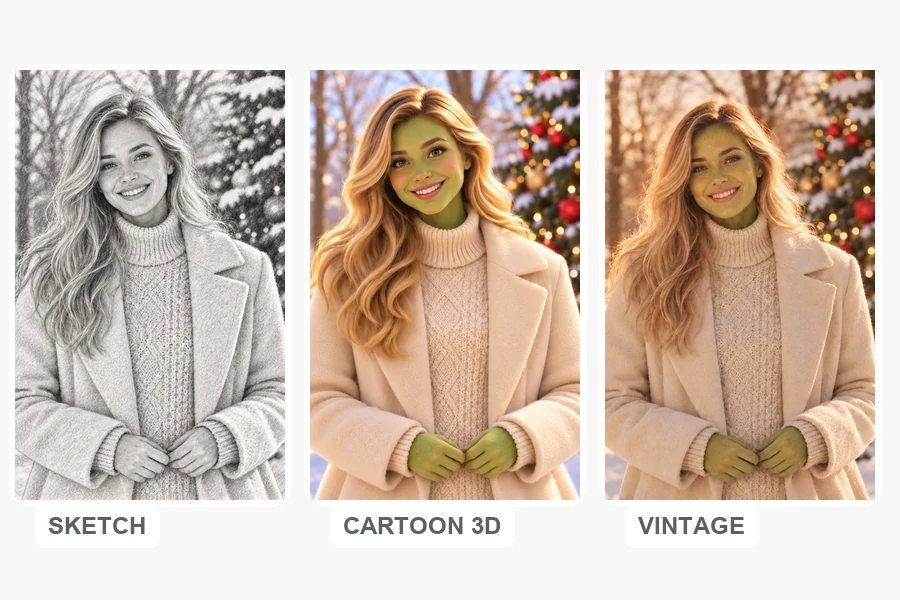
Choose how your green holiday portrait is rendered: lifelike fur, a soft cartoon 3D finish, a warm vintage film tone, or a black-and-white pencil sketch. Each look keeps the same face, so you can compare them side by side.
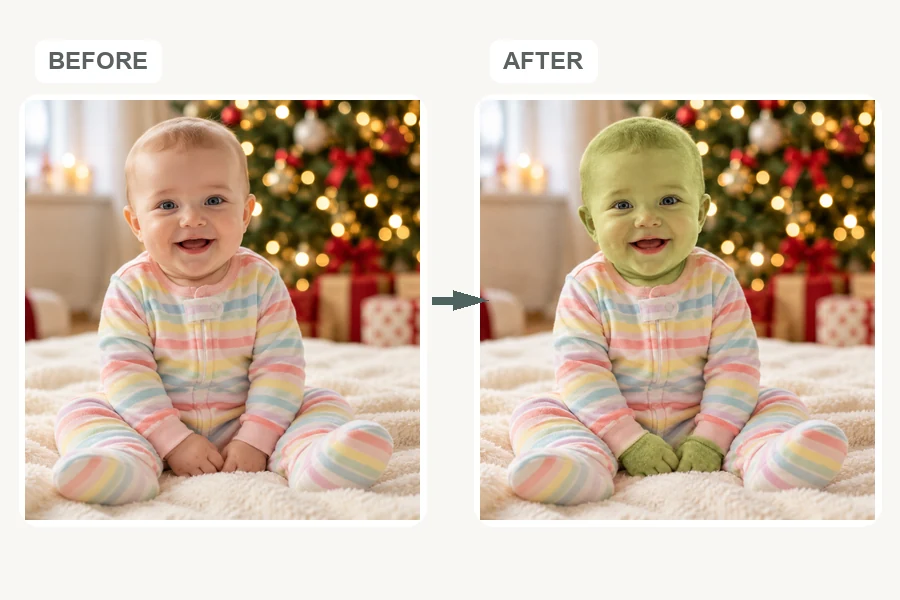
Choose Baby and the filter softens everything: fluffy green fur, big bright eyes, and the same pajamas and pose from the original photo. It is a sweet, funny keepsake for the first Christmas album.
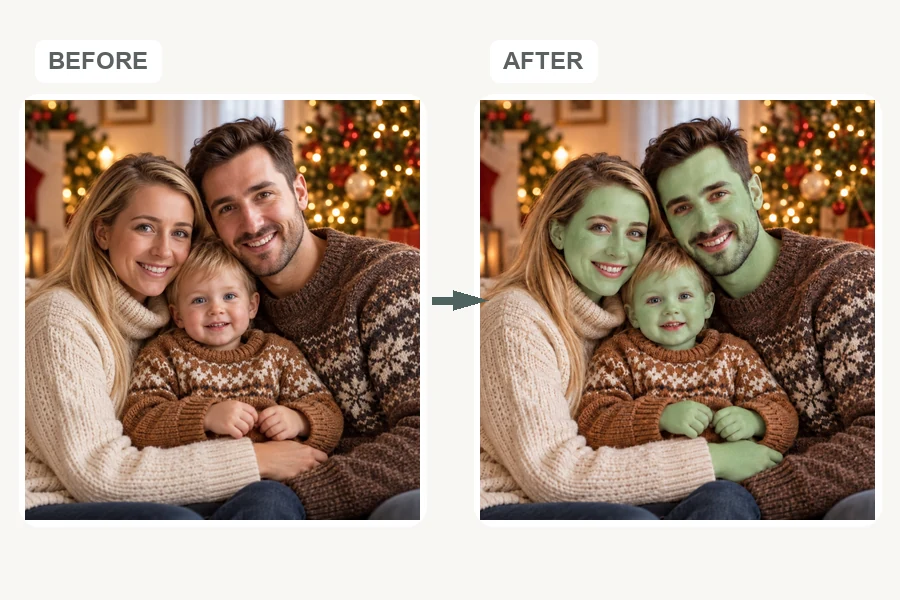
Upload a family or group photo and every face gets the same green treatment, with everyone kept in place. Dogs and cats work too, with green fur and a festive snowy scene.
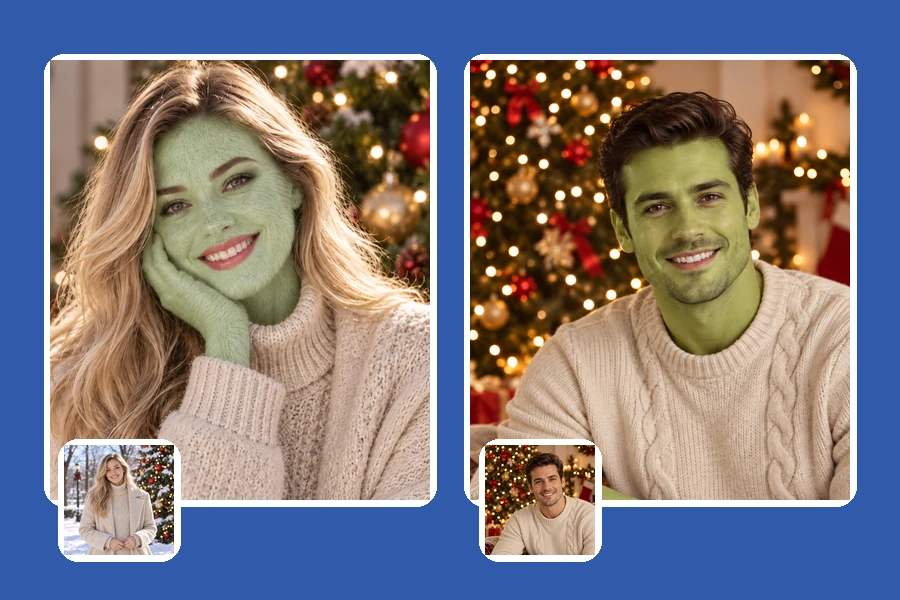
Swap your avatar for a green holiday version for December, then switch back in January.
Add a funny green family portrait or baby photo to cards and the holiday album.
Reply to "who is ready for Christmas?" with a grumpy green selfie of yourself.
Put a green portrait of the host on the invite, or preview face paint before the party.
A clear photo keeps your features recognizable under the green fur.
Front-facing or slightly angled photos with no sunglasses or hands over the face work best.
Soft light keeps hair color and clothing true while the skin turns green.
Mention a Santa hat, an ugly sweater, or a mug of cocoa in the note for extra festive detail.
Photos with one to five visible faces give the cleanest family and group results.
Common ways families, creators, and party hosts use Grinch-style edits.
Illustrative examples adapted from reference material, not verified reviews of EzImgMaker.
I used it on our family photo for the Christmas card. Everyone was green and grumpy-looking, but you could still tell who was who.
The baby version was adorable rather than creepy. Same pajamas, same smile, just fluffy and green.
I made a green selfie for my December profile picture and tried the sketch look for a printed ornament.
Our office used it for the ugly sweater party invite. The host’s green portrait got the whole team to RSVP.
Looks, photo types, and what this unofficial filter is.
An AI Grinch filter is a holiday photo effect that restyles a person or pet with green fuzzy skin, arched brows, a sly grin, and a Christmas backdrop, inspired by the classic grumpy holiday character. This AI Grinch generator keeps your hair, clothes, and pose so the result still looks like you.
Every December people share before-and-after posts of themselves, their kids, or their pets in green holiday style. The Grinch AI trend is that seasonal craze; this filter lets you make your own version from one photo, in a realistic, cartoon 3D, vintage, or sketch look.
Upload a clear photo, pick a Look, choose the Photo Type (Selfie, Baby, Family, or Pet), select a Holiday Scene, and generate. Add festive details such as a Santa hat in the note if you like.
Yes. The filter changes skin color and texture and adds the green style, but keeps your face shape, hairstyle, clothes, and expression. Clear, well-lit photos give the most recognizable results.
Yes. Choose Baby for a soft, cute version, Family for group photos where everyone stays in place, or Pet for dogs and cats with green fur.
Realistic Green, Fuzzy Fur, Cartoon 3D, Vintage Film, and Pencil Sketch. Pair any look with a Holiday Scene such as Christmas Tree Glow, Snowy Village, Cozy Fireplace, or Mountain Cave, or keep your original background.
No. EzImgMaker is an independent AI photo tool and is not affiliated with, endorsed by, or sponsored by Dr. Seuss Enterprises or the makers of any Grinch book or film. "Grinch" is used only to describe the style, and we do not use official artwork or logos.
No. The filter runs online in your browser on phone or desktop, so there is nothing to install.
Keep them for personal use such as cards, profile pictures, and group chats. Because the style is inspired by a trademarked character, do not sell the images or use them on merchandise or in ways that suggest an official connection.
Only upload photos you own or have permission to edit. For photos of children, get a parent's or guardian's permission first, and never use an edit to embarrass or mislead anyone.
Upload a selfie, family, or pet photo and turn it into a green Grinch-style holiday portrait.
Grinch-style results are fan-inspired creative edits. EzImgMaker is not affiliated with, endorsed by, or sponsored by Dr. Seuss Enterprises, L.P., or the makers of any Grinch book or film. "The Grinch" and related names are trademarks of their respective owners.