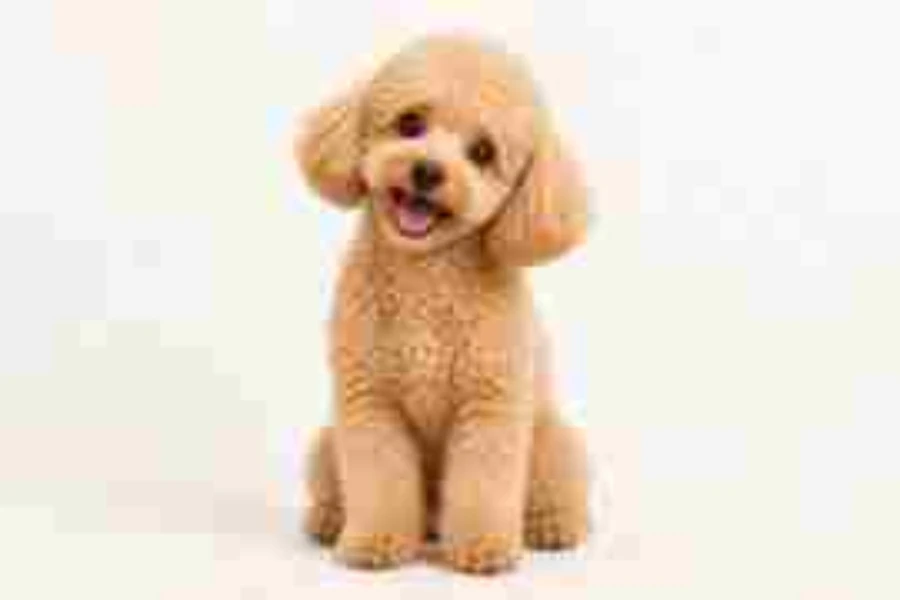
Low Quality
Soft, blocky, and slightly smeared: the classic low quality pic that has been shared too many times.
Make any photo look gloriously bad: crunchy JPEG blocks, blur, grain, pixels, or a full deep-fried meme. Pick a preset, tweak the sliders, and download.
One-click looks
Fine-tune
Runs in your browser. Your photo is never uploaded.

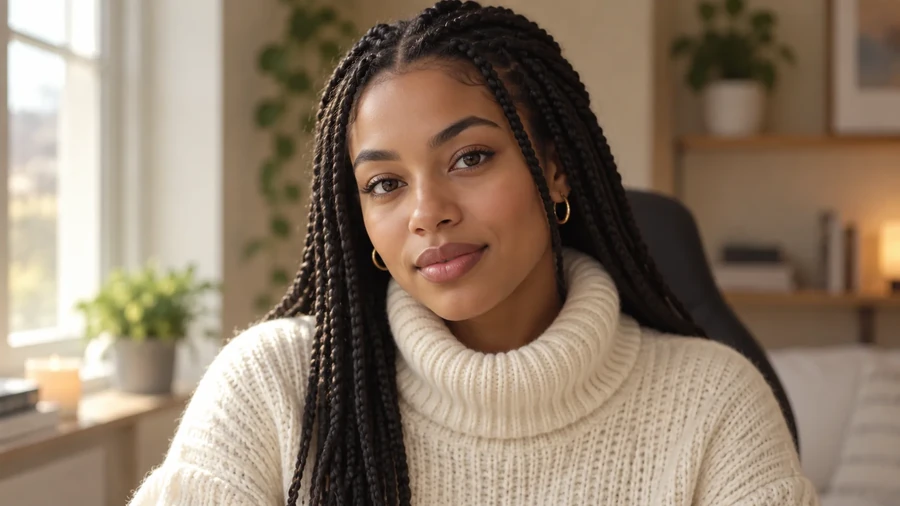
Reference example. It is not a result generated from your upload.
A low quality image maker does the opposite of an enhancer: it makes a picture look worse on purpose. People use it to make reaction memes, "deep-fried" jokes, early-internet and flip-phone aesthetics, or a placeholder that should not look finished.
This tool lowers image quality the way it happens in real life. The photo is shrunk, re-saved as a heavily compressed JPEG several times, and enlarged again, with optional grain, pixelation, and color punch. It runs in your browser, so nothing is uploaded, and what you see in the preview is what you download.
The same photo through each one-click look. All six are real outputs of this tool.
Soft, blocky, and slightly smeared: the classic low quality pic that has been shared too many times.
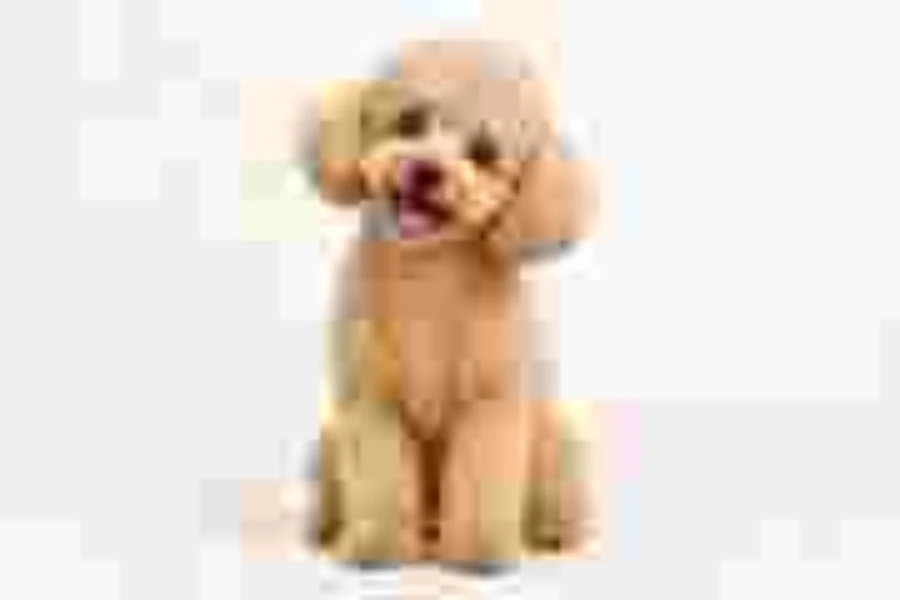
The lowest quality picture you can still almost recognize, with giant compression blocks.
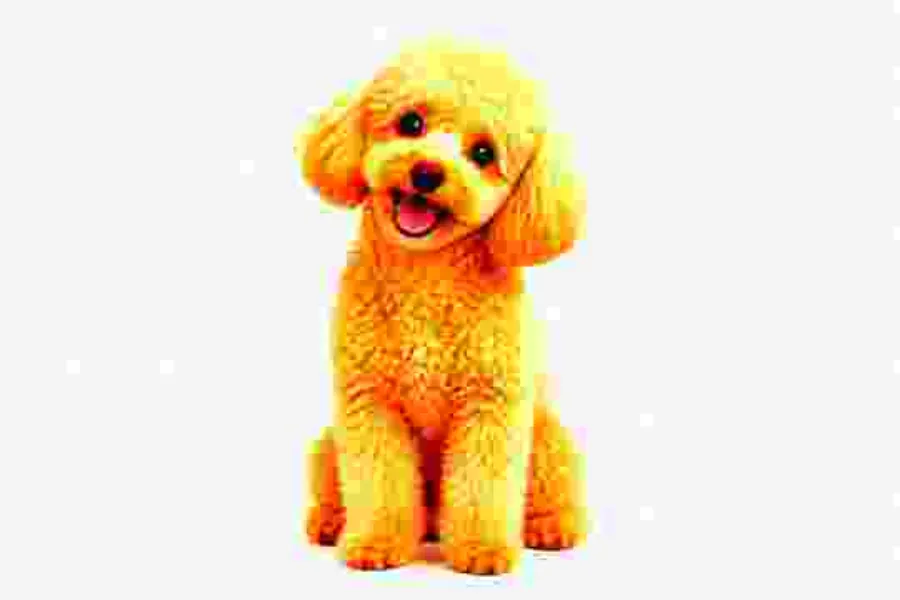
Blown-out saturation, harsh contrast, grain, and six rounds of JPEG crunch for meme-ready chaos.
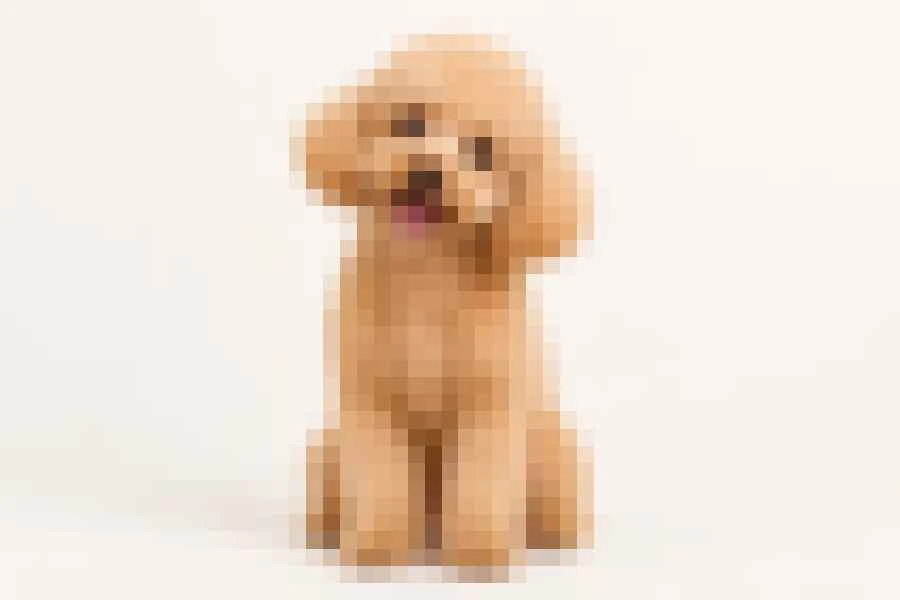
Big square pixels like a low-resolution thumbnail blown up to full size.
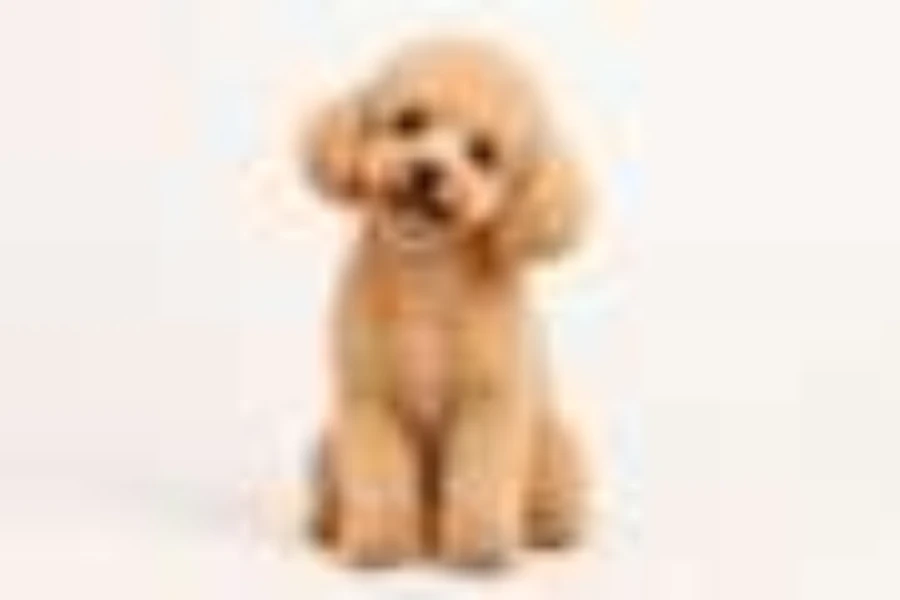
A tiny copy stretched back up, for that out-of-focus, bad quality photo feel.
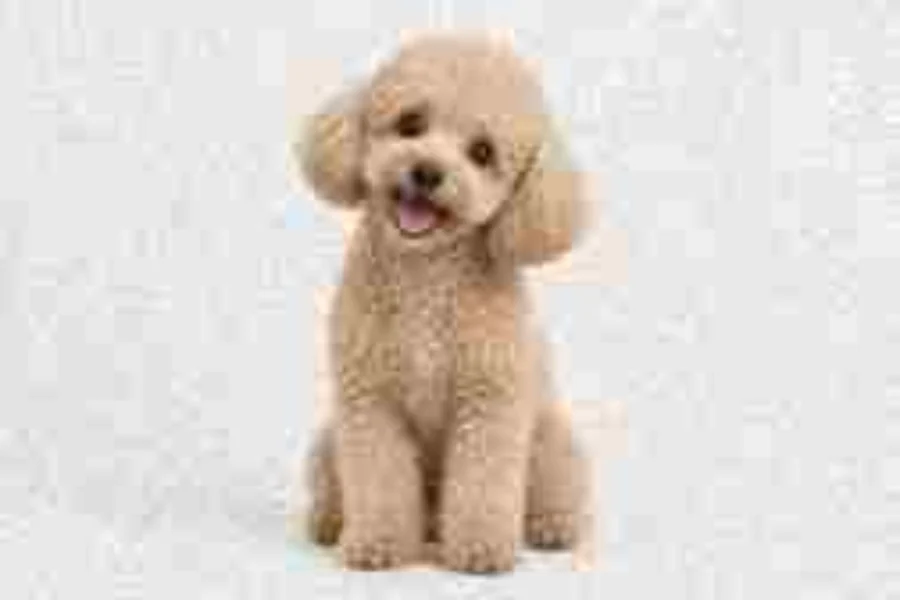
Grainy, washed-out color and compression artifacts, like a camera phone from the 2000s.
How to make an image lower quality in three steps, without any software.
Choose a JPG, PNG, or WebP picture up to 20 MB. It opens locally in your browser and is never sent anywhere.
Click Low Quality, Super Low Quality, Deep Fried, Pixelated, Blurry, or Old Phone, then fine-tune resolution, JPEG quality, compression passes, grain, and color, from a slightly bad quality picture to total chaos.
Save it as JPG, PNG, or WebP at the original pixel size, ready to post, send, or use in a meme.
Low quality images get that way by being shrunk and re-compressed again and again. This low quality image converter does exactly that, so the blocks, smears, and color banding look authentic instead of like a texture pasted on top.
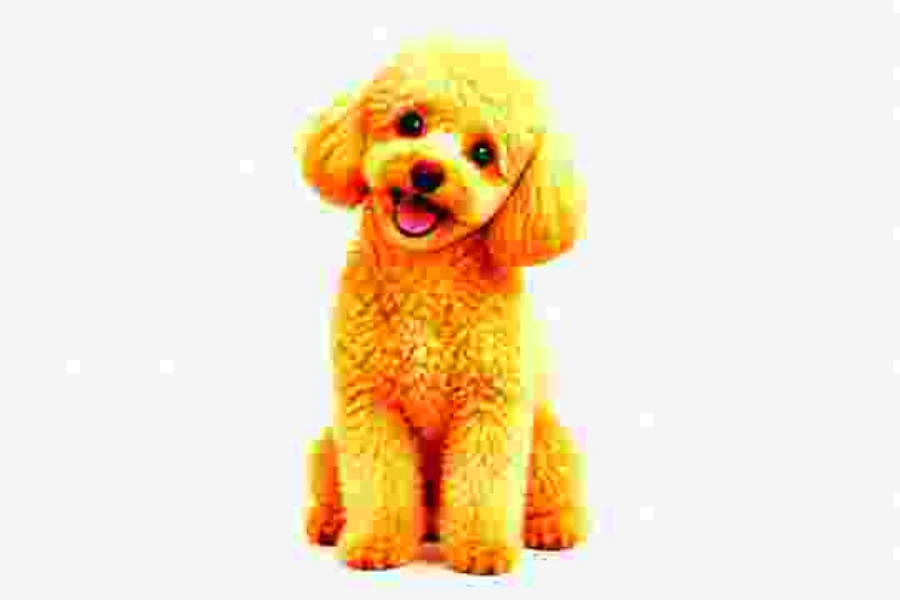
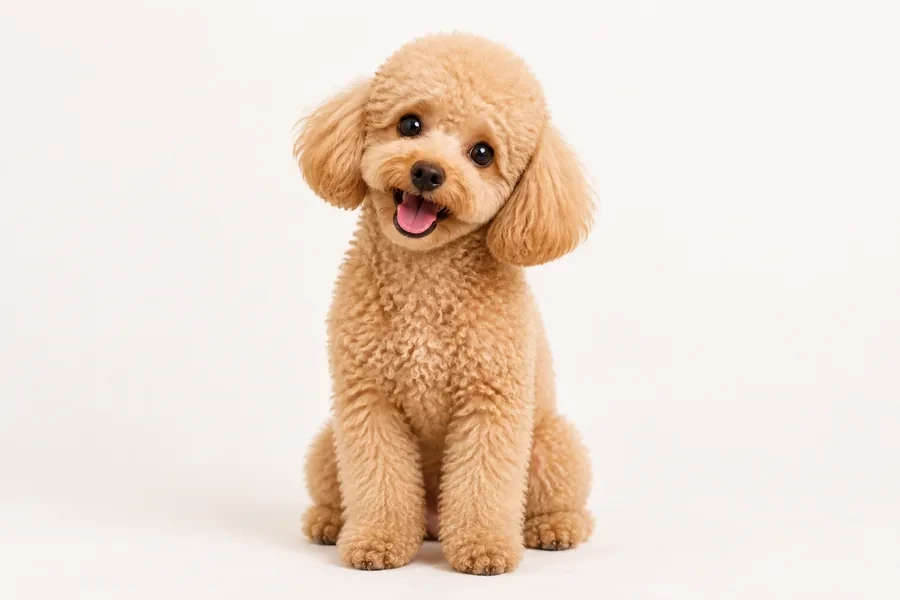
Crank saturation and contrast, add grain, and compress the picture six times over. Deep Fried turns any photo into the oversaturated, crunchy look meme pages love.
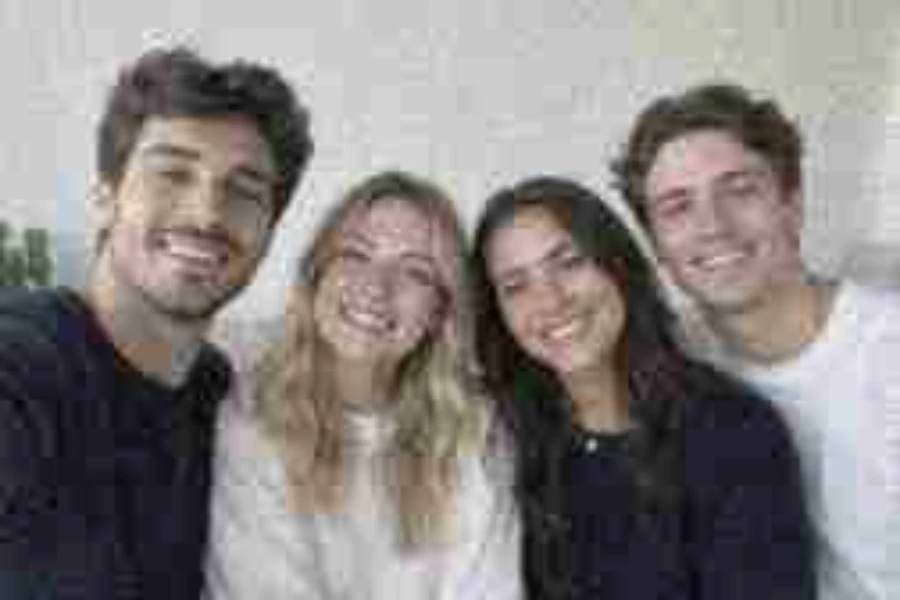
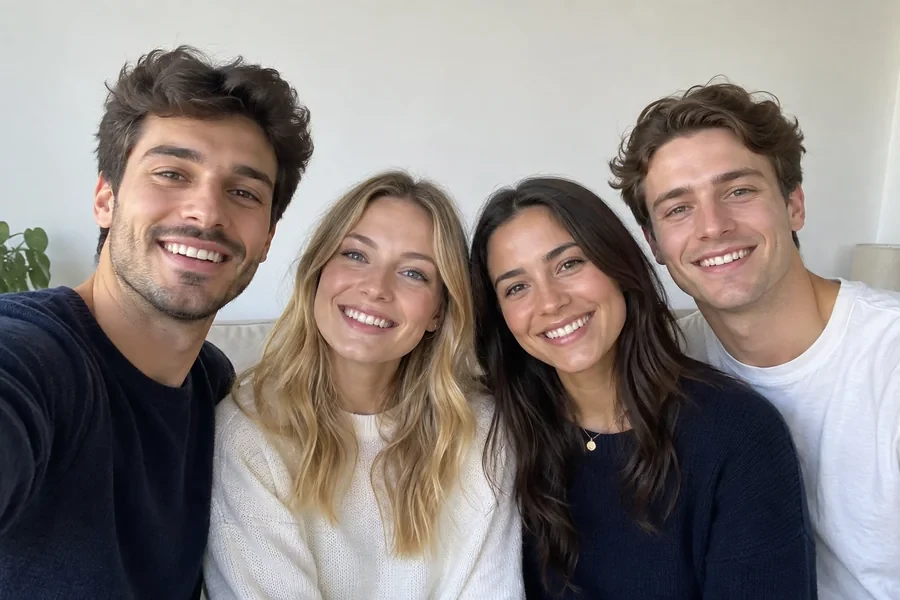
Faded color, grain, and low resolution turn a sharp shot into a lower quality photo straight out of a flip phone or early digital camera, a lo-fi style that stands out in polished feeds.
Every effect is computed at the same working size for the preview and the download, then scaled to your original dimensions, so the file you save is just as bad as the one you saw. It is free, needs no sign-up, and your photo never leaves the device.
Surprisingly useful reasons to make a picture look worse.
Low quality pics read as instantly funny. Make a reaction image look like it has been screenshotted a hundred times.
Recreate early-internet, flip-phone, and webcam vibes for posts, album art, or zines.
Use a deliberately bad quality image in drafts so nobody mistakes it for the final asset.
Check how your layout, upload flow, or image recognition handles blurry, blocky, low quality images.
How to control exactly how bad your low quality pictures look.
More compression passes stack artifacts. Two passes look tired; six look fried.
Lower resolution means a smaller copy is stretched back up, so the picture gets softer and blockier.
Push saturation and contrast for deep-fried memes; pull saturation down for an old phone look.
JPG export adds one more round of compression. Choose PNG to keep the result exactly as previewed.
How people use a low quality image maker.
Illustrative examples adapted from reference material, not verified reviews of EzImgMaker.
Deep Fried on my cat photo got more reactions in the group chat than anything I have ever posted.
I design album covers with an early-2000s vibe. Old Phone plus a little extra grain is exactly the camera-phone look I wanted.
We needed blurry and blocky test images to check our upload validation. Low Quality and Blurry gave us a whole test set from a few clean photos.
Placeholder images in my slide drafts used to get approved by accident. Now they look obviously low quality until the real photos arrive.
Questions about making pictures look worse on purpose.
Upload it, click a preset such as Low Quality or Super Low Quality, and download. Behind the scenes the image is shrunk, compressed as a low-quality JPEG several times, and enlarged again, which is how real low quality images are created.
Yes. Deep Fried, Super Low Quality, and Old Phone are made for memes. Add more grain or compression passes until the picture bad quality look is just right.
A deep-fried image has been oversaturated, over-sharpened in contrast, and re-compressed many times, leaving glowing colors and crunchy artifacts. It is a popular meme style.
Lower quality usually means a smaller file when you download as JPG, but the goal here is the look, not the size. The picture keeps its original pixel dimensions.
Not with this tool; it only goes one way. Going from low quality to high quality needs an AI upscaler or enhancer, such as Make Image Higher Resolution in the related tools. Keep your original file if you might want it back.
Yes, it is free with no sign-up. Everything runs in your browser on your own device, so there are no credits and no watermark.
No. The photo is processed locally and never leaves your device. Please only use photos you have the right to edit, and do not use degraded images to mislead people.
Saving as JPG adds one more compression step on top of the effect. Choose PNG if you want the file to match the preview exactly.
You can upload JPG, PNG, or WebP images up to 20 MB and download the low quality photo as JPG, PNG, or WebP.
Upload a picture, pick a low quality preset, and download your crunchy, blurry, or deep-fried image.