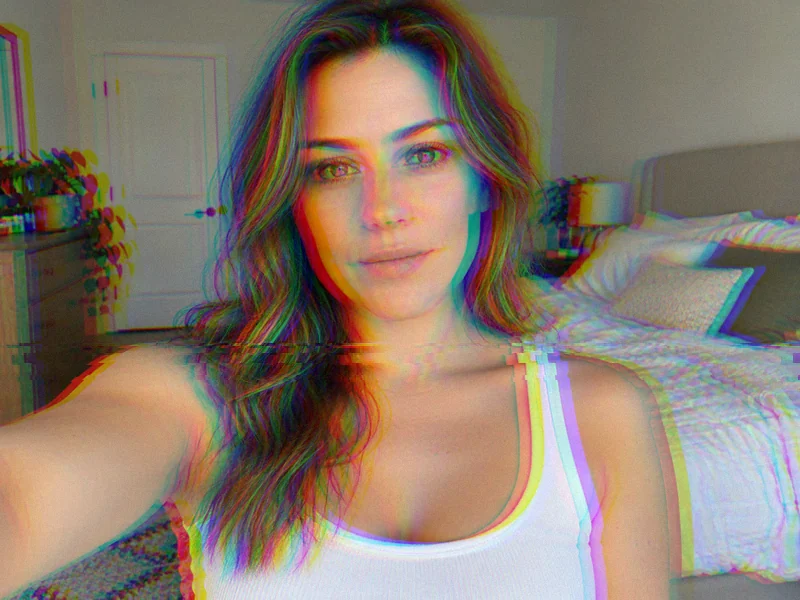
RGB Split
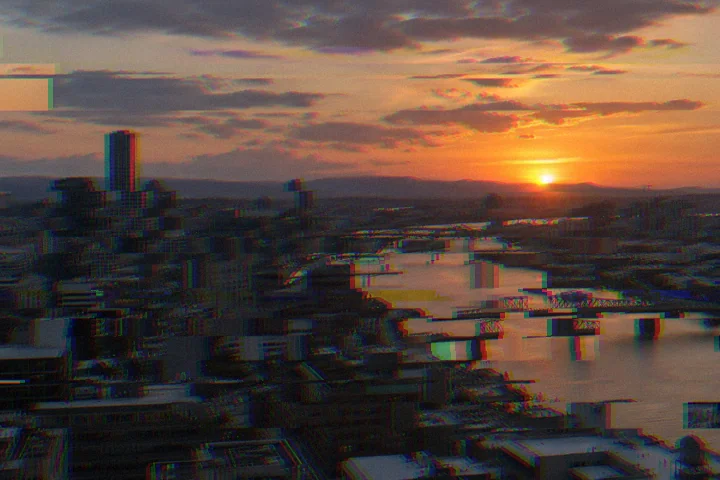
Red and blue channels slide apart for a chromatic, 3D-glasses edge.
Upload a picture and pick a glitch filter: RGB split, VHS tape, digital slices, pixel drift, datamosh blocks, or pink heart glitch. Tune every layer with sliders, shuffle the pattern, and download the glitch photo at full size. Free, and your photo never leaves your browser.
Glitch filters
Fine-tune
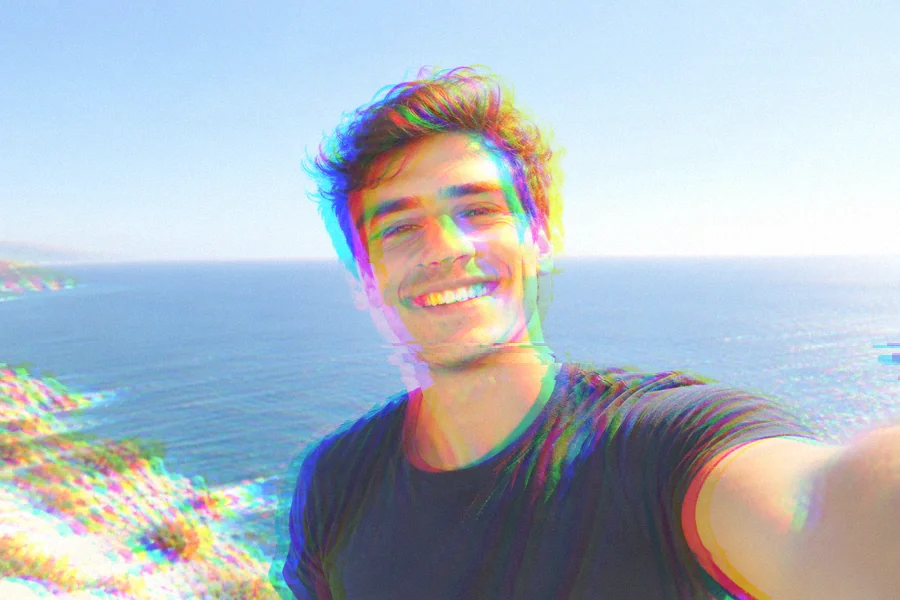
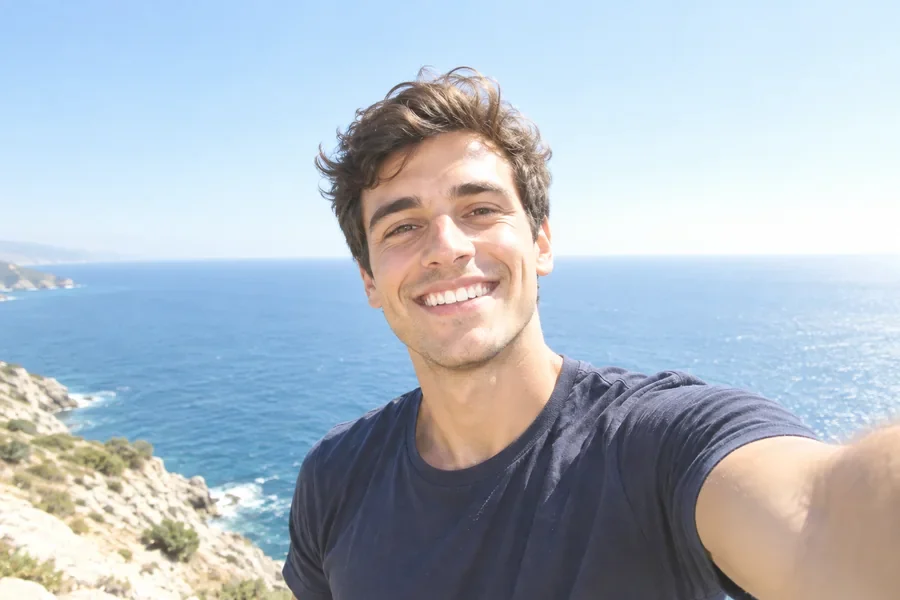
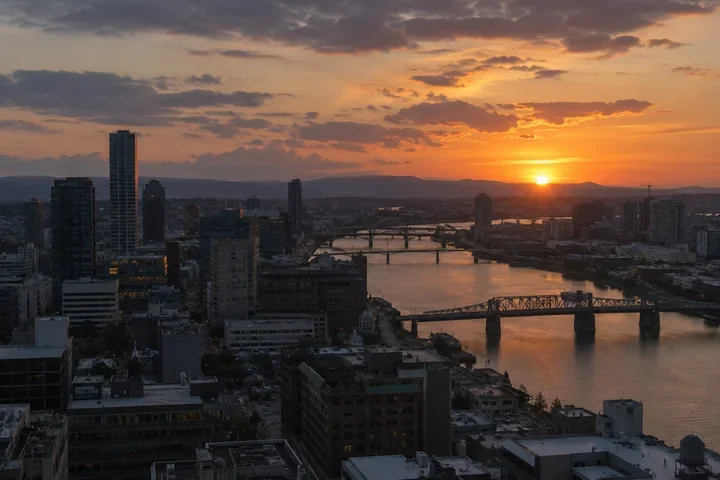
Reference example. It is not a result generated from your upload.
A glitch effect makes a picture look like the file or the signal broke: color channels slip apart, rows of pixels jump sideways, blocks of the image smear, and scanlines and noise creep in. A glitch photo borrows the look of corrupted JPEGs, worn VHS tapes, and flickering screens, and it has become its own style of digital art for album covers, posters, and profile pictures.
This glitch art editor lets you build that look layer by layer, right in your browser. Pick a glitch filter to start, then tune the RGB split, digital slices, pixel drift, datamosh blocks, VHS color shift, noise, and scanlines. Think of it as a glitch effect online studio and an image glitch generator in one: free, with no upload and no sign-up, and every photo glitch effect downloads at the original resolution.
One portrait, eight glitch filters. Every tile is a real output of this glitch effect generator.
Red and blue channels slide apart for a chromatic, 3D-glasses edge.
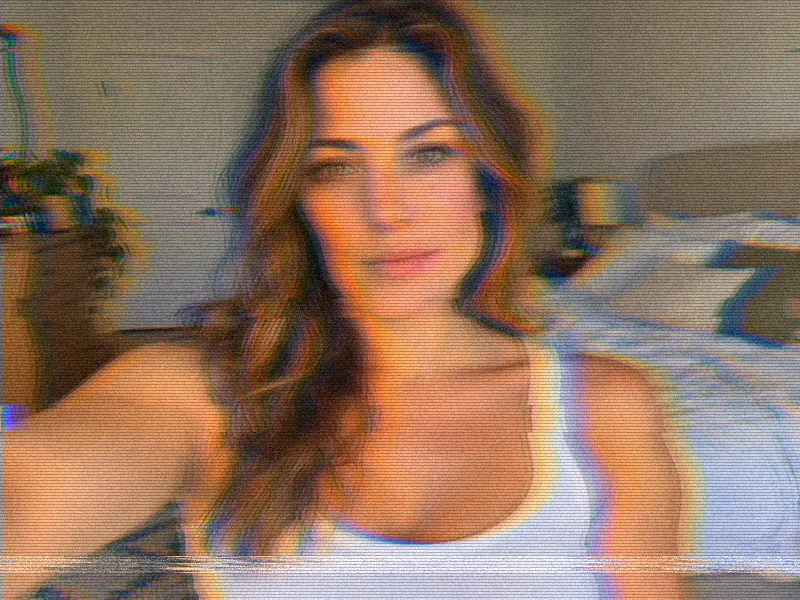
Bleeding color, tape ghosting, scanlines, and a tracking line near the bottom.
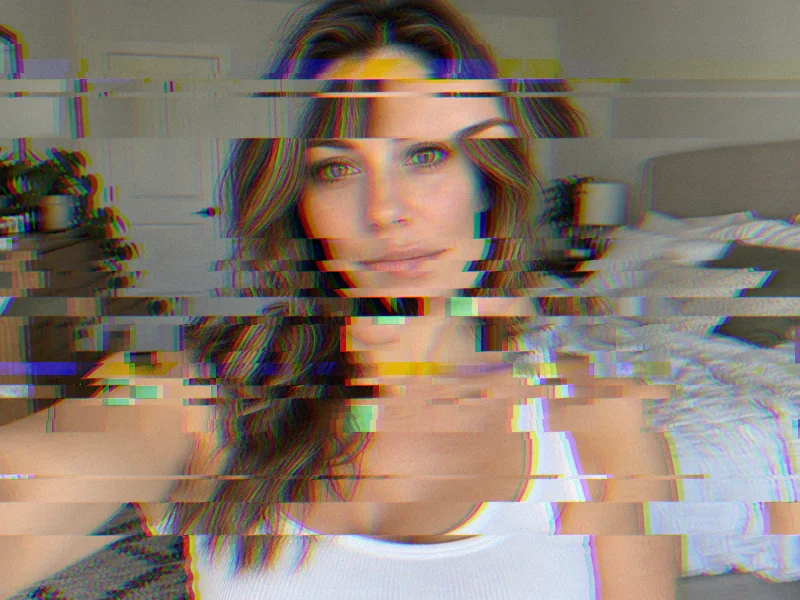
Horizontal bands of the photo jump sideways, some in a single color channel.
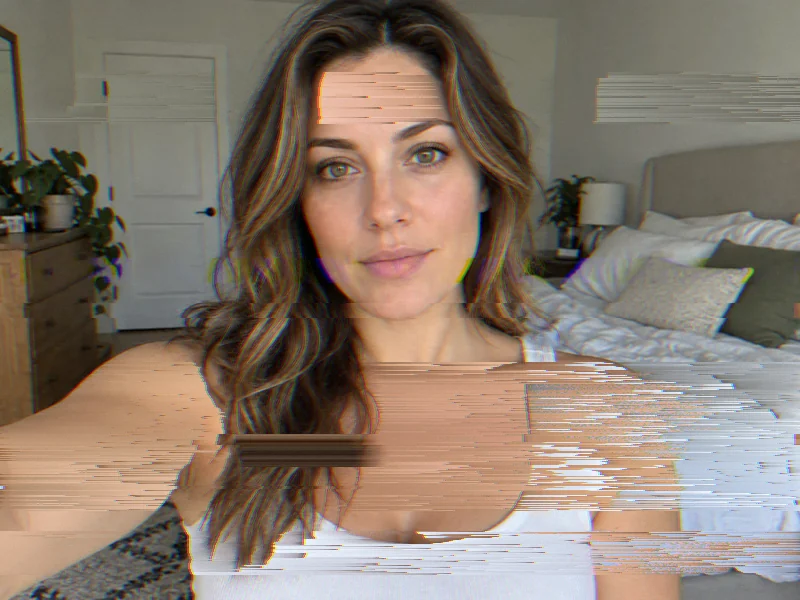
Pixel-sorted streaks and stretched pixels pull parts of the picture sideways.
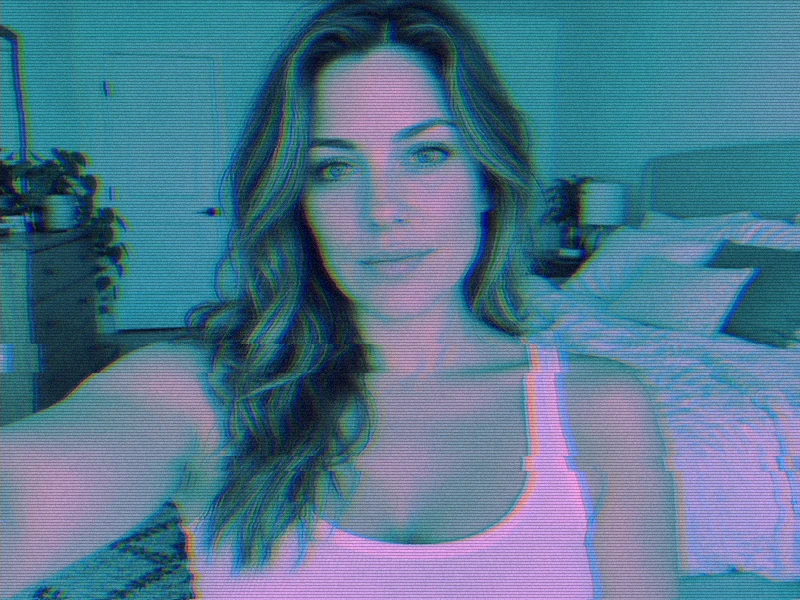
A neon CRT look: cyan and magenta tone, fine scanlines, and light grain.
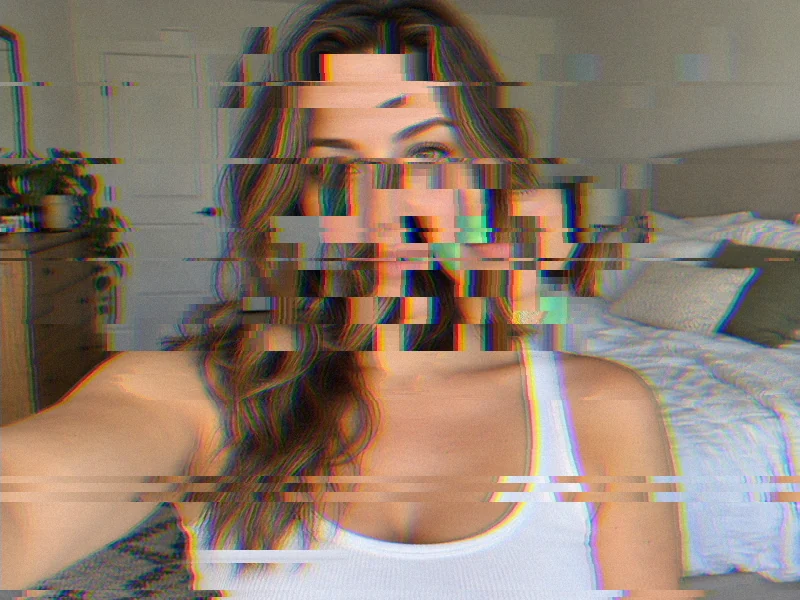
Macro blocks copied, dragged, and quantized like a broken video frame.
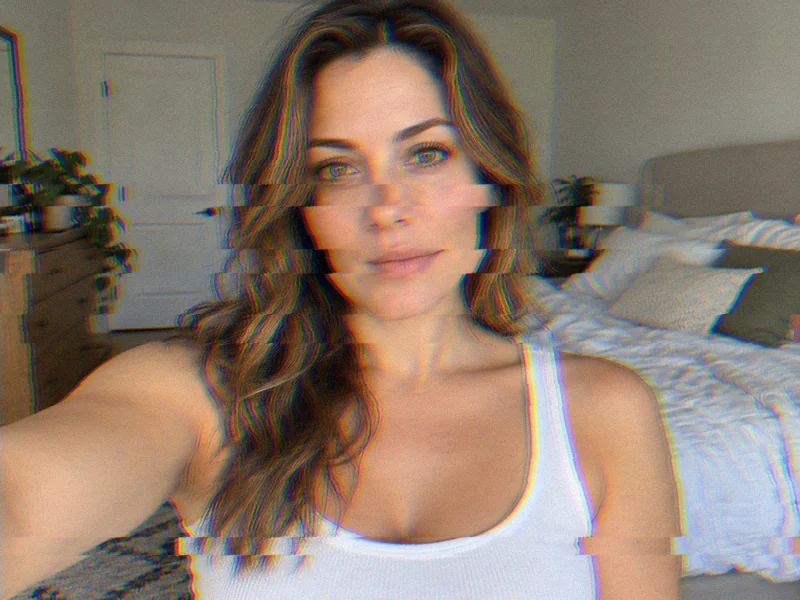
A light touch of split and slices that keeps the photo clean and readable.
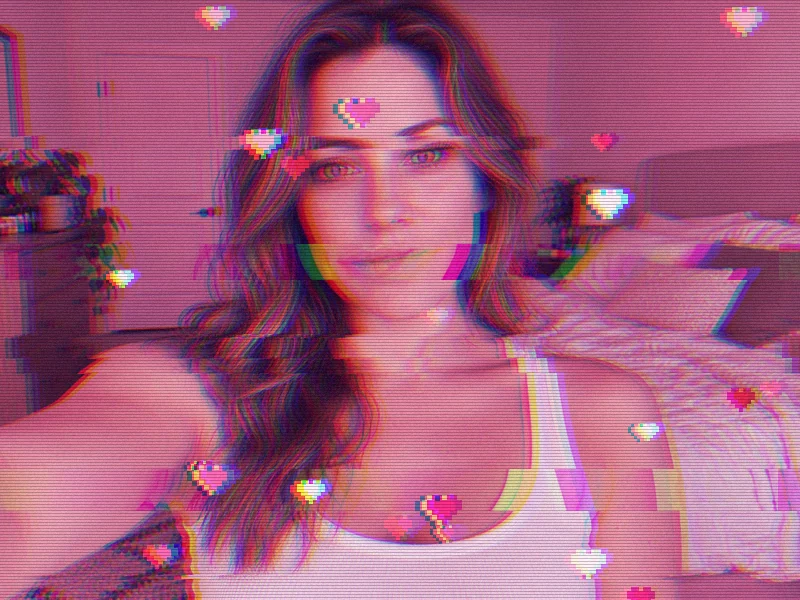
Pink tone, scanlines, and tiny 8-bit pixel hearts for a dreamy aesthetic.
Make a glitch photo online in three steps, on a computer or a phone.
Choose a JPG, PNG, or WebP up to 20 MB. It opens locally in your browser and is never sent to a server.
Start with RGB Split, VHS Tape, Digital Slices, Pixel Drift, Scanlines, Datamosh, Soft Glitch, or Heart Glitch, then fine-tune each layer with the sliders and drag Shuffle pattern for a new layout.
Save it as PNG, JPG, or WebP at full resolution, ready for a post, a cover, or a print.
No editing skills needed: each glitch filter is a finished recipe of split, slices, noise, and tone. Tap RGB Split and a plain selfie turns into a chromatic glitch photo; tap another preset to compare looks before you decide.
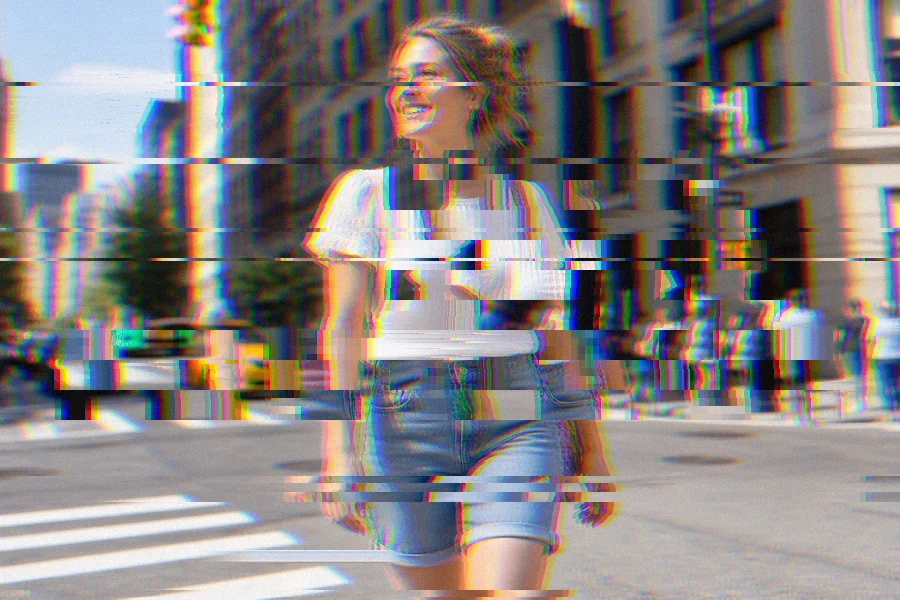
Behind every preset is a full glitch art generator. Set the overall intensity, then mix RGB split, digital slices, pixel drift, datamosh blocks, VHS color shift, noise, scanlines, color tone, and pixel hearts. Shuffle pattern reshuffles where the glitches land, so the same settings can give you many versions.
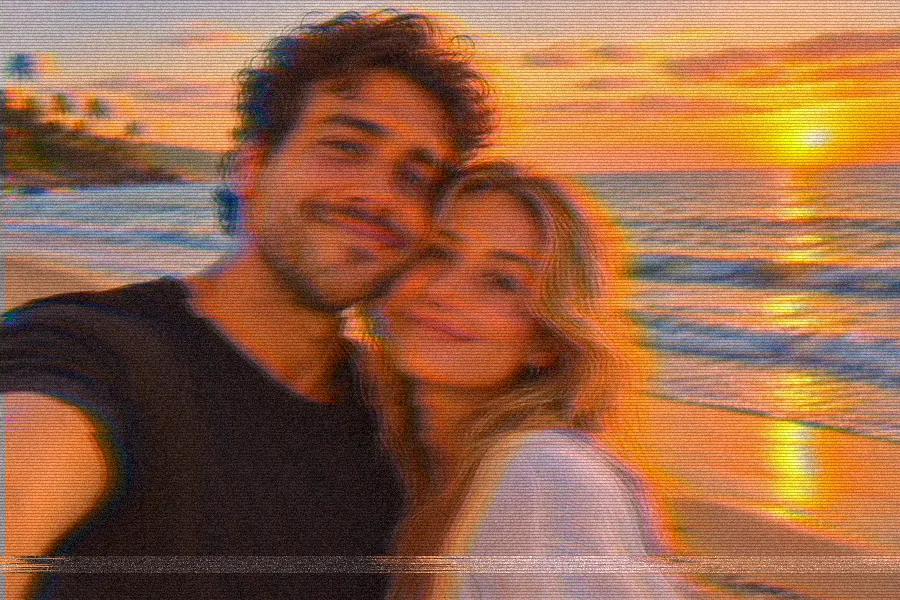
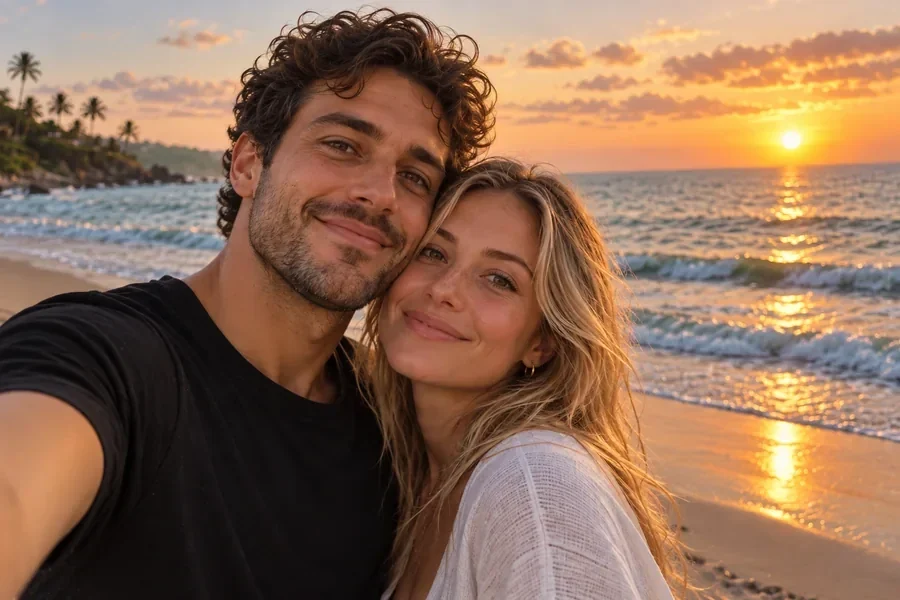
For a found-footage, 90s home-video feel, the VHS Tape filter softens the picture, lets color bleed past the edges, adds tape ghosting and scanlines, and drops a tracking line near the bottom. Raise VHS color shift for a worn tape or lower it for a gentle retro tint.
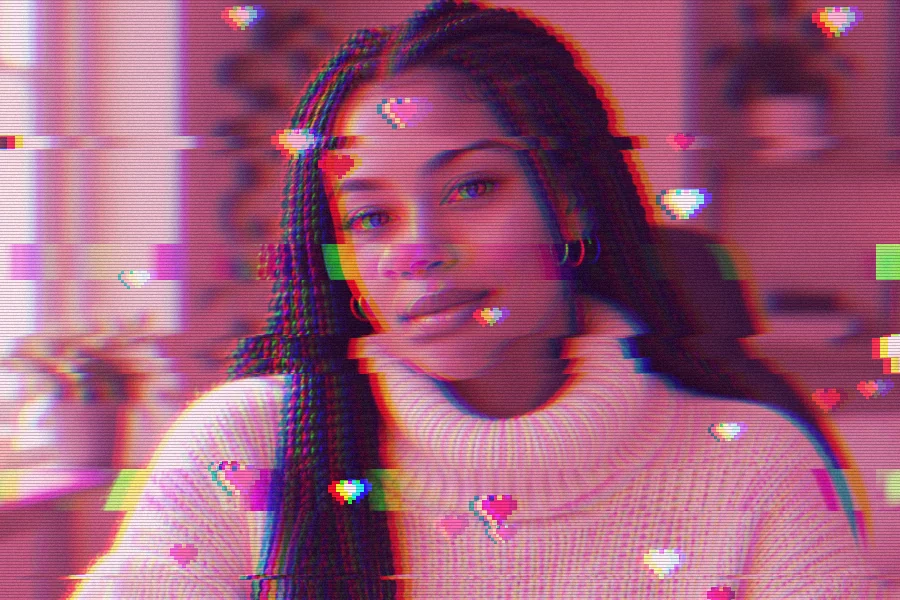
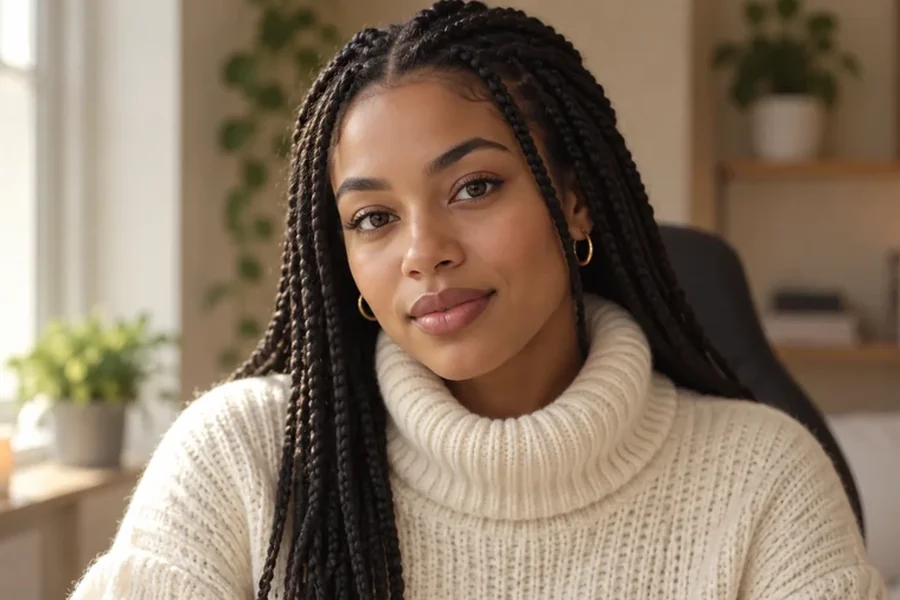
A glitch effect for photos you share works best when the face stays readable. Use Soft Glitch for a subtle edge, or Heart Glitch for the pink, dreamy look with tiny pixel hearts. Everything runs on your device, so you can try as many versions as you like for free.
Popular ways to use a photo glitch effect.
A glitch PFP stands out in a list of plain selfies and still shows your face.
Electronic, synthwave, and lo-fi releases love datamosh and VHS textures.
Digital slices and RGB split add energy to event posters and video thumbnails.
Keep a series consistent by reusing the same glitch filter and pattern.
Neon tone, scanlines, and pixel drift turn city shots into sci-fi frames.
Stream overlays, banners, and launch visuals that look like a signal breaking up.
Small choices that make a glitch look intentional.
Pick the glitch filter closest to your idea, then adjust one slider at a time.
Lower Digital slices or Datamosh blocks if a band lands across the eyes.
Drag Shuffle pattern to move every glitch to a new spot until the layout feels right.
PNG keeps sharp pixel hearts and scanlines; JPG gives a smaller file for sharing.
Other free effects to pair with your glitch photo.
Punchy local contrast and color for dramatic scenes.
Open toolPixel blocks, mosaic censor squares, and 8-bit looks.
Open toolWarm, vintage brown tones with grain and fade.
Open toolBlend two pictures into one double-exposure image.
Open toolTurn a photo into retro game-style pixel art.
Open toolBold, comic-print colors in a pop art grid.
Open toolInk lines and halftone dots for a comic book look.
Open toolQuestions about the glitch effect generator.
A glitch photo is a picture edited to look like a digital error: color channels pulled apart, rows of pixels shifted, blocky compression artifacts, scanlines, and noise. It started with real broken files and tapes and is now a popular art style for covers, posters, and profile pictures.
Upload the photo, click a glitch filter such as RGB Split or VHS Tape, adjust the sliders while you watch the before/after preview, and click Download. The whole photo glitch effect is applied in your browser.
Yes, it is a glitch image generator free to use with no sign-up and no watermark. It runs entirely on your own device, so there are no credits to spend.
No. The picture is processed locally in your browser and never leaves your device. Please only edit photos you own or have permission to use.
Choose the VHS Tape preset. It combines VHS color shift (color bleed, tape ghosting, wavy tracking, and a noise band near the bottom) with scanlines, grain, and a little RGB split. Push VHS color shift higher for a more worn tape.
It recreates the heart glitch filter Instagram users love: a pink tone, soft RGB split, scanlines, and tiny 8-bit pixel hearts scattered over the picture. Pick Heart Glitch, or switch on Pixel hearts and the Pink tone with any other preset.
Yes. Glitch intensity scales every effect at once, and each layer has its own slider: RGB split, Digital slices, Pixel drift, Datamosh blocks, VHS color shift, and Noise. Set any of them to 0 to switch that layer off.
Yes. The glitch layout comes from the Shuffle pattern value, not from chance, so the same photo with the same settings and pattern number always gives the same picture. Change the pattern number to get a new arrangement, and note the number of one you like.
PNG keeps every pixel sharp, which suits pixel hearts, scanlines, and fine noise. JPG and WebP make smaller files for sharing. The download keeps the original resolution in every format.
Not yet. This glitch effect online tool exports still images only (PNG, JPG, or WebP). For a flicker effect you can download a few versions with different Shuffle pattern values and combine them in a GIF maker.
Upload a picture, choose a glitch filter, and download your glitch art in full resolution.