
Bright Portrait
An orange filter keeps skin light and smooth while hair and shadows stay rich, which is the classic black and white portrait look.
Make your picture black and white in one click. Pick a film-style filter, fine-tune contrast and shadows, compare before and after, and download at full resolution.
Black and white styles
Fine-tune
Runs in your browser. Your photo is never uploaded.
Reference example. It is not a result generated from your upload.
A black and white photo converter turns a color picture into a monochrome image. The simplest tools just drain the saturation, which often leaves skin muddy and skies flat. This black and white filter works like a film photographer's lens filter instead: it decides how bright each original color becomes, so you can make a blue sky dramatic, keep faces luminous, or lift green foliage.
Everything runs in your browser. Your photo is not uploaded, there is no account to create, and the download keeps the original resolution and framing. Use it as a quick black and white maker with one-click styles, or as a black and white image editor with contrast, brightness, and shadow sliders.
Three looks from the same black and white filter for photos. Every example is the real output of this converter, using the style named on the button.
An orange filter keeps skin light and smooth while hair and shadows stay rich, which is the classic black and white portrait look.
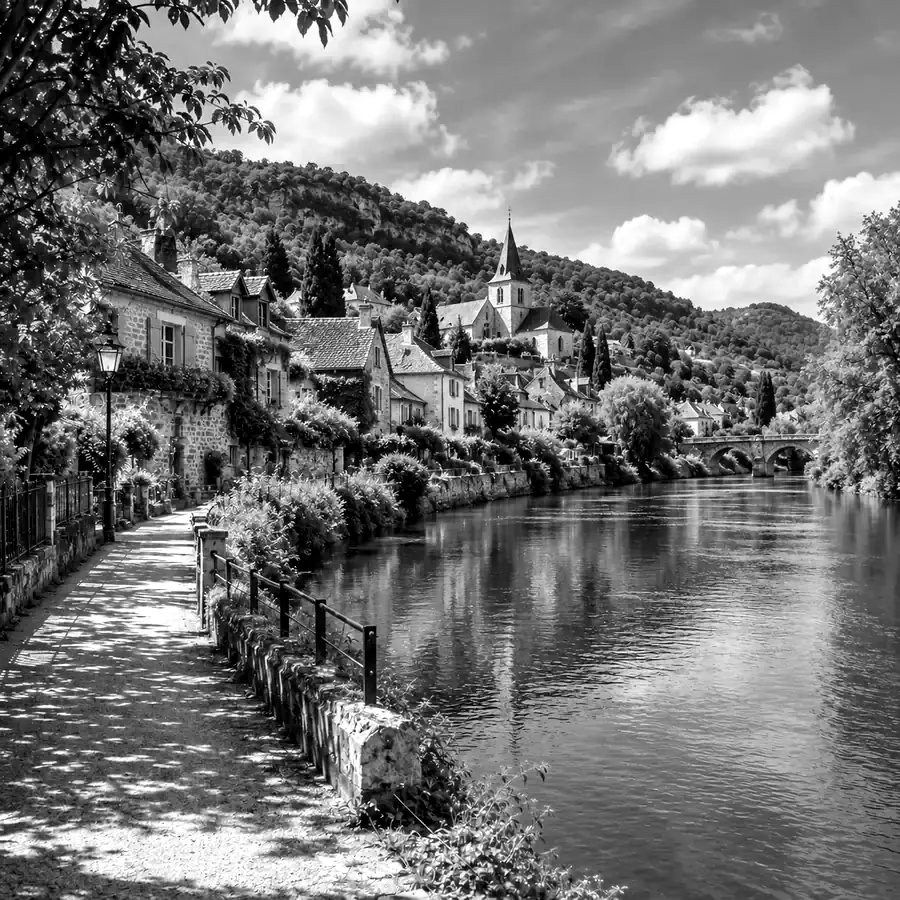
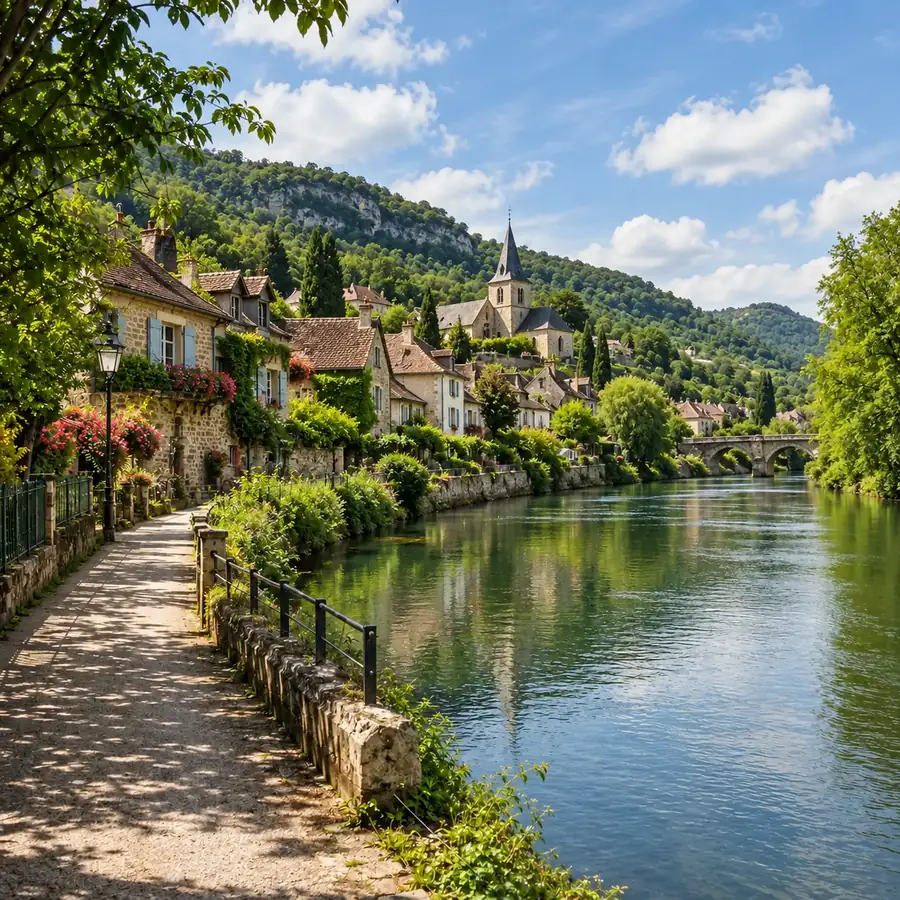
The red filter darkens greens and blues, so trees, water, and sky separate into strong, graphic tones.
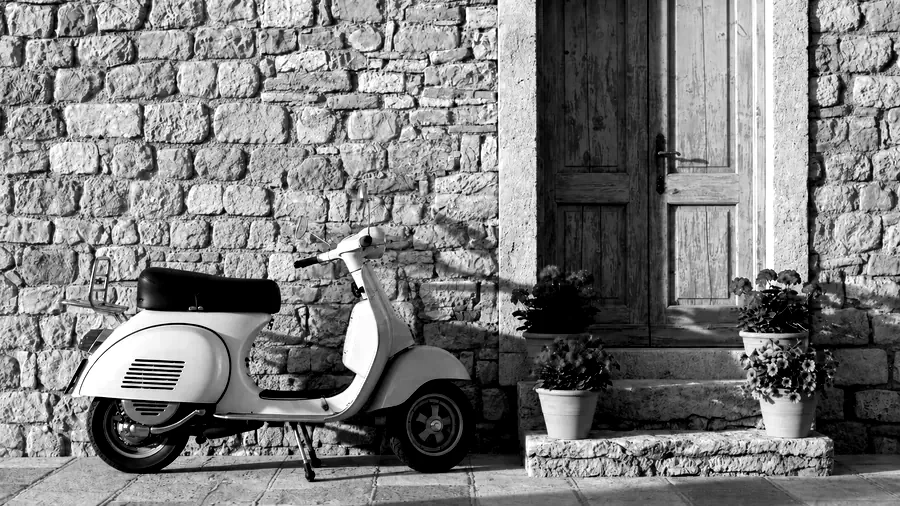
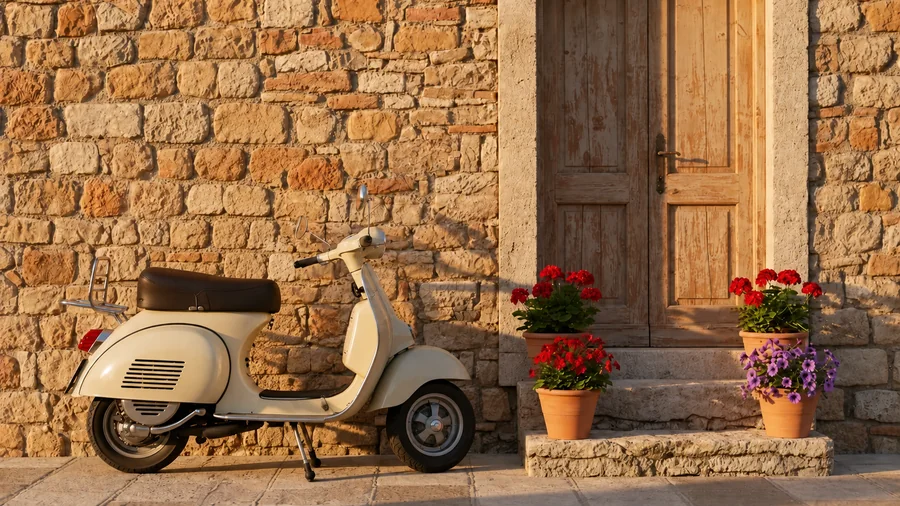
Deep blacks and bright whites turn textures such as stone walls and chrome into bold monochrome shapes.
Make black and white photos in three steps, right in your browser.
Drop in a JPG, PNG, or WebP image up to 20 MB: a portrait, a product shot, a travel photo, or a scan. It opens locally and never leaves your device.
Start with Classic B&W, High Contrast, Dramatic Sky, or Film Noir, then adjust the lens filter, contrast, brightness, and shadows. The before/after preview updates as you go.
Choose JPG, PNG, or WebP and save your black and white picture at its original size, ready to post or print.
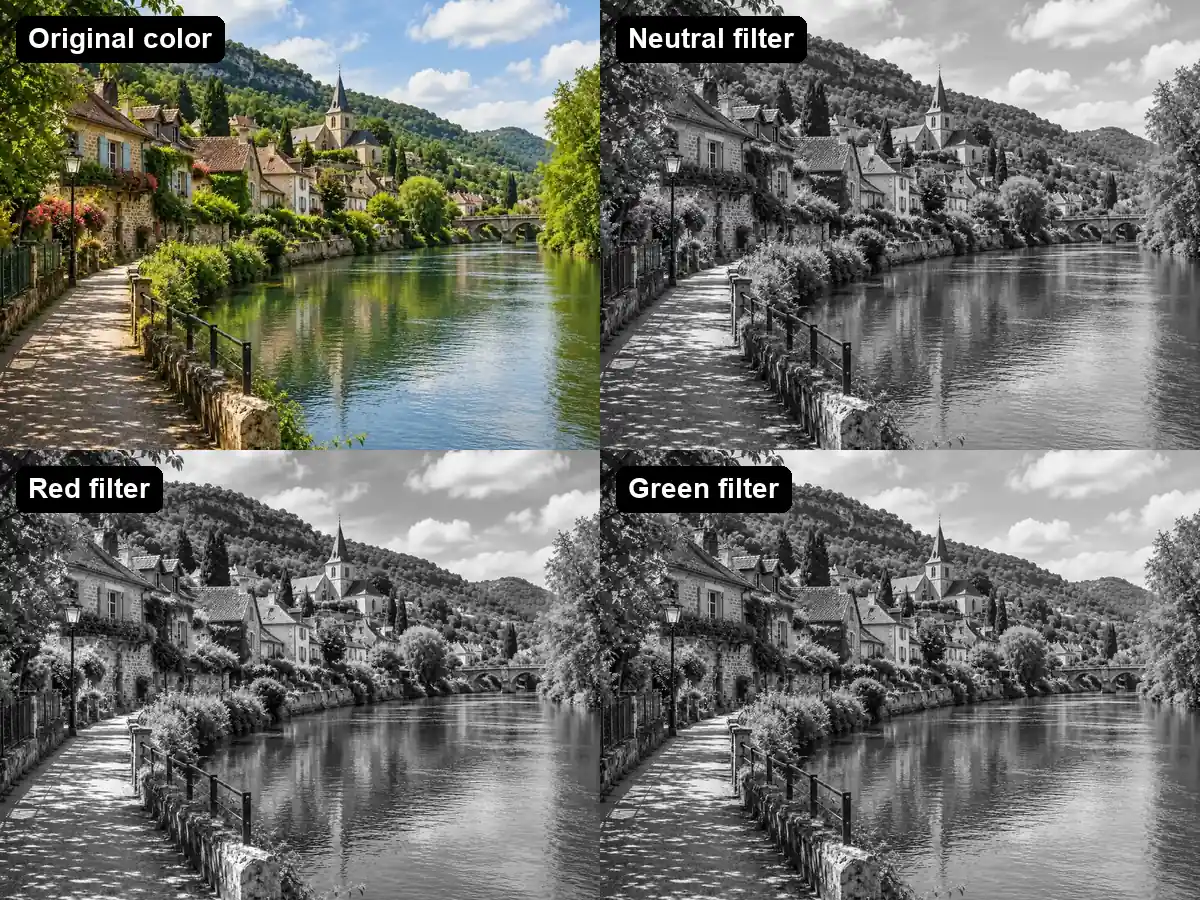
Choose how each color turns into gray. A red or orange filter darkens skies and greenery and brightens skin; a green filter lifts foliage; a blue filter adds haze and mood. It is the same trick black and white photographers use with colored glass filters, applied to your digital photo.
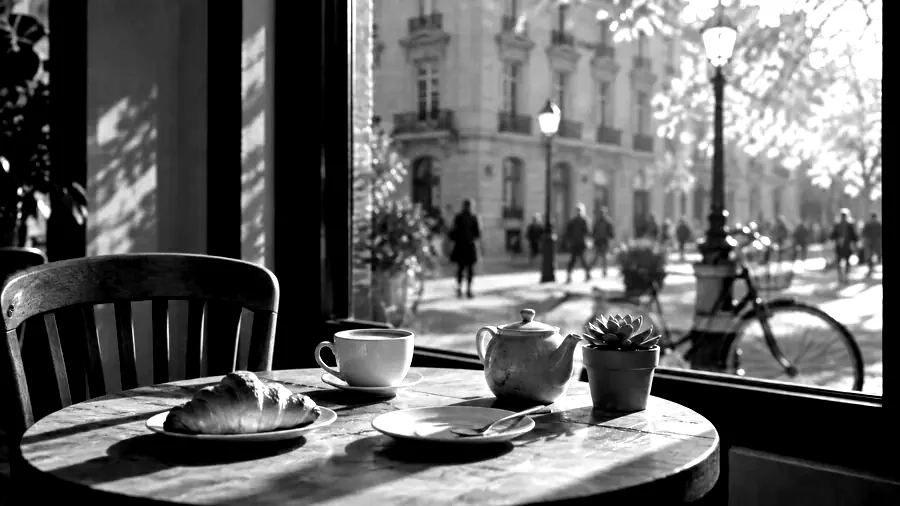
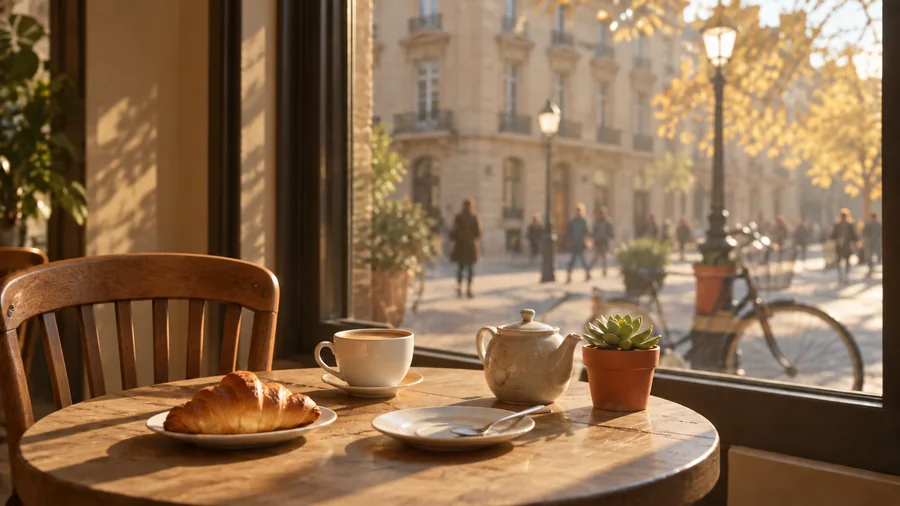
Black and white images live or die by contrast. Push the Contrast slider for punchy, graphic shots, or pull the shadows down for a moody film noir look that hides clutter and puts the subject in the spotlight.
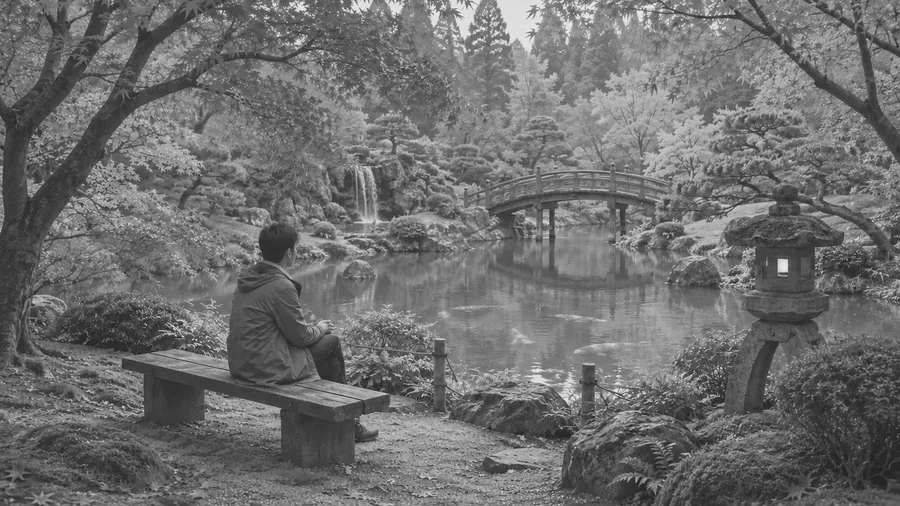
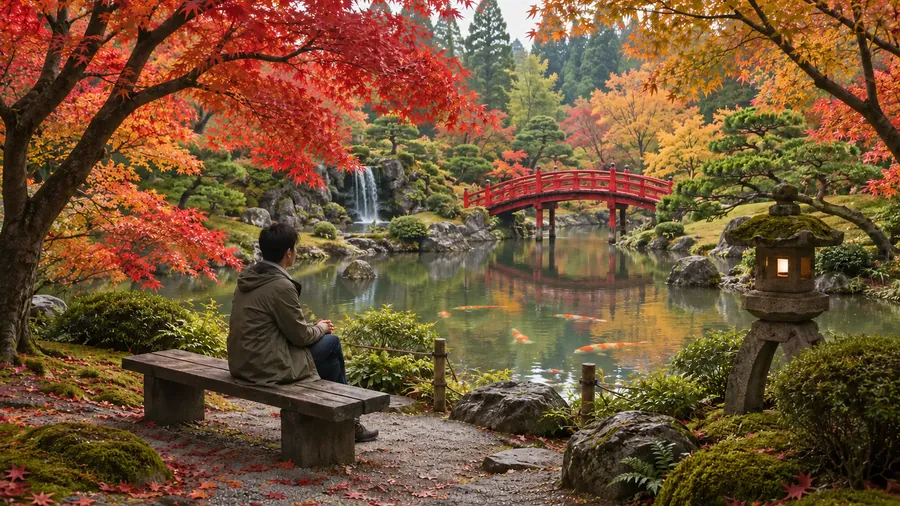
Not every monochrome photo needs to be dramatic. Lower the contrast and lift the shadows for a soft, faded print feel that suits calm landscapes, interiors, and gentle portraits.
This black and white photo maker processes the picture on your own device, so it stays private and is free to use without sign-up. The download keeps the original pixel size, crop, and framing, and PNG export avoids extra compression.
Situations where a monochrome filter makes a photo stronger.
A black and white profile picture looks timeless and removes distracting color casts from mixed indoor lighting.
Shots taken under different light rarely match in color. Run the whole set through the black and white editor and the series suddenly looks consistent.
Remove color noise from busy props so metal, texture, and shape carry the image.
Harsh midday shadows that look like a mistake in color read as deliberate, graphic contrast in black and white.
Small choices that separate a great monochrome image from a gray one.
Orange or red for portraits and skies, green for leafy scenes, neutral when you want a faithful conversion.
Pick the filter first, then add contrast until the darkest areas are truly black but still hold detail.
Strong light, texture, and clear silhouettes convert best. Photos that rely only on color can look flat.
Use the full-size original rather than a screenshot so fine tonal detail survives the conversion.
How photographers, sellers, and hobbyists use a black and white photo converter.
Illustrative examples adapted from reference material, not verified reviews of EzImgMaker.
My headshot sessions mix window light and office lighting. Converting the set to black and white with the orange filter made every frame match, and skin still looks clean.
Silver rings never looked right next to colorful props. In High Contrast the metal finally carries the picture.
I post a monochrome travel shot every Friday. Dramatic Sky turns plain afternoon photos into something that looks planned.
I wanted a black and white profile picture without installing an app. Upload, pick a style, download, done, and nothing left my laptop.
Common questions about turning color photos into black and white.
Upload the image, keep Classic B&W or pick another style, adjust the sliders if you like, and click Download. The black and white photo converter works in your browser, so the conversion happens on your device. JPG, PNG, and WebP files up to 20 MB are supported.
A black and white filter removes color and keeps only light and dark tones. A good one, like this monochrome filter, also controls how each color translates to gray, which is what separates a rich black and white photo from a flat grayscale copy.
Plain grayscale uses one fixed formula. Here you choose a lens filter (neutral, red, orange, yellow, green, or blue) that changes how reds, greens, and blues become gray, then fine-tune contrast, brightness, and shadows.
Yes, it is free and needs no sign-up. Processing happens locally in your browser, so there are no credits, watermarks, or accounts involved.
No. The picture is converted to black and white on your own device and never leaves it. Please only use photos you have the right to edit.
Not with this tool. It converts color photos to black and white. Coloring black and white photos needs an AI colorizer, which predicts the missing colors; see the AI Photo Color tool in the related tools above to color a black and white photo.
No. Only the color changes. The black and white image downloads at the same pixel size and framing as the original.
Yes. The converter runs in mobile browsers on iPhone and Android, so you can make a pic black and white straight from your camera roll without installing an app.
B&W is short for black and white. A b&w photo editor, a black white photo converter, and a black white picture editor all describe the same job: turning the colors of a photo into shades of gray. This one adds lens filters and tone sliders so the result looks deliberate rather than washed out.
That effect is called color splash. Use the Remove Color from Images tool in the related tools above and choose the mode that keeps one color while turning the rest gray.
Upload a color picture, choose a film-style filter, and download a full-resolution black and white image.