Old Family Photo
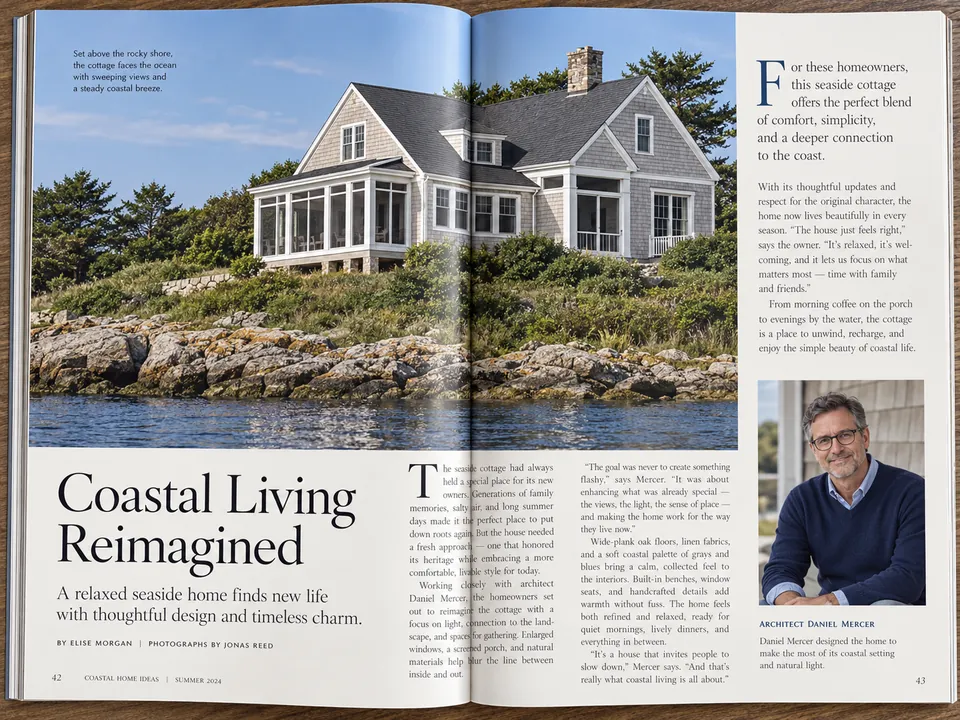
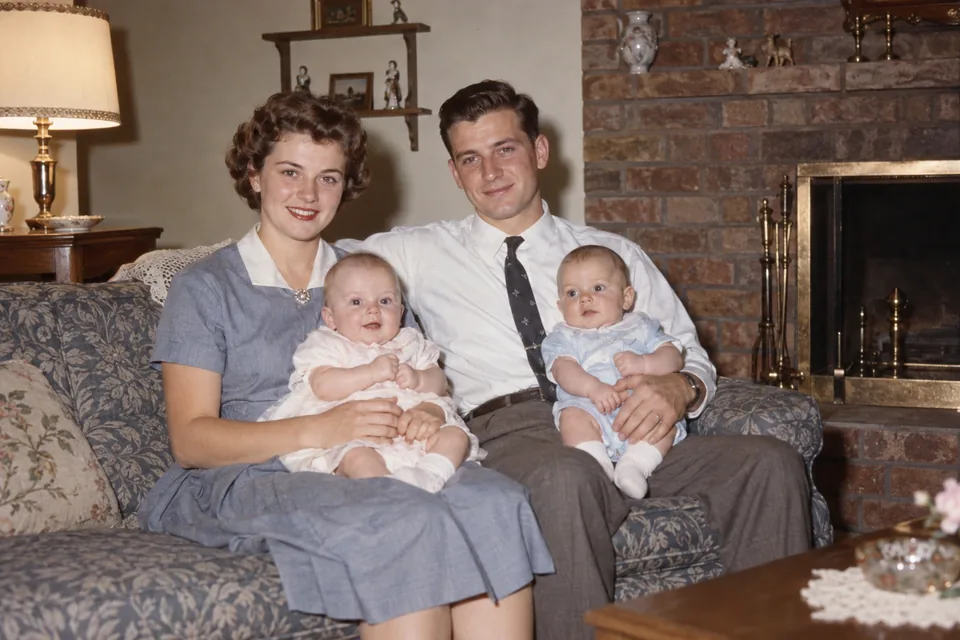
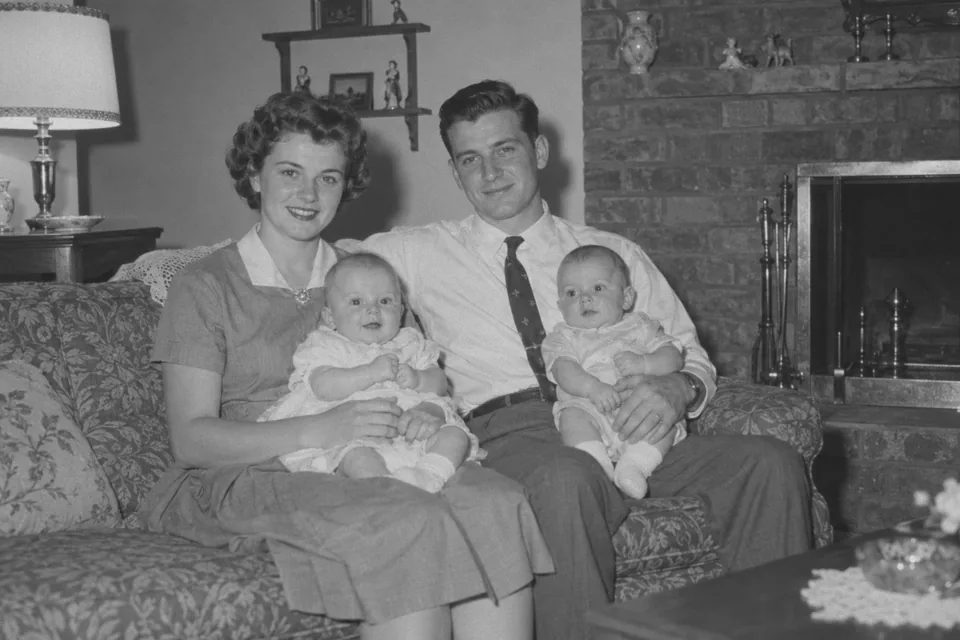
A 1950s living-room snapshot. Natural mode gives skin, the patterned sofa, the wooden side table and the brick fireplace their everyday colors, the way a color photo of that room would have looked.
Upload a black and white, sepia or faded photo and this AI photo colorizer adds natural color to skin, hair, clothes, sky and foliage. Pick a color style, add color hints for the things you remember, and download the colorized photo at 2K or 4K.
What are you colorizing?
Fine-tune
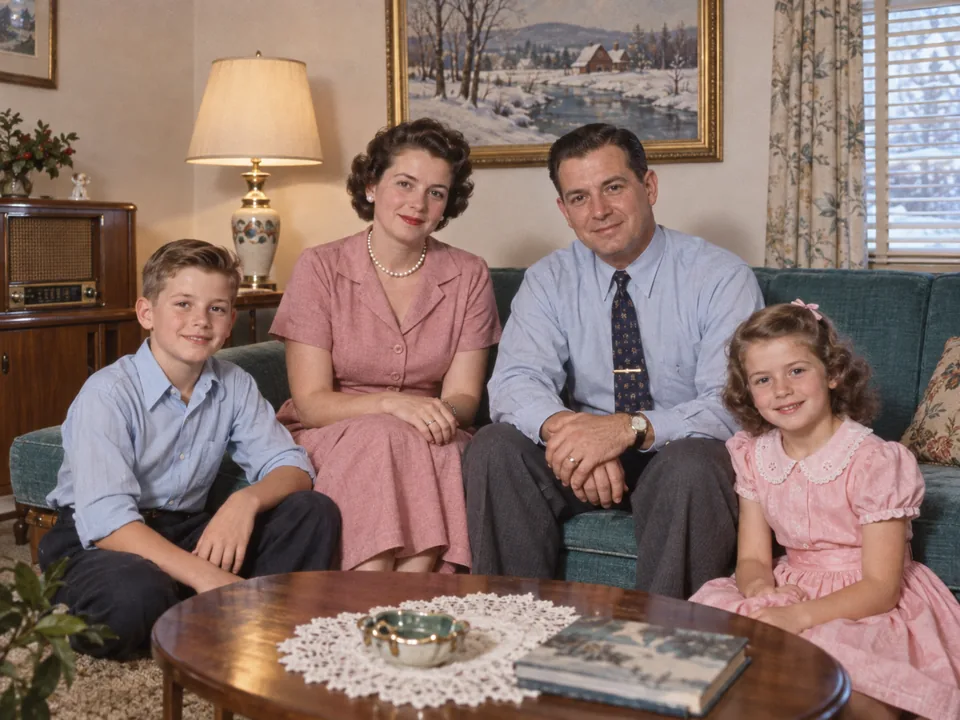
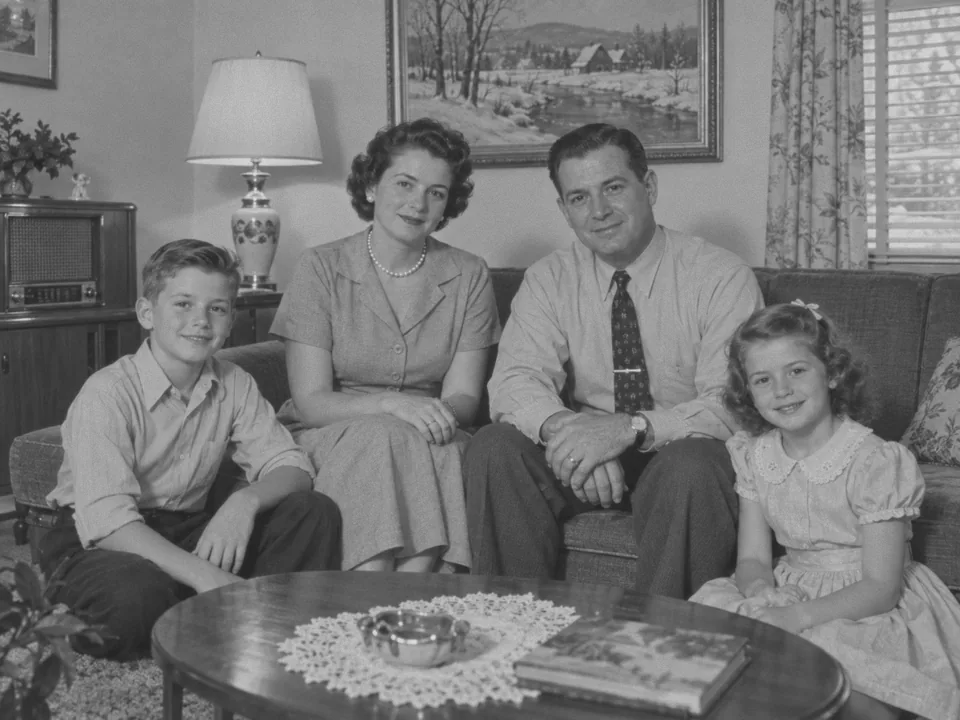
Reference example. It is not a result generated from your upload.
To colorize an image is to add believable color to a picture that only has gray tones: a black and white print, a sepia snapshot or a faded scan. Colorization used to mean hours of hand painting, region by region. An AI photo colorizer does the same job by recognizing what is in the picture, such as faces, hair, a wool coat, brick, grass or sky, and choosing a natural color for each part, so a black and white image turns into a full color image you can print, frame or share.
EzImgMaker is a black and white to color converter built on an AI restoration model, not a colorize filter that washes everything in one tint. It keeps faces, expressions and framing the same, lets you pick a color style and type color hints for what you remember, and exports at 2K or 4K. In British English you might colourise pictures (some write colorise); either way it takes a photo from black to colour, and you can colorize online from a phone or a computer.
Six black and white photos colorized with the style named on each button. Drag a slider to compare the original with the color picture.
A 1950s living-room snapshot. Natural mode gives skin, the patterned sofa, the wooden side table and the brick fireplace their everyday colors, the way a color photo of that room would have looked.
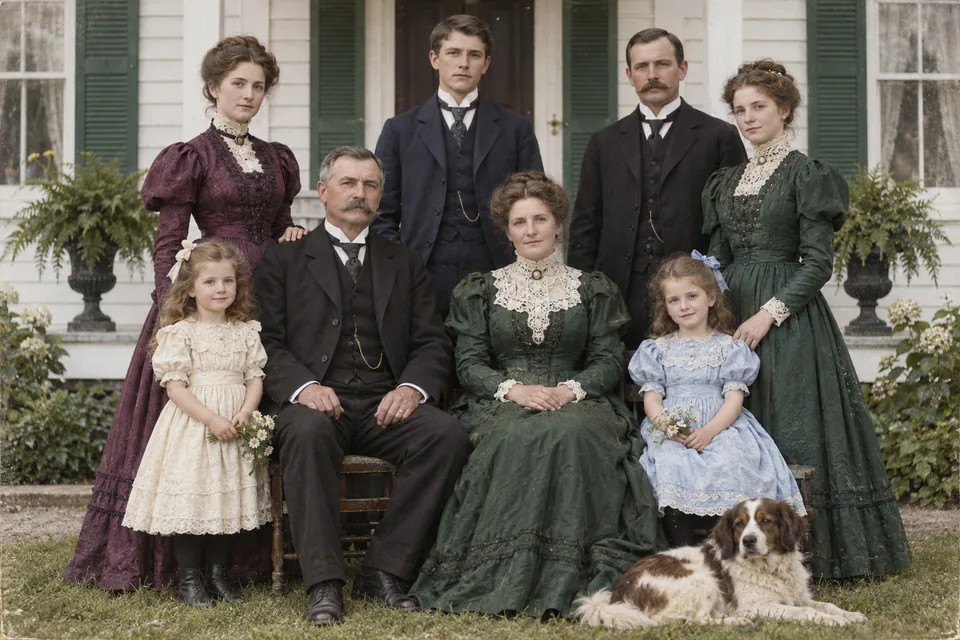
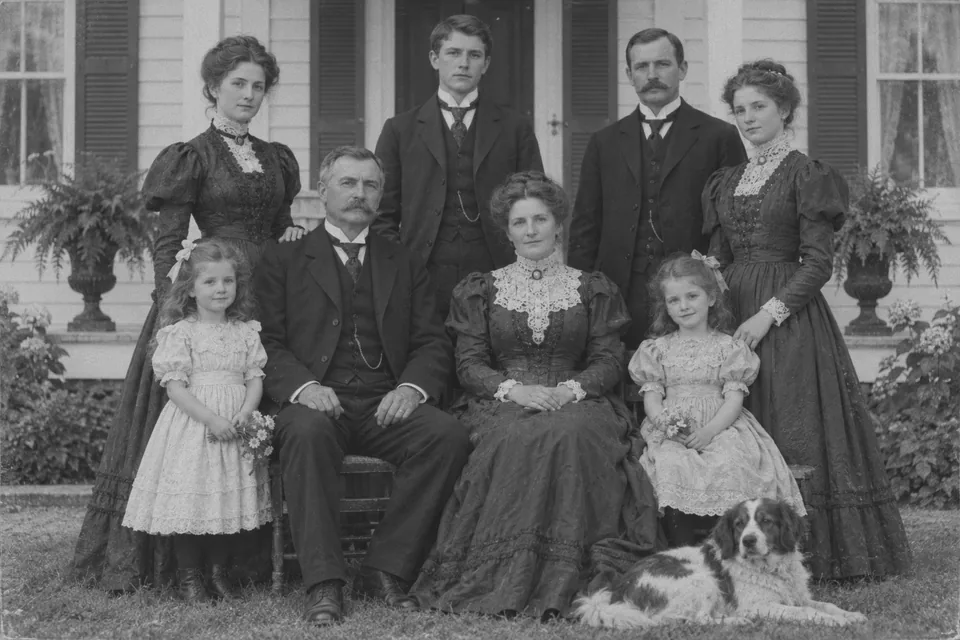
Dark Victorian dresses and suits all turn near-black in gray tones. The image colorizer separates them into plum, forest green and navy, and keeps every face and lace collar exactly in place.
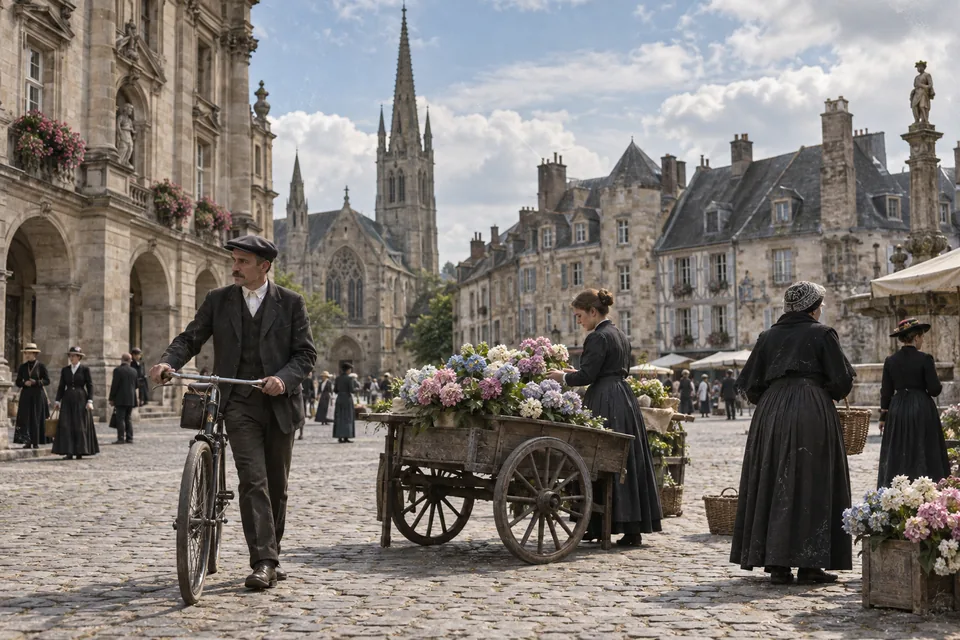
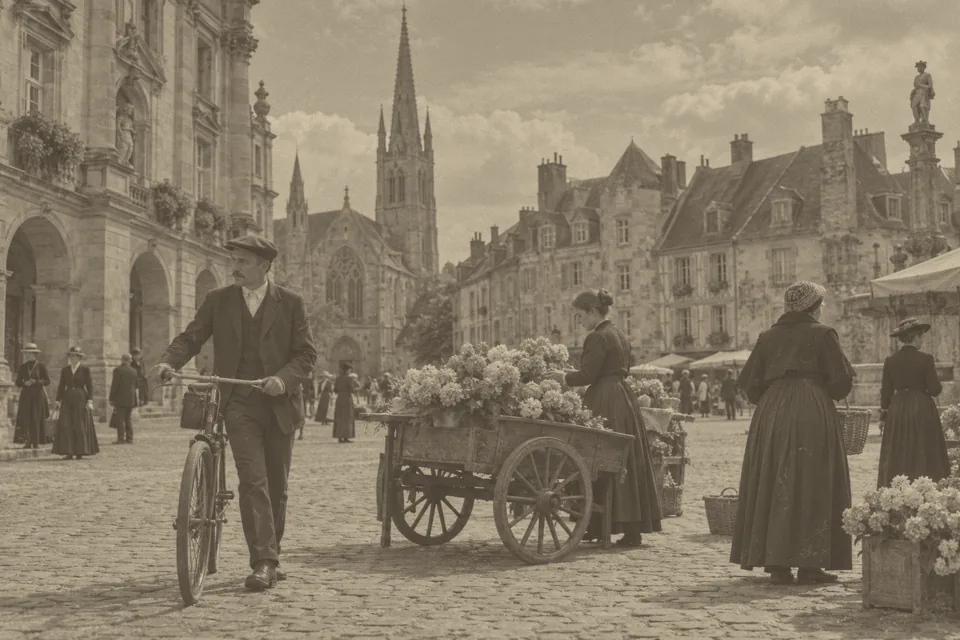
A sepia town square with a flower cart. Vintage film colors bring back the cloudy blue sky, the stone facades and the flowers without making a century-old scene look like a modern snapshot.
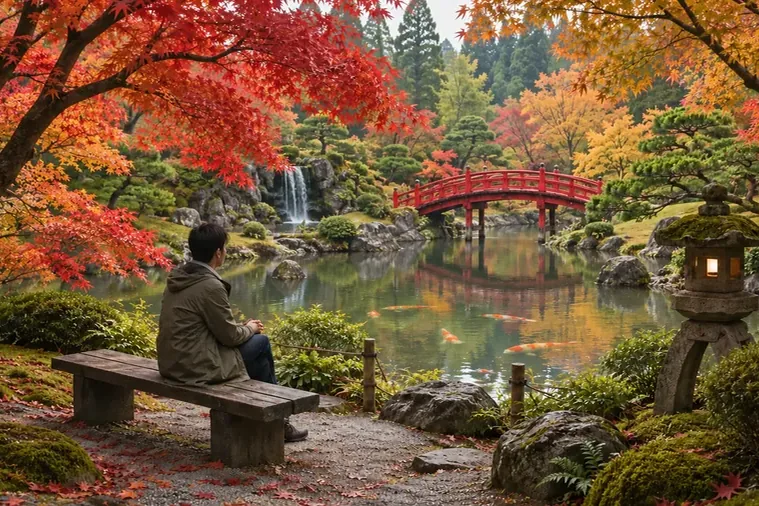
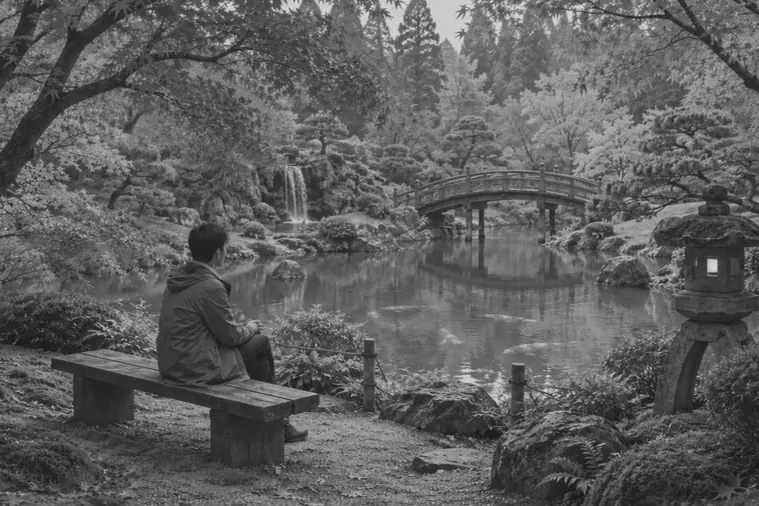
Autumn maples, a red bridge and koi in a pond. Vivid mode is made for landscapes: it turns black and white pictures to color with rich but believable reds, greens and blues, ideal for travel and nature shots taken on black and white film.
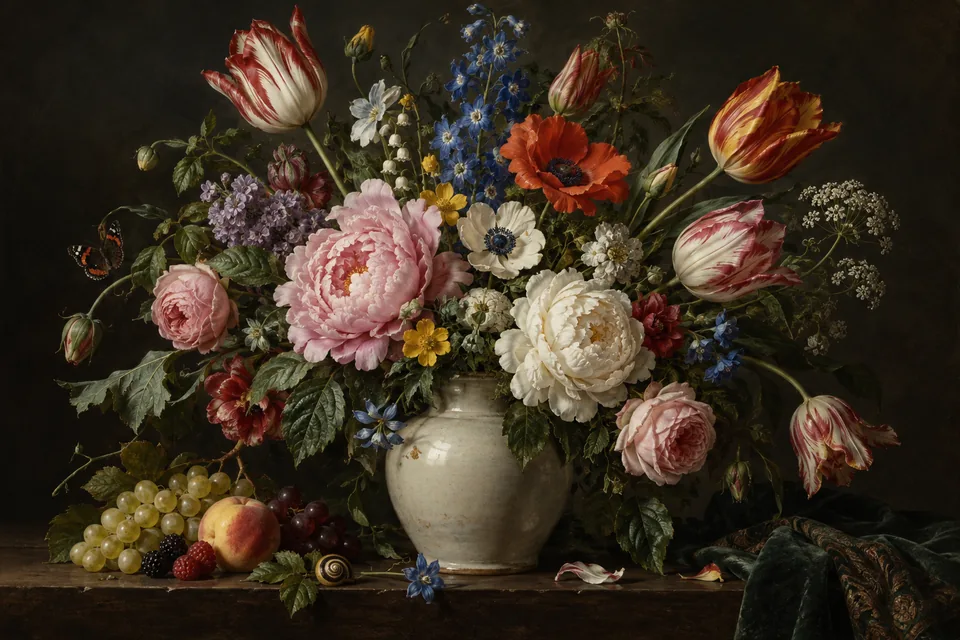
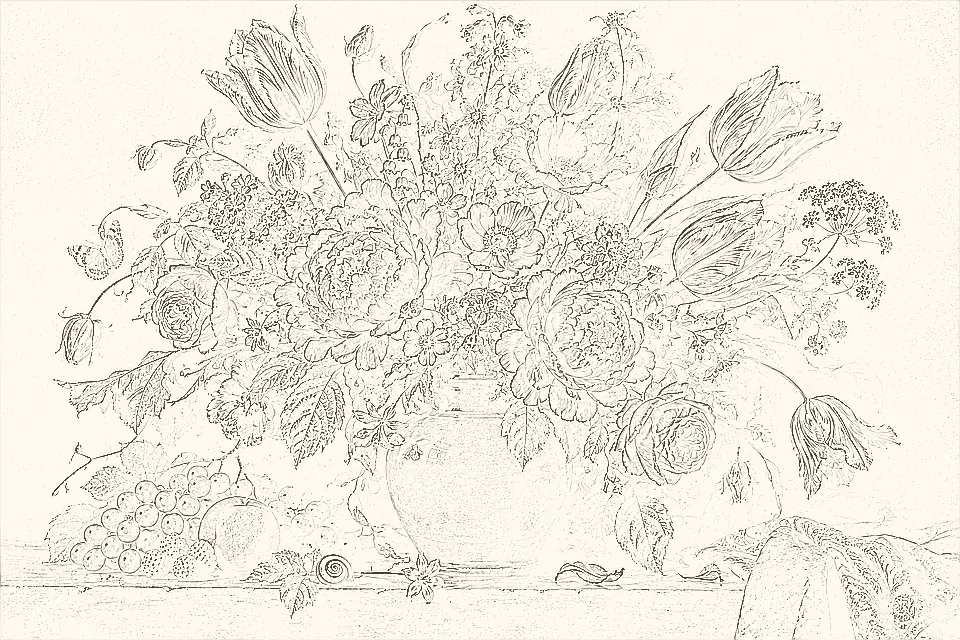
A pencil sketch of a flower bouquet turned into a full color still life. Sketch & drawing mode keeps the original lines and fills each petal, leaf and stem with color.
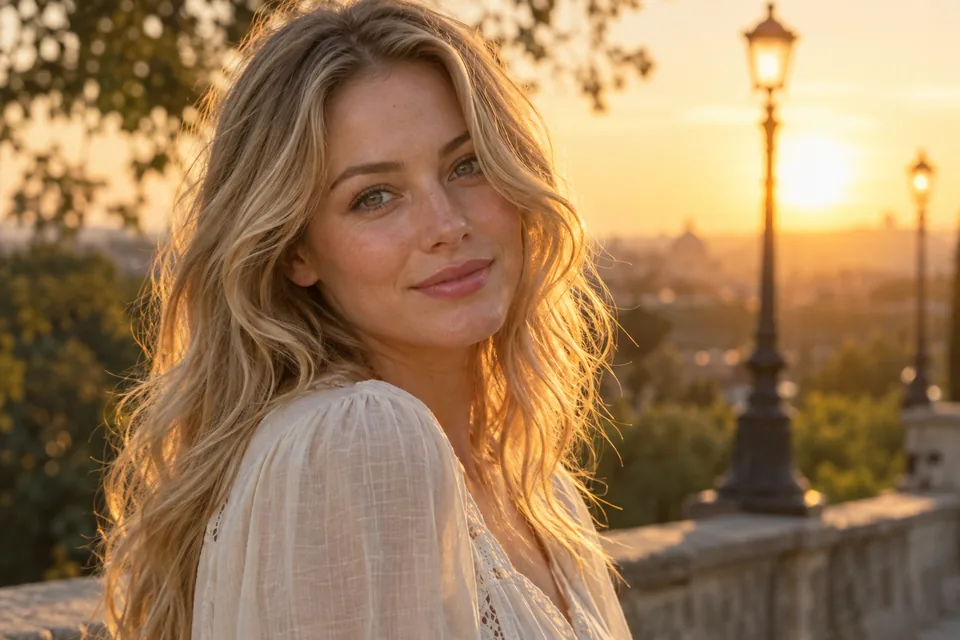
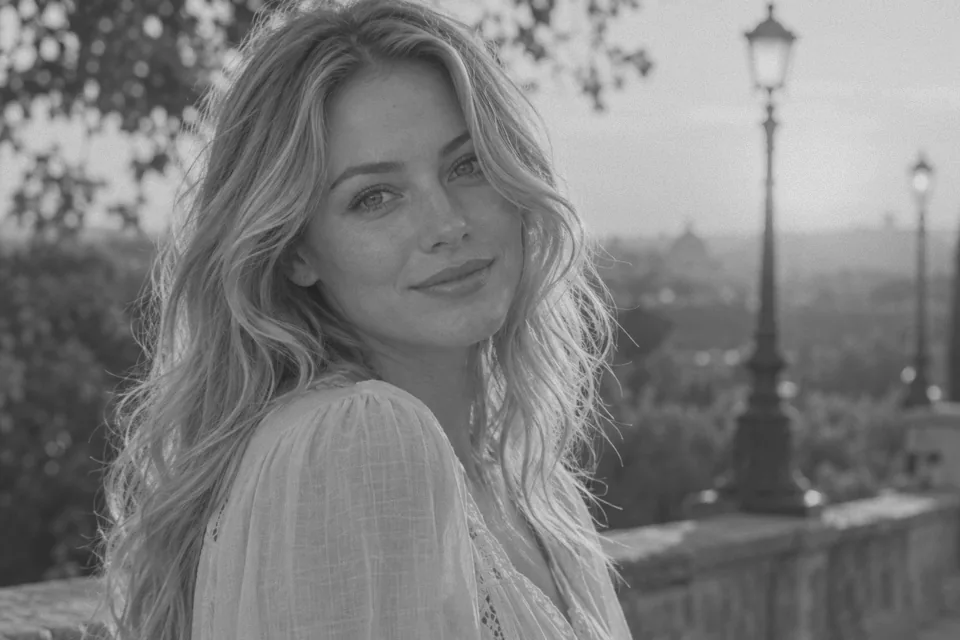
A black and white portrait with backlit hair comes back with warm golden-hour skin and hair tones. 4K output leaves room to crop and print the colorized photo large.
Colorize black and white photo files without editing skills: upload, choose a style, and compare.
Add a JPG, PNG or WebP up to 10 MB: a scan of a print, a photo of an album page, a sepia picture or a grayscale drawing. Scans at 300–600 DPI give the AI the most detail to color.
Choose Natural, Vintage film, Vivid, Hand-tinted or Sketch & drawing, and type color hints such as “red dress, navy suit, green car” if you know them. Then pick 2K or 4K output.
Click Colorize Image, drag the slider to compare the black and white photo to color result, and download the colorized photo.
Prefer to color black and white photos by hand? This is how to colorize old photos in desktop editors, and when AI saves you the work.
Open the photo, switch a grayscale file to Image > Mode > RGB Color, then choose Filter > Neural Filters > Colorize. Keep Auto color image on, click focal points to set the color of specific areas, and output to a new layer so you can lower its opacity.
Convert the image to RGB, add a new layer set to the Color blend mode and paint skin, clothes, sky and foliage with a soft brush at low opacity, one layer per area. In GIMP the matching layer mode is HSL Color (or LCh Color).
Remove scratches, dust and tears first with the Spot Healing Brush in Photoshop, the Heal tool in GIMP or an AI image enhancer, so color is not painted into the cracks.
Hand-coloring one family portrait can take an evening. Let AI colorize photos in bulk, then refine one or two favorites by hand if you want exact colors.
Each style tells the colorizer what kind of palette to aim for. Try two on the same photo and keep the one you like.
| Style | What you get | Best for |
|---|---|---|
| Natural | True-to-life skin, hair, fabric, sky and foliage with balanced saturation | Family photos, portraits, everyday snapshots |
| Vintage film | A soft, slightly faded period palette, like an old color print | Historical street scenes, 1940s–1970s photos, archives |
| Vivid | Rich but believable color with clean contrast | Landscapes, travel, flowers, social posts |
| Hand-tinted | Delicate pastel washes over the gray tones, like a hand-colored studio print | Wedding and studio portraits, keepsakes |
| Sketch & drawing | Clean flat colors and soft shading inside the original lines | Pencil sketches, line art, comic pages, PNG drawings |
Know the real colors? Add them as color hints. To change colors that already exist, such as a red car you want blue, use the image color changer instead.
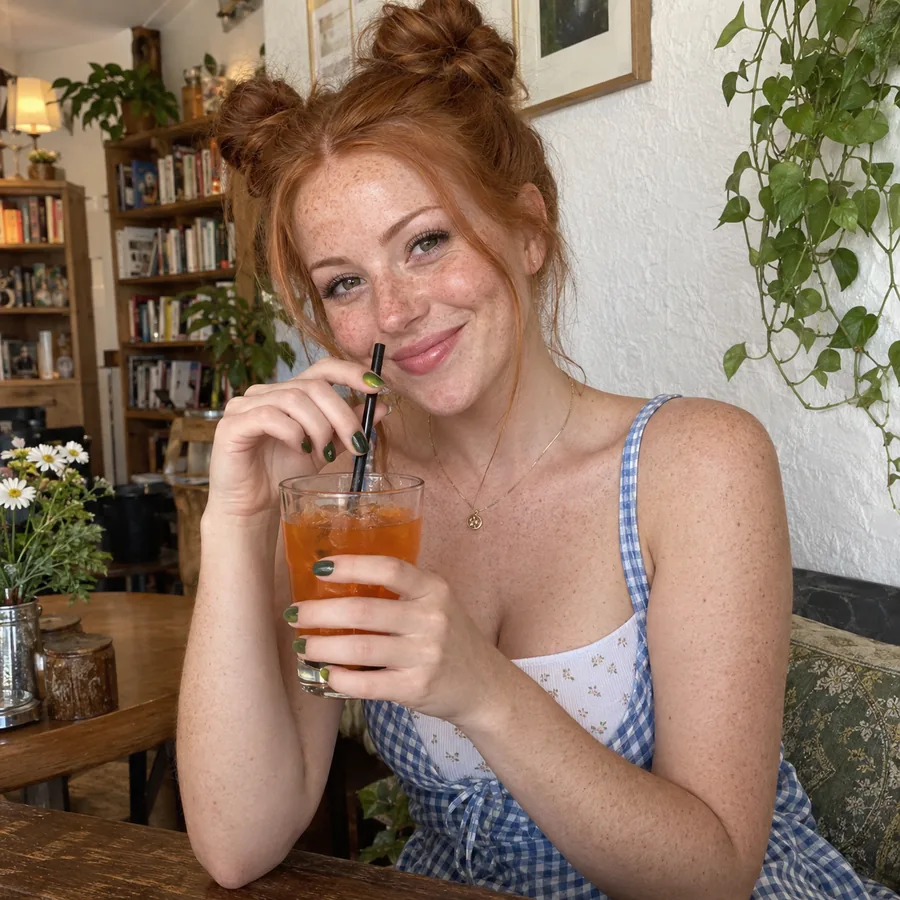
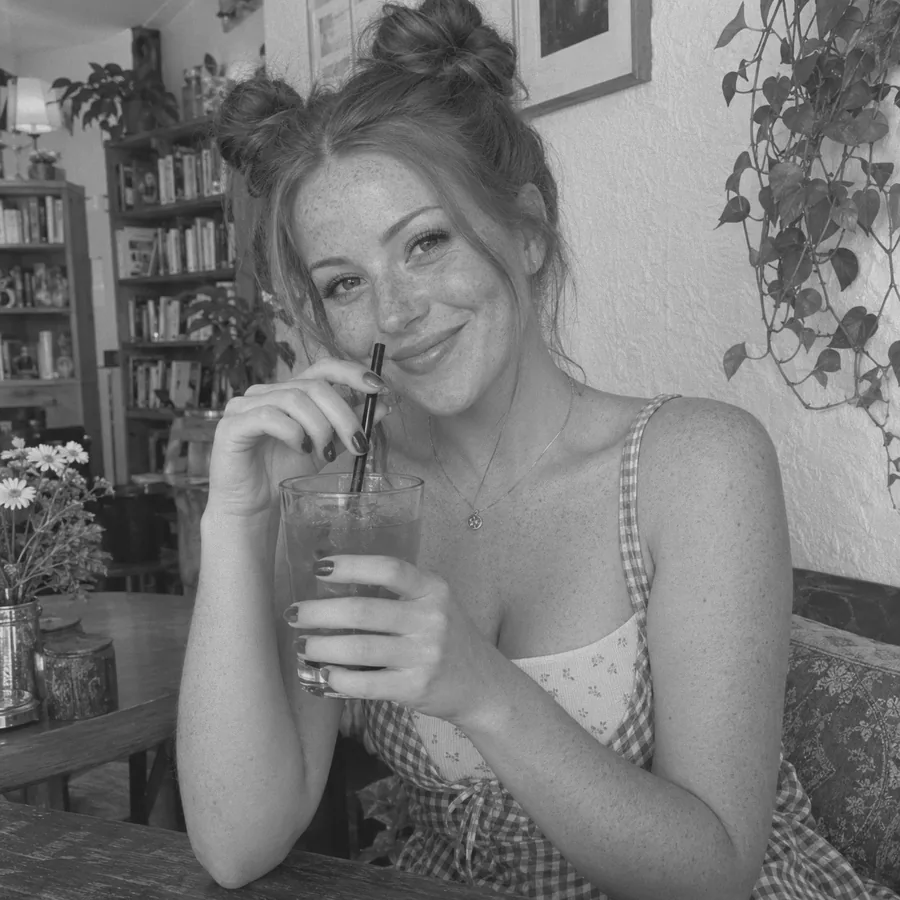
A colorize filter washes the whole picture in one tint. This AI colorizer reads each region on its own and picks a believable coloration photo by photo: warm skin, copper hair, a blue gingham dress, green plants and an orange drink, all from gray tones. Faces, expressions and framing stay exactly as they were.
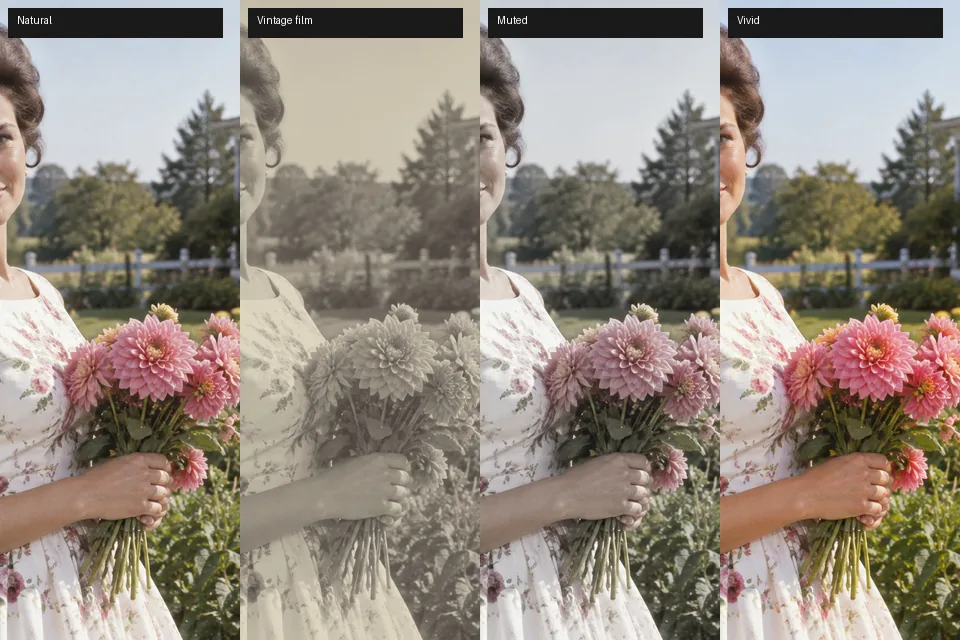
The same black and white photo can be colored many ways. Pick Natural for true-to-life tones, Vintage film for a faded period palette, Vivid for rich color, Hand-tinted for a soft studio-print look, or Sketch & drawing for line art, then rerun with another style and compare.
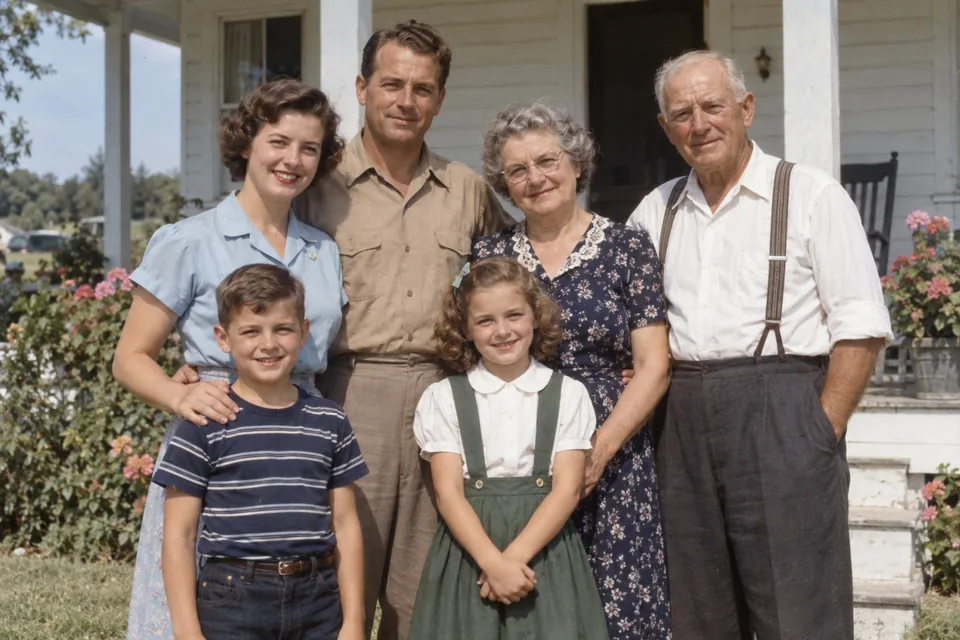
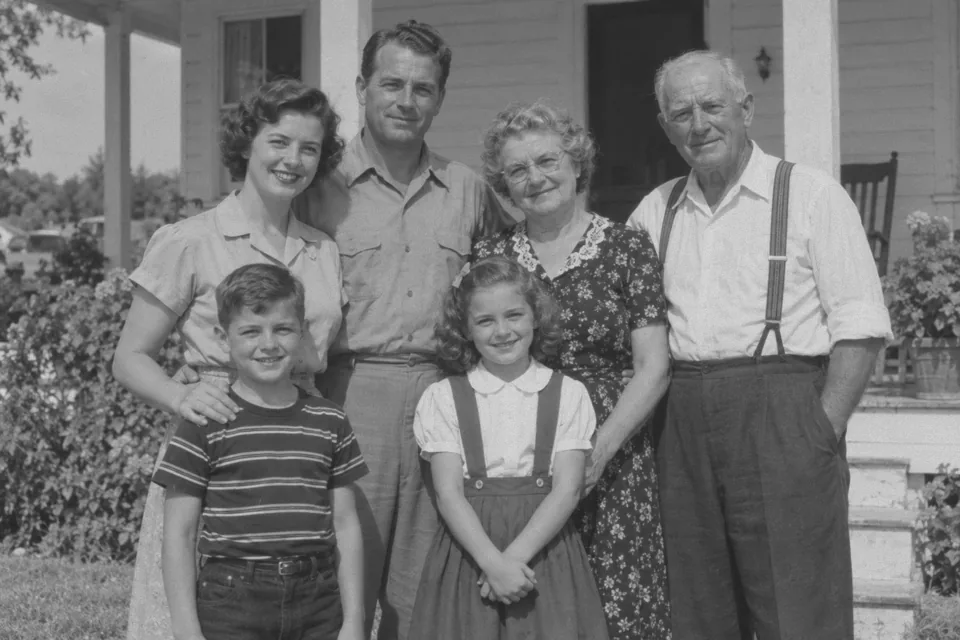
Gray tones do not record color: a light blue blouse and a pale pink one can look identical in black and white. If you remember the real colors, type them as color hints, such as “striped navy shirt, light blue blouse, green dress”, and the AI uses them instead of guessing. It is the best way to fill black & white pictures with color that matches the family story.
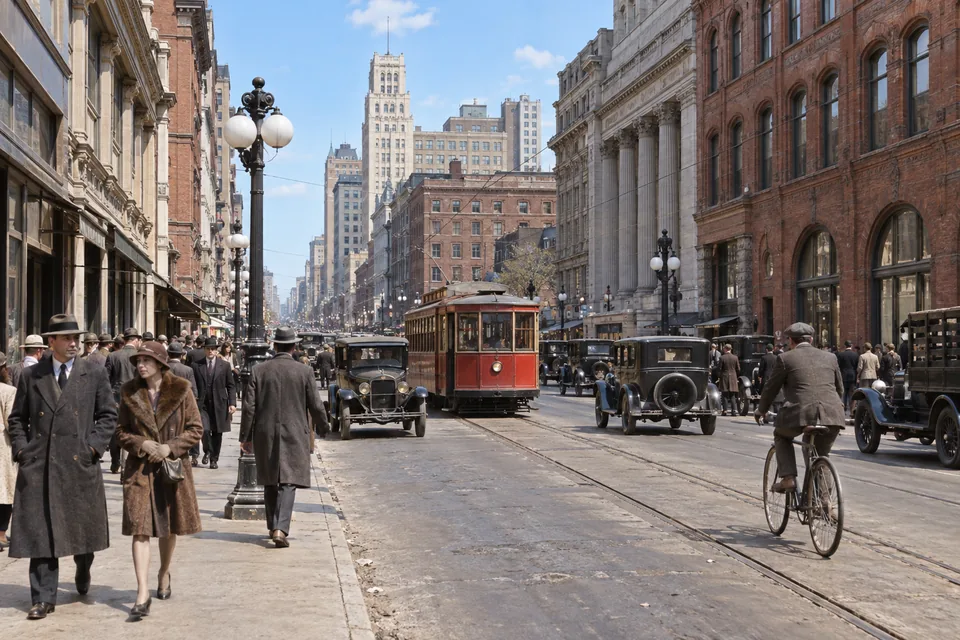
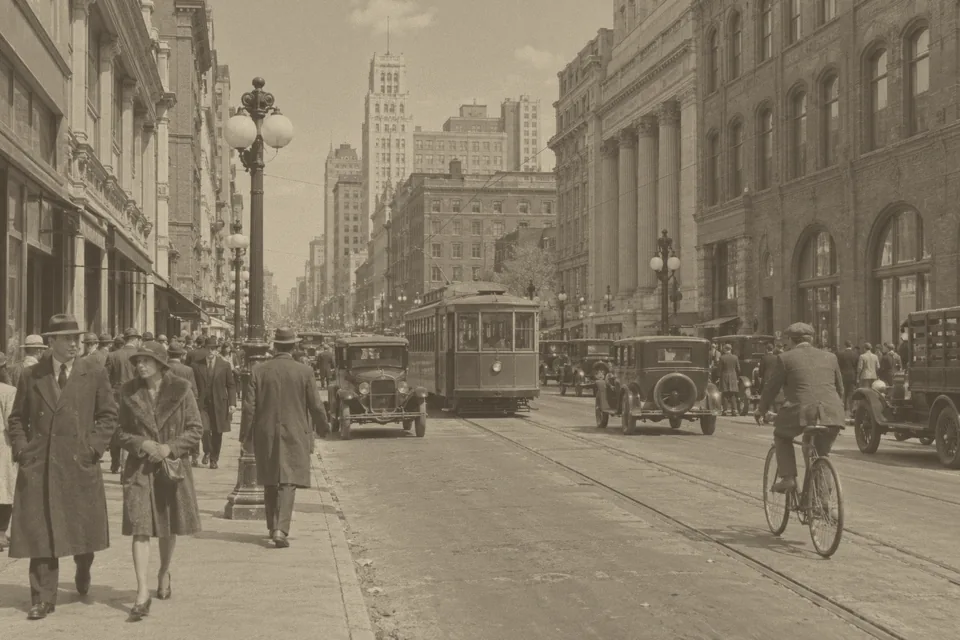
Sepia and yellowed prints lose contrast as well as color. The colorizer rebuilds clean tones and natural color in one pass, so you can add color to black and white photos and print them: 4K output covers an 8×10 print or a frame on the wall. For torn or scratched prints, run the image enhancer first.
From family albums to sketchbooks: anyone with a picture that never had color, or lost it.
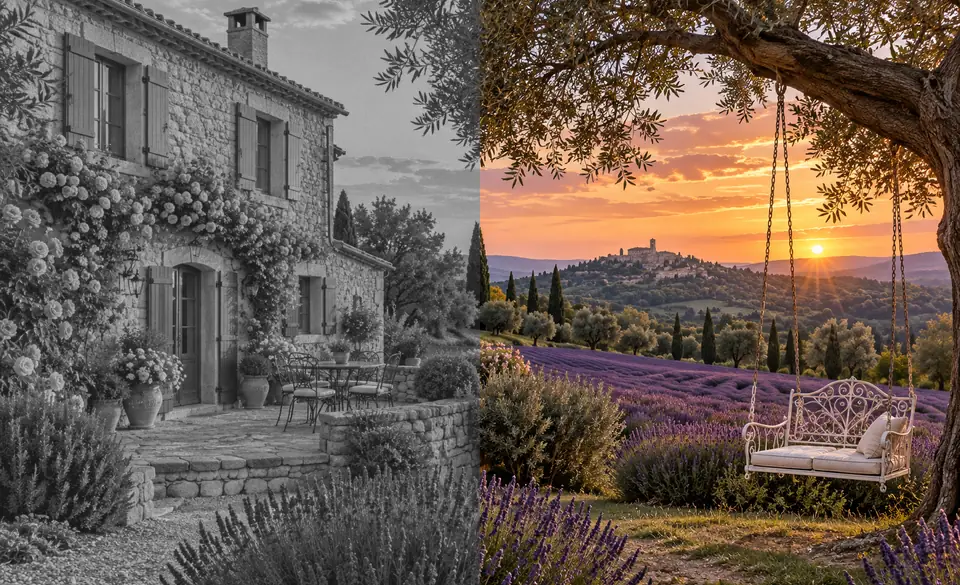
Colorize grandparents’ wedding photos, school portraits and old albums, and share colorized black and white photos with relatives who never saw them in color.
Print a colorized family photo at 4K for a frame, a photo book or a memorial board.
Put color on black and white photos of streets, events and landmarks so lessons and exhibitions feel closer, labeled as colorized.
Colorize AI sketches and line art, or colorize drawing scans, to test a palette before painting the final piece.
See a black and white film roll the way the scene looked, and compare both versions side by side.
Turn an old black and white pic to color, or make vintage finds colorful online for posts, videos and thumbnails.
Small habits that help any AI colorize old photos more convincingly.
Scan prints flat and clean the glass first. A sharp scan gives the AI more detail to tell skin, fabric and background apart.
Scratches, dust and tears get colored along with everything else. Clean them up with the image enhancer, then colorize.
Write what you know in plain words, such as “blue uniform, brown hair, red brick house”. Short, specific hints work best.
Colorizing black and white photos is an interpretation. Zoom in on eyes, lips and hands, and rerun or switch style before you print.
Go the other way, change colors that already exist, or prepare an old print before you colorize it.
The reverse job: a free black and white photo converter with film-style filters that runs in your browser.
Open the ConverterAlready in color? Recolour picture online with the image color changer: pick an object and a new shade, and recolor image freely without touching the rest.
Change ColorsFix scratches, fading, noise and blur with the AI image enhancer before you add color.
Restore a PhotoRemove the halftone dots from scanned clippings so the colorizer sees smooth tones instead of a dot grid.
Descreen a ScanMake a small old photo larger before or after colorizing it, for sharper prints.
Increase ResolutionPixel sizes for 4×6, 5×7 and 8×10 prints, to check whether 2K or 4K output is enough for your frame.
See Print SizesHow AI colorization works, how accurate it is, and what you can upload.
Upload the photo, choose a color style (Natural suits most family photos), add color hints if you know any, pick 2K or 4K and click Colorize Image. Drag the slider to compare, then download. To colorize old photos by hand instead, follow the Photoshop and GIMP steps above.
The colorization AI has learned from a very large number of color photos which colors usually belong to which shapes and textures: skin, hair, denim, leaves, sky, brick. It reads the gray tones of your picture, recognizes those parts and paints each with a plausible color, keeping the light and shadow of the original.
Not guaranteed. A black and white photo stores brightness, not color, so the AI chooses colors that are plausible for the scene and the era. Skin, sky and foliage usually look right; uniforms, flags, cars, signs and painted walls may not match what was really there. For historical work, check your sources, add color hints and label the result as colorized.
No. A red dress and a green dress can turn into the same gray, so the colorizer has to make a guess. If you know the real colors, type them as color hints and run it again. If one item still comes out wrong, the image color changer can recolor just that object.
The tool is told to keep every face, expression, pose and detail as it is and only add color. Because it runs on an AI restoration model, very fine texture such as film grain, hair strands or fabric weave may be slightly redrawn, and small damage may be cleaned up. Compare the slider at full size and keep the original scan as your archive copy.
Yes. Choose Sketch & drawing to colorize sketch pages, line art, ink drawings, comic panels and AI sketches. It fills shapes with clean flat colors and soft shading and keeps the original lines; hints such as “blue sky, red jacket” steer the palette. If you colorize PNG line art with a transparent background, expect the result on a solid background.
That is what this tool does. It runs on Nano Banana 2, an AI image model that is good at restoring and editing photos, with instructions written for colorizing: keep the people and the composition, add natural color, follow your hints. You do not need to write a prompt; just pick a style.
JPG, PNG and WebP files up to 10 MB, whether grayscale, sepia or faded color. For a PDF or a TIFF from a scanner, export the page as JPG or PNG first. Only upload photos you own or have permission to edit: your own pictures, family archives and public-domain images are fine.
Yes, with a different tool. The black and white photo converter is a free colour to black and white converter that runs in your browser, with film-style lens filters and contrast sliders. It works as a color to black and white photo editor for portraits, and painters use it as a quick color to black and white paint value check.
It is free to try. New accounts get free credits when they sign up, so you can colorize old photos free with those credits and judge the colors yourself. After that, each photo uses credits from your balance, and 4K output uses more than 2K.
Upload a black and white photo, pick a color style and download a natural color version at 2K or 4K.
Colors added by AI are an interpretation, not a record of the original scene. When you share colorized historical photos, label them as colorized.