
Magazine Article Scan
Glossy pages carry a CMYK rosette grid that turns into a mesh texture when scanned. Descreening clears it from the photos and keeps the body text crisp.
Upload a scan of a magazine, newspaper, comic, or old photo print. AI descreening dissolves the halftone dot grid and the moire it causes, then rebuilds smooth tones and sharp text.
Scan type
Fine-tune
Your photo stays in this browser during this UI preview.


Reference example. It is not a result generated from your upload.
Printed pictures are not continuous tones. Magazines, newspapers, books, and posters fake smooth color with a grid of tiny halftone dots. Your eyes blend them at reading distance, but a scanner records every dot, and when its sampling grid clashes with the print grid you get a moire pattern on scan: checkered mesh, rosettes, and wavy bands.
To descreen an image means removing that dot structure and rebuilding the smooth image underneath. A scanner’s descreen checkbox does it by blurring the whole page. This AI descreening tool separates the halftone pattern from real detail instead, so photos turn smooth while text, line art, and faces stay sharp.
Halftone dots and moire print patterns removed from four kinds of printed material. Drag each slider to compare.
Glossy pages carry a CMYK rosette grid that turns into a mesh texture when scanned. Descreening clears it from the photos and keeps the body text crisp.
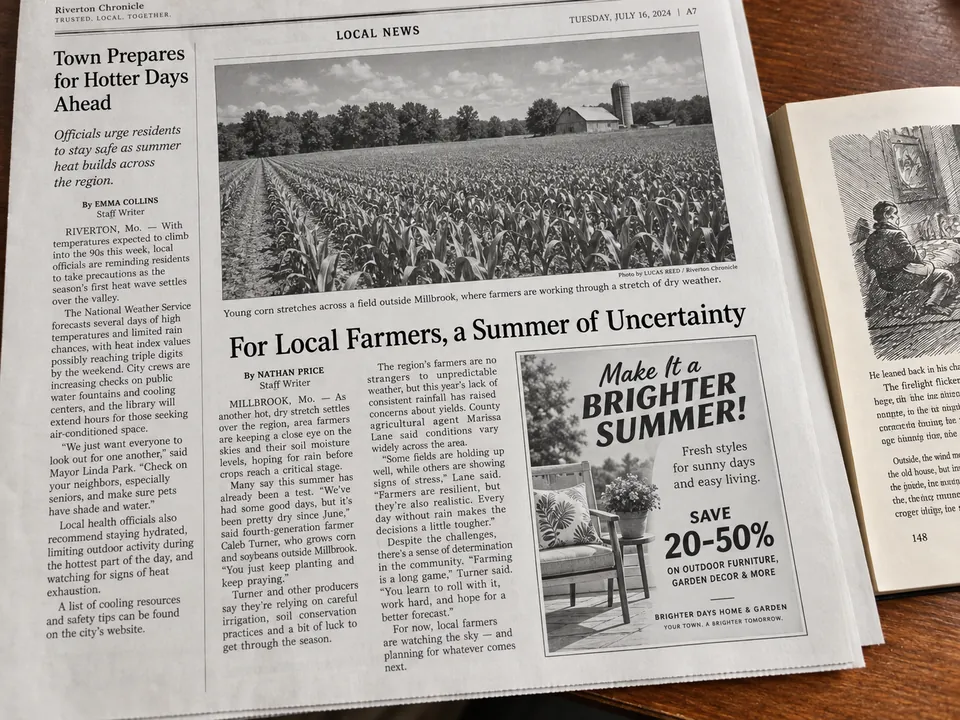
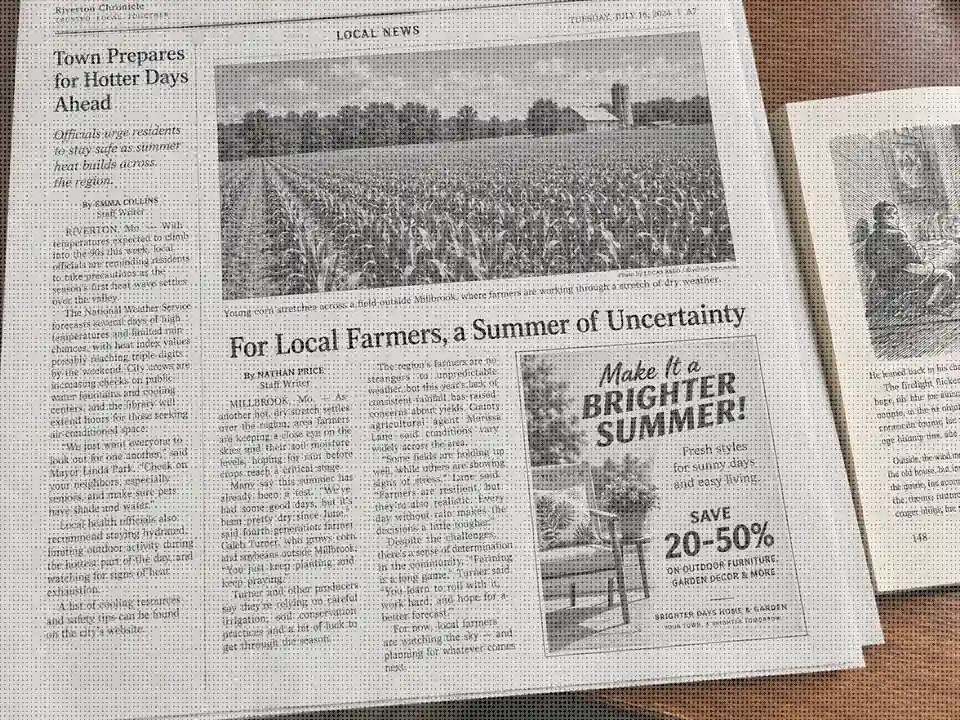
Newsprint uses coarse dots on rough paper, the strongest moire printing case. Heavy descreening smooths the photos while the columns stay readable.

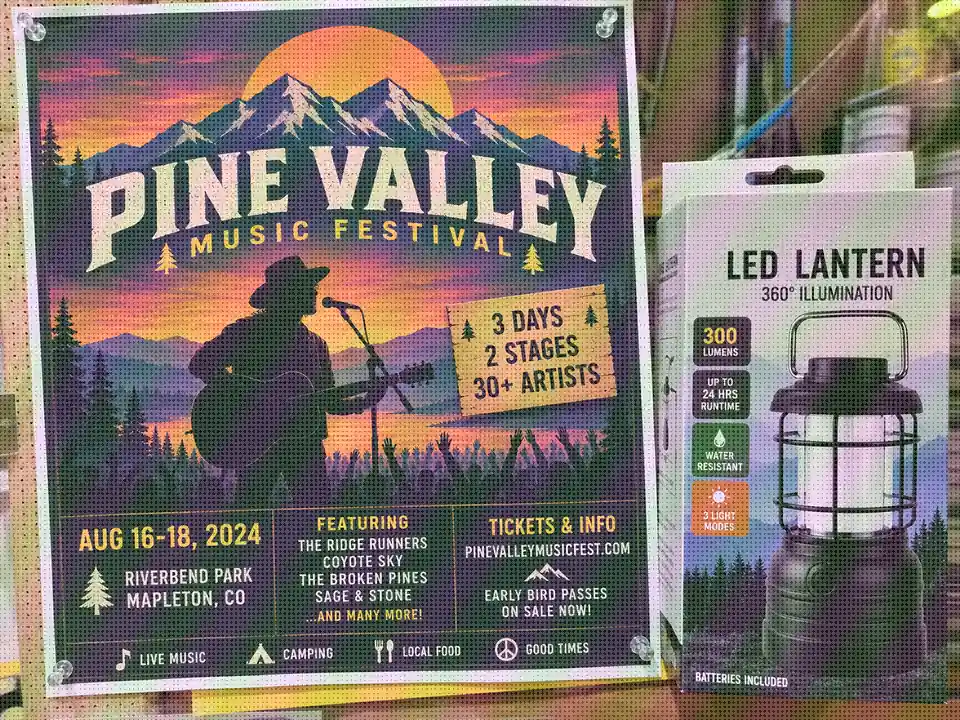
Photographing a printed poster or box creates grid interference on top of the print dots. One pass restores clean gradients and sharp lettering.
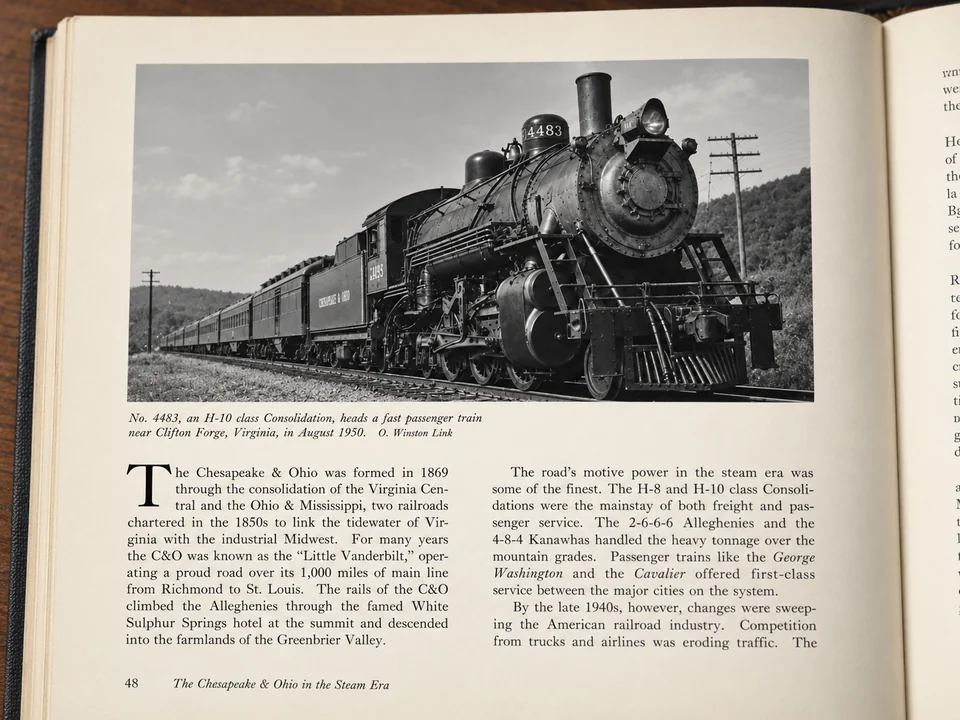
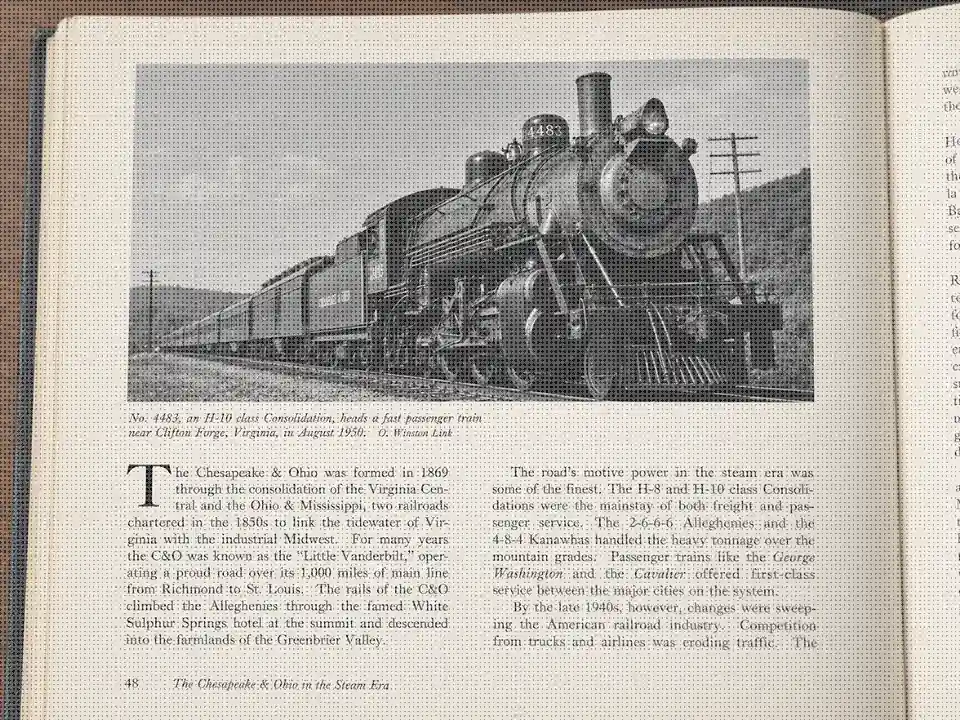
Black-and-white book illustrations are printed as dot screens. Descreen the photo area and the caption and paragraphs around it stay untouched.
No plugin, no scanner driver settings, and no manual masking.
Add a JPG, PNG, or WebP up to 10 MB: a magazine or book page, a newspaper clipping, a comic, or a scanned photo print. For PDFs, export the page as an image first.
Pick Magazine / book, Newspaper, Comic, or Photo print, set the descreening strength, add dust or glue-line cleanup if needed, and choose 1K, 2K, or 4K output.
Run the descreen, drag the slider to compare the original scan with the result, and download the clean image for your archive or reprint.
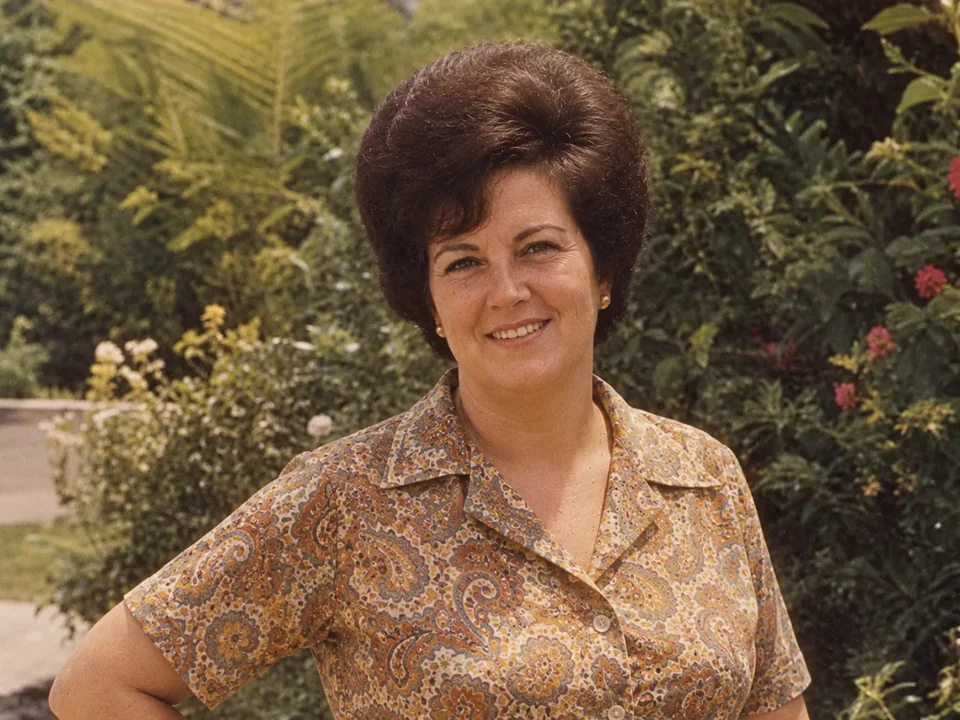
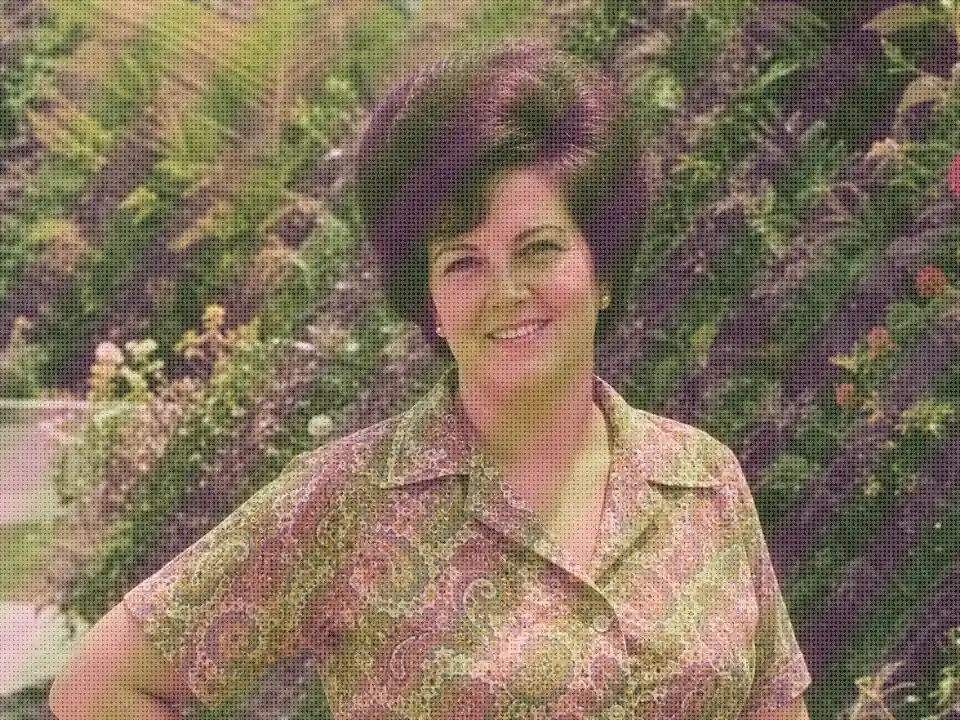
Scanner drivers descreen by softening the entire page, so text and faces suffer along with the dots. The AI removes the moire pattern on scan areas only and rebuilds detail, which is why faces in old prints look like photographs again instead of mosaics.
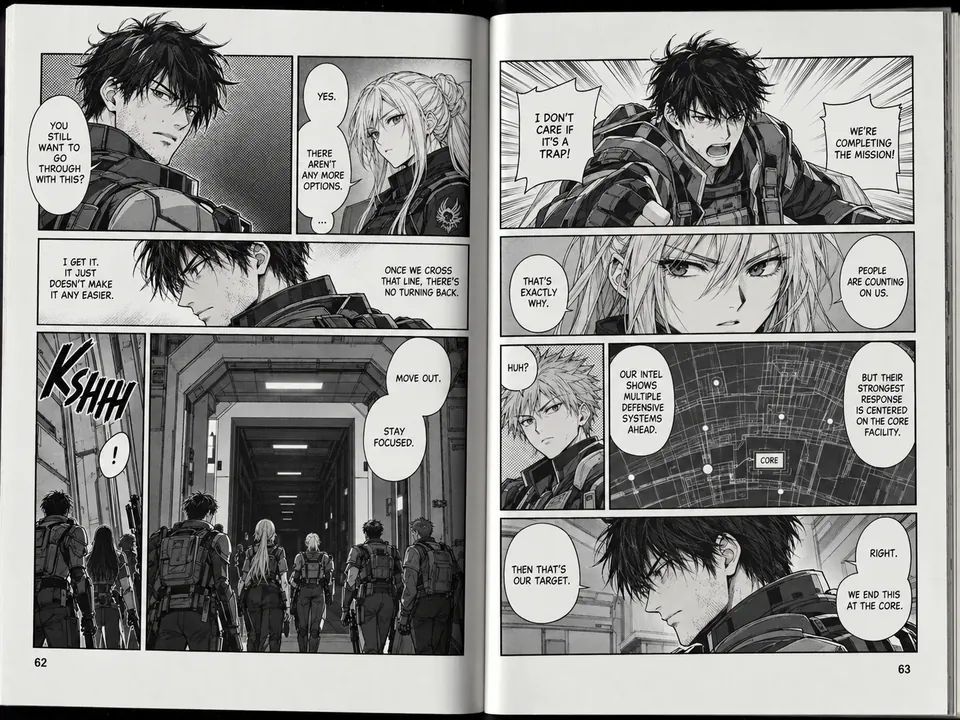
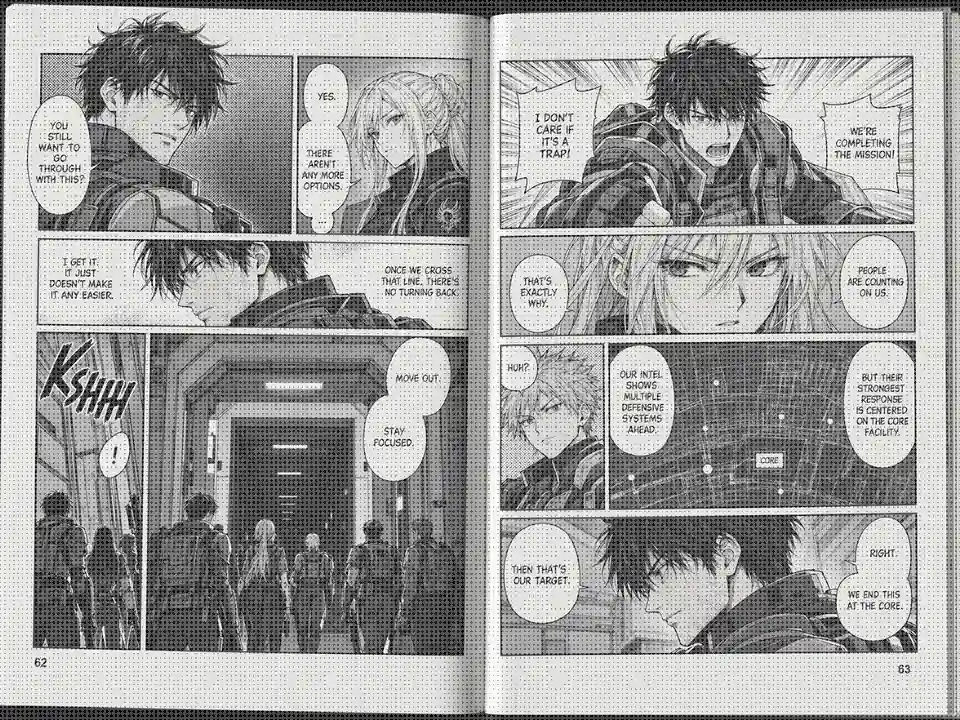
Screentone dots in scanned manga and comics turn into distracting moire as soon as the page is resized. Light descreening dissolves the tones into smooth gray while the ink lines and lettering stay sharp.
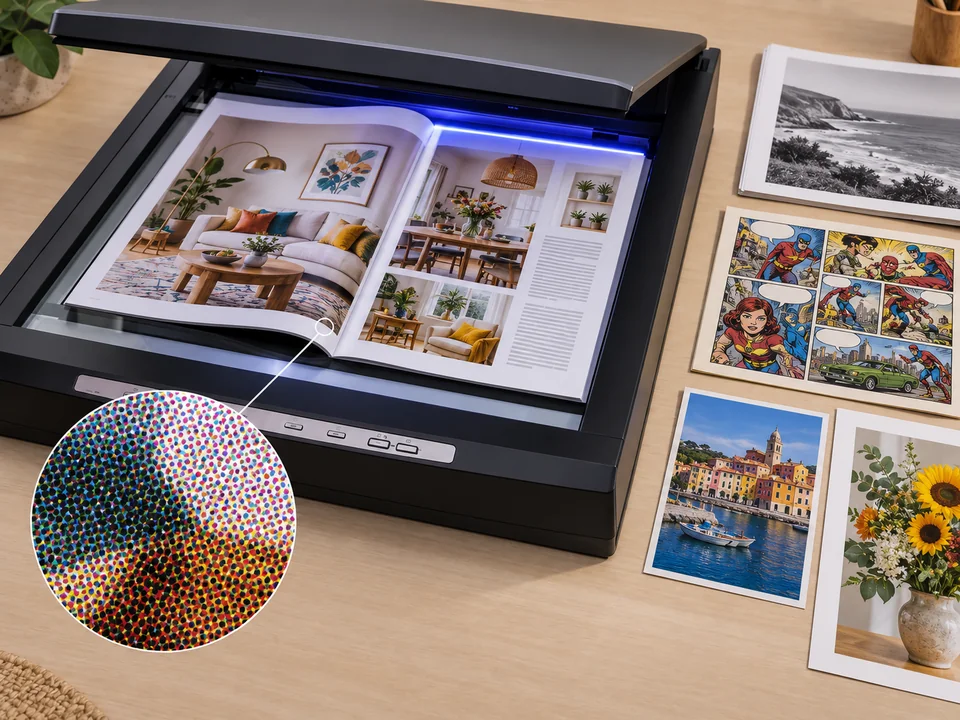
The moire pattern in printing comes from two grids meeting: the print screen and the scanner sensor. Scanning at 300 to 600 DPI, keeping the page straight, and saving as PNG gives the AI the cleanest dots to remove, and the result stays stable when you resize it later.
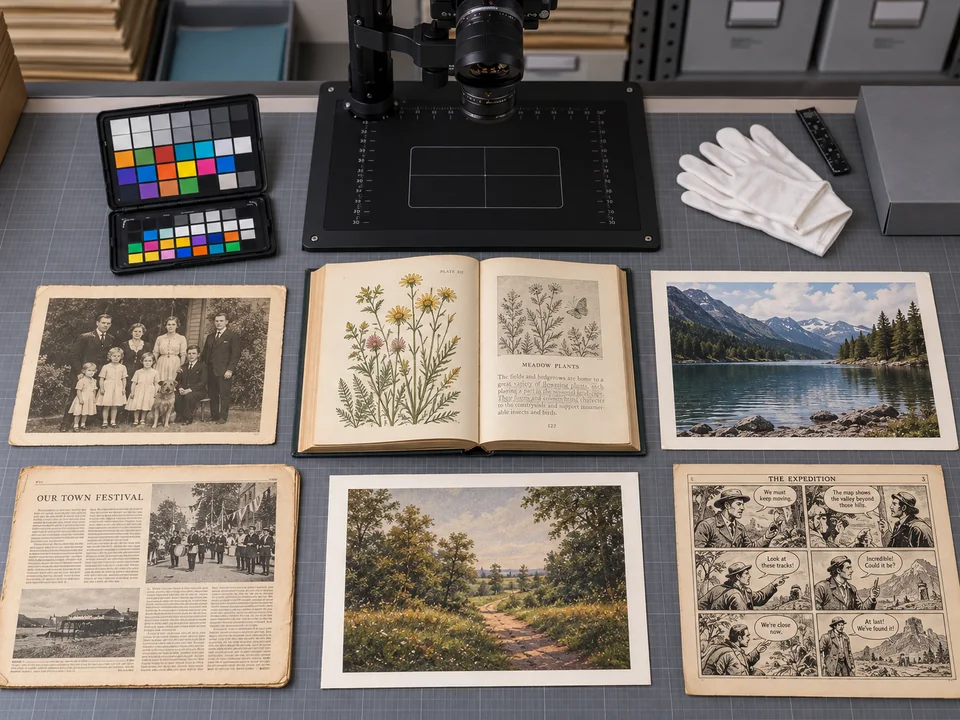
When only the printed copy survives, it is the master. Libraries, collectors, and families use descreening to turn clippings, yearbooks, catalogs, and art prints into clean digital files ready for reprinting at 4K.
Any commercially printed image can show halftone dots once it is scanned or photographed.
Printed portraits from yearbooks, church directories, and old albums come out of the scanner covered in dots. Descreen them before color correction or restoration.
Digitize articles, ads, and product pages without the rosette mesh, for research, portfolios, or collections.
Wedding announcements, sports photos, and historical front pages are printed with coarse dots that need heavy descreening.
Clean screentones and print grain from scanned comics and art reproductions while keeping line art crisp.
A good source scan is the easiest way to reduce moire before the AI even starts.
Higher resolution captures each dot clearly, so the AI can tell halftone from real detail instead of guessing.
The built-in scanner option blurs the page before the AI sees it. Scan raw and descreen afterwards.
JPEG compression adds blocks on top of the dot pattern. Use a lossless format or the highest JPG quality.
Rotating a scan afterwards resamples the dot grid and can bring moire back. Align the page on the glass instead.
Common jobs for a descreen tool.
Illustrative examples adapted from reference material, not verified reviews of EzImgMaker.
Our society is scanning 60 years of newsletters. Descreening turns the dotty photos into faces people can actually recognize.
My grandmother only exists in a printed church directory. The descreened portrait finally looks like a photo instead of a mosaic.
I scan out-of-print comics for my reading copies. Screentones used to shimmer when I zoomed; now they stay smooth and the inks stay sharp.
For my portfolio I only had printed tear sheets of old magazine work. Descreening gave me clean images I could show again.
Common questions about descreening scanned printed material.
To descreen an image is to remove the halftone screen, the grid of tiny dots that printers use to simulate continuous tones. Descreening is needed because a scanner captures those dots faithfully and they clash with its own sampling grid, producing a visible dot texture and moire.
Halftone dots sit on a regular grid and so does your scanner sensor. When the two grids overlap at slightly different spacing or angles they interfere, creating a checkered or wavy pattern. Resizing, rotating, or compressing the scan resamples the dots again, so the moire often gets worse after editing.
In printing, the moire effect appears when two regular screens interfere, for example the cyan, magenta, yellow, and black dot screens at the wrong angles, or a printed screen meeting a scanner or camera grid. Printers avoid it with screen angles; for scans and photos of prints, descreening removes it afterwards.
Scan at 300 to 600 DPI, turn off the driver’s descreen option, keep the page straight on the glass, and save as PNG or TIFF. Then descreen the file here. Shrinking the scan before descreening usually makes moire worse.
The AI is designed to remove the dot pattern from image areas while keeping text, line art, and edges sharp. If fine detail looks too smooth, choose Light; for coarse newspaper dots, choose Heavy.
Choose Extra cleanup: Dust & specks for small spots, or Glue lines & creases for the white lines, folds, and residue that old album pages leave on a scan. Very large tears or missing areas are better handled with a full photo restoration tool.
Yes. It works on full-color CMYK prints, grayscale scans, and black-and-white book or newspaper pages.
Export the PDF pages as JPG or PNG images first (most PDF readers offer this), then upload each page. Keep the export resolution high so the dots are clearly visible.
Descreening targets halftone dots that come from the printed original. General moire removal handles interference in photos of screens and fabric. A photo of a printed poster can have both, which is why the Print / scan source in the moire fix tool and this descreen tool overlap.
Only upload scans you have the right to edit, such as your own photos, family prints, or material you are archiving with permission. Descreening a copyrighted magazine or book page does not give you the right to republish it.
Upload a scanned page or print and remove halftone dots and moire while keeping text and detail sharp.